

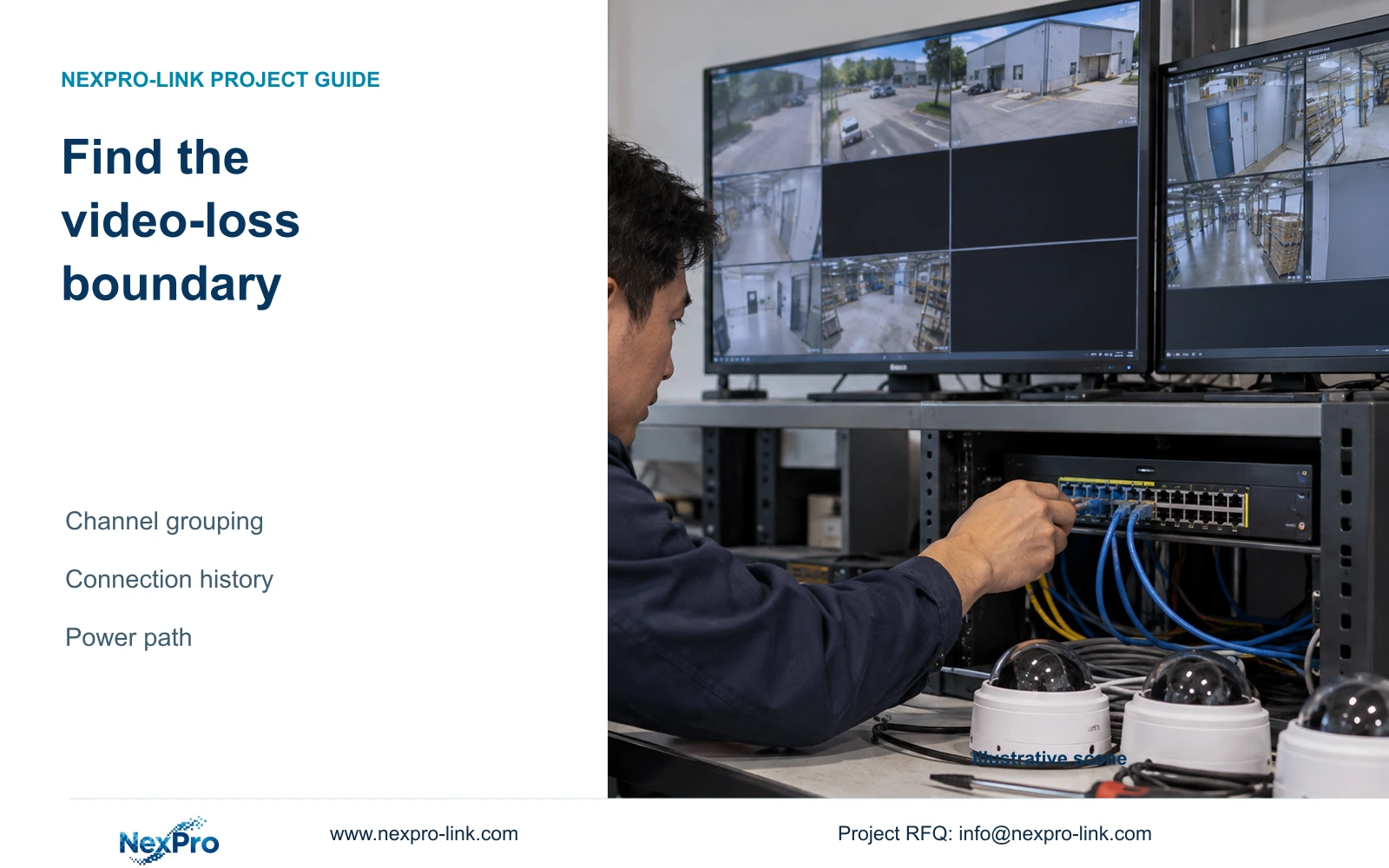
A video-loss alarm identifies missing video, not a defective camera. Compare the affected channels, preserve connection history and check the shared network and power path before replacing equipment.
Section 01
Locate the missing video before choosing a repair
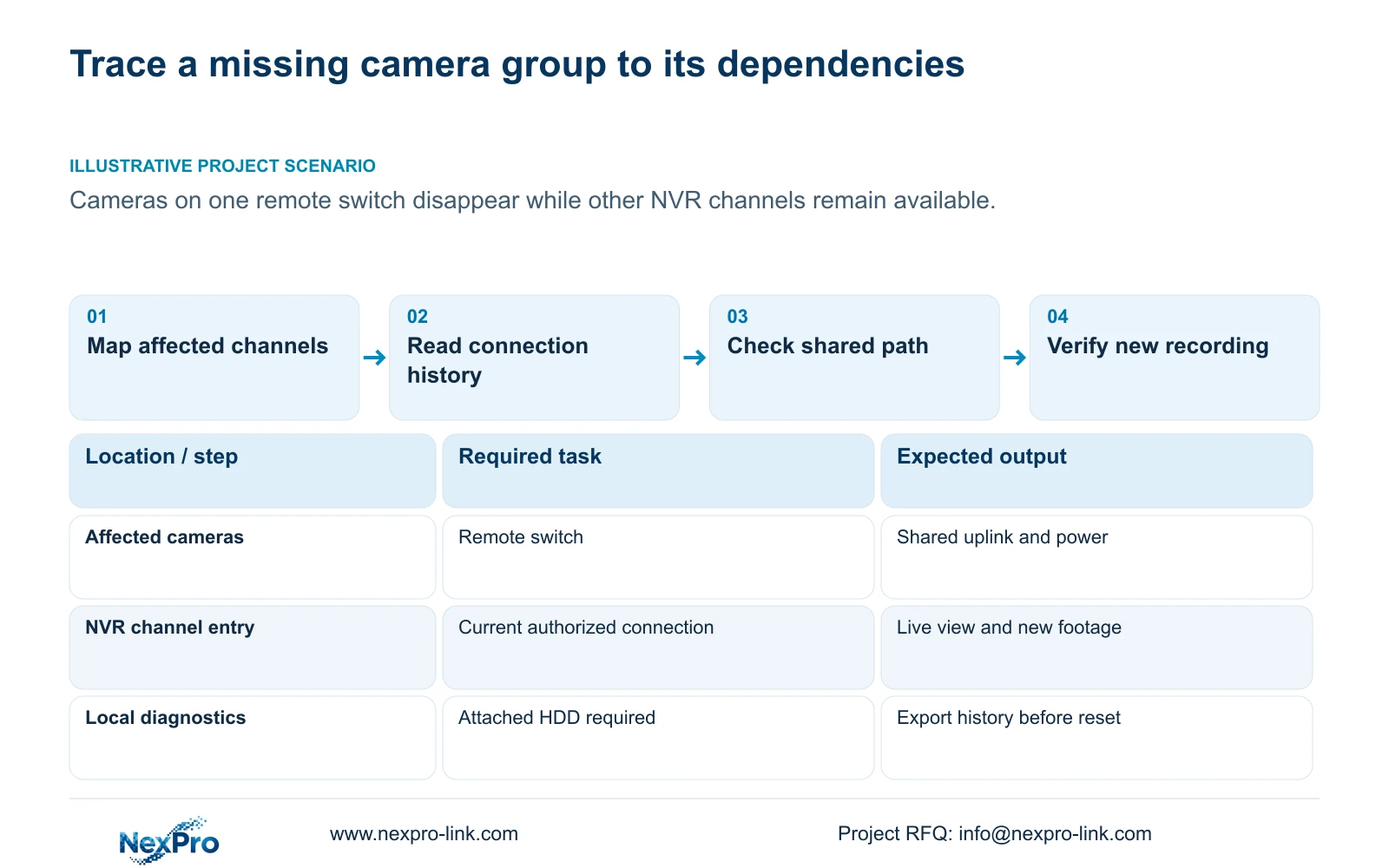
A video-loss alarm means the recorder has lost the expected picture. It does not identify whether the camera, its power source, the network path or the recorder connection settings caused that loss. Start by comparing the affected channels: one missing view calls for a channel-specific investigation, while several cameras behind the same switch justify checking their shared dependencies first. Preserve the symptom time and available connection history before changing settings. Then check authorized connection details, interface traffic and the corresponding power node. Replace hardware only when the evidence supports that decision, and verify new recording after the picture returns.
Write down which views remain available as well as which have disappeared. A working channel on another switch helps define the fault boundary, although it cannot prove that the recorder is fault free. Keep intermittent loss separate from a channel that has remained unavailable since an identifiable configuration change.
Section 02
Read connection history with the required storage present
Section 4.3.3.1 describes local network diagnostics, including connection-history export, real-time diagnostic information and a week of disconnection details. It explicitly requires an attached hard disk to enable this feature. If a diskless demonstration recorder cannot enable it, resolve that prerequisite before blaming the cable or treating the missing history as evidence of a network failure.
Compare the loss times across the affected channels. Similar interruption times strengthen the case for investigating a shared dependency; staggered failures may need separate channel checks. Export useful history before resetting statistics. A reset changes the evidence available for comparison, so record why it was necessary and when it occurred.
These instructions concern the recorder's documented local diagnostic feature. Seetong PC local recording is a different storage object and cannot satisfy an NVR hard-disk prerequisite simply because a workstation has free space.
Section 03
Check the affected channel's current connection details
Use the edit-device workflow in section 4.3.1 to compare the affected channel's protocol and authentication information with the camera's authorized current configuration. Ask whether the camera address or credentials changed shortly before the loss. Keep the physical camera and location mapping intact so a recovered image does not silently become the wrong channel.
If the camera's address has already changed through an authorized process, update the corresponding recorder connection reference. Changing an address yourself requires authority, preservation of relevant data and an agreed interruption plan. Do not reset the entire recorder to repair one stale connection. Keep credentials in a controlled record and exclude them from screenshots or public troubleshooting examples.
After a targeted edit, test live video and newly generated footage for that channel. If the connection still fails, preserve the result and continue with the identified network or power boundary instead of changing unrelated settings.
Section 04
Compare traffic over a defined operating interval
The traffic screen in section 4.3.3.3 presents interface transmit and receive information separately. Camera recording input, remote live viewing, playback and downloads follow different paths, so outgoing traffic does not have to equal incoming camera traffic. Record what operators were doing during the observation interval before interpreting either value.
Compare the same interface under comparable activity. A screenshot taken during exports cannot be directly compared with an idle viewing period. A sum of configured stream bitrates represents planned video payload; interface measurements may also contain protocol overhead and other activity. Without a common scope, the difference does not establish overload.
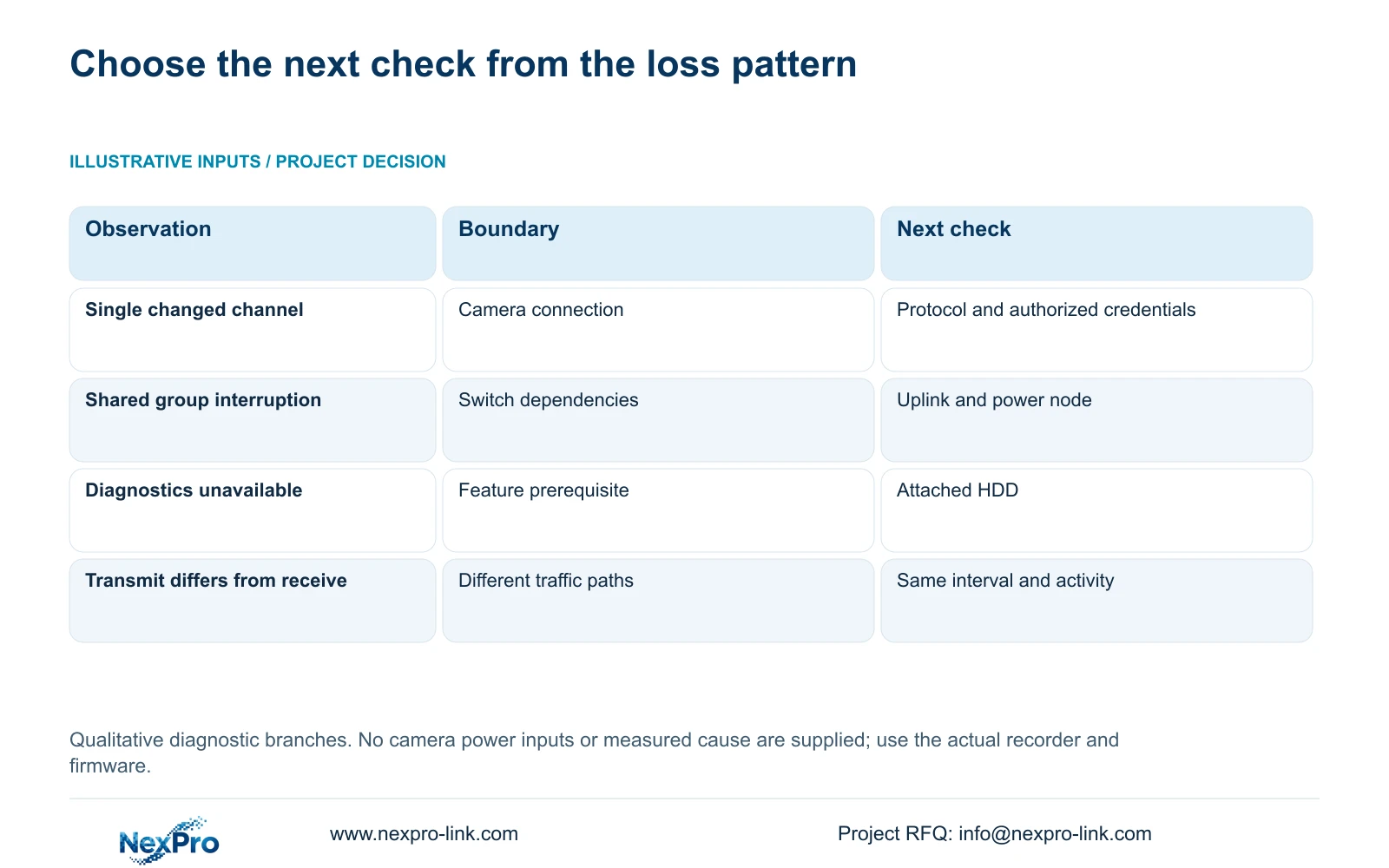
Use the following branches to choose the next investigation. They describe evidence to collect, not confirmed causes or measured outcomes.
| Observation | Interpretation | Next action |
|---|---|---|
| One channel disappears after a connection change | A stale channel reference is a plausible cause | Check that camera's authorized connection fields |
| Several cameras on one switch disappear together | The affected group has shared dependencies | Compare interruption times, uplink and switch power |
| Local diagnostics cannot enable on a diskless unit | The documented storage prerequisite is unmet | Resolve the prerequisite before judging the diagnostic function |
| Transmit and receive traffic differ | The traffic paths or operating activities may differ | Record the interface, interval and active viewing or export tasks |
Section 05
Have site personnel check the corresponding power node
A shared camera failure can involve the remote switch, its supply or the camera power arrangement. Have the responsible site personnel inspect the identified node under the site's approved access and electrical procedures. Avoid interrupting unrelated camera groups merely to see whether the symptom changes.
For an external PoE group, collect each camera's documented maximum powered-device demand. Check individual port capability and the switch's aggregate available power separately, with stated cable-loss and reserve assumptions. Enough physical ports do not establish enough power. Port speed and uplink traffic are additional checks, not substitutes for the power review.
No camera wattage is supplied for this fault scenario, so a numerical budget would require new equipment inputs. If those inputs are missing, request the labels and device specifications instead of applying a generic camera consumption figure.
Section 06
Investigate the remote-switch group
Illustrative project scenario: Several cameras on one remote switch disappear while other recorder channels continue normally. The integrator first maps the missing views to that switch and compares their connection-history times. A known recent credential change is investigated on its affected channel; a simultaneous group interruption directs attention to the shared uplink and power node.
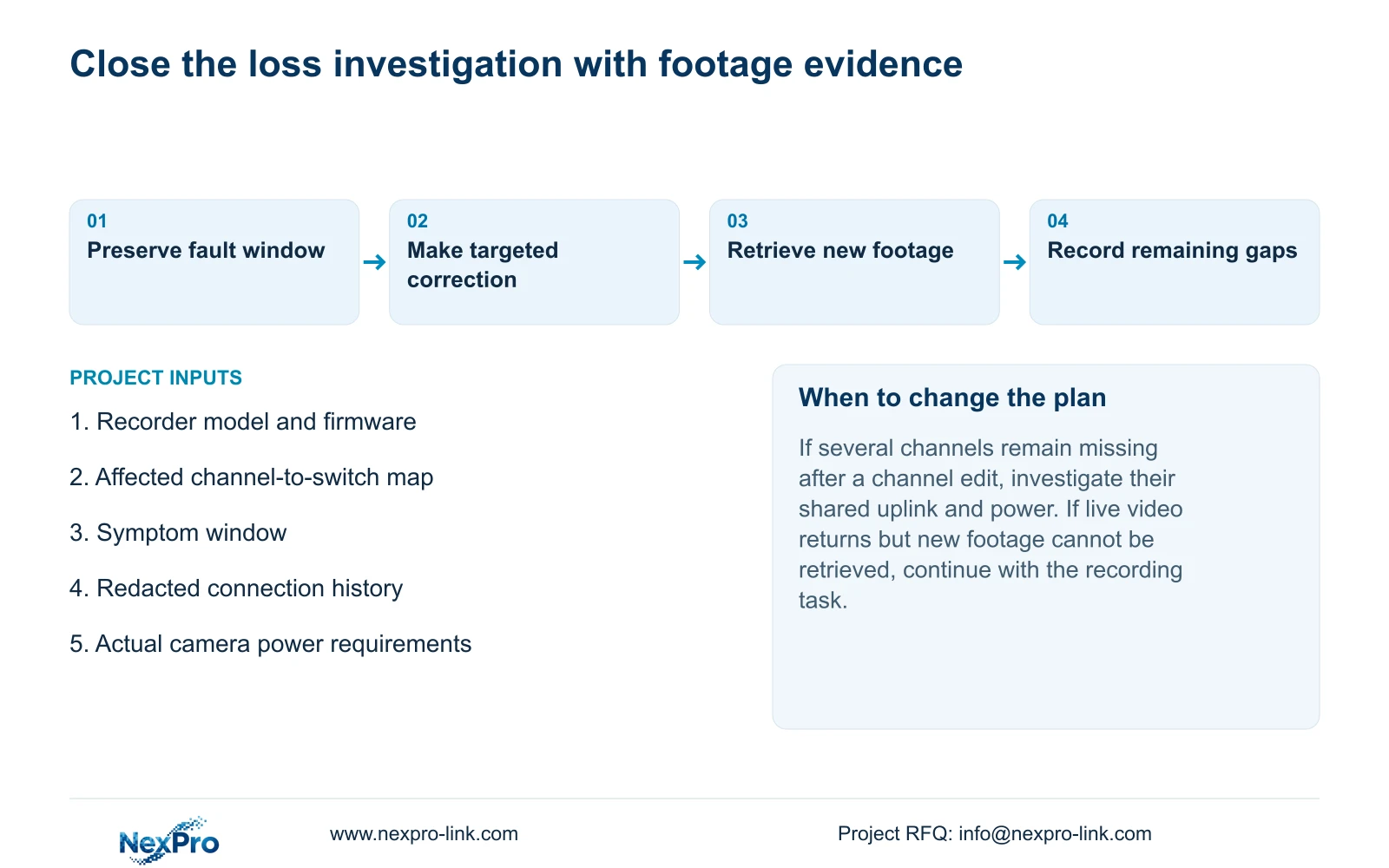
The investigation remains open until the observations support a cause. After a correction, the integrator checks each recovered view and retrieves footage produced during a defined subsequent interval. Any recording gap remains part of the incident record even if the live screen now looks normal.
Section 07
Keep the support record tied to the actual recorder
Section 4.12.19 identifies the product model, hardware version, software version and software date in System Information. Attach these details to the affected channels, symptom window and results of each check. Redact cloud identifiers, QR codes and identifiable site content. Version information selects the applicable instructions; it does not diagnose the fault by itself.
The operating source is the private supplied NVR4.0 user manual CH_V2.4.doc, whose body identifies V2.2. Sections 4.12.12, 4.3.3.1, 4.3.1, 4.3.3.3, 3.3.1 and 4.12.19 define this guide's scope. Its TS models have no established mapping to NexPro-Link commercial SKUs. If the investigation identifies missing equipment or a supply-scope issue, the BOQ and tender support route can organize that specific requirement.
Section 08
Should a video-loss alarm start a camera warranty claim?
The alarm alone is insufficient. Establish the camera's power, connection and shared-path conditions first, then describe the observed hardware fault if one remains.
Section 09
Provide the unresolved fault boundary
Send NexPro-Link the recorder model and firmware, affected channel group, symptom window and a redacted connection-history example at info@nexpro-link.com.
Engineering references
These sources support the general planning principles. Always use the selected product's current datasheet and applicable project standards for final design.


