

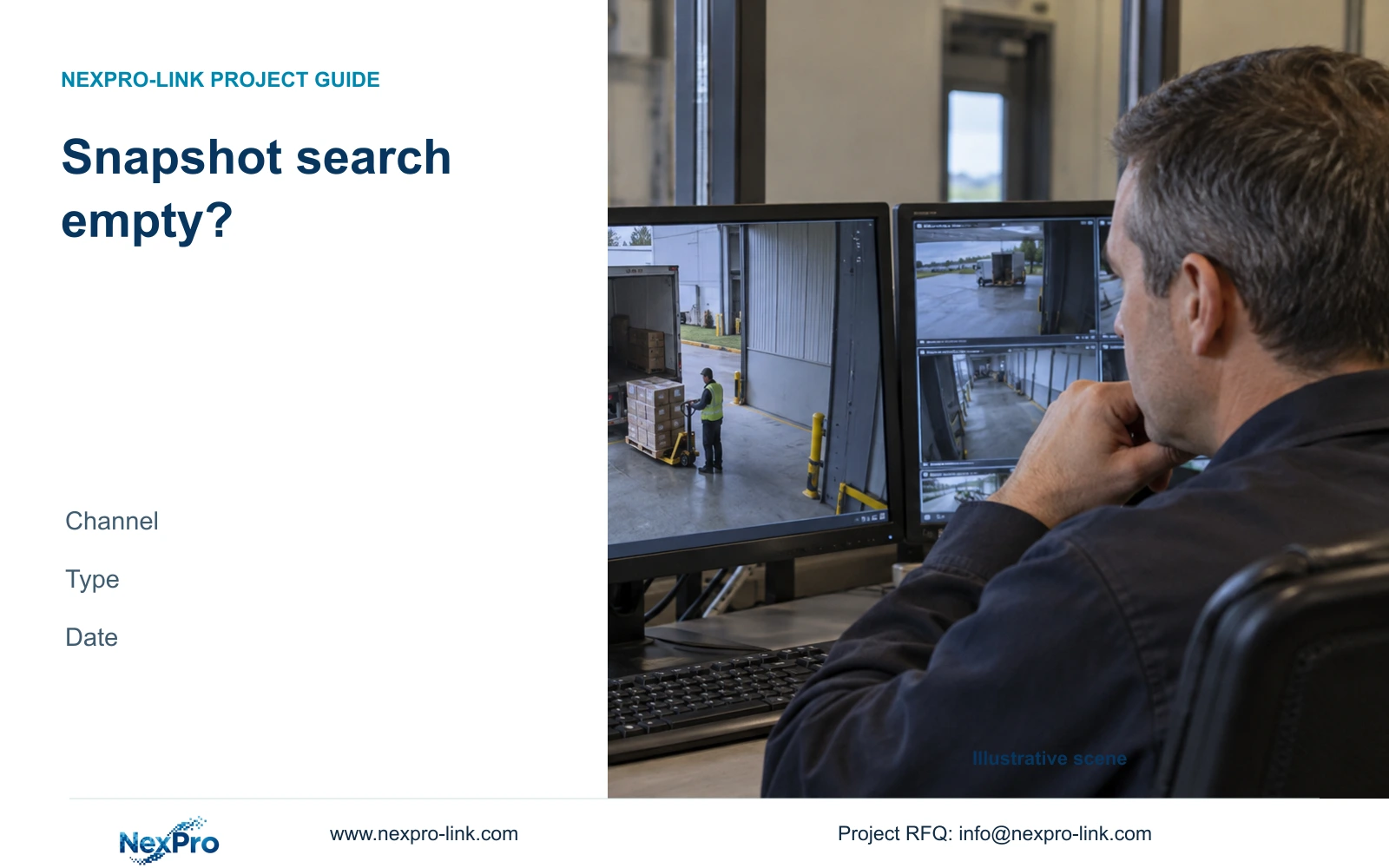
An empty snapshot search can reflect the recorder's first-channel or current-day defaults. Confirm the camera mapping, capture category and device time before investigating missing data.
Section 01
Check what the empty search actually queried
An empty NVR snapshot search does not establish that the image was deleted. The supplied manual describes image-search defaults that can select the first channel and the recorder's current date. A capture from another camera or period can therefore be excluded before the search begins. Confirm the location's actual recorder channel, identify whether the image was manual, alarm-triggered or captured during playback, and use the device's time reference to choose the date range. Broaden an uncertain time range, then narrow it after finding the expected scene. If those checks still return nothing, retain the capture details and search conditions for investigation.
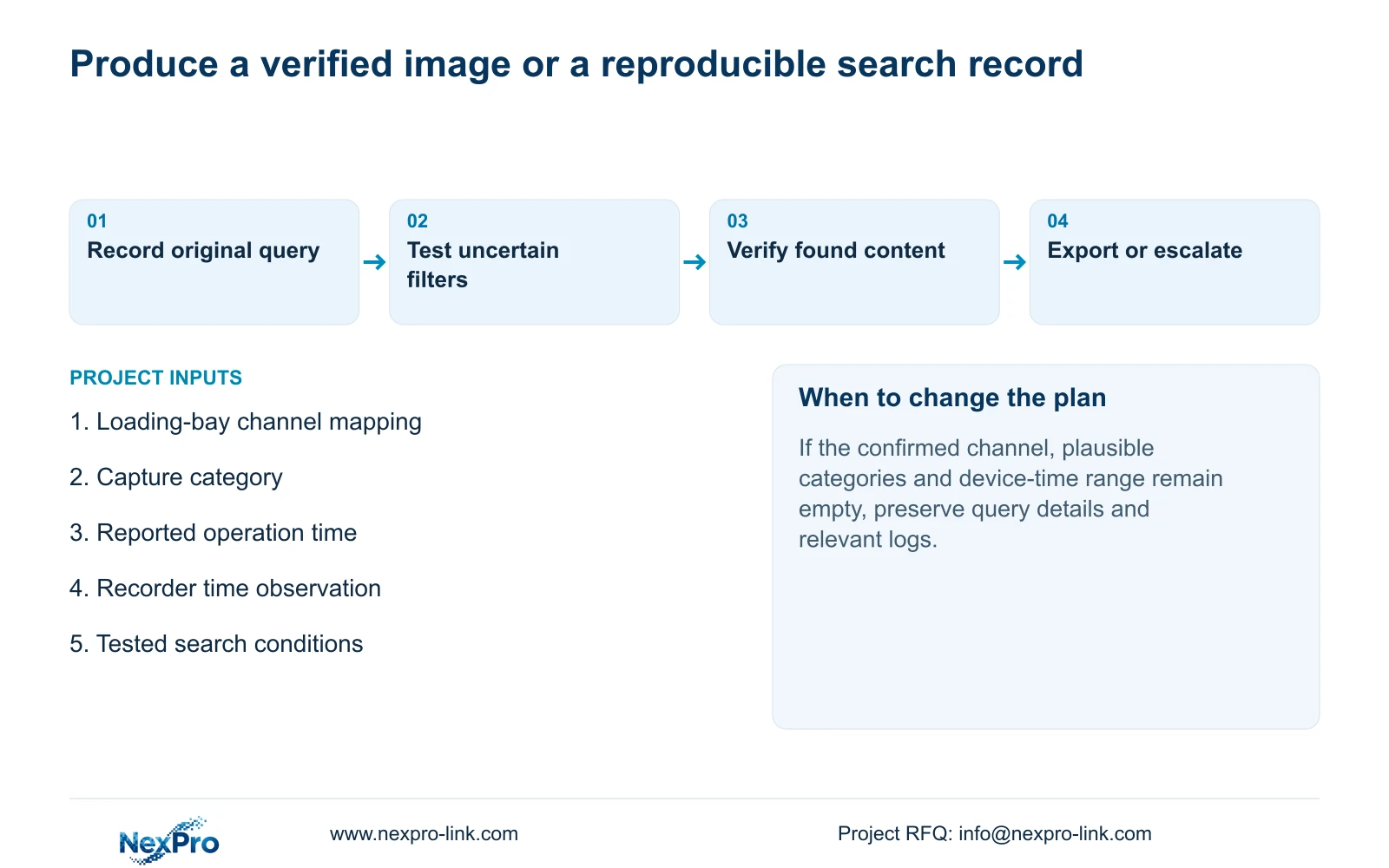
Start by recording the current query. Note the selected channel, image category and date range before changing them. This preserves the difference between the original empty result and the later corrected search. It also gives another operator a way to reproduce the symptom.
The operating source is the private NVR4.0 user manual CH_V2.4.doc, with V2.2 in its body. Sections 4.9.1 through 4.9.3 describe recorder-held images. These instructions do not turn the Seetong PC Picture directory into an NVR storage location.
Section 02
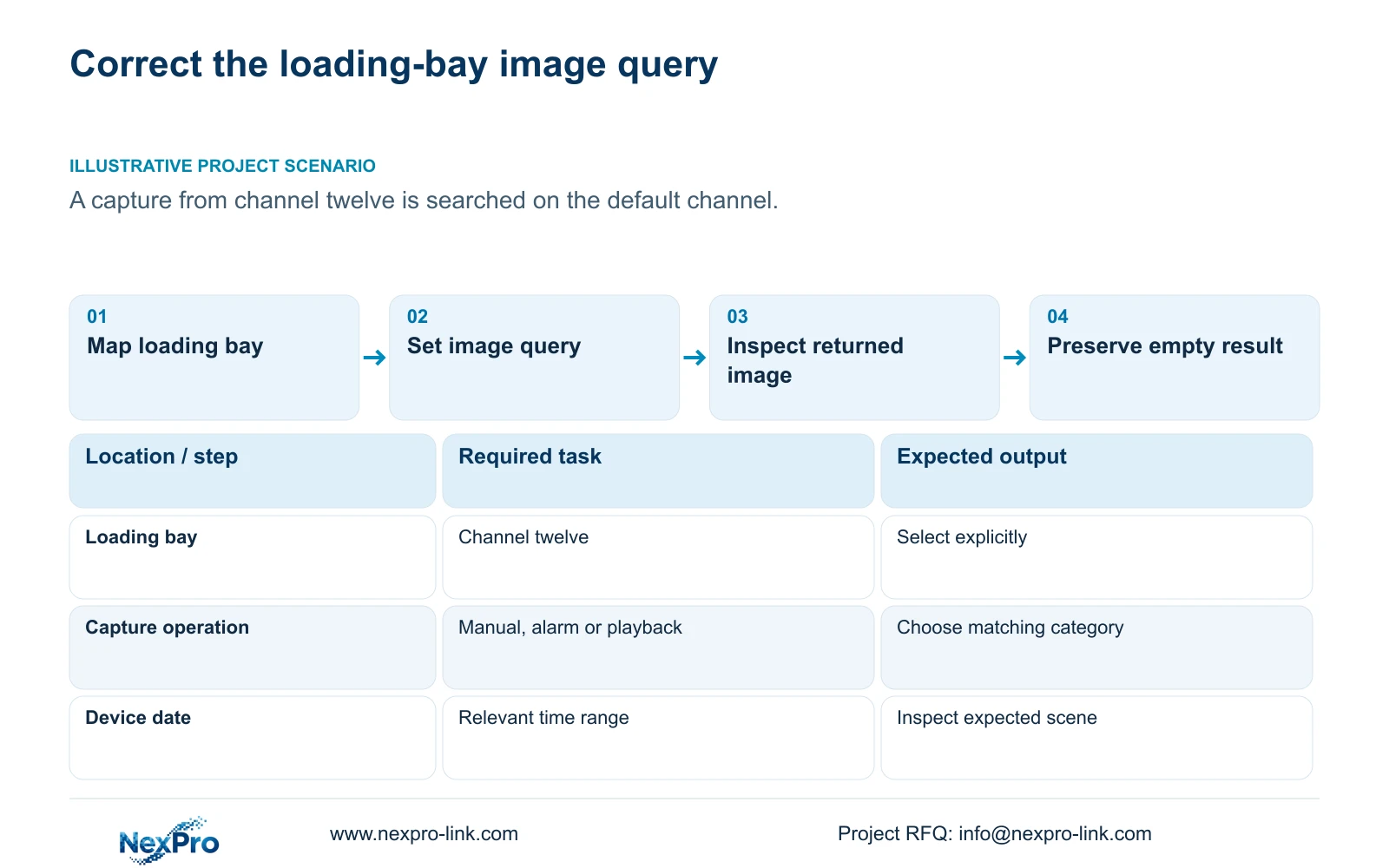
Resolve the location name to a recorder channel
A familiar loading-bay picture or displayed name is insufficient when cameras have been replaced or reordered. Consult the camera schedule and keep drawing location, physical camera identity, IP address, recorder channel and OSD name in separate fields. Sections 4.3.1, 4.4.4 and 4.12.6 provide channel and naming controls; maintaining their project relationship is an operating responsibility.
If the schedule and current view disagree, establish which channel held the relevant camera at the time of capture. A renamed display label and a physical replacement are different changes. Preserve that distinction in the search record so a later export is not attributed to the wrong location.
Once the mapping is confirmed, select that channel explicitly in Image Management. Do not assume that selecting a camera elsewhere has carried the same selection into every search page.
Section 03
Reconstruct the operation that created the picture
Ask whether the operator captured a live view, expected an alarm response, or took a still while reviewing recorded video. Choose the corresponding manual, alarm or playback image category. A picture showing an alarm event can still be a playback snapshot if someone captured it later during review.
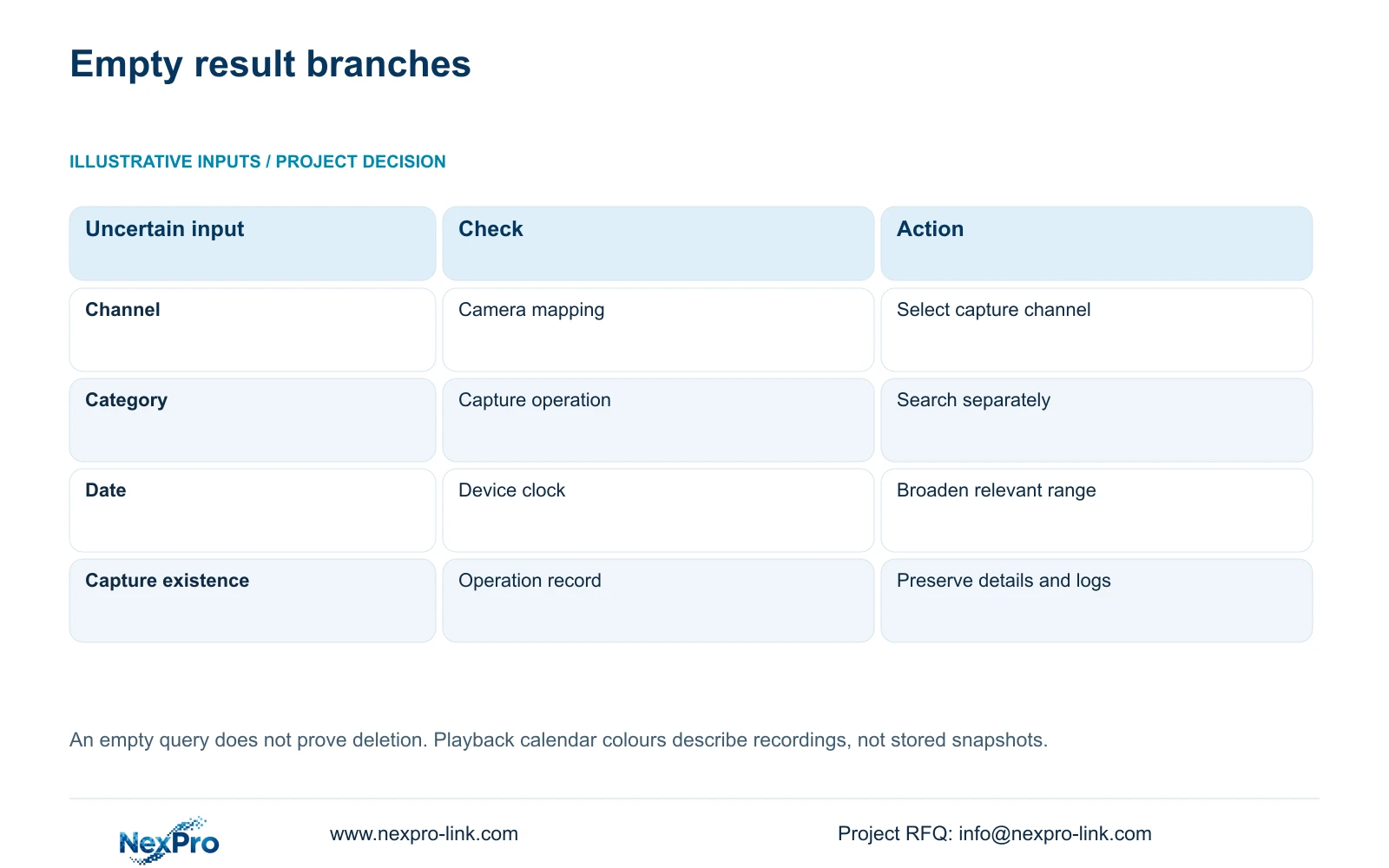
When the operation is uncertain, search the plausible categories separately while keeping the confirmed channel and time range unchanged. Record which category returns the expected image. This tests the category explanation without obscuring it through simultaneous changes to unrelated settings.
If a PC client was involved, establish where the capture was saved. Searching the recorder cannot confirm the contents of a PC directory. The next action depends on the storage object used during capture.
Section 04
Use the recorder and camera time observations
Compare the operator's reported capture time with the recorder date and the camera's displayed time. An operator may describe the event using a workstation clock, while the search uses the recorder's date. Retain any observed difference and search a range that includes the relevant device-time period.
Sections 4.4.2 and 4.12.2 describe IPC manual time, network synchronization, time zone and daylight saving, plus separate NVR network time and an IPC synchronization interval measured in hours. Document the intended time authority and synchronization direction before adjusting these mechanisms.
For the immediate search, first account for the observed clock difference. Changing current time settings cannot establish which timestamp an earlier image used. After resolving the search, a known event can help check the intended synchronization arrangement. The manual does not establish every local NTP deployment.
Section 05
Broaden uncertain conditions, then narrow the result
Keep confirmed inputs fixed and broaden only the uncertain part of the query. If the location is known but the event period is approximate, expand the date or time range. If the period is known but capture type is uncertain, inspect the plausible categories. Narrow the result by checking the actual scene and event content.
Playback can provide a separate check of the requested event. Section 4.11.2 defaults to the preview-selected channel and filters ordinary, alarm and motion recordings. Orange dates indicate recordings exist in that workflow, while grey dates indicate none. Neither colour establishes whether a snapshot was created.
An image-search result and a recording-search result answer different questions. A playable event can help identify the correct channel and period, but its presence does not prove that the requested still was saved.
| Observation | Check | Next action |
|---|---|---|
| Search remains on the default channel | Camera schedule and capture channel | Select the confirmed recorder channel |
| Correct channel, uncertain capture operation | Manual, alarm or playback category | Search plausible categories separately |
| Reported time differs from device time | Recorder date and camera time | Include the corresponding device-time range |
| Image absent but recording exists | Whether a still was actually captured | Preserve the video and investigate capture separately |
Section 06
Confirm the found image before copying it
Inspect the returned picture before export. Verify the location and visible event, then retain the successful query conditions. Open the copied image at the intended destination so the retrieval task ends with usable content.
If accompanying video is required, section 4.11.4 has a separate backup workflow: select format, recording types, channels and start/end time, then update the capacity estimate. Detect the inserted USB storage device before starting the copy. MP4 is the documented default, and multiple channels can be selected.
Those video-backup controls do not describe the image-export format. Keep the still and clip separate in the file index, and verify the requested content of each.
Section 07
Preserve an unresolved search for support
Illustrative project scenario: An operator captures a loading-bay image on channel twelve, then opens the image page on its default channel. Selecting channel twelve is the first correction to test. The operator should then confirm category and device date, without assuming that this correction guarantees recovery.
If the search remains empty, keep the reported operation time, device-time observations and tested query conditions. Section 4.12.17 describes log date and type filters, detail viewing and text export. Its default current-day query can also exclude relevant records; omitting the date condition permits an all-log query.
Export relevant log details for investigation, while avoiding claims that every snapshot action necessarily appears in the log. Available text records do not establish unlimited retention or tamper-proof auditing.
Section 08
Why does a recent capture disappear from the results?
First check whether the query changed channel, category or date when the page opened. The documented defaults can exclude a recent capture from a different channel.
Section 09
Provide the unresolved query
Send NexPro-Link the capture time and the channel, category and date conditions already tested at info@nexpro-link.com.
Engineering references
These sources support the general planning principles. Always use the selected product's current datasheet and applicable project standards for final design.


