A Monday log export can exclude a weekend fault. Match the recorder's date and type conditions to the incident, inspect meaningful entries, and keep logs separate from video copies.
Section 01
Search the incident's recorder time before exporting
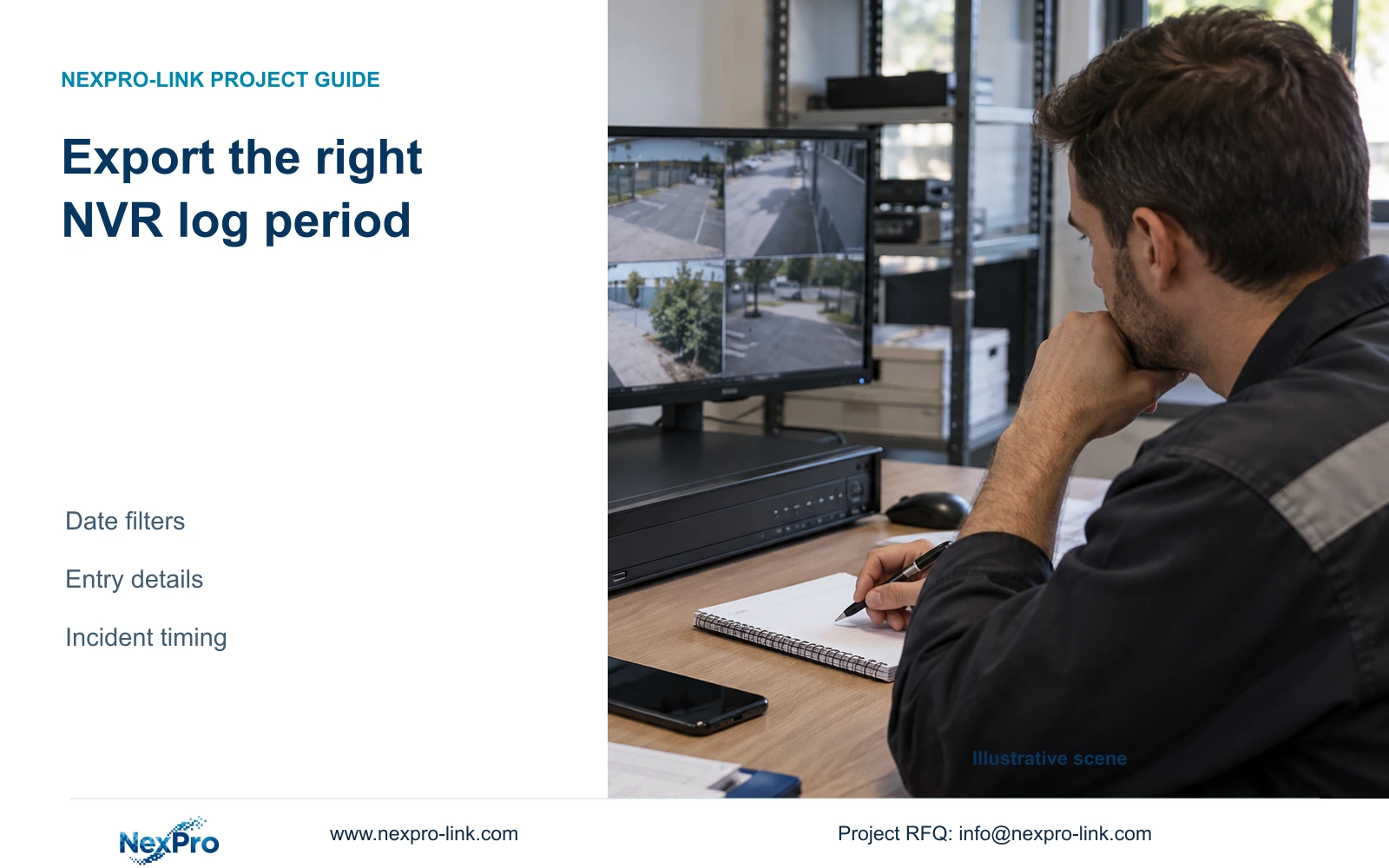
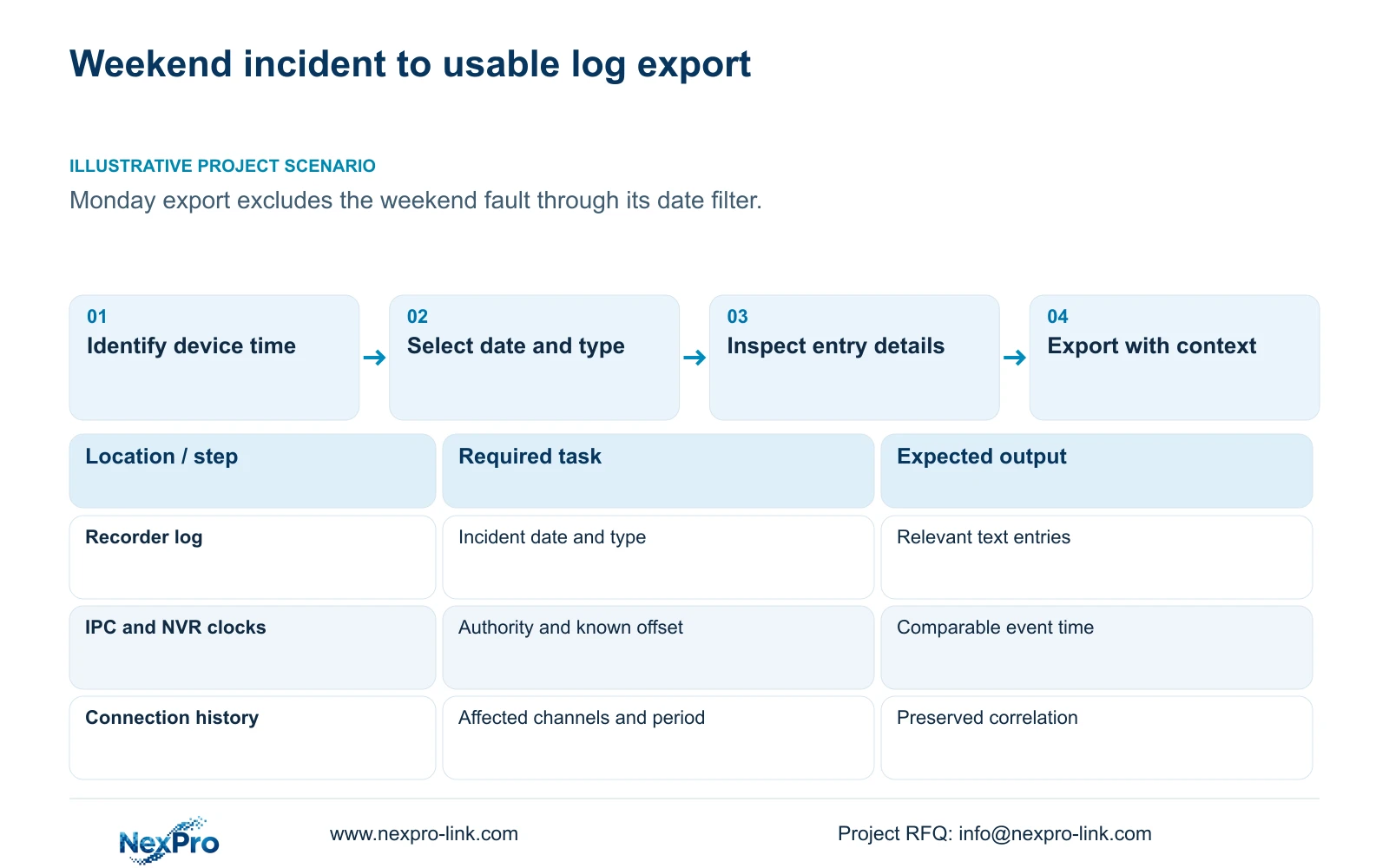
Match the log search to the incident before exporting. The supplied manual describes a current-day default, type filters, entry details and text export; leaving the date condition unselected allows an all-log query. A contractor reporting a weekend fault on Monday can therefore send a valid export that excludes the relevant event. Establish the incident's recorder time, inspect the selected dates and types, and preserve meaningful details with the actual device identity. Compare connection history without clearing it, then attach a concise account of actions already taken. Export video separately when the investigation also requires a playable record of the affected period.
Begin with what the operator observed: the affected channel, whether the picture disappeared or retrieval failed, and the reported start and end of the symptom. Record when it was noticed separately from when it occurred. A report submitted later should still identify the original incident window.
Check the recorder's displayed time and any known difference from the site's reference. Preserve that observation before attempting a time correction. It explains which recorded period was searched and helps another engineer reproduce the selection.
Section 02
Adjust date and type conditions deliberately
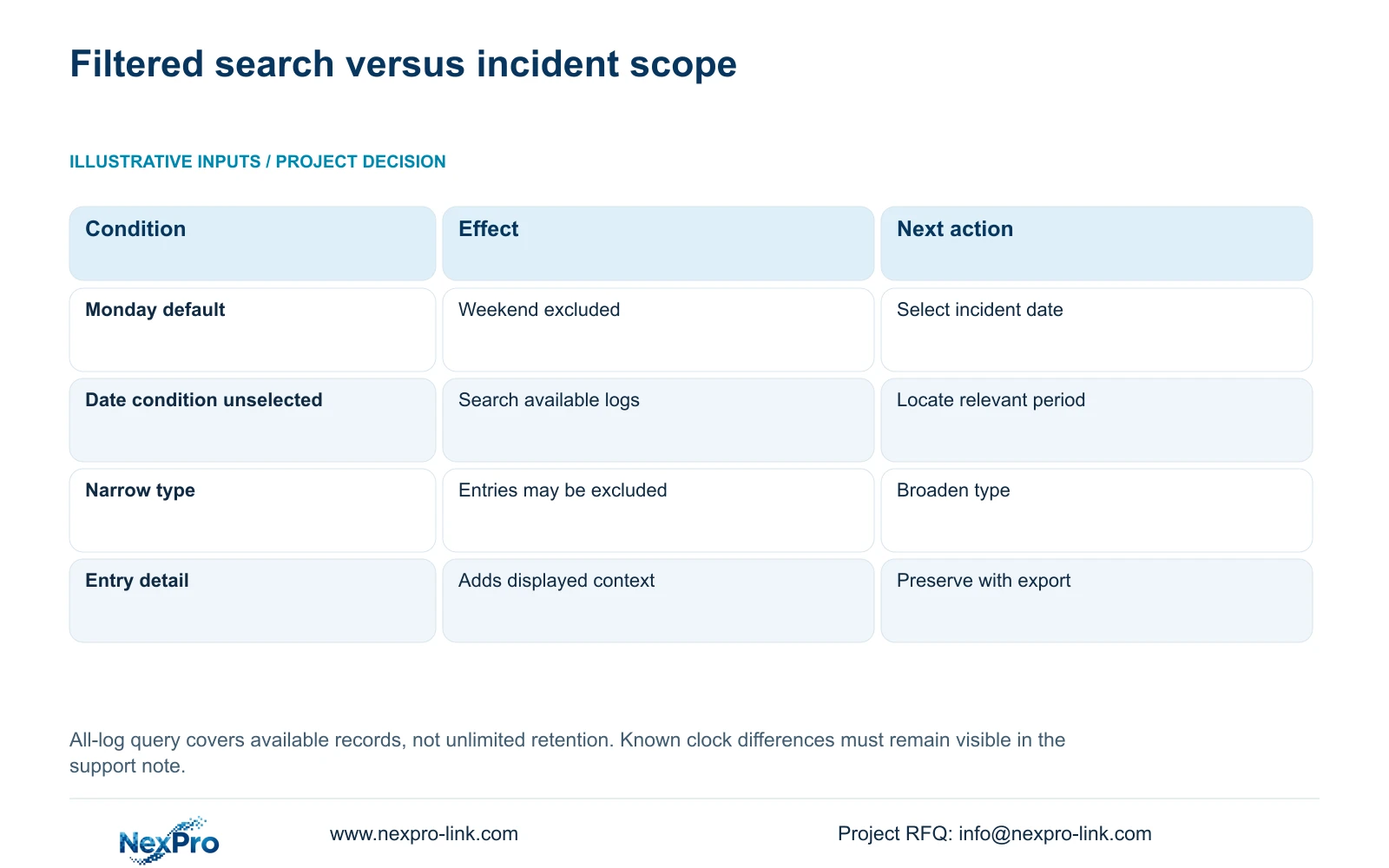
Open the log search and inspect its active date condition. If the incident belongs to an earlier day, select that date. When the date is uncertain, use the documented query without the date condition to review available records, then identify the relevant entries.
Check the type condition as well. A narrow category can exclude useful records even when the date is correct. If a selected search appears empty, broaden the conditions before concluding that no relevant entries are available. Preserve the conditions used for the final export.
An all-log query means searching the logs available through that function. It does not establish unlimited historical retention. If the incident still cannot be found, report the search scope and result accurately rather than describing the missing entry as proof that the fault never happened.
| Search state | Risk or meaning | Next action |
|---|---|---|
| Monday default, weekend incident | Relevant day is excluded | Select the incident date |
| Date uncertain | Reported time may not match recorder time | Document clock context and query available logs |
| Narrow type, empty result | Relevant entry may be excluded | Broaden the type condition |
| Relevant entry found | Summary may omit useful detail | Inspect detail and export text |
| No entry after broader search | Available record does not resolve the symptom | Report filters and correlate other evidence |
Section 03
Explain the time relationship between recorder and cameras
Sections 4.4.2 and 4.12.2 describe separate IPC and NVR time controls. Camera settings include manual time, network synchronization, time zone and daylight saving. Recorder settings include network time and an IPC synchronization interval measured in hours.
For a support record, state which device supplies the intended time reference and the direction of synchronization. Several mechanisms acting without a clear authority can complicate the comparison. The existence of a network-time entry does not establish support for every possible local NTP deployment.
Compare a known event across the relevant channels if the task requires matching video and logs. Identical displayed clocks at one moment are insufficient evidence of long-term synchronization. Where a discrepancy remains, include it in the report so reviewers do not assume every timestamp uses the same reference.
Section 04
Attach meaningful entry details to the actual recorder
Inspect the details of entries that relate to the reported sequence. Record the timestamp and displayed description accurately, separating them from the engineer's explanation. A connection-related entry can help locate the sequence without establishing the failed component.
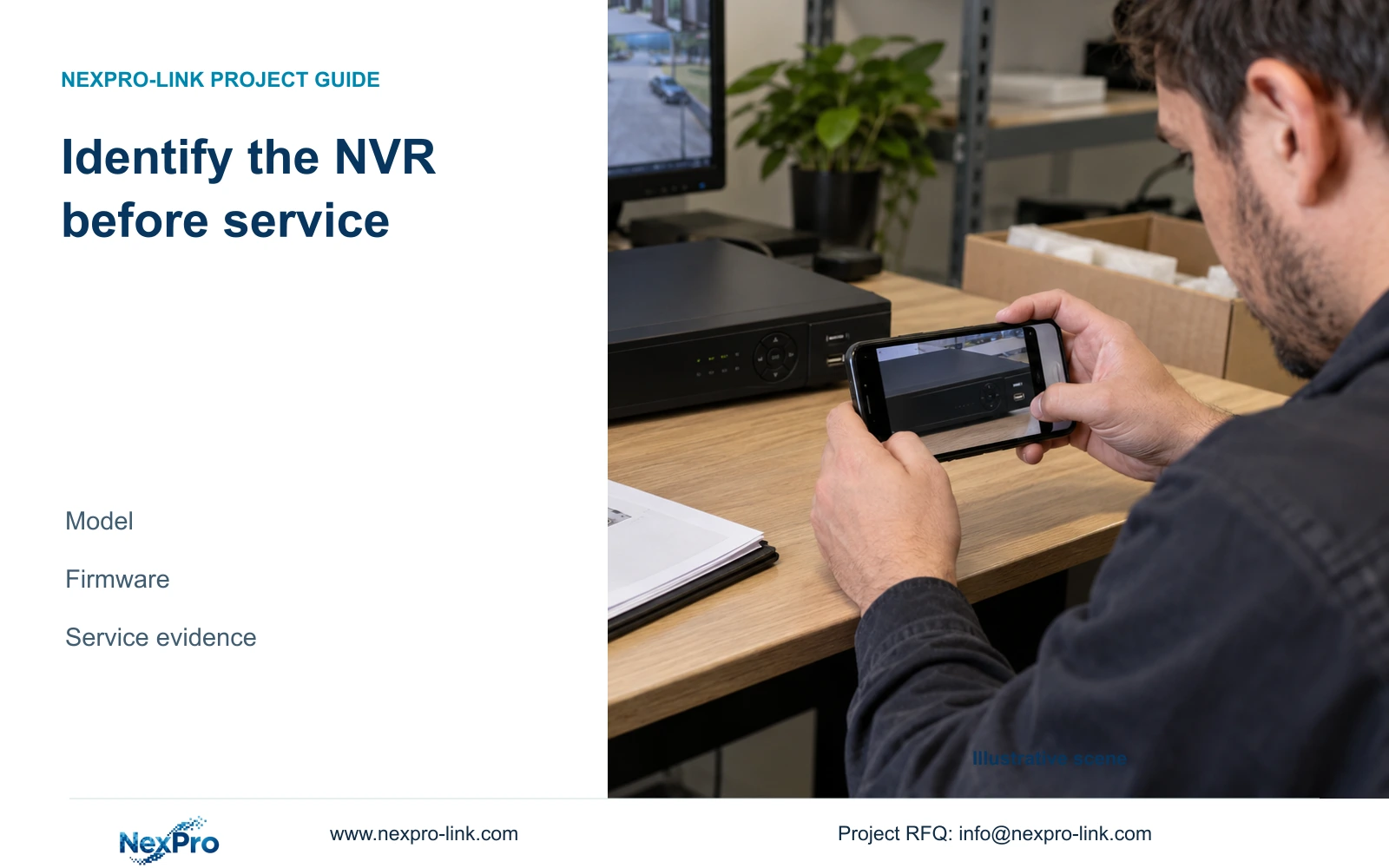
Collect the product model, hardware version, software version and software date or release information from System Information under section 4.12.19. Associate the export with those values and the affected channels. A file named only 'NVR log' leaves the receiving team unable to distinguish devices or software states.
Keep serial numbers in an appropriate private service record when needed. Remove cloud identifiers, QR codes and identifiable customer content from public screenshots. The device version helps select applicable instructions; it does not independently explain the fault.
Section 05
Correlate offline history while preserving its original state
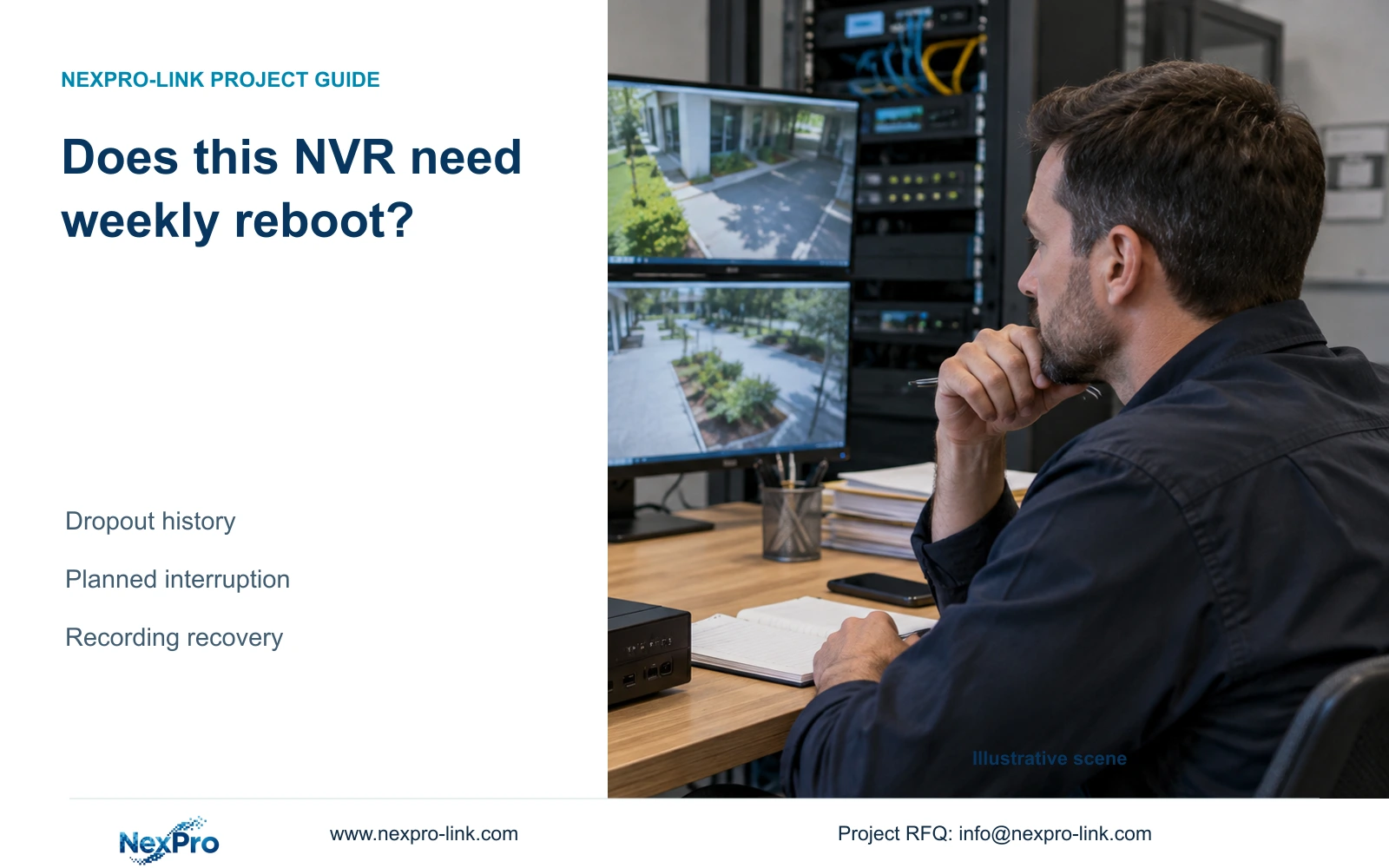
Section 4.3.3.1 describes past-week offline details and export of connection statistics. The local-network diagnostic feature requires an attached hard disk for enabling it. Check that condition before treating unavailable history as a network failure.
Compare the affected channels and their times with the selected log entries. A single-channel pattern suggests an individual path deserves examination. Similar timing across channels sharing equipment directs the next check toward common dependencies. Neither pattern proves that a switch, cable or power source is defective.
Export the connection record before resetting its counters. Record any earlier reset of statistics as an action already taken, because it changes the available baseline. Keep the original observation and suspected cause in separate parts of the support note.
Section 06
Deliver logs and video as distinct investigation objects
Text logs describe recorded system entries. A video export lets the recipient inspect the selected visual period. When both are needed, give them consistent incident references but separate file names and purposes. A configuration file is another distinct object, intended for applicable settings restoration.
For video backup, section 4.11.4 describes selecting format, recording types, channels and start and end times, then updating the capacity estimate. MP4 is the documented default, and multiple channels are permitted. Detect inserted USB storage, complete the copy, and open the resulting files on the intended receiving system.
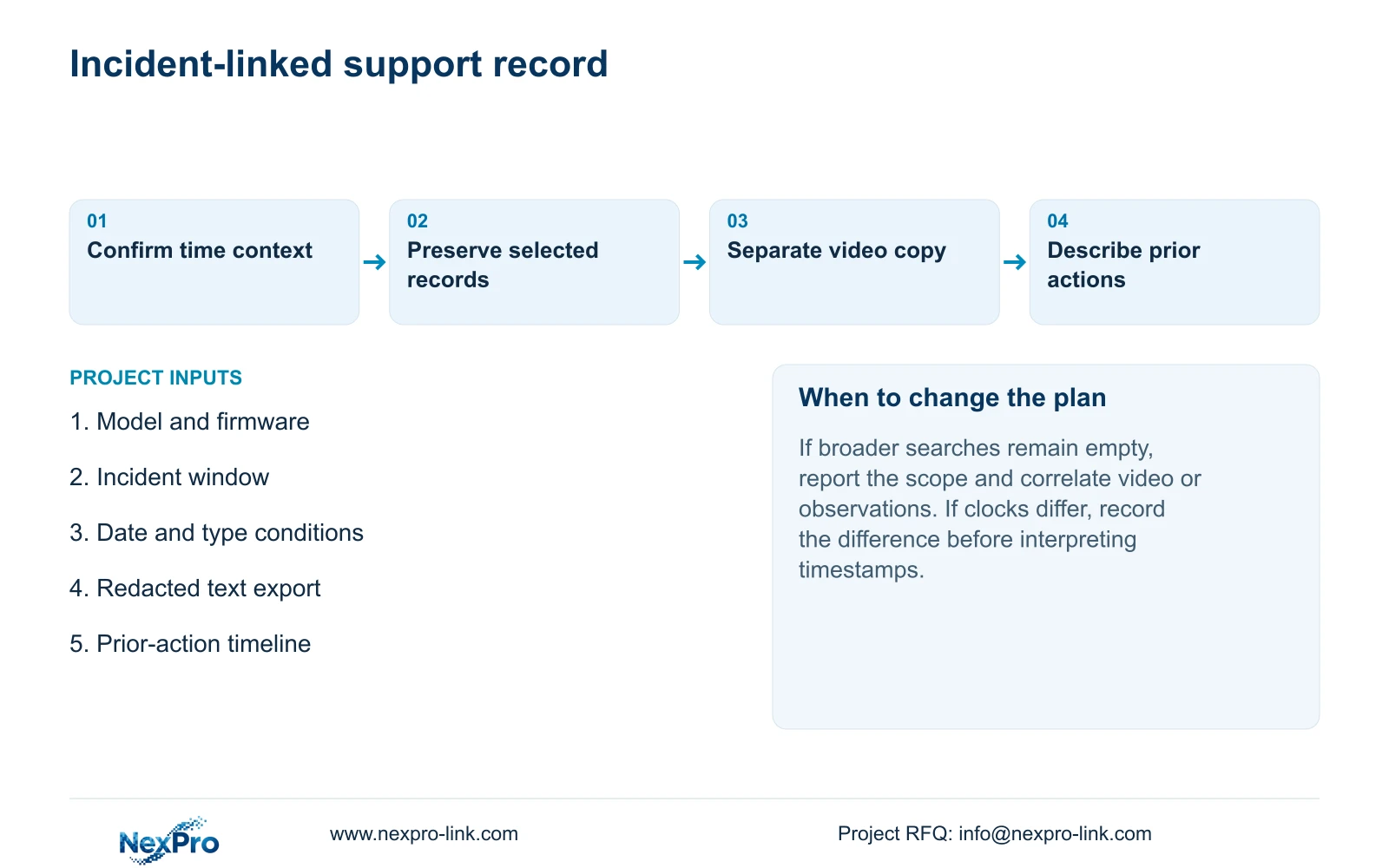
Finish the support note with the incident window, search conditions, recorder identity and actions already taken, including restarts or clock changes. Identify who can retrieve additional records. A useful handover also lets the owner repeat the search and export task; possession of a folder alone does not demonstrate that ability.
Section 07
Correct the weekend-report mismatch
Illustrative project scenario: A contractor reports a weekend fault on Monday but sends only Monday's filtered log. The corrective task is to establish the incident's device-time window, rerun the appropriate date and type search, inspect useful details and preserve matching connection history. Any video sample is exported separately, with the prior Monday-only selection identified in the report.
Section 08
Does an empty filtered search prove no fault occurred?
No. Check the date, type and recorder-time context first. If a broader search remains empty, report the available-record limitation and use relevant observations or video.
Section 09
Is text export a certified audit record?
The manual describes log export, without establishing tamper-proof auditing, unlimited retention or legal evidentiary certification.
Section 10
Provide the corrected search context
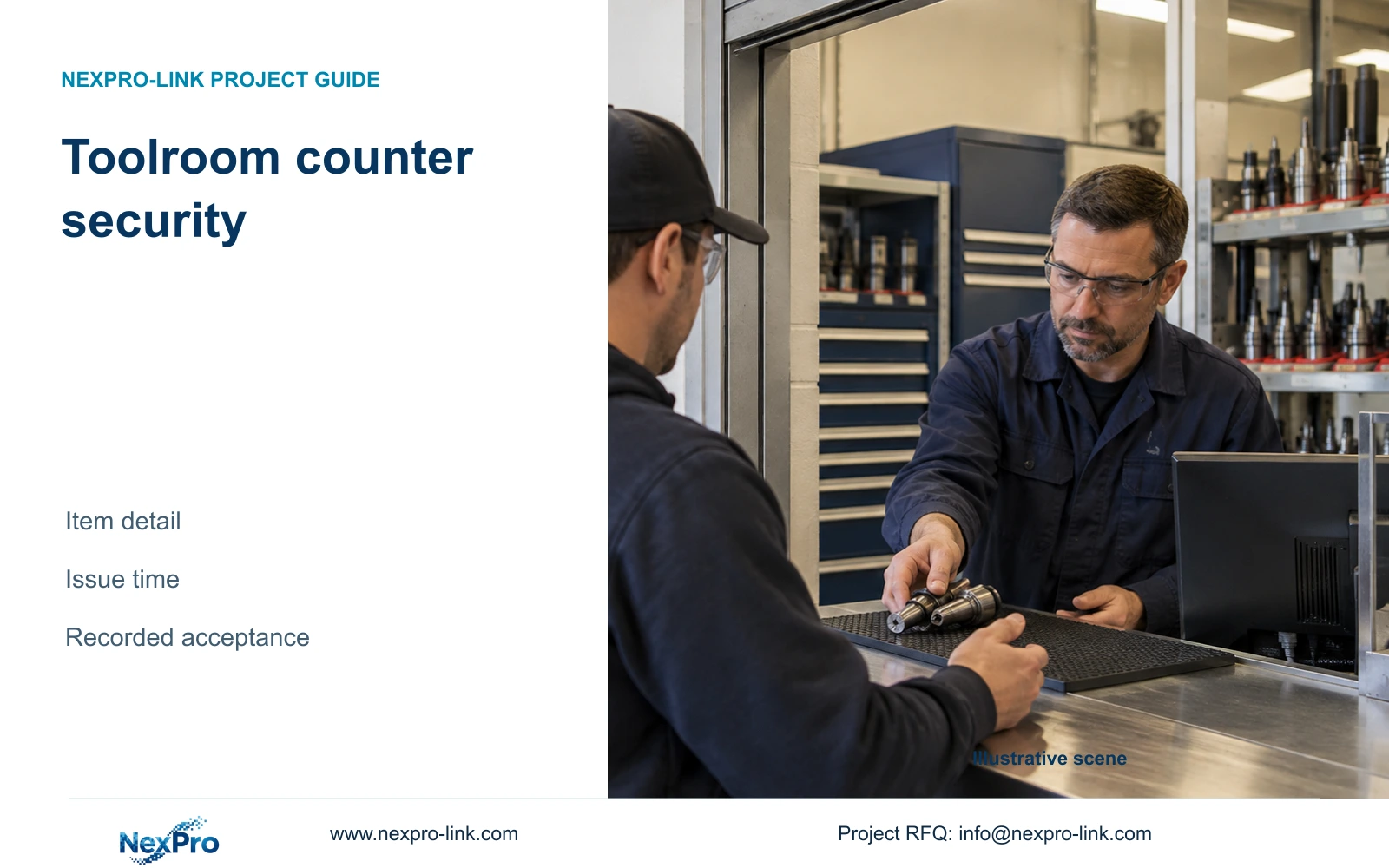
This workflow uses NVR4.0 user manual CH_V2.4.doc, whose body identifies V2.2, sections 4.12.17, 4.4.2, 4.12.2, 4.12.19, 4.3.3.1 and 4.11.4. Recorder logs and disk video remain separate from Seetong Windows local storage. The public toolroom guide provides a related example of documenting a usable event-time reference.
Send NexPro-Link the recorder model, firmware, incident-time window and redacted log export at info@nexpro-link.com.
Engineering references
These sources support the general planning principles. Always use the selected product's current datasheet and applicable project standards for final design.