

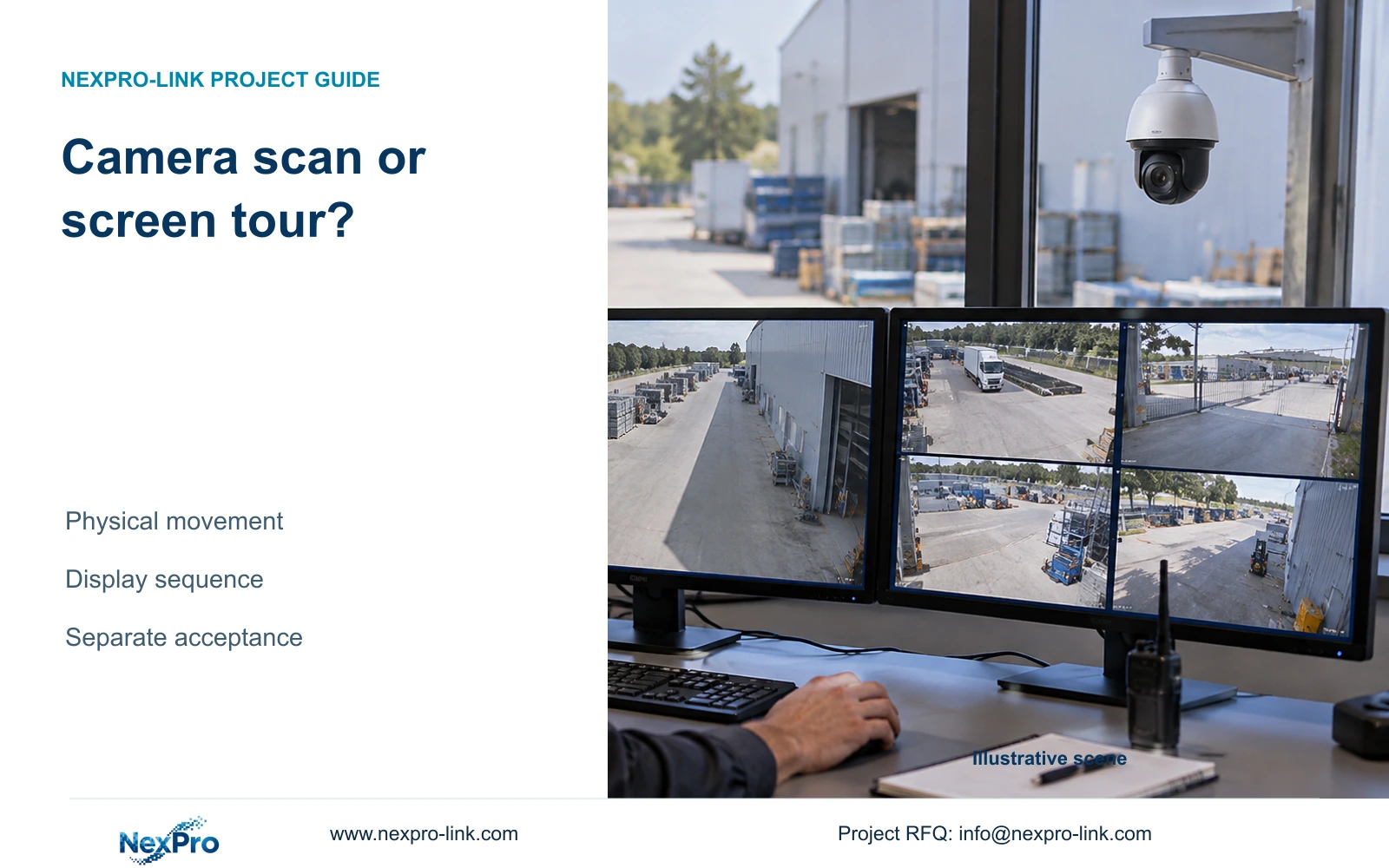
PTZ scan changes the camera's direction; screen tour changes the views shown on the monitor. Configure and accept these tasks separately, including their different coverage and decoding limits.
Section 01
Identify whether the camera or display is changing
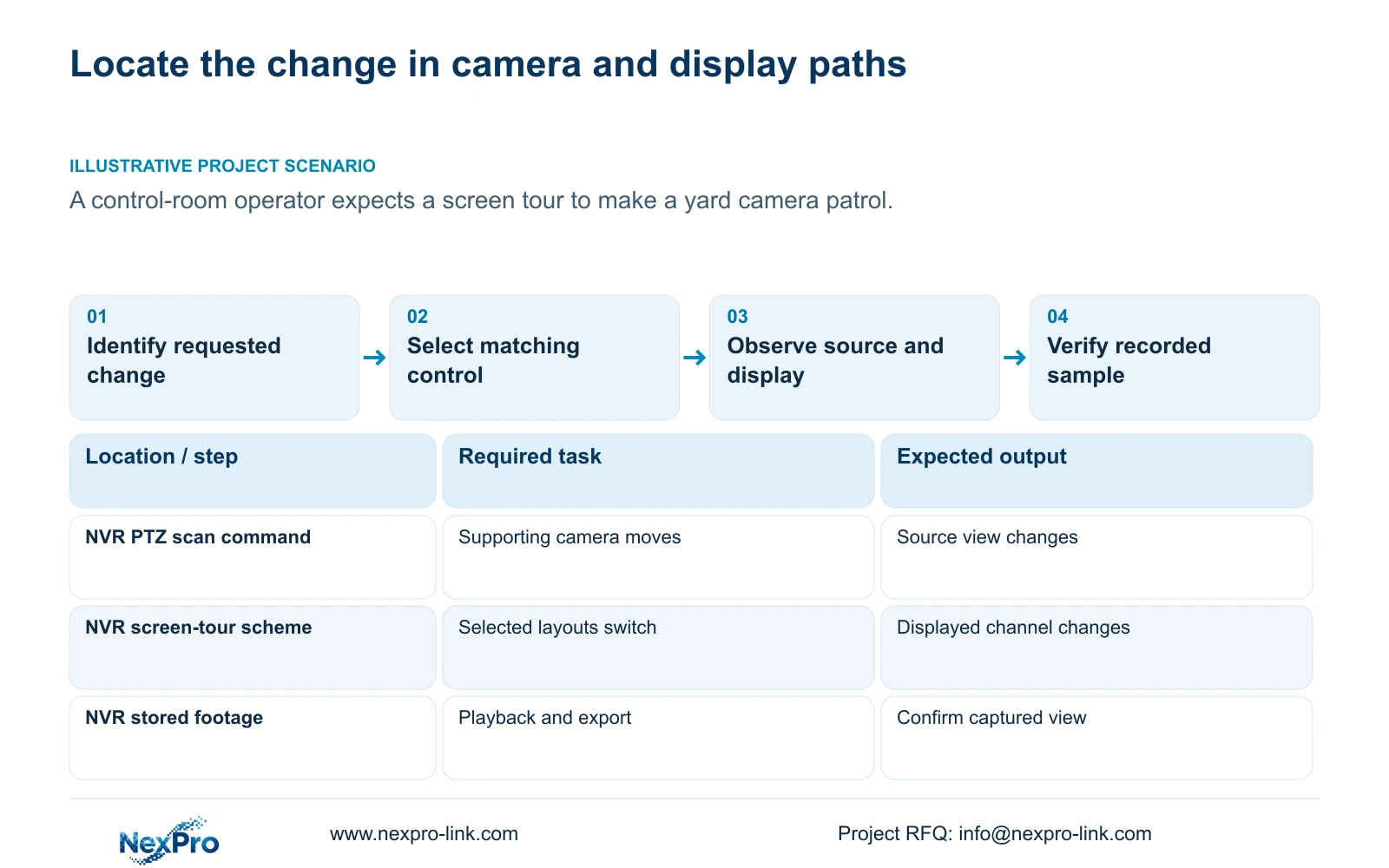
A screen tour setting will not make a yard camera patrol. The NVR tour switches selected views or layouts on the recorder display, while PTZ scan moves a supporting camera between defined start and end positions. Determine which object must change before configuring either function. For camera movement, confirm PTZ support and verify both scan start and stop. For display touring, select the required channels, interval and layout, then check their actual streams against the recorder's decoding scope. Pausing the display tour does not establish that camera scan has stopped, and a rotating display does not prove continuous observation or usable recorded coverage.
Watch the selected camera's own scene while testing. Physical scan changes its direction and therefore the scene it captures. Display tour changes which camera views the operator sees on that monitor. This observation distinguishes the two tasks without relying on a shared term such as patrol.
Write the expected result separately for each function. A camera task needs defined endpoint views and controlled movement. A display task needs an understandable sequence of channel views and an operator who can return to a useful fixed display.
Section 02
Define the camera's scan endpoints and stop result
Section 4.10.3 describes scan between actual start and end positions. Associate those positions with the intended camera and target area. They are camera directions, not the first and last channel in a monitor tour.
Before starting scan, confirm that the IPC supports the requested PTZ operation through the selected protocol. Section 4.10 makes camera support a prerequisite. A motorized-varifocal fixed camera may expose lens controls without having pan or tilt movement.
Test start and stop on the identified camera, observing the resulting scene. Confirm the camera is no longer scanning when the stop operation is tested; freezing the monitor on one view is insufficient. If the control does not behave as expected, record the camera, firmware, protocol and failed operation for device-specific review.
Assess any target that needs uninterrupted detail. A moving camera faces different locations during its scan. Keep a suitable fixed view where the owner requires continuous evidence of a critical location.
Section 03
Select the channels the operator needs to see
Sections 4.6 and 4.12.5 describe sequential display touring with selected channels or layouts and an interval, including saved schemes. Build the scheme from the operator's monitoring task. Check that each selected channel corresponds to the intended physical camera.
Observe a complete sequence before accepting it. Confirm that required views appear, names are understandable and the operator can identify the active camera. If a target needs permanent screen visibility, review the layout requirement rather than assuming its occasional appearance in a tour meets that need.
A tour presents views sequentially. Its return interval depends on the selected sequence, dwell settings and transitions. No particular interval is assumed here. Recording policy remains a separate check, and continuous recording does not establish continuous human attention.
| Requested result | Relevant function | Acceptance observation |
|---|---|---|
| Move the yard camera between endpoint views | Supported PTZ scan | Camera scene moves between defined positions |
| Show selected channels in sequence | NVR screen tour | Correct views appear in the planned order |
| Stop camera scanning | Camera scan stop | Camera scene stops moving |
| Keep a target continuously captured | Suitable fixed camera coverage | Recording contains the required uninterrupted view |
| Confirm useful displayed detail | Layout and stream verification | Selected views work within model scope |
Section 04
Check useful detail in each selected layout
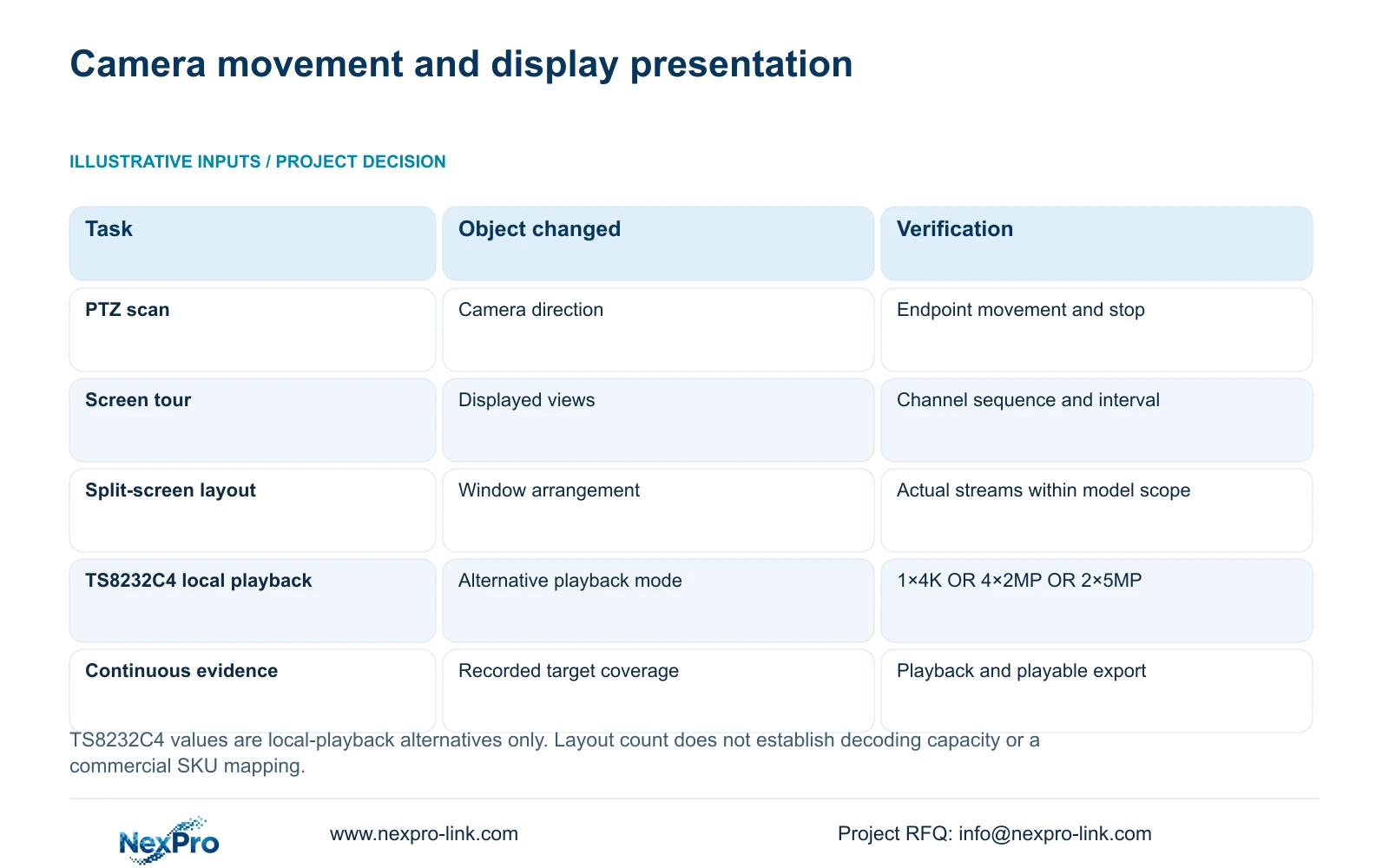
Section 4.5 lists layouts with 1, 2, 4, 6, 8, corridor 8, 9, 10, 16, 24, 25 and 36 windows. These are arrangements of views. They do not establish that every selected recorder can decode every window at full resolution and frame rate.
Start with the views needed for the operating position, then identify the stream resolution and rate used in each window. Compare the proposed workload with the applicable model information in section 5.2. Inspect actual operation under that workload before treating the layout as accepted.
If a large layout does not provide useful detail, narrow the investigation to its stream choices and model scope. A selectable grid is not a performance result. Record the failing combination so the next decision concerns the display requirement rather than an unrelated camera movement setting.
Section 05
Evaluate source coverage and recorder load separately
Keep recording channel count, incoming bandwidth, preview decoding, simultaneous playback and monitor output as separate constraints. A scan changes the source view. A screen tour changes presentation. Neither operation increases the recorder's established capacity.
For example, section 5.2 lists TS8232C4 local-playback alternatives of 1×4K OR 4×2MP OR 2×5MP. These are alternative modes, not capacities to add together, and they do not establish that model's preview workload. Preserve the distinction when planning how an operator will investigate an incident after watching a tour.
The operating source is 'NVR4.0 user manual CH_V2.4.doc', whose body carries V2.2. Section references take priority over old page numbers. Its TS models have no established mapping to NexPro-Link commercial SKUs; use the identified recorder's documentation for a commercial selection.
Coverage review asks whether the required target remains captured. Display review asks whether the chosen streams can be shown usefully. A successful answer to either question leaves the other to be verified.
Section 06
Accept the two operations with separate evidence
Illustrative project scenario: A control-room operator expects a screen tour setting to make a yard camera patrol. The engineer first demonstrates what changes on the display, then checks whether the yard camera supports physical scan. If movement is required and supported, its endpoints and stop result receive their own test. The screen sequence remains a separate operating task.
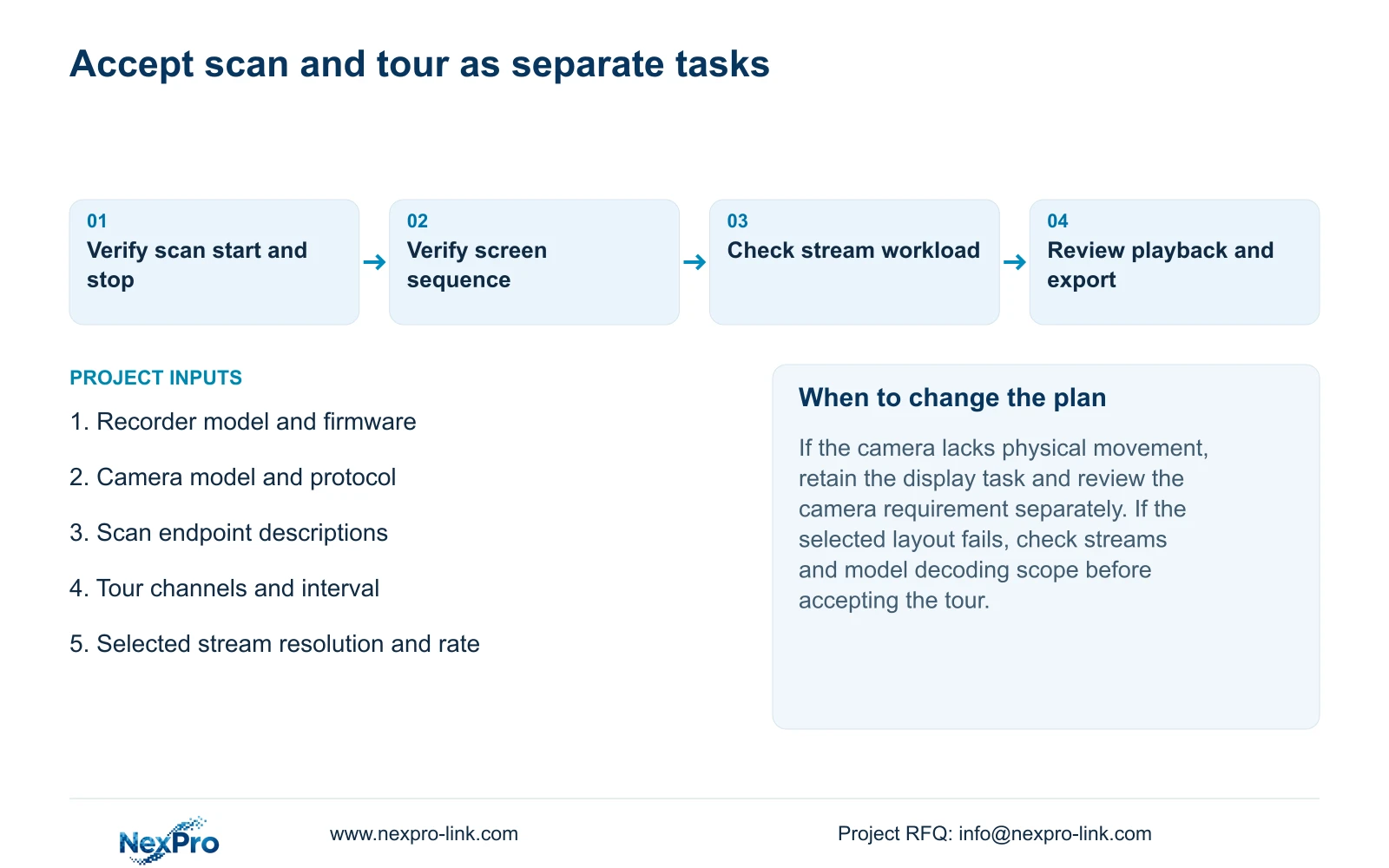
For camera scan, record the intended endpoints, observed movement and stop result. For display tour, record selected channels, layouts and interval, then confirm the required sequence. A clear acceptance record can show one task passing while the other remains unresolved.
Verify recording beyond the live demonstration. Identify the channel, observe recording status, retain a known test period, play it back and export a sample that plays on another device. Inspect the selected disk and recording policy as part of this engineering workflow around sections 4.3, 4.11 and 4.12.21.
Keep Seetong PC local recording outside this recorder-storage test. A file stored by a PC client does not prove the required period exists on the NVR disk. The accepted result should identify where the footage was retrieved and which camera view it contains.
Section 07
Questions about scan and screen touring
- Does pausing the screen tour stop PTZ scan? It does not establish that result. Test the camera's scan stop and observe its scene.
- Does a large selectable grid prove full-resolution display capacity? No. Check streams and the identified model's decoding scope.
- Does recorder channel count establish simultaneous playback? No. Playback modes are separate limits, including the manual's model-specific OR combinations.
Section 08
Specify which operation needs review
Send NexPro-Link the recorder model and firmware, camera model, and either the scan endpoint requirement or proposed display-tour scheme at info@nexpro-link.com.
Engineering references
These sources support the general planning principles. Always use the selected product's current datasheet and applicable project standards for final design.


