

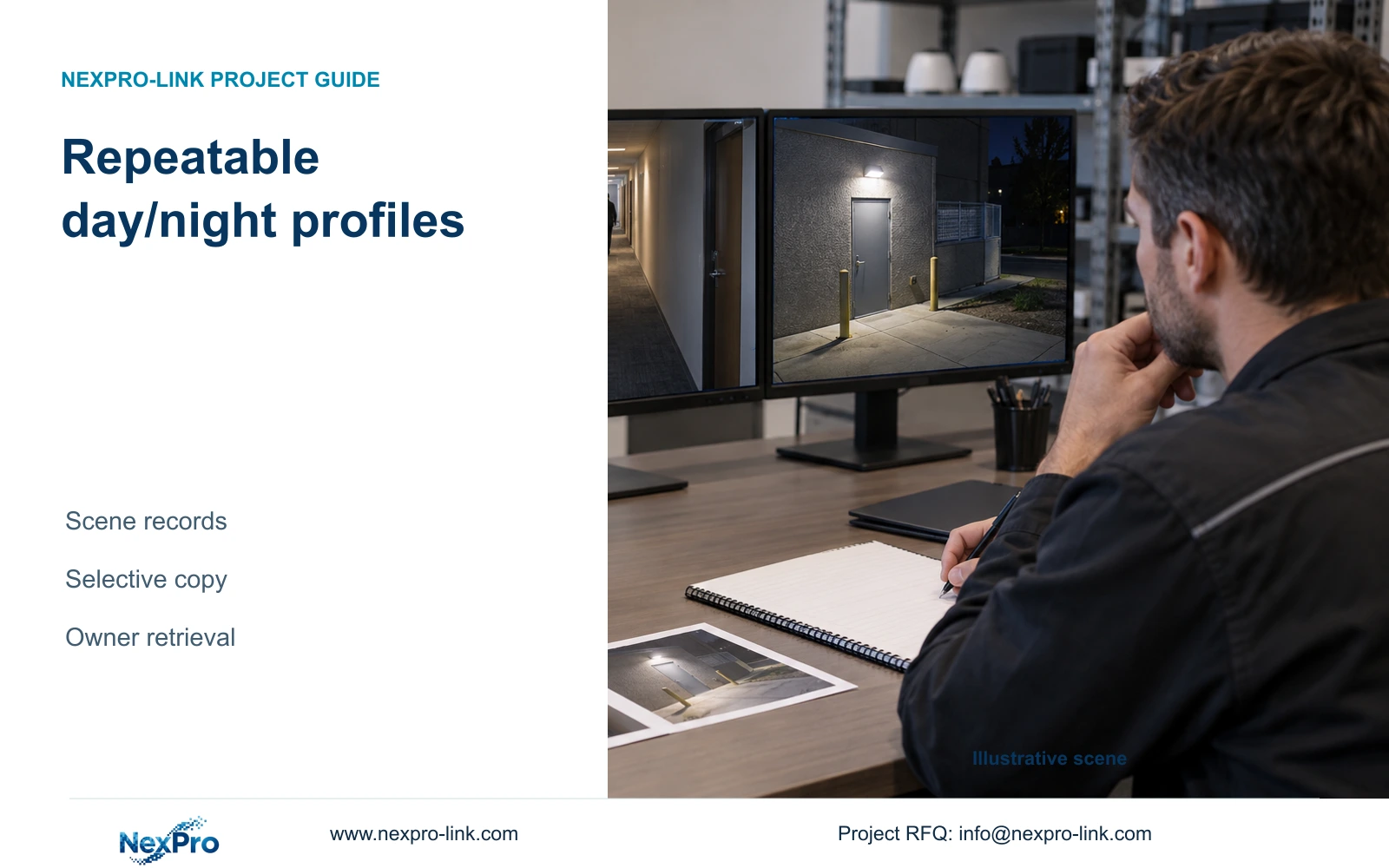
Create a commissioning record that connects each camera's viewing task, lighting, supported settings and recorded samples, with explicit exceptions before copying.
Section 01
Define separate acceptance tasks for each scene
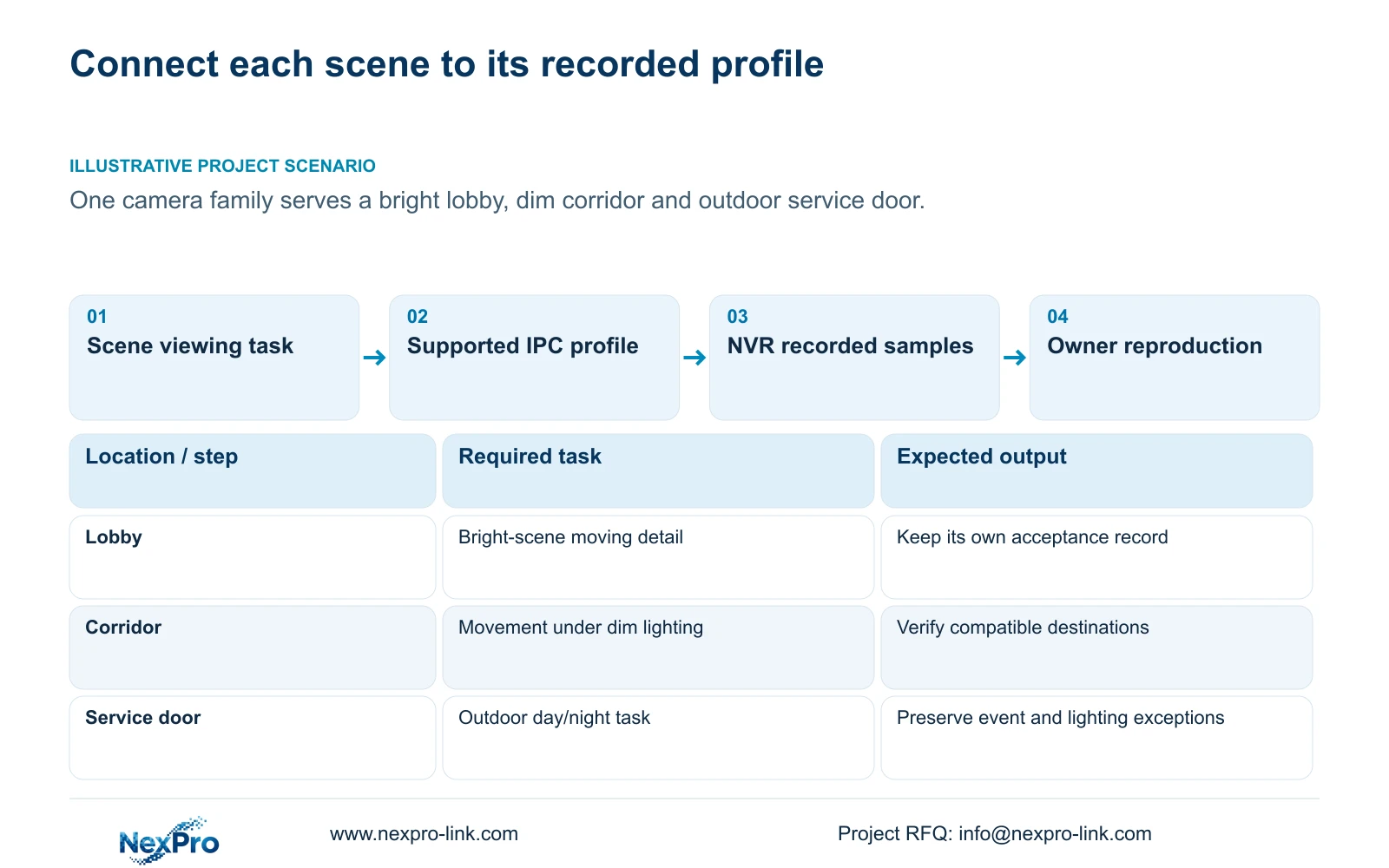
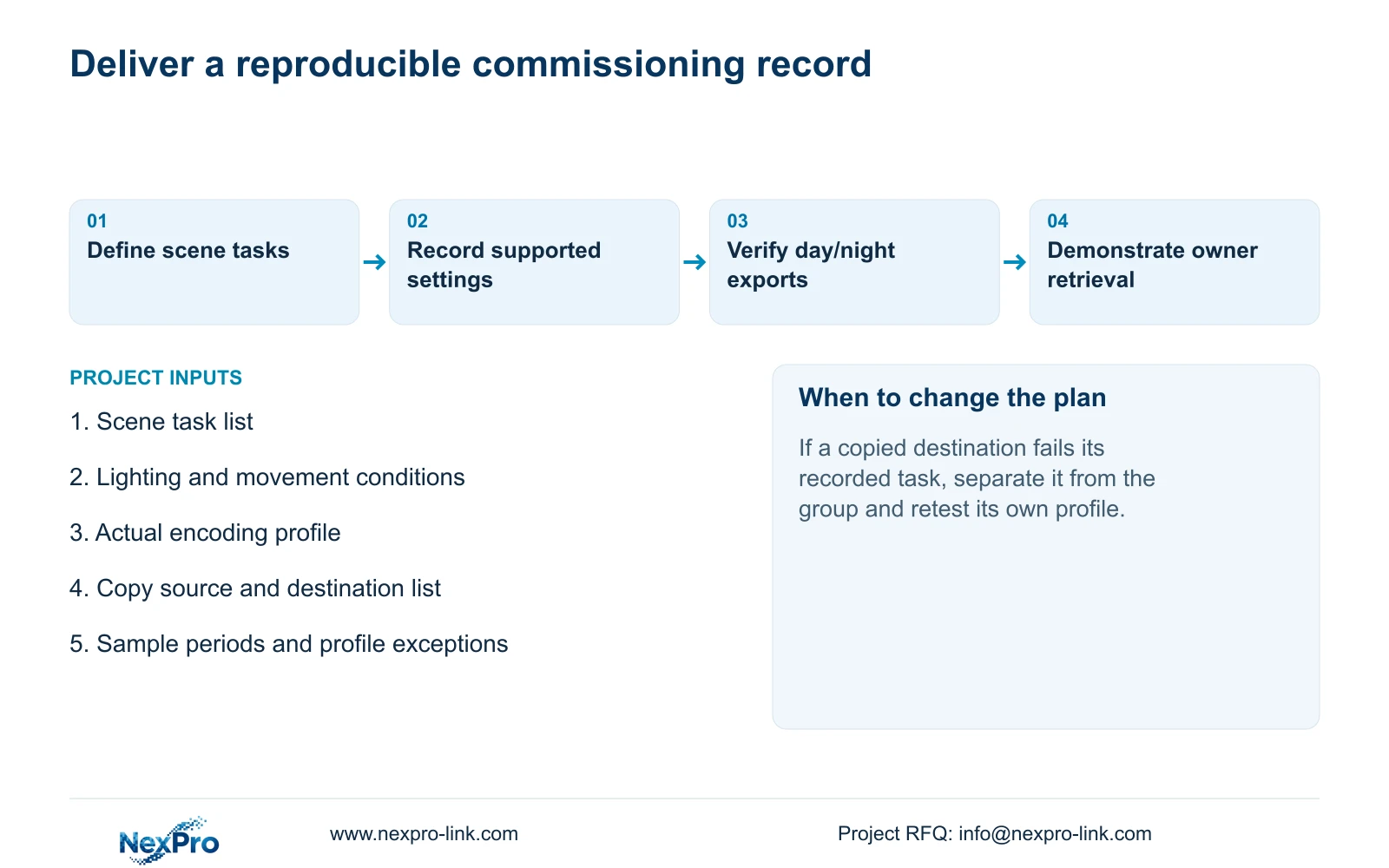
Create a day/night commissioning profile by connecting each camera's required viewing task to its lighting conditions, supported source settings and saved recordings. A bright lobby, dim corridor and outdoor service door need separate acceptance records even when they use one camera family. Preserve the starting settings, test relevant movement in daytime and at night, and record the actual encoding profile. Copy settings only to destinations that share the task and supported options, then inspect their applied values and footage. Finish with playable samples, a configuration reference and an exception list that the owner can use to reproduce the test and recognize later changes.
Define what the operator must determine in each view. For the lobby, assess the agreed subject through the bright scene; for the corridor, assess movement under its dim lighting; for the service door, include the relevant outdoor day/night conditions. These are illustrative task definitions, not measured outcomes.
Section 4.4.3 lists camera-side brightness, saturation, sharpness, contrast, image flips and processing modes including digital wide dynamic range, starlight and corridor mode. Record the options exposed by each IPC. Adjust one relevant setting at a time, keeping monitor-output changes outside the source profile.
Section 02
Describe lighting and the camera's operating mode
A profile needs enough scene context for another installer to repeat the assessment. Record the available lighting, relevant reflections or changing light, the subject's movement and the camera's observed operating state. Do not label a sample simply 'night pass' without describing the conditions.
Sections 4.4.7 and 4.4.8 cover normal illumination and day/night controls, including IRCut and color-to-monochrome threshold and delay. Document the actual supported values and labels. The manual does not establish a universal best setting for all three positions.
Keep event-associated light and sound in a separate part of the record, following section 4.12.15 where applicable. A visible lamp does not verify recording or notification. If the service door requires a warning event, test that response independently while retaining the normal night-view assessment.
Section 03
Save stream settings alongside operation observations
For every accepted sample, record the actual codec, resolution, CBR/VBR selection and configured bitrate exposed by the device. Identify the channel and recording period. These inputs allow a later reviewer to recognize a changed stream profile rather than attribute every image difference to lighting.
Sections 4.4.5 and 4.3.3.3 distinguish encoding configuration from measured traffic. An entered bitrate is not a measured daily storage result. Keep representative observed averages for retention planning and appropriate peaks or limits for network evaluation separate from the profile settings.
If no representative measurement has been taken, leave the operational measurement pending. Do not replace it with a quiet screenshot or a fixed compression-saving claim. A change that improves the recorded task may require a fresh storage review, but this source supplies no measured figures for the three scenes.
Section 04
Copy by compatible task group, with exceptions preserved
The manual describes copy workflows in sections 4.11.1, 4.4.2, 4.12.6 and 4.12.7. Treat each copy control according to its own setting scope. The presence of several copy functions does not establish a single whole-camera profile transfer or universal copying of every image parameter.
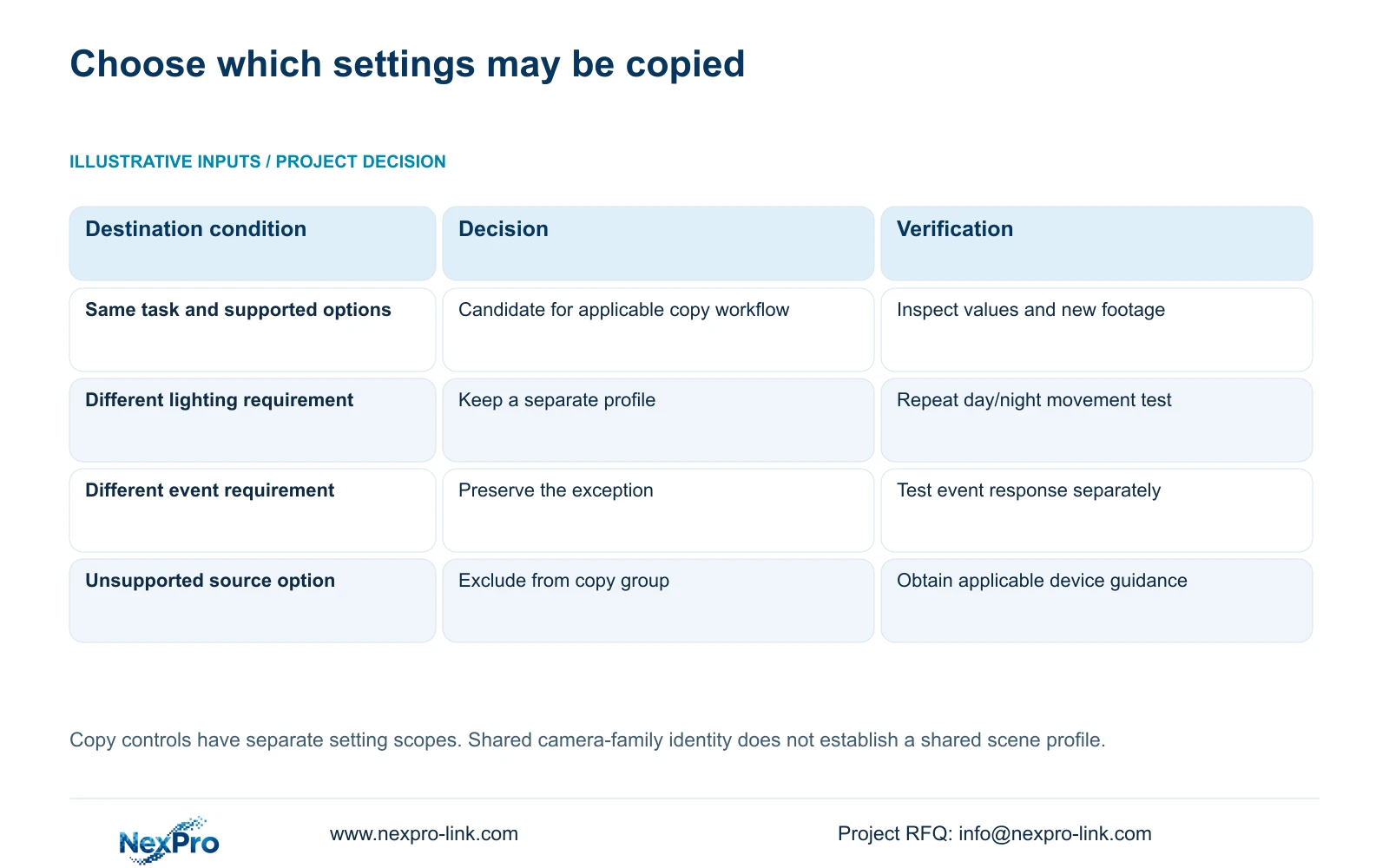
Create a destination list for the applicable workflow. Check the destination's supported options, viewing task and relevant schedule before copying. Shared camera-family identity alone cannot decide whether the lobby, corridor and service door should receive the same values.
After copying, inspect the actual destination settings and retrieve new footage. Preserve local exceptions rather than overwrite them for visual uniformity. If a destination does not support the source option or fails its recorded task, remove it from that group and assess it separately. A save confirmation is only evidence of that interface action.
| Position | Acceptance condition | Copy decision |
|---|---|---|
| Bright lobby | Required moving detail under bright scene conditions | Use its tested profile; do not assume a corridor match |
| Dim corridor | Required movement under dim daytime and night conditions | Group only destinations sharing task and supported settings |
| Outdoor service door | Day/night view and any separately required event response | Preserve lighting and event exceptions |
| Any copied destination | Actual values and new footage meet its task | Retain only after destination verification |
Section 05
Verify day and night movement in playable samples
Retrieve a relevant daytime sample and a night sample for each scene group. Include the movement the operator needs to interpret. A static attractive picture cannot settle a task that depends on a person or object moving through the view.
Use recorder footage for recorder acceptance. Seetong PC local storage is a separate object and should not silently substitute for the NVR recording. Confirm the channel and time range before exporting, then open the sample on the intended receiving system.
Section 4.11.4 mentions players such as VLC, without guaranteeing all operating-system and codec combinations. Check actual playback and any required audio, record the viewing method, and protect the original footage until the required copy is verified. If one scene fails, retain its failure as an exception while continuing only the assessments that remain valid.
Section 06
Deliver the profile and exception record to the operator
Connect the final profile reference to the camera tag, recorder channel, applicable hardware and software identity, tested conditions and sample periods. Include the configuration-backup location and maintenance responsibilities. Transfer credentials through a controlled channel, separate from public documentation and ordinary sample labels.
Demonstrate that the owner can identify a channel, retrieve the recorded test period and export a playable file using the intended account. Document completion of the operator task separately from delivery of the document folder. Permissions and the viewing path are part of reproducibility.
Illustrative project scenario: An integrator uses one camera family at a bright lobby, dim corridor and outdoor service door. The integrator keeps separate scene records, copies only applicable settings to compatible destinations and verifies their new footage. The proposed deliverable contains final values and unresolved exceptions, without claiming a completed NexPro-Link field test.
Section 07
Source scope for the commissioning record
This guide uses the private NVR4.0 user manual CH_V2.4.doc, with V2.2 in its body. Relevant sections are 4.4.3, 4.4.7, 4.4.8, 4.12.15, 4.4.5, 4.3.3.3, 4.4.2, 4.12.6, 4.12.7, 4.11 and 4.12.3, plus 4.12.17 through 4.12.19. Sections take priority over page numbers; TS models are not commercial SKU mappings.
Section 08
Can one camera family use one site profile?
Only where the relevant task, conditions and supported settings match. Keep scene-specific exceptions and verify each copied destination.
Section 09
Can a bench demonstration replace the night test?
It can establish a preparation baseline. The actual lighting, movement and installed viewing task still require site acceptance.
Section 10
Share the scene-specific acceptance brief
Send NexPro-Link the lobby, corridor and service-door task list with the profile exceptions requiring review at info@nexpro-link.com.
Engineering references
These sources support the general planning principles. Always use the selected product's current datasheet and applicable project standards for final design.


