

Plan CCTV camera focus alignment with practical guidance on set the target and framing and evaluate day and night conditions. NexPro-Link project guide.
Section 01
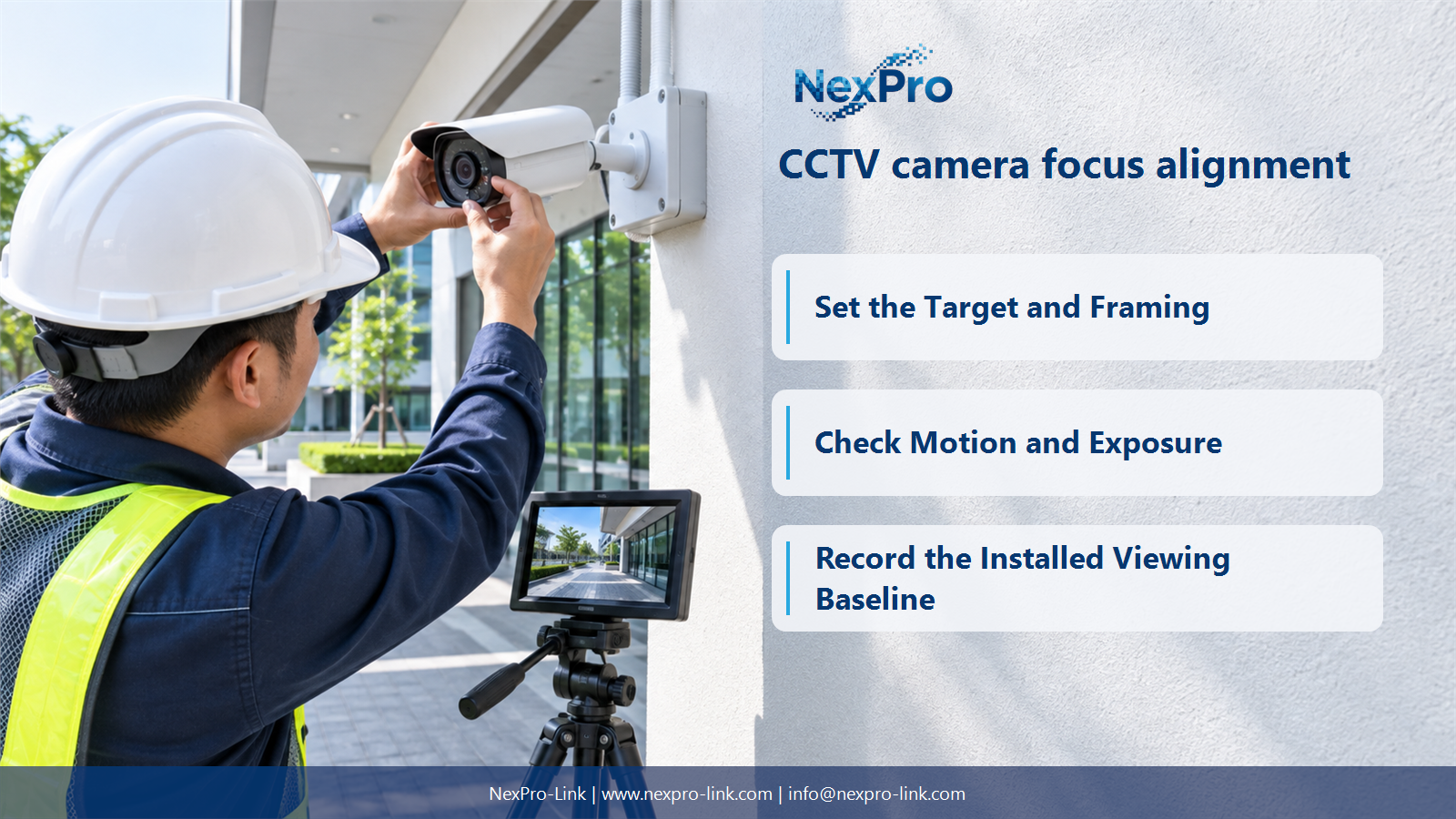
Set the Target and Framing
Place the required target area within an appropriate field of view and confirm the camera angle and obstructions. A sharply focused wide image may still allocate too few pixels to the target. Framing and focus solve different parts of the viewing task.
Turn the answer into a working record using Target, Distance, Field width, Angle, Obstruction.
| Decision area | Buyer question | Required output |
|---|---|---|
| Set the Target and Framing | What should be aligned before adjusting focus? | Place the required target area within an appropriate field of view and confirm the camera angle and obstructions. |
| Use Motorized Varifocal Adjustment Correctly | What does a 2.8–12mm motorized lens change? | It allows supported focal adjustment for framing within the lens range. |
| Check Motion and Exposure | Why can a static test target look better than a moving person? | Exposure and motion can blur or omit detail that appears clear in a stationary test. |
Section 02
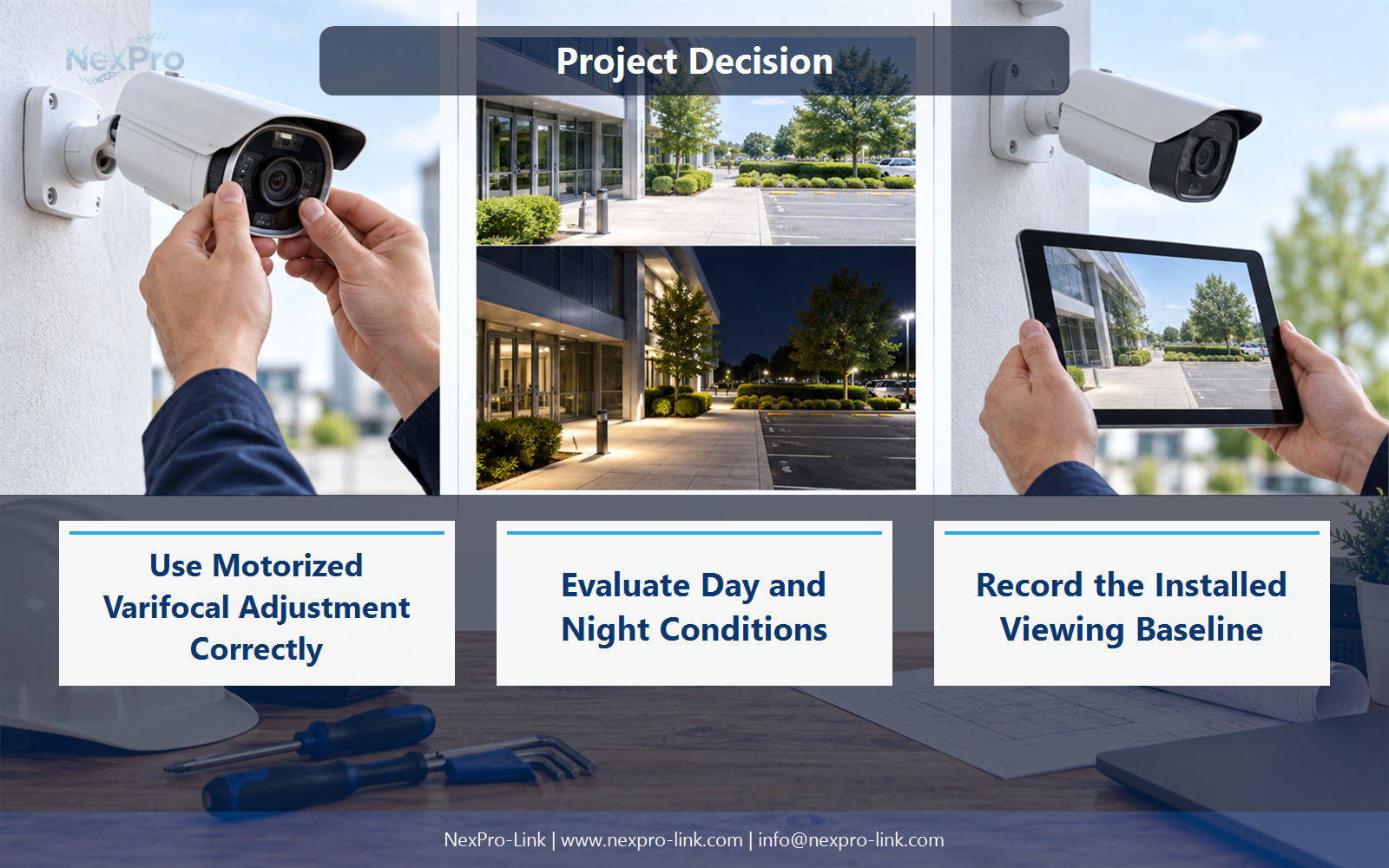
Use Motorized Varifocal Adjustment Correctly
It allows supported focal adjustment for framing within the lens range. The supplied models describe this as nominal 4× motorized zoom; that does not add pan or tilt movement. Recheck focus and the required detail after changing focal position.
Use Focal position, Field width, Focus, Target detail to compare options on the same basis. Keep product capability, project assumption and operating responsibility in separate columns.
Section 03
Check Motion and Exposure
Exposure and motion can blur or omit detail that appears clear in a stationary test. Check representative movement at the required lighting and recording settings. Higher resolution does not restore information lost to blur, excessive noise reduction or insufficient temporal sampling.
The project output should make Motion, Exposure, FPS, Noise, Playback detail traceable from input to acceptance.
- Confirm the answer to: Why can a static test target look better than a moving person?
- Record the project fields: Motion / Exposure / FPS / Noise / Playback detail.
- Keep product capability, project assumptions and site responsibility in separate records.
Section 04
Evaluate Day and Night Conditions
Yes where night operation matters. Illumination, reflections, mode changes and supported focusing behavior can alter the useful image. Check the recorded result under representative conditions instead of relying only on a daytime live-view screen or a minimum-illumination headline.
Record Day, Night, Illumination, Reflection, Recorded outcome before selecting a product family. That makes later substitutions possible without silently changing the operational requirement.
Section 05
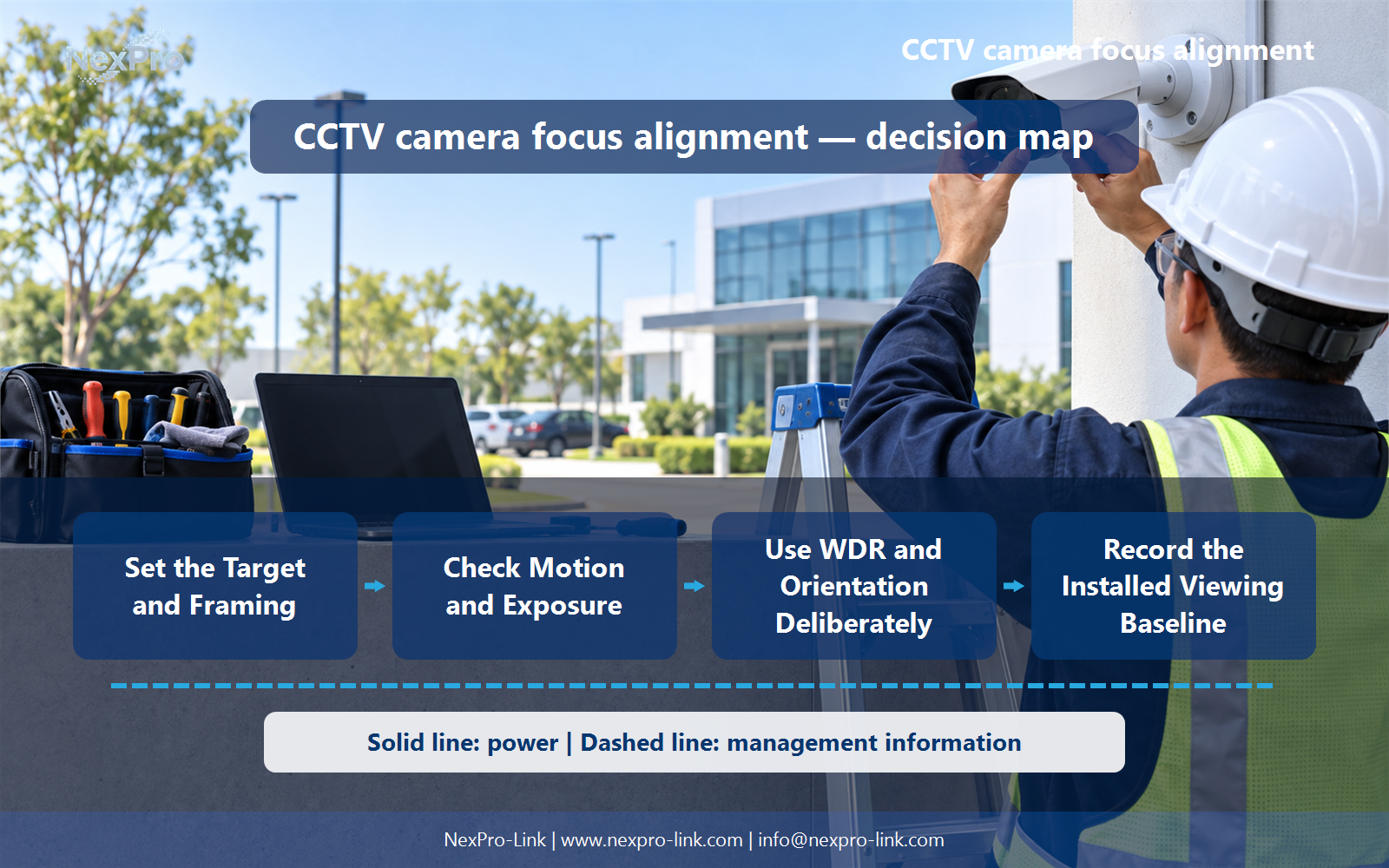
Use WDR and Orientation Deliberately
No. Their availability and behavior depend on the selected device and configuration, and they address particular problems. Do not equate digital WDR with a specified multi-exposure performance figure or assume a corridor mode absent from the model data. Improve placement where settings cannot solve the task.
Review Problem, Supported setting, Benefit, Remaining limitation with the party that will operate or maintain the system.
Section 06
Record the Installed Viewing Baseline
Record the camera position, focal setting or field reference, required task and representative accepted view information. Keep sensitive images controlled. The baseline helps operators and maintenance staff recognize later movement, obstruction or focus changes instead of judging only whether an image is present.
Use Camera, View task, Framing, Settings, Baseline reference as the handoff between design and procurement.
Engineering references
These sources support the general planning principles. Always use the selected product's current datasheet and applicable project standards for final design.


