

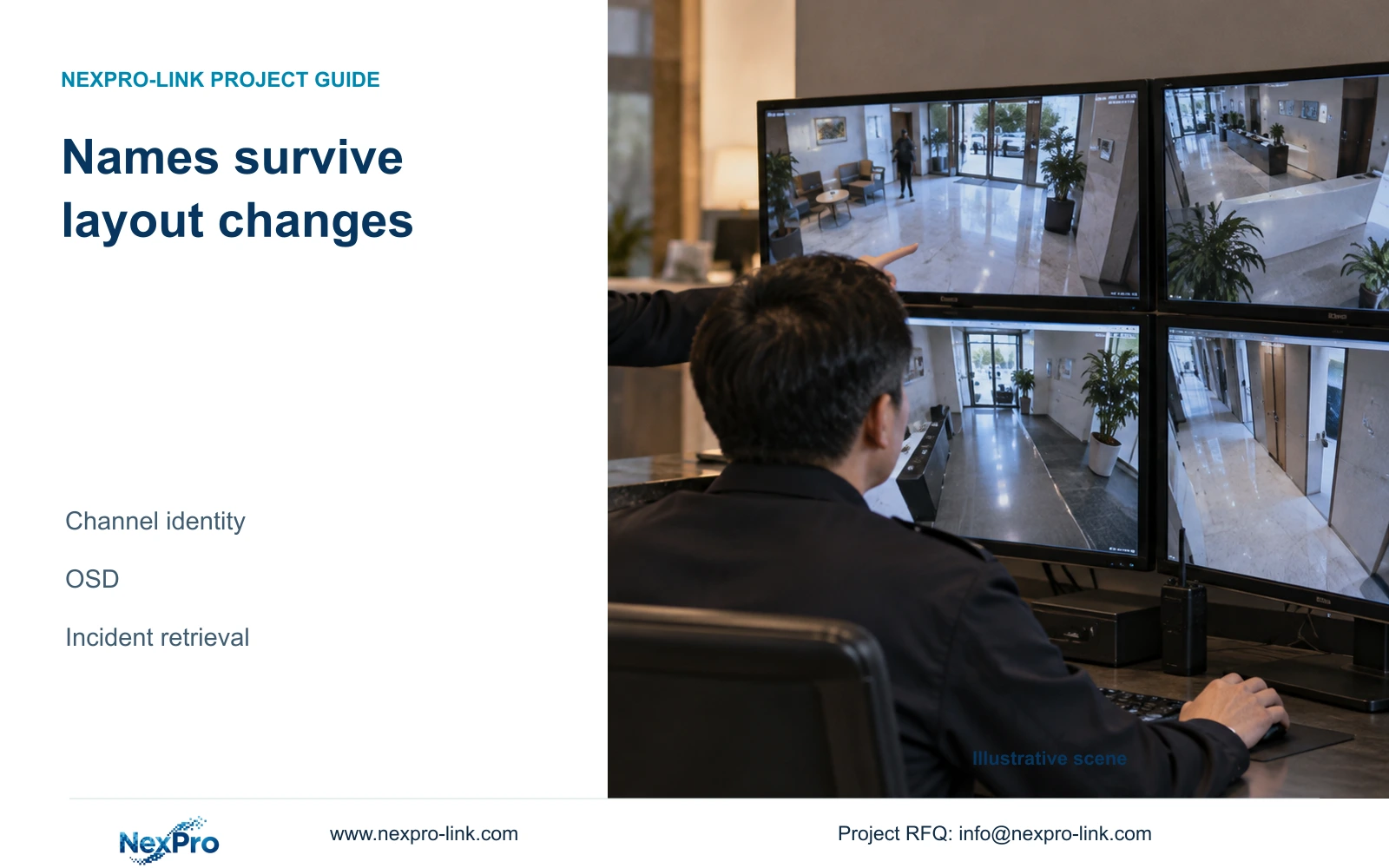
Use the mapping valid at the incident time when a camera has since moved or been renamed. Compare the recorded scene with that historical source record before attributing location.
Section 01
Identify footage by its source before using the screen layout
Use the mapping valid at the incident time when a camera has since moved or been renamed. Compare the recorded scene with that historical source record before attributing location. Preserve both old and current labels. If the former identity cannot be established, report uncertainty rather than assigning old footage to today's window position.
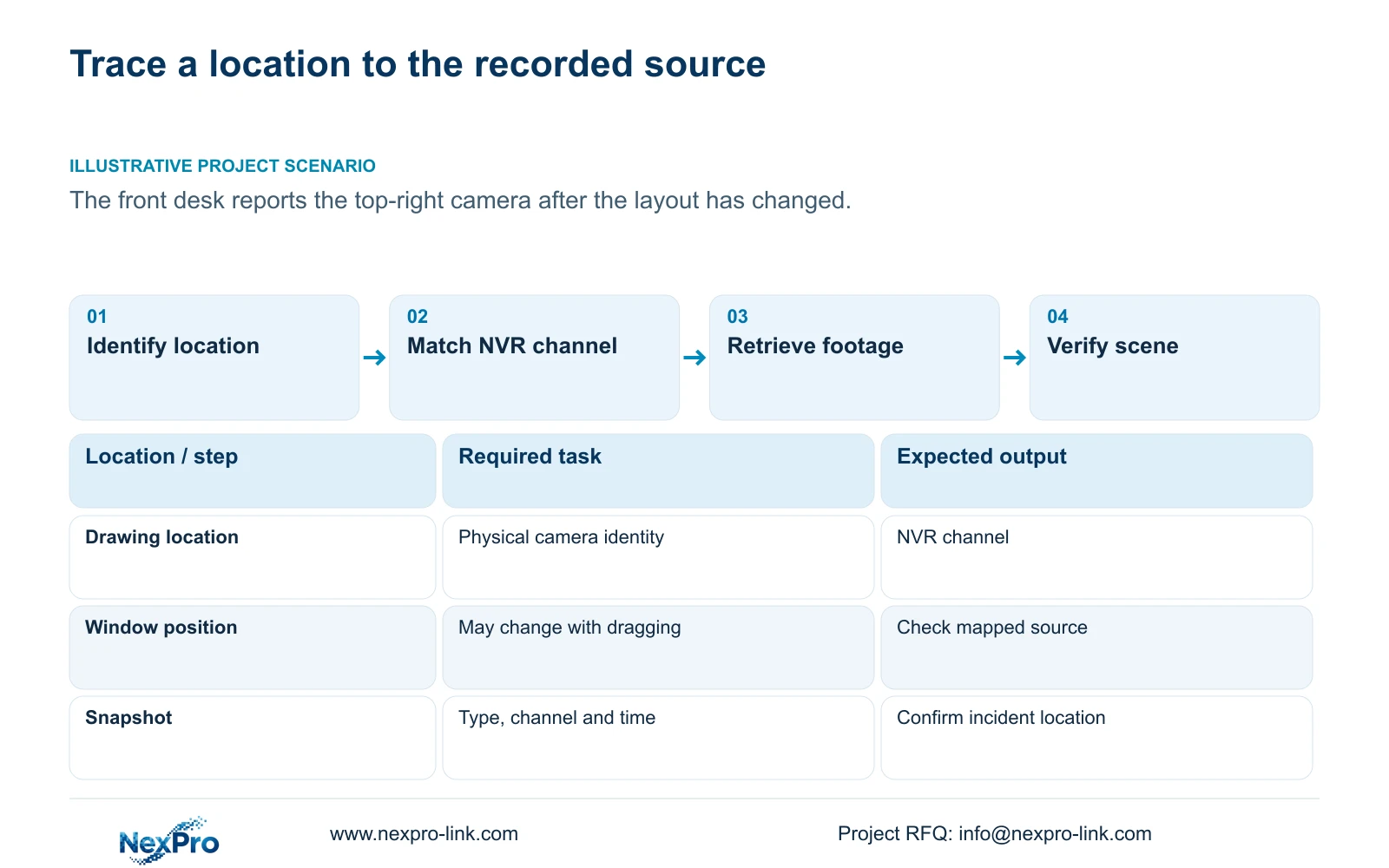
Use the camera-to-channel record to identify an incident location, then confirm that identity in playback or the captured image. A monitor position such as "top-right" is only a viewing reference and can become misleading after someone rearranges the layout. Keep the drawing location, physical camera identity, IP address, NVR channel and displayed name in separate fields. Match the required location to that record before searching. Clear labels help operators, while the documented drag behavior explains how windows can move. If the record and the image disagree, resolve the source identity before attributing footage to a place or issuing an incident export.
Begin with the project camera schedule and compare it with the recorder's channel assignments. Check the physical camera identity through the installation record and the site's authorized identification process. A recognizable scene supports the check, but a familiar window position cannot replace it. Record unresolved assignments instead of completing them from memory.
Section 02
Keep renaming separate from replacing a camera
A display alias describes the location for the operator. It does not establish which physical camera produced earlier footage. When a camera is replaced, preserve the previous assignment and record when the new device takes over. When only the alias changes, record that narrower change without implying that the hardware changed too.
Reordering needs the same discipline. Compare the current assignment with the last accepted schedule and identify affected channels. For an incident that predates the change, use the assignment relevant to that period. This avoids attaching today's location name to an older recording merely because the channel currently carries that label. Keep the mapping available to the people who retrieve footage, not only to the installer.
Section 03
Give labels a clear owner and a useful location name
The supplied manual lists OSD enablement, channel names, title and time positions, date formatting, weekday display, and optional resolution or bitrate information. Separate the camera overlay from the recorder desktop clock and other interface labels. Establish which setting produces the name visible in the image before changing it.
Choose a location name that corresponds to the camera schedule. Position text where it leaves the relevant scene detail visible. Check the actual connected camera after saving: the presence of an NVR menu field does not establish that every third-party IPC accepts it. If the setting does not take effect, retain the reliable project mapping and obtain the applicable device instructions instead of repeatedly changing unrelated fields.
Section 04
Choose and test the operator's window-drag behavior
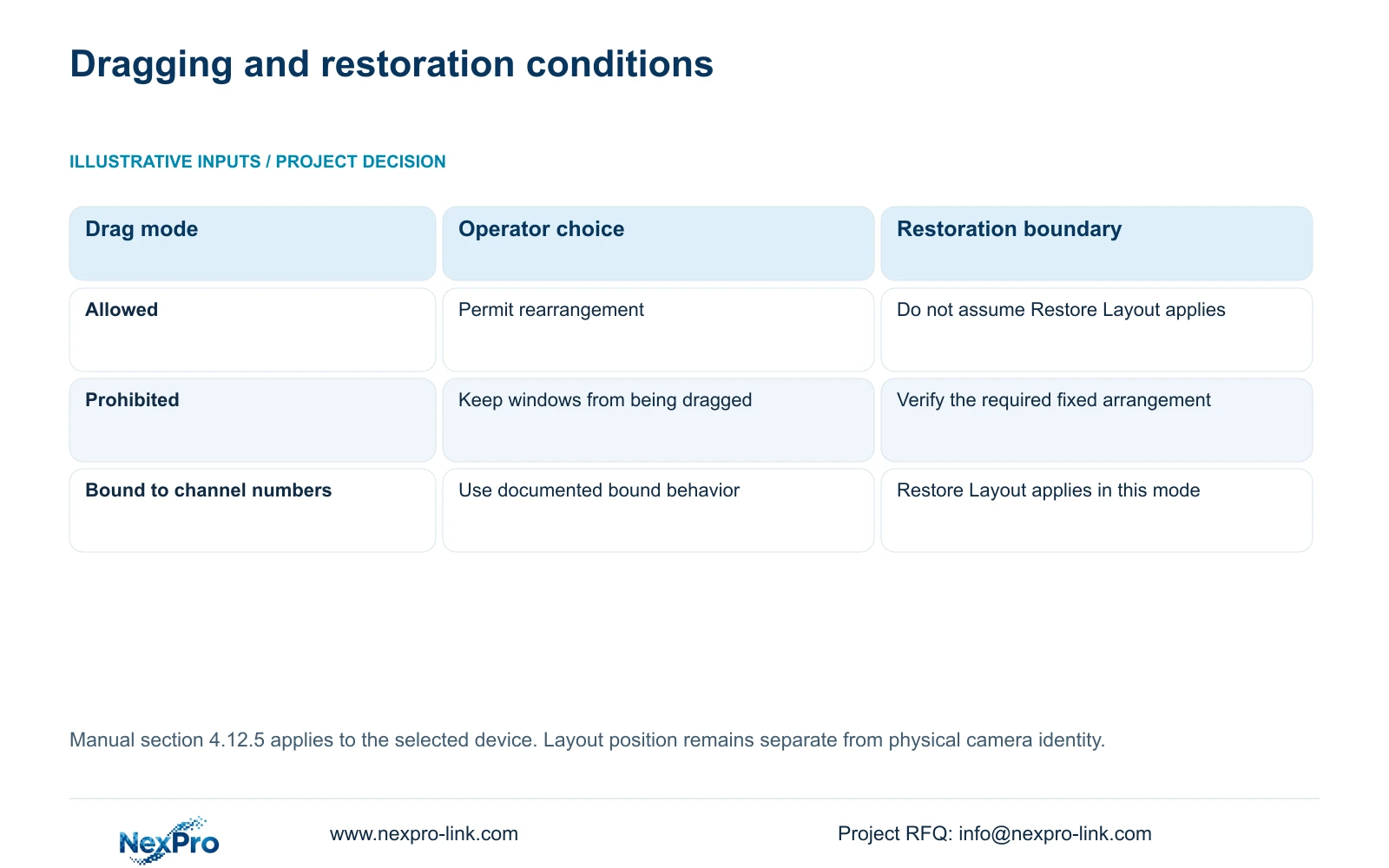
Section 4.12.5 distinguishes allowed dragging, prohibited dragging and dragging bound to channel numbers. Restore Layout applies only to the bound mode in this manual. Choose according to how the duty team uses the display and how the owner expects the layout to be maintained.
Test the chosen behavior with the operator. Move a permitted window, identify its source again, and check restoration only where the documented mode supports it. If free rearrangement remains useful, teach staff to report the channel and location name alongside the window position. If the owner requires a stable viewing arrangement, document that requirement and verify the selected control.
| Observed condition | Meaning | Next action |
|---|---|---|
| Window moved; camera assignment unchanged | The viewing position is no longer a durable reference | Use channel and location name for retrieval |
| Alias changed; physical camera unchanged | The label revision needs documenting | Update the alias record and retain the earlier name |
| Physical camera replaced | The source identity changed | Record the replacement and its assignment period |
| Restore Layout unavailable outside bound mode | Restoration has a documented mode condition | Check drag mode before relying on restoration |
Section 05
Search the mapped channel and the intended recording type
Playback defaults to the preview-selected channel in the documented workflow. After a layout change, explicitly select the channel established by the mapping. Then set the date, time and recording-type filter. The available types include ordinary, alarm and motion recordings.
An orange date indicates that recordings exist for that date; grey indicates no recordings in the documented search context. Orange does not establish complete coverage throughout the day. If the expected sequence is absent, check channel identity first, then the date and filter. Change one search condition at a time so the result explains which condition excluded the footage. Escalate a remaining gap with the exact query and observed result.
| Situation | Required record | Decision boundary |
|---|---|---|
| Camera moved after incident | Historical scene/location mapping | Use the mapping valid at recording time |
| Current label differs | Old and new identity records | Preserve both, not only the current nickname |
| Historical identity missing | Unverified attribution | Report uncertainty instead of naming a location |
Section 06
Confirm the snapshot's channel, type and period
Image Management distinguishes manual, alarm and playback snapshots. Its defaults can point to the first channel and the recorder's current date range. Set the required type, mapped channel and incident period before searching. A missing result under the defaults does not establish that the capture failed.
These snapshots belong to the NVR disk workflow. The Seetong PC Picture directory is a different storage location. When an image is found, compare its source and visible scene with the incident record before export. If the image shows another location, resolve that discrepancy rather than correcting only the exported filename.
Section 07
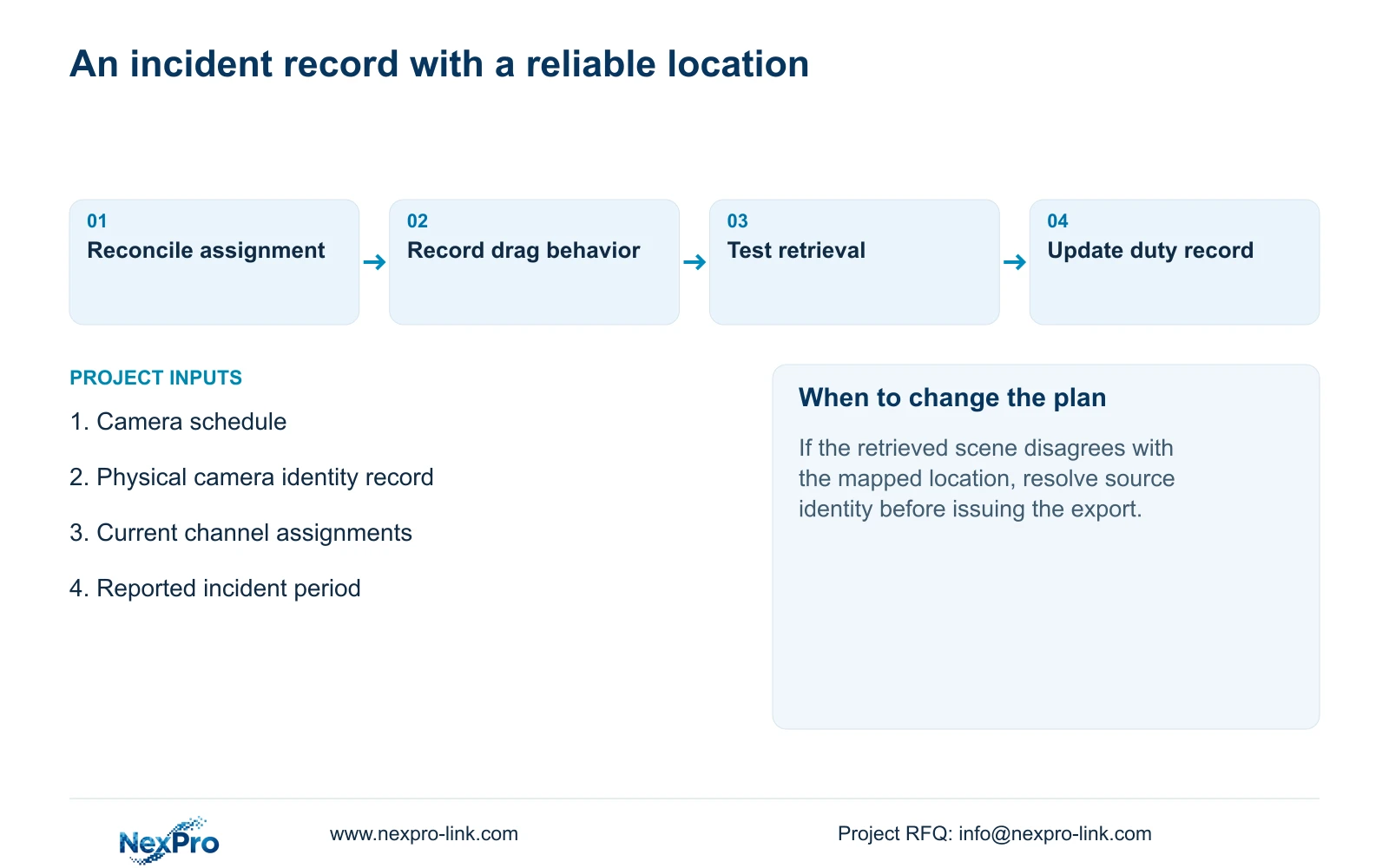
Update the duty record and demonstrate retrieval
Illustrative project scenario: A front desk describes an event as "the top-right camera," but the saved layout has changed. The engineer asks which location the operator intended, reconciles it with the camera schedule, and searches that mapped channel. The image and recording period are checked before the event is attributed to the location.
Update the duty record with the accepted channel names, layout behavior and relevant assignment changes. Keep the applicable device versions, configuration-backup location and support responsibilities together. Transfer credentials through a controlled route. Ask the operator to identify a location, retrieve its period and produce a playable export. Document delivery and successful operation as separate acceptance items.
Section 08
Can the owner identify incidents by window position alone?
That is unreliable where windows can move. Use the mapped location and channel, then verify the retrieved image. Window position can remain a supplementary viewing reference.
Section 09
Source scope and the next input
This guide uses NVR4.0 user manual CH_V2.4.doc, whose body is marked V2.2, sections 4.3.1, 4.4.4, 4.9.1 to 4.9.3, 4.11, 4.12.5 and 4.12.6. Handover guidance also draws on sections 4.12.3 and 4.12.17 to 4.12.19. Section references take priority over page numbers; verify applicability to the actual model and firmware.
Send NexPro-Link the redacted camera-to-channel record with the disputed location marked at info@nexpro-link.com.
Engineering references
These sources support the general planning principles. Always use the selected product's current datasheet and applicable project standards for final design.


