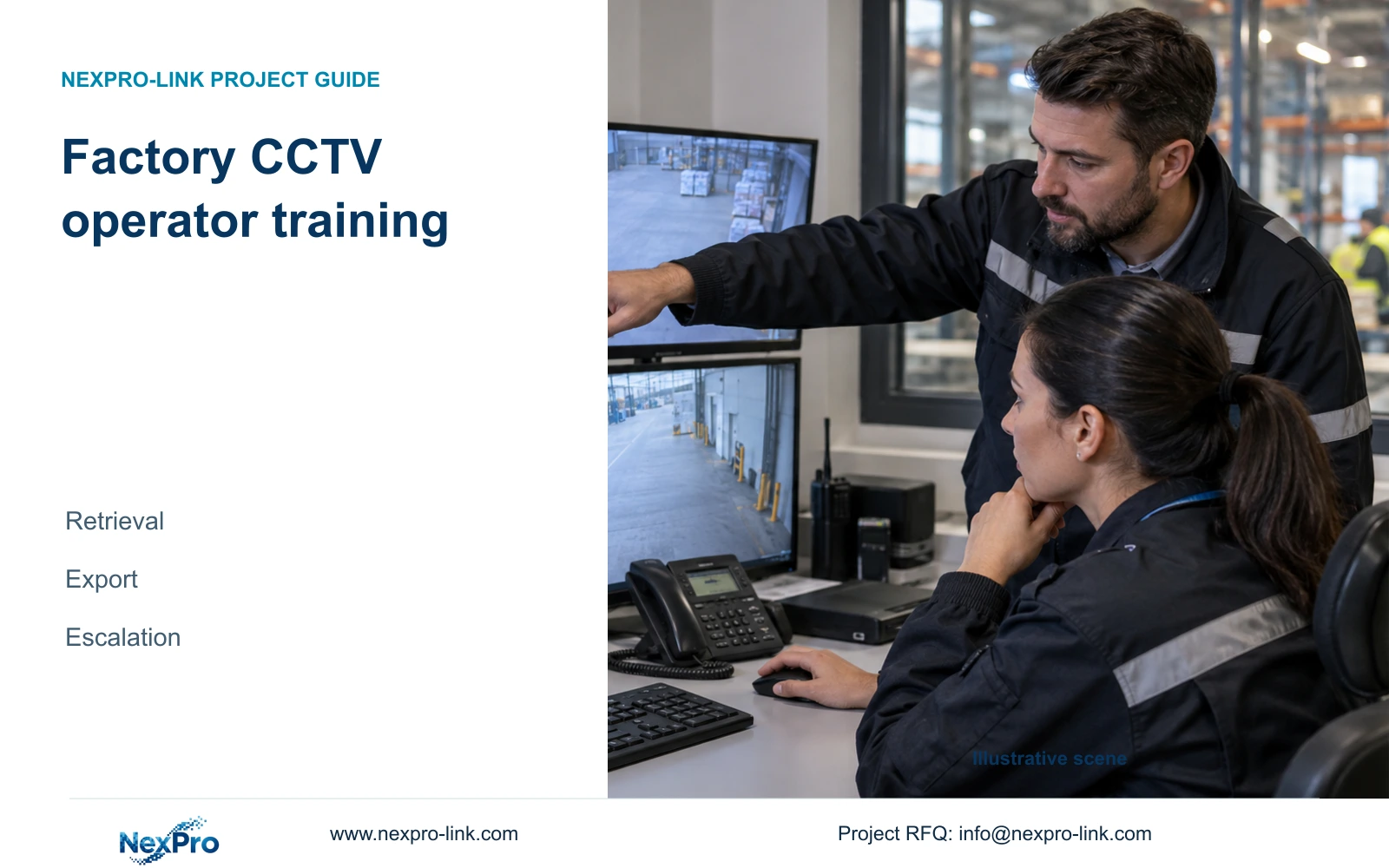
Factory CCTV operator training should demonstrate that authorised staff can find a dispatch event, export a usable clip and report faults with enough detail for support.
Section 01
Define what each operator must demonstrate
Factory CCTV operator training should end with staff demonstrating retrieval, export and escalation using their own authorised accounts. Give each role a practical task and an observable completion condition. A guard might locate the relevant dispatch sequence; a supervisor might approve and verify an export; a maintenance contact might investigate a recording fault. Attendance records remain useful, but they do not show whether these tasks can be completed without the trainer taking over.
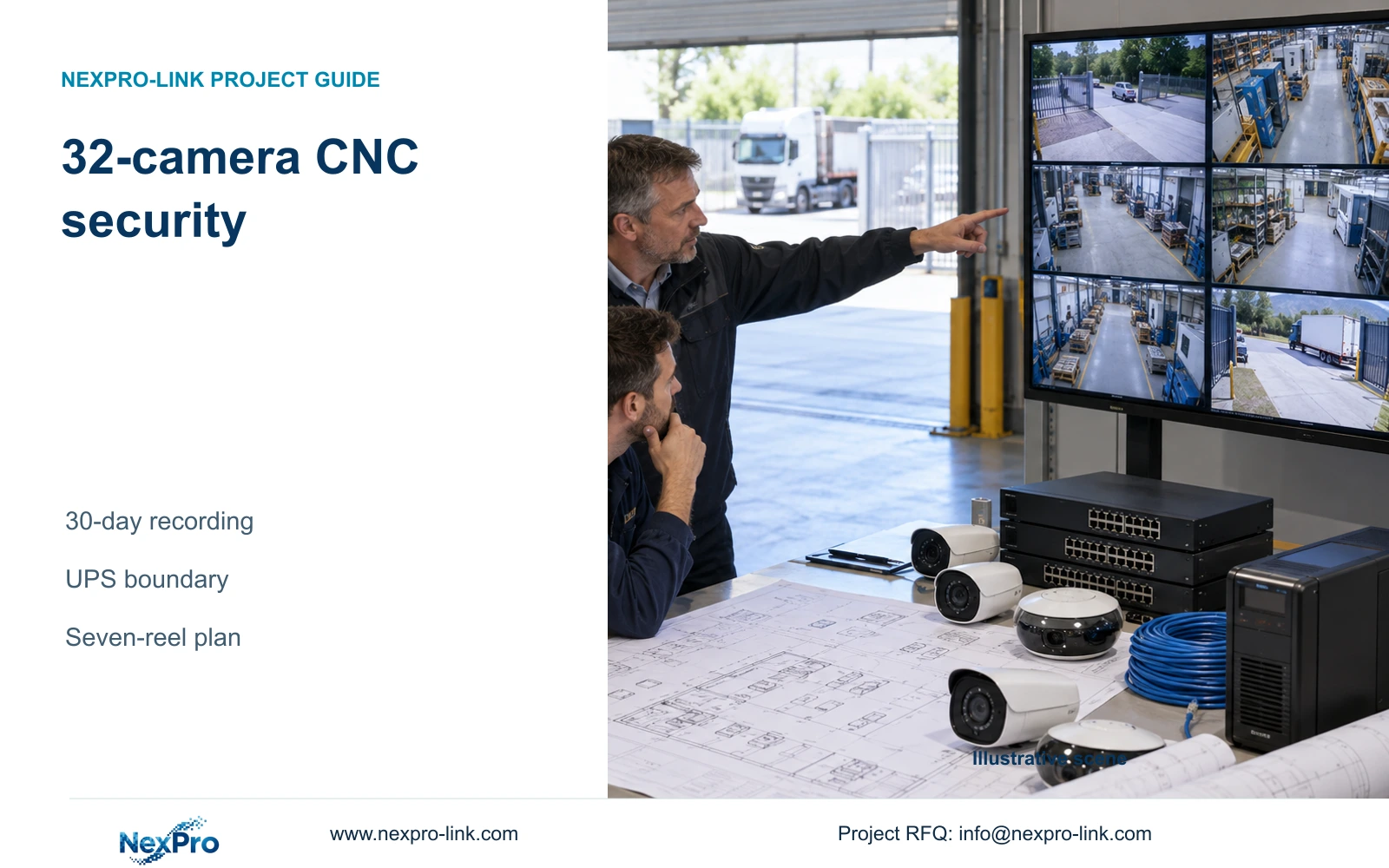
Illustrative project scenario: Guards can view live images but need to find and export a past dispatch event. Use the supplied 32-camera CNC factory reference as the planning background, including six dispatch views and separate gate, store and common-route groups. Assume the owner appoints a shift supervisor to approve releases. These are training assumptions, not a report of a delivered installation or demonstrated operator performance.
Before booking the session, the project manager should identify who searches, who releases footage and who receives fault reports. Separate operating tasks from administrator changes such as storage initialization, firmware updates and account management. Otherwise, a training exercise can grant unnecessary privileges or leave guards unable to perform the one task the owner expects during an incident.
Section 02
Build the exercise around a known dispatch event
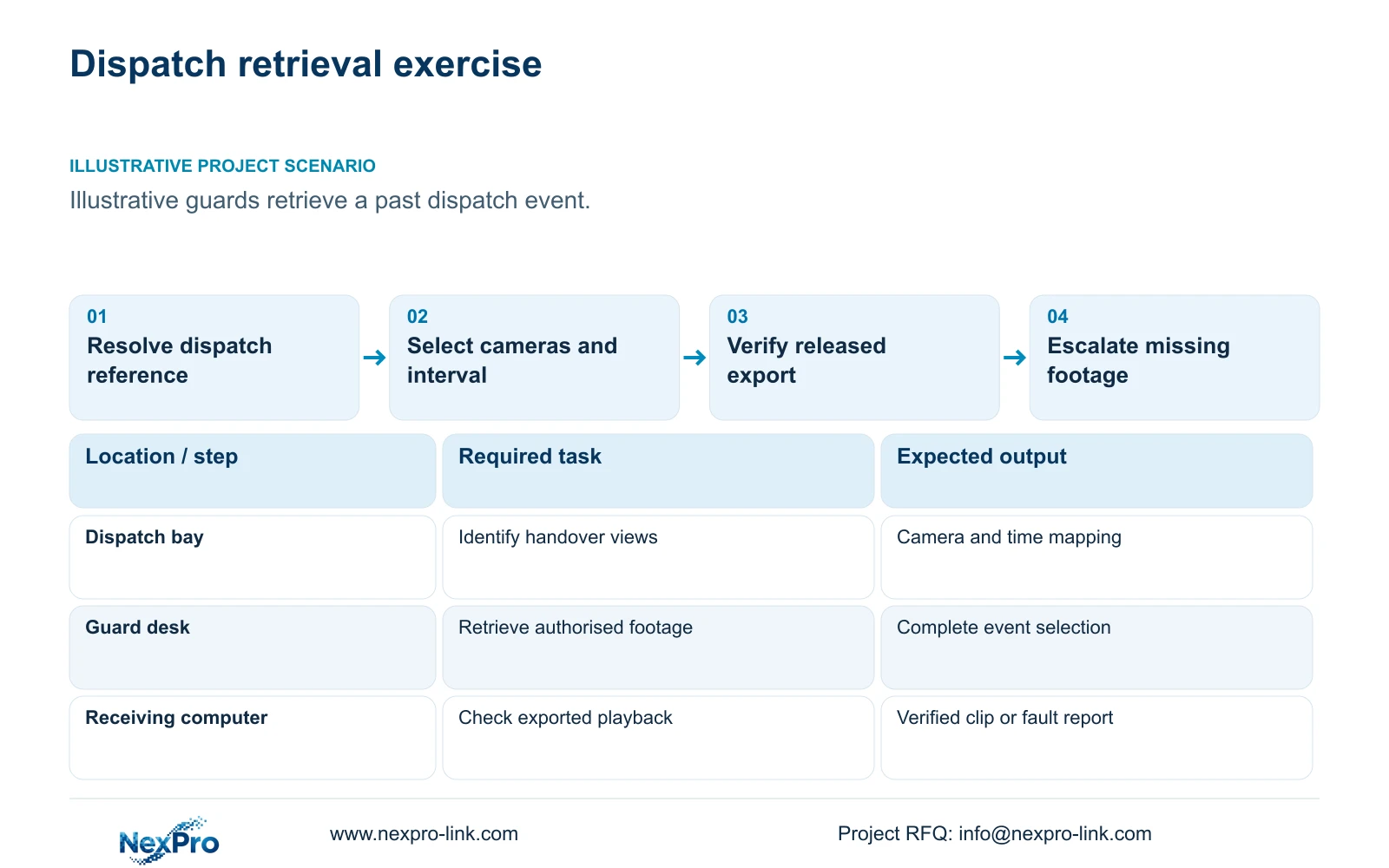
Choose an authorised practice event with a known dispatch reference, approximate time and confirmed camera locations. A planned carton handover is suitable if the owner permits it and the exercise avoids unnecessary personal or confidential material. The trainer should first confirm that the event was recorded and identify its beginning, transfer point and departure. This establishes an answer against which the operator's selection can be checked.
Give trainees the information they would normally receive from operations, rather than the exact camera and timestamp used by the trainer. Ask them to resolve the dispatch reference against the camera schedule, check the recorder's time basis and explain their chosen interval. If vehicle movement or another obstruction hides the transfer, the exercise should require a second view. A narrow clip is useful only when it still explains the event.
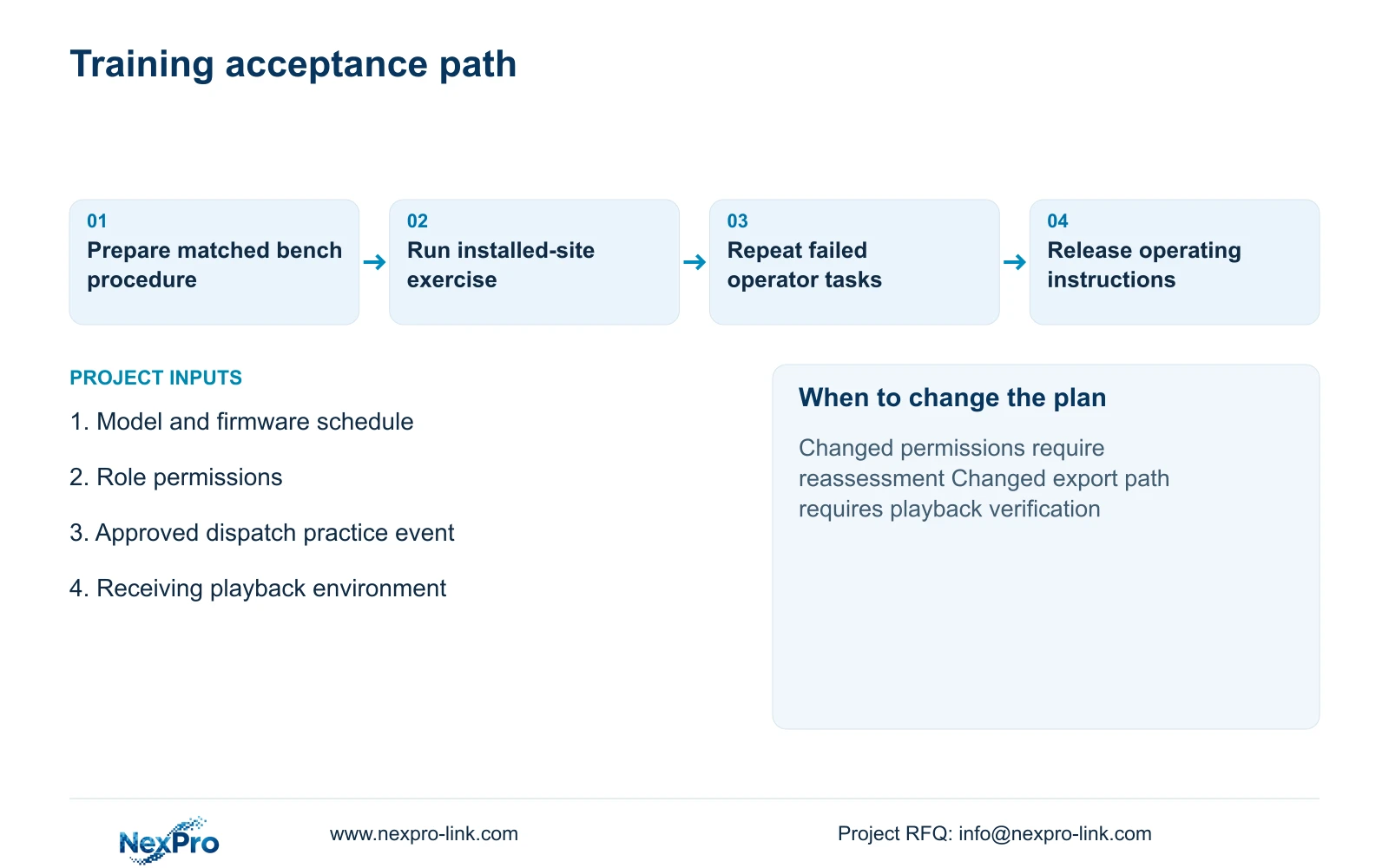
Factory bench preparation can establish a provisional playback and export procedure on the scheduled recorder and firmware. Site training must use installed camera names, actual accounts and the intended viewing device. Record the sample or batch identity and permitted test conditions for both stages. A bench demonstration cannot confirm the final loading-bay view, installed network path or production-shift recording.
Section 03
Make permissions and escalation part of the exercise
Test access with the account assigned to the trainee, not a shared administrator login. Confirm which camera groups the account can search, whether export is allowed and where released files may be stored. An operator who finds the event but cannot complete an authorised export has exposed either a permission mismatch or an incomplete responsibility assignment. Resolve that distinction before changing hardware or expanding privileges.
Include a fault-reporting exercise using a prepared example or an approved test condition. The report should identify the camera tag, affected time interval, observed symptom and whether live view, playback or export is affected. Teach operators to preserve what remains available and contact the designated support person. They should not format a disk, reset a recorder or alter recording settings merely because an expected clip is missing.
The owner should name the release approver and escalation recipient; the local integrator should resolve installed configuration and connection faults; the equipment supplier should receive model and firmware details when product support is needed. Keep a failed exercise open until the responsible party supplies a correction and the operator repeats the affected task. NexPro-Link's BOQ and technical-document support can help align equipment identity with this record without assuming responsibility for every site interface.
Section 04
Compare export selections without trimming necessary context
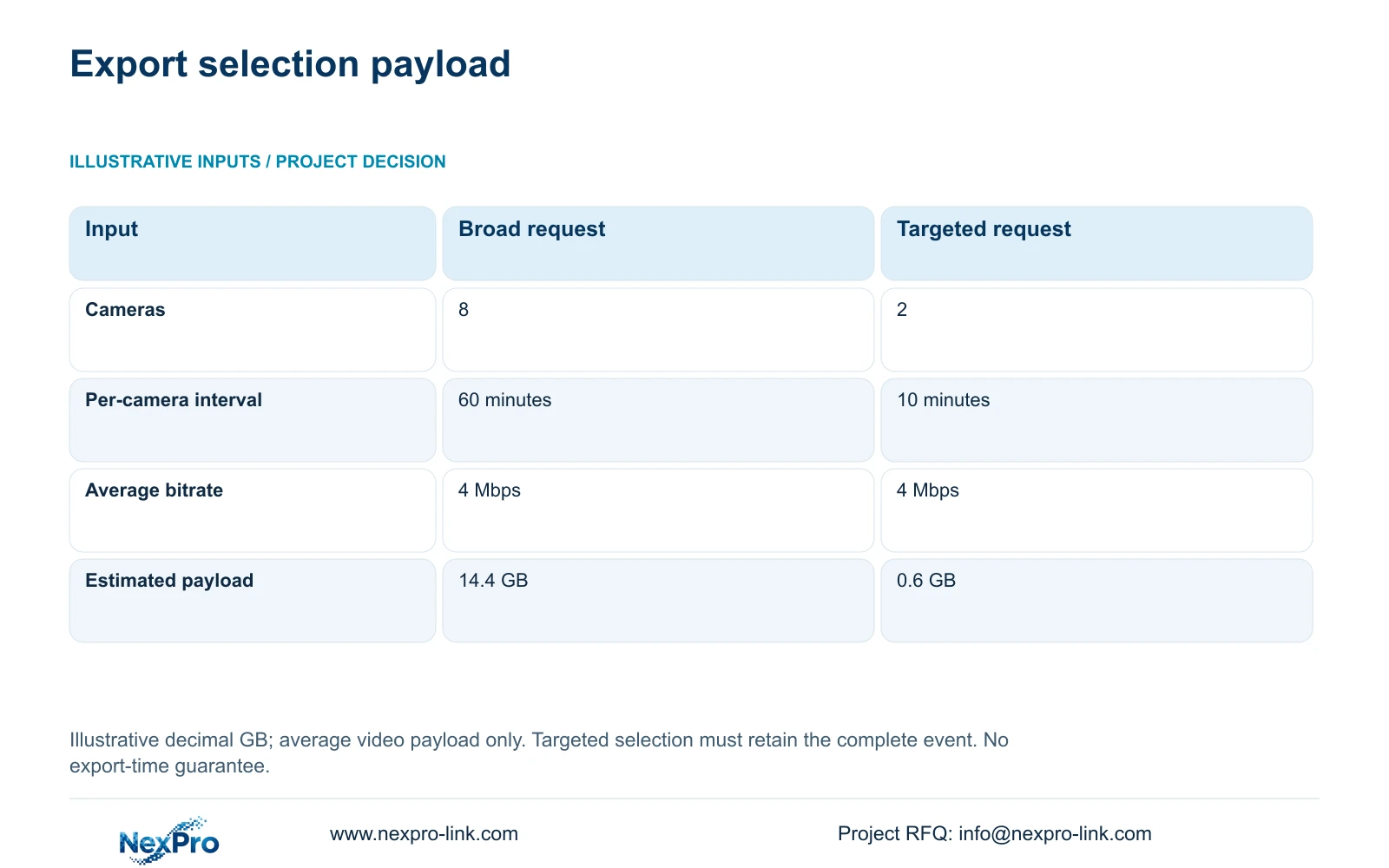
Use the supplied illustrative calculation to show why camera and time selection deserve practice. Option A selects eight cameras for 60 minutes each at an assumed average 4 Mbps. Option B selects two relevant cameras for ten minutes each at the same bitrate. In decimal units, GB = cameras × Mbps × seconds / 8 / 1000. Option A therefore gives 8 × 4 × 3600 / 8 / 1000 = 14.4 GB; Option B gives 2 × 4 × 600 / 8 / 1000 = 0.6 GB.
The decisive difference is the amount of selected material. The targeted request reduces unrelated camera-time coverage while retaining the required event only if the approved mapping is correct. For a dispatch exercise, trainees should explain why the selected views and interval cover the handover and departure. Where the time reference is uncertain or the route crosses additional views, retain a broader selection until the uncertainty is resolved.
These figures estimate average video payload, not final file size or export duration. Actual bitrate, audio, packaging and export format can change the result. In CASE01, the separate full-system planning basis is 32 cameras recording continuously for 30 days at 4 Mbps average. That retention calculation describes recording provision; it does not determine how much footage an operator should release for one request.
| Selection input | Option A: broad | Option B: targeted |
|---|---|---|
| Cameras selected | 8 | 2 relevant cameras |
| Minutes per camera | 60 minutes | 10 minutes |
| Assumed average bitrate | 4 Mbps | 4 Mbps |
| Estimated video payload | 14.4 GB | 0.6 GB |
Section 05
Accept independent performance on the intended workflow
Recommend a task-based session followed by an independent repeat exercise. The operator should locate the correct event, justify the selection, complete the permitted export and open it on the intended receiving computer. Verification should cover camera identity, recorded time, event continuity and any required playback software. A file appearing on removable media is an intermediate step, not the completion criterion.
Choose local playback and export as the baseline when those tasks meet the owner's need. Add remote-client training when authorised staff genuinely need to retrieve footage from another location. NexPro-Link's Seetong system page provides APP and PC-client context, but a local recorder demonstration does not establish an identical remote workflow. Test the actual client, account, connection and export path before including that route in the accepted training scope.
Change the exercise when firmware, camera names, permissions or the receiving environment changes materially. Compare supplier proposals on these same tasks and include preparation, site attendance, repeat testing and operator documents as distinct service lines. A new display wall adds little to retrieval training unless the owner has a defined simultaneous-viewing task. Preserve the ordinary retrieval screen where it already supports the agreed workflow.
Section 06
Deliver instructions that remain usable after the trainer leaves
Prepare a short operating pack tied to the installed configuration. Include the camera-location index, search procedure, export verification steps, release approval route and fault-report template. Keep administrator recovery details in a restricted maintenance record. Public training sheets and project labels should never expose passwords or temporary test credentials.
Record each trainee's role, exercise result and unresolved assistance needed. If an operator succeeds only with prompts, arrange a repeat on that task rather than repeating the entire menu presentation. Provide a shift-accessible copy of the instructions and identify who updates it after configuration changes. The handover record should distinguish a completed bench procedure, a completed site demonstration and an outstanding operating task.
For procurement, align the sample or batch schedule with the training date so the demonstrated model and firmware match the delivery. NexPro-Link can discuss equipment matching and relevant project documentation within its factory-project supply scope. The local installer confirms the installed workflow, while the owner approves access and footage-release responsibilities. This split gives the project manager a clear route for closing defects without treating an equipment shipment as completed operator training.
Section 07
Buyer questions
Should every shift attend the same training session? Use the same task criteria across shifts, but schedule access around staffing and operating conditions. Each shift needs authorised people who can demonstrate the required workflow. A supervisor's attendance does not establish that other shift operators can retrieve or release footage.
What if the export opens on the recorder but not on the recipient's computer? Record the export format, receiving environment and any required player, then repeat verification on the agreed destination. Treat this as an unresolved delivery workflow. Do not claim the clip is ready for use solely because playback works on the originating equipment.
Can training use footage from a different factory? Authorised demonstration footage can teach preliminary menu navigation. Final assessment should use the project's camera names, time references, permissions and receiving path. Different footage cannot verify that operators understand the installed site's dispatch routes.
Section 08
Scope a dispatch-retrieval training package
Send your recorder and firmware schedule, operator-role permissions, permitted practice-event conditions and retrieval/export acceptance tasks to info@nexpro-link.com to discuss the bench preparation, site exercise and operating-document scope.
Engineering references
These sources support the general planning principles. Always use the selected product's current datasheet and applicable project standards for final design.