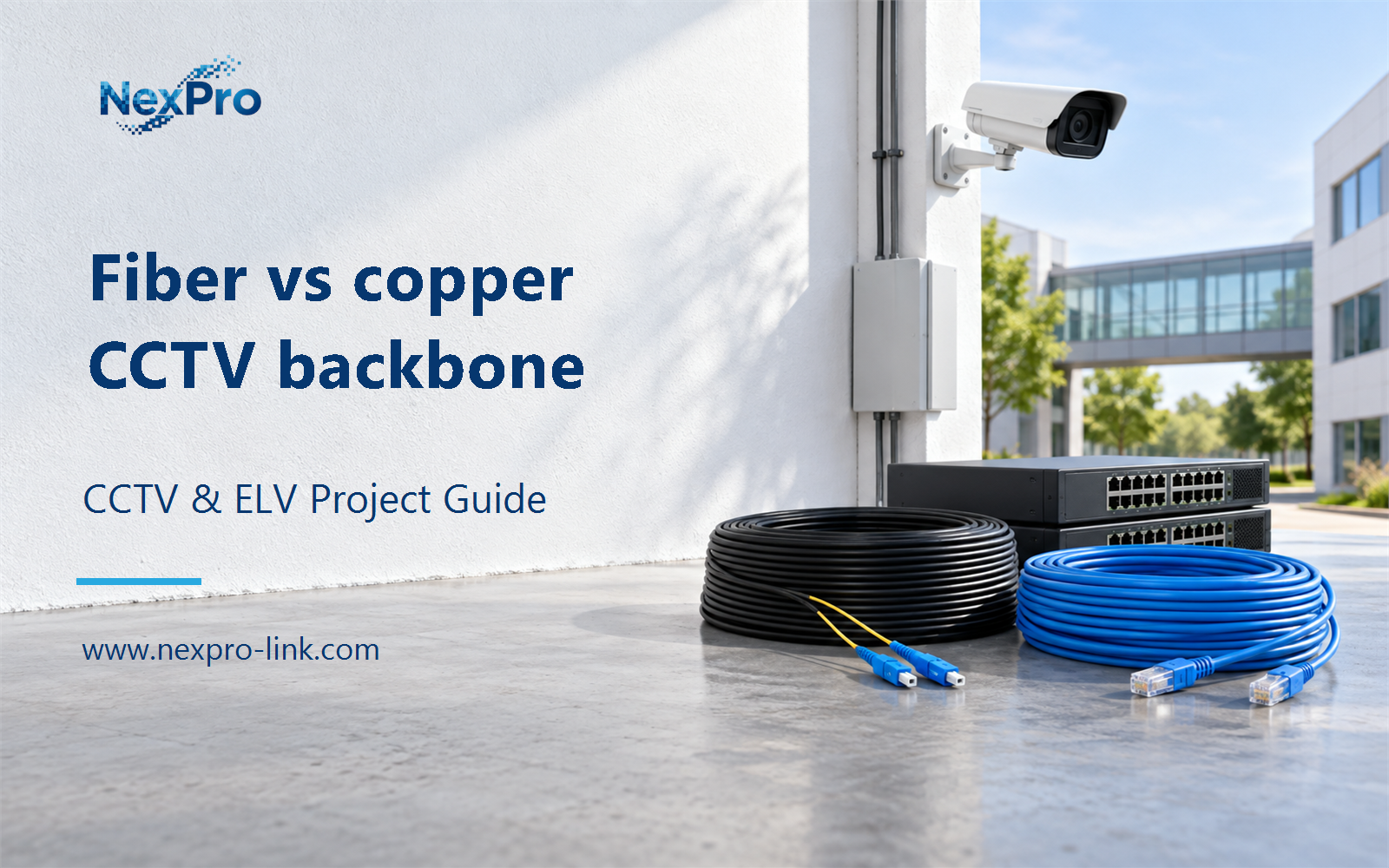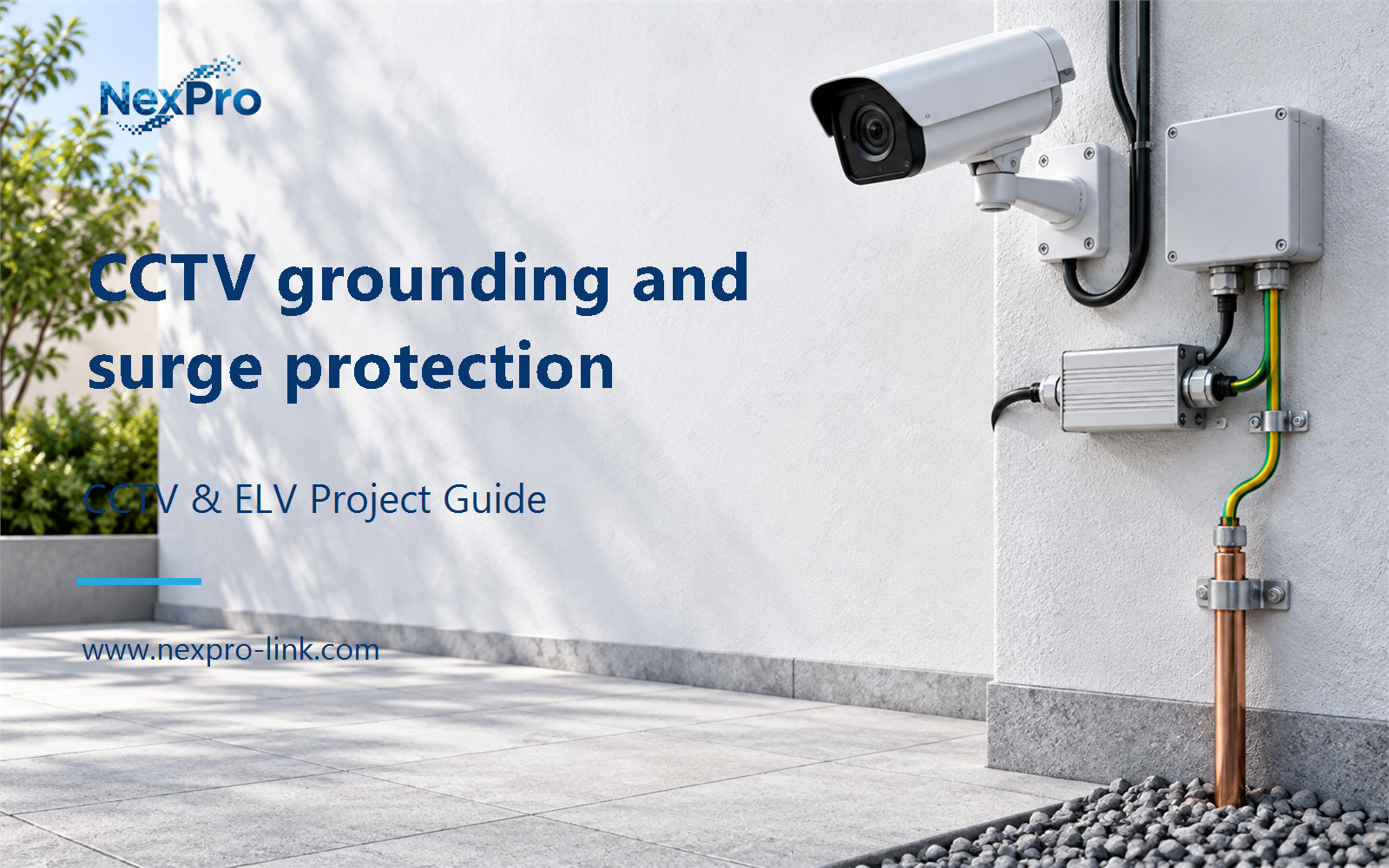
A fibre backbone can remove an electrical data path between factory buildings, but camera power and metalwork still need their own protection design. A worked cable takeoff shows where procurement must pause.
Section 01
Map electrical boundaries before selecting the backbone
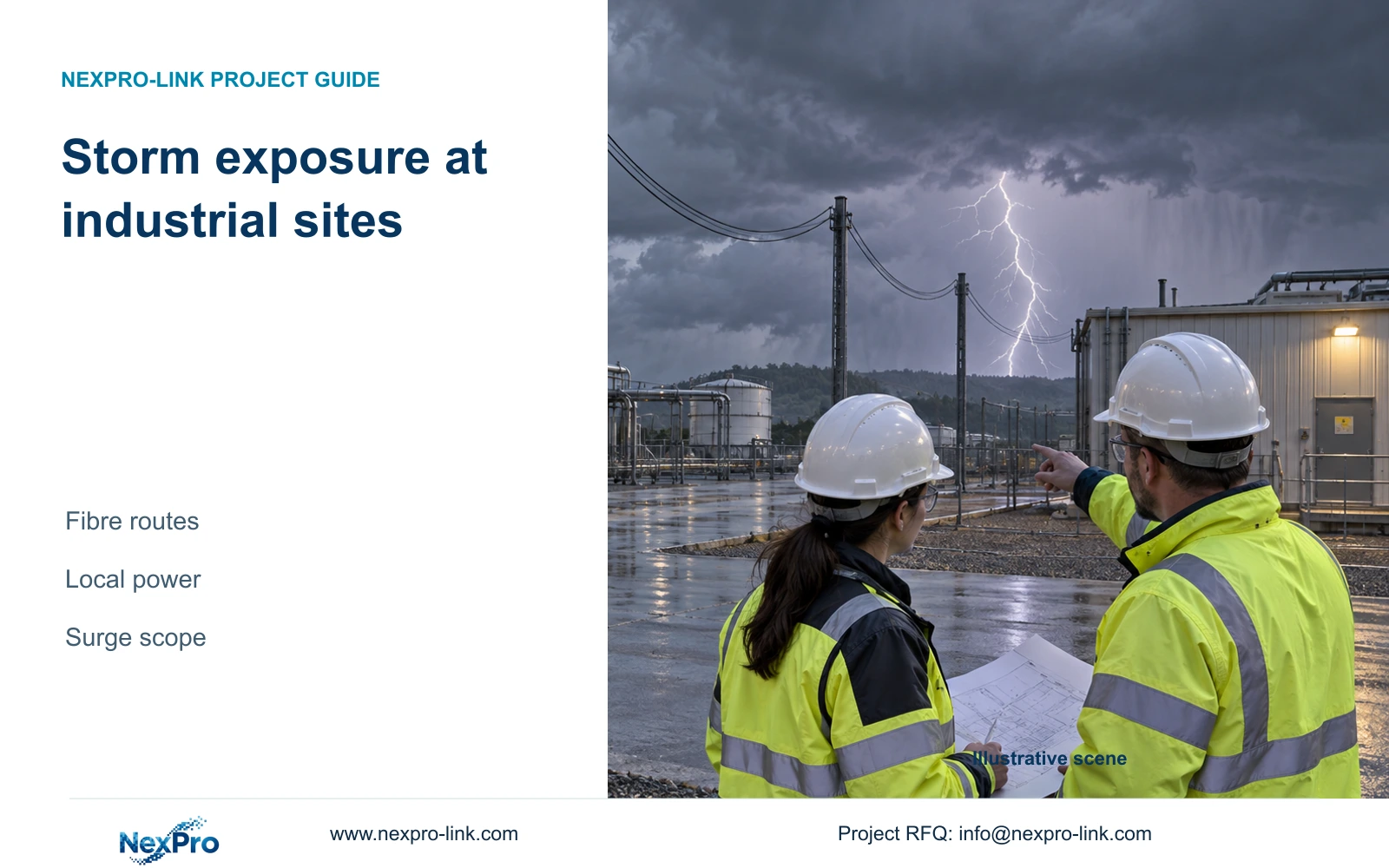
For storm exposure at industrial sites, use fibre as the preferred starting point for data links between separately powered buildings, subject to the project engineer's route and interface review. Keep suitable local copper camera connections where their lengths and installation conditions are acceptable. Fibre can remove an electrical data path; it does not resolve exposure through mains supplies, metallic cable components, poles or camera mounting arrangements.
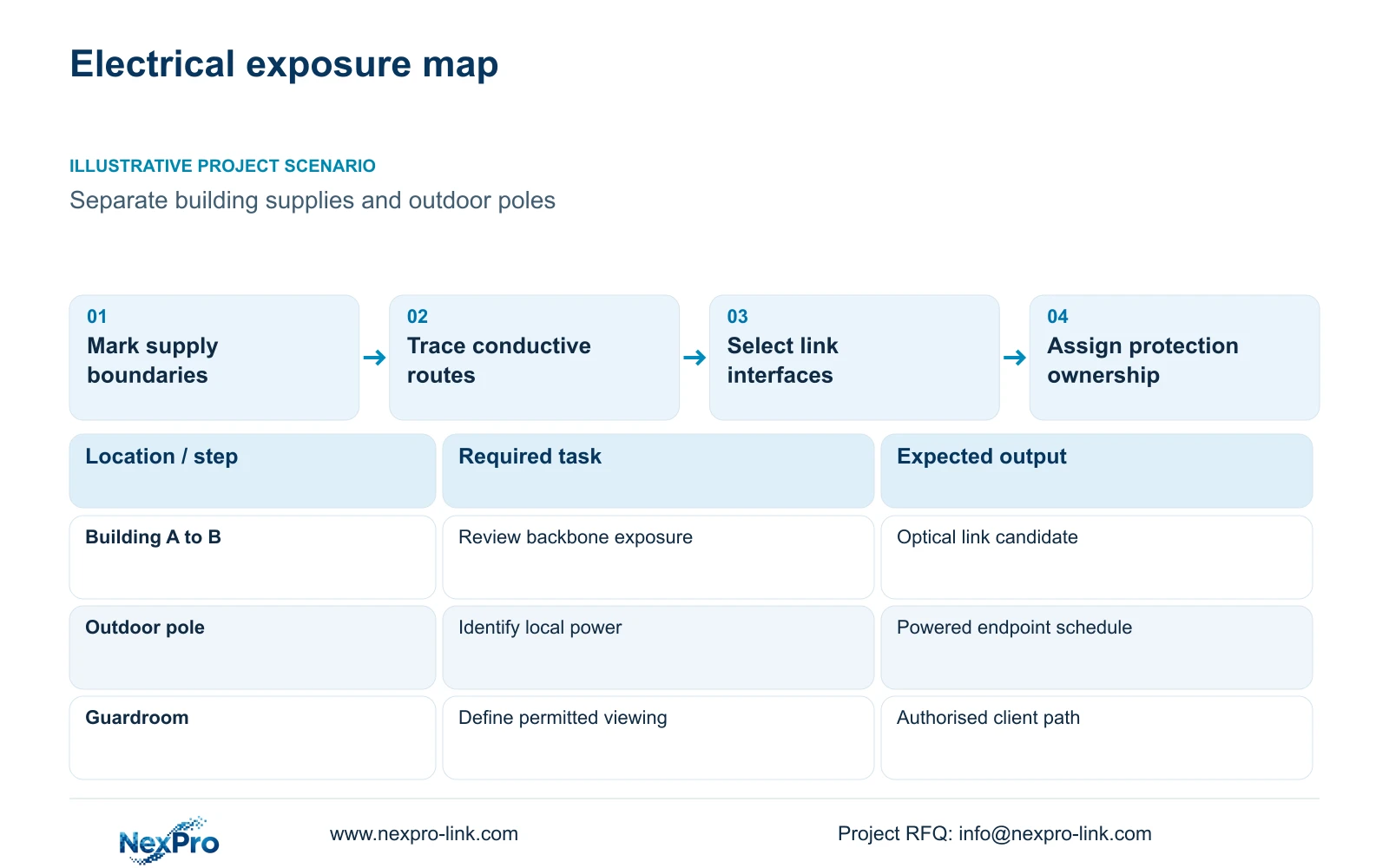
Illustrative project scenario: The planned copper backbone runs between separately powered buildings and outdoor poles. Assume the owner wants yard overview recording at each building and authorised viewing from a guardroom. The supplied CASE08 reference provides four independent 32-camera recording nodes. These are planning assumptions, not a completed installation or evidence that the proposed storm-protection design has been approved.
Mark each building supply, outdoor cabinet, pole and cable entry on one drawing. Beside each camera, state whether the task is overview, perimeter observation or a dedicated vehicle detail view. Plate recognition and barrier safety require separate equipment and responsibilities. This task map lets the quantity surveyor identify where an optical link changes equipment quantities without quietly changing the security outcome.
Section 02
Compare complete optical and copper routes
Compare alternatives between the same endpoints, following the same approved route where practical. For copper, identify the permanent link, patch cords, terminations and any proposed protection interfaces. For fibre, identify cable construction, fibre count, termination enclosures, patch leads and compatible optical interfaces. An unspecified fibre allowance is too vague for a comparable quotation.
The decisive distinction is electrical continuity along the data route. An optical connection removes the conductive data connection between its endpoints, but metallic armour or other cable components still need electrical-design review. Corning's AEN 44 (2014) describes induced voltage on metallic members of aerial fibre cables near power lines. That supports this cable-construction caution, not a current local code design. A copper proposal across separate supplies should remain conditional on the engineer's exposure and protection assessment. Neither option should be accepted from cable length alone.
At an outdoor pole, fibre also changes the power boundary. It cannot supply a PoE camera by itself. A local switch or other approved interface needs a defined supply, suitable enclosure and maintenance access. Compare those additions with a cabinet relocation or revised copper route. Include trenching, termination and testing as separate quantities so apparent cable savings do not hide additional site work.
Section 03
Give grounding and surge coordination a named owner
Assign grounding, bonding and surge coordination to the project electrical designer and local installation team. Their review should cover building supplies, pole metalwork, cabinet entries, data interfaces and the existing protection arrangement. Ask for a marked interface schedule showing which components are retained and which require new work. Verify applicable local requirements before accepting the installation detail.
For the illustrative pole connection, the CCTV supplier can identify camera and network interfaces, while the electrical designer determines the power and protection arrangement. The installer supplies the route and connection records needed for acceptance. Do not let a generic BOQ line called 'surge protection' substitute for this coordination: the buyer needs to know the protected interface, responsible party and included installation scope.
Camera environmental ratings answer a different question. The NexPro-BL2812M55-5MP-DIC-AI specification lists IP66, PoE, a 2.8–12mm motorized lens and a 5MP-family output including 2880×1620. Those fields support ordinary-area camera selection; they do not establish lightning immunity. Select the view and mounting location independently from the site's electrical protection design.
Section 04
Check every routed link before counting cable reels
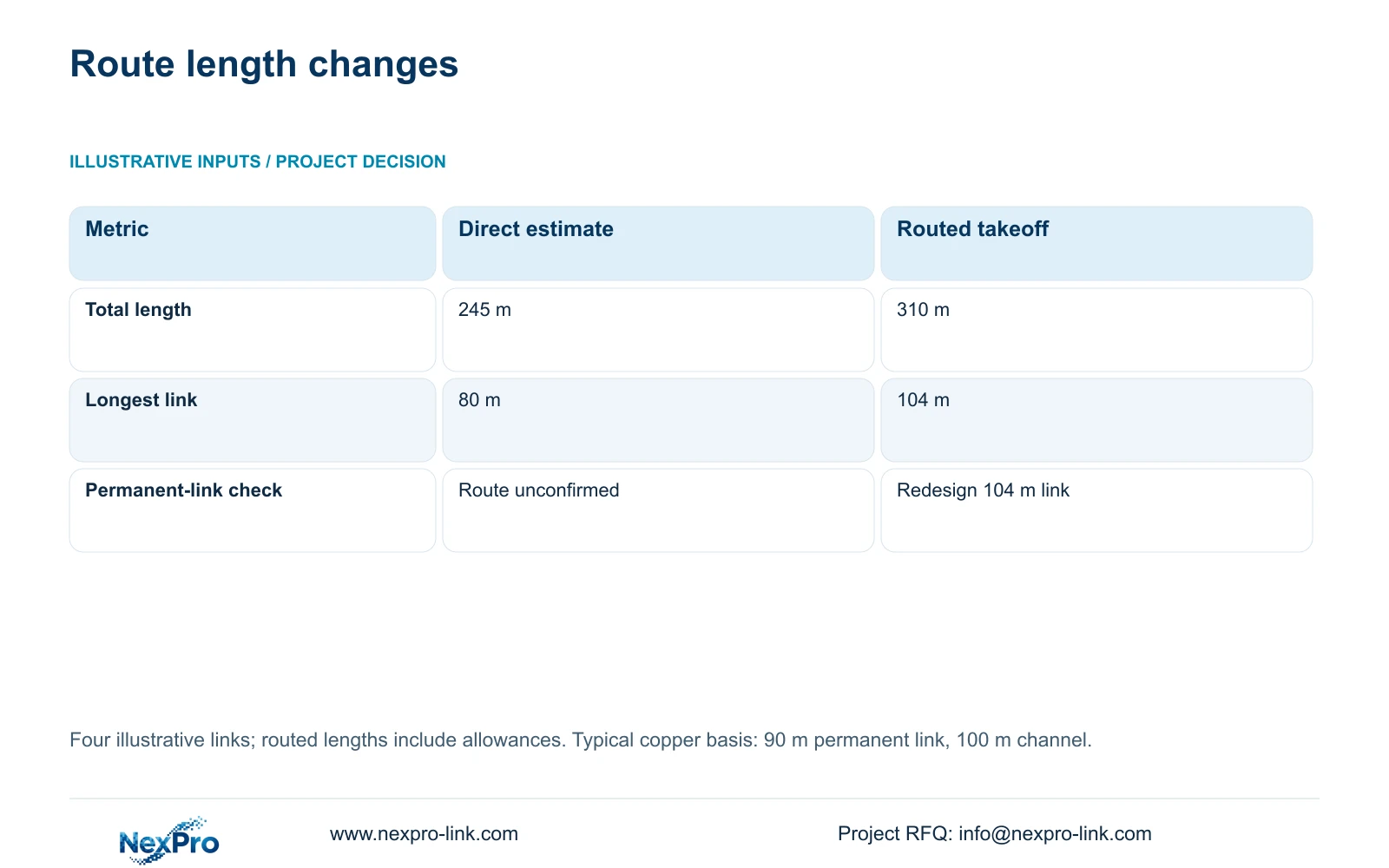
The supplied illustrative comparison contains four links. Straight-line estimates are 40, 55, 70 and 80 m. Following trays, vertical rises and installation allowances gives 52, 68, 86 and 104 m. Use total_m = sum(individual_link_lengths): the totals are 245 m and 310 m respectively. The routed takeoff adds 65 m, but its longest individual link creates the more important design decision.
Fluke Networks guidance distinguishes a typical 90 m copper permanent link from a 100 m complete channel. The 104 m planned permanent link exceeds that typical permanent-link basis before patch cords are considered. Relocate the cabinet or specify an appropriate alternative path, such as fibre with local power. Treat the 86 m route as requiring careful confirmation of its final permanent-link length and separate channel allowance.
The table compares estimating methods, not two equally buildable systems. Buying enough reels for 310 m does not make the 104 m copper link acceptable. Approve the revised route first, then prepare continuous cut lengths and a reel allocation. Keep this four-link example separate from CASE08's 128-link, 7,488 m schedule and feasible 26-reel cutting plan; they have different calculation boundaries.
| Metric | Straight-line estimate | Routed takeoff |
|---|---|---|
| Individual lengths | 40 / 55 / 70 / 80 m | 52 / 68 / 86 / 104 m |
| Total cable | 245 m | 310 m |
| Longest permanent link | 80 m estimated | 104 m planned |
| 90 m design check | Route compliance unconfirmed | 104 m link requires redesign |
Section 05
Retain local recording and protect each power node
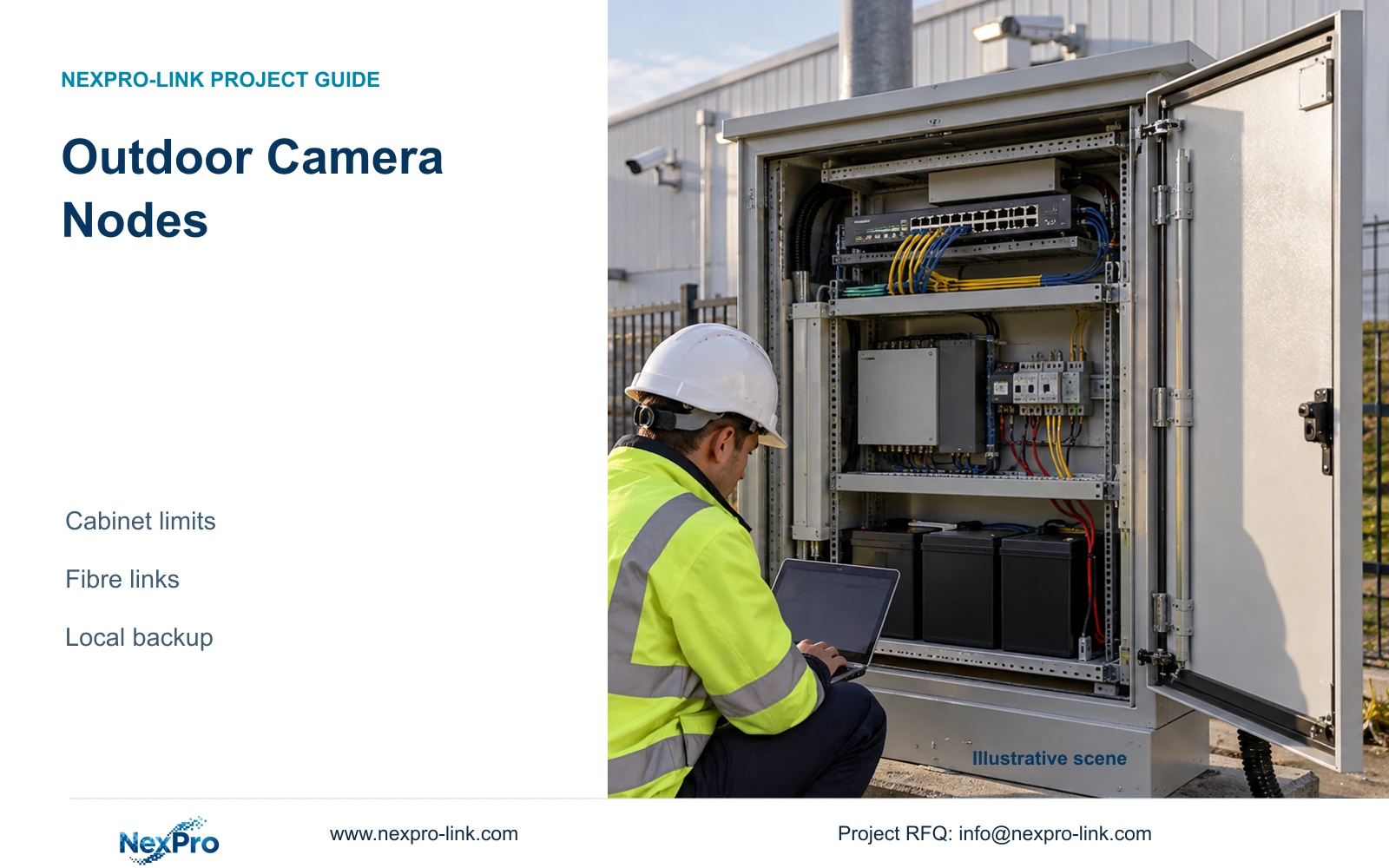
For this scenario, carry forward local recording in each building and an optical inter-building backbone. This preserves the CASE08 ownership boundaries: shared fibre does not give tenants access to one another's footage. A backbone interruption can be assessed separately from local recording, provided the cameras, switches and recorder remain connected and powered within their building node.
CASE08 assumes 32 cameras per node at an average 4 Mbps, producing 128 Mbps of local recording input. Its NexPro-NVR4449-4K candidate has a published 320 Mbps input reference, with recording modes requiring separate confirmation. The four-node sum of 512 Mbps is not automatically the traffic on every backbone link. Size each interface from the viewing, export and other streams actually crossing it.
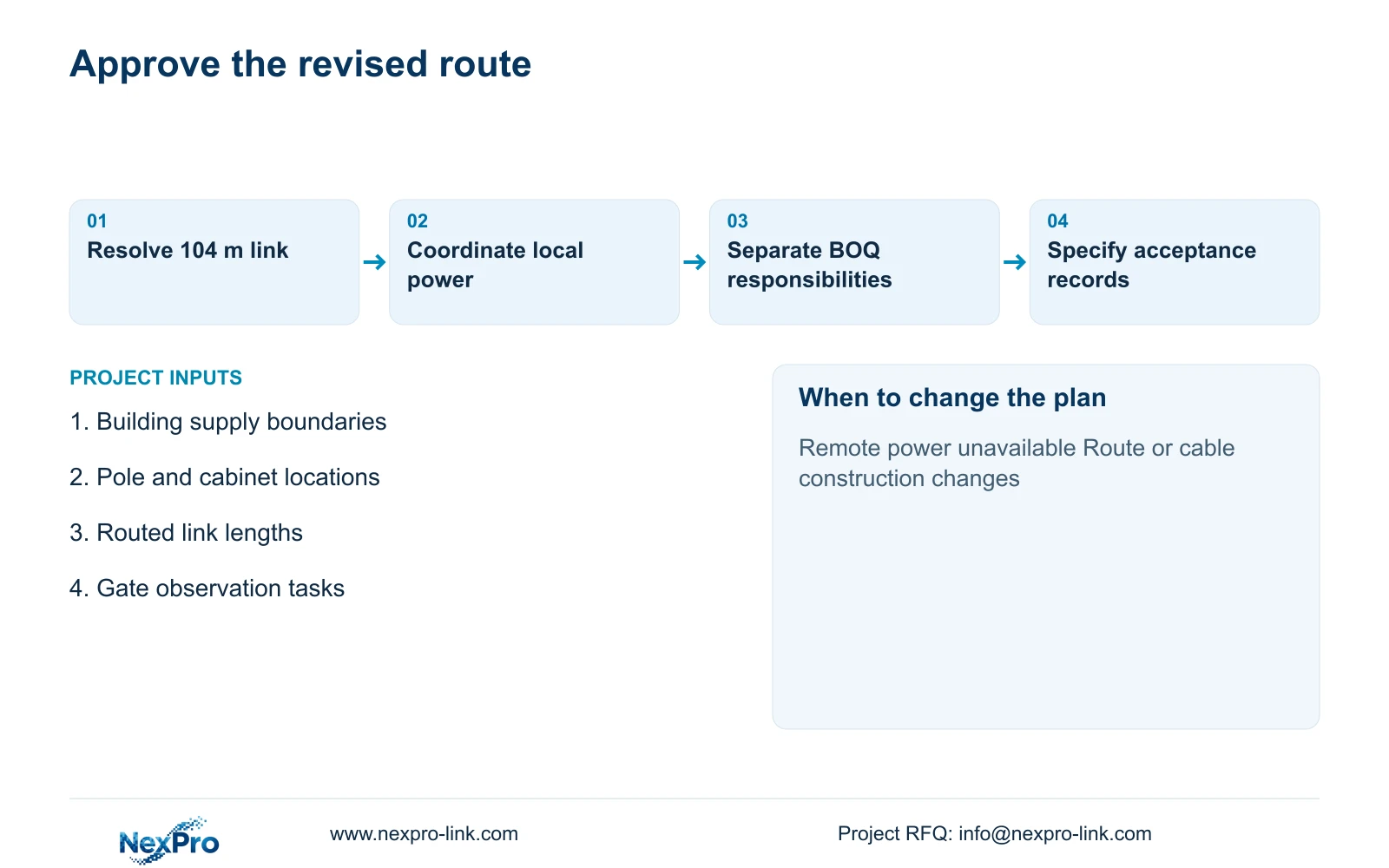
Protect remote supplies individually. CASE08's recording-priority assumptions give 682.7407 W at node 1 and 617.7407 W at each other node. SP1KR(S), rated 1kVA/900W, is a capacity reference for that example, not proof of 30-minute runtime or storm protection. Change the recommendation if suitable remote power is unavailable, the owner requires centralised recording, or specialist environmental conditions alter the approved equipment scope.
Section 06
Price the route change and its acceptance evidence
Issue the BOQ with building and pole identifiers rather than one site-wide cable total. Separate retained local copper, replacement backbone links, optical terminations, powered interfaces, cabinets and electrical protection work. For each line, identify the supply party and installation party. Record any unresolved route as a provisional quantity with an explicit approval condition.
Request evidence appropriate to each connection: copper test results for the specified link type, optical test records for the selected fibre system, and electrical completion records within the local contractor's scope. At handover, check local recording, authorised remote viewing and recovery after the agreed power interruption. An available live image alone does not demonstrate that every dependency remains protected.
NexPro-Link's factory project and BOQ support can help translate the accepted node plan into model matching, technical documents and coordinated equipment supply. Compare its offer with any alternative using identical endpoints, recording tasks, protection interfaces and local services. Obtain current quotations for price conclusions, and keep electrical design approval outside the equipment supplier's assumed responsibility.
Section 07
Buyer questions
Can existing inter-building copper remain as a fallback? Only after its route and electrical exposure are reviewed. Retaining a connected copper fallback may retain the conductive path the optical design was intended to remove. Define whether it is connected, isolated or removed, and include that state in the approved drawings.
Does an online UPS replace surge protection? Do not accept that substitution without an explicit electrical-design basis. UPS capacity and battery runtime address load continuity; the project's surge and bonding arrangement must address the relevant supplies and interfaces separately.
Should bidders quote the original 104 m copper route? They can identify it as an unresolved design item, but it should not become an unconditional procurement line. Request a priced cabinet relocation or optical alternative, including remote power and termination work, before approving materials.
Section 08
Request a route-specific equipment scope
Send your inter-building and fence route drawing, routed link lengths, building and pole power boundaries, and gate observation requirements to info@nexpro-link.com for a coordinated CCTV equipment and BOQ discussion.
Engineering references
These sources support the general planning principles. Always use the selected product's current datasheet and applicable project standards for final design.
- Corning AEN 44 Rev. 2: Grounding and Bonding of Optical Fiber Cable in Aerial Applications (2014; technical context, not current local code)
- Fluke Networks cable-testing guidance
- User BL2812M series product specification
- NexPro-NVR4449-4K
- NexPro-Link rack online UPS
- NexPro-Link Factory & Warehouse project supply
- NexPro-Link BOQ & Tender Support