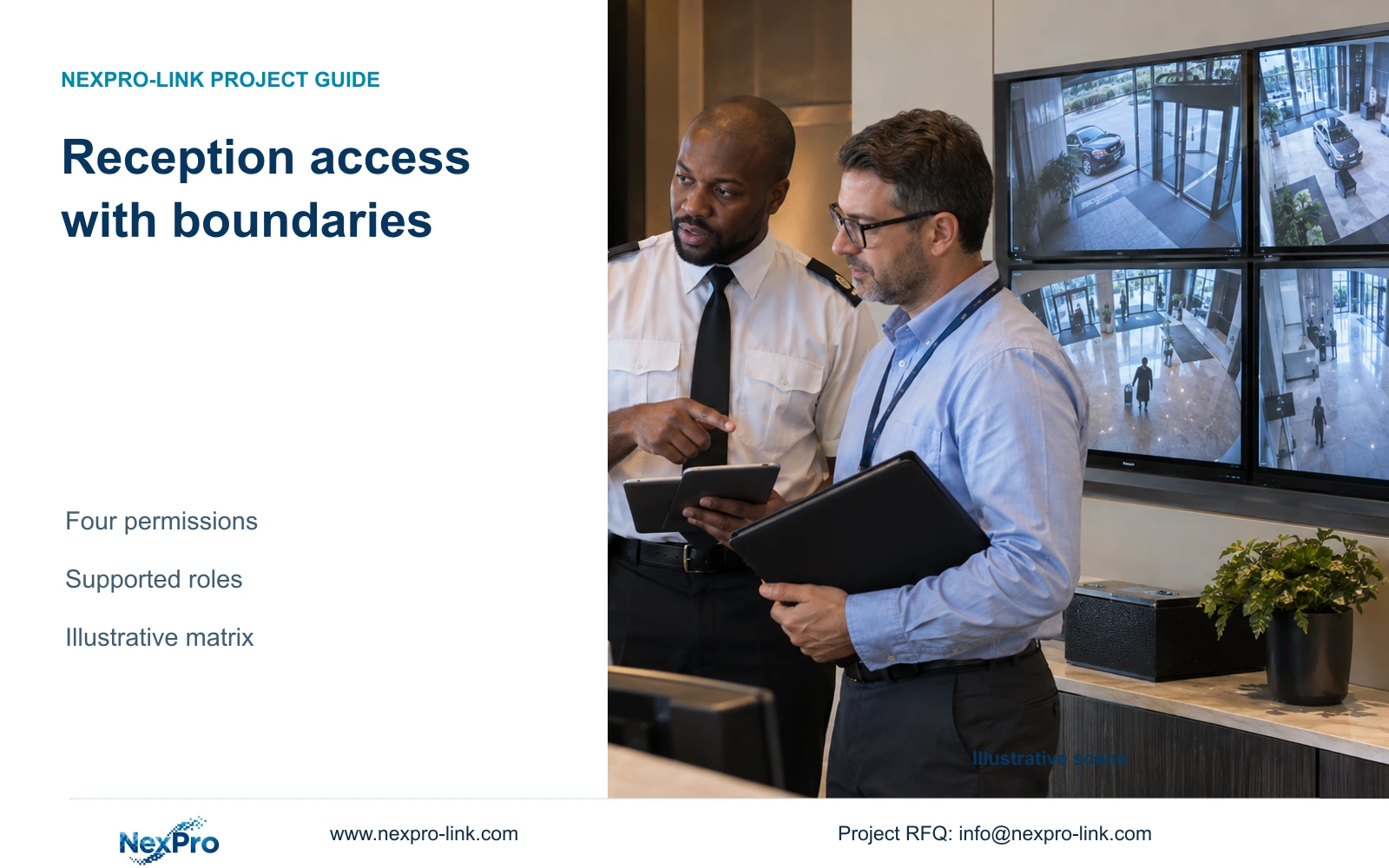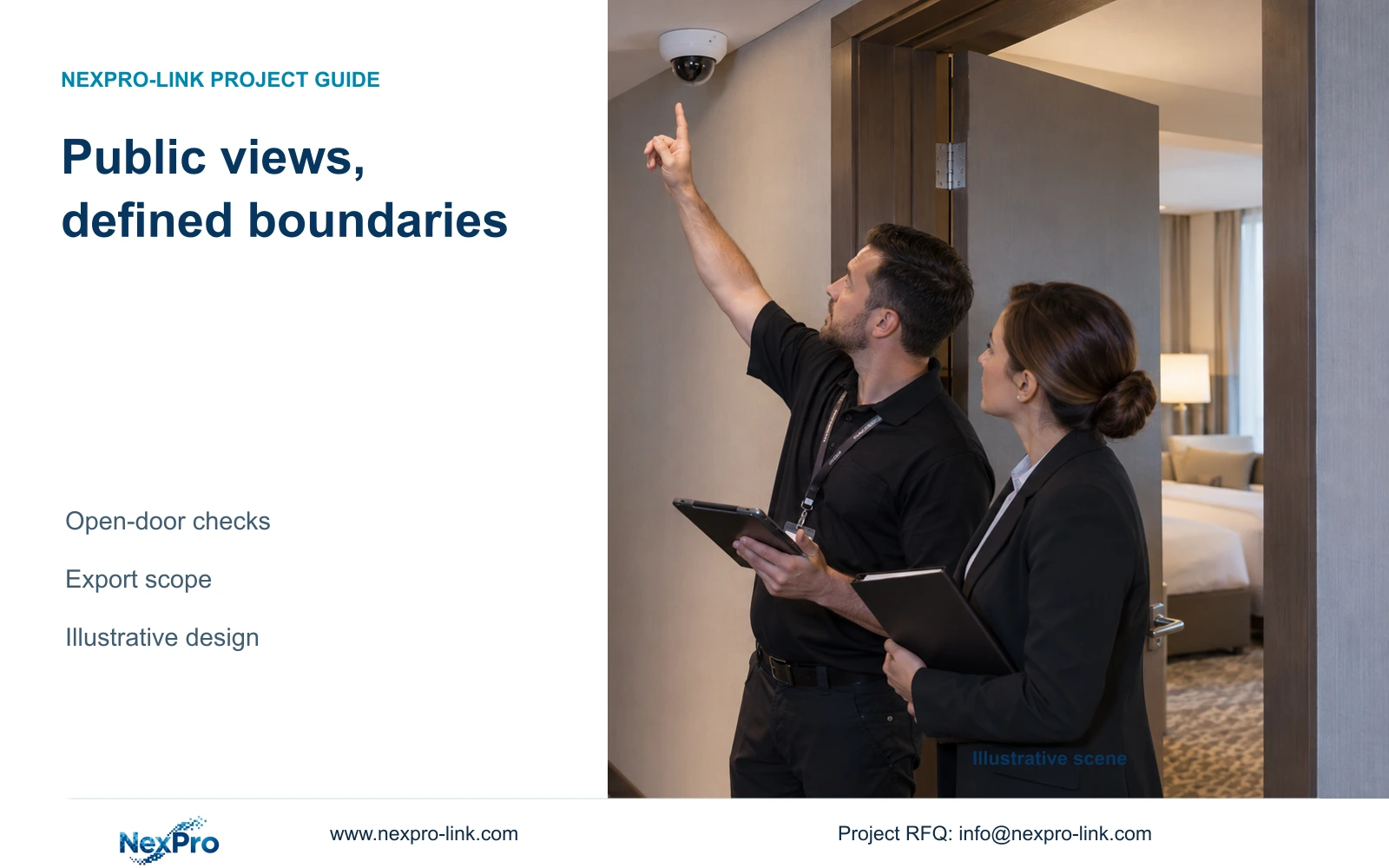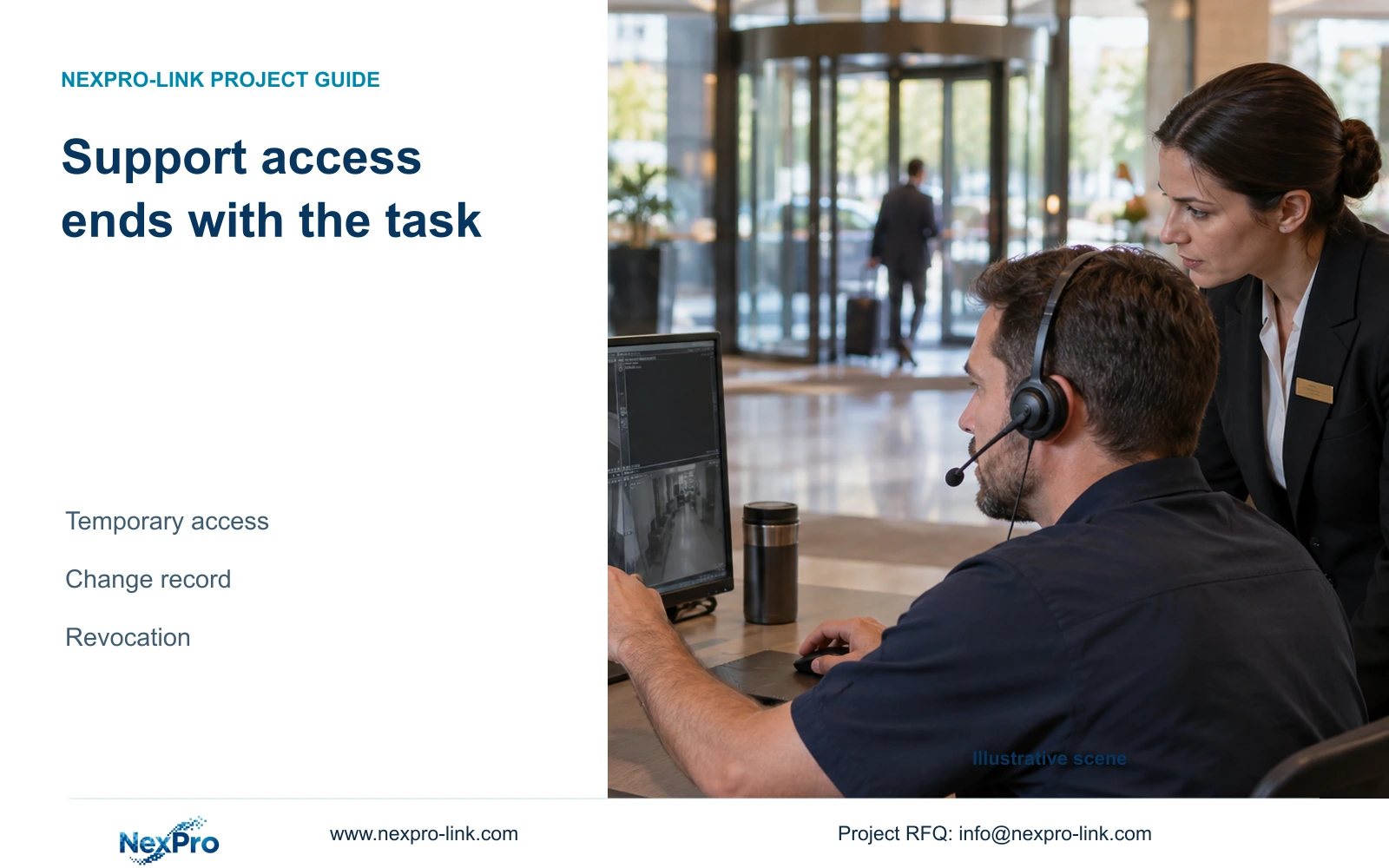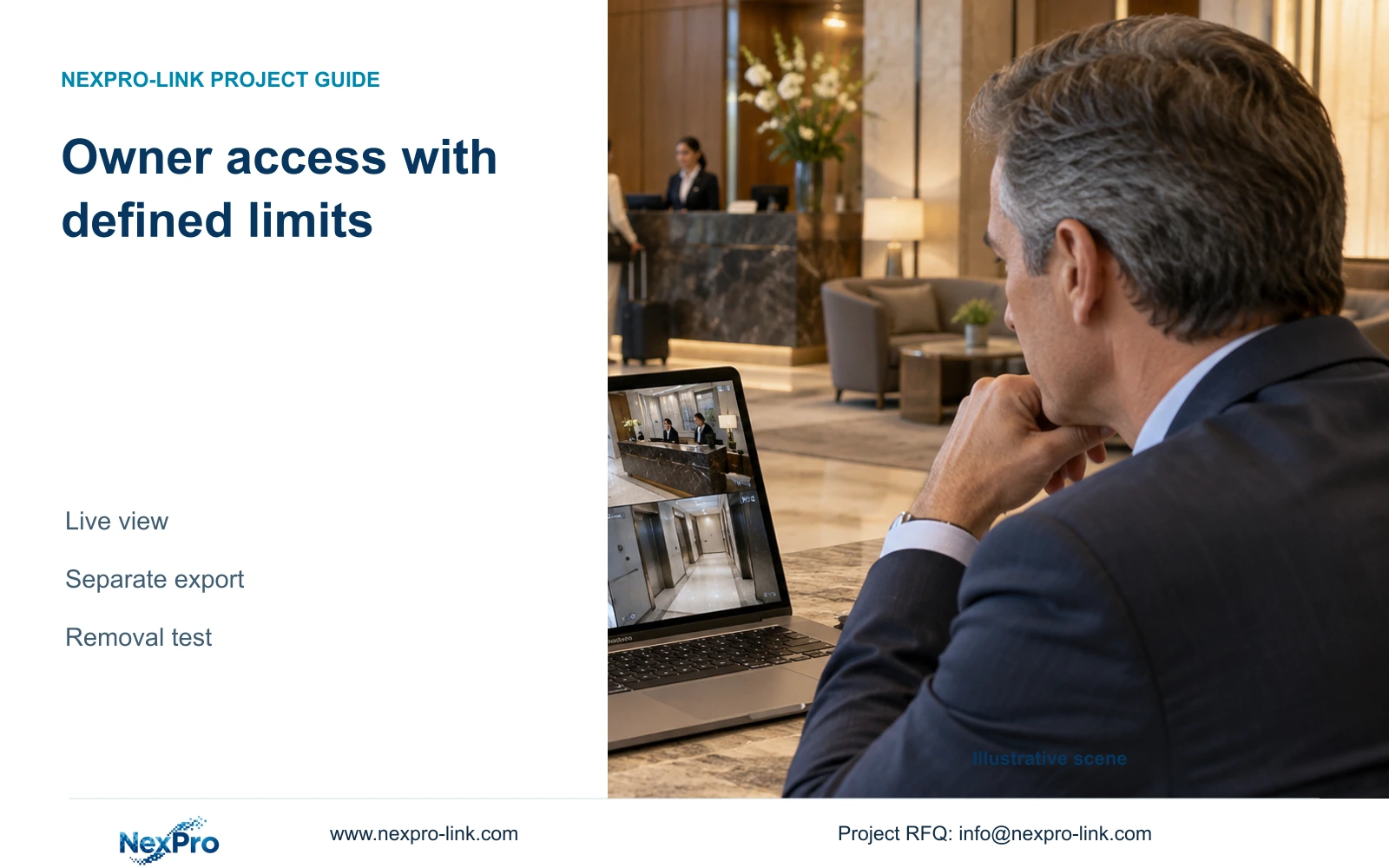
At an ownership or management handover, reconcile authorized remote roles, recovery contacts and released footage copies. Verify removal and transfer using the exact supported platform procedure.
Section 01
Choose the owner's permitted remote tasks
At an ownership or management handover, reconcile authorized remote roles, recovery contacts and released footage copies. Verify removal and transfer using the exact supported platform procedure. Keep historical-copy authority separate from future viewing permission. Do not assume that changing an account automatically revokes copies or transfers device registration.
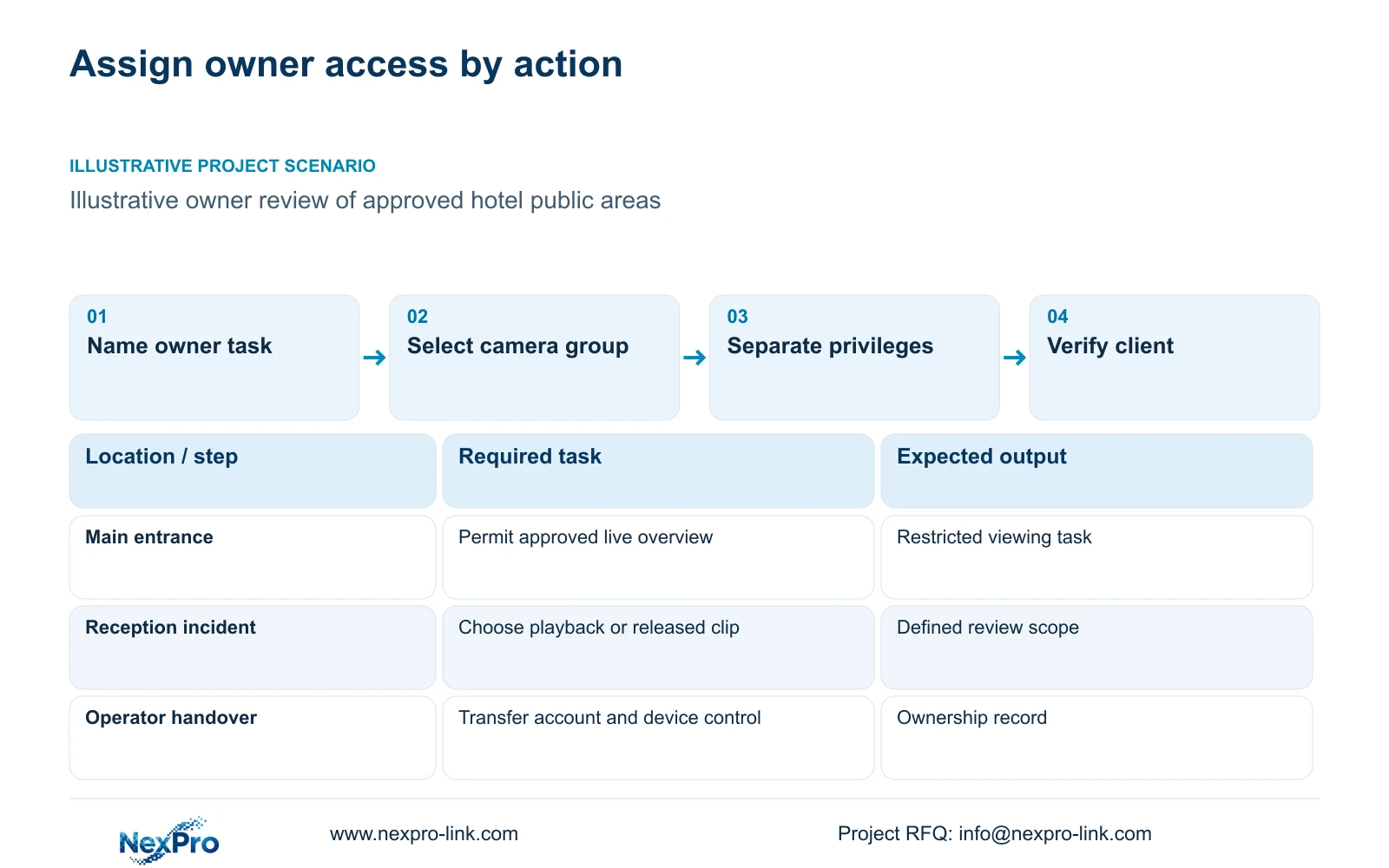
Give the owner access to approved public-area tasks through controls supported by the selected device and client. Start with the views the owner needs and distinguish routine observation from incident review. If the configuration cannot enforce the required limits, change the workflow or platform before enabling broader access.
An owner checking entrance activity has a different requirement from a security manager retrieving a reported incident. Write each task as an action with a camera group and intended outcome. Identify whether the owner needs live video, a specific archive search or a released clip. Ownership of the property alone does not define the permitted surveillance scope.
Keep the system ownership record separate from daily privileges. The hotel needs a responsible account owner and a recovery or transfer process, while an individual viewer may need only limited operational access. This distinction matters when a management company changes. The purchasing engineer should include both ordinary access and the eventual handover requirement in the equipment submission.
| Required task | Given information | Decision still needed |
|---|---|---|
| Check entrance activity | Approved public entrance view | Supported live-view restriction |
| Review reported incident | Camera range and event time | Playback or released clip access |
| Transfer operation | New authorized operator | Account and device-binding procedure |
Section 02
Identify the exact device and client workflow
List the recorder, relevant cameras, firmware and app or PC client version. The supplied Seetong page supports discussion of those client workflows, but it does not establish that every compatible device offers the same permission structure. A familiar interface or a shared supply order cannot substitute for a model-specific capability check.
Trace the owner's action from sign-in to the intended view. Record where permissions are applied and where device binding is managed. For playback, identify the actual recording destination. Remote viewing does not mean that footage is stored in the cloud, and the availability of an app does not establish unlimited storage or permanently free services.
Use the required workflow to evaluate mixed equipment. ONVIF Profiles help identify relevant device and client functions, but generic ONVIF support does not prove third-party account binding, advanced search or export behavior. If a mandatory hotel platform is involved, retain its requirements in the proposal and verify the selected equipment against the actual edition and version.
Section 03
Separate live viewing, playback and export
Treat live view, historical review and copying footage as separate privileges. A person may need to see current entrance activity without accessing an archive containing earlier guests. Another authorized role may need to search a defined interval but have no reason to change camera settings. Define these distinctions before deciding how to share access.
For playback, specify the permitted cameras and the purpose of searching. For export, add the authorized recipient and delivery path. Test the actual client used by the owner; a local workstation demonstration cannot establish identical mobile behavior. Audio listening and two-way communication also need separate decisions where relevant, with actual support confirmed.
In the illustrative CASE01 system, local recording and operator display are separate paths. Apply the same distinction to remote ownership access: losing the owner's connection should not be treated as proof that recording has stopped. Conversely, a working live view does not prove that an incident can be found and exported. Acceptance should examine each required action independently.
Section 04
Compare shared accounts with supported roles
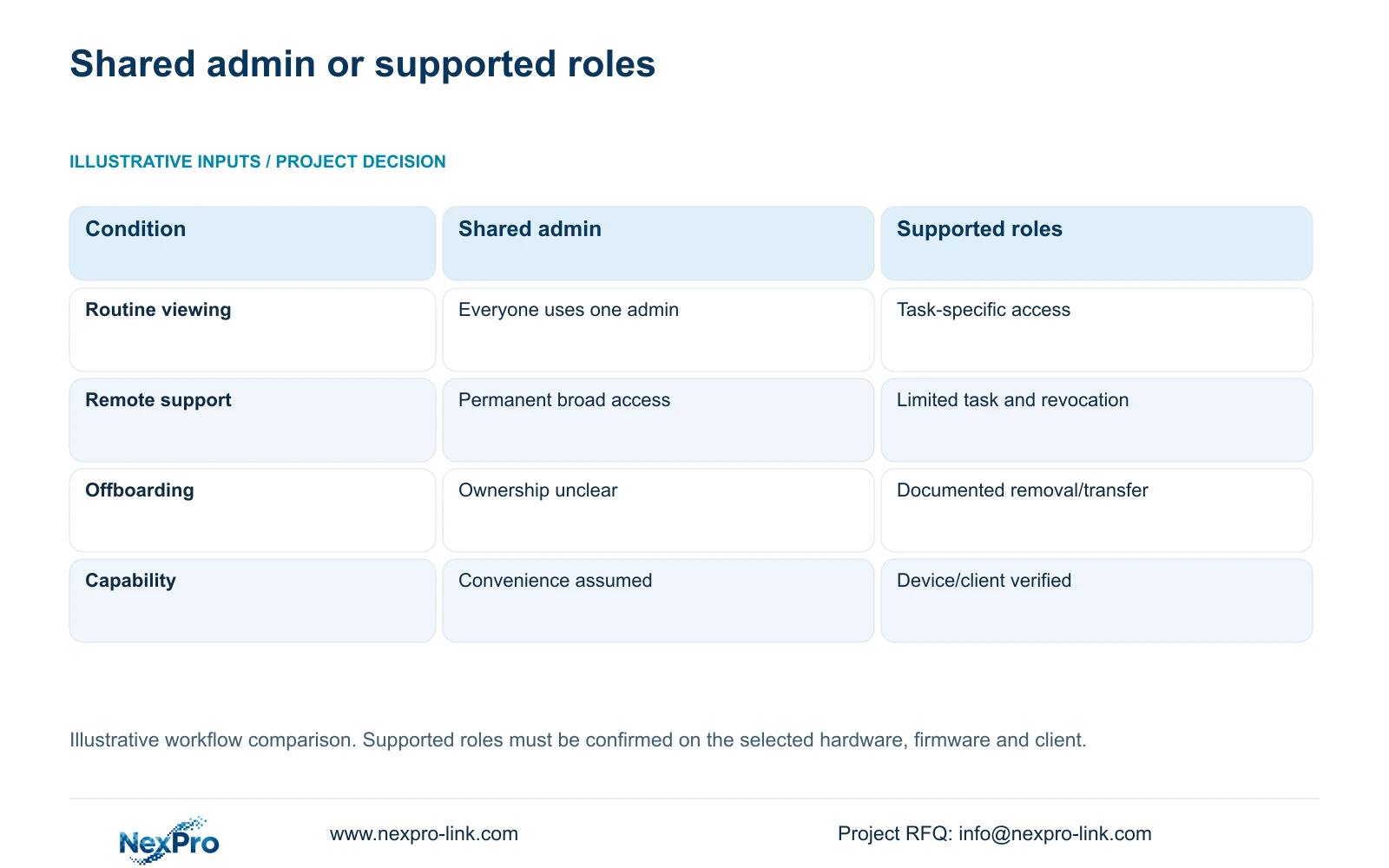
The following permissions matrix compares a shared unrestricted account with a supported role-based workflow. These are illustrative operating choices, not measured outcomes or a claim that every Seetong configuration includes the proposed controls. There are no numerical units. The purchasing decision concerns whether each authorized task can be granted and later removed.
Select supported roles when the configuration can limit the owner to the required cameras and actions. A shared administrator account makes independent removal difficult because the same credential serves several responsibilities. It can also give a routine viewer configuration privileges that the hotel did not intend to grant.
If the chosen client lacks the required restriction, record that shortfall in the submission. Compare a controlled local review or authorized clip release with a platform that supports the task. Do not describe a hotel policy as an implemented software control. Any added platform, server or license scope belongs in the comparison before an order is placed.
| Metric / condition | Shared unrestricted account | Supported role-based workflow |
|---|---|---|
| Routine viewing | Everyone uses one admin | Authorized tasks assigned to supported roles |
| Remote support | Permanent broad access | Approved limited task and revocation |
| Offboarding | Account ownership unclear | Documented authorized transfer/removal |
| Requirement | Convenience only | Verify actual device/client capability |
Section 05
Protect the approved remote access path
Ask hotel IT to identify the permitted connection route and who manages it. Application permissions and network reachability are separate controls. A network route that reaches a recorder does not determine which footage an account may view, while a restricted account still requires an approved connection method.
Document the endpoint used by the owner and any infrastructure needed for remote operation. Keep required recording functions distinct from optional remote access. If remote connectivity must continue during an outage, its necessary network nodes need their own protection scope. CASE01's backup example does not automatically include every router or external service used by a real hotel.
Compare additional access infrastructure only against an explicit operational need. Include configuration, licenses and support responsibilities where they apply, without inventing prices or authentication features. The supplied UK ICO guidance supports purpose-limited access within its scope and notes ongoing revision; it cannot establish the legal position for every destination. Hotel IT and the responsible local advisers retain those decisions.
Section 06
Test removal and authorized transfer
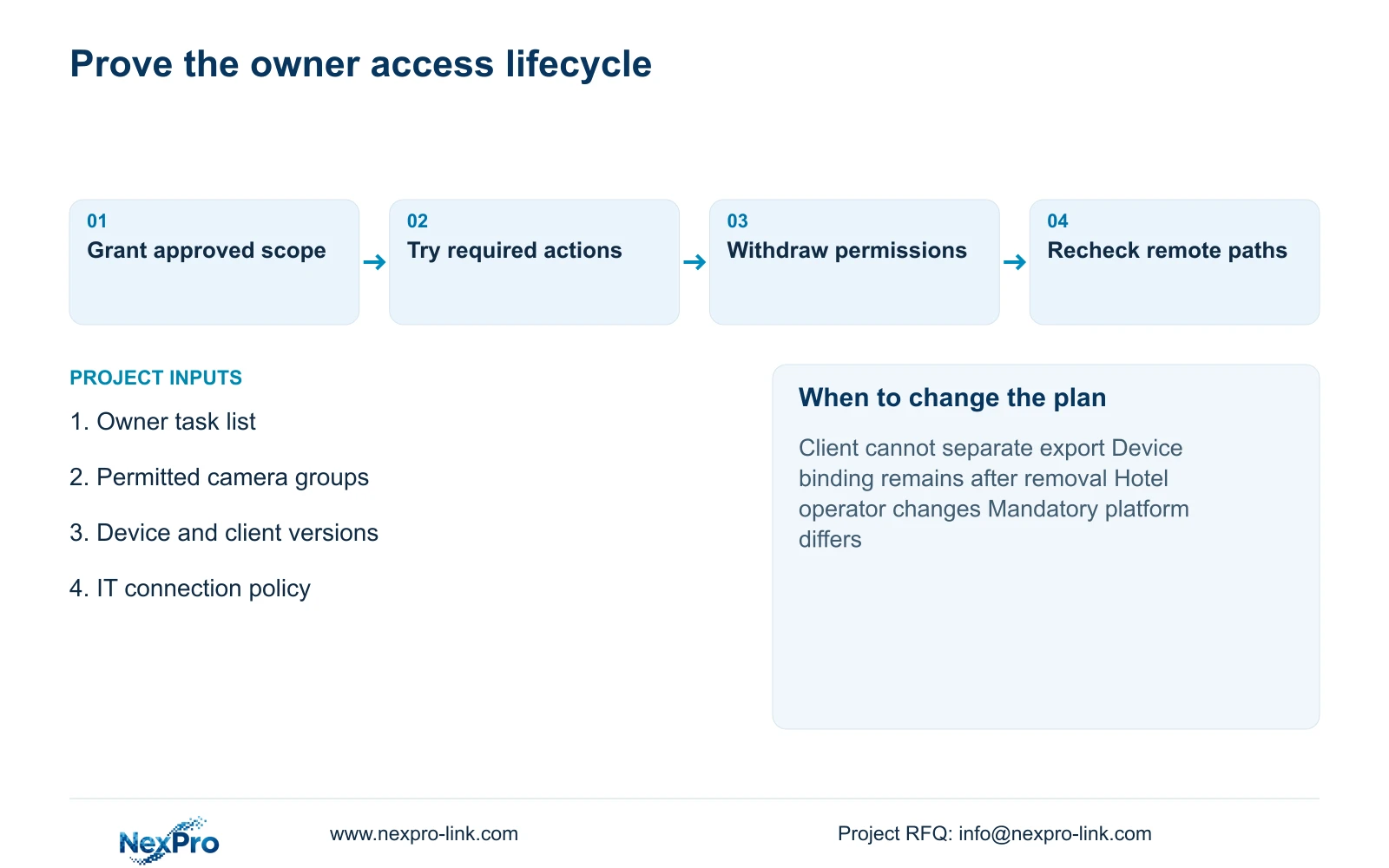
Include a removal exercise in acceptance. After withdrawing a representative user's permissions, check the required app and PC paths again. Examine account access, device sharing or binding, and the network route separately. A disabled local account should not be recorded as complete removal until the relevant remote workflow has also been checked.
For an operator change, identify the new authorized account owner before withdrawing the outgoing party's access. Preserve the hotel's ability to administer its system through the approved handover process. Record the devices and versions used in the exercise, the actions attempted and the observed results. Planned tests remain open until someone performs them.
Recommend task-limited owner access with verified removal. Change the proposal if the required role boundaries cannot be enforced or if the hotel mandates a different management platform. Send the owner task list, permitted camera groups, device/client versions and IT access policy to info@nexpro-link.com. NexPro-Link can discuss model matching through its hotel project and BOQ support, with third-party integration and local IT work clearly scoped.
| Situation | Required record | Decision boundary |
|---|---|---|
| Management changes | Approved future viewing roles | Verify actual supported account transfer |
| Recovery control unclear | Registration and recovery owner | Keep ownership handover open |
| Earlier copies already released | Recipients and historical authority | Review copies separately from live access |
Section 07
Buyer questions
Can the owner use live view without export permission? Make that a purchase requirement and verify it on the exact device/client combination. If the controls cannot separate the actions, consider supervised review or authorized clip release instead of granting an unrestricted account.
Does Seetong remote viewing include cloud recording? Remote viewing and the recording destination are separate. Confirm where footage is stored, which workflow retrieves it and any applicable service or license terms. The supplied source does not establish unlimited cloud storage.
What should be checked when the hotel operator changes? Check account ownership, device binding or sharing, individual permissions and network access. Transfer control through the approved process and verify that the outgoing party can no longer perform the withdrawn tasks.
Engineering references
These sources support the general planning principles. Always use the selected product's current datasheet and applicable project standards for final design.