Choose camera positions around an approved public-area task, then check open doors, recorded masking and export permissions before accepting the design.
Section 01
Define the monitoring purpose before selecting views
Choose purpose-limited camera coverage and access controls when the hotel can describe the public-area event it needs to observe. If a proposed view captures private space without helping that task, change the position or framing before buying additional equipment. The hotel must establish the applicable legal basis and local requirements; a camera specification cannot make that decision.
Write the purpose against each position in the Camera Schedule. At an entrance, the task might be reviewing a reported arrival incident. At reception, it might concern a public transaction area. These illustrative tasks require different framing and different recipients. A statement such as general security gives the designer too little information to decide what must remain visible.
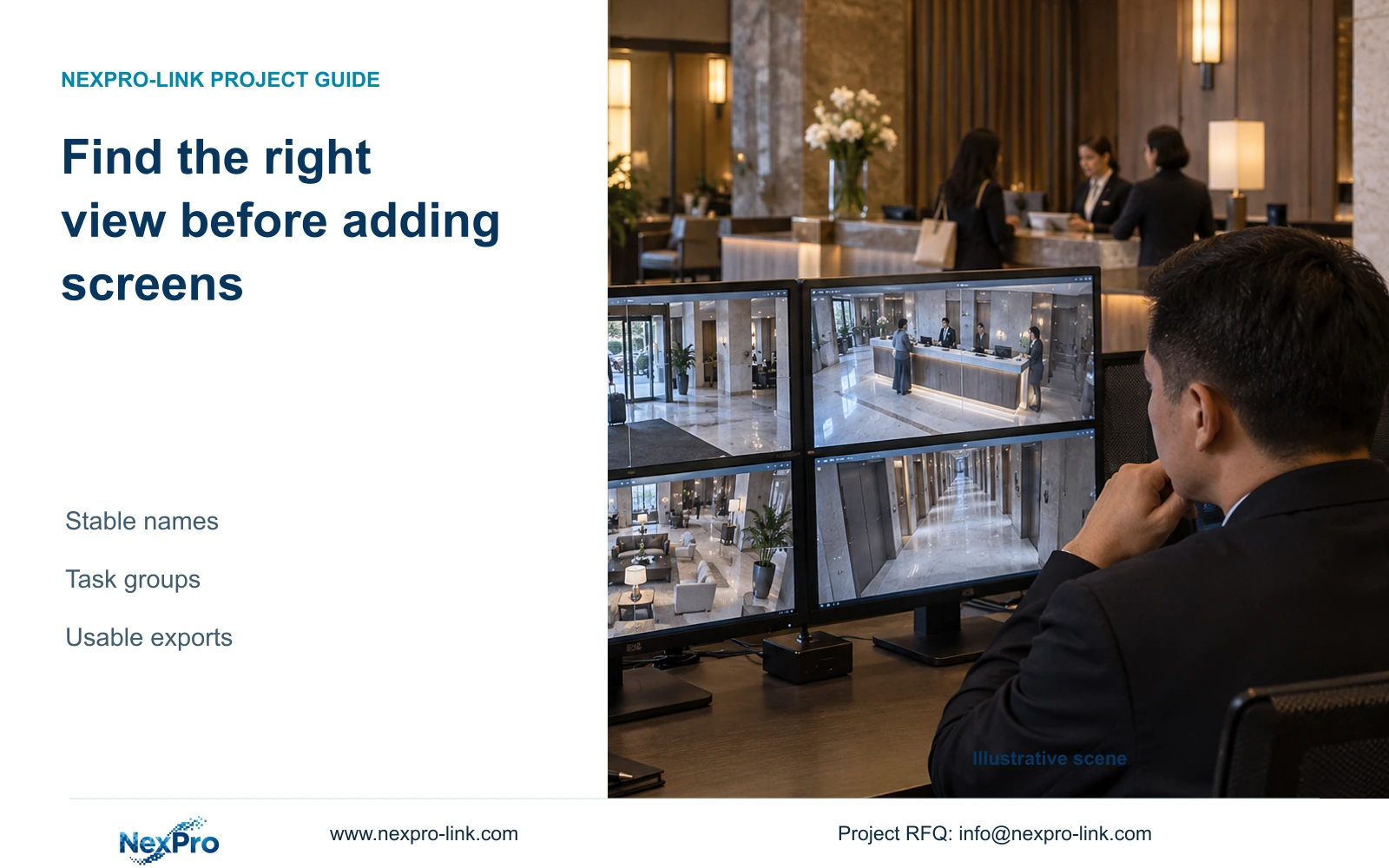
Translate the purpose into an operator action and an observable result. Define whether staff need an overview, recorded movement detail or an authorized incident export. The control-room display should show the views needed for those actions. A larger display or more permanent windows does not justify expanding capture or giving every operator access to every camera.
Section 02
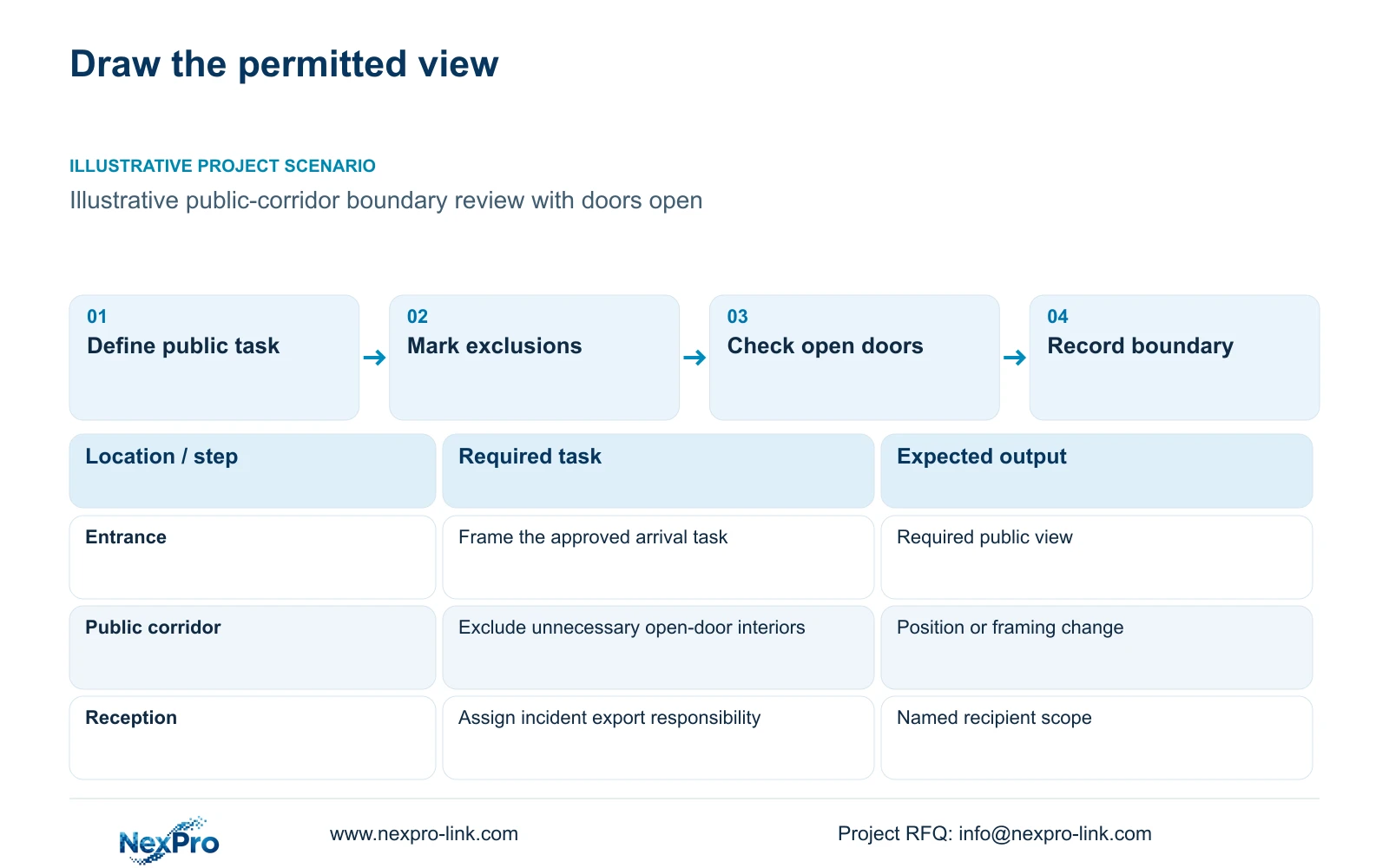
Map permitted areas and open-door exclusions
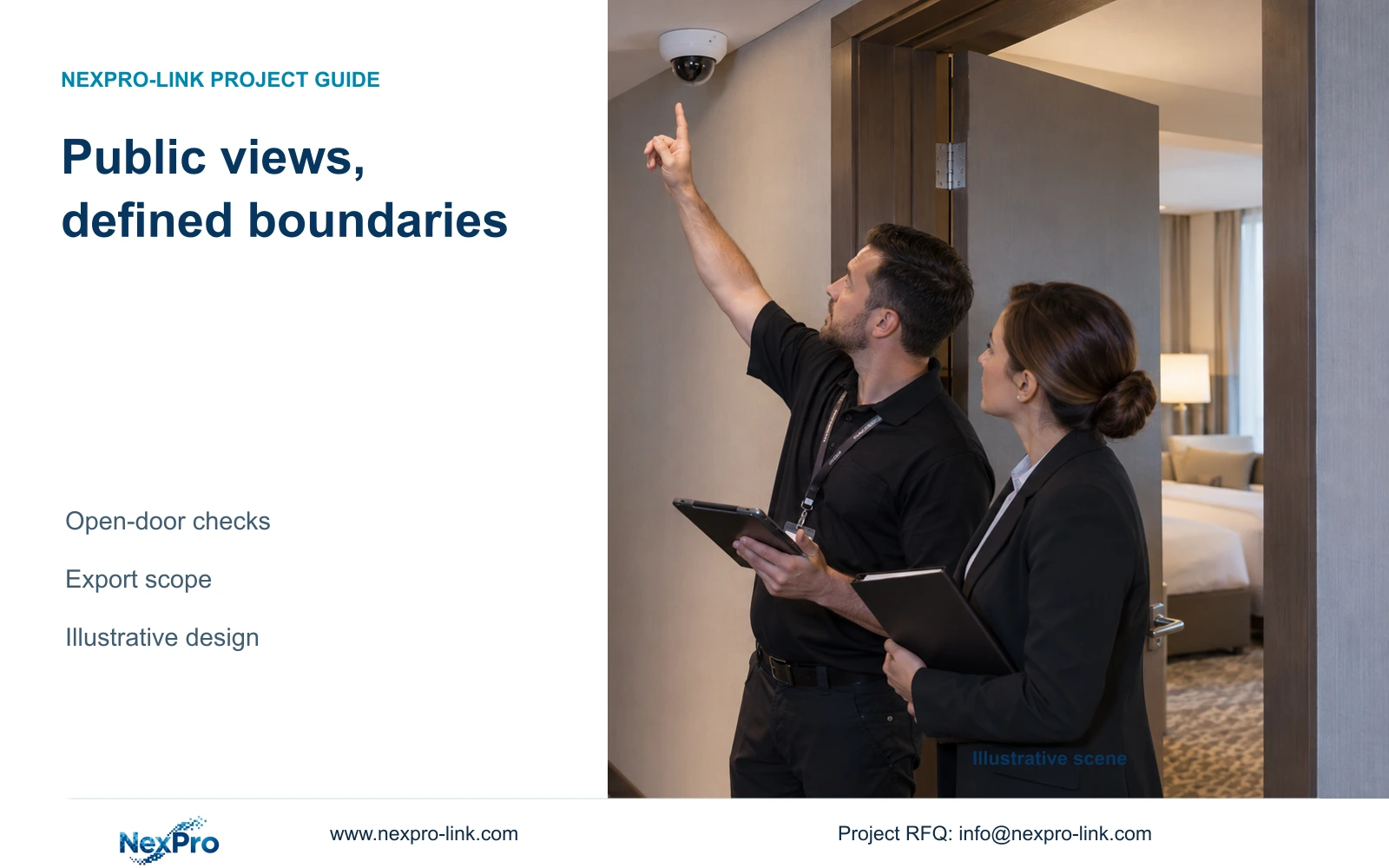
Mark the required public route and excluded space on the same drawing. Guest-room interiors, toilets and changing spaces are outside the routine coverage considered here. Public corridors also need careful review: a camera aimed along a route can capture an unnecessary interior view when a door opens. Assess that operating condition before accepting a closed-door preview.
The illustrative CASE01 reference assigns 32 views across entrances, reception, public routes, back-of-house areas and exterior tasks. Its 100-room background does not determine the camera count or authorize coverage. Use that task-based structure as a scheduling example, then replace its locations with the actual hotel's approved boundaries.
Record the visible limits with the camera identity and intended mounting position. Include nearby reflective surfaces and any layout feature that can expose excluded space. A reception furniture change or relocated corridor camera can invalidate an earlier decision. The installer needs a usable boundary drawing, while the operating team needs to know which changes require another view check.
Section 03
Compare repositioning, narrower framing and masking
Repositioning changes the camera's physical relationship to the task. Narrower framing reduces the scene included in the image. Supported masking excludes a selected part through a device or software function. Compare their effects on necessary detail as well as unwanted capture. A mask that hides the relevant public movement can make the view unsuitable even if it conceals the private area.
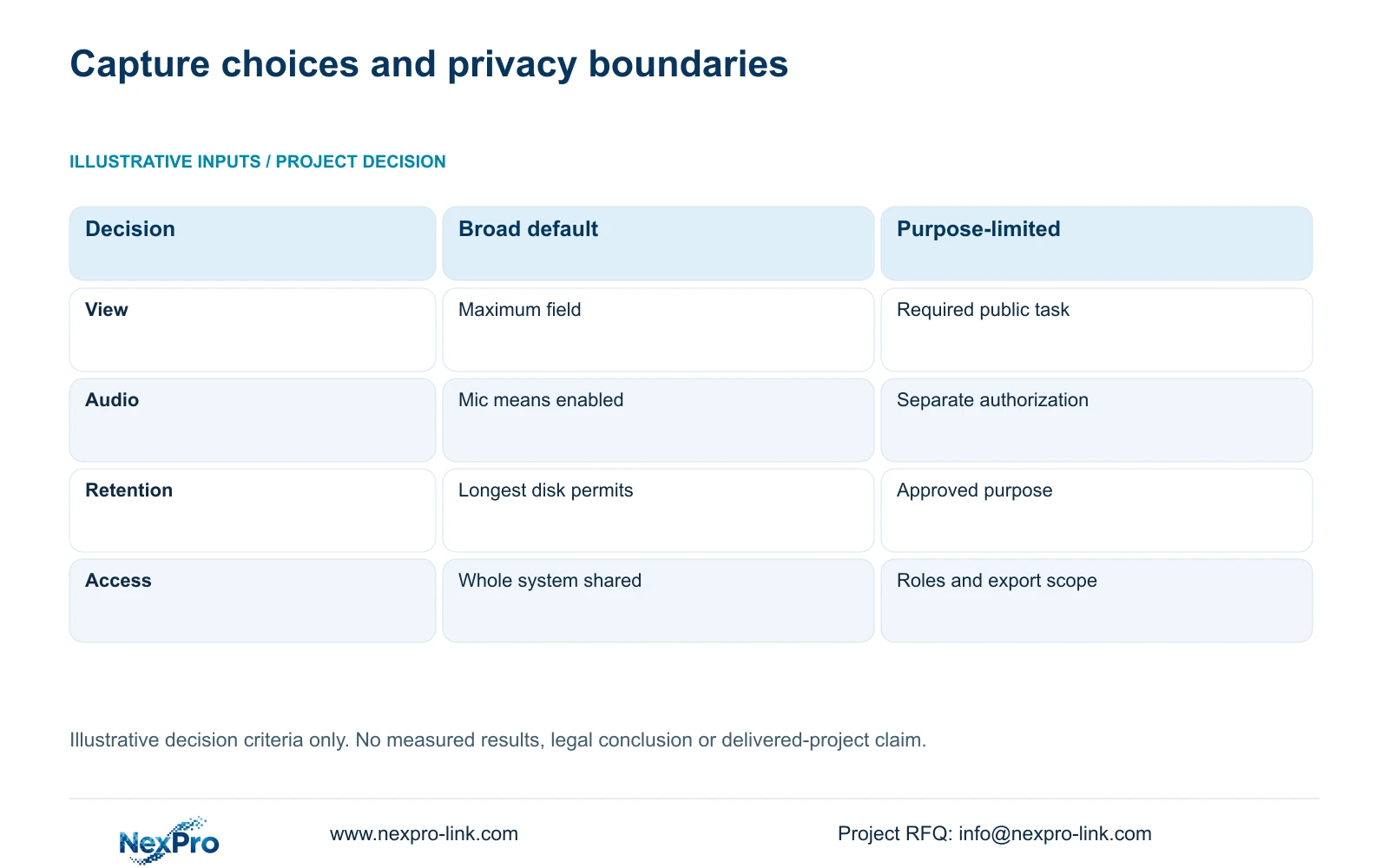
The following illustrative decision matrix compares broad capture by default with purpose-limited design. Its inputs are operating choices, so there are no numerical units or performance scores. It provides procurement criteria, not a site test or a brand ranking. Select the purpose-limited option only after confirming that the required controls exist in the chosen configuration.
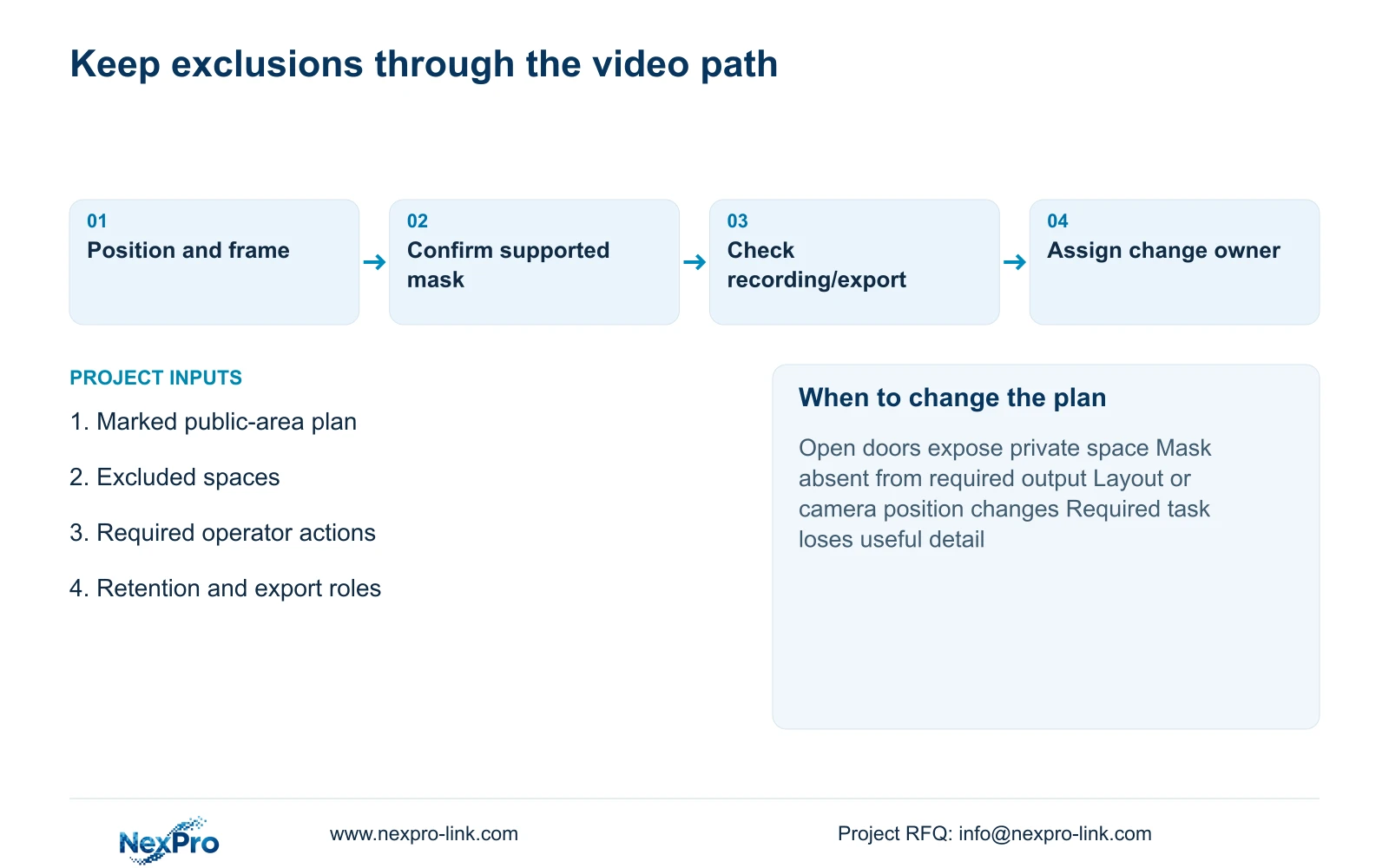
Check open doors and the recorded result, including playback and an authorized export. Do not assume a mask visible on one client appears in every recording or output. If the required exclusion cannot be maintained through those paths, revise the camera position or select a supported workflow. Decide audio separately; a microphone and two-way audio capability do not authorize continuous recording.
| Metric / condition | Broad capture by default | Purpose-limited design |
|---|---|---|
| View boundary | Maximum field regardless of purpose | Required public task; excluded private space |
| Audio | Enabled because hardware includes a mic | Separate justified and authorized decision |
| Retention | Longest disk can hold | Approved purpose and applicable requirements |
| Access | Whole system shared | Defined recipients, roles and export scope |
Section 04
Limit viewing and export access by task
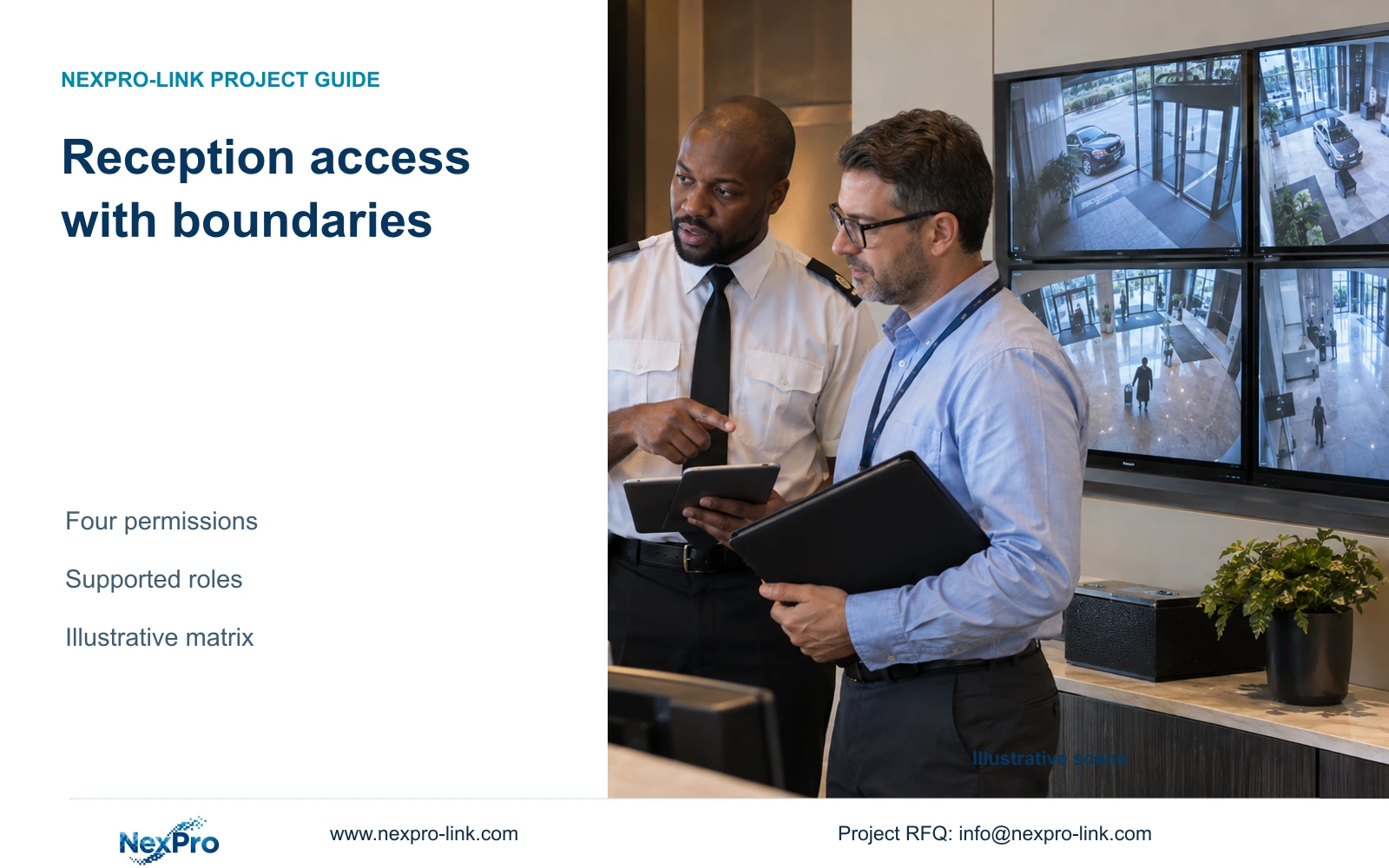
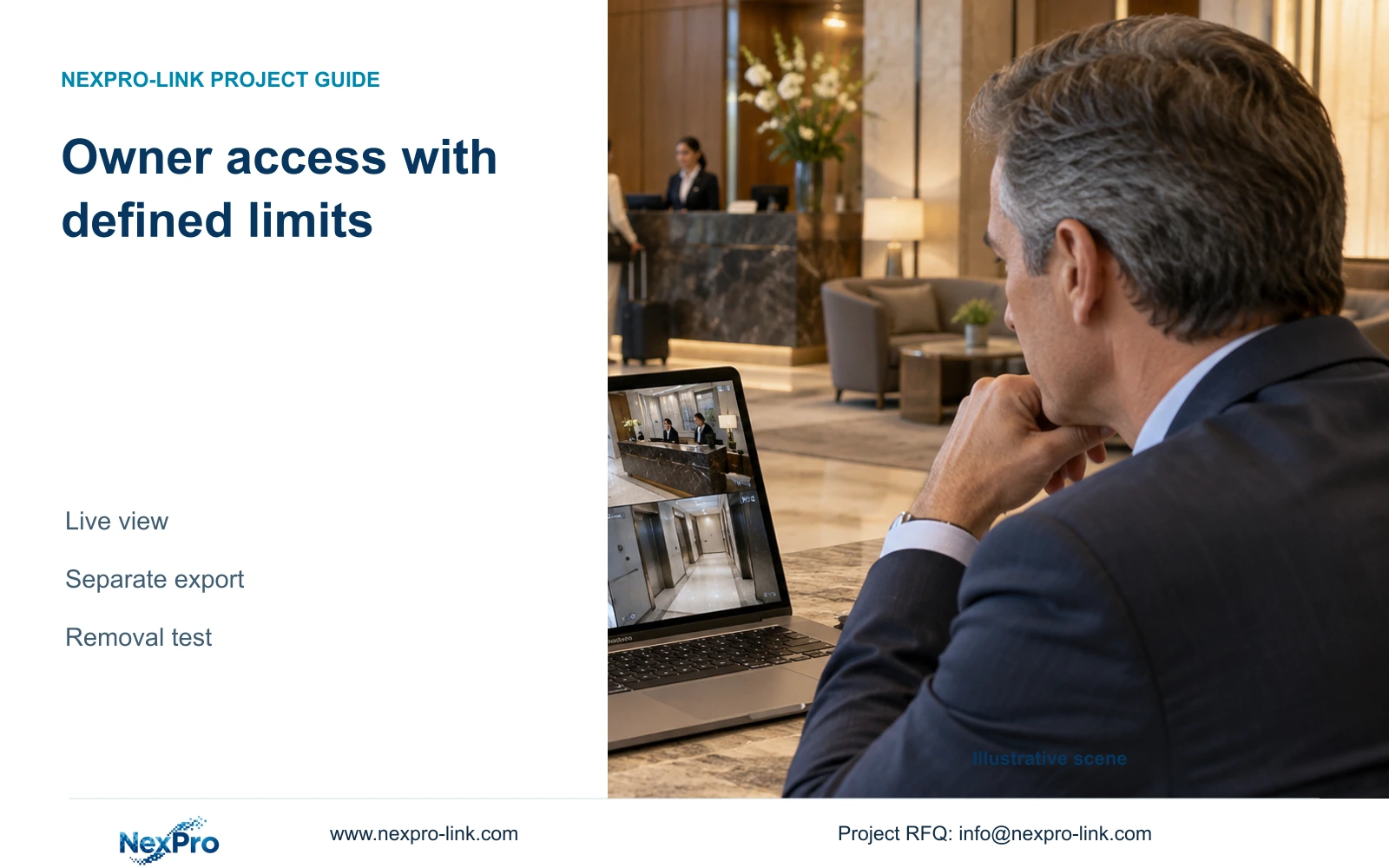
Separate routine viewing from incident investigation and disclosure. A receptionist who needs an entrance overview does not automatically need archive export or configuration access. Define the permitted camera group, action and recipient for each role. These are project requirements until the equipment and client demonstrate the corresponding controls.
Account ownership, device binding and network access need separate records. Removing a workstation shortcut does not establish that a remote account has lost access. The Seetong source describes relevant app and PC workflows, but it does not establish every proposed permission for every device. ONVIF Profile matching likewise does not prove full export, audio or account compatibility.
For incident release, identify who authorizes the camera range and time window, who performs the export and who receives it. Include the approved transfer path and removal responsibility. Keep passwords and guest imagery out of commercial inquiries. Supplier support should receive only the information and access approved for the specific troubleshooting task.
Section 05
Separate routine retention from incident preservation
Set routine retention from the approved purpose and applicable requirements before selecting disks. An incident preservation task needs its own camera range, time interval and responsible custodian. Extending every camera's retention to accommodate one event would change the ordinary policy and storage scope without necessarily improving that event's preservation.
CASE01 assumes 32 cameras averaging 4 Mbps, recording continuously for 30 days. It produces 41.472 decimal TB of video and requires 51.84 TB of usable capacity when 20% remains free. Those values are an independent engineering reference, not a recommended privacy period. They show how an approved duration becomes a capacity requirement.
Keep raw disk capacity, formatted usable space and the recording allocation separate. Check bitrate sensitivity using relevant night and busy-period recordings; resolution alone cannot determine retention capacity. Buy additional capacity when it is needed to maintain the approved policy at an acceptable recording quality. Spare capacity should remain reserve unless the hotel approves a justified policy change.
Section 06
Document who owns the operating decisions
Name the hotel role responsible for approving purposes, view changes, retention and disclosure. Distinguish that role from the installer who adjusts a camera and the IT team that manages connectivity. The operating record should connect each approved boundary to its camera, configuration version and authorized user tasks.
The supplied ICO guidance supports purpose minimization, appropriate access and purpose-based retention within its UK scope. The source record also notes that the guidance is under revision. Use it within that boundary; other destinations require their own assessment. Recommend limited coverage with supported controls, and revise the proposal if an operator requirement or local assessment changes the permitted task.
For equipment coordination, send a marked public-area plan, excluded view boundaries, the proposed role matrix and the approved retention requirement to info@nexpro-link.com. NexPro-Link's hotel project and BOQ support can help connect those decisions to model matching and a scoped equipment proposal. CCTV manufacturing and coordinated supply remain distinct from the hotel's legal decisions and separately agreed local installation responsibilities.
Section 07
Buyer questions
Can a privacy mask replace moving a corridor camera? Only if the selected configuration maintains the exclusion in the required live, recording and export paths while preserving the public-route task. If that cannot be demonstrated, change the mounting position or framing.
Should all audio-capable cameras record sound? No. Specify two-way communication and continuous audio recording as separate decisions. The hotel must authorize the intended use and confirm that the chosen equipment implements the required setting.
What can we send before the final camera layout is ready? Send the public-area task list and a plan marking excluded spaces, together with proposed access roles. That is enough to identify design questions without sending guest images, credentials or unrelated confidential documents.
Engineering references
These sources support the general planning principles. Always use the selected product's current datasheet and applicable project standards for final design.