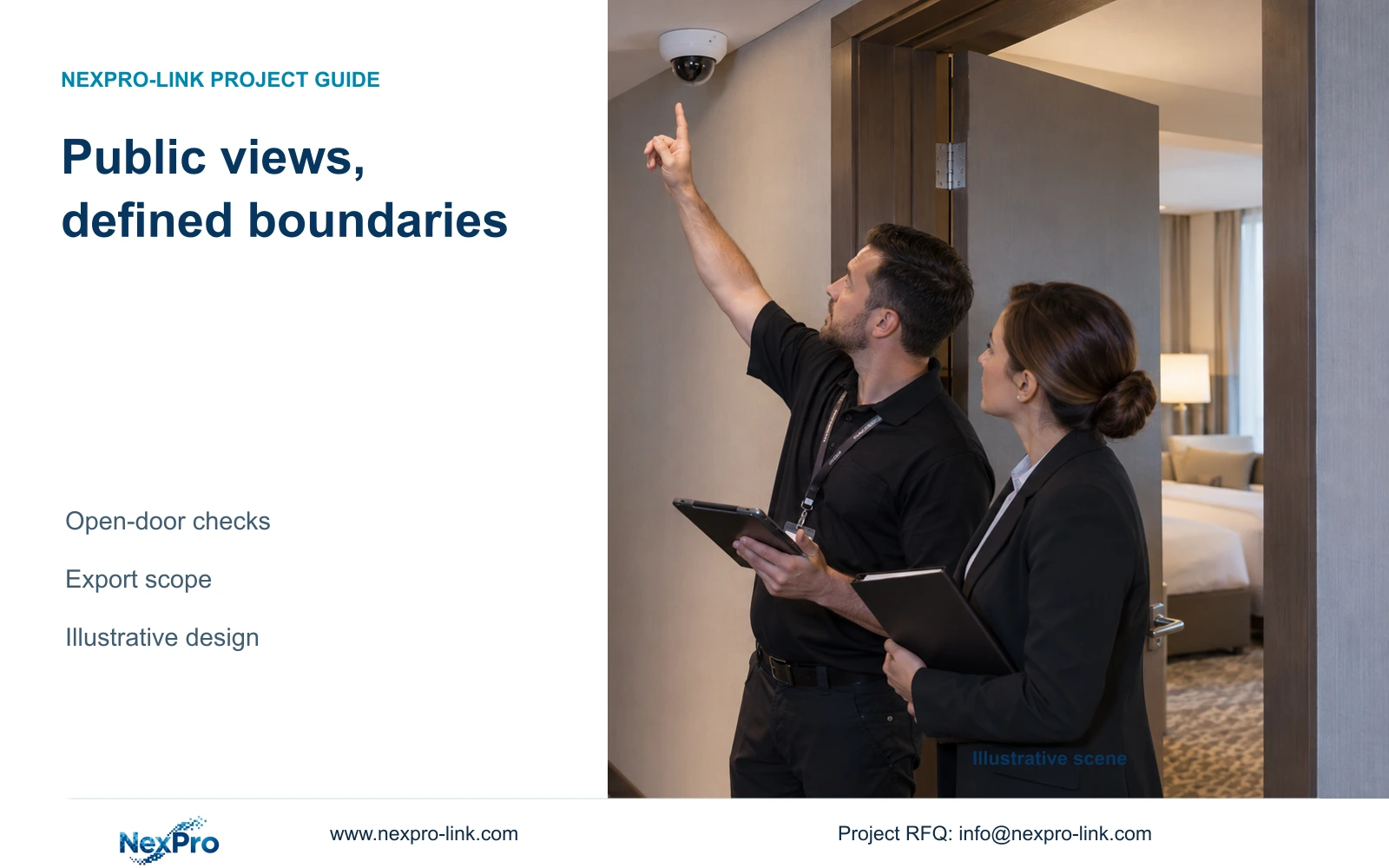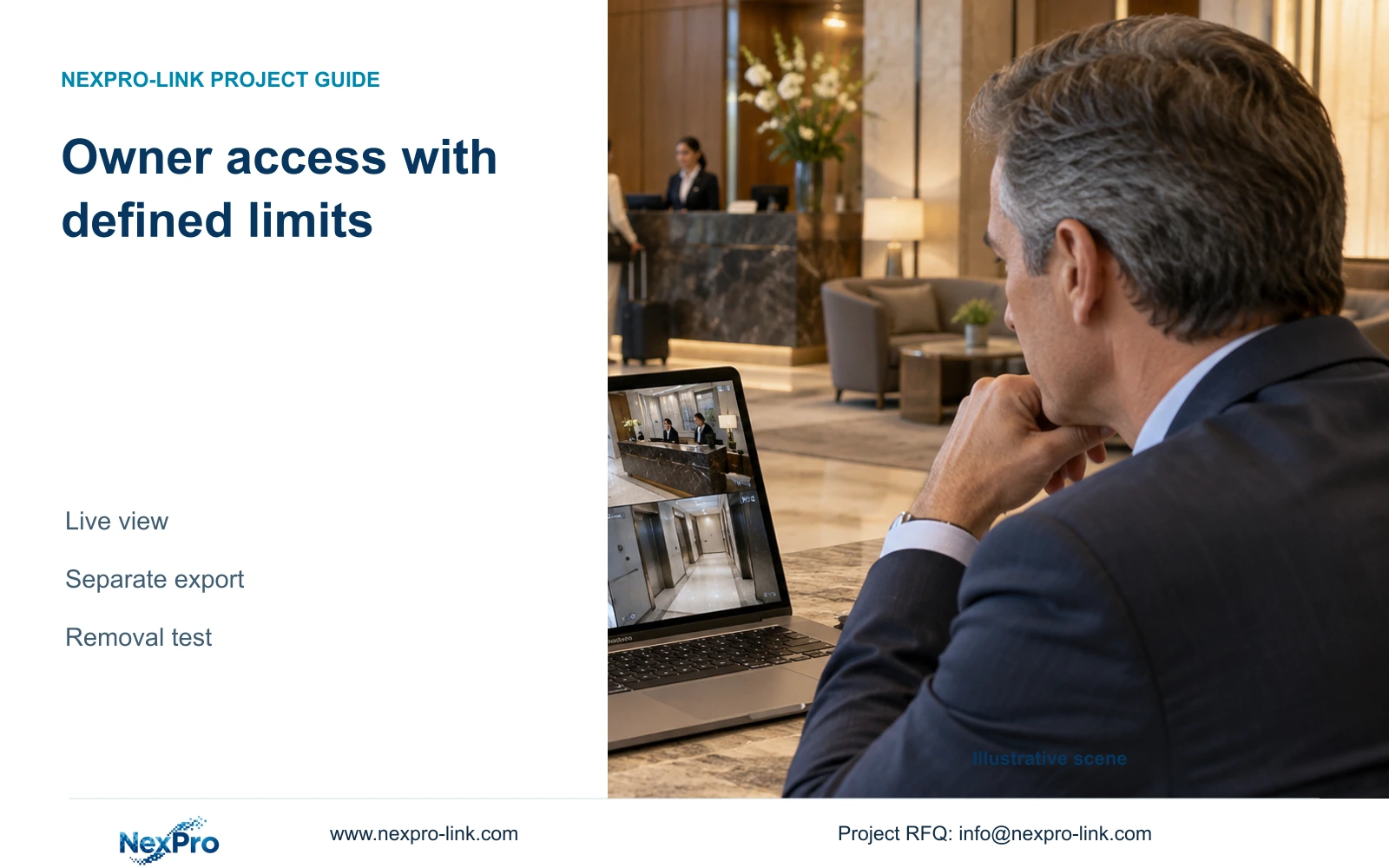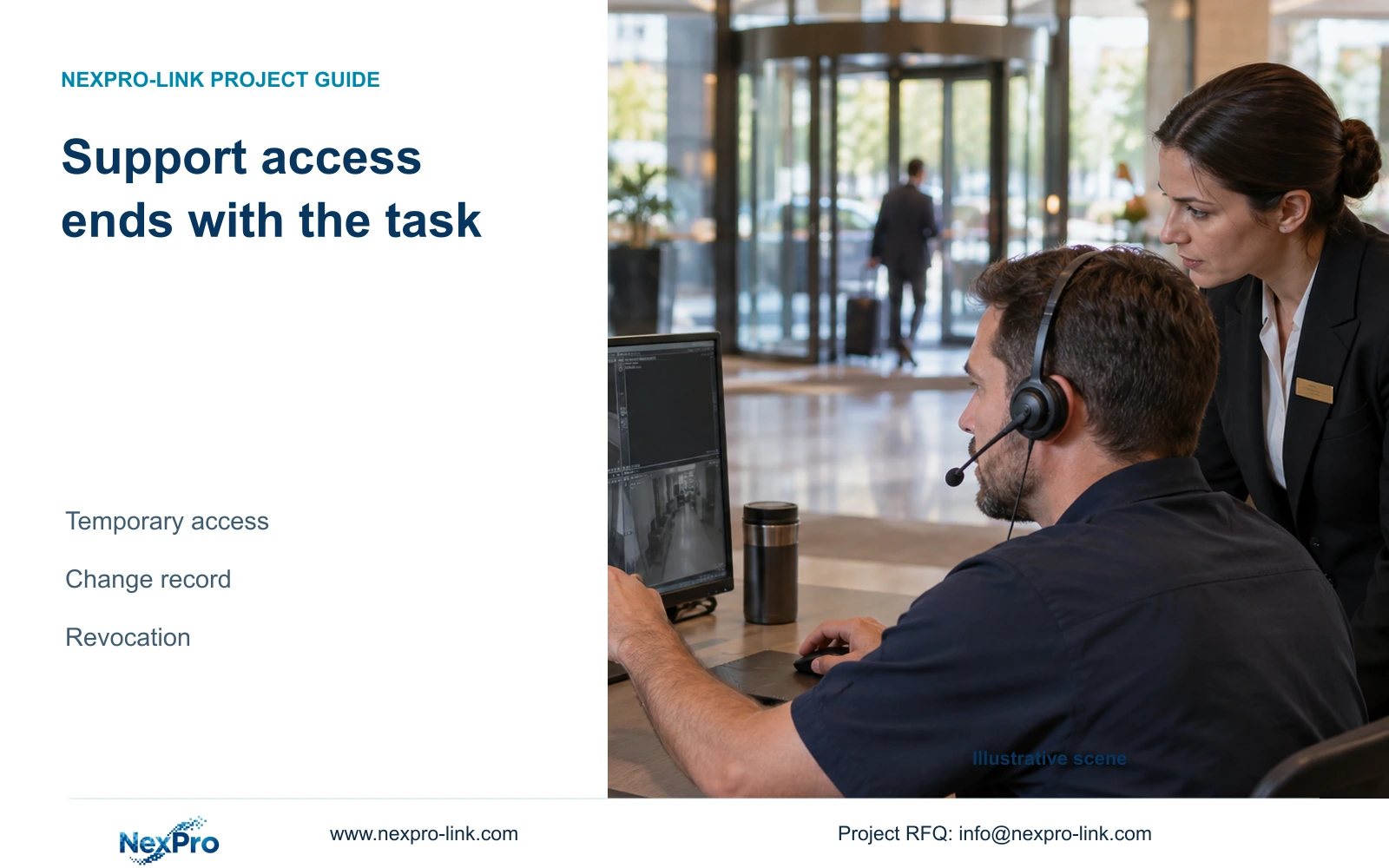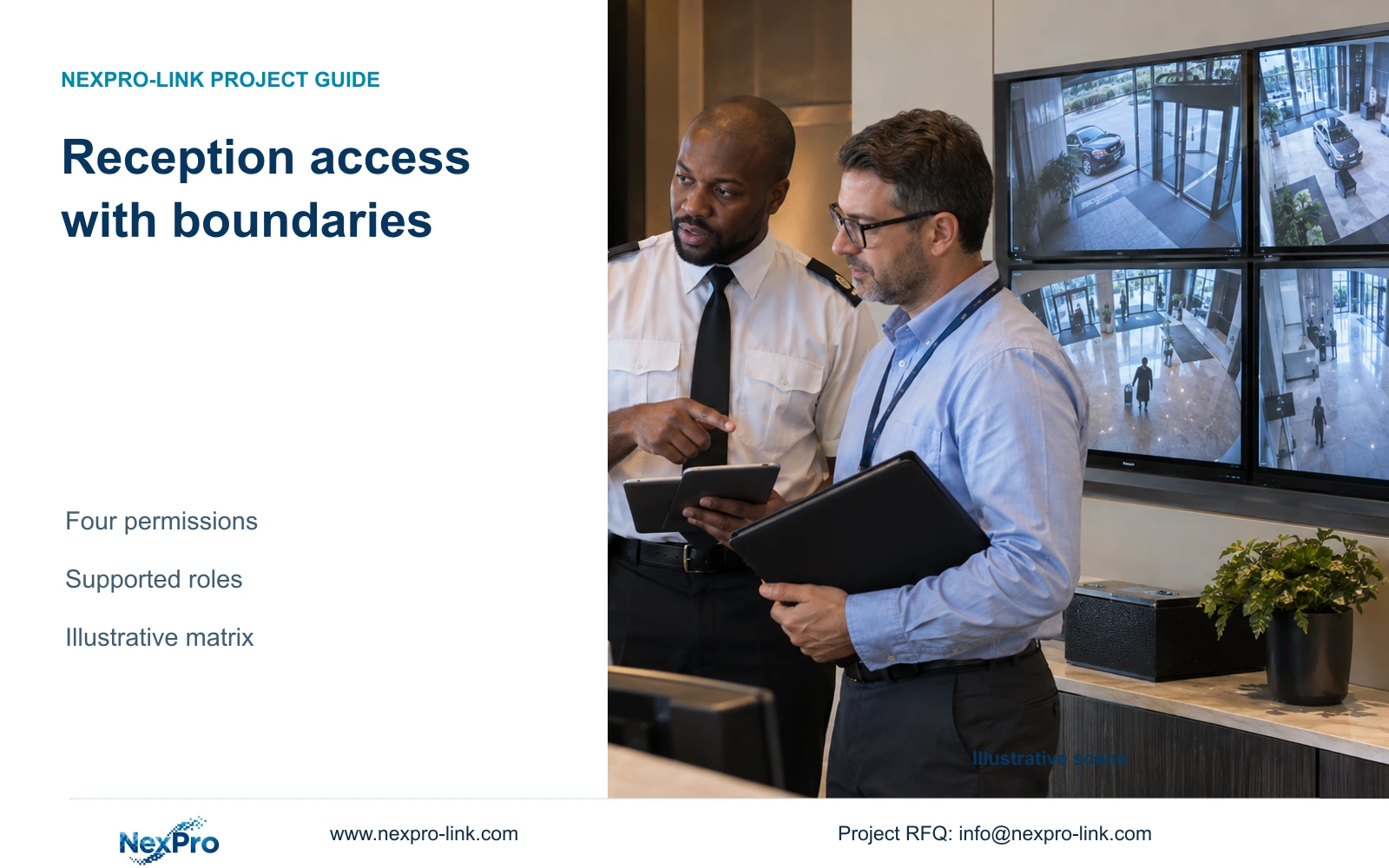
Give reception the entrance views it needs without automatically granting recording exports or system administration. A role matrix must be verified against the actual recorder, client and access path.
Section 01
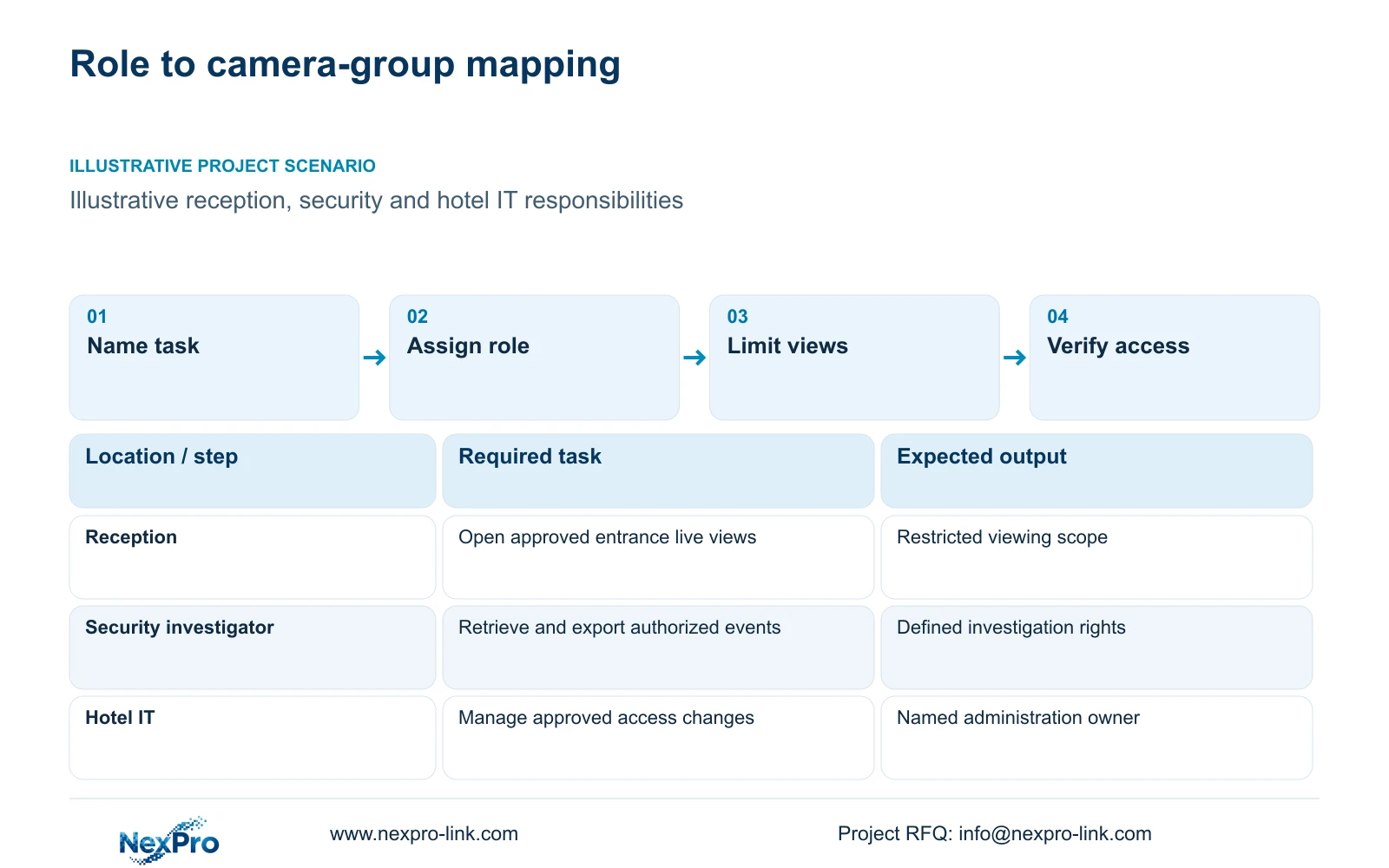
Assign reception and security distinct operating roles
Give reception access to the approved entrance views, and reserve wider investigation or administration rights for the people responsible for those tasks. Select a role-based workflow only when the actual devices and clients can enforce it. If they cannot, revise the client or platform scope before treating the permission matrix as implemented.
Begin with actions performed during a shift. Reception may need to see an arriving vehicle or a lobby approach. Security may need to search a recorded period and prepare an authorized clip. Hotel IT may manage the approved access route, while an installer needs limited access for a defined service task.
Record who requests access and who approves it. Account ownership should remain under the hotel's authorized control even when a supplier helps configure equipment. A shared display, a coordinated supply order or familiarity with the software does not establish authority to inspect every recording or change the system.
| Required task | Given information | Decision still needed |
|---|---|---|
| Reception entrance view | Live observation required | Approved camera group and account |
| Security investigation | Recorded event retrieval required | Playback scope and export authority |
| Installer support | Defined maintenance task | Approved access period and removal owner |
Section 02
Separate viewing, playback, export and administration
Treat live viewing, recorded playback, export and system administration as four distinct permissions. A person who can watch the entrance does not automatically need to retrieve historical footage. Playback authority does not automatically include permission to create a copy for an external recipient.
Administration covers the settings and identities needed to operate the system. Its exact scope depends on the selected product. Document the required controls as purchase requirements, then confirm their implementation for the recorder, PC client, mobile client and any management platform actually proposed.
Account ownership, device binding and network reachability form additional control layers. Restricting a camera group in one client does not demonstrate the same restriction through every other access route. The supplied Seetong system record describes relevant app and PC workflows, but it does not establish every permission feature or universal third-party account behavior.
| Permission | Reception requirement | Security investigator requirement | Purchase consequence |
|---|---|---|---|
| Live view | Approved entrance group | Assigned operational groups | Verify group restrictions |
| Playback | Only if specifically authorized | Approved investigation scope | Verify historical access separately |
| Export | No routine requirement | Authorized event and recipient | Check separate control |
| Administration | No routine requirement | Only if separately assigned | Keep privileged role distinct |
Section 03
Limit each role to necessary public-zone views
Map the role requirements to stable camera identities. An entrance group should contain the views needed for reception's task, not every camera on the same recorder. Public circulation, parking and back-of-house groups can have different recipients and investigation responsibilities.
Use the camera schedule to identify each view's purpose and permitted boundary. Guest-room interiors, toilets and changing spaces are outside this article's coverage. Public-route cameras should also avoid unnecessary views through open room doors. Restricting users cannot correct an unnecessarily broad capture area.
Keep permissions aligned when a camera moves or its task changes. A familiar camera name can conceal a different view after renovation. The UK ICO guidance supports purpose limitation and appropriate access within its jurisdiction and notes that the guidance is under revision; it does not establish worldwide hotel legality. The hotel must apply its own relevant requirements and responsible professional judgment.
Section 04
Compare shared administration with supported individual access
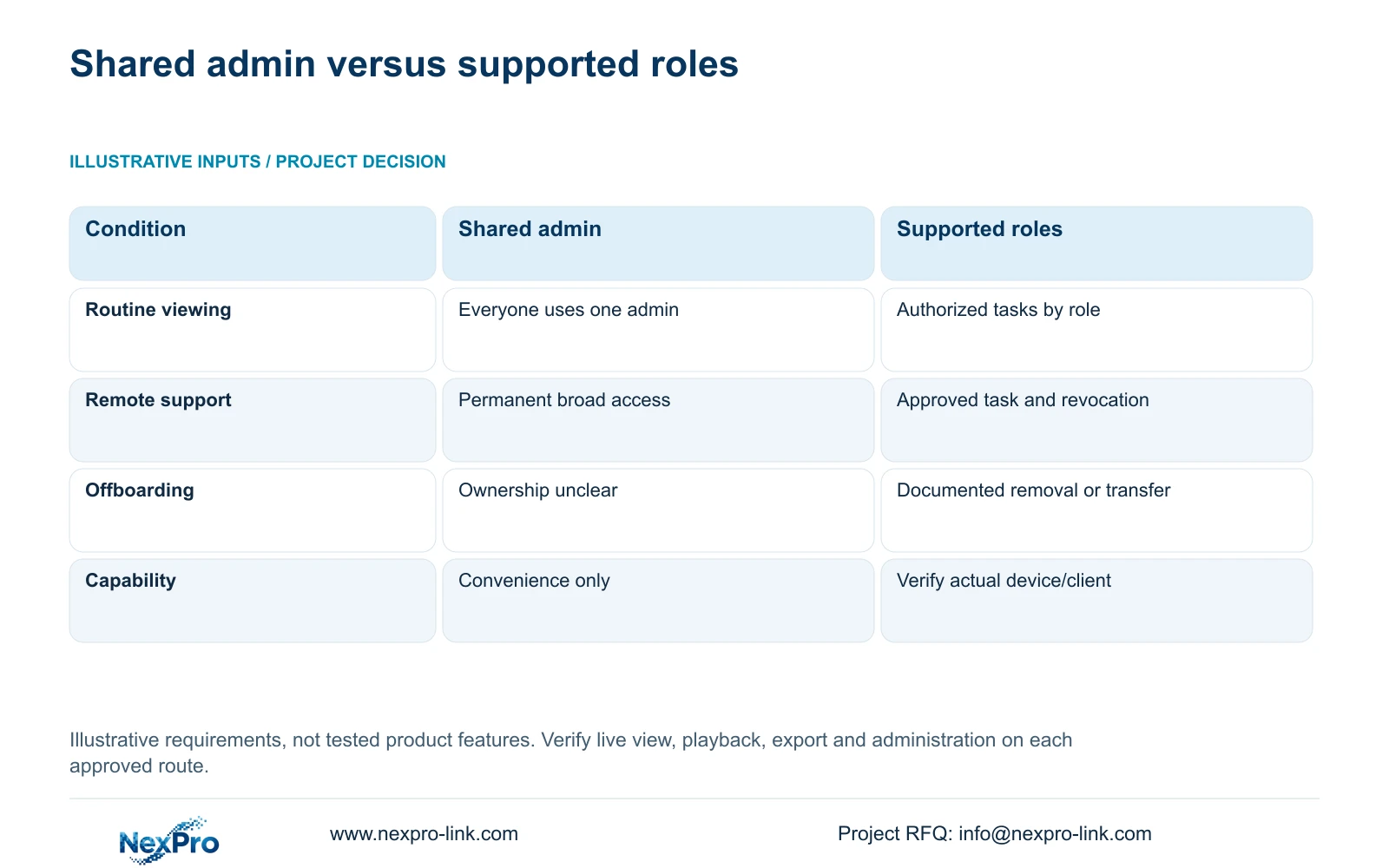
A shared unrestricted administrator account may make initial setup convenient, but it gives routine users the same broad authority and complicates departures. Individual access can support clearer assignment and removal, provided the selected system actually supplies the required controls.
The comparison below is an illustrative decision matrix. It contains no measured security score, failure rate or claim that a named recorder implements every row. Its recommendation is to procure and verify the supported role-based workflow, with each control tied to a specific device or client.
Remote support should use a hotel-approved path for a defined task and have a clear revocation step. Keep supplier assistance separate from account ownership. If a mandatory operator platform governs these controls, preserve that requirement and assess the equipment within it instead of replacing the platform with an unsupported account arrangement.
| Metric / condition | Shared unrestricted account | Supported role-based workflow |
|---|---|---|
| Routine viewing | Everyone uses one admin | Authorized tasks assigned to supported roles |
| Remote support | Permanent broad access | Approved limited task and revocation |
| Offboarding | Account ownership unclear | Documented authorized transfer/removal |
| Requirement | Convenience only | Verify actual device/client capability |
Section 05
Test both permitted and denied actions
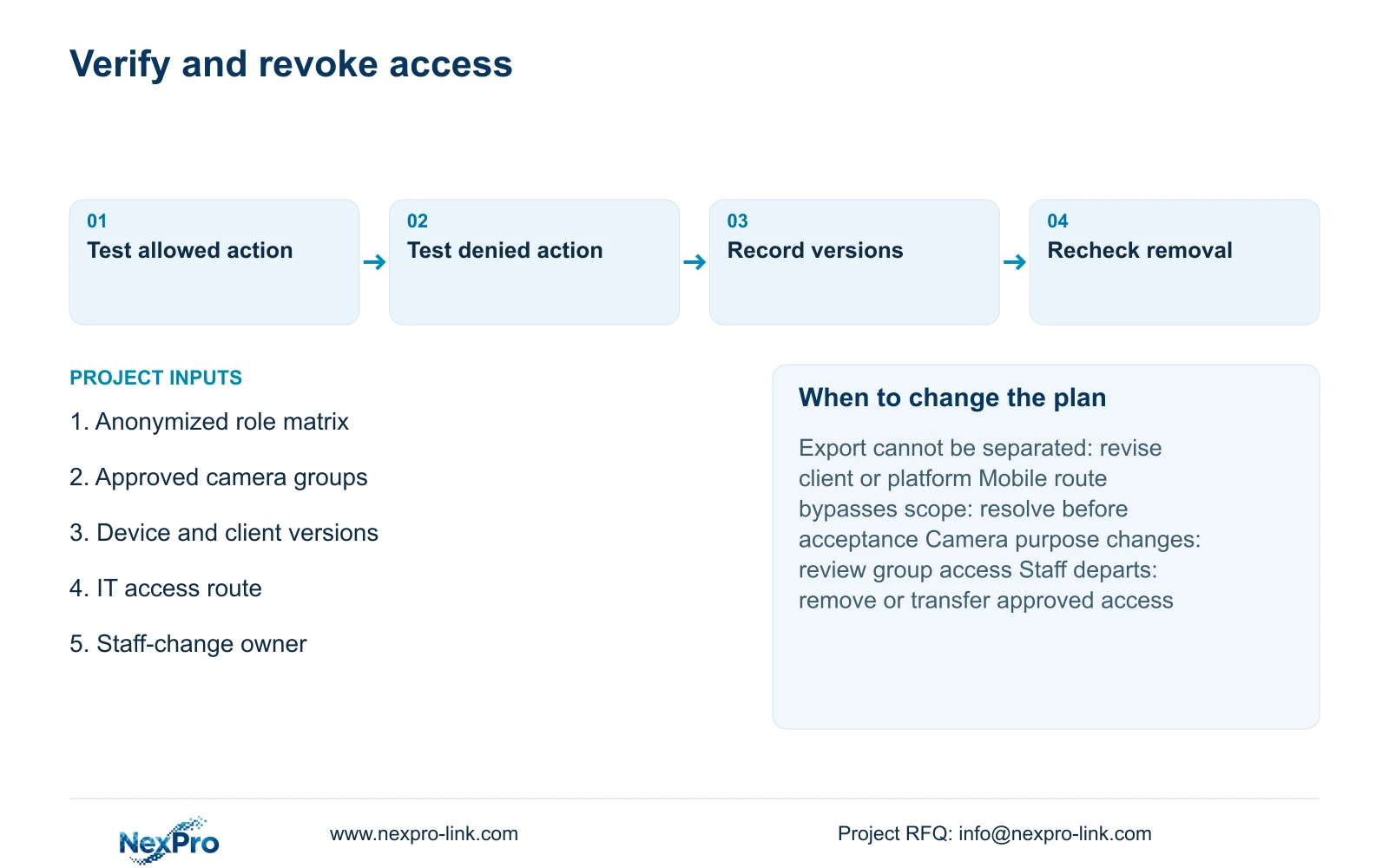
Use the actual role account to open an allowed entrance view, attempt a view outside its assigned group, and attempt playback, export and settings changes according to the matrix. Record expected and observed behavior. A demonstration performed under an administrator account cannot prove reception's restrictions.
Repeat the relevant checks on every approved access route and record the device model, firmware and client version. ONVIF profile support does not establish complete platform authorization behavior, cloud binding or every search function. Verify the functions used in the hotel workflow rather than treating an interface label as acceptance.
When a boundary fails, name the unresolved action and responsible party. Retest under the same conditions after correction. If meeting the requirement needs another client edition, server or platform, quote that scope separately with training and maintenance consequences. A limited successful test supports its observed configuration, not every future software version.
Section 06
Document access changes when responsibilities move
Create a staff-change procedure that identifies the account, approved role, camera groups and removal or transfer owner. Include device binding and remote access where those layers apply. A change of job should trigger a review of both newly needed rights and rights that are no longer justified.
Verify removal through the approved clients and network route. Give replacement staff their own authorized workflow without transferring a departing person's broad account by habit. Retain configuration records without placing passwords or privileged recovery information in public project documents.
Send an anonymized role matrix, required camera groups, device and client versions, and the hotel's IT access policy to info@nexpro-link.com. NexPro-Link can discuss model matching and a scoped proposal through hotel project or BOQ support. Select that proposal only after the needed boundaries are supported; change the platform scope if essential restrictions remain unavailable.
Section 07
Buyer questions
Can reception have live view without export permission? Specify that separation in the RFQ and require a demonstration under the reception account. Do not assume it exists because the product supports multiple users or because a menu can be hidden.
Does hardware OEM branding include ownership of the app account? No automatic relationship follows. Hardware branding, hotel account ownership and third-party software rights are separate matters. The proposal should identify the actual software and authorized account owner.
What evidence should accompany a permission handover? Request the approved matrix, tested device and client versions, observed permitted and denied actions, and the responsible access-change contact. Keep credentials out of the commercial handover copy.
Engineering references
These sources support the general planning principles. Always use the selected product's current datasheet and applicable project standards for final design.