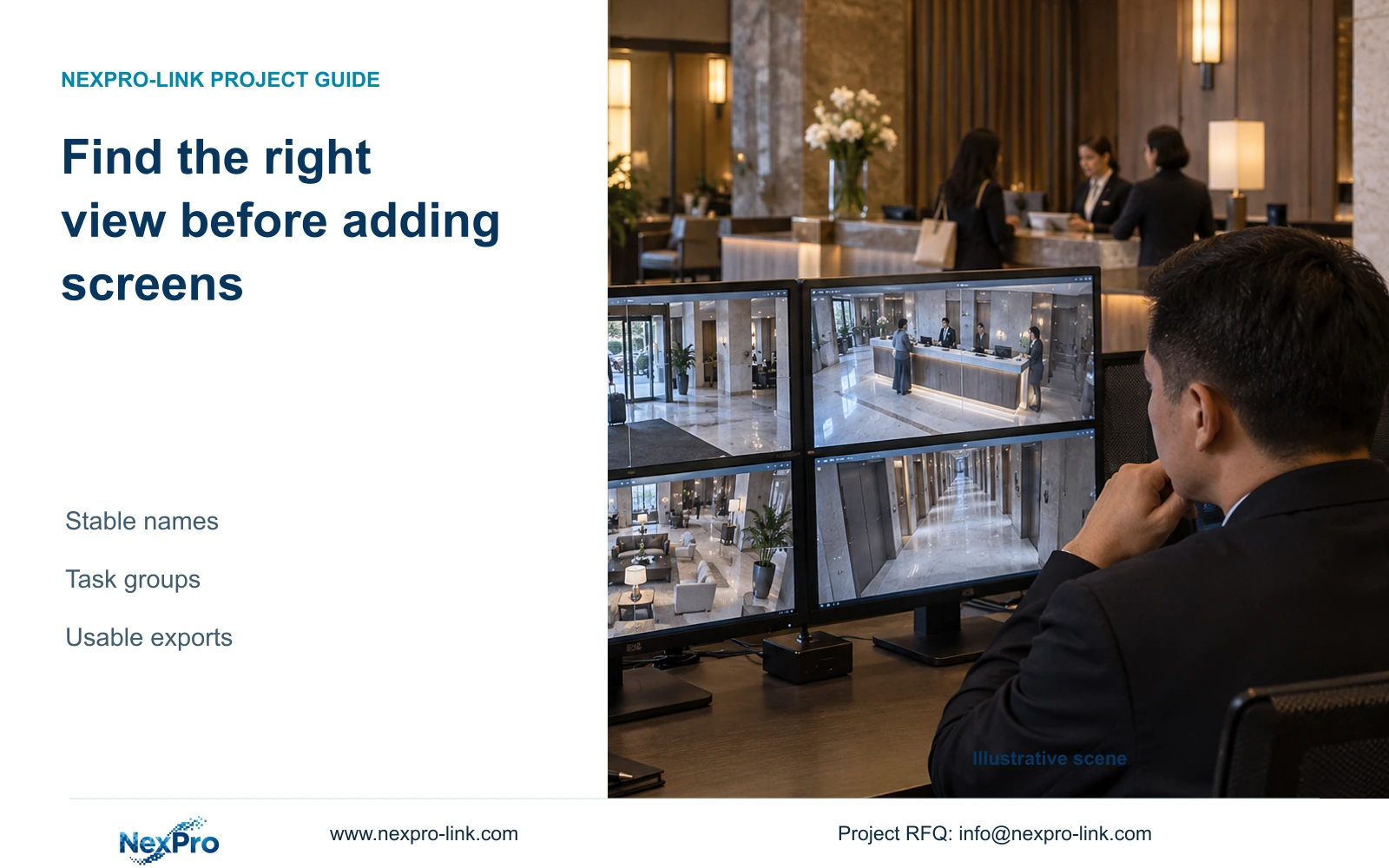
When operators cannot find the right view, start with stable location names and an authorized search workflow. Buy more display capacity only when the demonstrated task needs it.
Section 01
Choose a representative incident-search task
Improve camera naming, location mapping and view grouping first when operators spend time finding the correct scene. Add screens only if a demonstrated task requires more simultaneous visible information after those changes. Any claimed reduction in search time must come from recorded exercises or an explicitly identified teaching assumption.
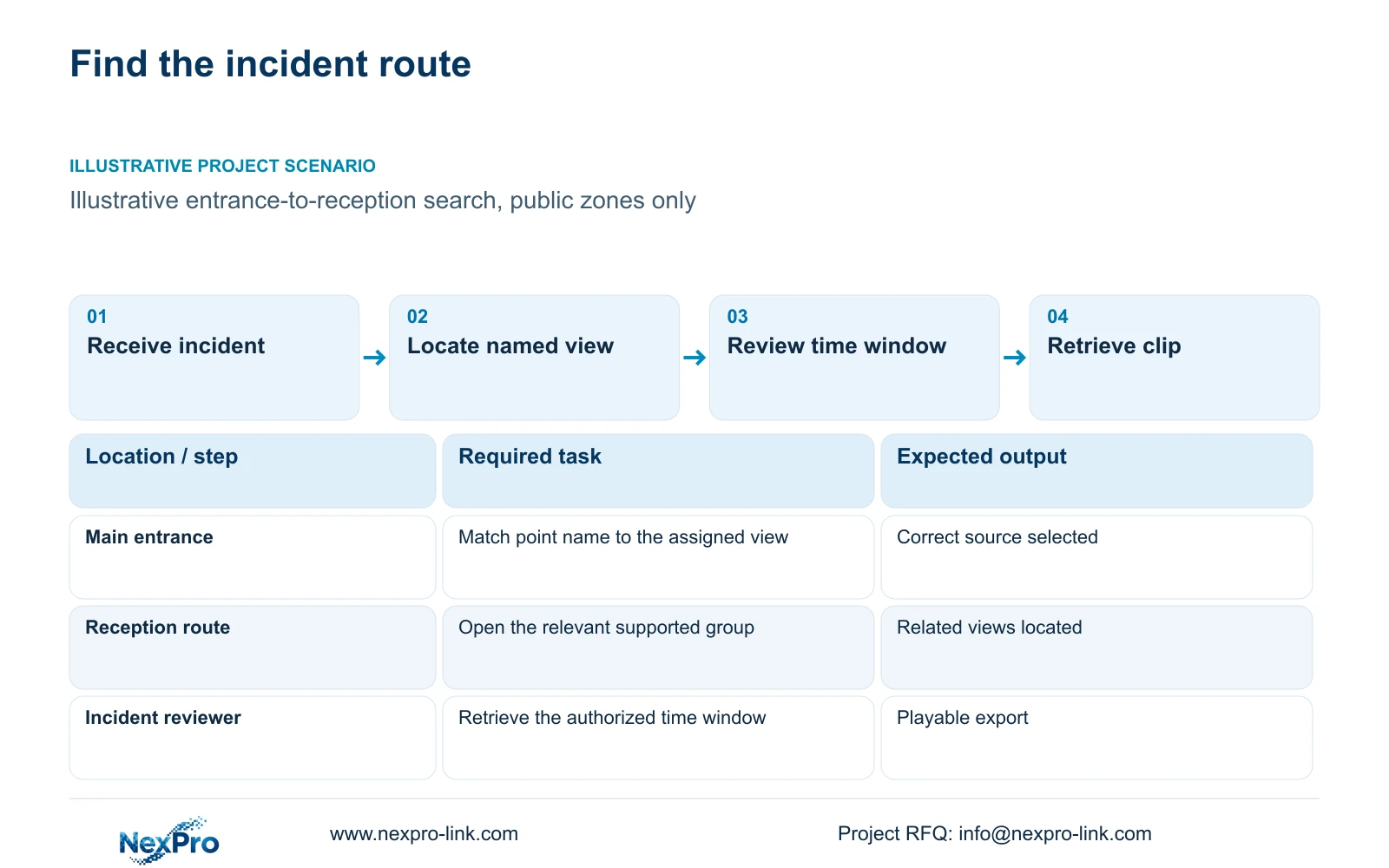
Choose a representative authorized task, such as locating an entrance incident within a known time window and following it to reception or a public route. Describe what the operator receives at the start and what counts as completion. Finding a camera, reviewing its recording and retrieving a usable export are different stages.
Record the user's role and starting device. An operator with viewing permission may need a different authorized person for export. This should be visible in the task definition so an access boundary is not mistaken for a slow interface. The same exercise can later reveal whether naming, grouping, network retrieval or decoding is the unresolved problem.
| Required task | Given information | Decision still needed |
|---|---|---|
| Find an entrance view | Public location and time window | Stable camera/location identity |
| Follow a public route | Relevant adjacent areas | Useful view group and sequence |
| Retrieve an authorized clip | Approved scope and recipient | Export permissions and playback method |
Section 02
Map stable camera names to actual locations
Keep a stable point identifier and a readable location description together. The identifier should connect the camera schedule, installed location, recorder channel and operator instructions. A replacement device may change its serial number without changing the surveillance point's identity.
An illustrative name such as 'Main entrance, inward view' gives the operator more context than an unexplained channel number. Where several views share a location, distinguish their assigned task or viewing direction. Use the hotel's agreed terminology consistently; a security team and a maintenance team should not use different names for the same public route.
Keep technical device identity in the asset record rather than relying on a display name alone. The map should retain the recorder/channel relationship and the actual device model. Avoid guest names and private details in camera labels. This series concerns necessary public and service-zone tasks, with no guest-room interior surveillance.
| Item | Unstructured approach | Mapped approach | Effect on the hotel task |
|---|---|---|---|
| Visible label | Channel number alone | Location plus assigned view | Operator can identify the scene |
| Replacement | Device name changes point identity | Stable point ID retained | Instructions remain traceable |
| Documentation | Separate informal lists | Schedule-to-channel cross-reference | Support can locate the same view |
Section 03
Compare an unstructured list with task-based groups
Build groups around operator tasks and permitted locations. Entrance-to-reception review may need a different group from parking observation. Preserve the ability to locate an individual source, and confirm which grouping or saved-view functions the selected client actually supports.
CASE01 provides an illustrative 32-view public-zone schedule: four main-entrance views, four lobby/reception views, twelve guest-floor public-route views, four back-of-house views, six parking views and two exterior service-route views. These are task allocations, not a formula based on its 100 guest rooms. They offer a bounded naming exercise without predicting search-time savings.
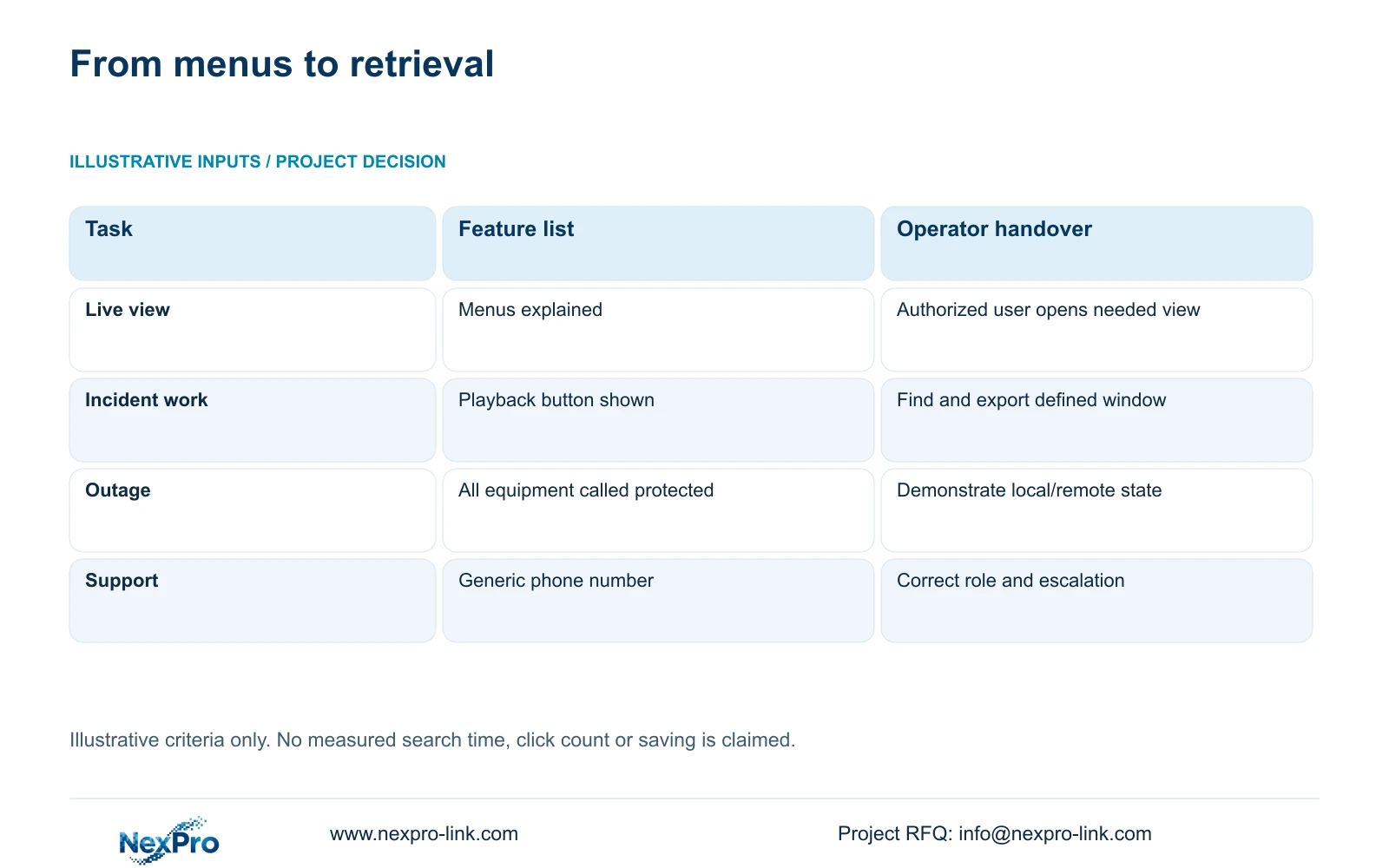
The original handover illustration distinguishes showing menus from completing a task. For this naming exercise, use the more specific record below: follow a stable point from the drawing to the channel, find it through the supported group and retrieve the approved event window. Record actual errors, actions and waiting time separately. No measured saving or universal click count is assumed, and extra screens cannot replace a missing location map.
| Stage | Required input | Observation to record |
|---|---|---|
| Identify the point | Stable point ID, location and assigned view | Selected point matches the drawing and recorder channel |
| Open the group | Task-specific permitted camera set | Correct view found; wrong selections recorded |
| Review the event | Approved time window and time reference | Right source and recorded interval retrieved |
| Use the export | Permitted recipient and supported playback tool | File opens with its camera/time context |
| Compare the change | Same role, client version and task | Navigation actions separated from retrieval waiting time |
Section 04
Count operator actions and separate waiting time
Record the actual sequence from the incident description to the correct view, then to the relevant recording and authorized export. Count meaningful actions, including opening a group, selecting a source, setting a time window and correcting an incorrect selection. Do not invent a universal click count for a client whose interface has not been tested.
If measuring elapsed time, separate navigation from waiting for footage or export processing. Naming changes can address an ambiguous selection path; they cannot establish a remedy for every network or decoding limitation. Compare the same representative task before and after the change, retaining the user's role and starting conditions.
Also exercise an exception state relevant to the hotel's design. If WAN access is unavailable, instructions should identify the supported local retrieval route. If a source is unavailable, the operator needs its stable point identity for escalation. Report only observed outcomes; a single successful exercise does not establish an average improvement across all incidents or staff.
Section 05
Test retrieval beyond the playback screen
Complete the authorized export task and verify that the intended recipient can play the selected footage with the appropriate tool. Keep camera identity, time window and relevant context with the file. An attractive playback screen does not establish that the exported material is usable.
Confirm retrieval support in the actual device and client versions. NexPro-Link's Seetong System source describes app and PC-client workflows, without proving full advanced-function compatibility for all devices. ONVIF support likewise does not establish every recorded-video search or export behavior. Keep unsupported functions visible in the scope response.
Where an export fails, record the unfinished task and responsible party, then repeat the same conditions after correction. Keep permissions and approved transfer paths intact while investigating. A display purchase is worth considering only when insufficient simultaneous viewing remains the limitation; if the failure lies in export support, access or file playback, address that function directly.
| Retained outcome | Extra scope | Worth buying when | Counter-condition |
|---|---|---|---|
| Locate the right source | Naming and group configuration | Labels or routes are ambiguous | Correct source is found promptly |
| Review necessary views together | Additional display resources | Verified task needs more visible views | Navigation remains the problem |
| Usable authorized export | Supported retrieval workflow | Recipient cannot use current output | Extra screens do not address export |
Section 06
Train operators with hotel-specific events
Use representative public-zone incidents for training and connect each exercise to the location map. Have authorized staff find the required view, retrieve the time window and use the correct escalation route. Keep instructions aligned with the delivered client version and update them when groups or point assignments change.
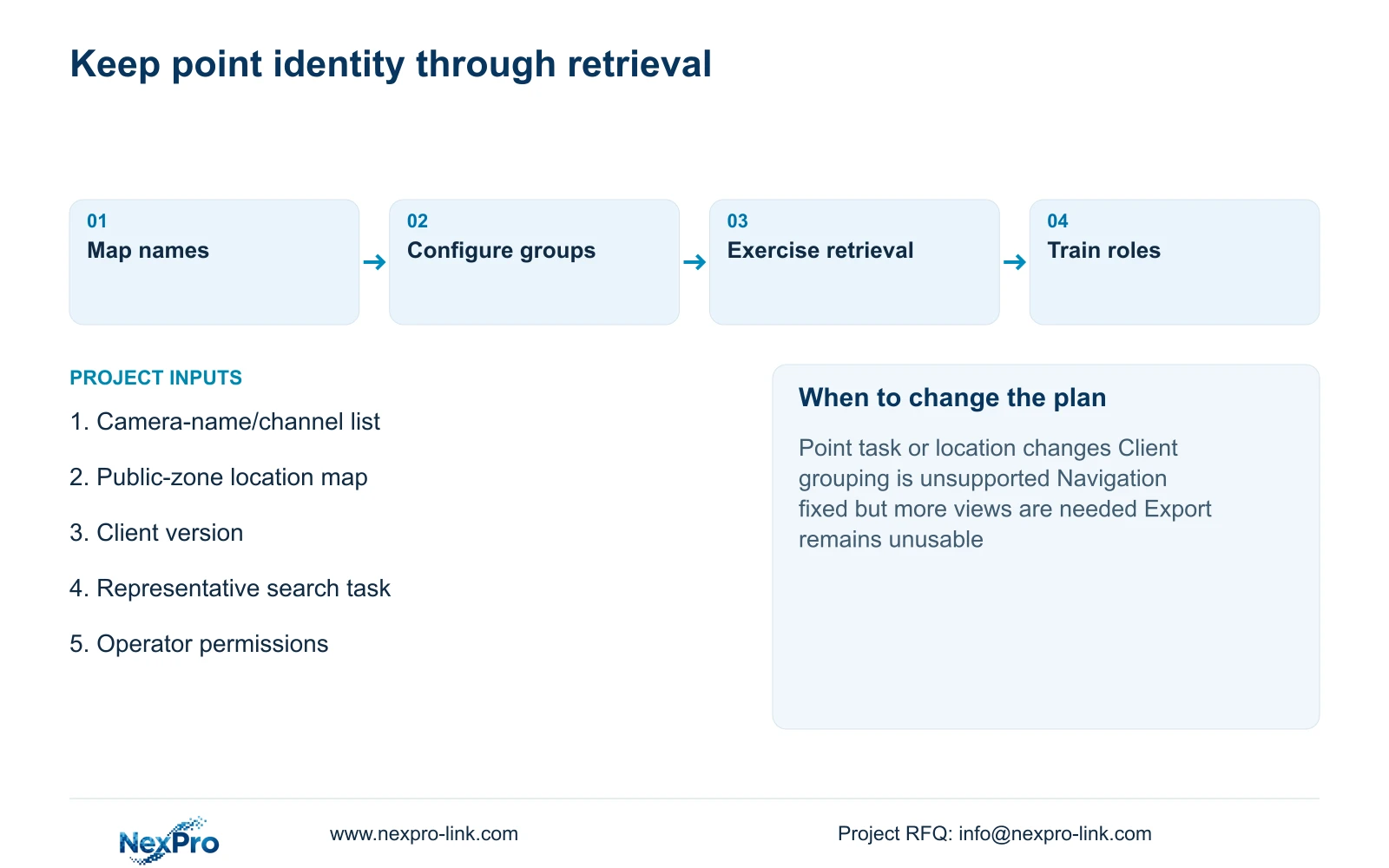
Recommend stable point names and task-based groups when they address the demonstrated navigation problem. Reconsider the display arrangement when the corrected workflow still requires more concurrent views, or when a mandatory platform limits the supported grouping method. Distinguish operator training from professional configuration and repair support.
Send info@nexpro-link.com the current camera-name/channel list, a public-zone location map, client version and one representative search-to-export task. State the permitted operator roles and any platform constraint. NexPro-Link can discuss equipment and documentation scope through /project-supply/hotel-security and /project-supply/boq-tender-support. An initial inquiry needs no guest footage, passwords or personal credentials.
Section 07
Buyer questions
Should a replacement camera receive a new point name? Retain the stable point identity if the location and task remain the same. Update the device model, serial and channel mapping separately so maintenance records remain accurate.
Will adding a video wall make searches faster? No improvement follows automatically. First test source identification and grouping. Add display capacity when the corrected task demonstrably needs more simultaneous views.
What should a retrieval exercise prove? It should show that the authorized user can identify the source, find the agreed time window and produce footage the intended recipient can play. Record unresolved stages rather than marking the whole workflow complete.
Engineering references
These sources support the general planning principles. Always use the selected product's current datasheet and applicable project standards for final design.