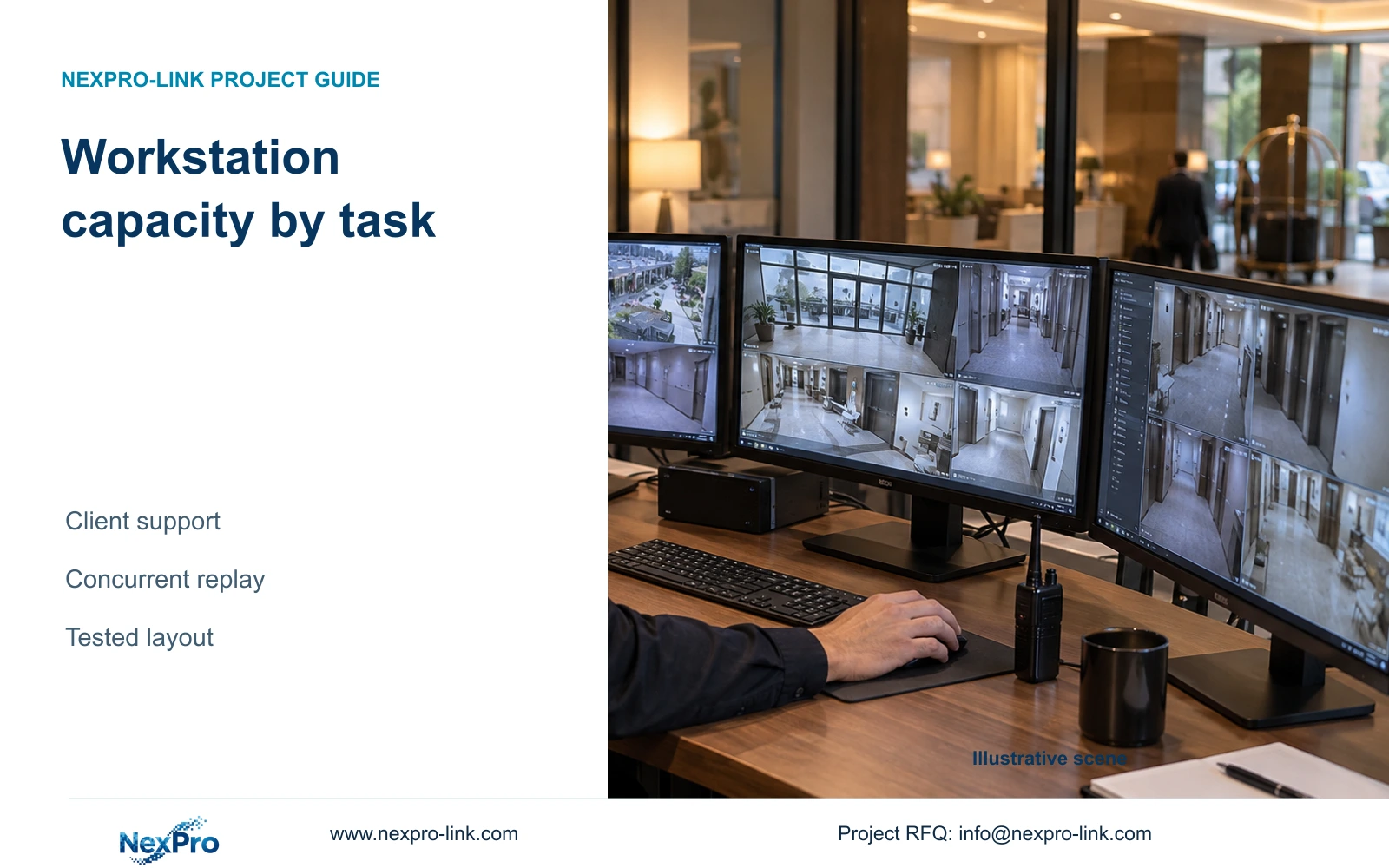
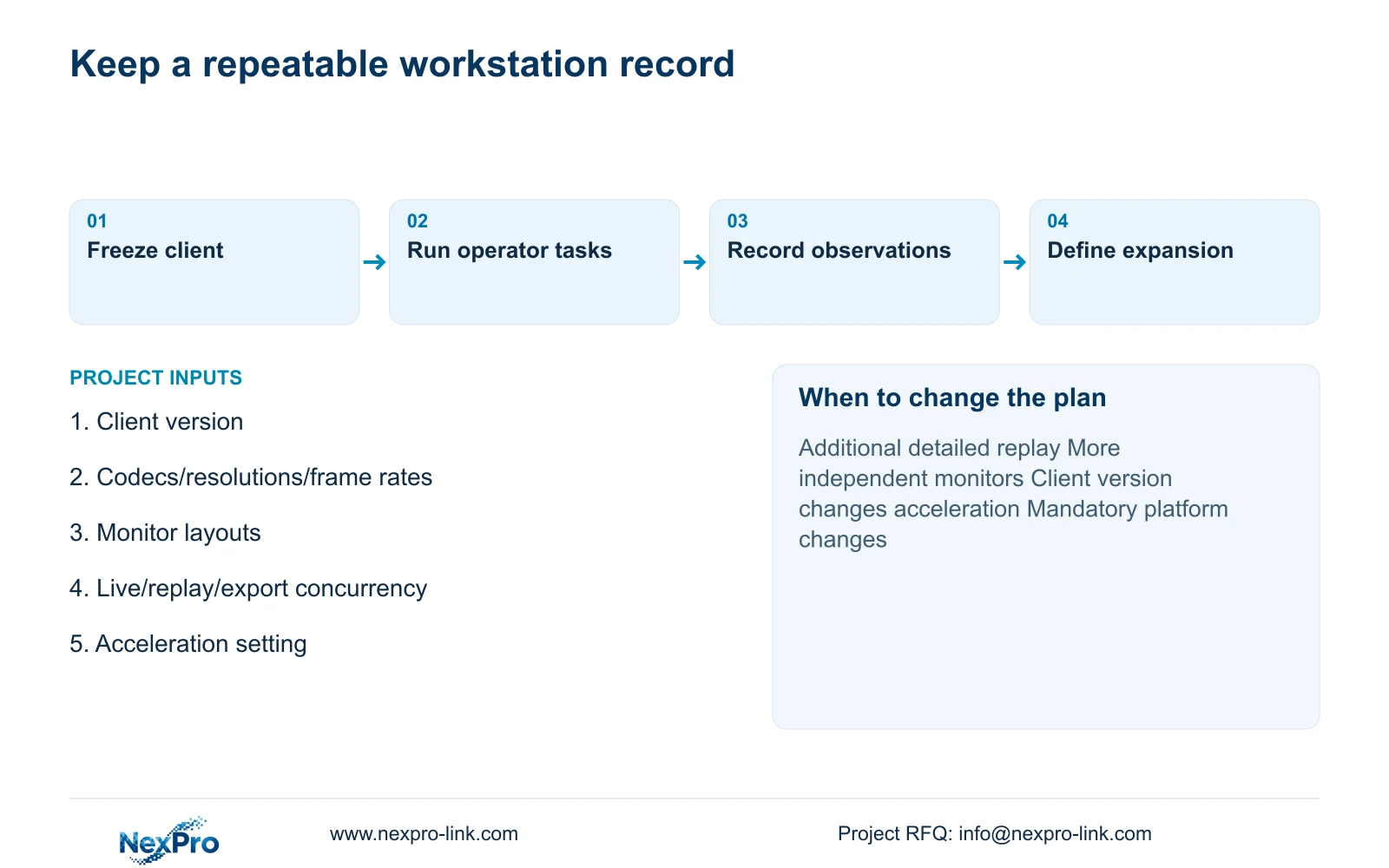
Keep the accepted client version, acceleration state and stream mix with the workstation record. After a client or driver change, repeat the required concurrent live/replay/export workload.
Section 01
Define the live and replay sessions first
Keep the accepted client version, acceleration state and stream mix with the workstation record. After a client or driver change, repeat the required concurrent live/replay/export workload. Retain unsupported tasks separately. A newer GPU driver or unchanged hardware label cannot establish that the previous application behavior still holds.
Select a hotel CCTV workstation by the actual client version, supported acceleration and simultaneous operating tasks. A gaming GPU designation cannot guarantee smooth multi-camera playback. Prefer a qualified overview layout with detailed event viewing when it meets the operator's needs; increase resources when required replay or several detailed views exceed the demonstrated configuration.
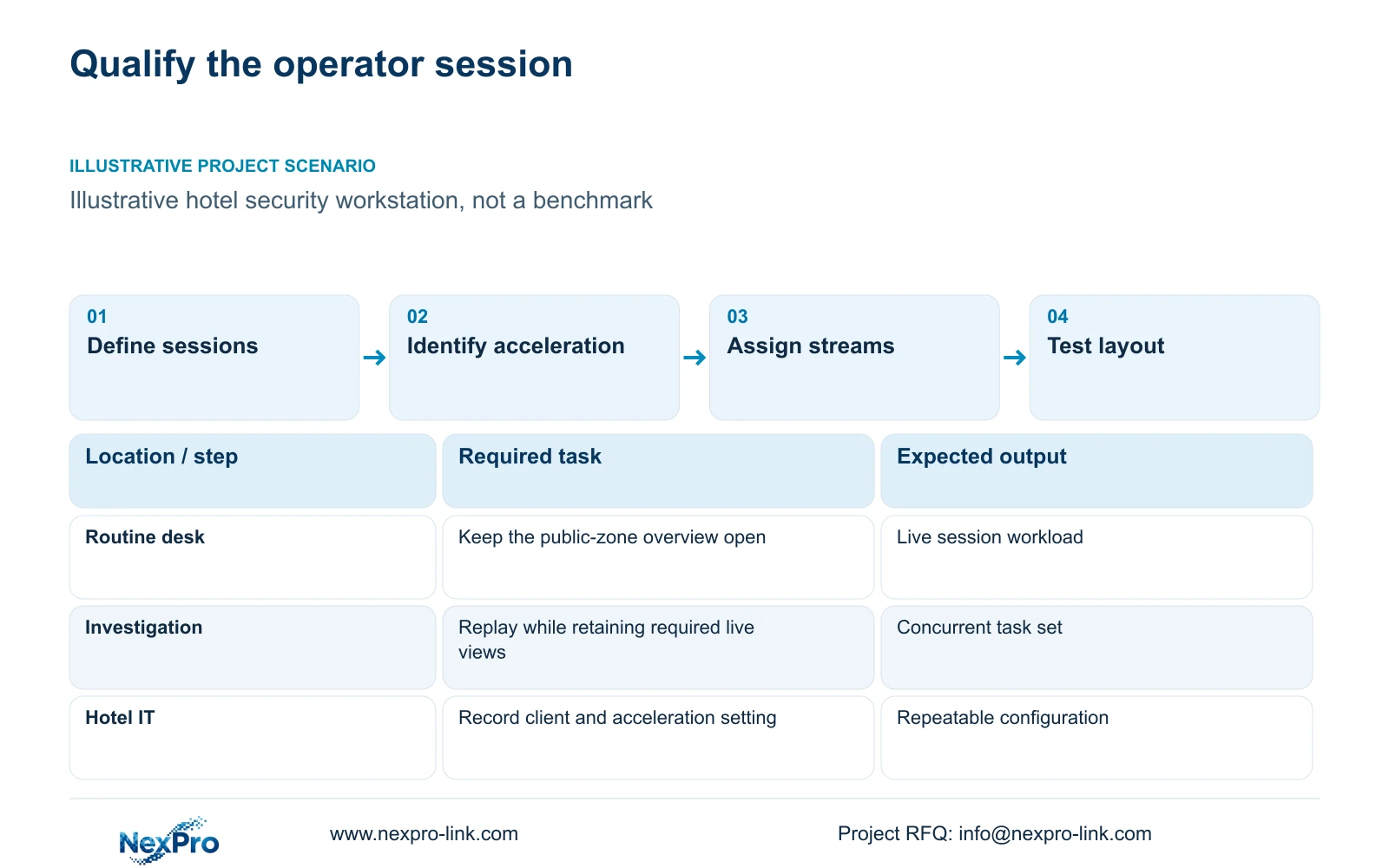
Describe the normal session before naming CPU or GPU candidates. List the public-zone views that remain open, the number of monitors and the image format assigned to each window. Then define an investigation session: which recorded sources the operator reviews, whether the live overview stays open and whether export runs during review.
Permissions belong in this definition. A security operator, hotel IT administrator and local installer have different jobs. Demonstrate the intended workflow under the operator's authorized account, including the ability to find the time window and export it. A supplier demonstration under unrestricted administration does not establish the usable operator scope.
| Required task | Given information | Decision still needed |
|---|---|---|
| Routine overview | Public-zone grid remains open | Streams and monitor layout |
| Incident review | Several views may be replayed | Concurrent replay with live view |
| Export | Authorized clip retrieval required | Resources used during review |
Section 02
Identify what the client can accelerate
Ask for the exact client edition and version, its supported operating environment and its documented acceleration options. The relevant question is whether that software can use the proposed hardware for the selected source formats. GPU branding alone leaves the processing path unresolved.
Record the acceleration setting and the hardware used during qualification. If the client processes a required format through a different path, compare candidates under that actual condition. CPU, GPU and memory specifications should be part of the configuration record, but no fixed minimum or channel guarantee is established by the supplied evidence.
NexPro-Link's Seetong System source describes related app and PC-client workflows. It does not establish full interoperability for every compatible device or an acceleration guarantee for a particular graphics card. Likewise, ONVIF Profiles support function-level matching; they do not prove that advanced search, audio, event handling or recorded-video access behave identically across clients.
| Item | Candidate A | Candidate B | Effect on the hotel task |
|---|---|---|---|
| Client version | Same approved version | Same approved version | Avoid software-driven differences |
| Acceleration | Supported setting recorded | Supported setting recorded | Qualify actual processing path |
| Operator permissions | Intended role | Intended role | Test usable investigation functions |
Section 03
List source formats and calculate the workload
For every concurrent stream, record codec, resolution and frame rate. Keep viewing bitrate available for network assessment, but do not substitute Mbps for decoded pixel demand. Recorder incoming capacity, client decoding and monitor output are different resource boundaries.
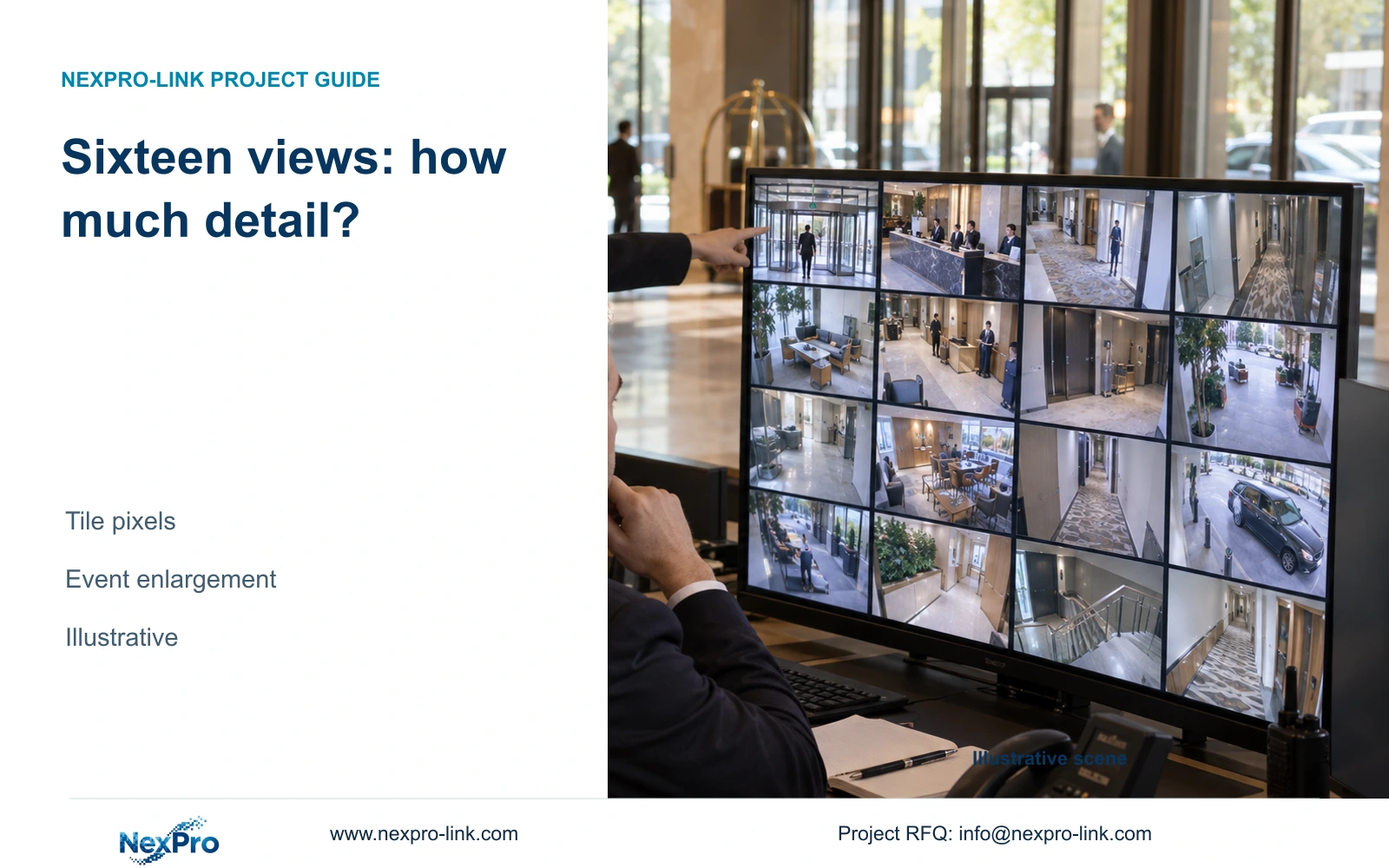
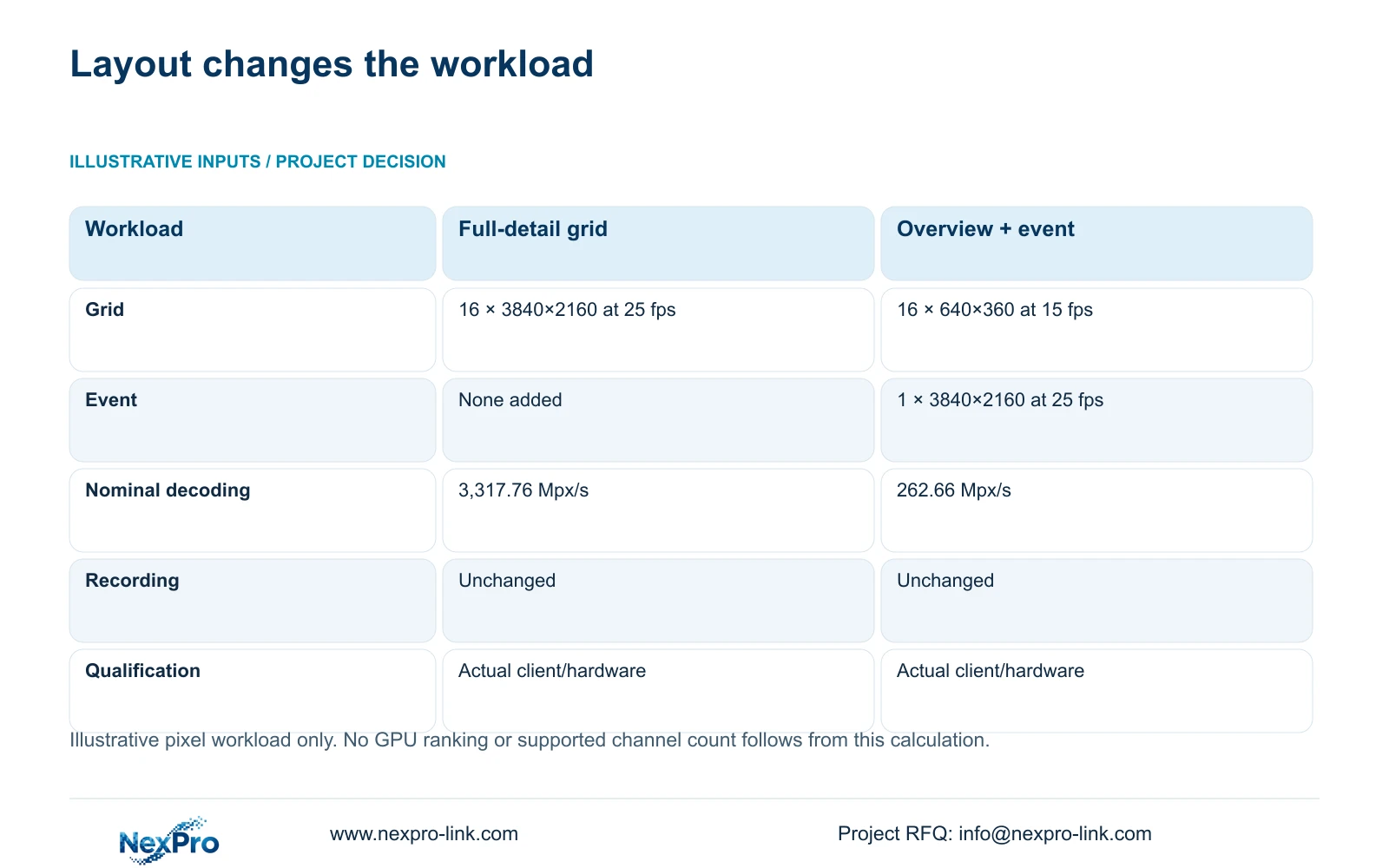
The independent teaching comparison uses sixteen 3840×2160 streams at 25 fps for the full-detail grid. Its alternative uses sixteen 640×360 streams at 15 fps plus one 3840×2160 stream at 25 fps for an event. Sum width × height × fps × simultaneous stream count and divide by 1,000,000 for Mpx/s. The results are 3,317.76 and 262.66 Mpx/s.
The second result is 262.656 Mpx/s before rounding: 55.296 for the overview and 207.36 for the event. These are nominal workloads, not workstation benchmarks. They show why an appropriate stream layout deserves evaluation before a larger GPU purchase. Keep full main-stream recording unchanged; overview optimization should not reduce the incident detail retained by the recorder.
| Metric / condition | Option A | Option B |
|---|---|---|
| Viewing workload | 16 main streams for grid | 16 substreams for grid + 1 main event |
| Planning pixel load (Mpx/s) | 3,317.76 | 262.66 |
| Main recording | Unaffected by viewing choice | Unaffected by viewing choice |
| Hardware performance test | Required for actual codec/version | Required for actual codec/version |
Section 04
Compare workstation candidates on the same task
Give each candidate the same source set, client version and display layout. Compare routine observation and the busiest required investigation state separately. A machine that opens the overview may still need qualification for concurrent replay, event presentation and export. Keep any required audio behavior within the comparison.
Use the CASE01 reference only for system context. Its 32-camera design has an ordinary operator-display option and an optional wall; it does not supply a CPU or GPU benchmark. The sixteen-view workload above is a separate example. Moving to a wall can change output and control requirements, but it does not automatically require the workstation to decode every camera's main stream.
NX-VP-5535 is a Full HD LCD panel, while NX-VD-4K16 is a modular decoder candidate. A dedicated decoder may take a defined display responsibility, but its presence does not remove workstation duties by assumption. Specify which system handles live composition, investigation and operator control before comparing equipment costs.
Section 05
Test the intended layout and its failure states
Use the intended monitors and layout for qualification. An authorized operator should open the required views, enlarge an event, review the agreed recorded sources and retrieve an export while other required tasks remain active. Record the source formats, acceleration setting and configuration alongside observations.
Separate a workstation bottleneck from an unavailable source or a constrained network path. When a task fails, identify the stage at which it fails and the responsible party. A GPU replacement is justified only if the evidence supports a processing limitation that the replacement can address. An access or retrieval problem may need a different remedy.
After a change, repeat the same conditions. Small-sample observations establish only the tested scope, without proving lifetime reliability or every possible stream combination. The cost comparison should retain the required outcome and explain the additional resource being purchased. No response-time saving or candidate ranking is available from the teaching calculation.
| Retained outcome | Extra scope | Worth buying when | Counter-condition |
|---|---|---|---|
| Required concurrent decoding | Qualified processing upgrade | Actual task exceeds tested capacity | Client cannot use proposed acceleration |
| Independent operator display | Output/control resources | Separate layouts are required | Existing output layout meets the task |
| Usable investigation | Workflow or platform change | Required retrieval is unsupported | Problem is only camera naming |
Section 06
Record the configuration and its expansion boundary
Record the selected CPU, GPU, memory, display outputs and client version, together with the demonstrated stream formats and concurrent sessions. Include the acceleration setting and the required operator role. This makes a later expansion request comparable to the configuration originally qualified.
Recommend the supported substream overview and main-stream event arrangement when it preserves the observation task. Reassess if the hotel adds monitors, several main-stream events, more simultaneous replay or a client version that changes the processing path. Expansion should describe the new workload, not promise an unexplained number of spare channels.
Send info@nexpro-link.com the client version, stream-format list, monitor layouts and simultaneous live/replay/export tasks. Include any mandatory platform and destination. NexPro-Link can discuss equipment coordination and model documentation through /project-supply/hotel-security and /project-supply/boq-tender-support. The written scope should identify workstation supply, configuration and local maintenance responsibilities separately.
| Situation | Required record | Decision boundary |
|---|---|---|
| Accepted client unchanged | Version, stream mix and workload record | Retain the baseline |
| Client or driver changes | Same concurrent task sequence | Repeat affected acceptance, not only live display |
| Task becomes unsupported | Observed failure and approved recovery path | Hold the changed configuration for support |
Section 07
Buyer questions
Is a more expensive gaming GPU a safe shortcut? No stream guarantee follows from its price or name. Confirm that the client supports the proposed acceleration path and qualify the actual source formats and concurrent sessions.
Can lower-resolution overview streams preserve full-quality evidence? Yes, when the recorder continues storing the approved main streams independently. Confirm that the viewing change leaves recording settings untouched and that detailed review remains available.
What should an expansion allowance specify? Describe the additional streams, formats, monitors and operating tasks it must accommodate. Keep that allowance separate from demonstrated capacity and requalify it when the client or layout changes.
Engineering references
These sources support the general planning principles. Always use the selected product's current datasheet and applicable project standards for final design.