An 8MP source does not remain an 8MP image inside a sixteen-view grid. Calculate each window's display budget and give operators a supported route to incident detail.
Section 01
Confirm the output canvas before specifying sixteen views
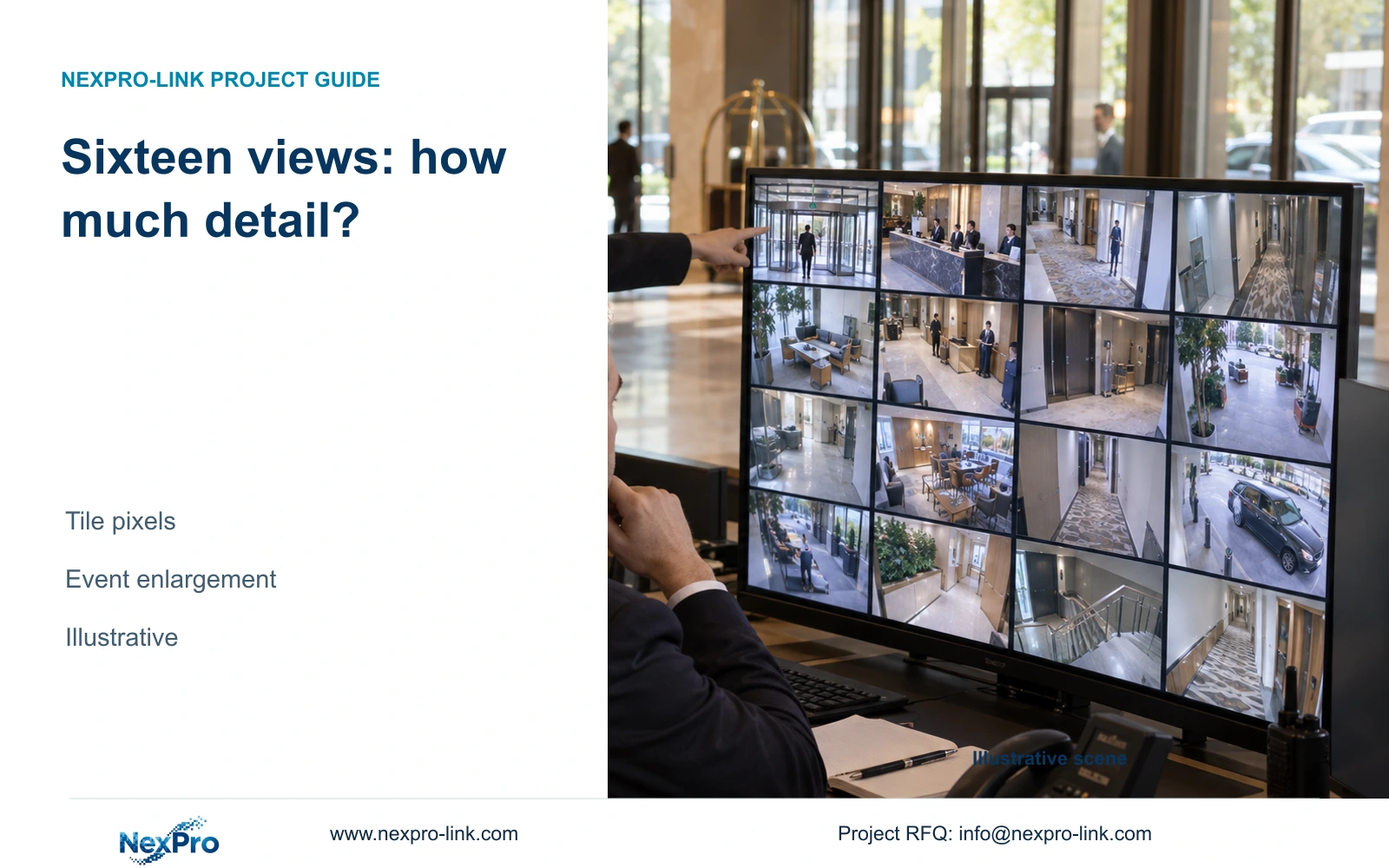
Use a sixteen-view grid for overview and provide a supported enlargement or separate detail screen for investigation. An 8MP source does not remain an 8MP displayed image inside that grid. On the illustrative 3840×2160 canvas, each equal window receives only 960×540 nominal pixels. If the operator must inspect more detail while preserving the overview, allocate a separate investigation view.
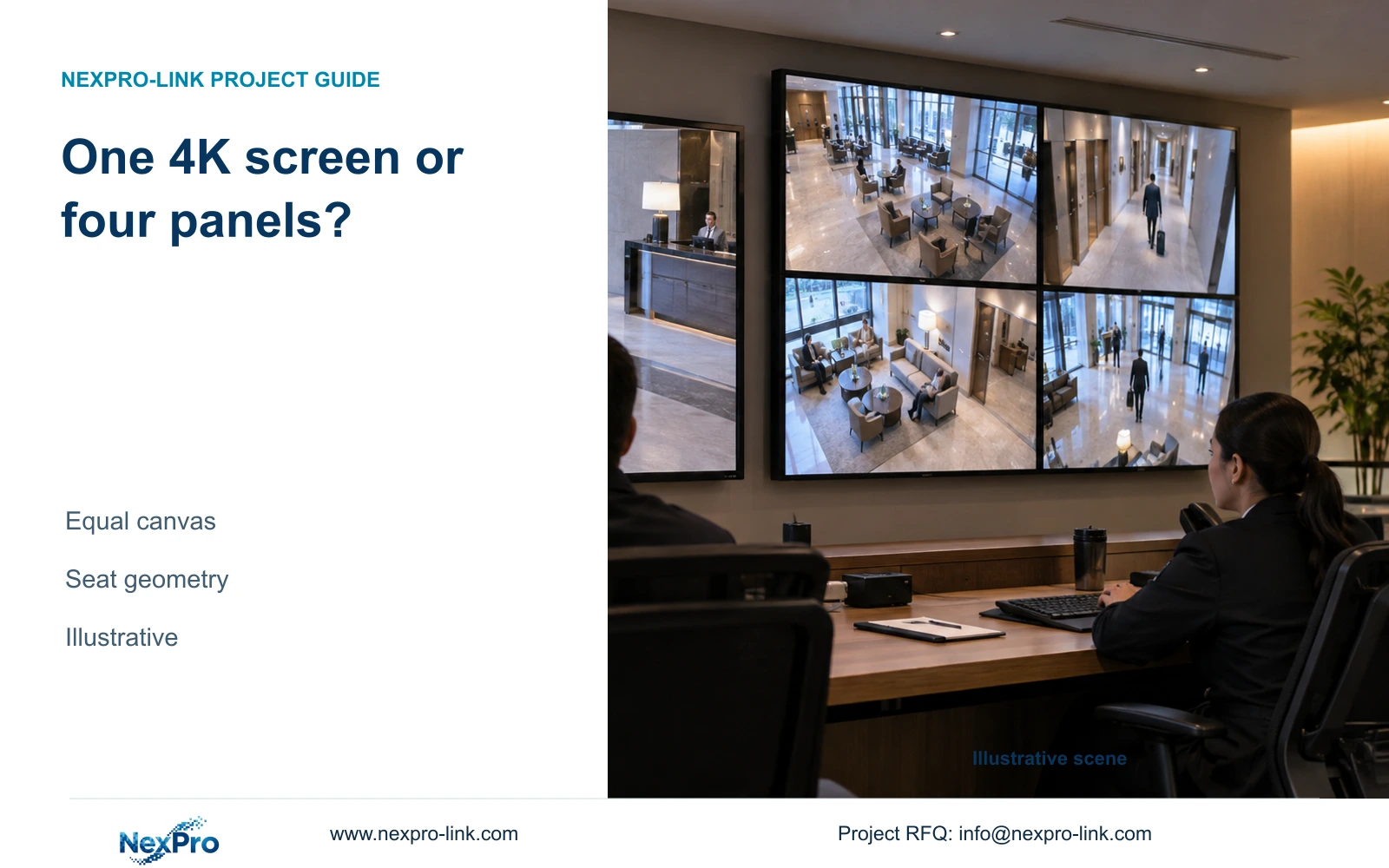
Start with the actual output mode and the way the display surface is addressed. One 1920×1080 screen has a different canvas from four Full HD panels arranged 2×2. A single 4K monitor can match the wall's nominal canvas, although its physical size and viewing geometry may differ.
NX-VP-5535 is identified as a 55-inch 1920×1080 LCD panel, with a 3.5 mm seam field and 400 nit typical brightness. Four panels provide a theoretical 3840×2160 combined surface only when the selected signal/control path addresses it correctly. Panel specifications alone do not confirm the configured operator desktop.
| Required task | Given information | Decision still needed |
|---|---|---|
| Public-zone overview | Sixteen planned views | Actual canvas and available video area |
| Incident inspection | High-resolution recorded source | Supported enlargement without losing required overview |
Section 02
Assign windows by operating purpose
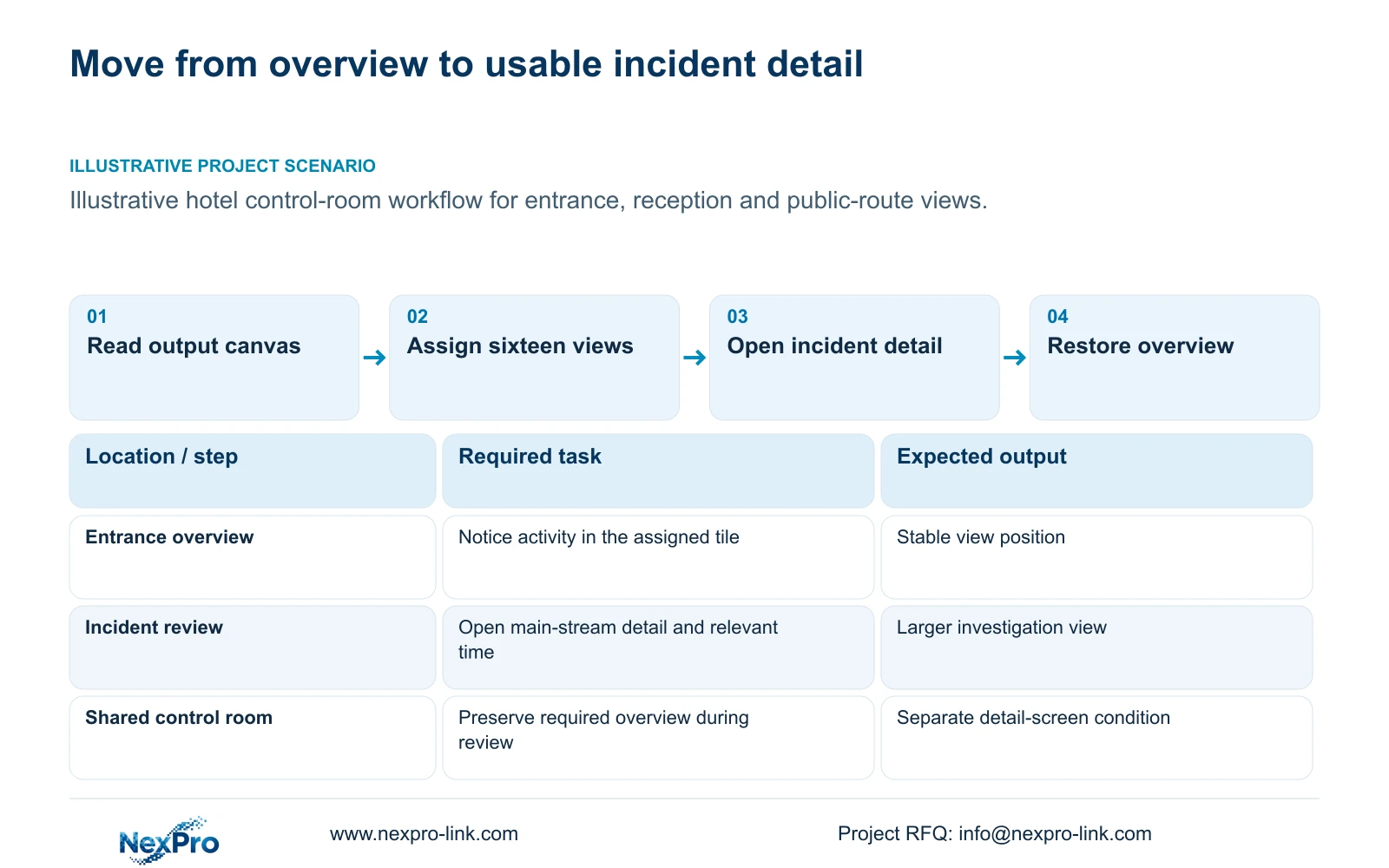
Select the views that must be continuously visible before choosing an equal grid. Public entrance and reception views can have different priorities from parking or exterior service routes. Assign stable names and positions so an operator can find the relevant view without depending on a remembered sequence of device numbers.
Sixteen equal windows are a convenient calculation basis, but the actual application may reserve space for labels, controls or an alert area. Record the usable video rectangle and any mixed-size windows. Dividing the full screen by sixteen gives a nominal upper allocation; it does not guarantee that every pixel is available for the camera image.
Define what happens when an event opens. The layout may replace the overview temporarily, enlarge one tile or use another display, depending on actual platform support. Preserve the views that the hotel requires other observers to retain. A workflow that removes them needs an explicit operating decision.
Section 03
Calculate the display pixels available to each view
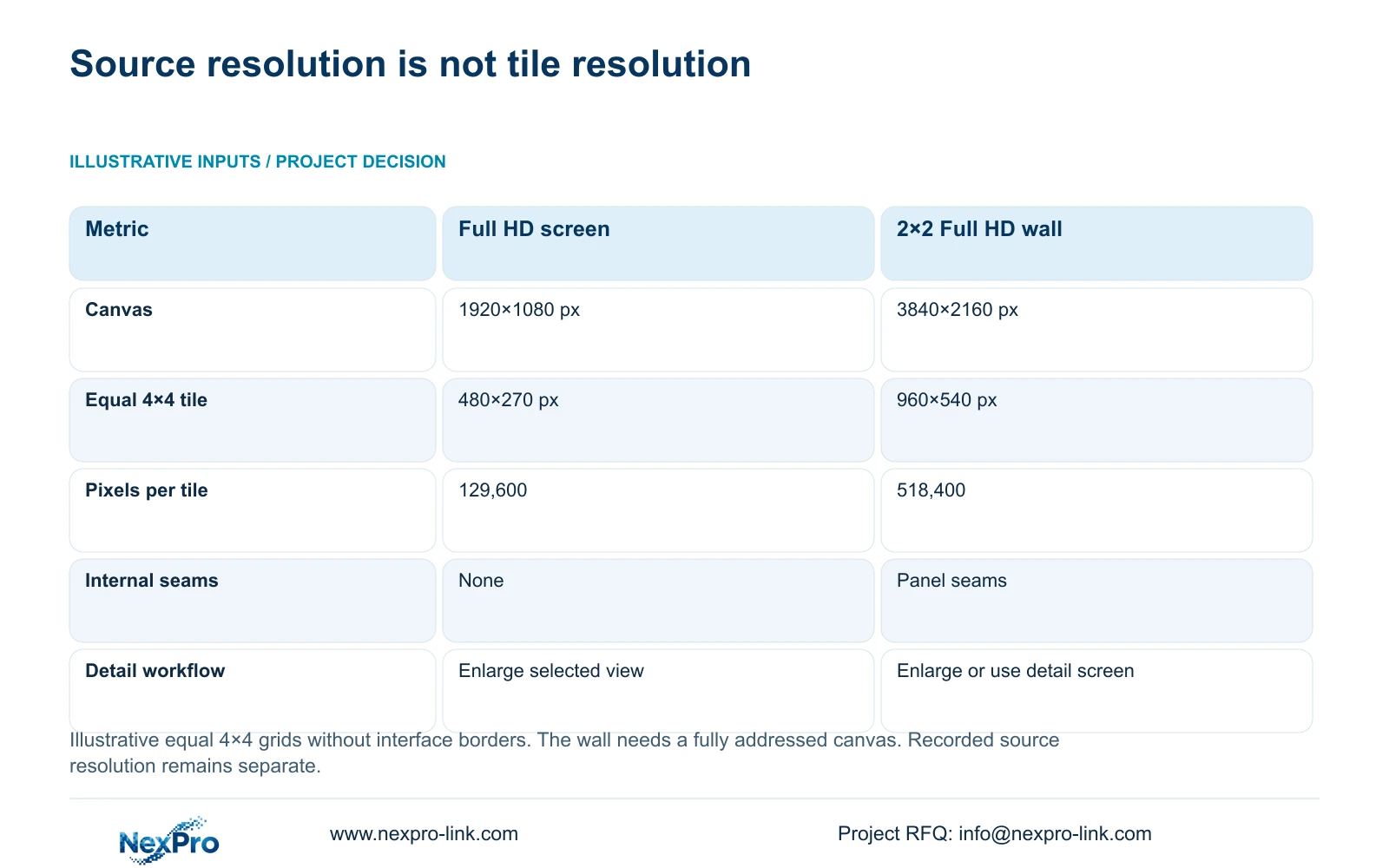
The source example compares an equal 4×4 grid on one Full HD monitor with the same grid on a 2×2 Full HD wall. Divide canvas width by four and height by four. The first option gives 1920/4 × 1080/4 = 480×270 pixels. The wall gives 3840/4 × 2160/4 = 960×540 pixels.
These tiles contain 129,600 and 518,400 nominal pixels respectively. The wall has four times the tile pixel count of the single Full HD screen, while a single 4K monitor would provide the same nominal tile count as the wall. Physical screen area alone cannot identify which of these cases applies.
A camera source with 3840×2160 output contains 8,294,400 pixels before display scaling. Fitting it into a 960×540 tile reduces each displayed dimension to one quarter, giving one sixteenth of the source's pixel count as display positions. This arithmetic explains the lost display budget; it is not a measured recognition result or a claim about the recorded file.
| Metric / condition | One 1920×1080 monitor | 2×2 Full HD LCD canvas |
|---|---|---|
| Canvas (px) | 1920 × 1080 | 3840 × 2160 |
| 16-grid tile (px) | 480 × 270 | 960 × 540 |
| Physical seams | No internal seams | Panel seams exist |
| Single 4K monitor comparison | Different pixel canvas | Same nominal canvas, different physical layout |
Section 04
Separate overview from incident investigation
An overview layout helps operators notice activity across several public zones. Investigation needs a larger allocation for the selected source and access to the relevant recorded time. Those tasks should have distinct layouts so the operator does not expect a small tile to preserve every available source detail.
For a 3840×2160 canvas, a single enlarged view can use much more display area than its 960×540 overview tile, subject to controls and borders. A dedicated detail screen can preserve the shared overview while the operator examines an event. It adds equipment and operating scope, so purchase it when simultaneous overview and investigation are required.
An enlarged image across an LCD wall may cross panel seams. Check whether that affects the approved incident task and whether a separate seamless monitor is more suitable. Enlargement also requires an adequate source: increasing a low-resolution viewing stream to fill the wall does not recreate detail absent from that stream.
| Operating outcome | Layout choice | Condition for use |
|---|---|---|
| Routine overview | Sixteen stable public-zone views | Tiles are readable for the assigned observation task |
| Temporary incident inspection | Enlarge selected source | Temporary overview interruption is accepted |
| Concurrent observation and investigation | Overview plus separate detail screen | Other observers must retain the required views |
Section 05
Check source and decoding limits independently
Distinguish recorded main streams from the streams used for viewing. A substream grid with a main-stream event view can reduce viewing workload without changing the approved recording profile. Confirm that behavior in the actual software version; selecting a viewing layout should not accidentally lower recording quality.
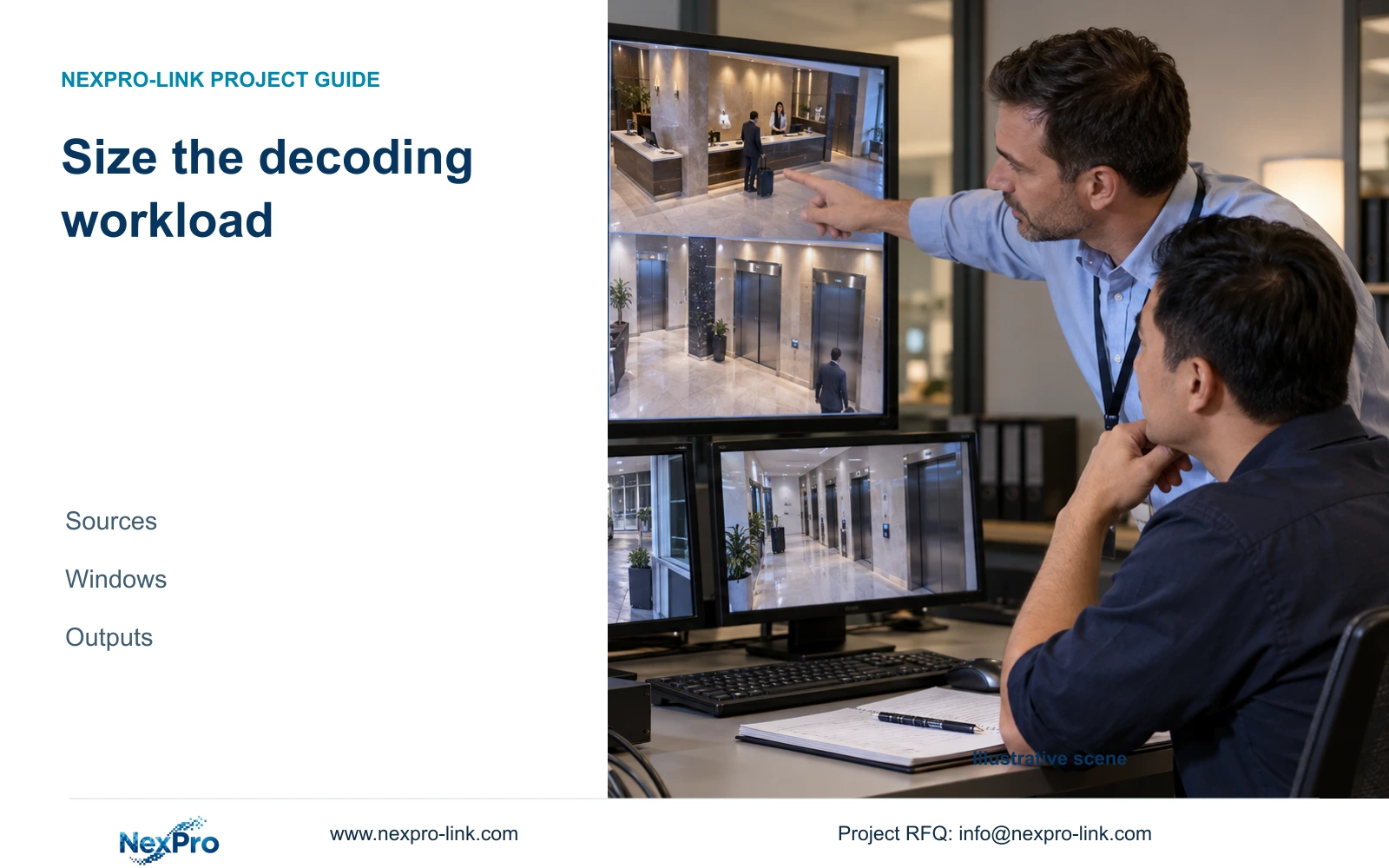
The supplied separate decoding example illustrates the workload difference. Sixteen 3840×2160 streams at 25 fps represent 3,317.76 million decoded pixels per second. Sixteen 640×360 streams at 15 fps plus one 3840×2160 event stream at 25 fps represent 262.66 million pixels per second. These are arithmetic workloads, not CPU, GPU or decoder benchmarks.
NX-VD-4K16 remains a candidate whose input formats, concurrent decoding, outputs and windows need confirmation. Add simultaneous replay and export tasks where required. ONVIF profiles provide a function-matching framework, but support for ONVIF does not establish every event, audio, search or account workflow across different equipment.
Section 06
Define the operator's normal and event layouts
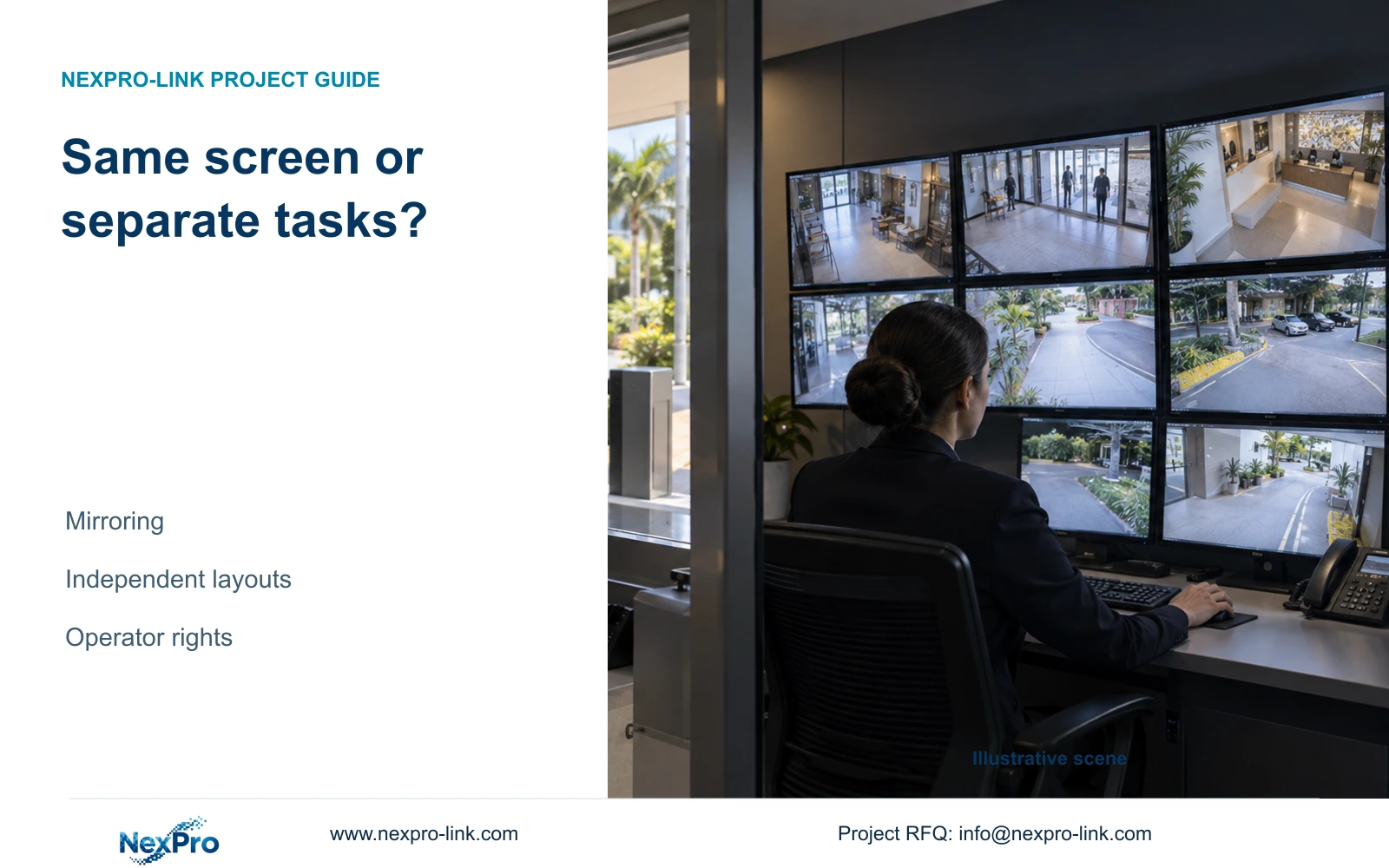
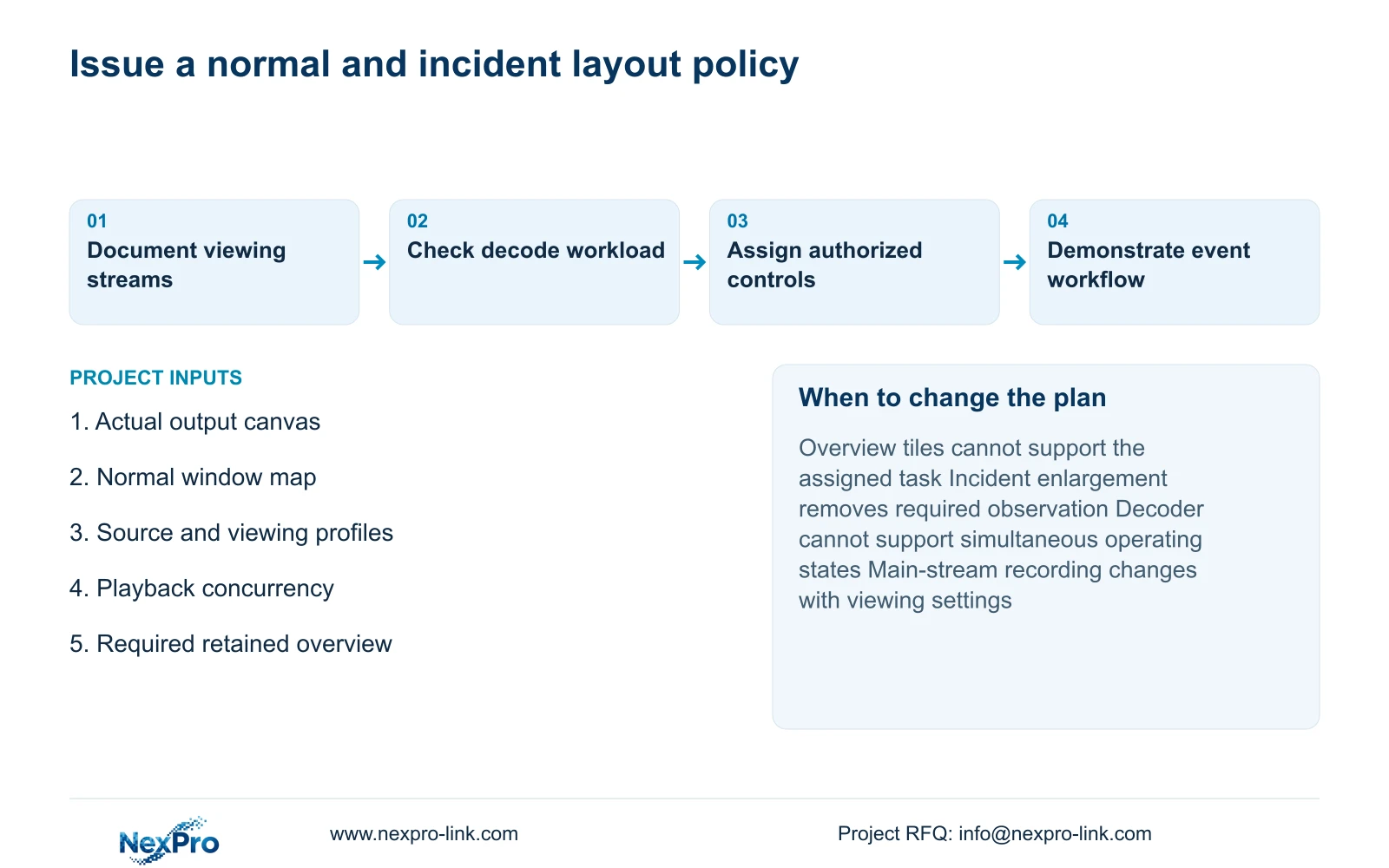
Specify the normal grid, which users may change it and how an authorized operator opens incident detail. Give security staff a clear route back to the approved overview. IT and installation roles need different maintenance permissions, so the operating workflow should not depend on everyone using an unrestricted administrator account.
Retain the sixteen-view arrangement when it meets the overview task and the supported event workflow supplies the necessary detail. Change the layout or add a detail screen when a representative incident task cannot be completed without losing required observation. More panels are appropriate only if their physical viewing benefit or additional addressed canvas resolves the identified problem.
Send info@nexpro-link.com the output-device list, normal grid and event workflow, with source resolutions and required playback concurrency. Include seat positions if readability is the unresolved issue. NexPro-Link can discuss model matching and BOQ scope, while the proposal identifies software support and local handover responsibilities. Recording should remain independent of whether the optional wall is powered.
Section 07
Buyer questions
Does the small overview tile reduce the recorded resolution? Display scaling does not itself change the recording profile. Confirm that the selected configuration keeps the approved main stream for recording while using the intended viewing stream. Recording and viewing settings must be documented separately.
Will removing labels make every tile match the calculation? The calculation assumes the entire canvas is divided into equal video rectangles. Actual borders, controls and aspect-ratio handling can still reduce usable image area. Check the configured video rectangle without removing information operators need.
What should the operator demonstrate at handover? Open the correct public-zone view, retrieve the relevant time, enlarge the source and return to the normal grid using the authorized role. If simultaneous overview and investigation are required, include both states in the demonstration.
Engineering references
These sources support the general planning principles. Always use the selected product's current datasheet and applicable project standards for final design.