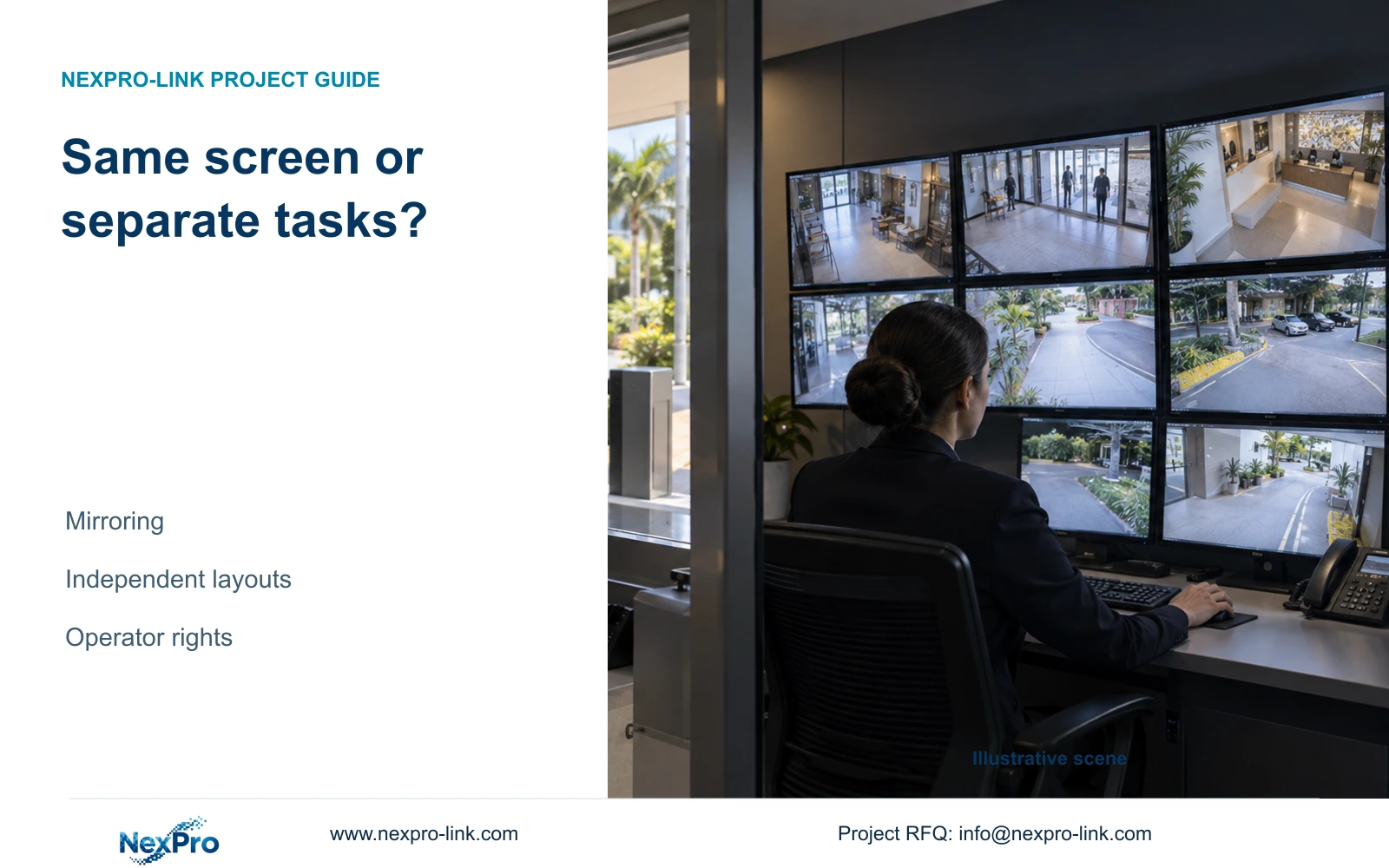
Mirror hotel security screens only when both posts need the same view and control behavior. Specify independent layouts when gatehouse and security-room tasks differ.
Section 01
Decide what each operator needs to see and control
Choose mirroring when both hotel posts need the same image and can accept shared layout changes. Specify independent views when the gatehouse must keep an entrance view while the security room searches footage or examines another event. Confirm that the selected recorder, client or decoder supports the requested behavior before buying extra screens.
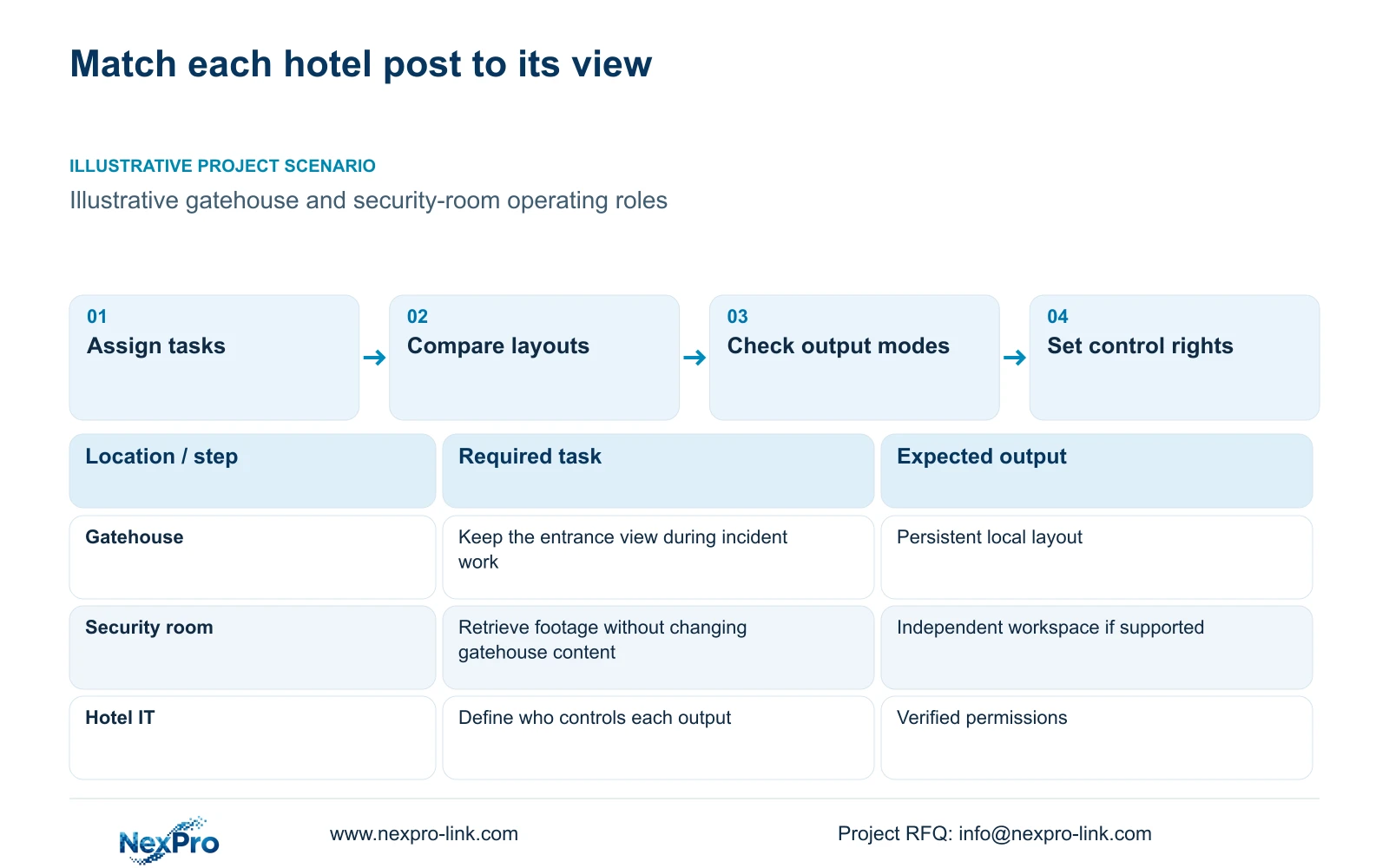
Write each task as an action assigned to a person and device. A gatehouse operator may need to observe the public entrance continuously. An authorized security-room operator may need to retrieve a time window and export a clip. Giving both posts the same display content can interrupt the first task whenever the second operator changes the layout.
Separate viewing from authority to change views. Security staff, hotel IT and a support partner do not automatically need identical permissions. The task schedule should identify who selects cameras, who initiates playback and who may export recordings. This makes the required independent behavior visible before anyone treats the number of physical connectors as the design.
| Required task | Given information | Decision still needed |
|---|---|---|
| Gatehouse entrance viewing | View must remain available | Can another operator change this layout? |
| Security-room incident retrieval | Playback and export need authorization | Independent workspace and supported permissions |
Section 02
Compare shared layouts with separate workspaces
A mirrored arrangement reproduces the selected content at both locations. That can be suitable for a shared overview, provided both operators accept the same changes. Independent workspaces allow each post to retain its assigned layout, subject to the actual platform's output and control capabilities. Neither arrangement is established by screen quantity alone.
Compare the same operating tasks in both offers. A shared view may require less configuration, but it becomes unsuitable if one post loses its required view during another post's incident work. Independent layouts add value when simultaneous tasks conflict. Include any client, decoder, software and network scope needed to deliver them.
Physical readability remains a separate decision. NX-VP-5535 is a 55-inch Full-HD LCD panel, with published seam and typical brightness fields. A wall using that panel is not direct-view LED. Seating distance, seams and event enlargement affect usefulness even after the correct independent layouts have been specified.
| Condition | Mirrored views | Independent views |
|---|---|---|
| Routine overview | Same content at both posts | Post-specific camera selections |
| Incident playback | Shared content may change | Entrance view can remain, if supported |
| Control responsibility | Shared changes need coordination | Separate control rights need verification |
Section 03
Verify output modes and the addressed canvas
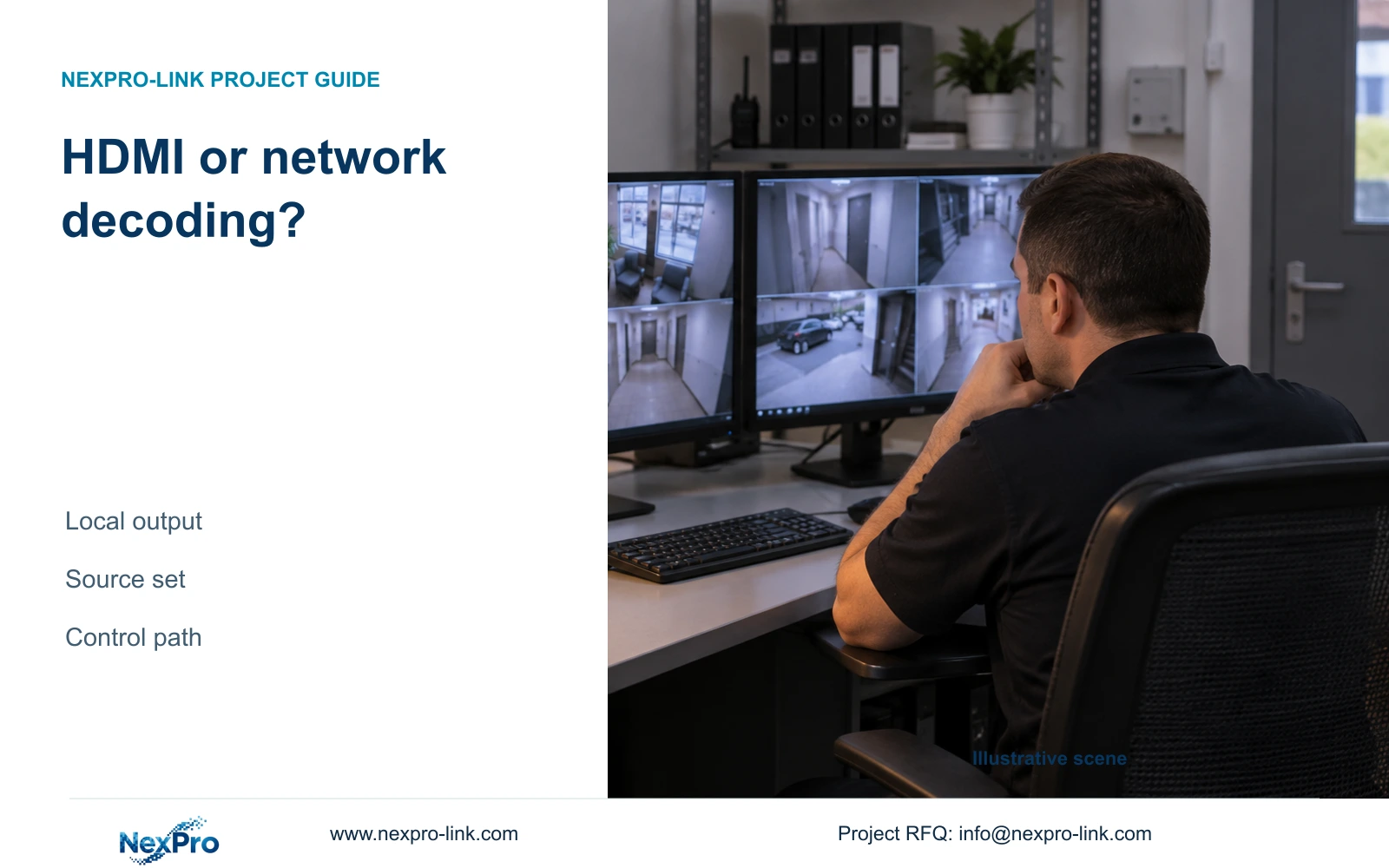
Request the output-mode description for the exact equipment and configuration. Establish which connections reproduce one image, which can carry separate layouts, and how the operator changes them. Recording input, decoding capacity and display outputs are different constraints. A published maximum output description does not establish every concurrent stream combination.
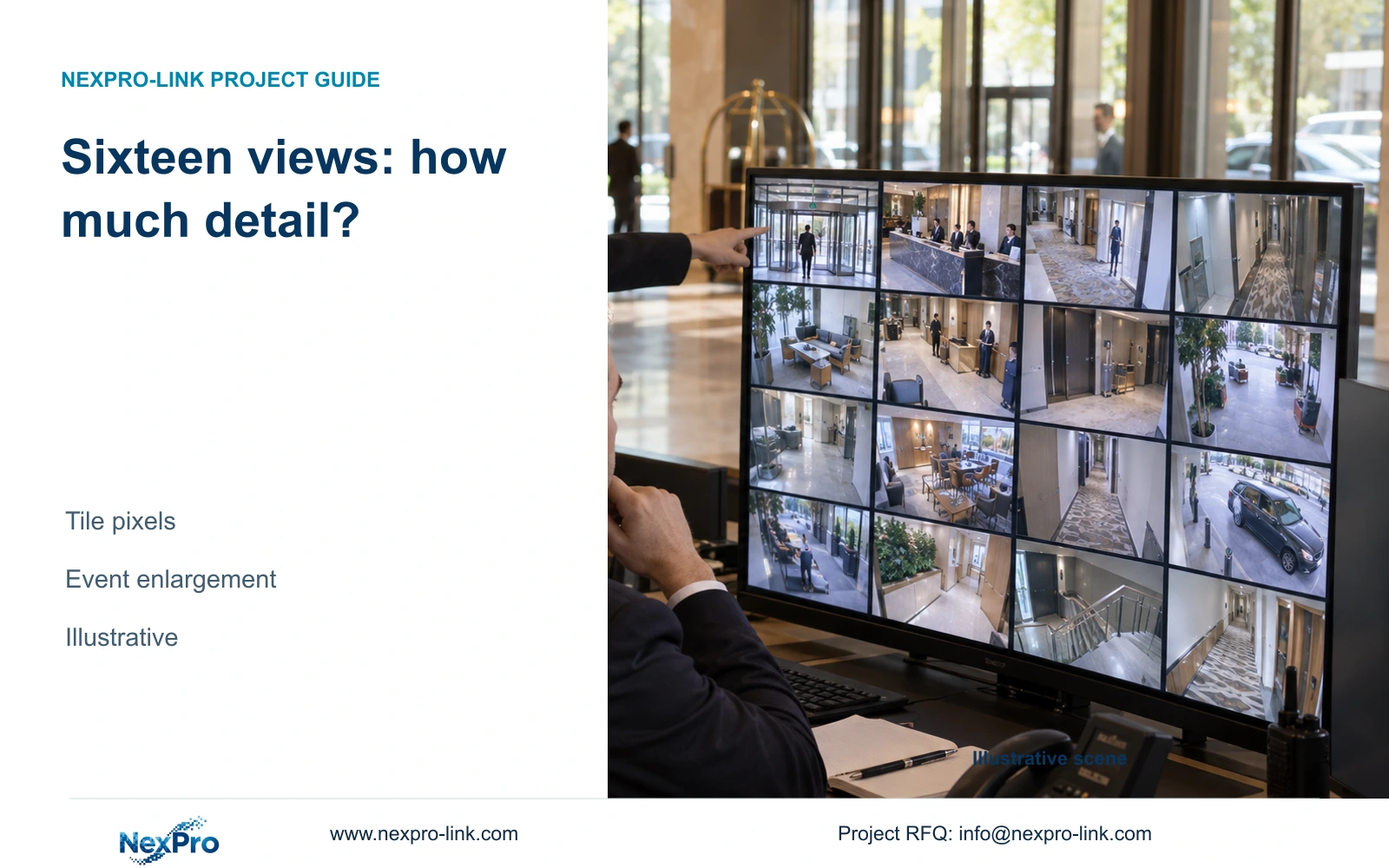
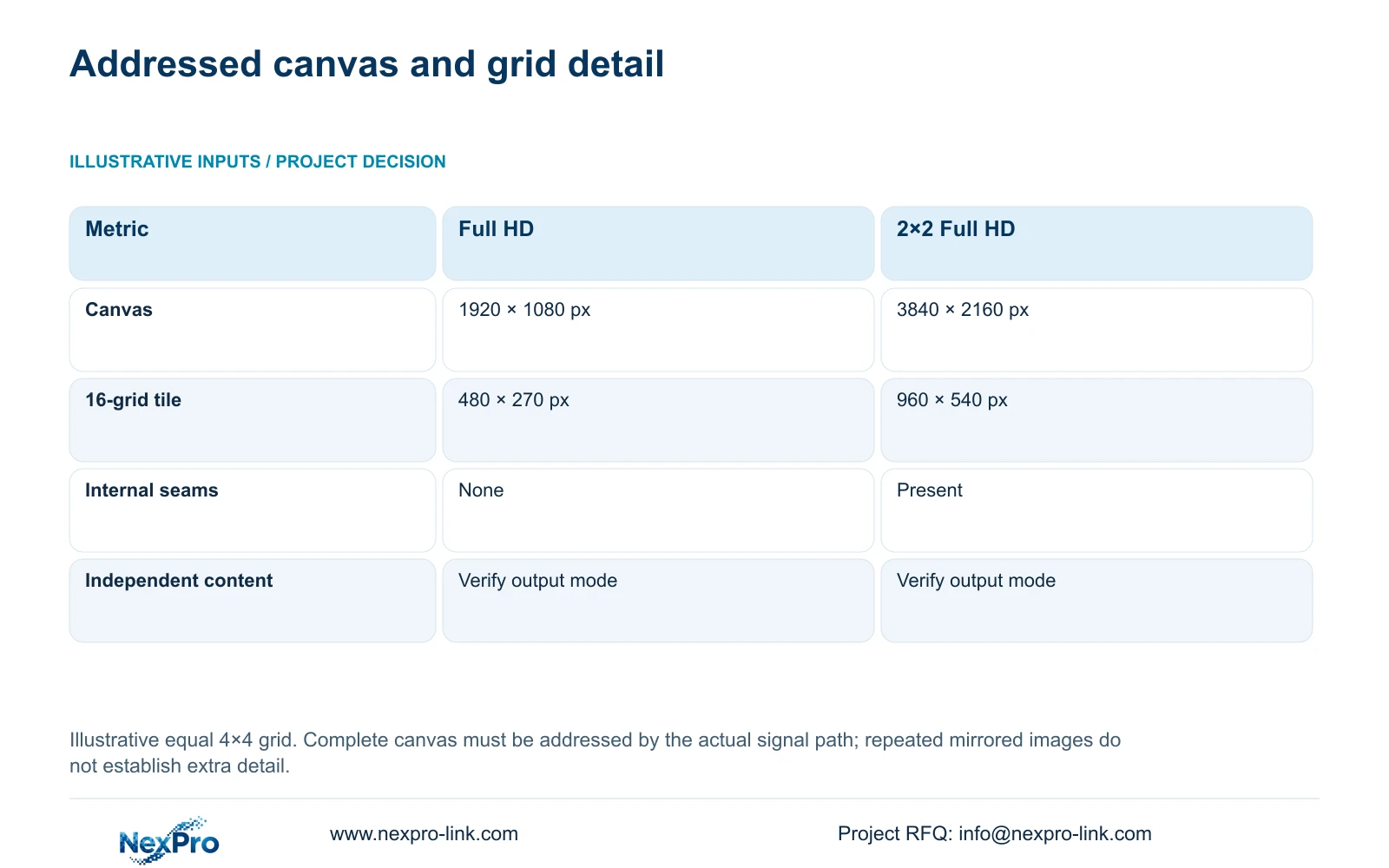
For the illustrative display calculation, a 2×2 arrangement of 1920×1080 panels creates a nominal 3840×2160 canvas only when the selected signal and control path addresses that complete canvas. Four panels showing the same Full-HD image do not create four times the source detail.
The formula is canvas dimensions = panel dimensions × horizontal and vertical panel counts. Divide each resulting dimension by four for an equal 4×4 grid. The table shows 480×270 pixels per tile on Full HD and 960×540 on the four-panel canvas. A single 4K monitor has the same nominal canvas as that wall, although its physical layout differs.
| Metric / condition | One Full-HD monitor | 2×2 Full-HD LCD canvas |
|---|---|---|
| Canvas | 1920 × 1080 px | 3840 × 2160 px |
| 16-grid tile | 480 × 270 px | 960 × 540 px |
| Physical seams | No internal seams | Panel seams exist |
| Single 4K monitor comparison | Different pixel canvas | Same nominal canvas, different physical layout |
Section 04
Count screen connections separately from logical views
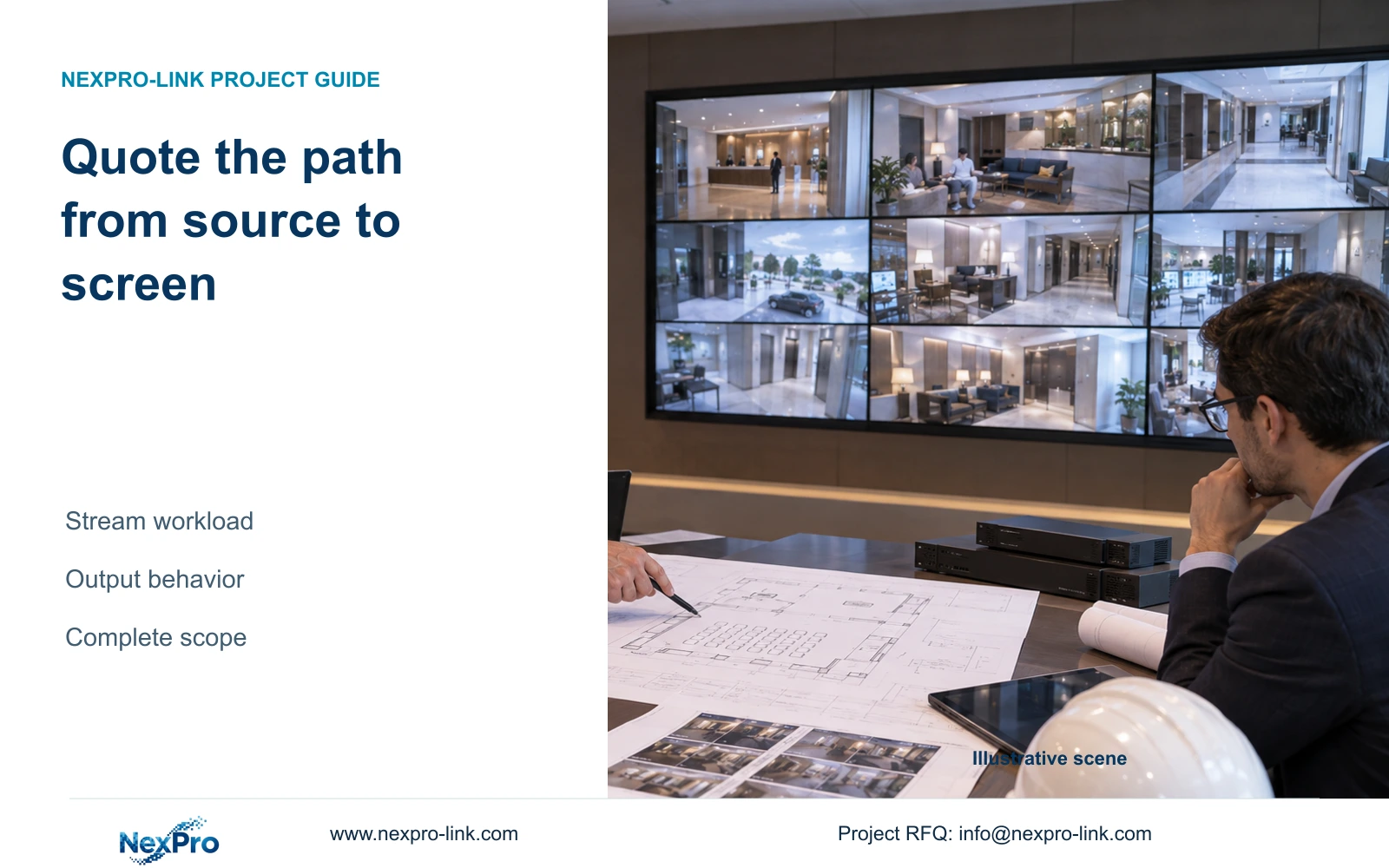
Prepare a connection schedule from each source device to its destination screen or wall system. State the required output format and whether that connection carries mirrored content, a separate workspace or part of a combined canvas. The necessary physical outputs depend on the selected architecture; panel count alone cannot settle the decoder configuration.
NX-VD-4K16 is a modular network decoder candidate with a published 5U chassis description. Its model name does not prove sixteen simultaneous 4K streams or a particular independent-output mode. Check input formats, concurrent decoding, output allocation and window behavior against the exact proposed configuration.
Use the tile calculation to decide whether each post needs overview or enlarged detail. A gatehouse may benefit from a focused entrance layout while the security room retains a wider grid. Enlarging an event can use more of the available canvas without changing the recorded source. Keep recording independent of whether either display is switched on, and describe the local workflow when remote access is unavailable.
Section 05
Check who can change remote views
Independent images are useful only if control rights match the posts. Specify who may change each layout and whether a central operator can override a remote screen. Also define what happens when two authorized users request different actions. Verify these behaviors in the actual client and device configuration instead of assuming that all role controls exist.
Keep account ownership, network access and viewing permissions separate. A support session should have an approved purpose and limited authorization, followed by revocation through the supported process. Staff changes require a documented transfer or removal of access. A permanently shared administrator account makes those responsibilities difficult to distinguish.
ONVIF Profiles provide a way to investigate relevant device and client functions; an ONVIF claim does not prove wall control, advanced search or third-party account binding. Apply the hotel's authorized access rules and applicable local privacy requirements to the selected workflow. A screen topology cannot establish compliance or confer access authority by itself.
Section 06
Specify the display behavior that will be purchased
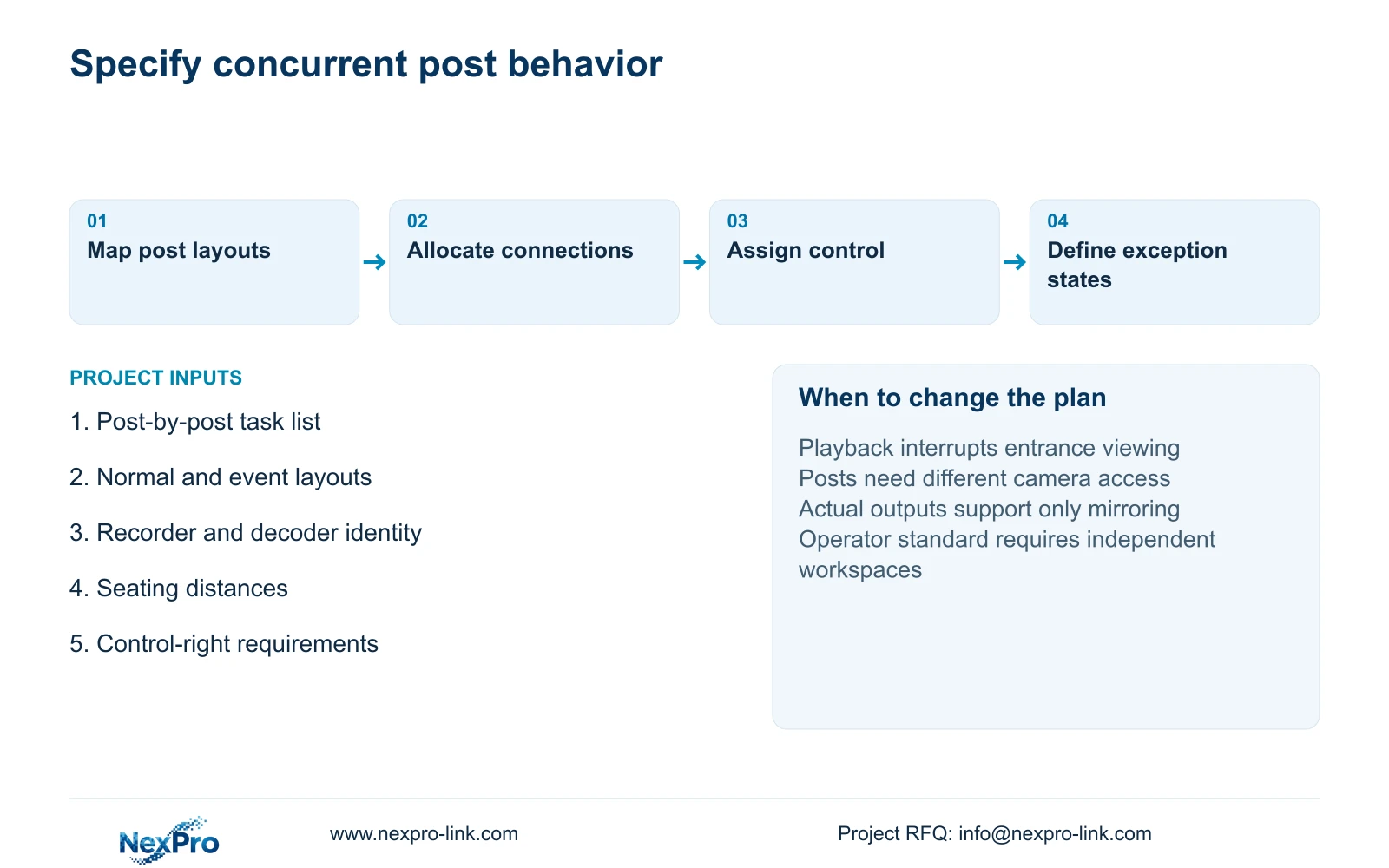
Write the selected arrangement as observable behavior: the gatehouse retains its approved entrance view while an authorized security-room user retrieves another recording; or both posts intentionally follow one shared overview. Add normal layouts, event enlargement, control ownership and behavior after a lost connection. These statements give suppliers a clearer scope than a request for multiple monitors.
Recommend the simplest supported arrangement that completes both posts' tasks. Keep mirroring when shared content and coordinated control are acceptable. Change to independent layouts when simultaneous tasks interrupt required viewing, when different camera access is necessary, or when the operator standard requires separate workspaces. Increase canvas size only if the seating and layout task also justify it.
Send a short post-by-post task list, room dimensions and seating distances, normal layouts, and the existing recorder or decoder identity to info@nexpro-link.com. NexPro-Link can discuss equipment matching and BOQ scope through hotel project equipment support. The response should distinguish its CCTV manufacturing core from coordinated display supply and identify any local configuration or installation responsibilities.
Section 07
Buyer questions
Do two display connectors guarantee independent layouts? No. The exact output-mode support must say what each connection can show concurrently. Ask the supplier to describe the gatehouse and security-room behavior, including what happens when either operator changes a view.
Will a four-panel wall make mirrored images more detailed? Only if the signal path supplies the intended larger canvas and useful source detail. Repeating one Full-HD image across panels does not establish the 3840×2160 addressed canvas used in the calculation.
What should remain usable if remote access fails? Specify the required local recording and viewing tasks separately from WAN-dependent services. The proposal should identify their actual network paths and supported local operation, without assuming every remote workflow remains available.
Engineering references
These sources support the general planning principles. Always use the selected product's current datasheet and applicable project standards for final design.