Screen quantity is only one RFQ input. A useful hotel video wall quotation needs the room arrangement, sources, concurrent layouts and complete signal, mounting and power boundaries.
Section 01
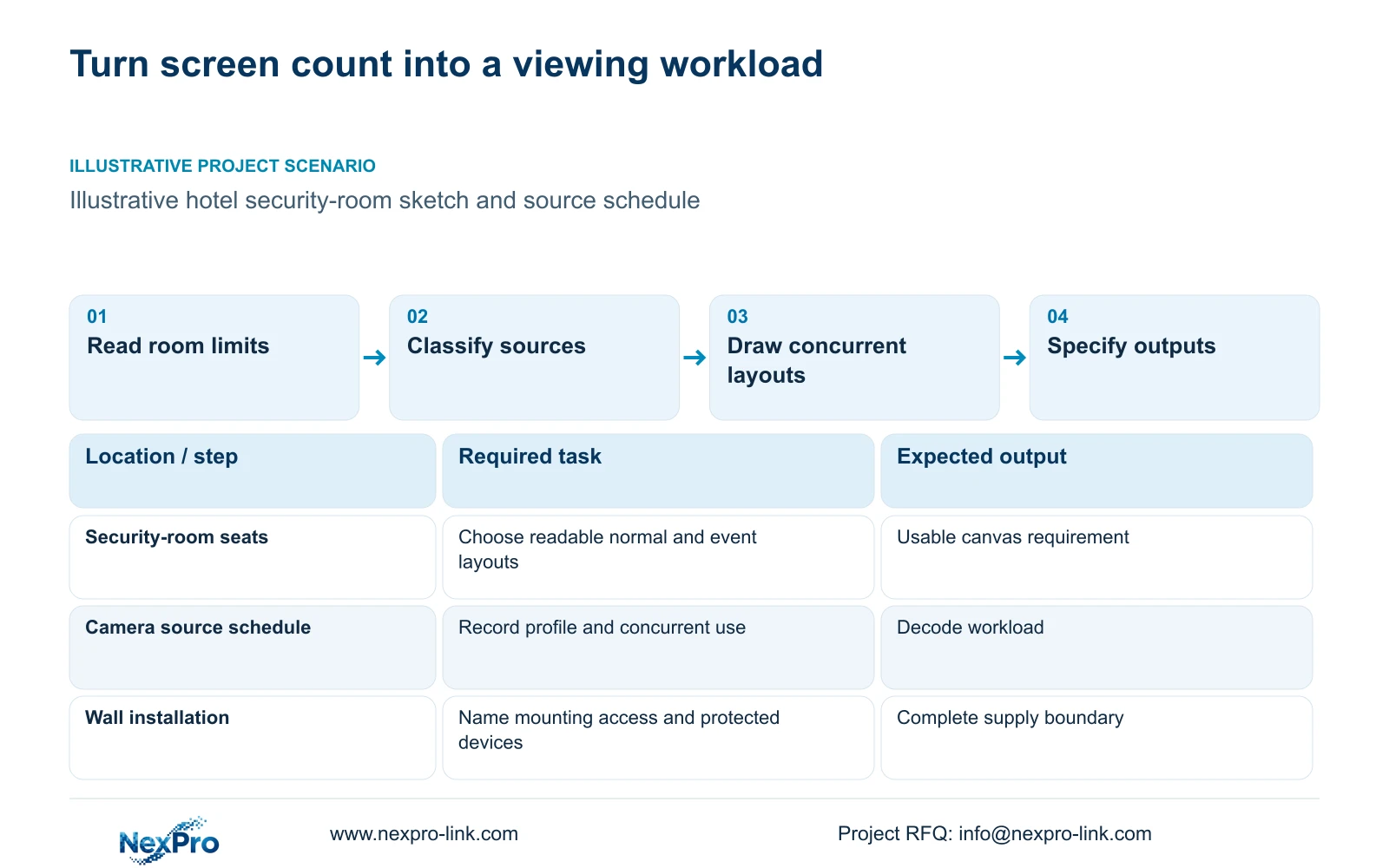
Choose the usable wall area and viewing positions
Request a complete source-to-screen quotation once the room sketch identifies the viewing positions, usable wall area and intended operating layouts. Include stream requirements, output formats, mounting access and power scope. A screen count cannot determine the decoder or installation package. Start with a simple supported layout and expand it only when the operator task requires more.
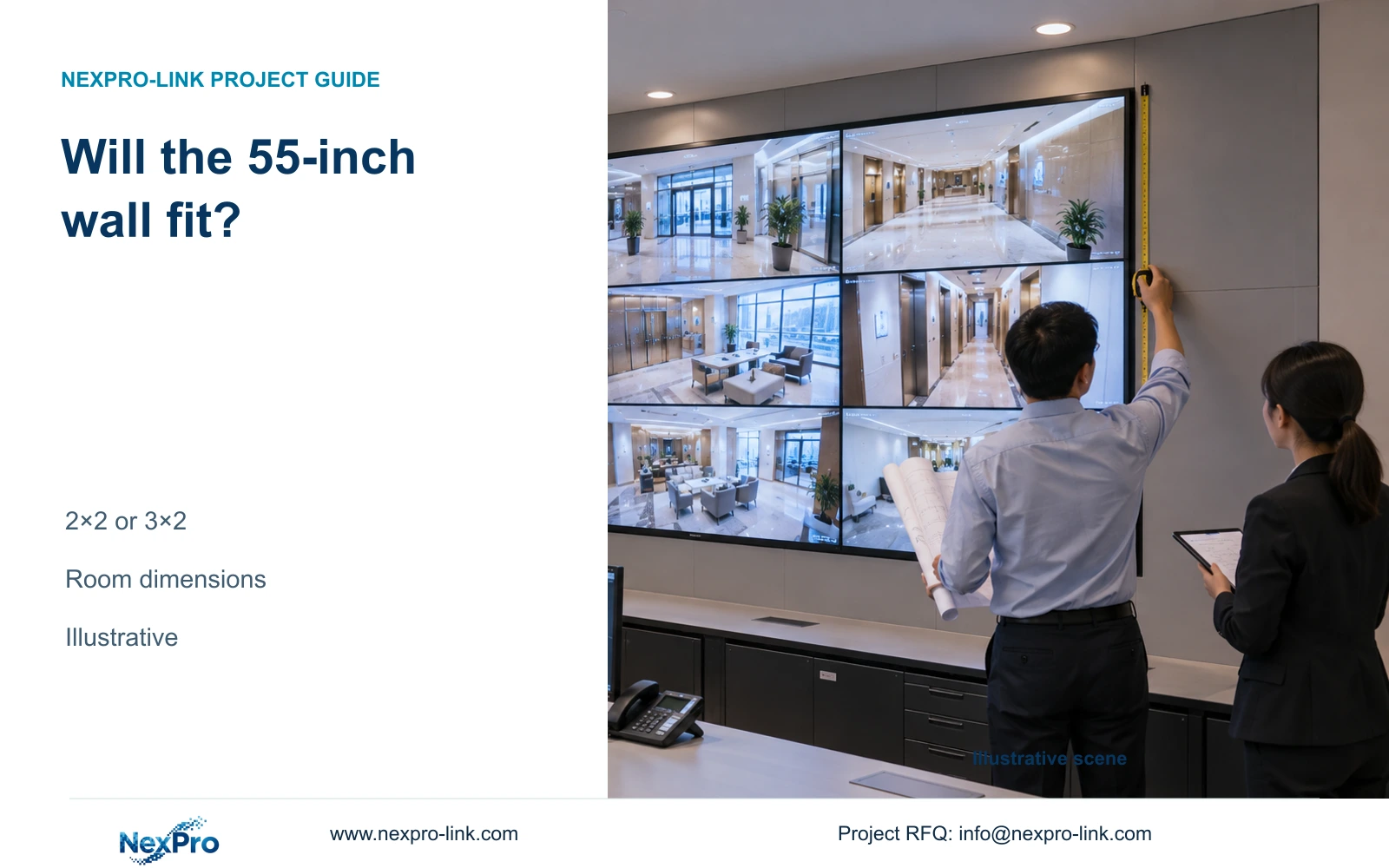
Mark doors, desks and access routes on the sketch, together with the proposed equipment location. The supplier needs to understand where operators sit and what they must read. A wall that occupies the available surface may still leave insufficient service space or an unsuitable viewing arrangement.
Describe routine viewing and incident work separately. Identify which overview must remain visible while an operator retrieves footage, and whether different seats need separate layouts. These decisions affect simultaneous decoding and control requirements. They also establish whether a wall is necessary or whether a smaller display can complete the same hotel task.
| Required task | Given information | Decision still needed |
|---|---|---|
| Read the normal overview | Seats and usable wall area | Canvas and layout appropriate to viewing positions |
| Maintain and replace equipment | Desk, door and rack locations | Supported service method and access route |
Section 02
List sources by format and operating use
Create a source schedule that identifies each required camera or recorder source, its resolution, frame rate and codec, and whether the view is live or recorded. If other sources are required, name their actual interface and workflow separately. Do not assume that every signal entering a wall follows the same decoding path.
Distinguish the full source inventory from the sources used concurrently. A system may record more cameras than it displays in its routine grid. Record the main-stream and substream profiles where the proposed workflow uses both. Also state which profile must appear when an event is enlarged.
Treat compatibility as a function-level requirement. ONVIF Profiles can inform checks between relevant devices and clients, but they do not prove advanced search, audio, cloud binding or wall control across every product. Keep the exact platform and version identity in the RFQ so a supplier can name supported functions and unresolved interfaces.
| Item | Overview profile | Event profile |
|---|---|---|
| Illustrative resolution | 640 × 360 px | 3840 × 2160 px |
| Illustrative frame rate | 15 fps | 25 fps |
| Operating purpose | Multi-view grid | Selected main-stream detail |
| Recording policy | No reduction assumed | Approved main recording remains unchanged |
Section 03
Define concurrent windows and control behavior
Provide a normal layout and an event layout with the sources assigned to each window. State whether event enlargement replaces a grid tile or appears while the entire grid remains active. That difference changes concurrent decoding. Include simultaneous playback or export work where operators must perform it alongside live viewing.
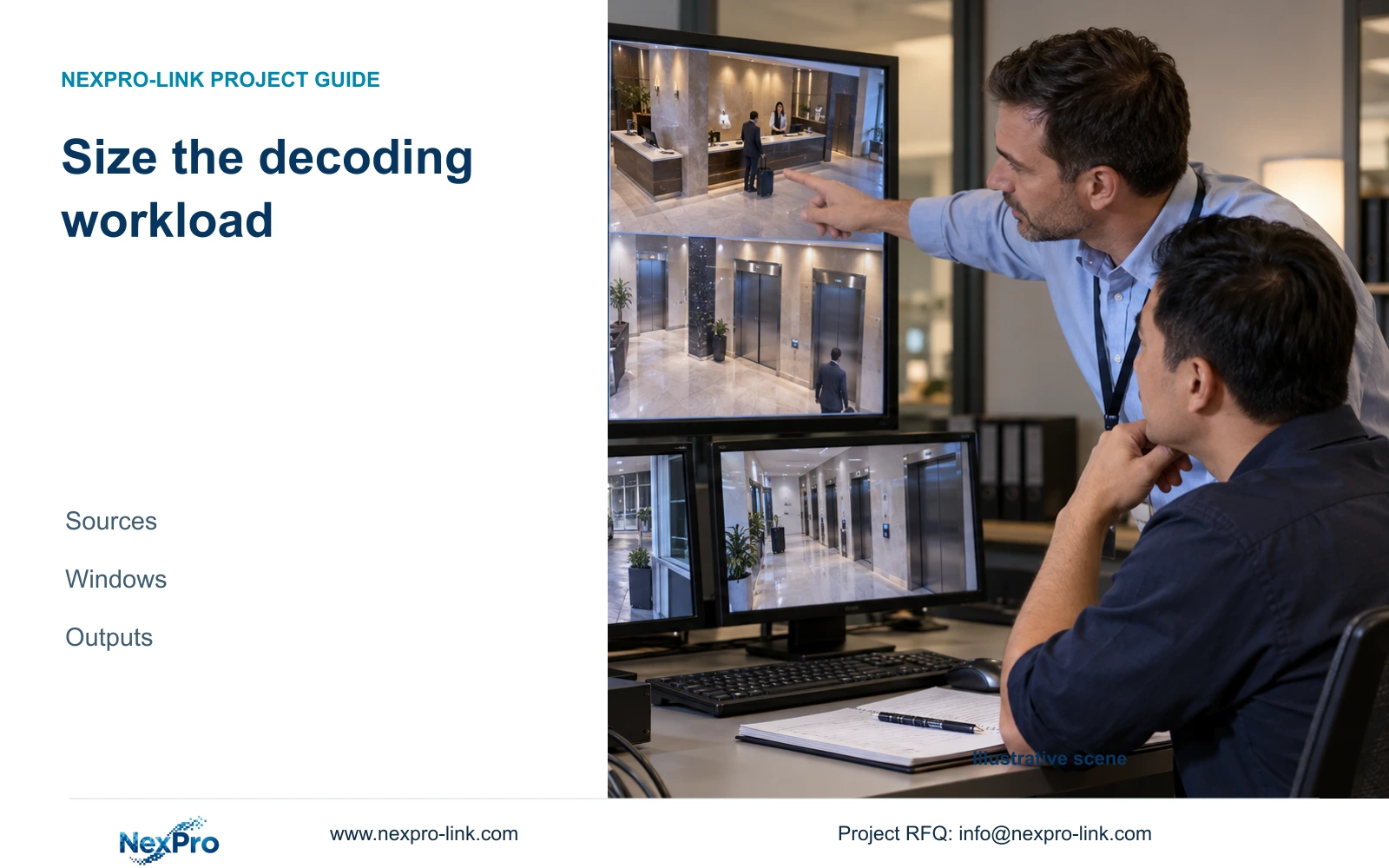
The illustrative workload used here retains sixteen substreams and adds one main event stream. It therefore describes seventeen simultaneously decoded streams, even if the operator's visible arrangement presents them differently. Window count and decoded-stream count should remain separate RFQ fields.
Name the person who selects sources, changes layouts and initiates playback. Specify whether a remote post shares the same content or has independent views. Audio and alarm presentation need explicit support checks when required. NX-VD-4K16 is a decoder candidate, but its name does not prove sixteen arbitrary 4K streams, the desired window behavior or control permissions.
Section 04
Calculate decoding workload and display outputs separately
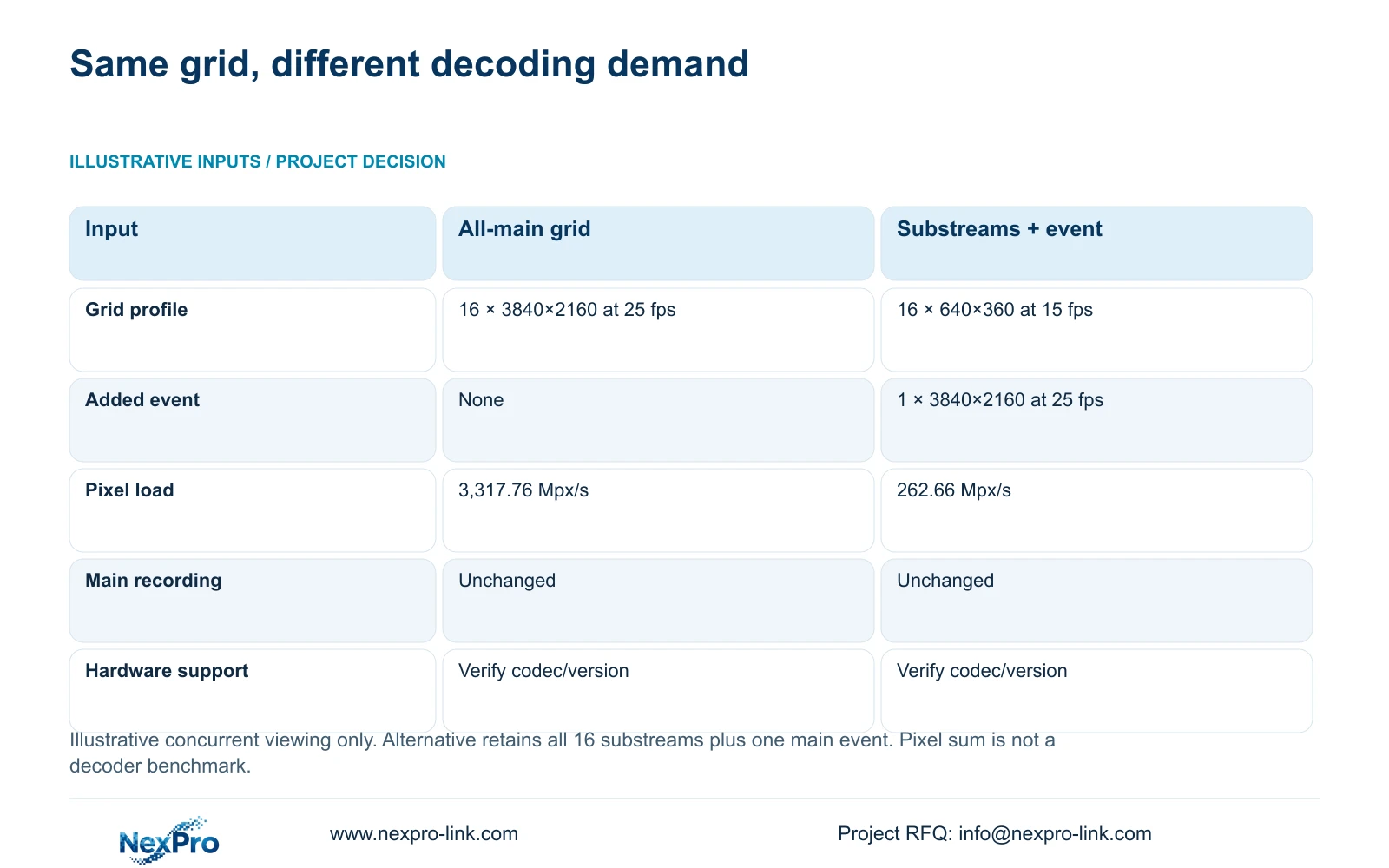
Use decoded pixels per second = sum of width × height × frame rate × simultaneous streams. Divide by one million to express Mpx/s. The illustrative all-main grid is 16 × 3840 × 2160 × 25, giving 3,317.76 Mpx/s. The alternative is 16 × 640 × 360 × 15 plus one 3840 × 2160 × 25 stream, giving 262.66 Mpx/s after rounding.
This calculation shows why two RFQs with the same screen quantity can require different viewing configurations. Recommend substream overview with main-stream event enlargement when it preserves the required observation task. Change to a higher-detail concurrent profile when operators genuinely need that detail in all active views. Keep the approved main recording profile unchanged.
The pixel sum is not a CPU, GPU or decoder benchmark. Verify codec, version and concurrency support on the actual configuration. Separately specify output formats and the addressed canvas. Four 1920×1080 NX-VP-5535 panels can form a nominal 3840×2160 canvas through a suitable signal path; that output arrangement does not establish the decoder's input processing capacity.
| Metric / condition | All-main grid | Substream grid + main event |
|---|---|---|
| Viewing workload | 16 × 3840×2160 at 25 fps | 16 × 640×360 at 15 fps + 1 × 3840×2160 at 25 fps |
| Planning pixel load | 3,317.76 Mpx/s | 262.66 Mpx/s |
| Main recording | Unaffected by viewing choice | Unaffected by viewing choice |
| Hardware performance test | Required for actual codec/version | Required for actual codec/version |
Section 05
Include mounting, service access and electrical scope
Ask the supplier to identify the mounting assembly and its service method, with unresolved room dimensions stated clearly. Include connections, cable routes and any equipment rack space in the supply boundary. Structural suitability and local installation should have named responsibilities rather than being implied by a screen package.
NX-VP-5535 is a 55-inch LCD with published resolution, seam and typical brightness fields. It is not direct-view LED. The selected equipment submission still needs relevant dimensions, mounting information, input boards and electrical demand. A conceptual image or panel count cannot supply those missing details.
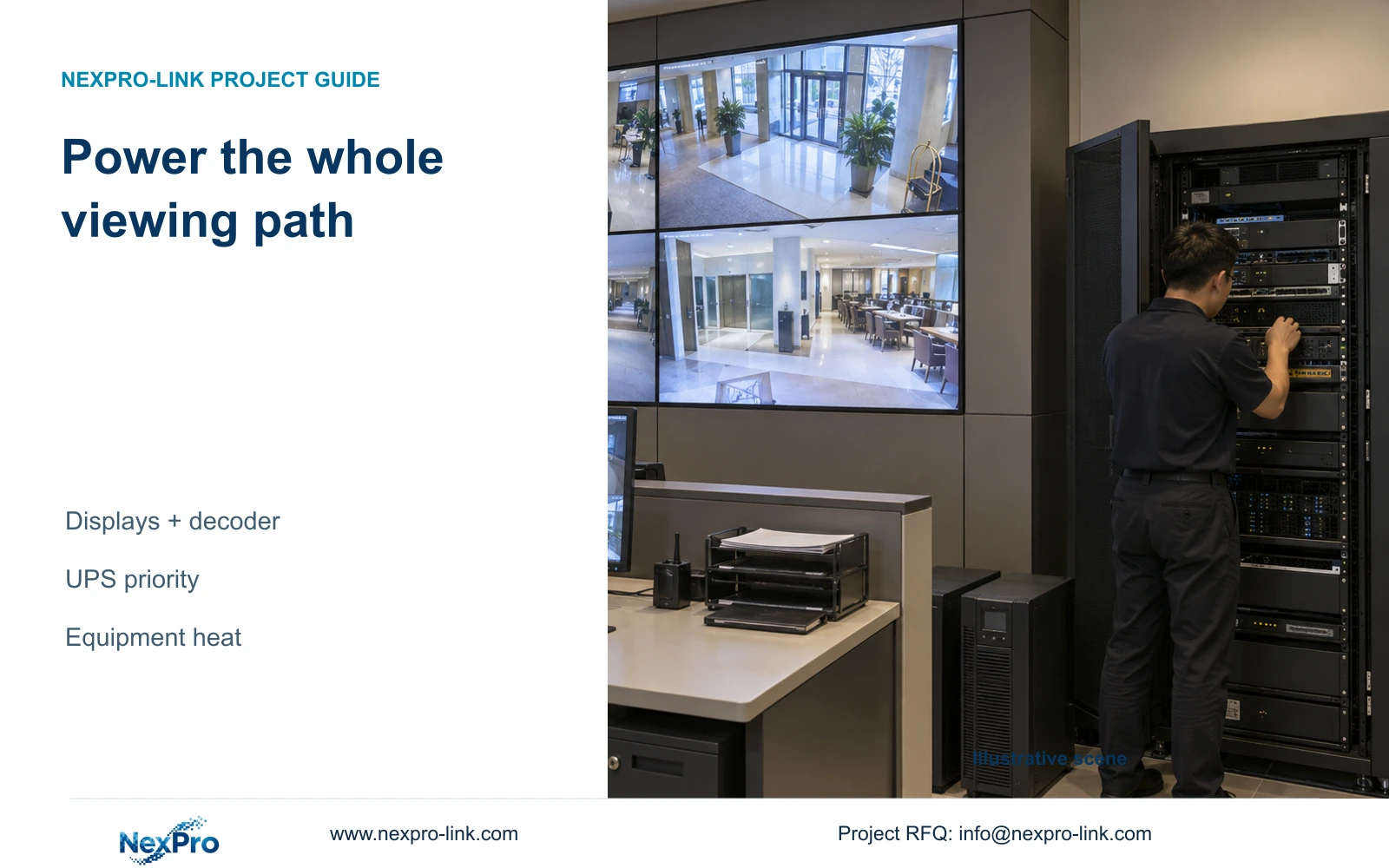
Trace power separately from video. Count panels, decoder, required client and controls, then identify which must remain available during an outage. A protected screen without its source does not maintain a usable view. Optional wall operation should not be a dependency of essential recording. Additional electrical demand and equipment heat belong in the coordinated site design, using actual inputs rather than the decoding calculation.
Section 06
Submit a bounded source-to-screen RFQ
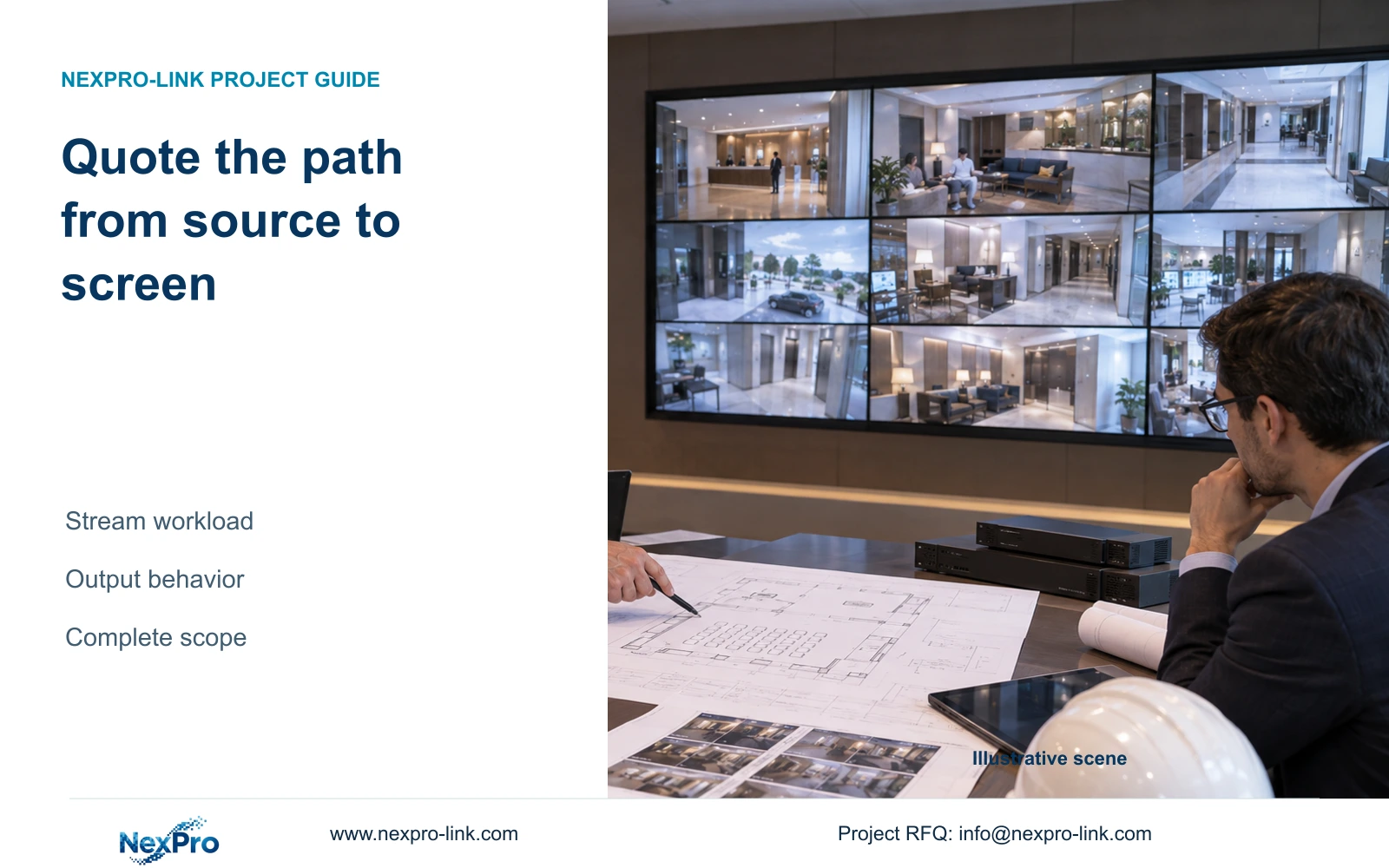
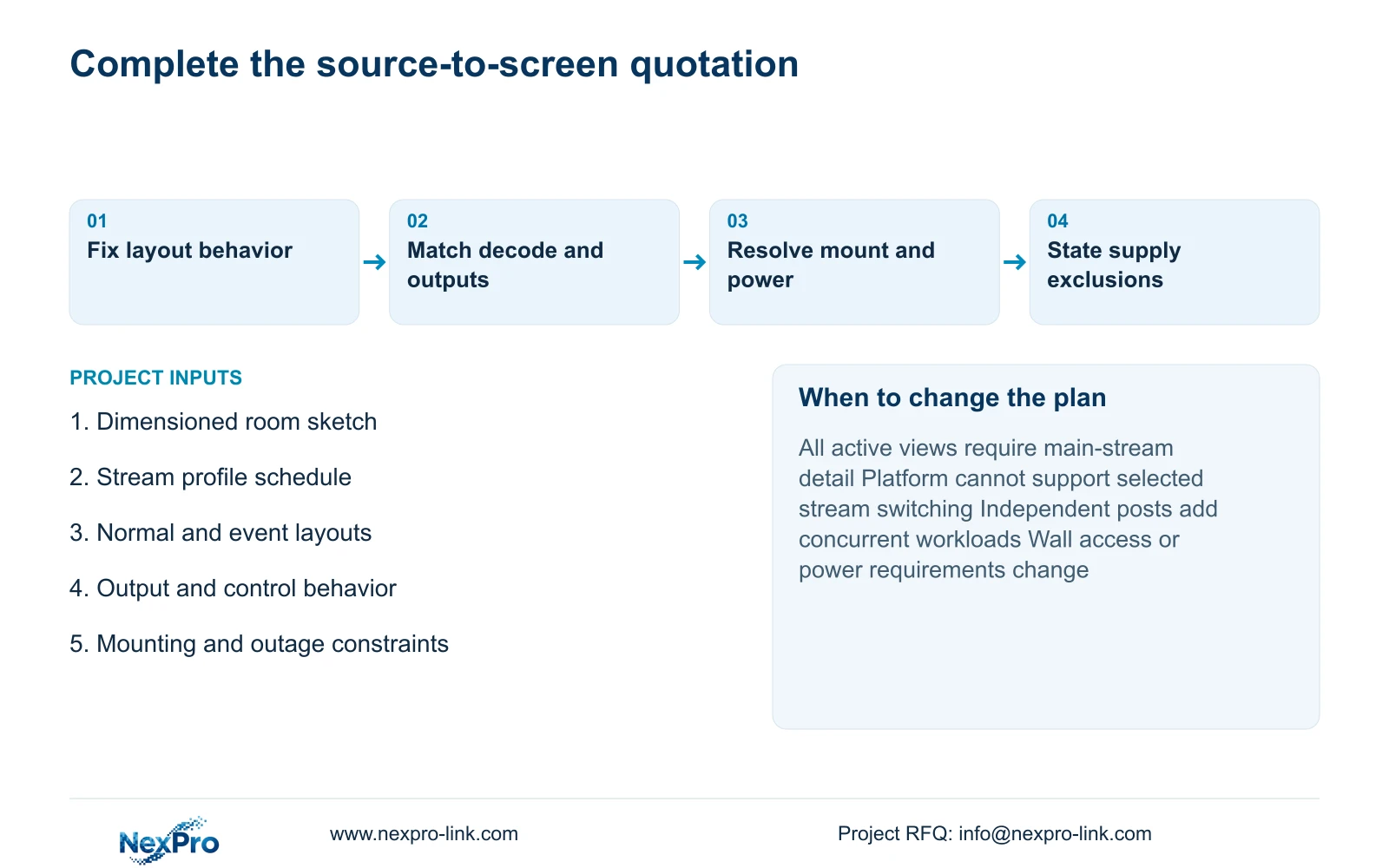
Send the room sketch, a grouped source schedule, normal and event layouts, required output behavior and the mounting and power constraints. Identify existing equipment that must remain and mandatory operator or brand requirements. State whether alternatives may be proposed. An incomplete first submission can still support a scoped discussion if assumptions and unresolved items are visible.
Recommend a task-matched overview and main-event arrangement when the operator can complete the required work with it. Revise the proposal when simultaneous full-detail viewing is necessary, the platform cannot support the requested stream selection, or independent outputs add another workload. Compare quotations against the same operating behavior, including any software, delivery and local service boundaries.
Send these inputs to info@nexpro-link.com through hotel project equipment support or BOQ and tender support, with the destination and required dates. NexPro-Link can coordinate model matching and equipment scope around its CCTV manufacturing core. Coordinated supply does not imply all products are manufactured in-house, every third-party integration is included, or local construction is part of the order. Keep guest imagery and credentials out of the initial inquiry.
Section 07
Buyer questions
Can we request a useful first quotation before final construction drawings? Yes. Supply a dimensioned sketch, source profiles and intended layouts. Ask the response to distinguish confirmed equipment from provisional mounting, interface and installation assumptions so the unresolved scope remains visible.
Will using substreams on the wall reduce recording detail? It need not. The illustrative arrangement changes viewing profiles while retaining the approved main recording. Confirm that the selected system supports those separate paths and main-stream event enlargement.
Why is a 4K decoder name insufficient for the RFQ? It does not define every supported codec, resolution, frame rate, concurrent stream combination or output layout. Include the actual workload and request configuration-specific support for the required behavior.
Engineering references
These sources support the general planning principles. Always use the selected product's current datasheet and applicable project standards for final design.