Size the hotel display subsystem from its complete powered equipment list and operating states. Screen count alone cannot establish UPS capacity or room cooling demand.
Section 01
Decide which display components must remain powered
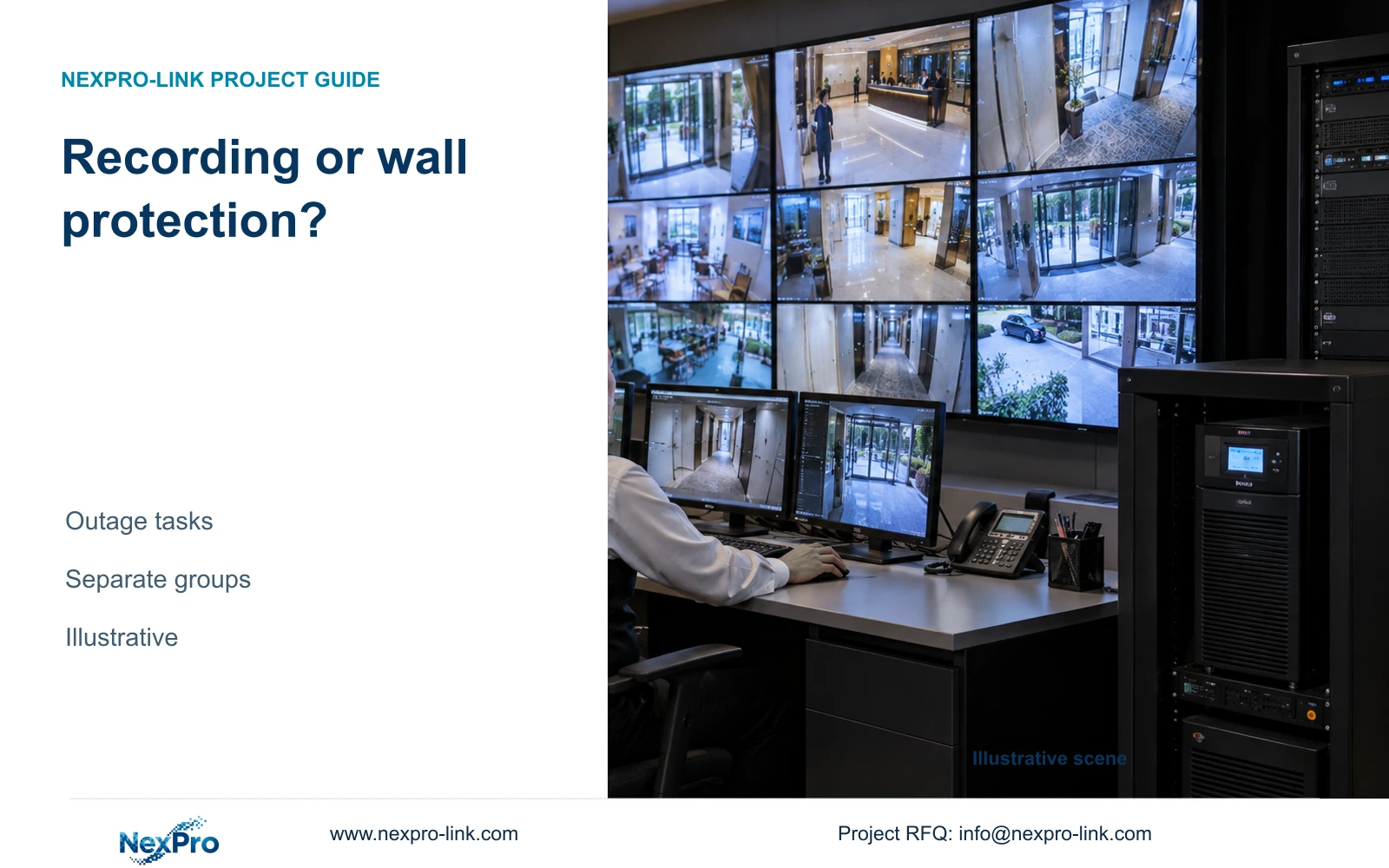
Build a complete display load schedule before selecting UPS capacity. Protect the wall only when hotel staff need its views during the agreed outage; otherwise preserve recording and the necessary network path, with a smaller operating display if required. Include the decoder and controls in whichever operating state depends on them.
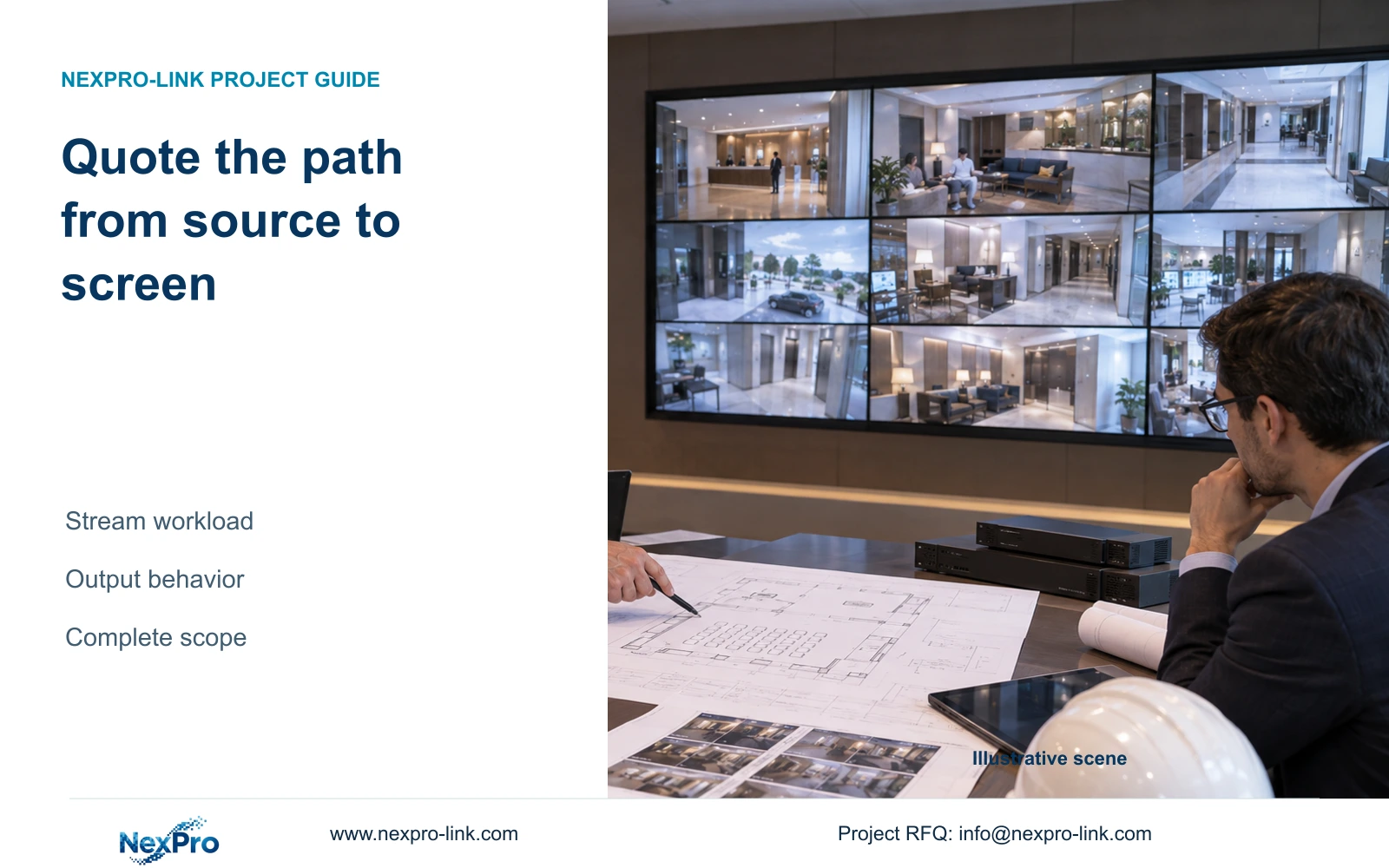
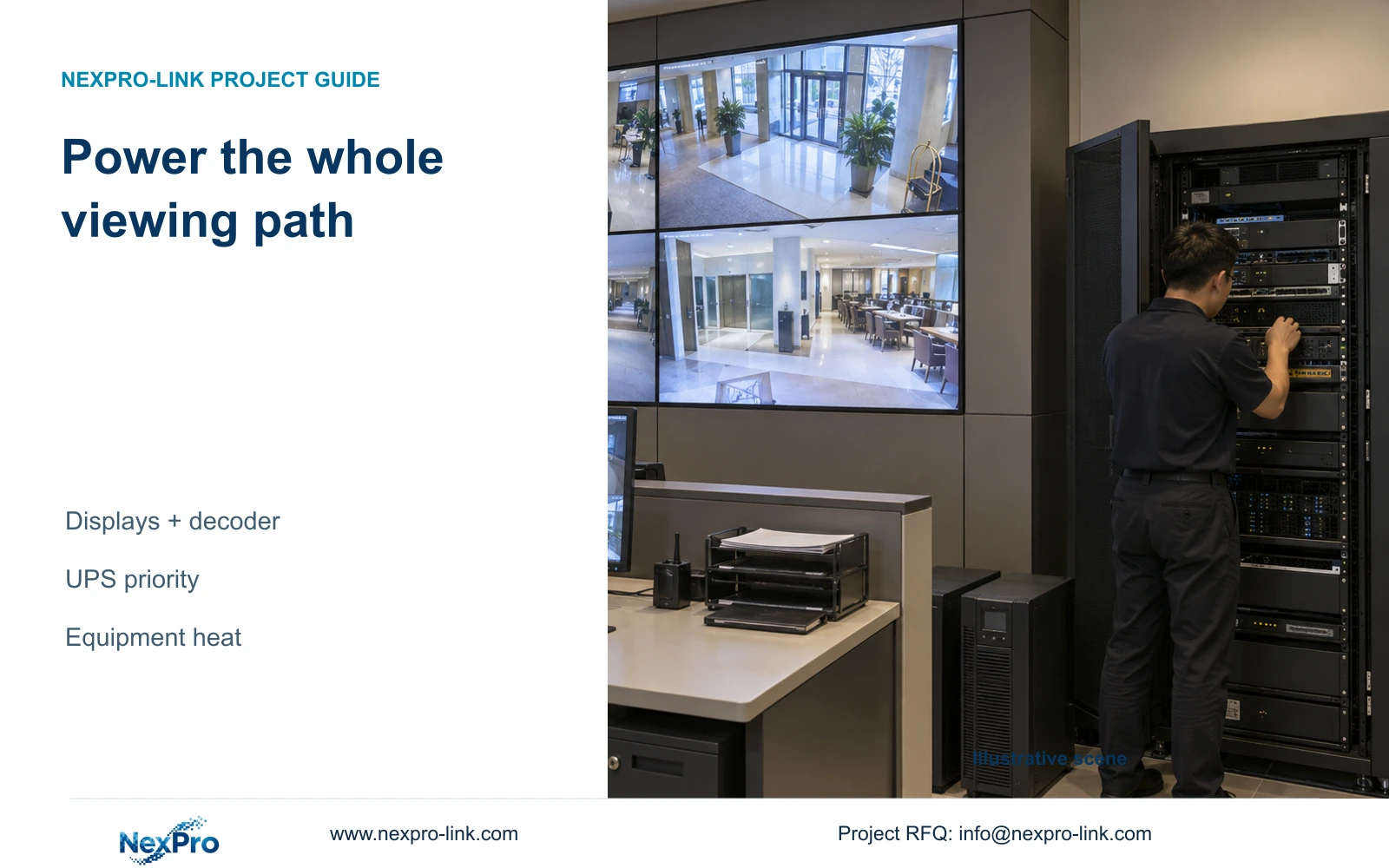
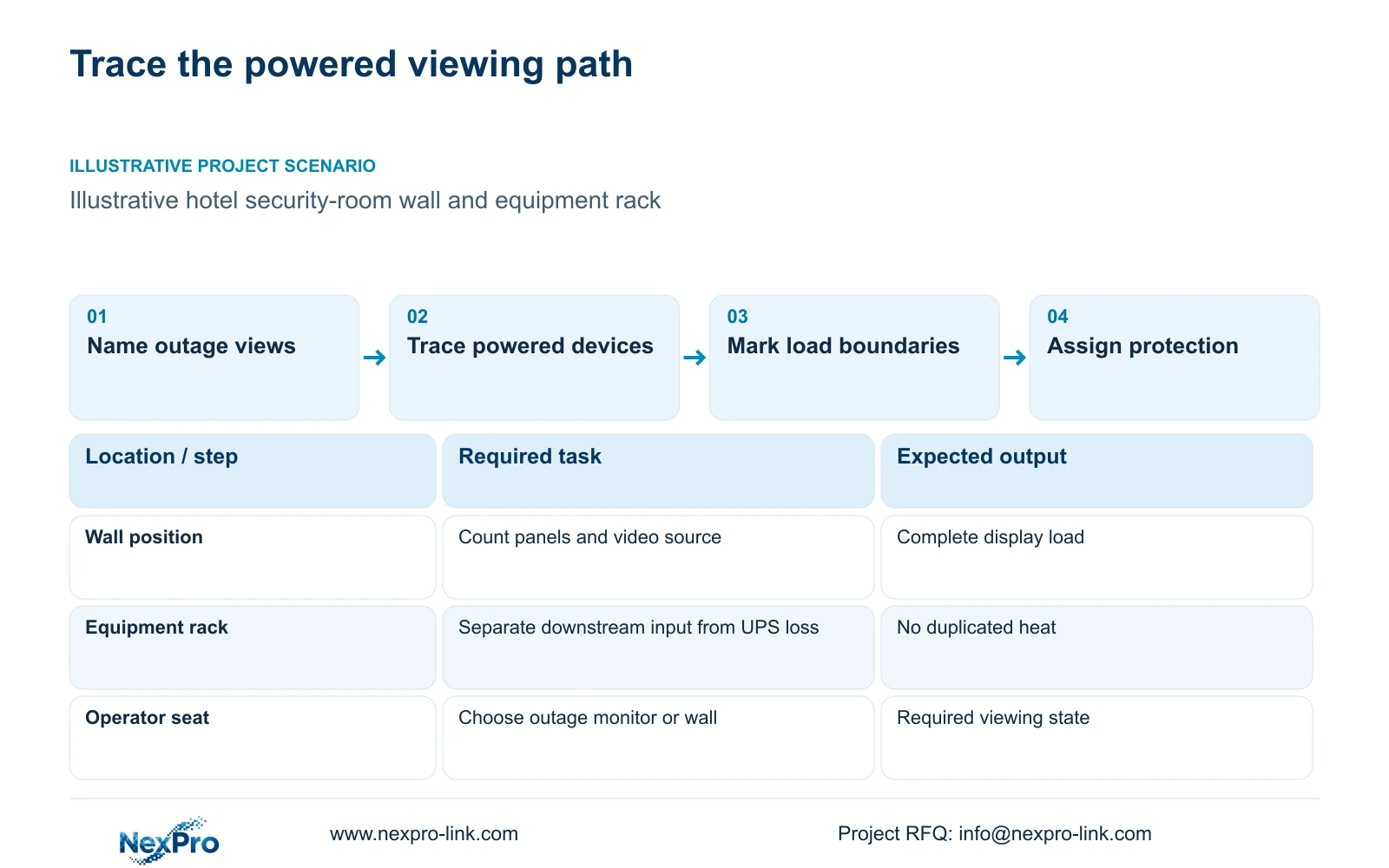
Start with the seats, viewing distance and information each operator needs. Trace the proposed signal path through the client or decoder to the screens. Record every powered item on that path, including a dedicated workstation, control interface and any necessary intermediate equipment. A screen that remains illuminated without its video source does not preserve the monitoring task.
NX-VP-5535 is a 55-inch, 1920×1080 LCD panel with a published 3.5 mm seam field and 400 nit typical brightness. These fields describe the display, not its electrical input. NX-VD-4K16 is a decoder candidate whose exact configuration must be specified. Its name does not establish simultaneous decoding performance or the power of the complete subsystem.
| Required task | Given information | Decision still needed |
|---|---|---|
| Continuous wall viewing | Panels need an operating video source | Include decoder, client and necessary controls |
| Recording during an outage | Display is not a recording dependency | Identify protected camera and network paths |
Section 02
Separate typical inputs from maximum demand
Give each equipment row an input value, operating condition and source. Keep measured demand, published typical input and published maximum input distinguishable. A typical operating value may support an energy estimate, while the electrical designer needs the relevant maximum and operating behavior for equipment selection. Missing maximum input should remain an unresolved procurement field.
Define the measurement boundary before adding values. A UPS input measurement includes its conversion losses and downstream load. If the schedule already sums downstream equipment, add only the separately determined UPS loss where that loss occurs. Adding full UPS input to the same downstream equipment would count the load twice.
Location also matters. A decoder in a rack and panels on a wall release heat into different air paths, even when they share one room. Record those locations alongside the power figures. Moving a device to another room transfers its heat and maintenance requirements to that room; excluding it from a screen list does not remove those requirements.
| Item | Incomplete input | Useful design input |
|---|---|---|
| Panel load | Screen quantity only | Quantity × input at the specified operating state |
| Decoder load | Omitted from screen total | Selected configuration and electrical input |
| UPS heat | Full UPS input added again | Conversion loss at the stated load and location |
Section 03
Calculate the equipment contribution to room heat
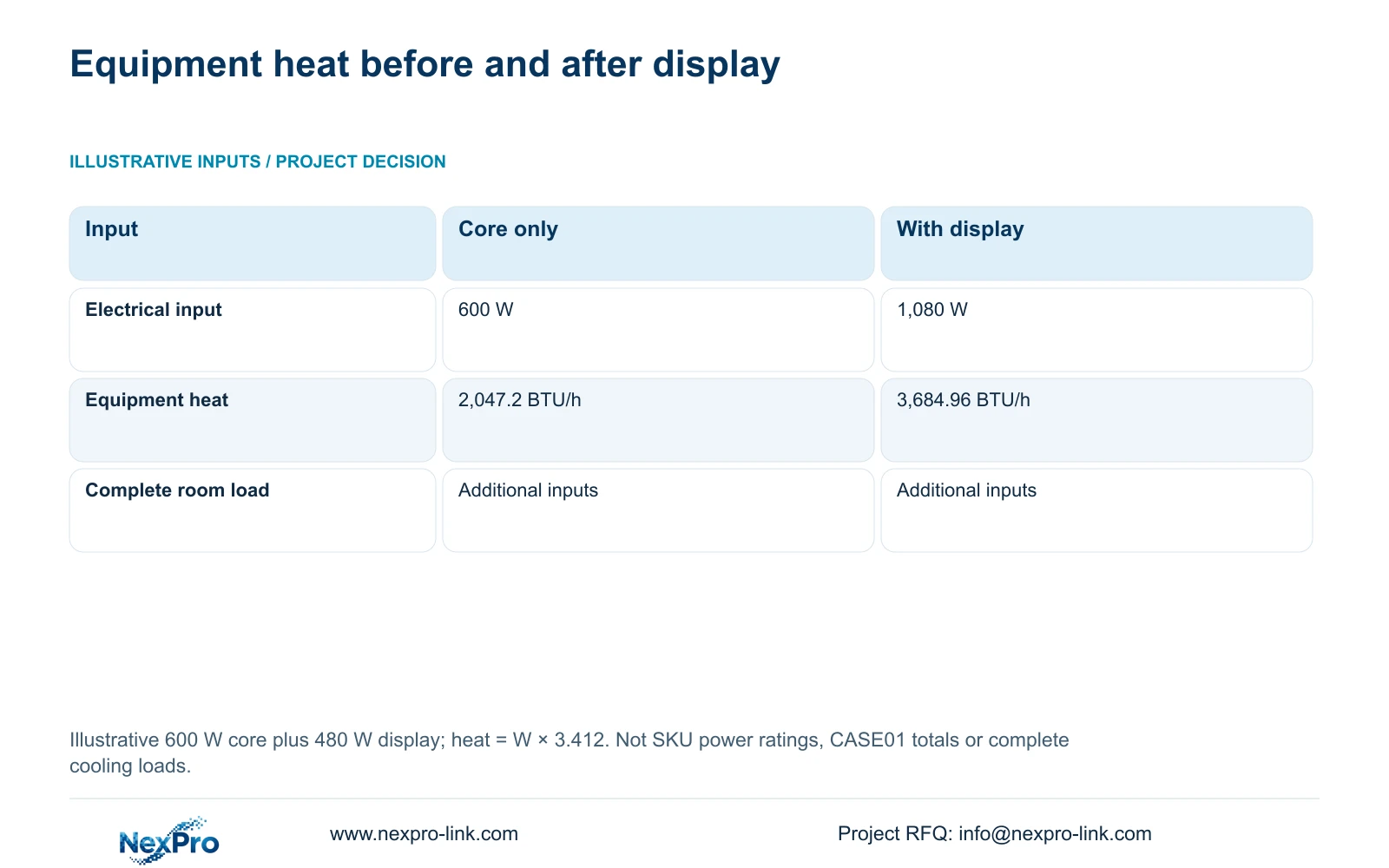
For an equipment-only planning estimate, multiply electrical input in watts by 3.412 to obtain approximately BtuIT/h, using the International Table Btu conversion reported by NIST. The illustrative comparison below assumes 600 W for recording and network equipment, then adds 480 W for display equipment. Neither number is a nameplate reading for NX-VP-5535 or a measured hotel load.
The resulting equipment estimates are 2,047.2 and 3,684.96 BTU/h. The display option therefore changes the equipment input supplied to the mechanical designer. It does not, by itself, establish a suitable air-conditioner capacity. Envelope conditions, people, lighting, moisture loads and outside conditions still belong in the room calculation.
Keep this small comparison separate from the complete 32-camera reference case. That case assumes a different display and decoder package and independently defined electrical loads. Its totals cannot be substituted into this table without rebuilding the boundary. Use the table to explain why adding a wall requires a revised load schedule, then replace the assumptions with the selected equipment inputs.
| Metric / condition | Recording and network only | Same equipment plus display |
|---|---|---|
| Equipment electrical input | 600 W | 1,080 W |
| Equipment heat estimate | 2,047.2 BTU/h | 3,684.96 BTU/h |
| Room cooling design | Additional room loads required | Additional room loads required |
Section 04
Compare normal, standby and outage states
Describe what remains active in each state before assigning a reduced load. Normal operation might require the full wall and its decoder. A standby arrangement might retain recording with fewer operating screens. The outage state should name the views staff must retain and the controls needed to reach them. Do not apply a guessed standby percentage to every device.
The 600 W and 1,080 W comparison represents two equipment scopes, not measured normal and standby states. It can support a discussion about excluding optional display equipment, but an actual outage schedule needs device-specific inputs. Confirm whether the proposed switching or shutdown behavior exists in the selected configuration.
Consider the loss of cooling separately from the loss of display power. A wall on UPS may continue producing heat while room cooling is unavailable. Conversely, moving the wall off UPS reduces the protected electrical load but leaves its normal-operation cooling contribution unchanged. Give the mechanical team the outage state and required duration as well as the normal schedule.
Section 05
Assign UPS capacity to the required operating outcome
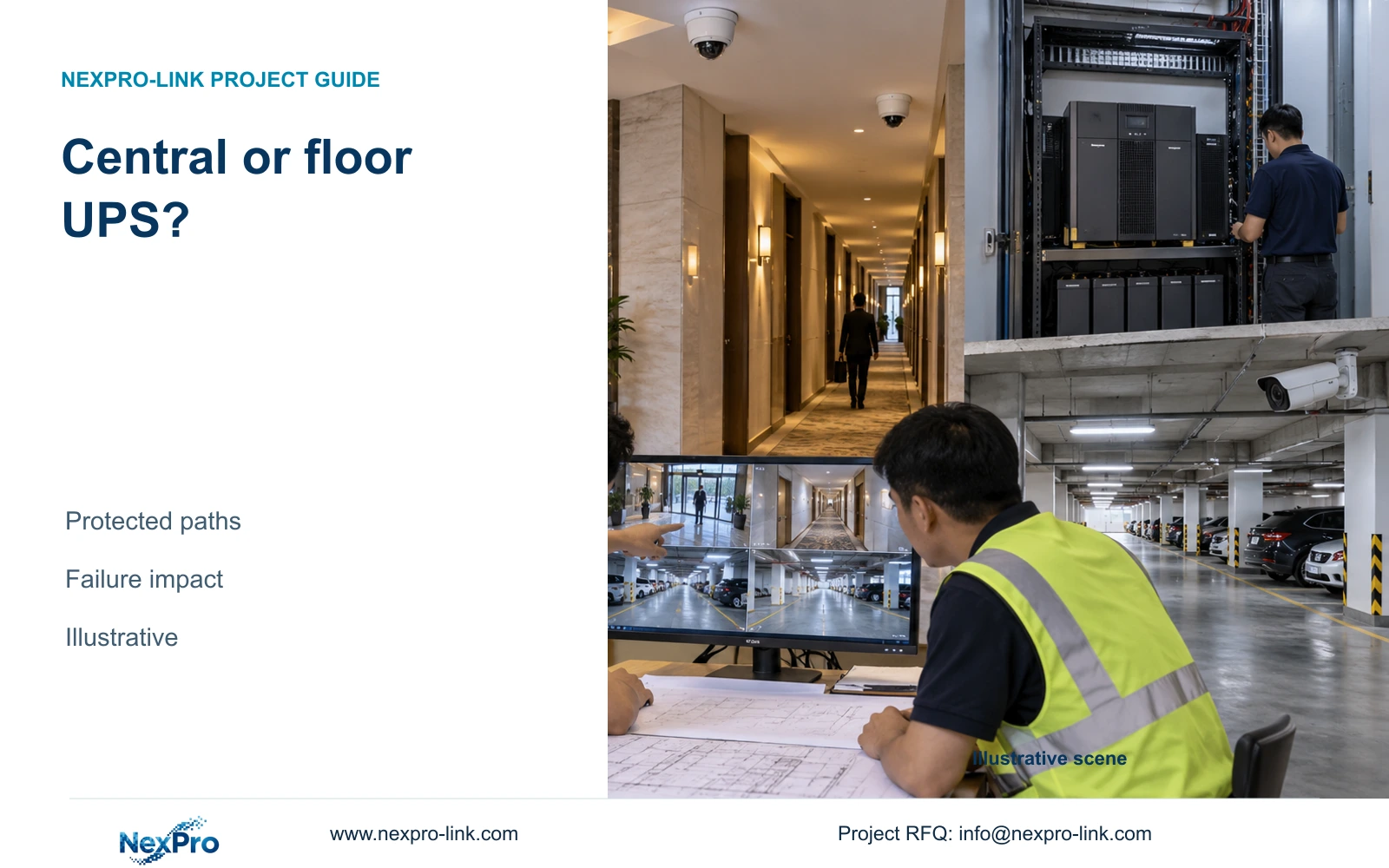
Place the required camera, access-network and recorder path ahead of optional wall equipment in the protected-load decision. Where operators must respond during an outage, include the necessary viewing device and its source. Distributed active nodes need resolved local protection; an acceptable aggregate hotel load does not establish a workable central power arrangement.
Check watts and VA separately, then request runtime information for the selected battery configuration. SP2KR(S) is a rack-mounted online double-conversion candidate rated 2 kVA / 1,800 W. This rating does not establish a battery duration. The default battery-energy field of another selected model must not be transferred to SP2KR(S).
Compare a protected operating monitor with a protected wall while retaining the same recording outcome. The wall option is justified when the agreed response task needs shared continuous viewing. If one authorized operator can complete that task on a smaller display, avoid adding wall load to UPS capacity and battery requirements without an operational reason.
Section 06
Coordinate electrical and HVAC inputs in one equipment revision
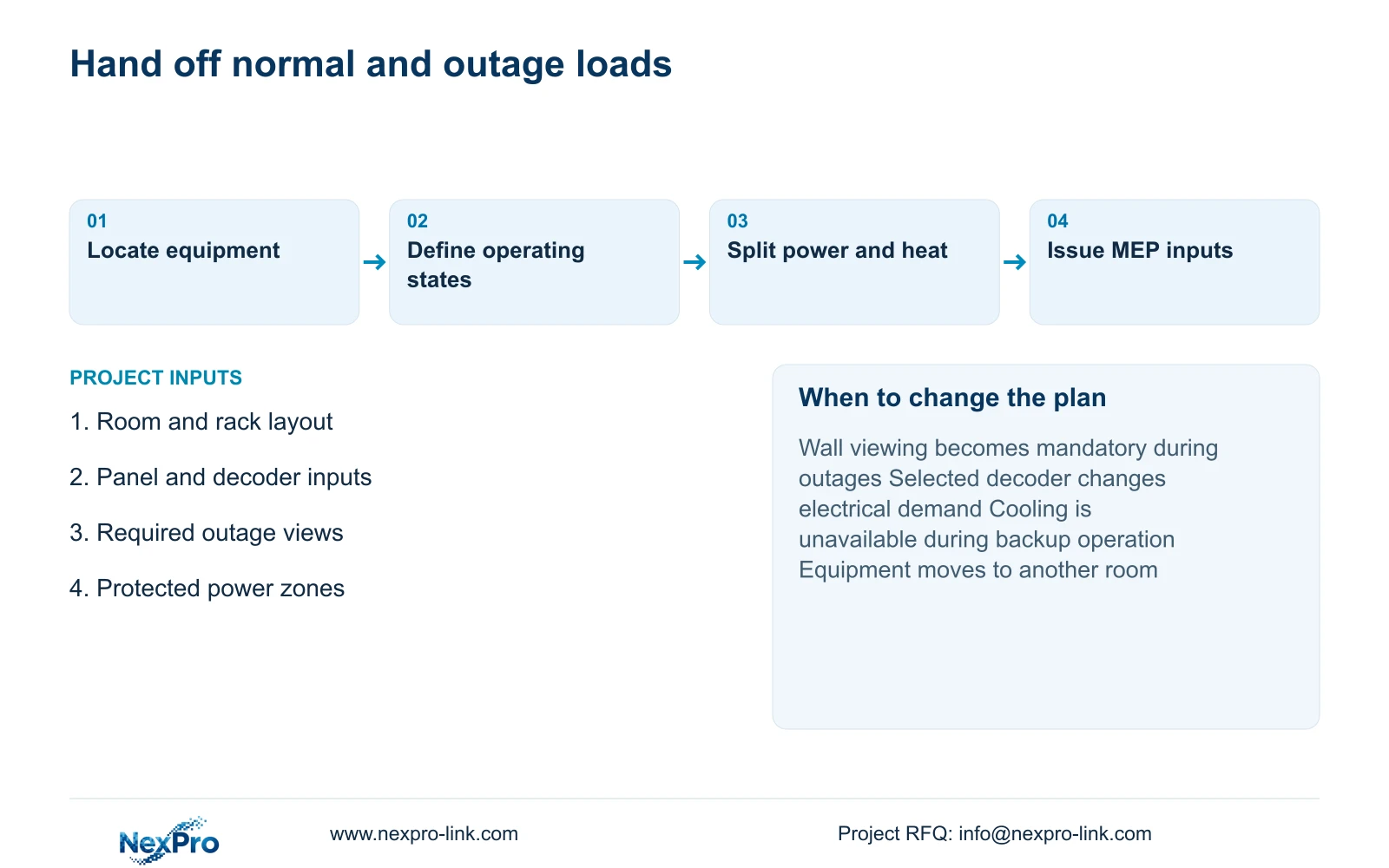
Issue the selected equipment schedule with quantities, input boundaries, operating states and locations. Attach the room layout so the mechanical designer can assess rack airflow and space behind the panels. The electrical designer needs the protected-load grouping and applicable equipment information. Local installation, protection and safe changeover testing remain professional site responsibilities.
Recommend a complete display load schedule with separate normal and outage totals. Reconfigure the proposal when continuous wall viewing becomes mandatory, the decoder changes, actual inputs exceed the assumptions, or the room cannot accommodate the required airflow. NexPro-Link can support model matching and coordinated equipment supply, while local structural, electrical and HVAC responsibilities should remain explicit.
Send the room dimensions and seating layout, proposed panel and decoder configuration, available electrical inputs, and required outage viewing task to info@nexpro-link.com. Hotel project equipment support and BOQ and tender support can use these inputs to define a scoped proposal. There is no need to include guest footage or credentials in the inquiry.
Section 07
Buyer questions
Can we select cooling from the number of panels? No. Obtain the panels' actual inputs and add the other equipment located in the room. The mechanical designer must then include the remaining room loads and airflow conditions. The illustrative BTU/h values are equipment inputs to that work.
Does moving the wall off UPS shorten the equipment list? It changes the protected-load list, not the normal electrical or cooling schedule. Keep the wall and decoder in the normal scope, and state how operators will obtain any required views during an outage.
Can NexPro-Link quote the display and protected-power package together? Yes, within a defined equipment supply scope. Identify the required outage function and selected load boundary so the proposal can separate display hardware, UPS capacity and battery runtime conditions from local installation work.
Engineering references
These sources support the general planning principles. Always use the selected product's current datasheet and applicable project standards for final design.