Use the 55-inch diagonal to reserve an approximate display area, then replace that estimate with model-specific installation dimensions before confirming the wall layout.
Section 01
Choose the usable wall before choosing panel count
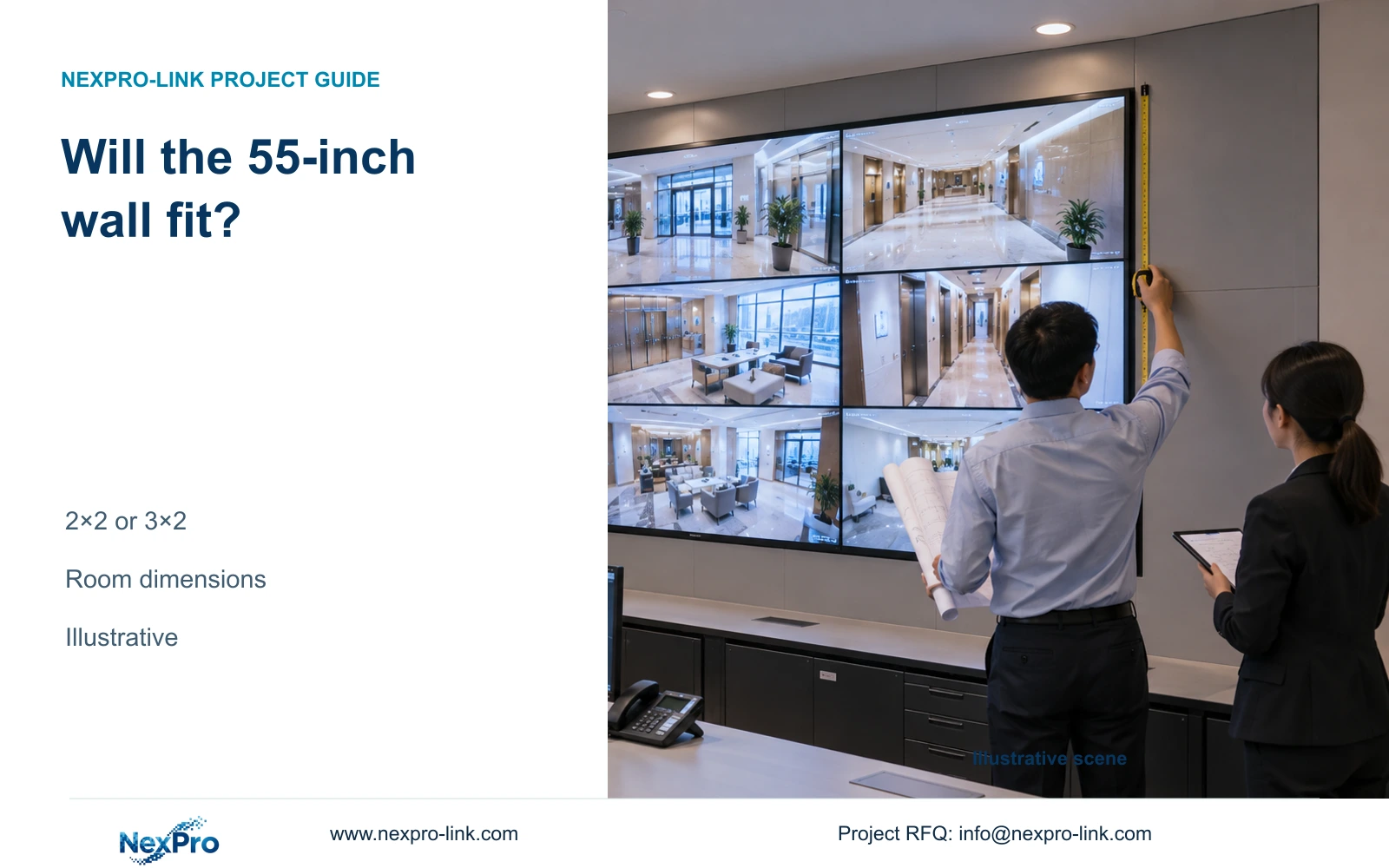
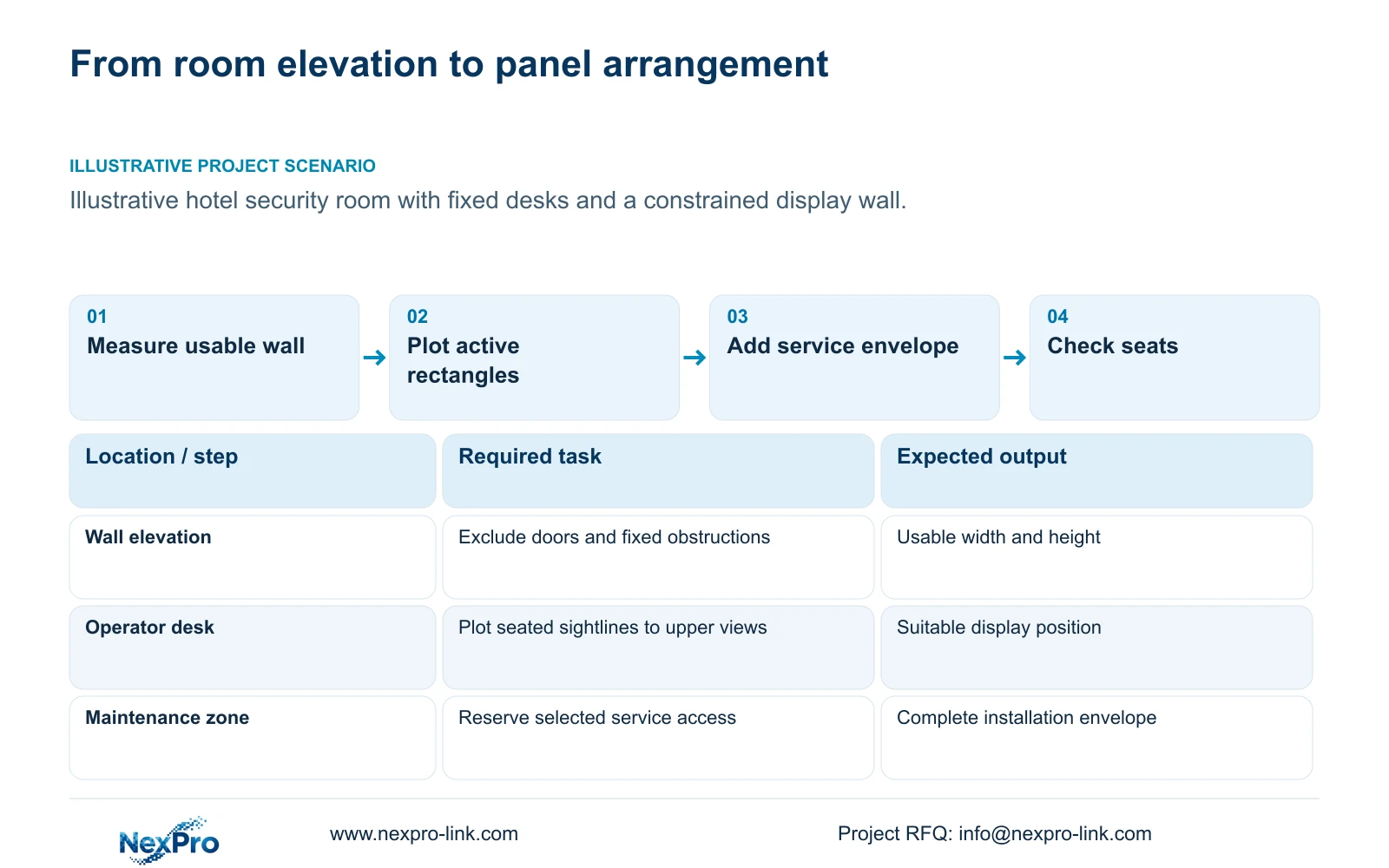
Reserve a 2×2 or 3×2 wall only when its complete installation envelope fits the usable elevation and operators can read its assigned content. A 55-inch diagonal can provide an early active-area estimate, but the final layout must use the selected panel outline, bracket depth and service clearances. If those requirements do not fit, reduce or relocate the arrangement before ordering.
Measure the wall between actual obstructions, including door openings, fixed equipment and the parts of the room that must remain accessible. Record available height above the desk and the nearest and farthest operating seats. A blank architectural wall dimension may include space that cannot safely or practically hold the display installation.
Assign each part of the wall an operating purpose. Public entrance views may need continuous visibility, while incident playback needs temporary enlargement. The number of cameras recorded elsewhere does not determine the number of panels required here. The first drawing should show what each operator must read and where that operator sits.
| Required task | Room information | Decision still needed |
|---|---|---|
| Place the display | Usable wall width and height | Does the complete installation envelope fit? |
| Read overview and alerts | Seat locations and display layouts | Which views need enlargement or relocation? |
Section 02
Calculate an approximate active display rectangle
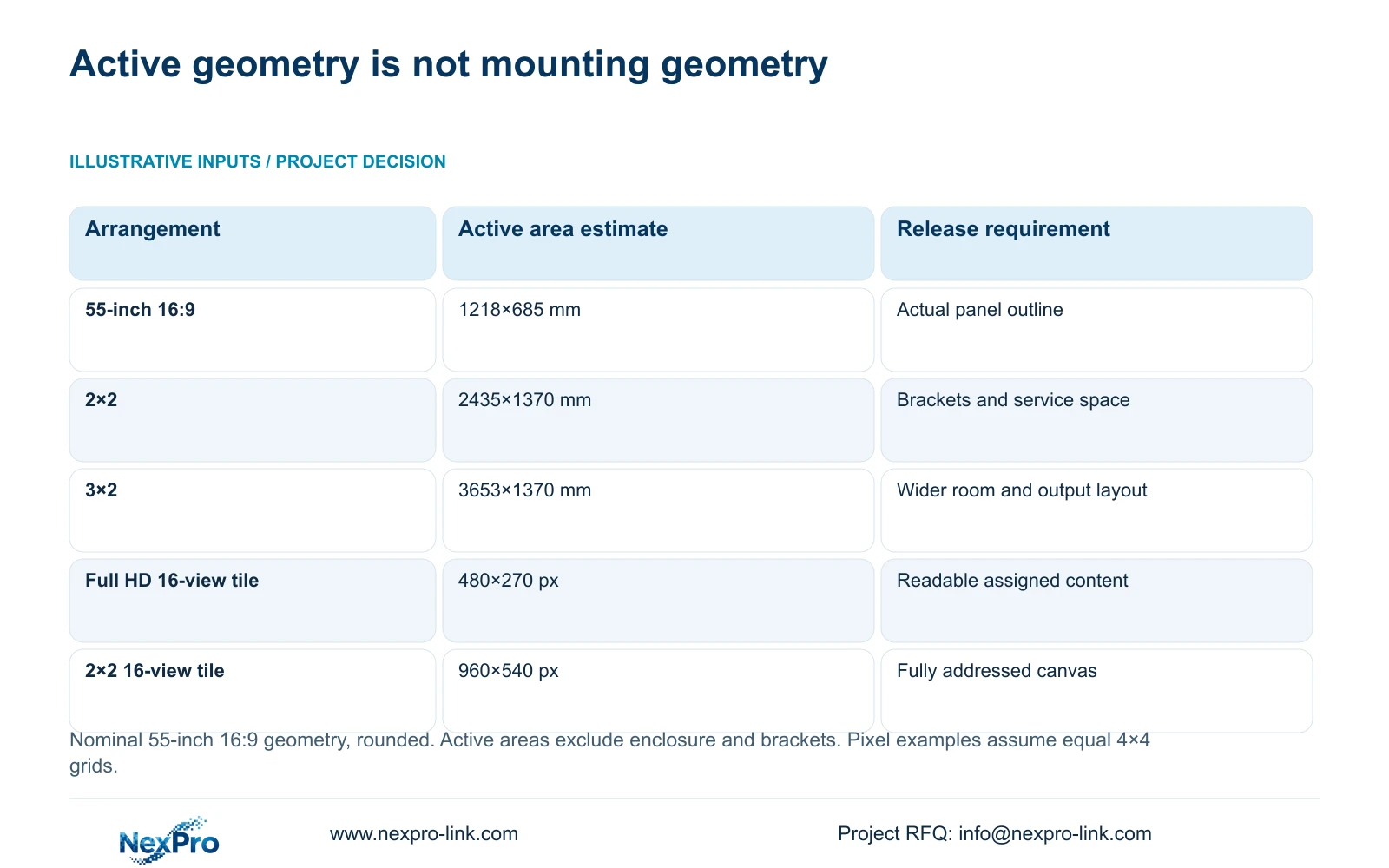
For an illustrative 16:9 active area, convert 55 inches to a diagonal of 1397 mm. Width equals 1397 × 16/√337 and height equals 1397 × 9/√337. Rounded for early planning, one active rectangle is approximately 1218 mm wide and 685 mm high. This calculation uses nominal diagonal geometry, not the selected product's mechanical dimensions.
Two columns and two rows give an approximate active rectangle of 2435×1370 mm. Three columns and two rows give approximately 3653×1370 mm. The layouts have the same estimated active height, while the third column needs about one additional panel width. These values help identify whether a concept is plausible before detailed equipment drawings arrive.
Keep the active rectangle separate from the installation envelope on the elevation. Do not add the published seam figure mechanically to these estimates and call the result a finished mounting dimension. Enclosure edges, panel alignment and the definition of the seam field must come from the actual model drawing.
| Arrangement | Approximate active width | Approximate active height |
|---|---|---|
| One panel | 1218 mm | 685 mm |
| 2×2 panels | 2435 mm | 1370 mm |
| 3×2 panels | 3653 mm | 1370 mm |
Section 03
Replace active-area estimates with mounting dimensions
NX-VP-5535 is identified in the supplied product record as a 55-inch 1920×1080 LCD panel, with a 3.5 mm seam field and 400 nit typical brightness. Those are useful display fields. They do not supply the full information needed to approve brackets, wall loading or a service route.
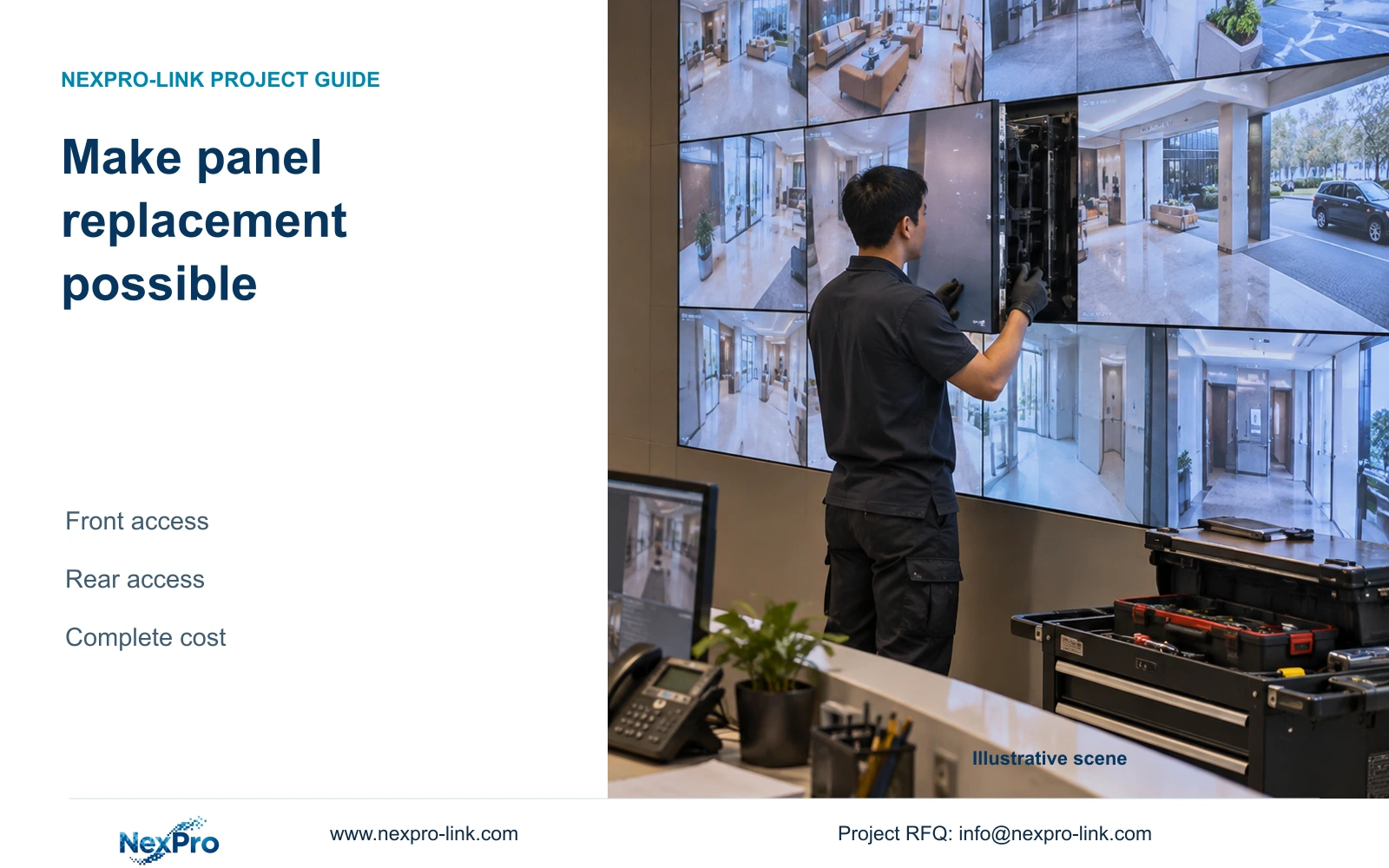
Request the selected panel's overall width, height, depth and mounting details together with the bracket drawing. The installation envelope must include the equipment's service method. A front-service arrangement and a rear-access arrangement can require different room reservations even when their visible active areas are similar.
The room elevation should distinguish the visible image boundary from the structural and maintenance boundaries. Show cable access and the route for replacing a panel without relying on an unspecified clearance. Local specialists must establish support and installation requirements for the actual wall construction. An early geometry estimate cannot authorize structural fixing.
Section 04
Compare physical arrangements with usable pixel layouts
Physical fit and display detail require separate calculations. The supplied illustrative comparison uses one Full HD monitor and a 2×2 Full HD wall, both showing sixteen equal camera views. Canvas width equals panel width in pixels multiplied by the column count; height follows the row count. Divide each canvas dimension by four for a 4×4 grid.
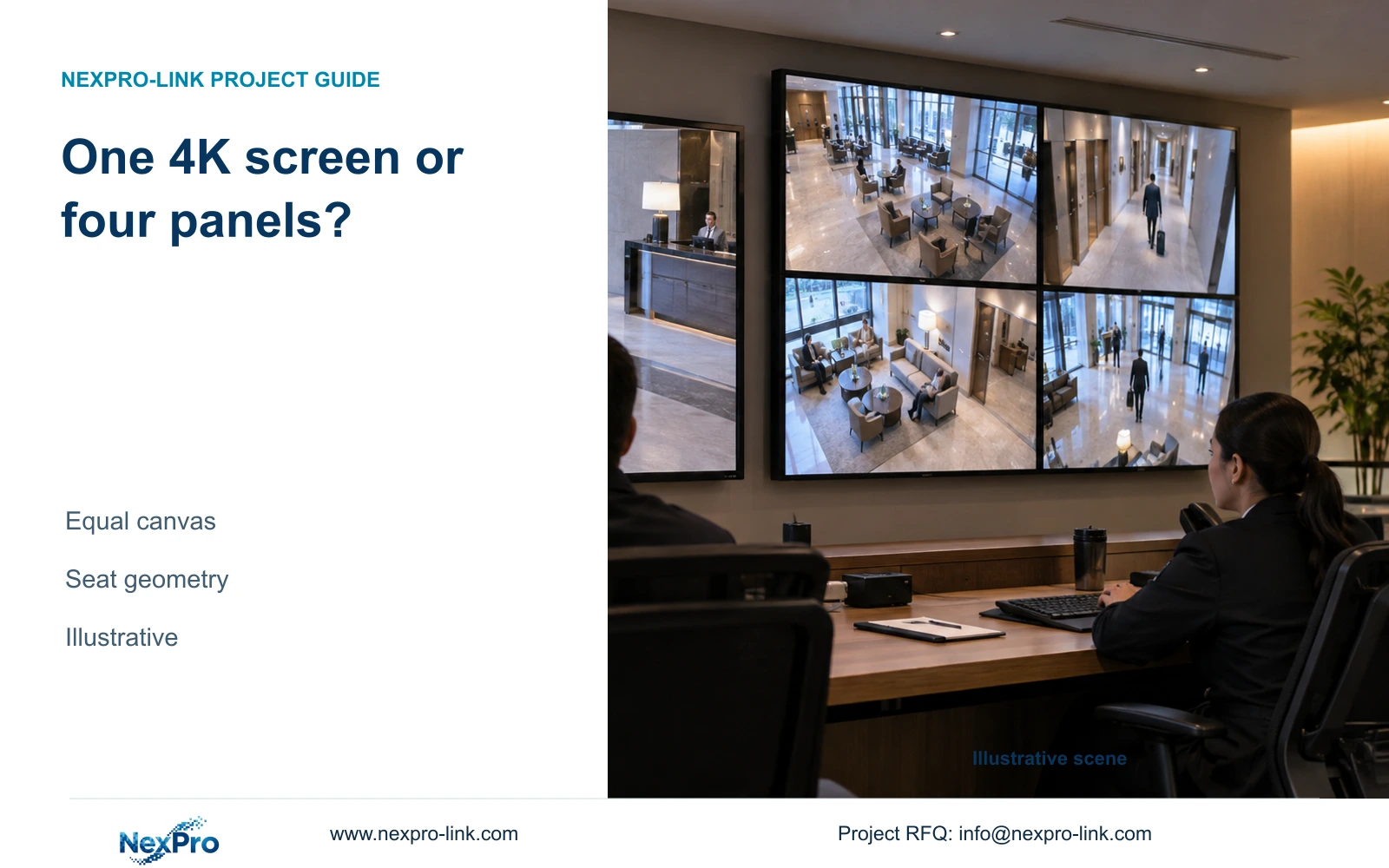
The single Full HD display allocates 480×270 nominal pixels per view, while the four-panel canvas allocates 960×540. This explains why a physically feasible wall may offer a larger display budget than one Full HD screen. A single 4K monitor, however, has the same nominal total canvas as the 2×2 wall and remains a relevant room-saving alternative.
A 3×2 panel layout changes the physical shape and would theoretically provide 5760×2160 pixels if the entire canvas were addressed. Its wider aspect must suit the actual window arrangement. It should not be selected merely because six panels fit: the source and control path must deliver the intended layout, and the operator must benefit from the extra width.
| Metric / condition | One 1920×1080 monitor | 2×2 Full HD LCD canvas |
|---|---|---|
| Canvas (px) | 1920 × 1080 | 3840 × 2160 |
| 16-grid tile (px) | 480 × 270 | 960 × 540 |
| Physical seams | No internal seams | Panel seams exist |
| Single 4K monitor comparison | Different pixel canvas | Same nominal canvas, different physical layout |
Section 05
Check sightlines from each operating seat
Plot the display's lower and upper edges against seated eye positions and desk obstructions. Include observers at the edges of the room, not only the central seat. A wall that fits above a desk can still place routinely used views too high or make small text difficult to read from an off-center position.
Use the intended interface and content sizes in the assessment. Camera tiles, labels and playback controls do not have the same reading demands. Position routine views where operators can use them comfortably, and define where an event will appear when enlarged. The published brightness field alone cannot establish readability under the room's reflections and lighting.
Before equipment release, specify a representative task demonstration from the relevant seats. The operator should open a public-zone view, enlarge an event and return to the normal layout. Record the observations when the demonstration occurs; a proposed assessment is not evidence that the room has already passed.
Section 06
Issue a room-based display schedule
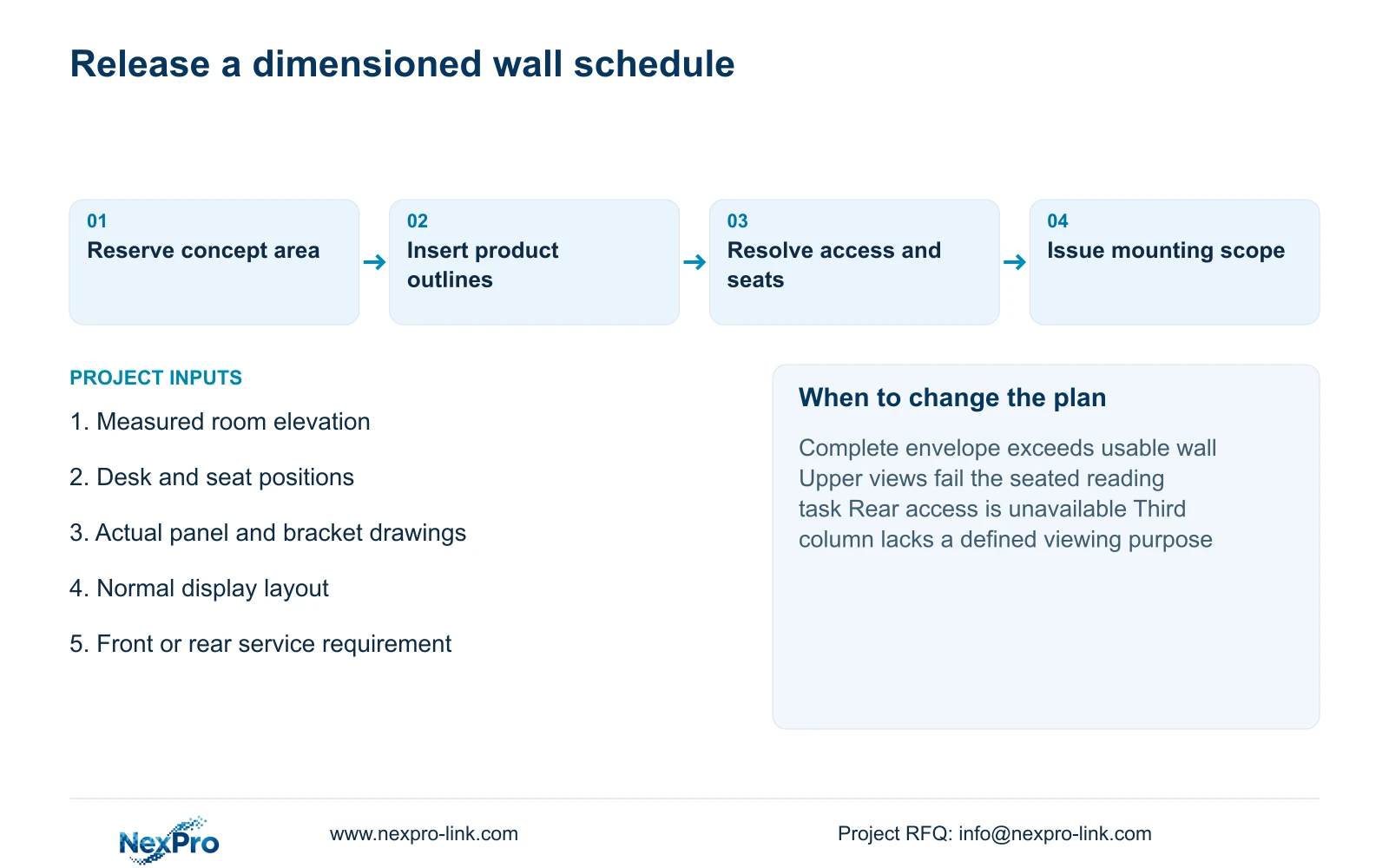
Proceed with 2×2 when its full envelope and normal layout satisfy the room tasks. Move to 3×2 only when the wider workspace serves a documented viewing requirement and the additional output, mounting and service scope fits. If either wall compromises access or sightlines, compare a suitably sized single 4K monitor or a revised wall position.
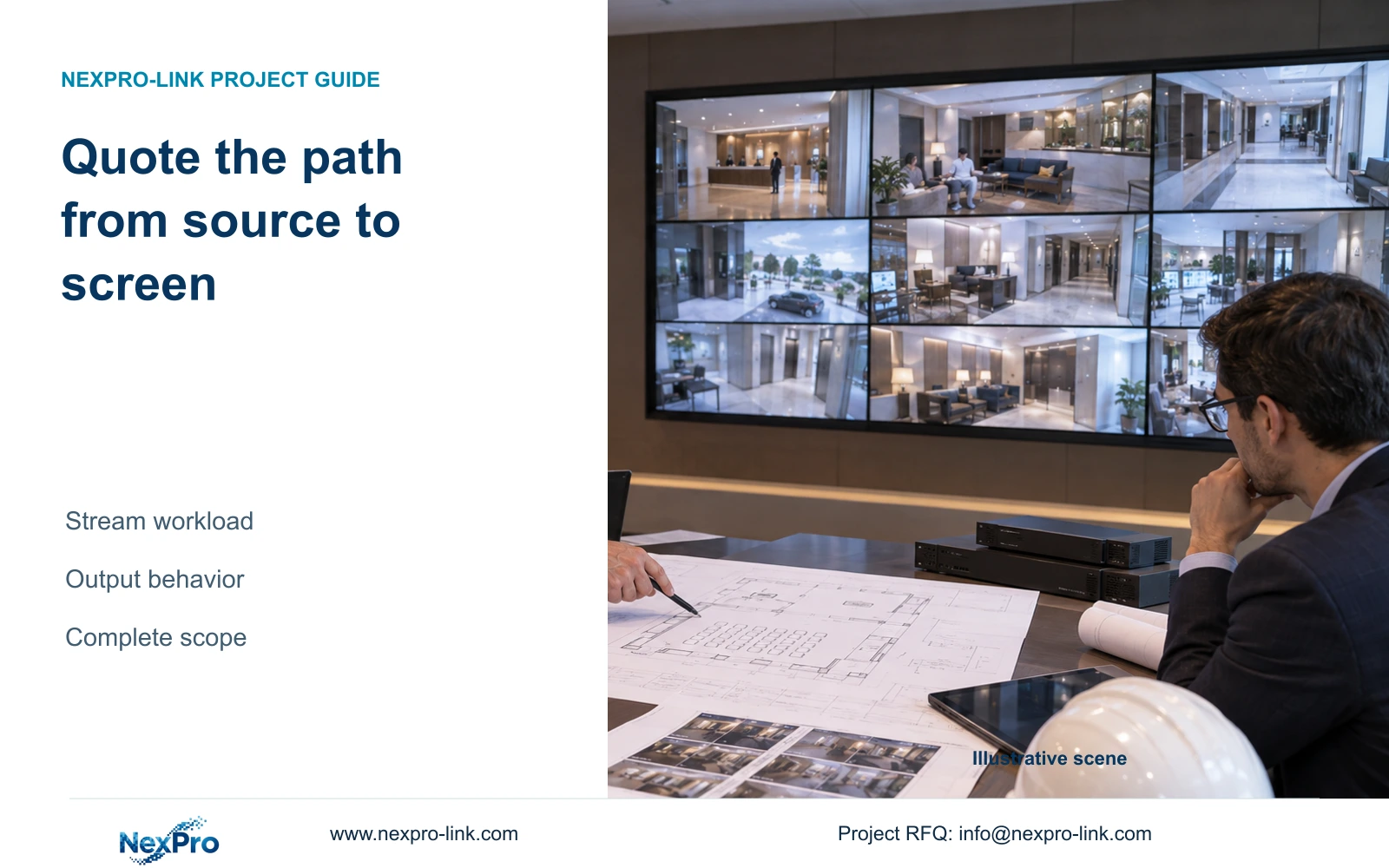
The issued schedule should identify panel arrangement, actual overall dimensions, bracket scope and source/control interfaces. NX-VD-4K16 can be considered as a decoder candidate, but its model name does not establish output arrangements or every concurrent viewing mode. Power and cooling inputs should use the selected configuration, and recording should remain independent of display operation.
For a room-based proposal, send info@nexpro-link.com the measured plan and elevation, seat positions and normal/event layouts. Include the proposed service side and delivery destination. NexPro-Link can coordinate model information and BOQ scope; structural fixing, electrical installation and local site responsibilities must remain identified in the project documents.
Section 07
Buyer questions
Can we order brackets from the 55-inch diagonal alone? No. Bracket selection needs the actual equipment outline, mounting details and load information. The diagonal calculation reserves an approximate active area; it does not establish fixing geometry or wall-support requirements.
Does a 3×2 wall require more height than 2×2? With the same panels and two rows, their approximate active heights are equal. The third column increases width. Final installation dimensions can still differ because of bracket structure, alignment and service requirements.
What can NexPro-Link compare before our construction drawings are complete? A measured room sketch, seat locations and intended layouts can support an initial arrangement and equipment-scope discussion. Mark uncertain dimensions explicitly. Final mounting release still requires the selected product drawings and project installation details.
Engineering references
These sources support the general planning principles. Always use the selected product's current datasheet and applicable project standards for final design.