Give every remote exception a named power source, required outage behavior and approval owner. Reconcile camera uptime with actual new recorder footage during the permitted acceptance test.
Section 01
Follow the supply path before calling a camera protected
Give every remote exception a named power source, required outage behavior and approval owner. Reconcile camera uptime with actual new recorder footage during the permitted acceptance test. Where a local supply remains unprotected, state the lost task explicitly rather than presenting central UPS runtime as coverage for that camera.
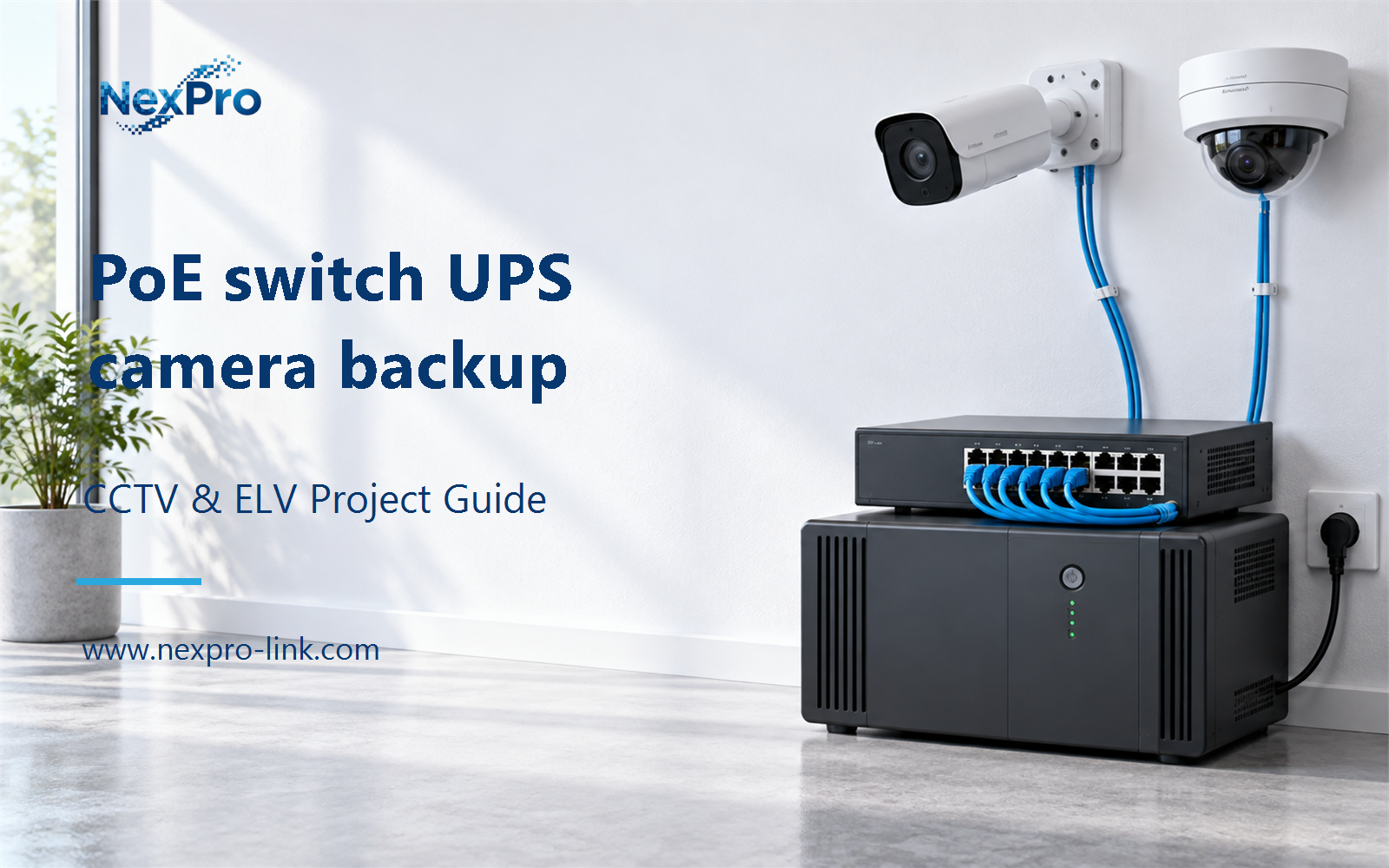
Factory cameras receive backup power from a UPS-connected PoE switch only when that switch actually supplies their operating power and the protected arrangement remains adequate under load. Cameras using separate local supplies or another cabinet's switch need their own verified path. Camera uptime also does not establish recording continuity unless the network and recorder remain available.
Illustrative project scenario: Most cameras use PoE, but one gate node and one local camera supply are outside the central UPS. Use the supplied 32-camera CNC factory reference as the task background, then treat these supply exceptions as a hypothetical site variation. No camera allocation or remote-cabinet demand has been measured.
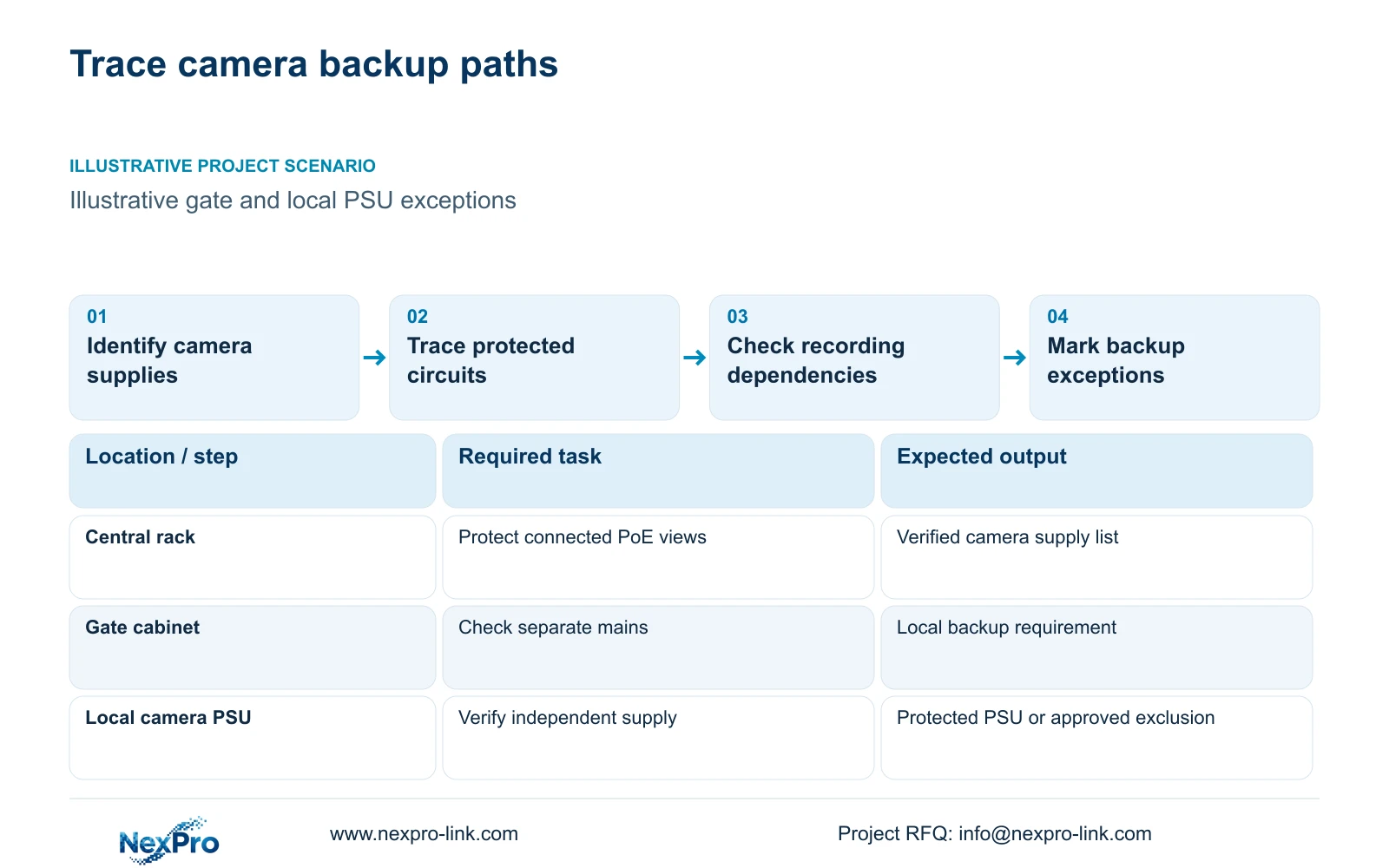
Start with a camera-to-supply register rather than a single 'UPS-backed' note on the drawing. Record camera identity, supplying switch or PSU, electrical circuit, UPS identity and recording destination. Mark unresolved connections as unverified. This gives the engineer a precise list of exceptions to resolve before the owner accepts a whole-site backup claim.
Section 02
Give the gate cabinet and local supply separate decisions
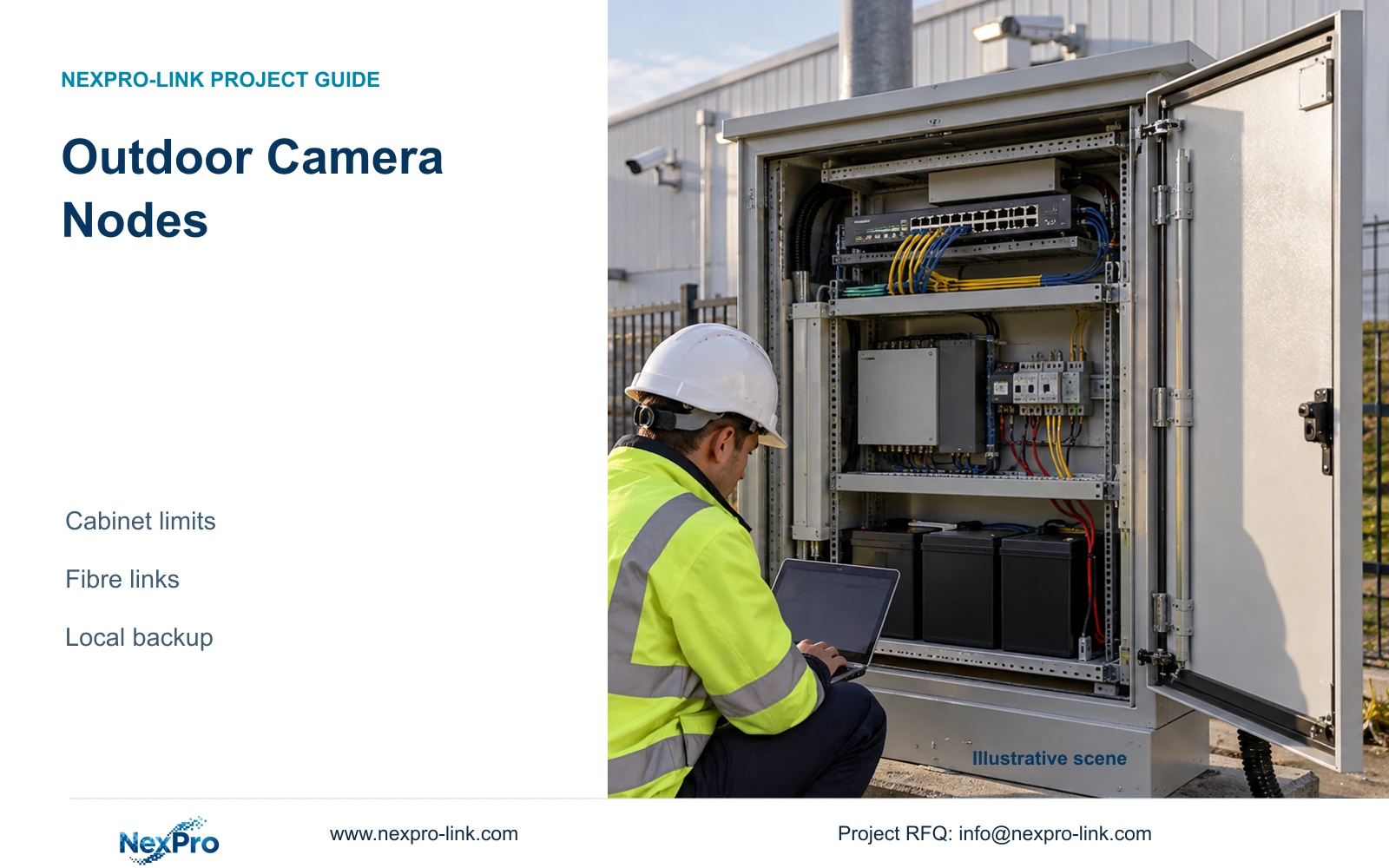
At the gate, trace mains to the cabinet, cabinet power to the PoE switch, and switch output to each camera. A fibre uplink may connect the cabinet to the recording rack while its switch still depends on unprotected local mains. Increasing the central UPS rating would not change that electrical arrangement.
For the independently powered camera, identify the actual PSU input and output requirements. Decide whether to protect that supply locally or change the camera's power arrangement through a supported design. Do not assume that a camera with a network connection is taking PoE, or connect an arbitrary battery to its DC input.
The local electrical team should confirm circuit identities and approved distribution options. The CCTV engineer should define which gate and locally supplied views are essential during an outage. If a view is deliberately excluded, document the lost task and obtain owner approval. An explicit exclusion is more useful than a green backup label that hides an unprotected endpoint.
Section 03
Protect every powered dependency needed to save footage
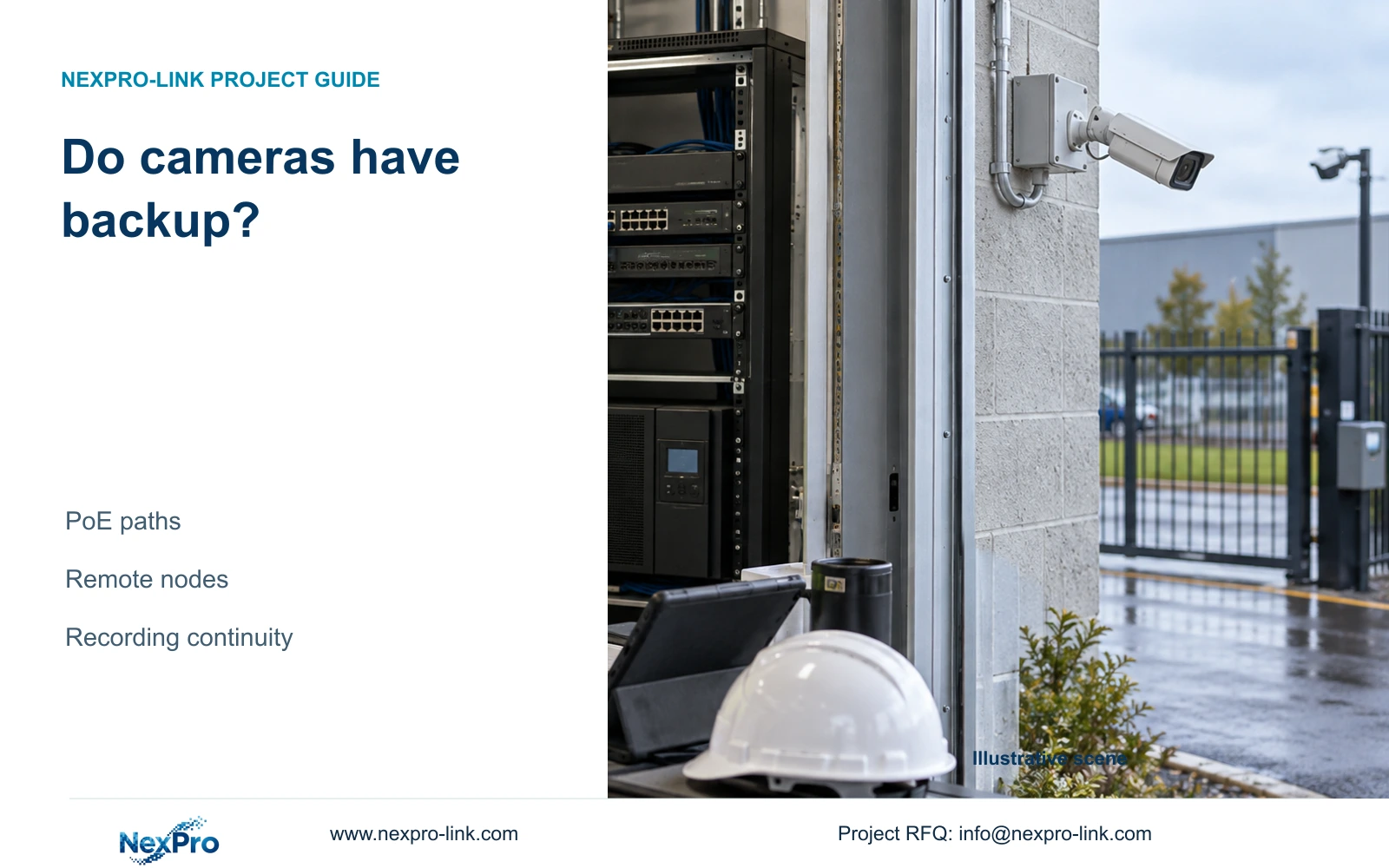
Trace the data path separately: camera, access switch, any powered intermediate link, and recorder with installed disks. A live camera cannot send footage through an unpowered network device. If the recording destination is central, the protected gate switch still depends on all intervening equipment required by that route.
The CASE01 baseline uses local recording at its defined node and groups 32 cameras into four PoE load groups. Its NexPro-NVR4449-4K reference has four SATA bays and a listed 320 Mbps input rating. Those fields describe recorder capacity; they do not prove that its power feed, disks or upstream switches remain operational during an outage.
Separate recording requirements from viewing requirements. Include an essential operator screen and its signal path when guards must act on live images. Internet access may be optional for local recording, but any required remote response adds dependencies that must be checked. Assign the network owner to confirm the route and the integrator to demonstrate recording and later export, not merely camera power LEDs.
Section 04
Compare duration only after defining the protected boundary
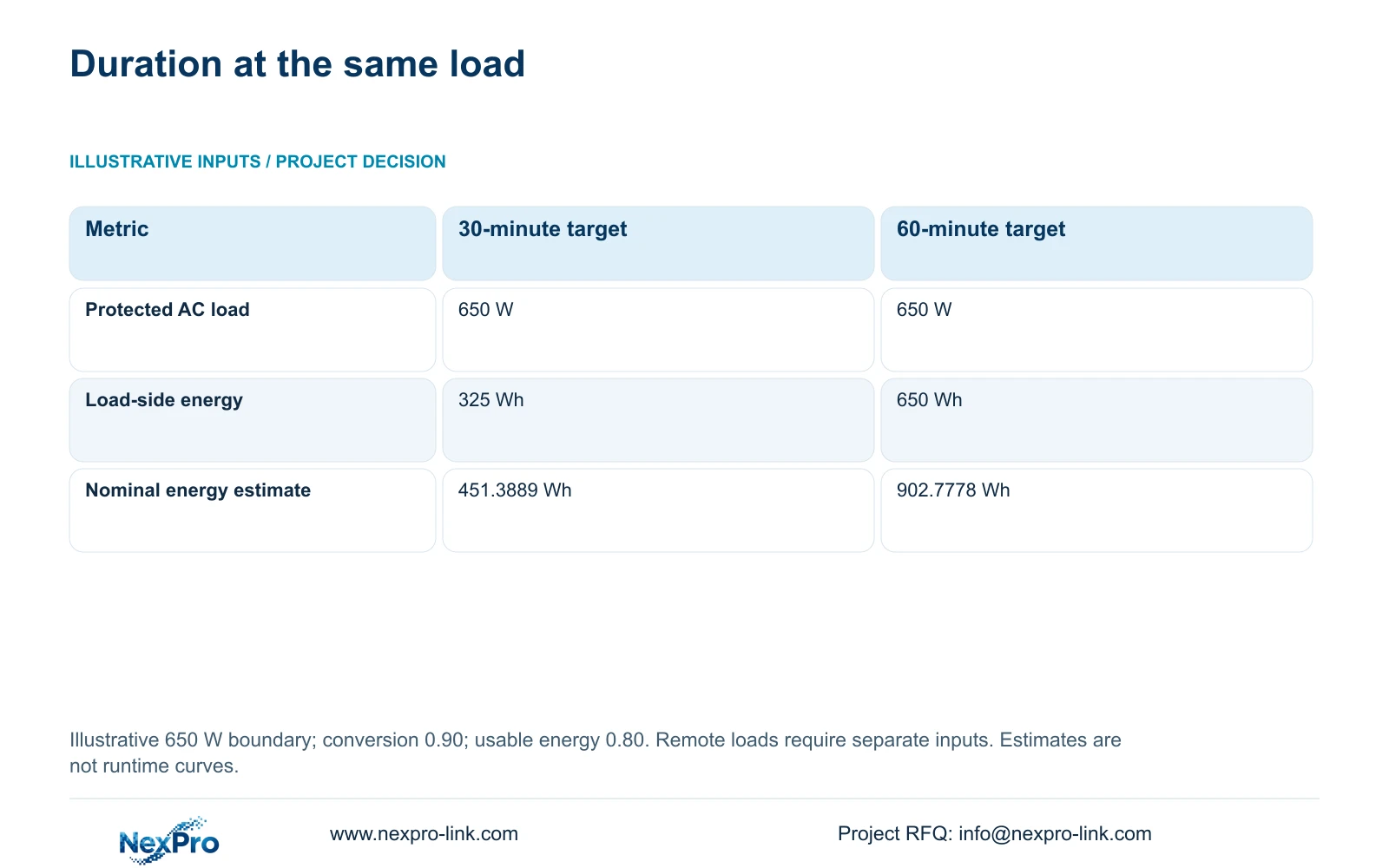
For a separate illustrative energy module, assume the complete protected AC load is 650 W. This is not the CASE01 total of 682.7407 W and must not be substituted into that reference without changing its load schedule. The comparison holds the 650 W boundary constant while changing duration from 30 to 60 minutes.
Use load_Wh = P_W × minutes/60. The output-energy requirements are 650 × 30/60 = 325 Wh and 650 × 60/60 = 650 Wh. With illustrative battery-to-load conversion of 0.90 and usable stored-energy fraction of 0.80, nominal_battery_Wh = load_Wh/(0.90 × 0.80), giving 451.3889 Wh and 902.7778 Wh.
Doubling the requested duration doubles this theoretical energy requirement. It does not energize the excluded gate circuit or local PSU, and it does not prove a product's operating minutes. Size each actual electrical node using its own demand and supported battery arrangement. Remote-node consumption remains an unresolved input in this scenario.
| Metric | Option A | Option B |
|---|---|---|
| Protected AC load | 650 W | 650 W |
| Target duration | 30 minutes | 60 minutes |
| Energy delivered to loads | 325 Wh | 650 Wh |
| Theoretical nominal battery energy | 451.3889 Wh | 902.7778 Wh |
Section 05
Close essential power gaps before buying more central runtime
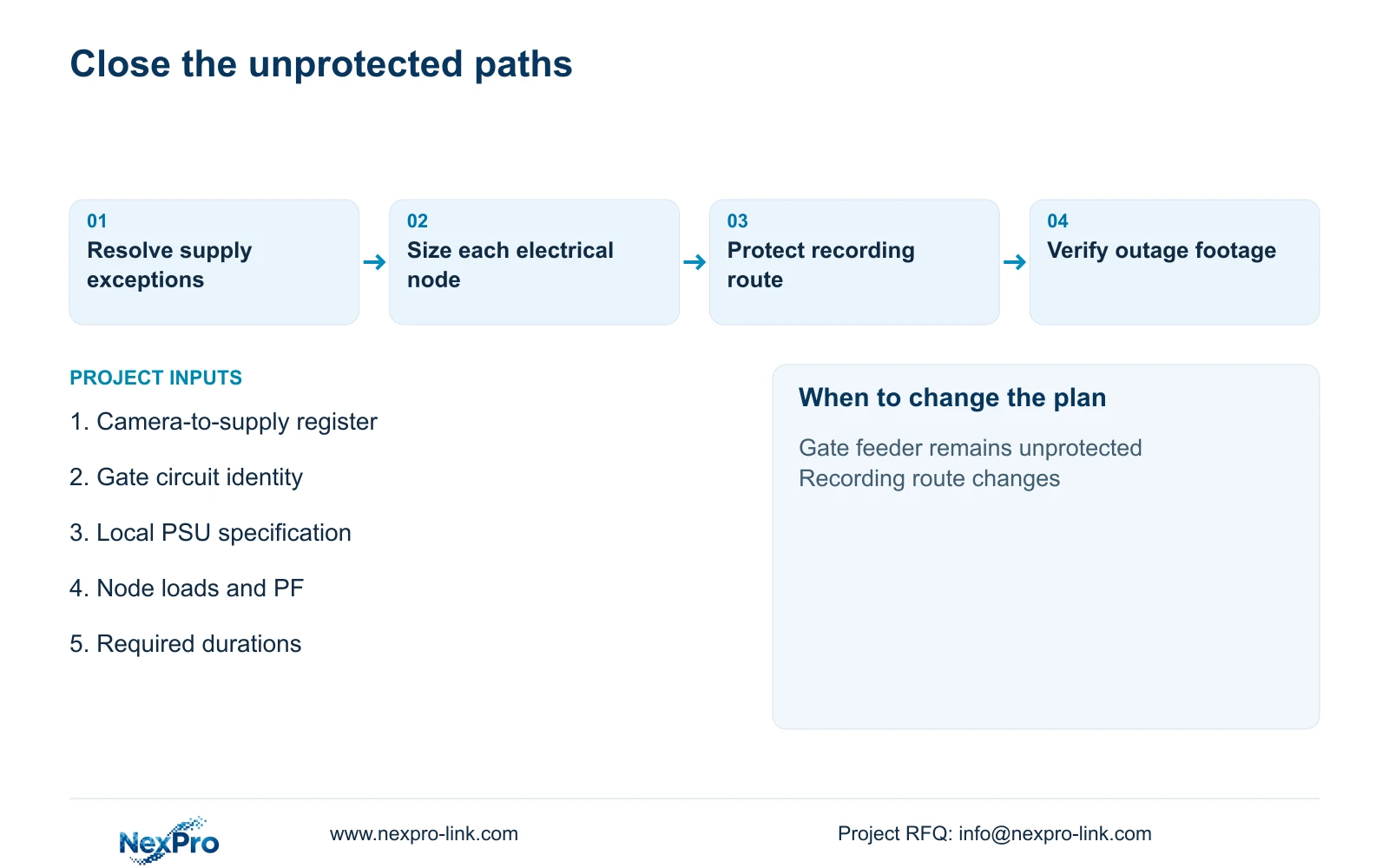
For this scenario, prioritize a complete protected path for the essential gate and locally supplied views. Request local protection where an approved central feeder is absent, then select duration for each node. Extending central runtime while leaving essential remote cameras off has limited value for the owner's stated surveillance task.
Check output W and VA independently of energy. The NexPro-Link rack series lists SP1KR(S) at 1 kVA/900 W, SP2KR(S) at 2 kVA/1800 W and SP3KR(S) at 3 kVA/2700 W. These are capacity references; select a variant only after the particular node's load, PF and physical conditions are known.
For battery qualification, obtain the supported configuration and runtime evidence at the required demand. Review temperature, ageing basis, discharge rate, BMS limits, initial state of charge, UPS self-consumption and recharge. Keep ordinary rack equipment in a suitable environment rather than assuming a remote outdoor cabinet is acceptable. Compare supplier offers by the same protected endpoints and demonstrated operating task.
Section 06
Use the power-path register as the acceptance record
The handover schedule should identify each camera's protected source and every shared dependency. Distinguish supplied local UPS equipment, retained central equipment, optional viewing loads and contractor-installed circuits. This lets the cost team price missing nodes without repurchasing equipment that already meets the task.
Plan an authorized outage test with the site's electrical team. Verify the essential camera views, recording timestamps, network route and retrieval during the agreed interval. After restoration, check for gaps and confirm normal recording resumes. Record exceptions against device identities so a failed gate link is not mistaken for a battery-capacity problem.
NexPro-Link's factory project and BOQ support scope can help coordinate the camera, recorder and UPS equipment request with the technical schedule. Local circuit alterations and final site acceptance need their own responsible parties. The resulting quotation should state which views remain available and the evidence supporting their duration, rather than promising that every camera in the factory is backed up.
Section 07
Buyer questions
Can a camera stay powered while its recording stops? Yes. A recorder, disk system or required network link may lose power even though the camera's supplying switch remains on. Acceptance should verify saved footage through the complete recording path.
Does a fibre connection extend central UPS protection? No. It carries the data connection in this scenario. The remote switch and powered link equipment still need an identified electrical supply and backup arrangement.
Can different nodes have different backup durations? Yes, if the owner approves the resulting service. A central recorder with longer runtime cannot preserve a remote view after that view's camera or network node stops.
Section 08
Resolve camera backup exceptions
Send your camera-to-power map, unprotected gate/local-supply list, complete node loads with PF and required operating durations to info@nexpro-link.com to discuss the missing backup scope.
Engineering references
These sources support the general planning principles. Always use the selected product's current datasheet and applicable project standards for final design.