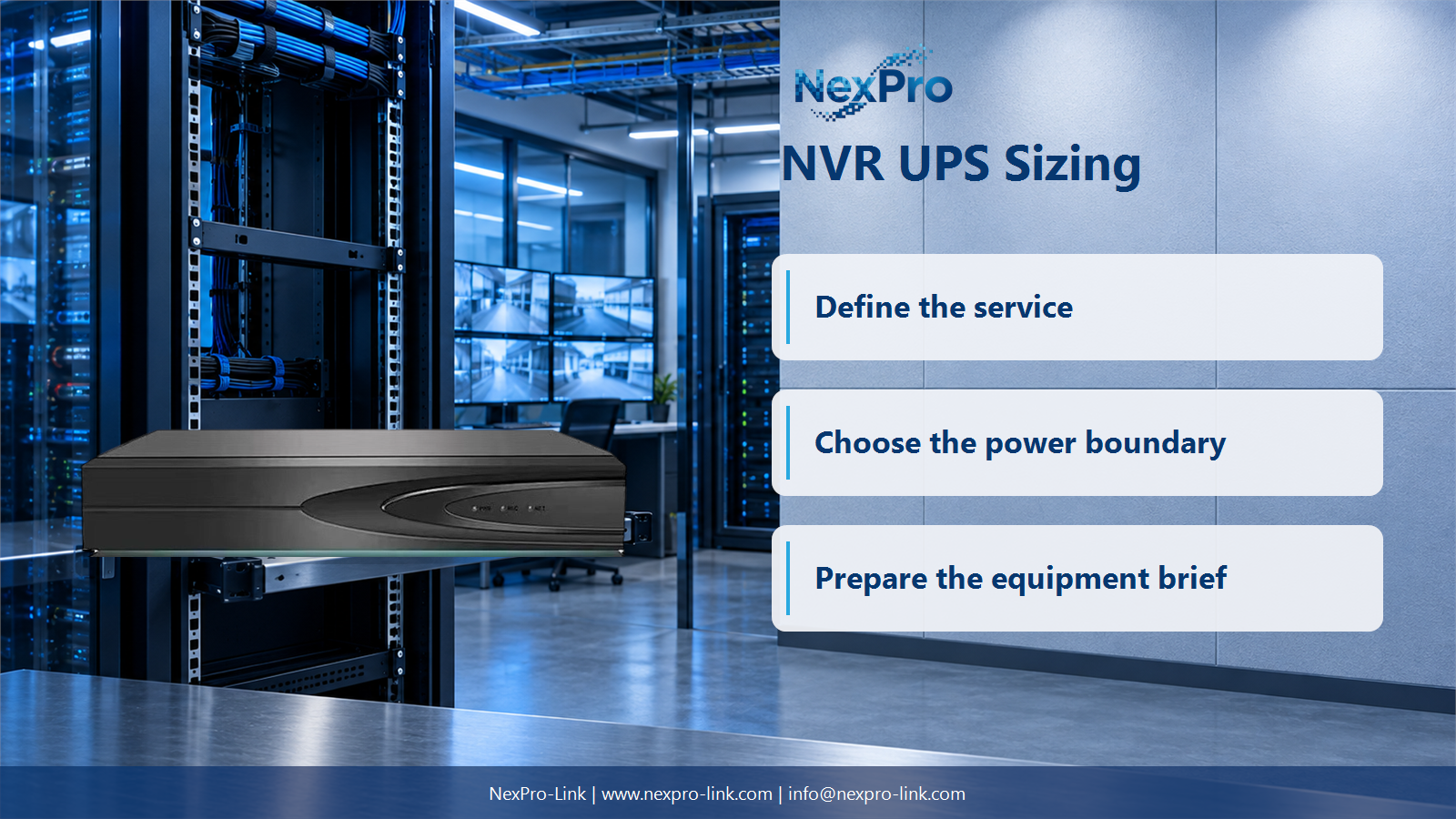
Count the built-in PoE, external switches and the NVR unit as separate device-level loads. Plan the project from the NVR configuration, hard-drive count, PoE arrangement and recording objective.
Section 01
Record the configuration that is actually powered
Count the built-in PoE, external switches and the NVR unit as separate device-level loads.
Channel count is a starting label, not a complete UPS load. The recorder model, installed-drive count, drive activity, optional expansion hardware and built-in PoE arrangement all affect what appears at the input. Keep the figure tied to the configuration that will be supplied or operated.
Use compatible input figures. If the recorder input already includes its installed drives, do not add a separate drive total on top unless the measurement or document clearly excludes it. The same discipline applies to any built-in PoE power that serves cameras.
| Configuration field | Illustrative record | Power-accounting treatment |
|---|---|---|
| Recorder and installed drives | One NVR with its selected drive set | 80 W input for this teaching example |
| Built-in PoE | Record whether it is enabled | Include only through a compatible input boundary |
| External PoE switches | Two separate access switches | List each switch AC input separately |
| Local camera supplies | Only where used | Add only if their supply belongs to the backup scope |
Section 02
Keep camera power sources on separate boundaries
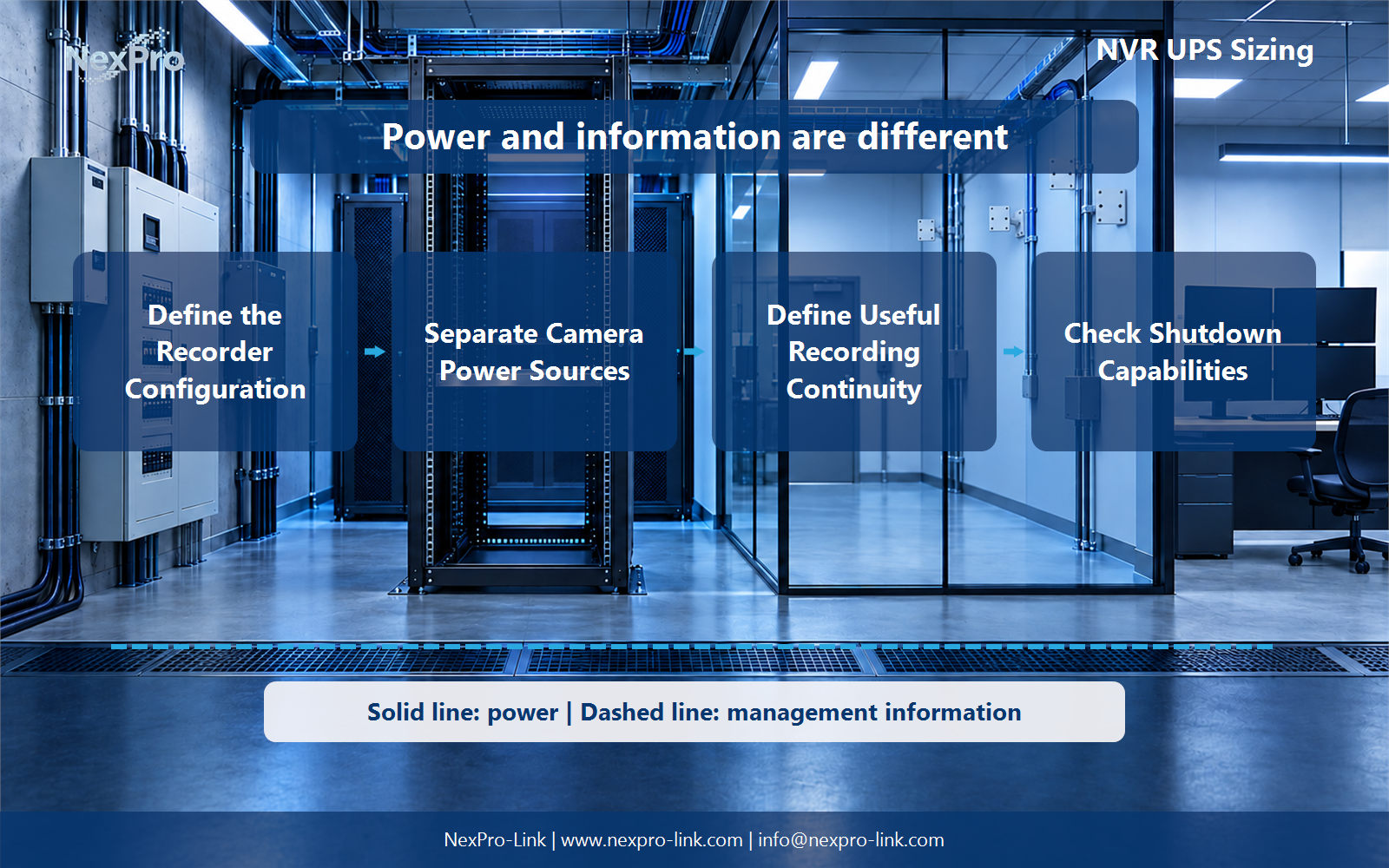
An NVR can connect to cameras that receive power from its own PoE ports, from external PoE switches or from local supplies. Those arrangements create different AC input paths. An external switch is a separate UPS load, and cameras already included in that switch input should not be added again.
The power diagram should state the source for each camera group. It is then possible to see whether a recorder-only UPS supports an orderly shutdown, a partial recording service or the full intended camera chain.
| Camera-power arrangement | What is counted | Treatment in the UPS schedule |
|---|---|---|
| NVR built-in PoE | Recorder input for the actual configuration | Use one compatible recorder input figure |
| External PoE switch | Switch AC input including its powered cameras | List once as a separate UPS load |
| Local DC or independent supply | Supply input for that camera group | Include only if it must remain backed up |
| Unprotected camera group | No supported power path | Do not describe as continuous recording |
Section 03
Define the recording service that remains useful
An NVR cannot receive new images from cameras that have lost power or network access. A recorder-only UPS can support orderly stopping and protect the storage process, but it should not be described as whole-system recording continuity when the camera and network chain is outside the supported scope.
State the required service in a simple table. The table is more useful than a broad claim because it shows which camera groups, network links, recorder functions and storage components remain part of the outage objective.
| Service element | Needed for continued recording? | Planning decision |
|---|---|---|
| Camera groups | Yes, for new images | Protect their stated power source |
| External PoE switches | Yes, where they feed the selected cameras | Include switch AC inputs once |
| Network route | Yes, where cameras and recorder depend on it | Add required upstream equipment |
| NVR and installed drives | Yes | Protect recorder input and define shutdown behavior |
Section 04
Do not assume automatic recorder shutdown
A UPS can report a supply event, but the recorder must support the relevant interface and procedure before an automatic shutdown action can be specified. Where that integration is unavailable, the project should define a manual or operational response instead of writing a software feature into the equipment scope.
The interface schedule makes ownership visible. It identifies the signal, the supported action, the party responsible for confirming it and the fallback behavior if no direct command is available.
| Signal or event | Supported action to confirm | Owner | Fallback |
|---|---|---|---|
| UPS low-battery condition | Recorder response only if supported | System integrator | Document operator procedure |
| Loss of upstream camera power | Record the expected recording state | Security design team | Mark affected views as unavailable |
| Planned power maintenance | Controlled stop procedure | Site operations | Use approved maintenance sequence |
| UPS status monitoring | Display or log only if configured | Project commissioning team | Keep a local operational check |
Section 05
Calculate watts, VA and duration as separate inputs
The UPS must clear both real-power and apparent-power limits at the protected input. Runtime is then requested at that load with the chosen battery arrangement. Retention days for recorded footage concern storage capacity; they are not the same as the number of minutes a UPS can support the system.
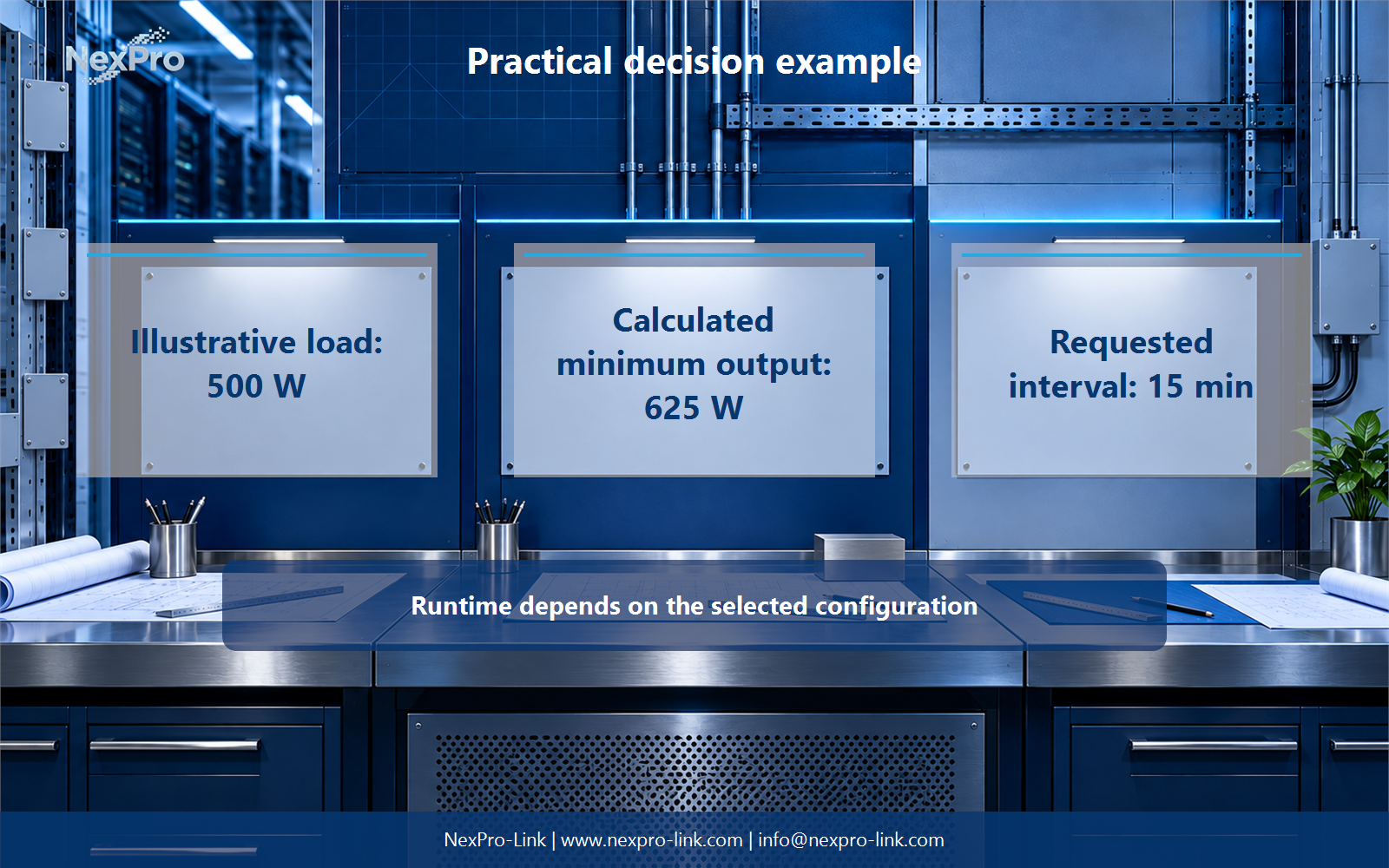
For the teaching scenario, the NVR with installed drives is 80 W, two external PoE switch inputs are 200 W each and the router is 20 W. The external-switch figures already include the cameras they power. Adding those camera watts again would inflate the UPS total.
| Calculation | Result |
|---|---|
| NVR including installed drives | 80 W |
| Two PoE switch AC inputs including cameras | 400 W |
| Router | 20 W |
| Total protected AC input | 500 W |
| Apparent power at assumed PF 0.90 | 555.56 VA |
| Minimum rating at an assumed 80% utilization ceiling | 625 W and 694.44 VA |
| 15-minute load-side energy | 125 Wh |
Section 06
Send the NVR package as a configuration, not a channel count
A supply discussion needs the recorder model, installed-drive count, camera-power diagram, UPS input basis and intended stop or continuity behavior. A NexPro-Link NX-UP-RM-001 C2KR(S) configuration is listed at 2,000 VA and 1,800 W, which makes it a catalog capacity reference rather than an automatic result for every NVR system.
The selected input and output interfaces, rack fit, battery arrangement, upstream dependencies and service procedure belong in the same RFQ. Keeping these items together lets the proposal explain what the UPS supports and which equipment is outside the stated scope.
| RFQ field | Required project input | Use in equipment scope |
|---|---|---|
| NVR configuration | Recorder and installed drives | Sets the recorder input boundary |
| Camera-power map | Built-in PoE, external switches and local supplies | Prevents duplicate powered-camera loads |
| Capacity and duration | W, VA and required outage objective | Supports UPS and battery configuration |
| Operating response | Continuity or stop behavior | Defines interface and procedure requirements |
Section 07
NVR UPS sizing FAQ
These questions are easiest to resolve when the recorder, camera power and network chain are recorded on separate lines.
- Which NVR details affect the load budget? The recorder, installed drives, optional hardware and any built-in PoE arrangement all matter.
- How should built-in and external PoE be treated? Keep their compatible input figures on separate boundaries and count each path once.
- Can an NVR record while its cameras lose power? It can retain what is already stored, but it cannot receive new images from unavailable cameras.
- Does every recorder accept UPS shutdown commands? No. Confirm the recorder interface and supported procedure before specifying an automatic action.
- How should the required rating be expressed? Check both W and VA, then request runtime at the protected load and selected battery arrangement.
- What should NexPro-Link receive? Send the NVR configuration, drive count, power map and required recording objective.
- What changes after a device revision? Update the configuration, power map and service chain before reusing the prior calculation.
- How does the RFQ support a BOQ discussion? It makes the included recorder, camera-power, UPS and interface scope visible line by line.
Section 08
Build the UPS scope from the recording objective
Share the NVR configuration, hard-drive count, PoE arrangement and recording objective with NexPro-Link to discuss the UPS equipment, interfaces and supply scope for your project.
Engineering references
These sources support the general planning principles. Always use the selected product's current datasheet and applicable project standards for final design.