Continuous power and graceful application shutdown must work together; positioning a UPS as a blanket guarantee for all recording and disk failures is not accurate.
Section 01
Follow the last seconds of recording
Continuous power and graceful application shutdown must work together; positioning a UPS as a blanket guarantee for all recording and disk failures is not accurate.
When an NVR loses power, open video segments may not close, indexes may need rebuilding and a storage array may run checks at the next boot. These are interrupted-write symptoms. A failed disk is a separate hardware diagnosis that should come from the recorder, controller or drive tools.
Start the incident review with timestamps. Compare the last playable clip, the recorder event log, storage messages and UPS events. This shows whether the missing footage came from lost camera power, a stopped network path, an unfinished file or a confirmed media fault.
| Symptom | Likely work | Evidence to collect |
|---|---|---|
| Recent clip missing | Close or recover the open segment | Last playable timestamp and file status |
| Clips absent from search | Rebuild or replay the index | Index and recorder logs |
| Array alarm | Verify cache or rebuild state | Controller event history |
| Suspected disk damage | Run hardware diagnosis | Vendor diagnostics and SMART data |
Section 02
Protect the complete recording chain
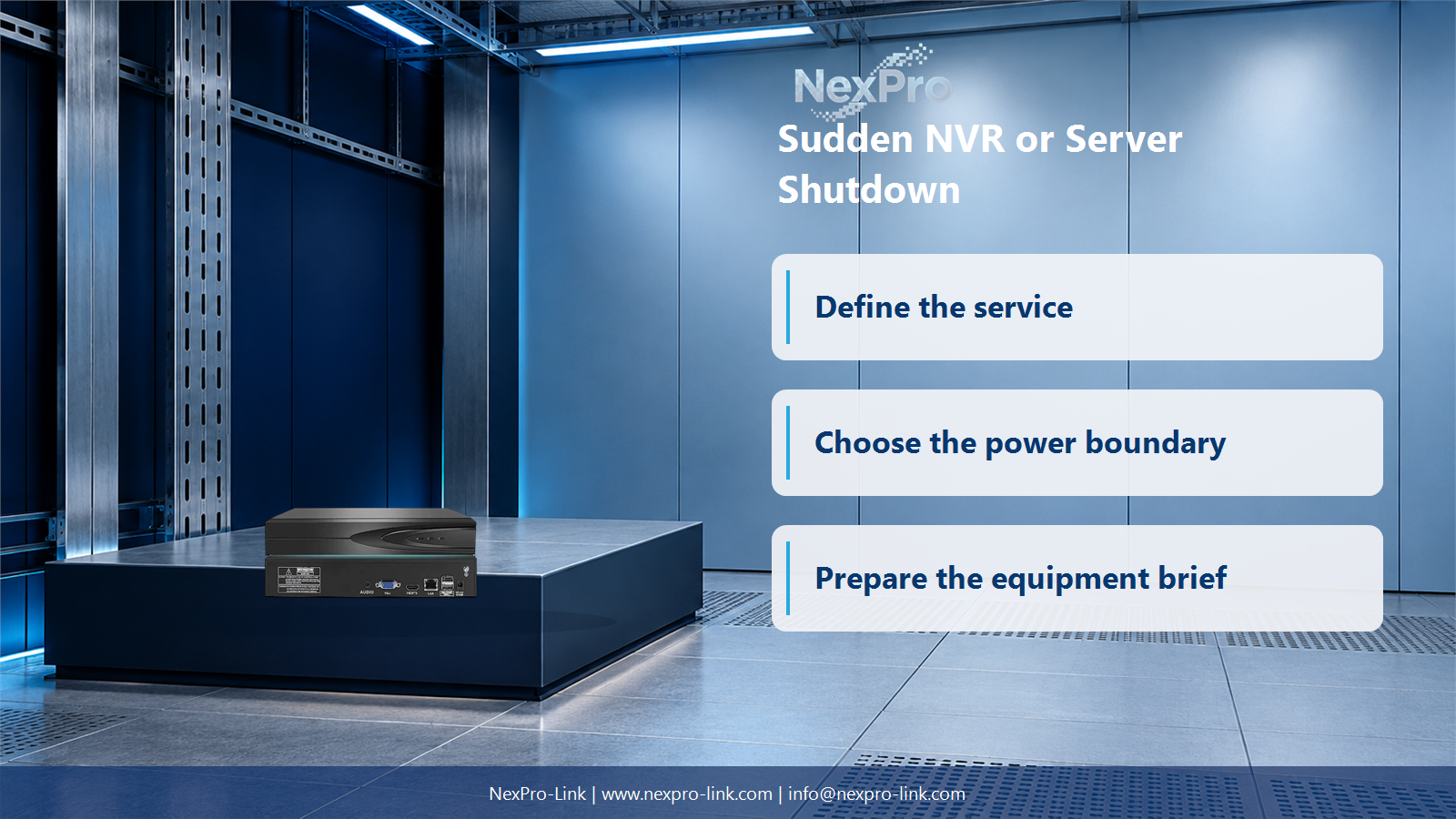
Powering the recorder alone does not keep video arriving. Cameras may depend on PoE switches, uplinks may pass through an aggregation switch, and shutdown commands may depend on the same network. Draw the chain from camera power to recording media before setting the UPS boundary.
Count PoE demand at the switch input rather than adding every camera twice. Include the NVR, storage, required switches and the management path. Exclude viewing displays or auxiliary devices only after the operating plan confirms that they may stop during the event.
- Name every powered node between the camera and the recorded file.
- Keep network dependencies visible even when they sit in another cabinet.
- Record which loads may drop before the recorder finishes its shutdown.
Section 03
Verify the shutdown interface before specifying runtime
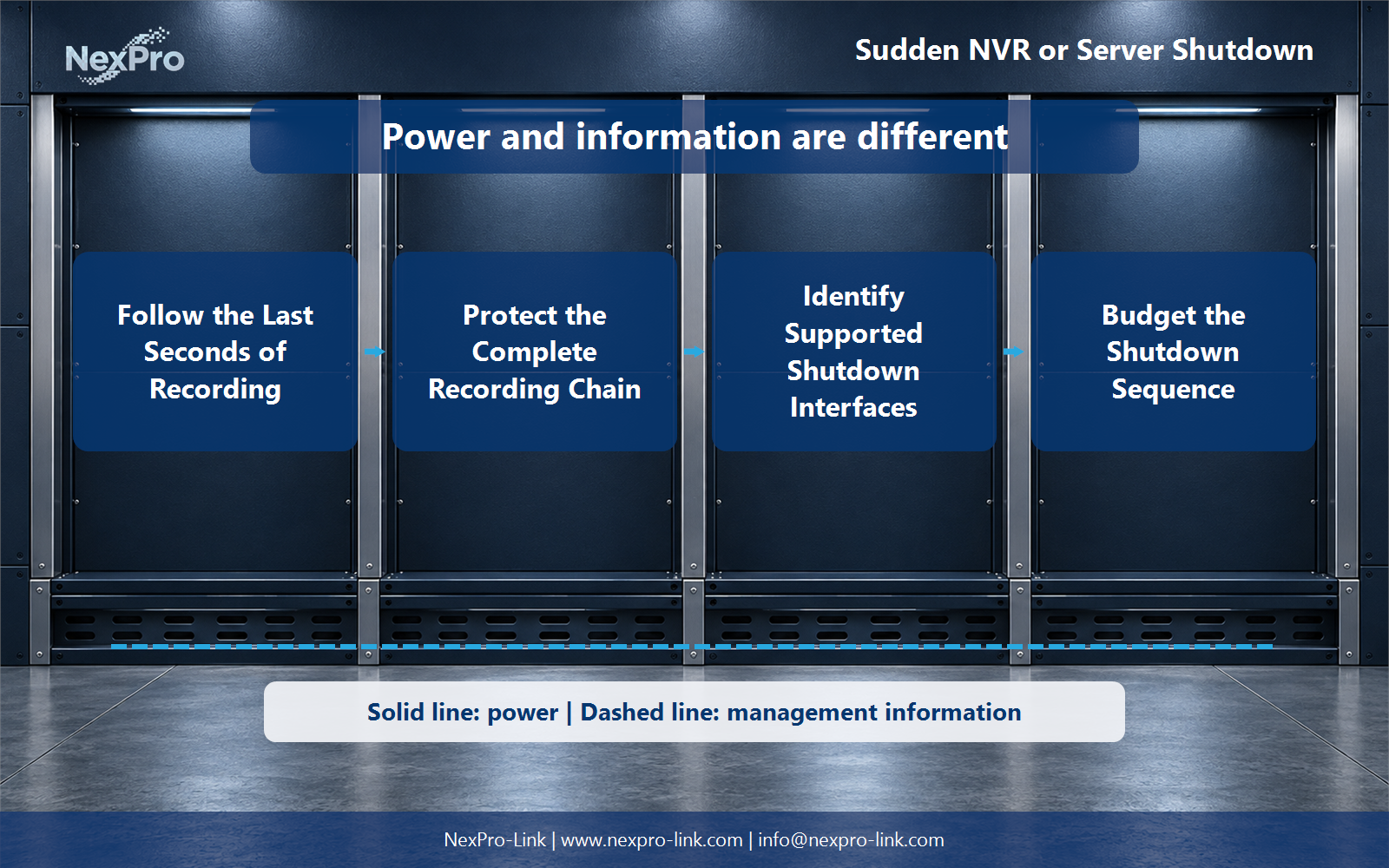
There is no universal command that shuts down every NVR or server. One platform may use a network agent, another a dry contact, another USB, and some provide no supported automation. Record notification, command, acknowledgement and fallback as four separate fields.
A useful sequence keeps the recorder and network alive while files close and disks become idle. Only then should the switch group be released. If the command fails or the device hangs, a final low-battery threshold provides a controlled fallback, but it does not prove that the application stopped cleanly.
| Field | Project entry | Reason |
|---|---|---|
| Notification | Network agent or dry contact | The device must receive the event |
| Command | Graceful stop at a defined threshold | Allows file close and cache flush |
| Acknowledgement | Operating system confirms completion | Shows that the sequence finished |
| Fallback | Final output-off threshold | Covers a failed command |
Section 04
Restart in an order that can be verified
After input power is stable, return network services first, then the recorder and storage, then cameras. Confirm that storage mounted cleanly and new clips are closing before restoring every viewing client. This order makes a failed stage easy to locate.
A restart checklist should name the person who verifies switch links, recorder health, expected camera count and fresh recording. Utility power returning is only the start of recovery; service is restored when the new recording path has been tested end to end.
Section 05
Build a recorder-rack equipment package
An equipment request needs the recorder model, disk count, measured load, PoE switch input, site voltage, desired outage response and supported management interface. Apply reserve to the confirmed load and then check both UPS output capability and the manufacturer's runtime data for the selected battery configuration.
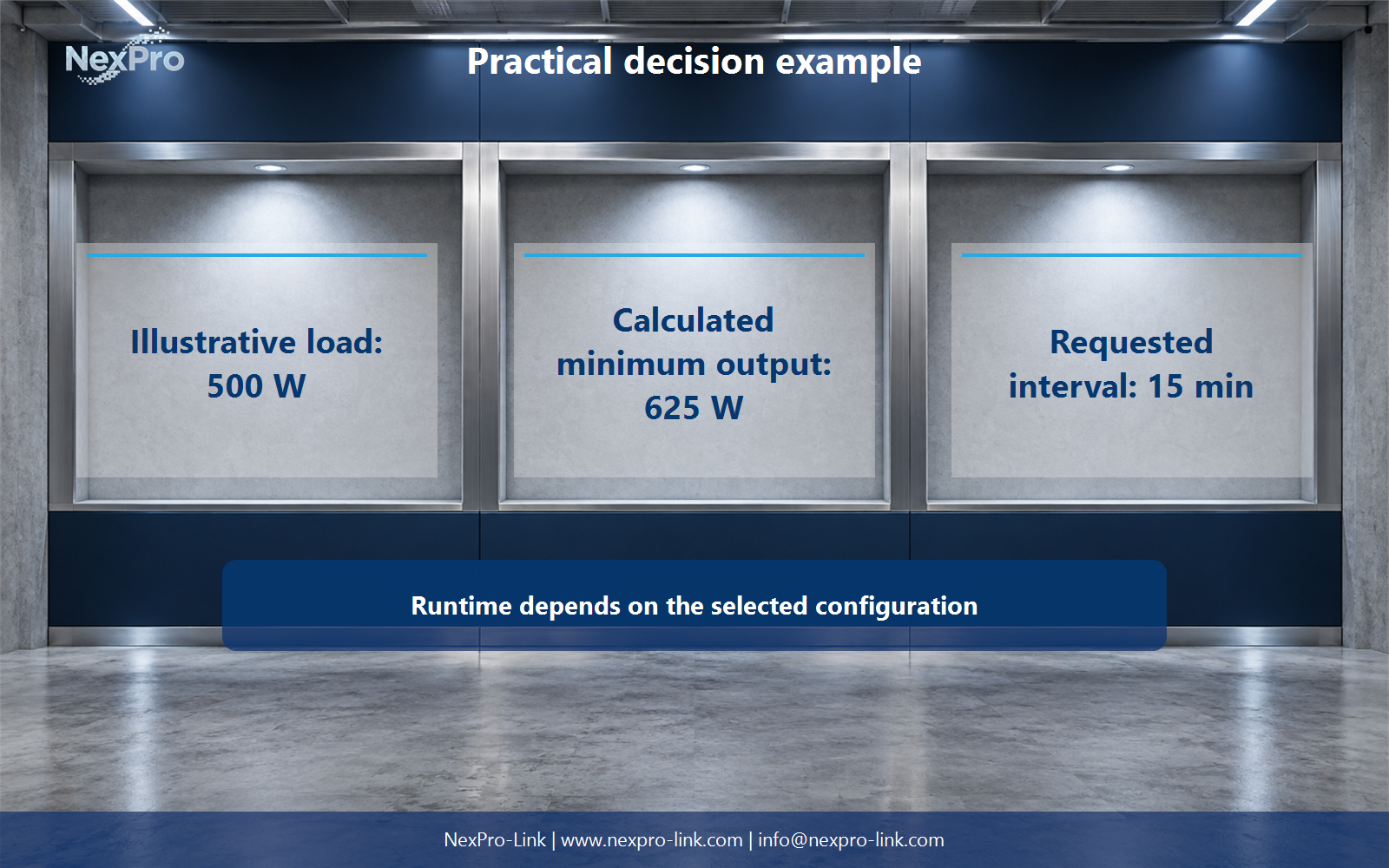
The illustration uses a 500 W protected group and a 625 W planning minimum after a 25 percent capacity allowance. It does not predict a 15-minute runtime. Battery age, efficiency, configuration and environmental conditions still have to be checked against current product data.
Section 06
FAQ: NVR and server shutdown protection
Does every NVR power failure destroy disks? No. Interrupted files and index recovery are common shutdown issues, while physical damage needs its own diagnosis.
Why can recording stop while the NVR remains on? Cameras, PoE switches or uplinks may already be without power. The recorder is only one node in the chain.
Can any UPS shut down any NVR? No. Confirm the recorder's supported interface and test the complete command and acknowledgement path.
Is five minutes enough? Only when the real sequence finishes inside that time with reserve at the actual load and battery condition.
Engineering references
These sources support the general planning principles. Always use the selected product's current datasheet and applicable project standards for final design.