Utility return is one step on the timeline; treat the outage as recovered only when service function and remaining battery state are confirmed.
Section 01
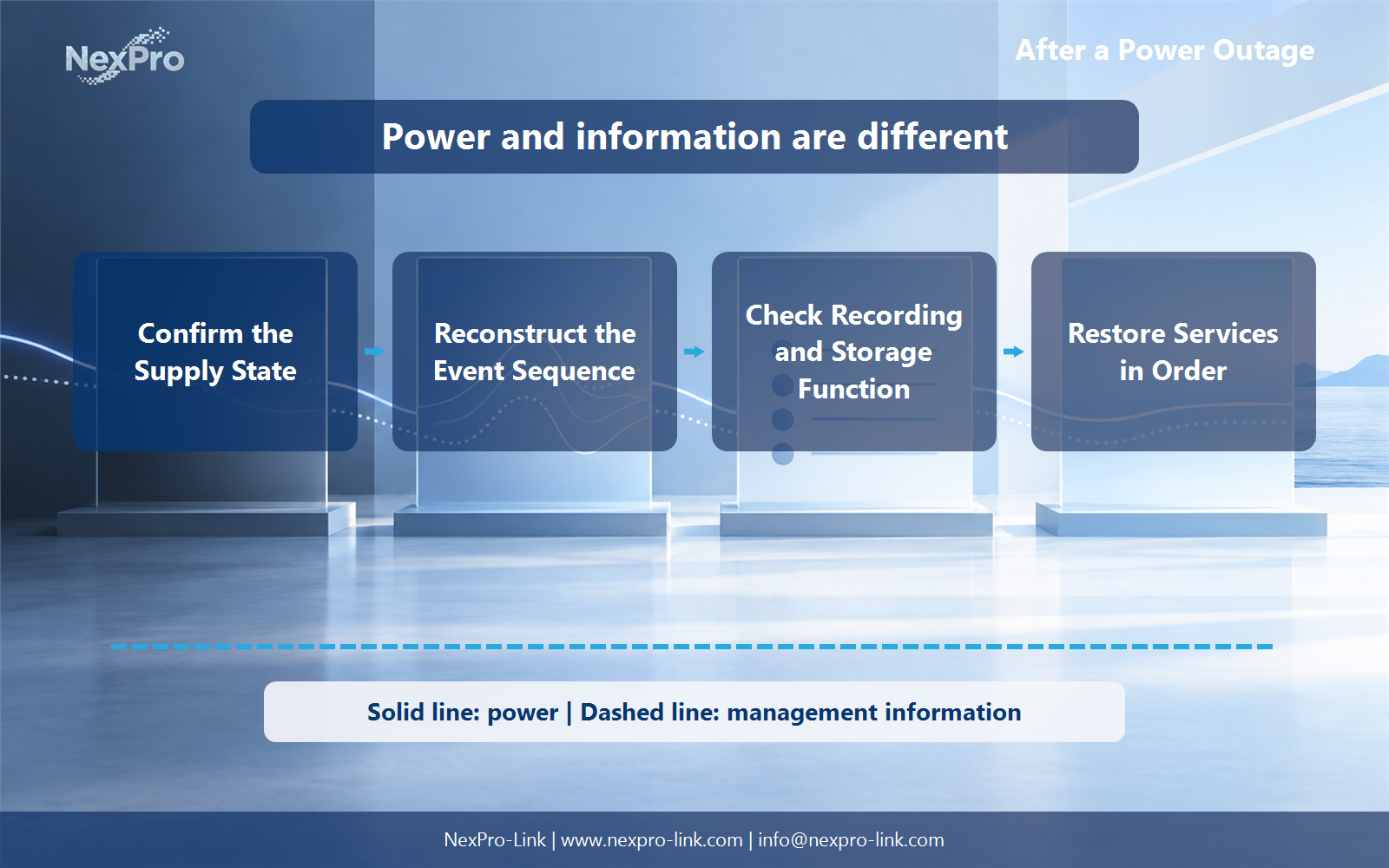
Confirm the supply state before restarting loads
Utility return is one step on the timeline; treat the outage as recovered only when service function and remaining battery state are confirmed.
Utility power returning does not prove that the protected supply is stable. Check the input source, bypass state, active alarms, battery condition and output status before reconnecting every load. If the UPS transferred or shut down, preserve its event record before clearing alarms.
Look for repeated sags, generator instability or an overloaded output rather than treating the event as one clean outage. A recorder that restarts into another disturbance can create a second failure that obscures the first.
| Area | Confirm | Record |
|---|---|---|
| Source | Stable input and expected phase or voltage | Return time and abnormal readings |
| UPS | Mode, alarms and output state | Event log and battery status |
| Distribution | Required circuits available | Tripped or isolated branches |
| Environment | Cooling and safe access | Temperature and visible damage |
Section 02
Reconstruct the event sequence with timestamps
Collect UPS, NVR, storage, switch and camera timestamps before rebooting devices repeatedly. Normalize time zones and clock offsets. The last good recording, first missed frame, link loss and shutdown event often reveal whether the break began at camera power, network transport, the recorder or storage.
Keep observation separate from diagnosis. A gap in footage does not by itself prove disk damage, and an array warning does not prove that the outage caused a physical failure. Use device diagnostics and logs to move from symptom to cause.
- Export logs before they rotate.
- Record manual actions alongside automatic events.
- Keep the original outage and any restart failures as separate incidents.
Section 03
Check recording and storage function end to end
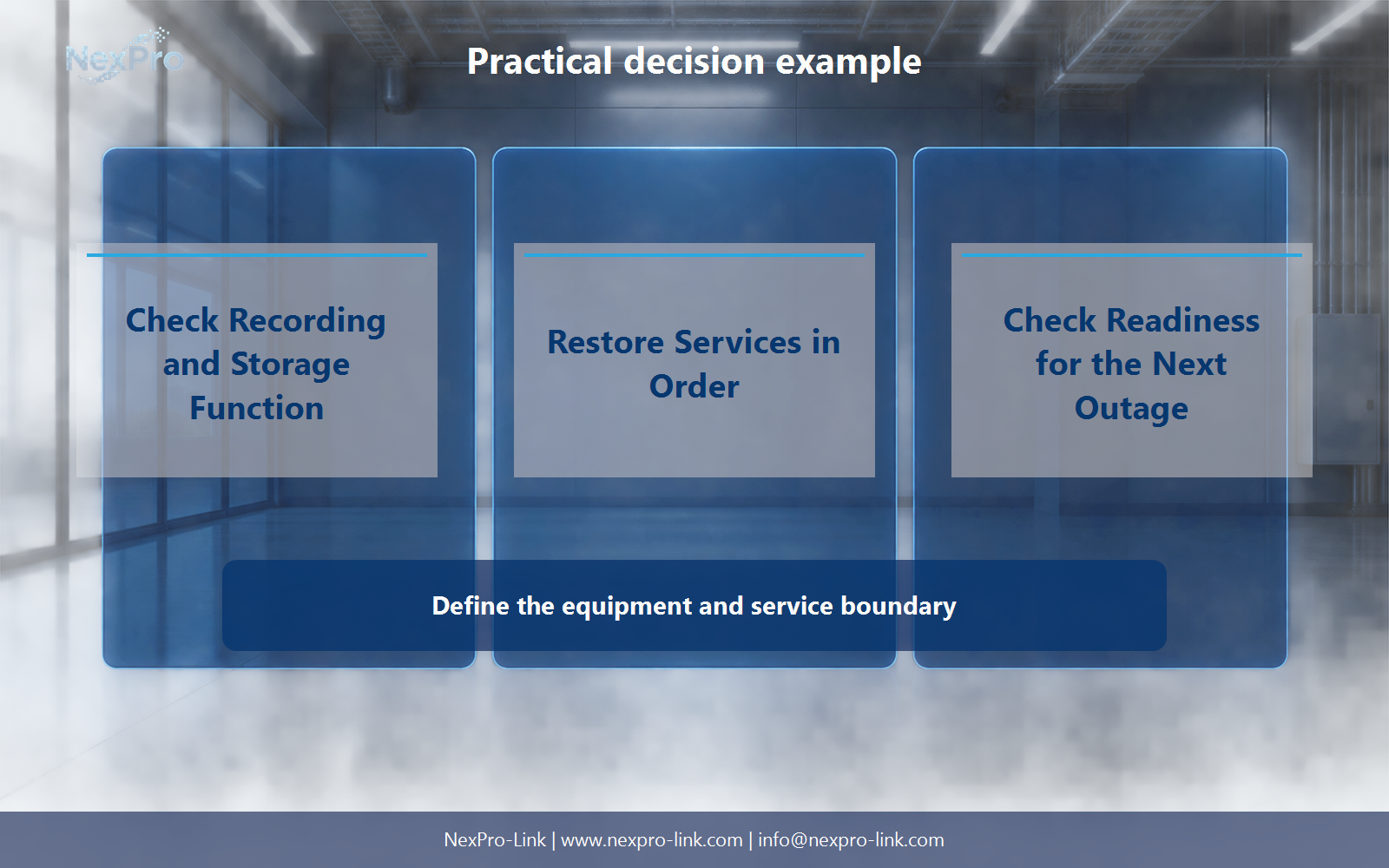
Confirm that storage mounted, expected disks are present and the array is not rebuilding unexpectedly. Then verify a new live recording, search for it and play it back. A live camera view alone does not prove that the recorder is writing healthy files.
Sample the time before, during and after the outage. Note open or repaired segments, index recovery and any camera group that returned late. Where retention matters, estimate the actual gap and keep it in the incident record.
Section 04
Restore services in dependency order
Bring back stable network and storage dependencies before enabling the full recording load. Start the NVR, confirm the storage state, then restore cameras in manageable groups. Viewing clients and nonessential displays can wait until recording is healthy.
If the UPS battery was deeply discharged, allow for recovery before declaring the system ready for another outage. A running recorder is not the same as a recovered resilience posture.
Section 05
Buyer questions for After a Power Outage: Verify Recording, Storage and Recovery
For on-shift operations staff, these six checks separate UPS after outage status checks decisions from assumptions that belong to the wider project.
| Buyer question | Practical answer | Project output |
|---|---|---|
| Does utility return mean the UPS has returned to normal service? | Not necessarily. Check the indicated operating mode, alarms and battery recovery state using the supported interface. A system may still be on bypass, have reduced reserve or be awaiting operator action. Separate those observations from a claim of full readiness, and leave electrical fault investigation to qualified personnel. | Status record: utility / mode / battery / alarm / owner |
| Which timestamps should be compared after an outage? | Correlate UPS, host, storage and application events on a common time basis. Record uncertain clock offsets and missing logs instead of forcing a precise sequence from incomplete data. This helps identify where service recovery stopped without assuming that every event close to the outage was caused by it. | Timeline: timestamp / source / event / clock basis / uncertainty |
| What proves that CCTV recording has actually resumed? | Confirm current streams, recent recorded intervals, playback and storage state, not just a live image. Sample the period around the outage to identify gaps or index problems. This is a practical recovery check, while deeper array repair or forensic recovery should follow the recorder and storage vendors' procedures. | Recording sample: channel / time interval / playback / gap / follow-up |
| Should all building systems be reset together? | No. Follow the approved recovery sequence and distinguish ordinary IT and ELV services from independently regulated safety systems. Check dependencies and record unresolved faults. For a project-specific decision, record dependency, recovery action and confirmed function in the service tracker. This keeps the equipment inputs and intended service outcome aligned. | Service tracker: dependency / recovery action / confirmed function |
| Why does battery recharge matter after service is back? | The remaining reserve may be lower than the original design objective until recharge and any required checks are complete. Record the available status and planned response to a second interruption. Do not turn a front-panel percentage into a guaranteed runtime; interpret it in the context of load and the manufacturer's model behavior. | Readiness table: charge state / load / contingency / follow-up time |
| What should be sent for an equipment follow-up? | Summarize what lost power, what stayed available, which alarms remained and whether the original runtime objective was met. NexPro-Link can use the load and configuration details to discuss equipment changes. Keep the incident record factual and distinguish a proposed improvement from a proven root-cause diagnosis. | Close-out: observation / action owner / configuration change / open issue |
Section 06
Close the incident with a readiness check
Confirm fresh recording, playback, expected camera count, alert delivery, UPS status and the supported shutdown path. Record any temporary bypass or isolated device that remains. Assign owners and deadlines for follow-up work.
Update the power boundary if an unprotected switch, storage shelf or management dependency contributed to the gap. The next equipment brief should reflect what the incident actually revealed, including load changes and measured shutdown time.
Engineering references
These sources support the general planning principles. Always use the selected product's current datasheet and applicable project standards for final design.