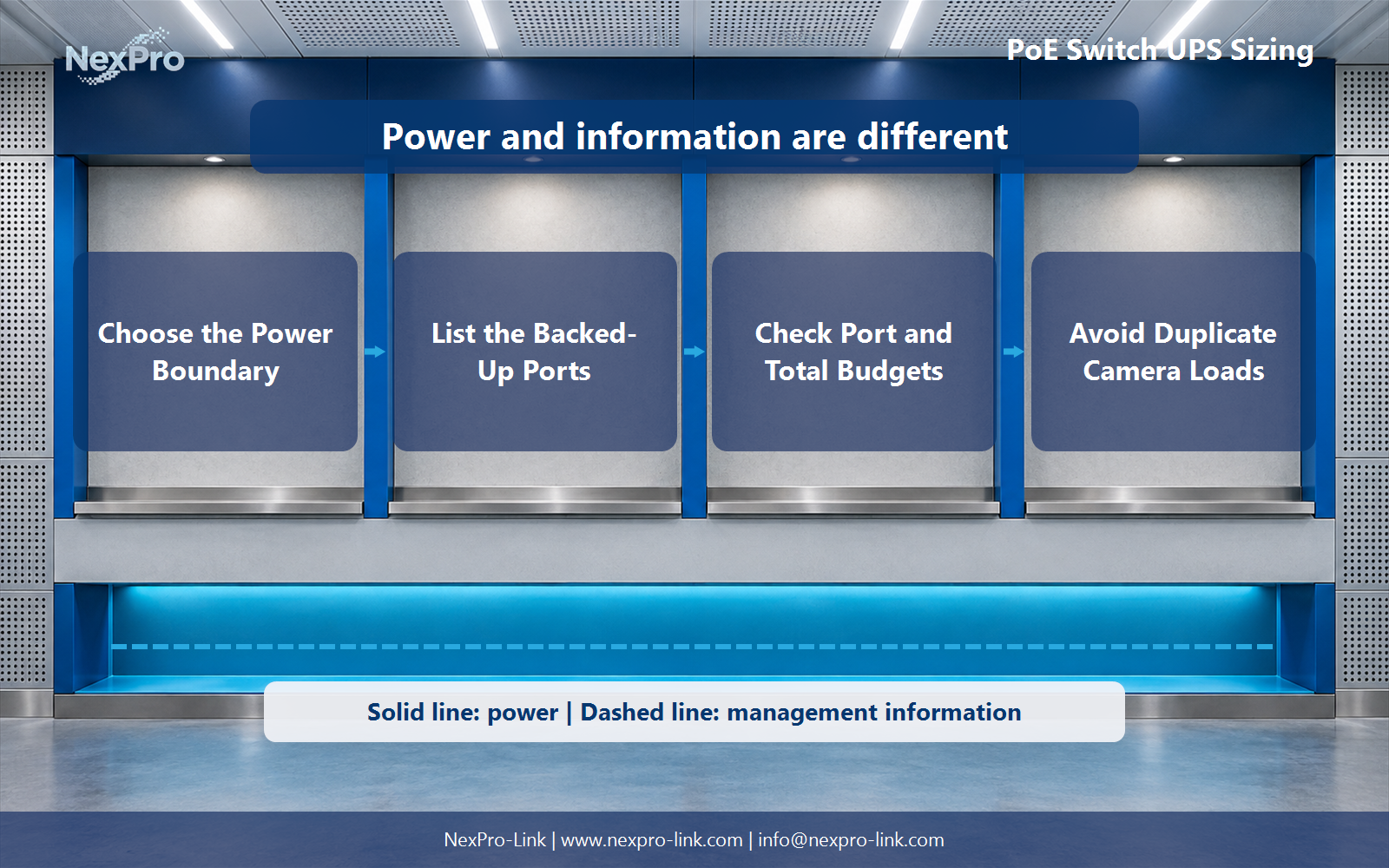
Keep the powered-device demand, the switch PoE budget, and the switch AC input as three separate boundaries. Plan the project from the switch input demand, powered-device list, and required backed-up port groups.
Section 01
Use the switch AC input as the UPS starting point
Keep the powered-device demand, the switch PoE budget, and the switch AC input as three separate boundaries.
A UPS feeds the switch at its AC input. If an input measurement is available for the protected operating state, it normally already represents the switch electronics and the powered devices drawing through its PoE ports. Adding every camera watt on top of that measurement counts the same path twice.
Endpoint figures are still useful when the installation has not been measured. In that case, document the PD demand, the assumed path or conversion factor and the switch electronics as separate inputs. The result is an estimate of switch AC demand, not a replacement for a later measured figure.
Section 02
List the ports that must remain active
A port schedule turns an outage policy into a usable power list. Record the endpoint, its relevant power state and whether the function must survive. Infrared illumination, heater operation, call stations and other peripheral states can change demand, so an installed-port count by itself is too vague.
| Port group | Devices | Teaching PD demand | Required outage state |
|---|---|---|---|
| Perimeter cameras | 8 | 64 W | Continue selected coverage |
| Door and entry cameras | 8 | 64 W | Continue monitored access points |
| Intercom or call devices | 4 | 32 W | Remain available where required |
| Internal cameras | 4 | 32 W | Retain the agreed coverage group |
| Total PD boundary | 24 | 192 W | Use once in an estimate |
Section 03
A UPS rating does not increase PoE capability
The UPS and the PoE switch answer related questions at different points in the system. The UPS must support the switch input demand and requested backup objective. The switch must separately satisfy the required port behavior and its total PoE budget. Passing one check does not prove the other.
Keep a port and total-budget record with the UPS schedule. That gives a later design review a clear place to confirm the intended endpoints, their required state and the actual switch configuration.
| Check | Project question | Decision owner |
|---|---|---|
| UPS input capacity | Can the UPS support the protected switch AC input? | UPS and battery selection |
| Per-port capability | Can each required endpoint receive the intended PoE service? | Switch-port specification |
| Total PoE budget | Can the switch support all included PDs together? | Switch configuration |
| Application chain | Will upstream network and recording remain available? | System operating brief |
Section 04
Record each powered-device path once
Double counting happens when a measured switch AC input already includes camera demand and the same endpoint watts are added again as a separate UPS load. The measurement boundary should be visible in the table, especially when different installers contribute camera, network and power information.
Separate local camera supplies are different loads. List them on their own AC or DC boundary and decide whether they belong to the protected service. The point is not to force every camera through one method; it is to make each method appear once in the calculation.
| Load item | Included in measured switch input? | Add to UPS total? |
|---|---|---|
| Switch electronics | Yes | No separate addition |
| PoE cameras powered by that switch | Yes | No separate addition |
| Endpoint watts used for an estimate | No measured input available | Use once through the stated estimate |
| Cameras on separate local supplies | No | Add only if their supply is protected |
Section 05
Back up the service chain, not only the switch
A powered camera and switch need their upstream path, application or recorder to deliver a useful outcome. A security design may require a recorder, core switch and route to remain active. A voice design may need call processing and uplinks. The same port schedule can therefore lead to different protected-load groups in different projects.
Define the service in a short dependency map before finalizing runtime. This step prevents a design from describing endpoint power as complete CCTV or voice continuity when an upstream component is outside the supported boundary.
| Layer | Example component | Question to answer |
|---|---|---|
| Endpoint | Camera or call device | Which ports must remain active? |
| Access layer | PoE switch | What AC input and PoE budget apply? |
| Upstream path | Router or core switch | Does the route remain available? |
| Application | NVR or voice platform | Can the service still be used? |
Section 06
Illustrative estimate: 24 powered devices and one switch
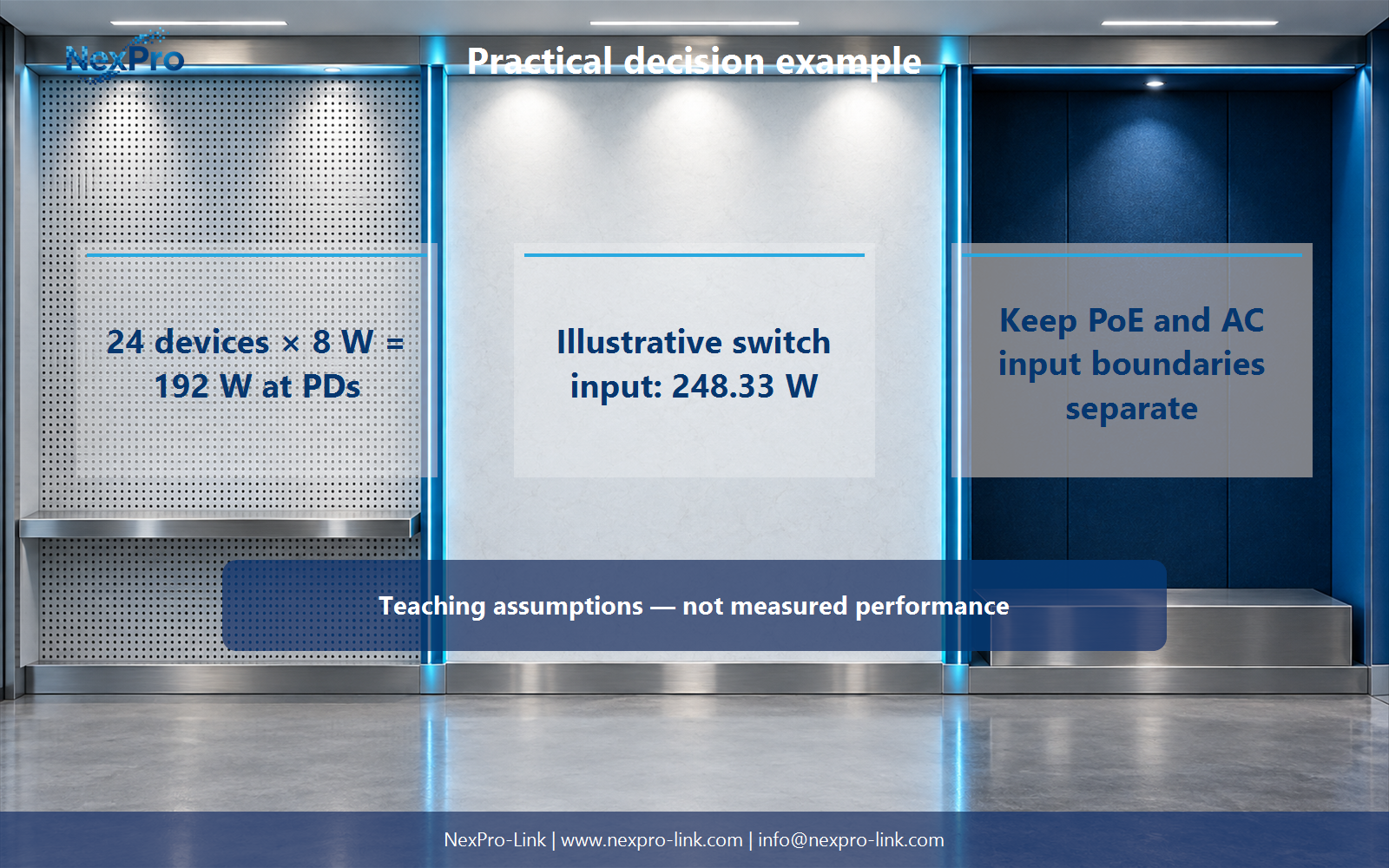
For a planned installation with no measured switch input, this example starts with 24 powered devices at 8 W each. The PD boundary is 192 W. Applying an assumed aggregate PD-to-switch-input factor of 0.90 and adding 35 W of switch electronics gives an estimated switch AC input of 248.33 W.
The calculation does not add the 192 W a second time. At a 30-minute objective, 248.33 W represents 124.17 Wh delivered to the load. That is a teaching input for a UPS discussion, while the battery arrangement still requires the selected model's configuration and runtime data.
| Input or calculation | Result |
|---|---|
| 24 powered devices × 8 W | 192 W at the PD boundary |
| Assumed PD-to-switch-input factor | 0.90 |
| Switch electronics input | 35 W |
| Estimated switch AC input: 192 ÷ 0.90 + 35 | 248.33 W |
| 30-minute load-side energy | 124.17 Wh |
Section 07
Prepare the RFQ with three separate power fields
A useful RFQ gives the supplier the switch configuration, backed-up ports, AC input basis and target duration. Keep endpoint classification, switch PoE budget and UPS capacity as separate fields. That structure lets a quotation distinguish the equipment needed to deliver PoE from the equipment needed to back up its upstream input.
| RFQ field | Example input | Use in discussion |
|---|---|---|
| Switch and power arrangement | Model, ports and input supply | Defines the AC-load boundary |
| Backed-up port groups | 24 endpoints by function | Sets the outage service |
| Input-demand basis | Measured value or stated estimate | Supports UPS capacity selection |
| Backup objective | 30-minute example or project requirement | Shapes battery discussion |
Section 08
PoE switch UPS sizing FAQ
The short answers below preserve the boundary between powered-device demand, switch capability and UPS input capacity.
- What is the correct starting point for UPS load? Use the switch AC input for the protected operating state when it is available.
- Which powered devices should be included? List the endpoints that must remain active and their relevant operating states.
- Does UPS capacity prove PoE compatibility? No. Per-port capability and total PoE budget remain separate switch checks.
- When are cameras counted twice? When their watts are added after a switch input measurement that already includes their PoE demand.
- Will backing up the switch keep CCTV or voice working? Only if the required recorder, network path and application components also remain available.
- What should NexPro-Link receive? Share the switch configuration, port schedule, input basis and target duration.
- What changes after an endpoint revision? Update the port schedule, PoE budget and service dependency map before reusing the calculation.
- How does the RFQ help a BOQ review? It keeps endpoint groups, switch power delivery and UPS input capacity on distinct lines.
Section 09
Send the port schedule with the switch-input basis
Share the switch input demand, powered-device list and required backed-up port groups with NexPro-Link to discuss the UPS equipment, interfaces and supply scope for your project.
Engineering references
These sources support the general planning principles. Always use the selected product's current datasheet and applicable project standards for final design.