

Plan PoE switch UPS camera backup with practical guidance on trace power from ups to camera and budget complete switch input. NexPro-Link project guide.
Section 01
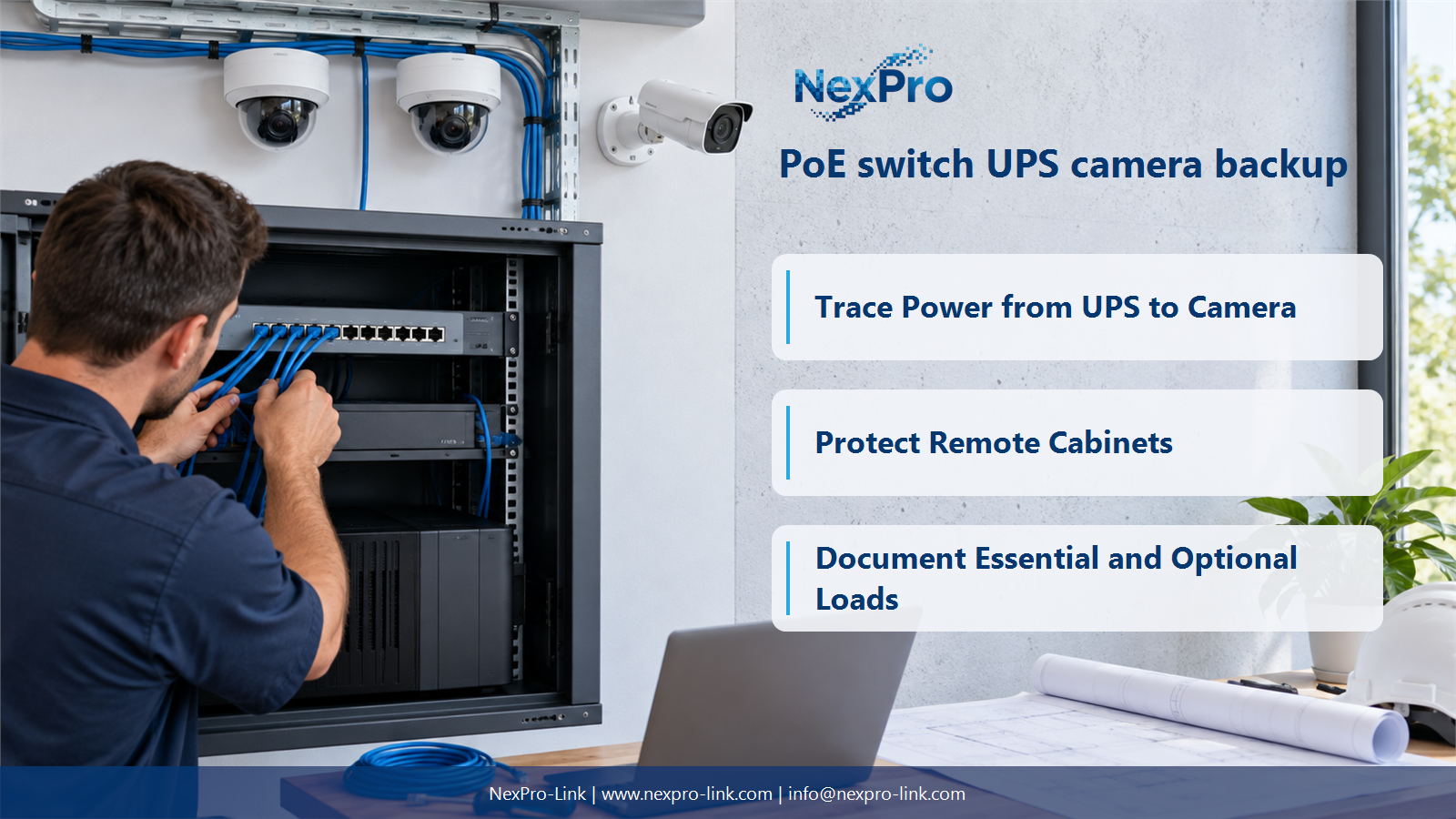
Trace Power from UPS to Camera
Yes, when the UPS supplies the switch and the switch can continue delivering the required PoE power under that arrangement. The camera does not need a separate AC UPS merely because it is remote on copper, but the complete recording path still needs protection.
Turn the answer into a working record using UPS output, Switch input, PoE port, Camera.
| Decision area | Buyer question | Required output |
|---|---|---|
| Trace Power from UPS to Camera | Can a UPS-backed PoE switch keep cameras running? | Yes, when the UPS supplies the switch and the switch can continue delivering the required PoE power under that arrangement. |
| Check the Recording Destination | Why can footage stop even while cameras remain powered? | The recorder, storage or essential network path may have lost power. |
| Protect Remote Cabinets | Does the central UPS protect a fiber-fed remote PoE switch? | Not through the fiber data link. |
Section 02
Check the Recording Destination
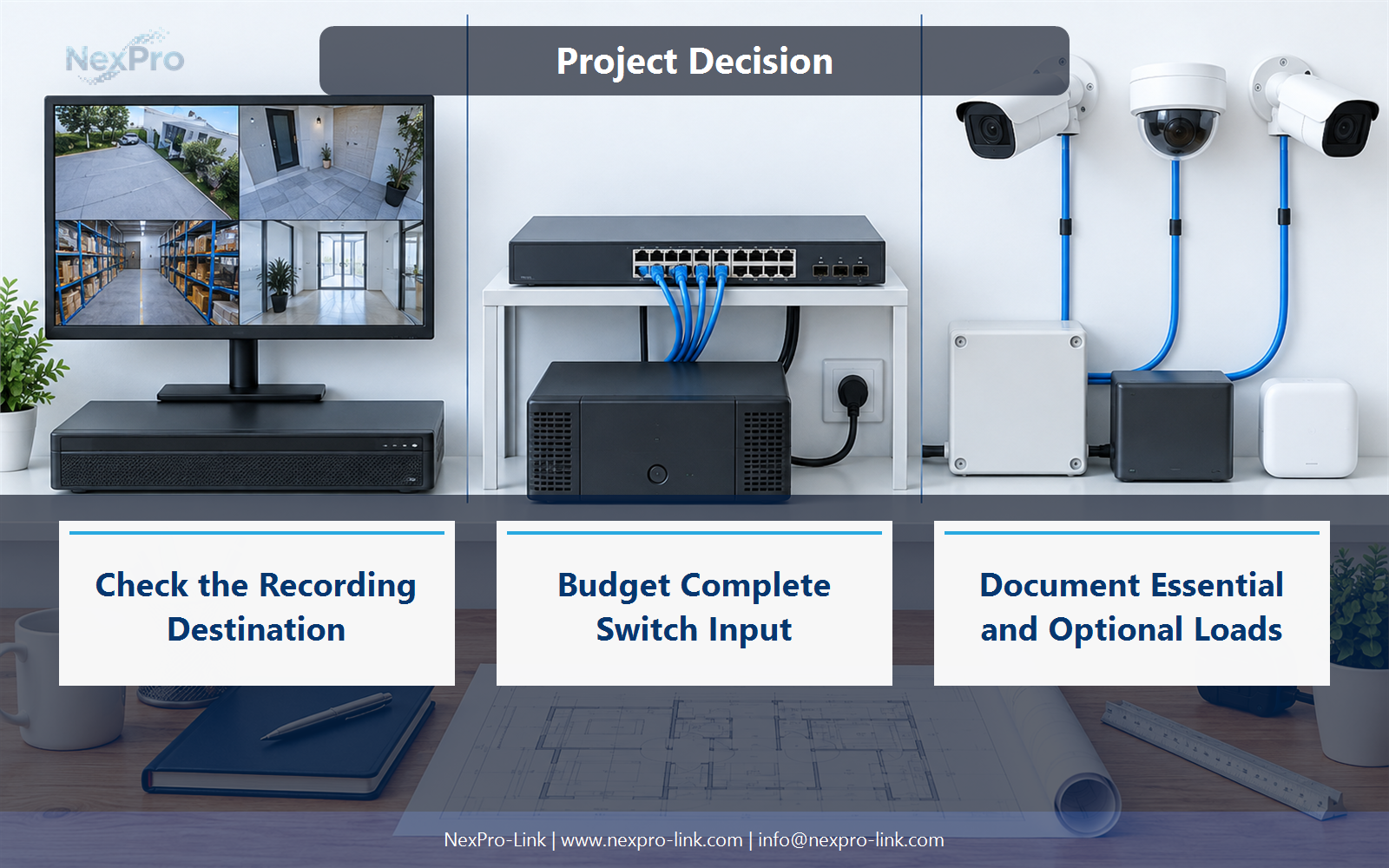
The recorder, storage or essential network path may have lost power. Camera operation alone does not guarantee successful recording. Map each device required between capture and stored footage, including central or intermediate services used by the chosen architecture.
Use Camera, Access, Backbone, Recorder, Storage to compare options on the same basis. Keep product capability, project assumption and operating responsibility in separate columns.
Section 03
Protect Remote Cabinets
Not through the fiber data link. The remote switch requires its own appropriate power source and backup arrangement unless supplied by another designed electrical path. Fiber extends data connectivity, not standard PoE energy from the central cabinet.
The project output should make Remote zone, Data link, Local supply, Backup traceable from input to acceptance.
- Confirm the answer to: Does the central UPS protect a fiber-fed remote PoE switch?
- Record the project fields: Remote zone / Data link / Local supply / Backup.
- Keep product capability, project assumptions and site responsibility in separate records.
Section 04
Budget Complete Switch Input
Use the switch's relevant AC input load including its own operation and downstream camera demand, or a clearly stated component-based estimate. Keep the measurement boundary consistent. Adding camera watts again to an input total that already includes them overstates the protected load.
Record Switch, AC load basis, Cameras included, UPS zone before selecting a product family. That makes later substitutions possible without silently changing the operational requirement.
Section 05
Consider Recovery After Power Returns
Yes. Confirm that switches, recorders and cameras recover into the required operating state after power returns. Startup loads, service dependencies and configuration persistence can affect recovery. A system that runs during an outage but fails to resume recording correctly still misses its continuity objective.
Review Device, Startup dependency, Configuration, Recording recovery with the party that will operate or maintain the system.
Section 06
Document Essential and Optional Loads
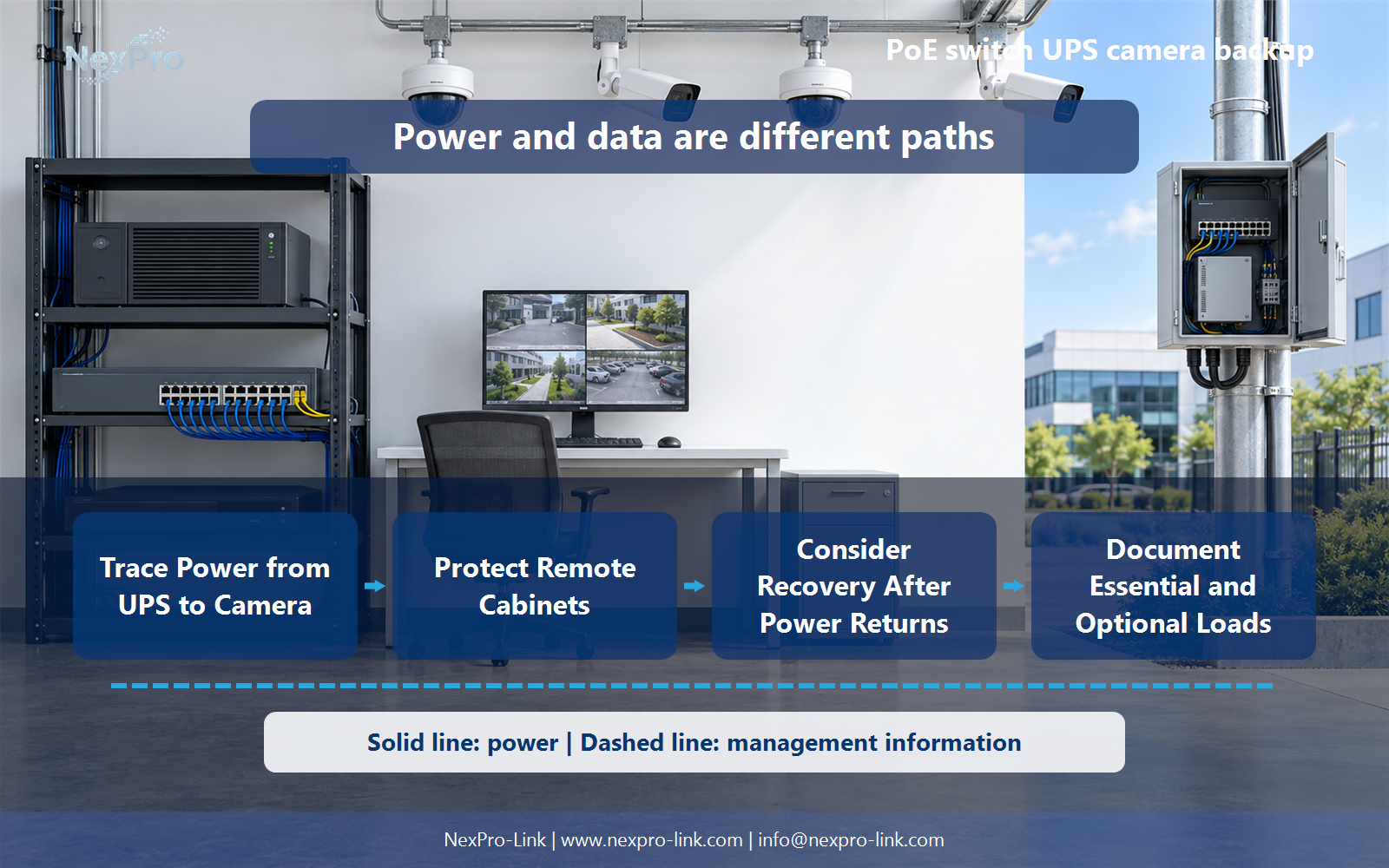
Show data paths separately from power paths, and label which devices remain active at each site. Mark optional displays and unprotected branches clearly. This prevents the common impression that one UPS symbol beside the NVR protects every remote camera in the drawing.
Use Service, Protected devices, Unprotected branch, Runtime target as the handoff between design and procurement.
Engineering references
These sources support the general planning principles. Always use the selected product's current datasheet and applicable project standards for final design.


