Remote support can assist with configuration and diagnosis, but a hotel still needs people for physical checks and replacement work. Define the failed operating task and authorize a support route before granting access.
Section 01
Define the failed task and its operating impact
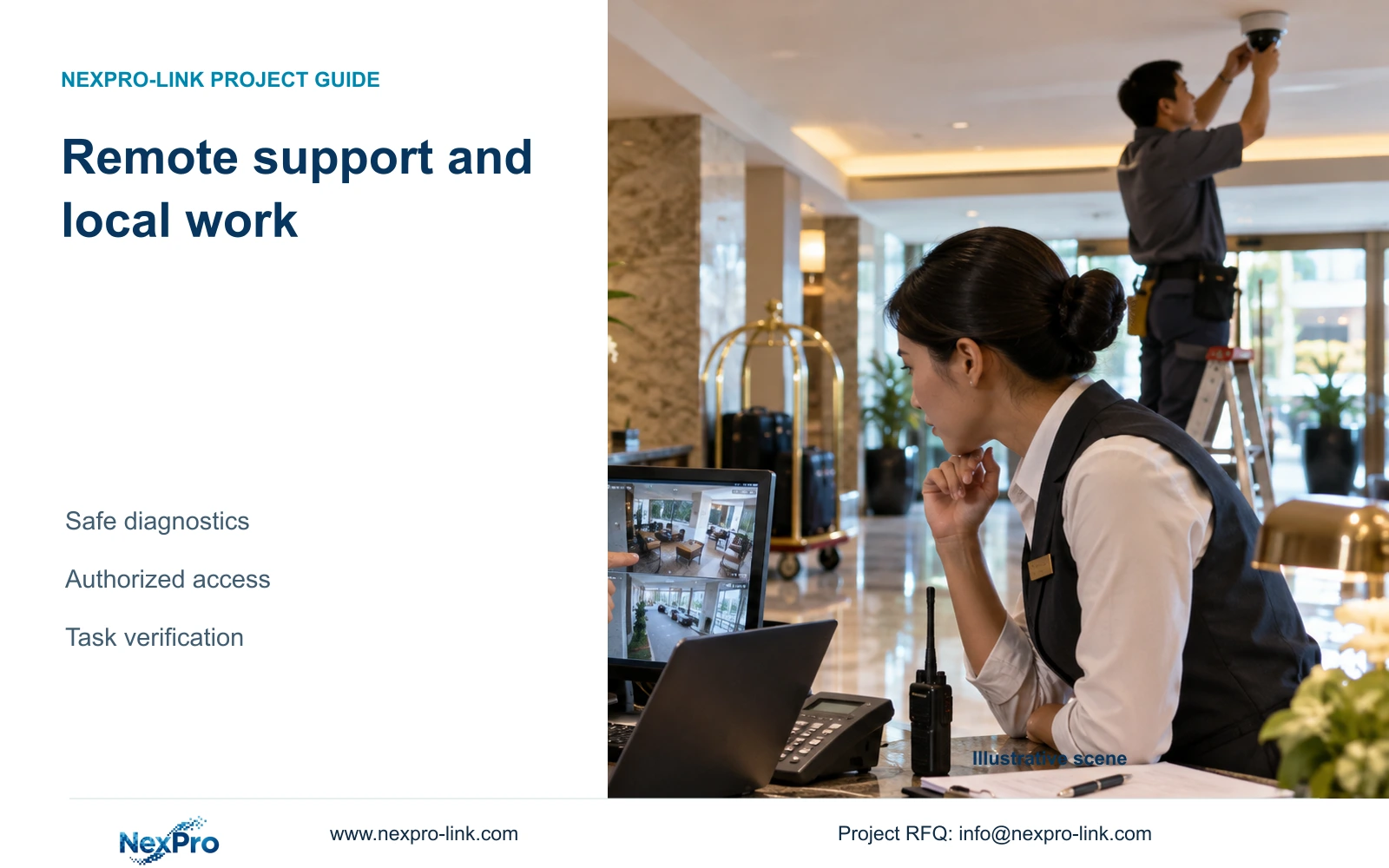
Use remote support for supported configuration, log review and diagnosis when the hotel can provide reliable observations through an approved route. Retain a local service arrangement for physical inspection and replacement. Escalate to that team when the issue requires access to equipment, electrical work or a check that cannot be established remotely; the manufacturer cannot replace every local maintenance function.
Describe the operating failure precisely. An authorized user unable to open an entrance view, retrieve a recording or export an incident window has different symptoms. State which task fails, which device or client is involved and whether other authorized users see the same condition. A report that the system is offline leaves too many service states unresolved.
Record the impact without assigning a cause prematurely. Loss of remote viewing can differ from loss of local recording. A blank display can also occur while recording continues. The first support decision is which service needs restoration and who has permission to observe it, not which component to replace.
| Required task | Given observation | Decision still needed |
|---|---|---|
| View entrance activity | Remote view unavailable | Check authorized local viewing state |
| Retrieve an incident | Live view available, requested playback fails | Identify time window, permissions and recording state |
| Maintain outage recording | Recorder remains powered | Check essential camera and network path |
Section 02
Collect diagnostic inputs without exposing guest information
Begin with the order reference, exact equipment identities and relevant firmware or client versions. Add the time of the symptom, the affected task and any recent configuration change. A simple route sketch can help explain which recorder, access node and client are involved. Keep sensitive network details within the hotel's approved support channel.
Share relevant status information and error text after checking for credentials or identifying content. An initial email should not contain system passwords, guest recordings or unrestricted account details. If more sensitive evidence is genuinely needed, the hotel should approve the recipient, purpose and transfer path before disclosure.
Use public-zone task descriptions where a scene is relevant, such as an entrance route or reception view. Guest-room interiors and other private spaces are outside this article's surveillance scope. A remote support request does not authorize broader capture or export. These controls are project practices; they do not establish a universal legal rule for every hotel jurisdiction.
Section 03
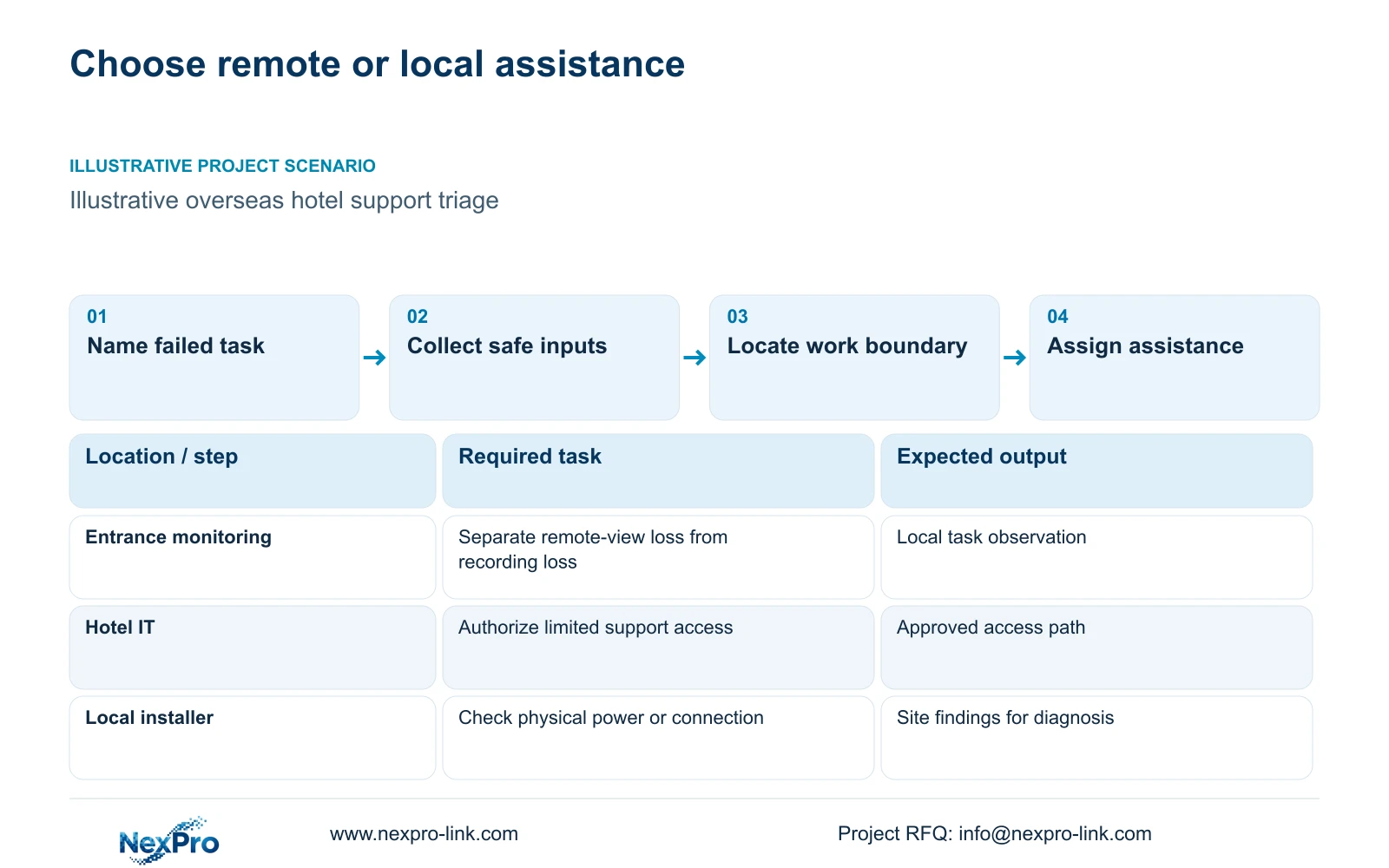
Separate remote assistance from physical work
A supported remote review can help with configuration, firmware identification, fault isolation and replacement-model matching. Whether a particular action is available depends on the exact device and software. A Seetong App or PC workflow does not establish that every compatible unit shares all features, and an ONVIF statement does not prove complete event, audio or account interoperability.
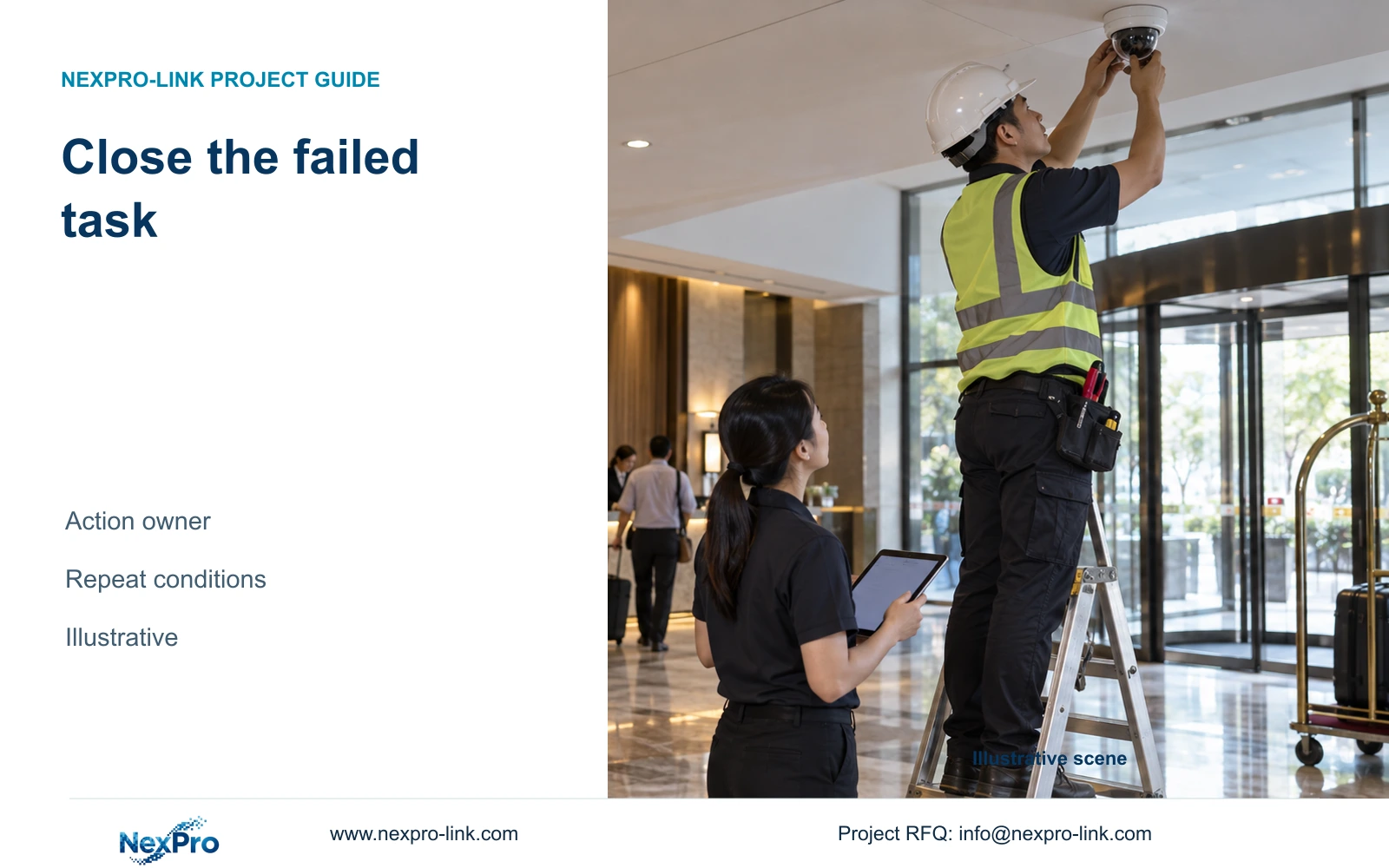
Physical work includes reaching equipment, inspecting the installed route and carrying out authorized replacement. Appropriate local personnel must handle electrical and safety-sensitive tasks. Remote instructions cannot establish a physical condition that nobody has observed. The support plan should state who can perform the required check and how findings return to the coordinator.
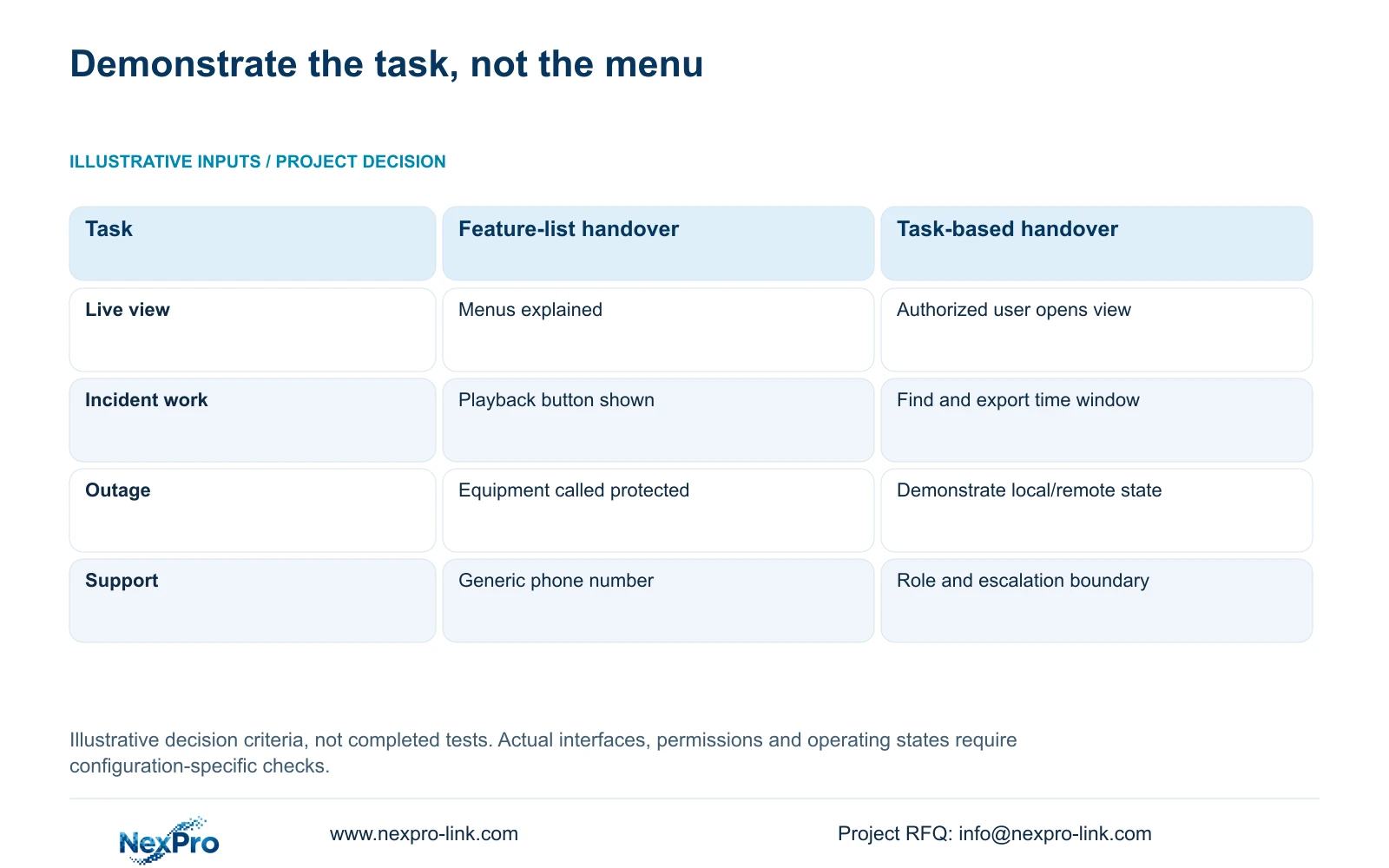
The retained illustration contrasts menu orientation with observable operator tasks; it is not a record of a support session. Use the triage fields below to decide what can be checked remotely, who can authorize it and when a local observation is necessary. Record an unavailable function as unresolved rather than improvising a menu path.
| Fault or task | Safe remote input | Local boundary or stop condition |
|---|---|---|
| Cannot reach a device | Approved network status and exact device/client version | Local power or cable condition not observed |
| Cannot retrieve an event | Authorized role, time window and non-sensitive error description | Required archive or function unavailable; preserve original records |
| Image is unsuitable | Configuration record and relevant authorized sample | Lighting, obstruction or mounting requires site observation |
| Replacement is proposed | Existing role, exact model and interface requirements | Do not dispatch or change settings without responsible approval |
Section 04
Compare support paths and access permissions
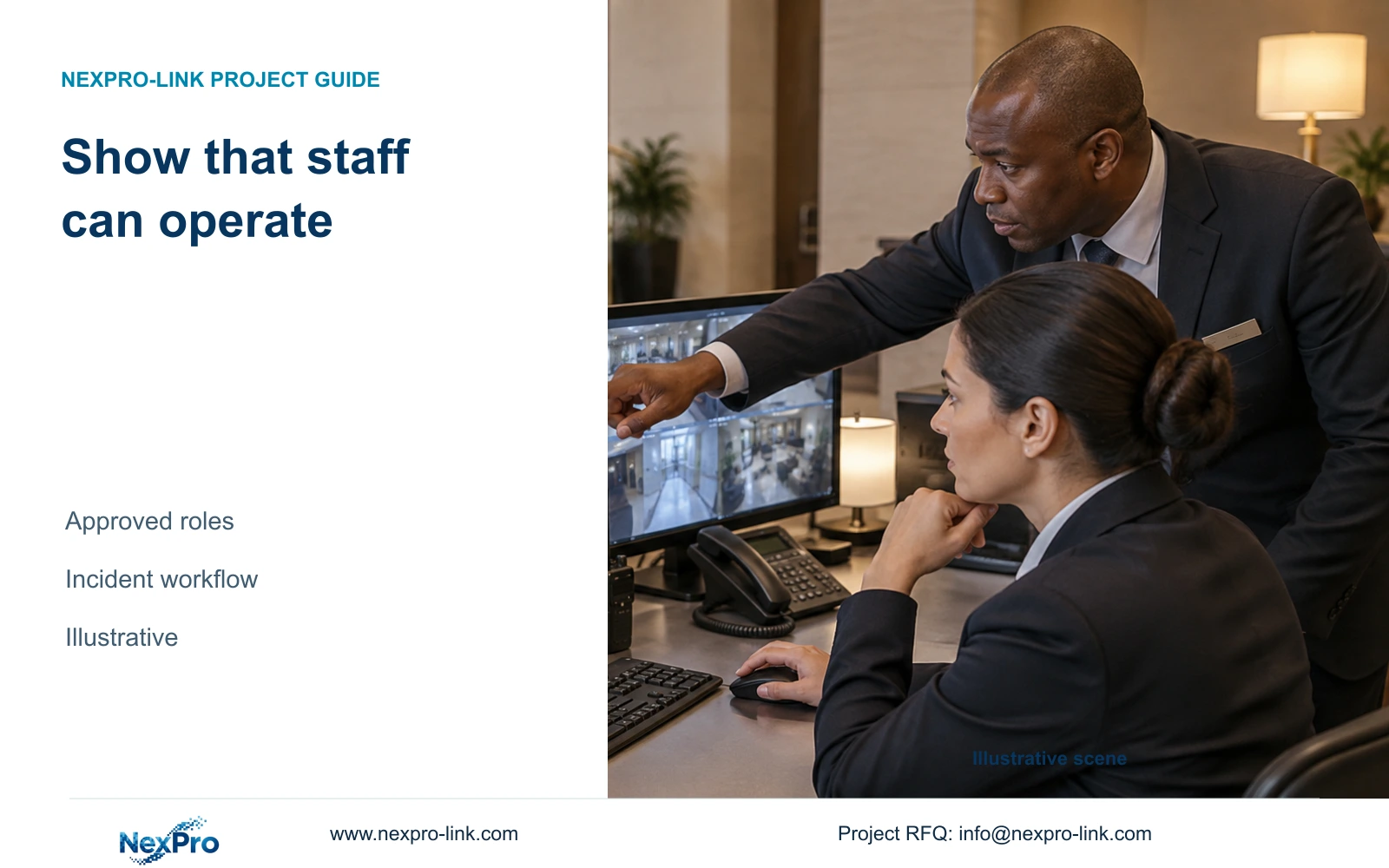
Assign hotel security, IT and local maintenance staff the access needed for their own tasks. Viewing, export and configuration are different activities. Verify the roles actually supported by the supplied equipment and client; a proposed permission matrix is not proof that the platform implements every requested distinction.
For remote assistance, use a hotel-approved path with authorization limited to the task. Record who grants access and who removes it when work ends. Permanent broad administrator access should not become the default merely because it is convenient. If supported roles cannot provide the required boundary, discuss another approved workflow with hotel IT.
Compare normal service with exceptions such as an unavailable WAN or absent authorized staff. Local recording, remote access and display operation have separate dependencies. The actual configuration determines what remains available. Use the table's task outcomes to test those states and keep results open until observed; a planned outage demonstration must not be described as a completed pass.
Section 05
Prepare a handoff that local staff can execute
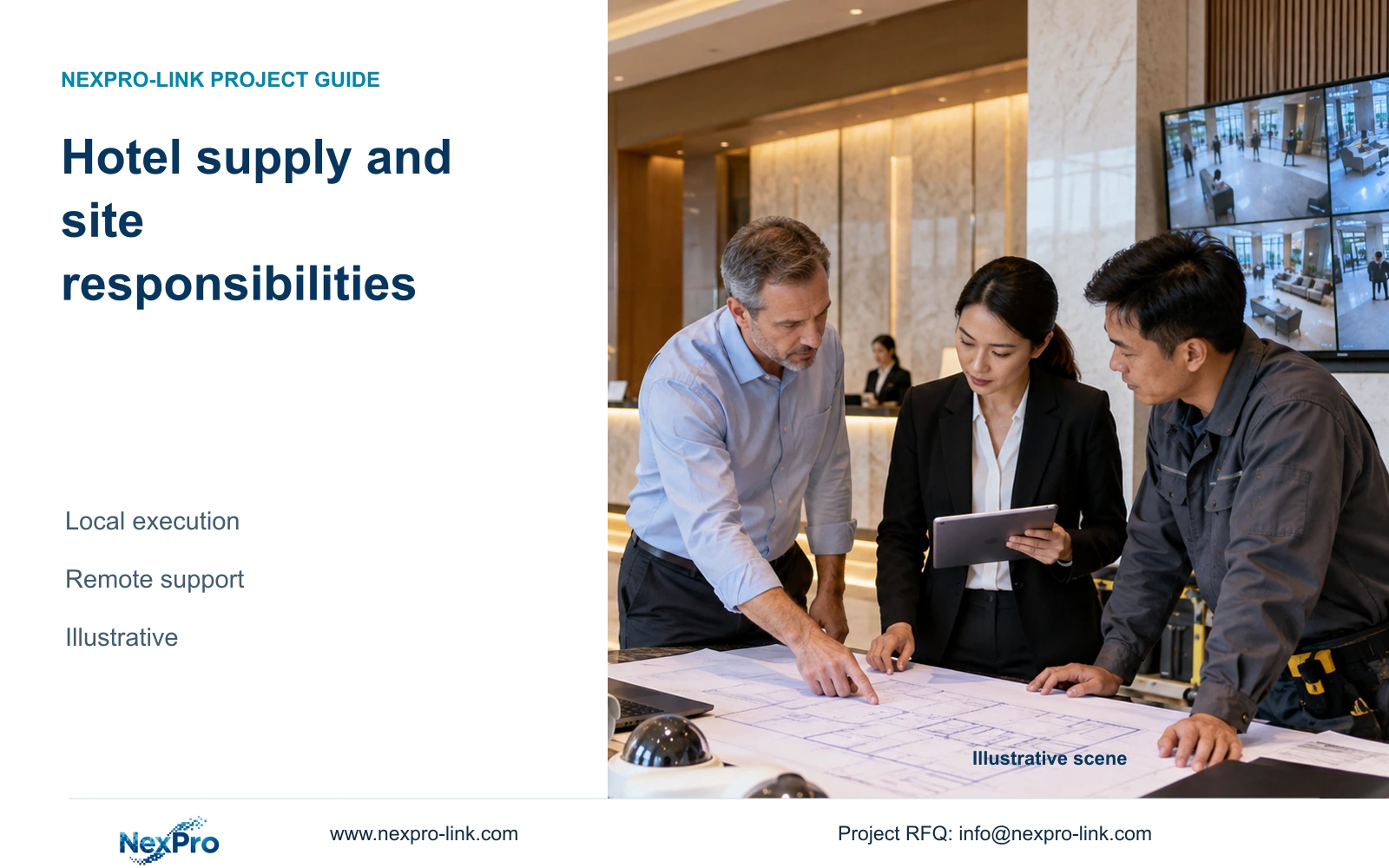
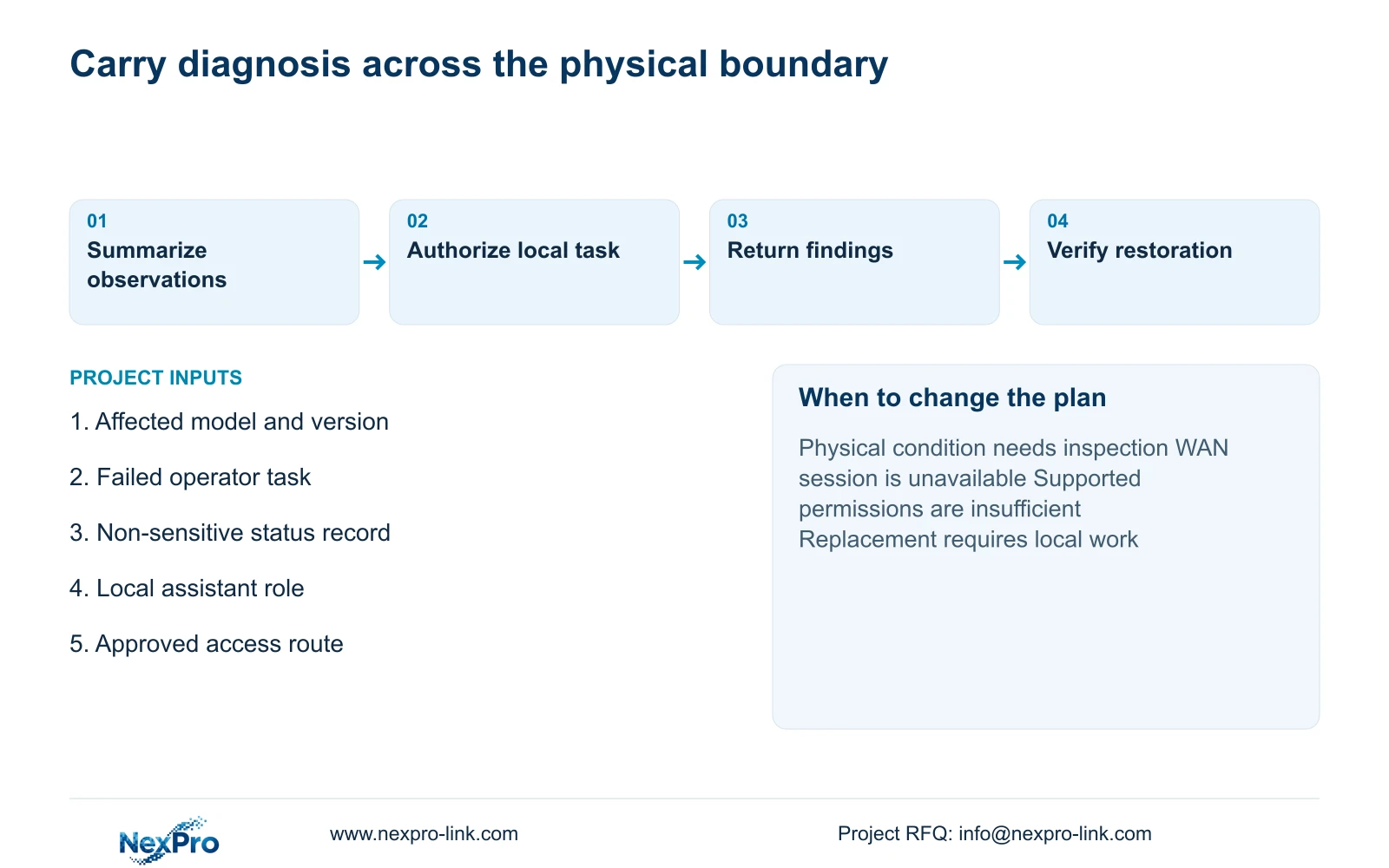
When diagnosis reaches a physical boundary, send the local team a concise handoff. Identify the equipment and location, summarize observations and list the checks already completed. State the authorized next task and how to report the result. This prevents an installer from repeating an unrelated sequence or replacing a component on an unsupported assumption.
For an illustrative outage problem, trace the required camera, access-network and recording path. A powered NVR alone does not establish continued recording if an essential PoE node has lost supply. The local team needs the actual power boundary and equipment identity. A data connection, including a fibre link, does not establish that remote equipment has protected power.
Purchase local attendance or suitable spare support when the restoration objective cannot depend on remote diagnosis alone. Keep the simpler arrangement where an existing qualified team already covers the required work. Additional attendance, travel and transport need agreed scope and cost; ongoing technical guidance does not turn them into unlimited free services.
| Required outcome | Extra scope | Change condition |
|---|---|---|
| Supported configuration restored | Approved remote session or guided local action | Access route and platform support permit the task |
| Physical route checked | Appropriate local attendance | Remote evidence cannot establish site condition |
| Failed hardware replaced | Authorized remedy, fitting and task check | Diagnosis supports replacement and local work is assigned |
Section 06
Record the configuration and verify the restored task
Close the support case against the task that failed. An authorized operator should repeat the relevant viewing, playback or export activity. For an outage issue, record the selected local and remote states under the approved test conditions. Do not replace this check with a screenshot showing that one device is online.
Preserve the affected model and software identities, relevant changes and observed result. Update task instructions for the delivered version and remove temporary support access through the approved process. If only part of the problem is resolved, name the remaining limitation and responsible next action. A configuration change alone does not establish full restoration.
NexPro-Link's hotel project support can discuss equipment matching and supply coordination through a single inquiry route. Send info@nexpro-link.com the order reference, affected models and versions, failed task and non-sensitive observations, together with the available local-service role. The supplied policy record gives eligible main equipment a 24-month receipt-based limited hardware baseline; support discussion does not extend that term or promise local attendance.
Section 07
Buyer questions
Can remote support help if the hotel's WAN is unavailable? An online session may be unavailable. Authorized local staff can still collect observations and use an approved alternative contact route. Whether recording and local viewing continue depends on the actual configuration.
Does a failed App view mean the recorder has stopped? That observation alone is insufficient. Check authorized local viewing and the relevant recording window before attributing the fault to the recorder.
What should we send before requesting a support session? Send equipment and client identities, the failed task, symptom time and non-sensitive status information. Identify the hotel authorizer and local assistant without sending credentials in the initial email.
Engineering references
These sources support the general planning principles. Always use the selected product's current datasheet and applicable project standards for final design.