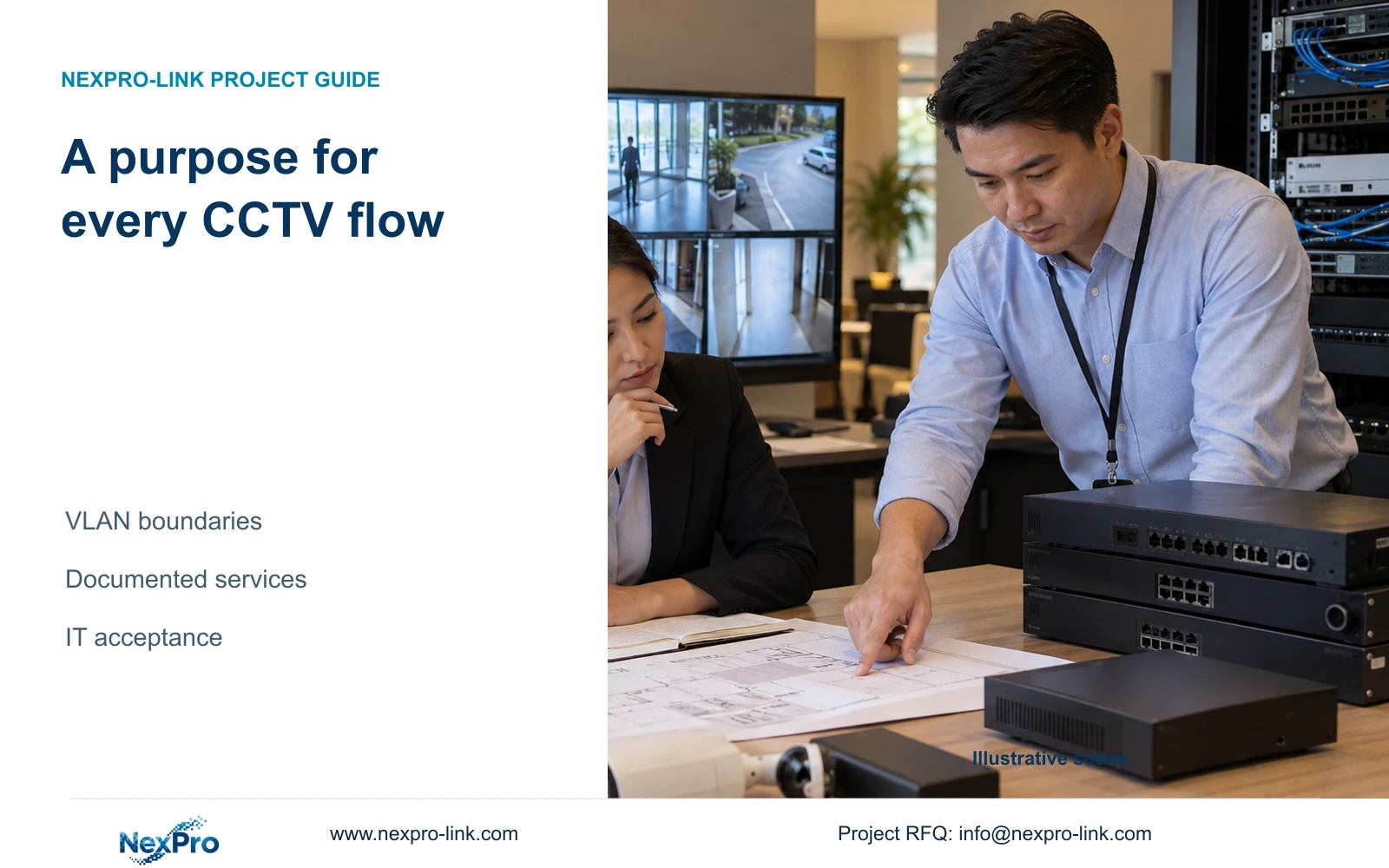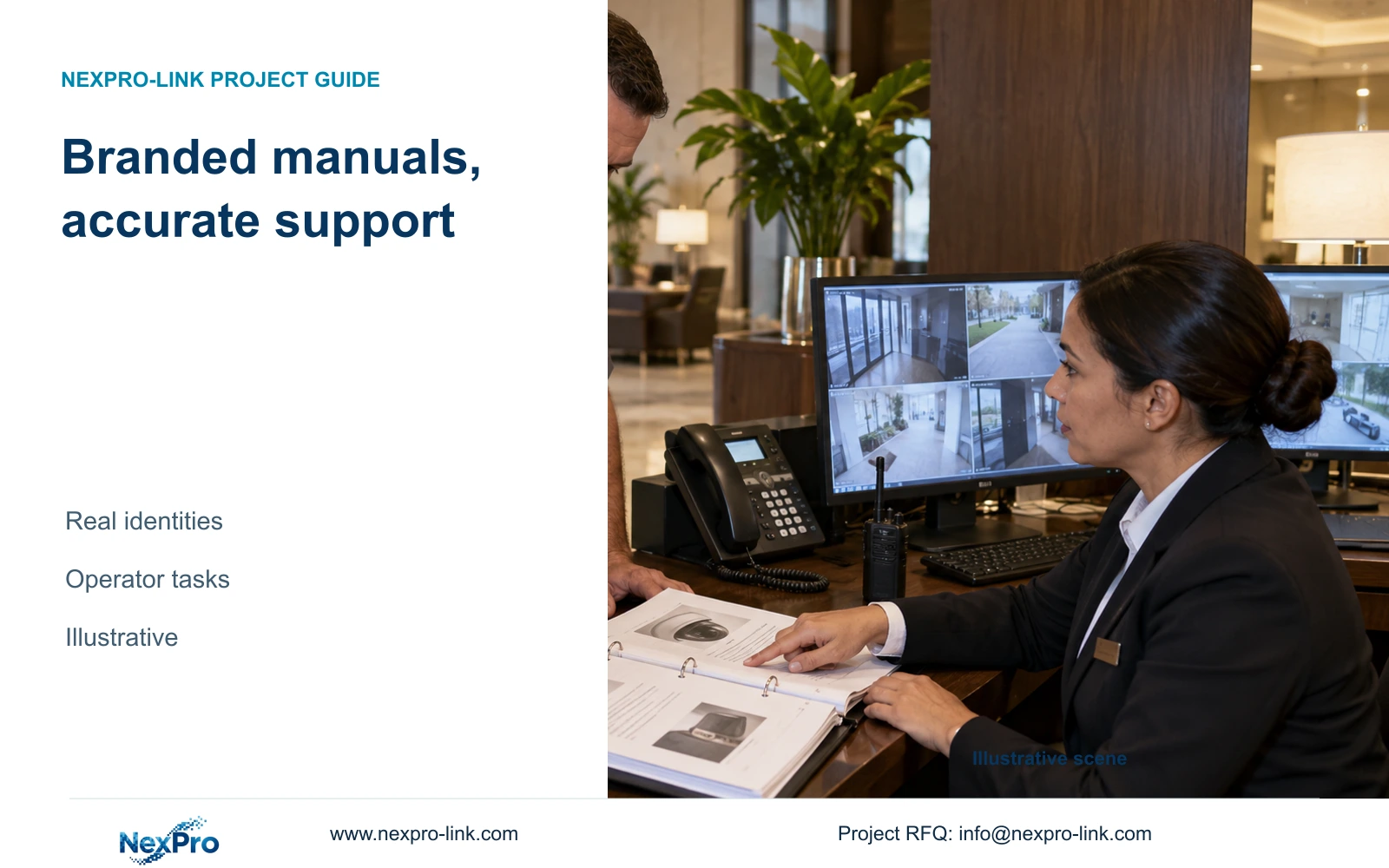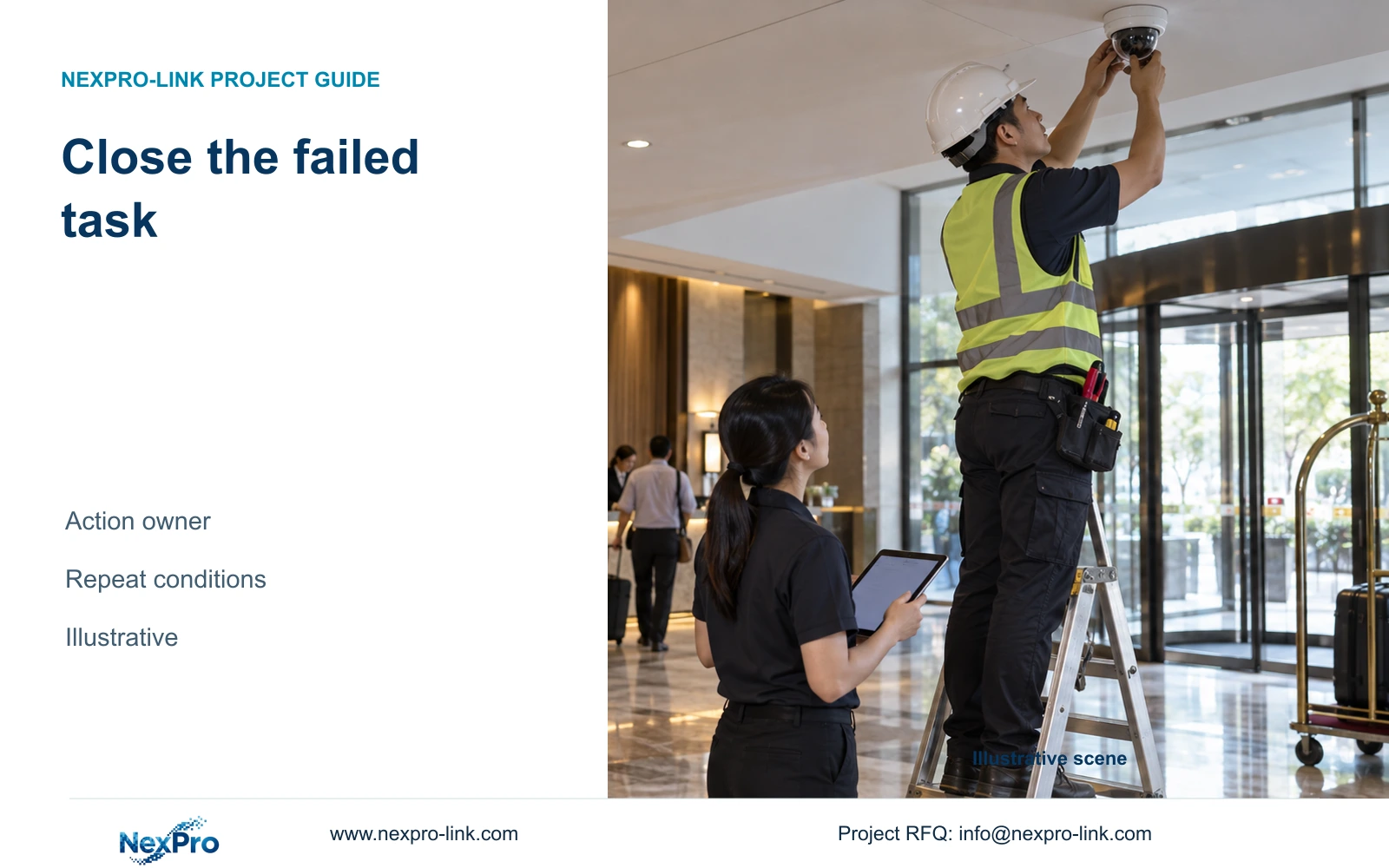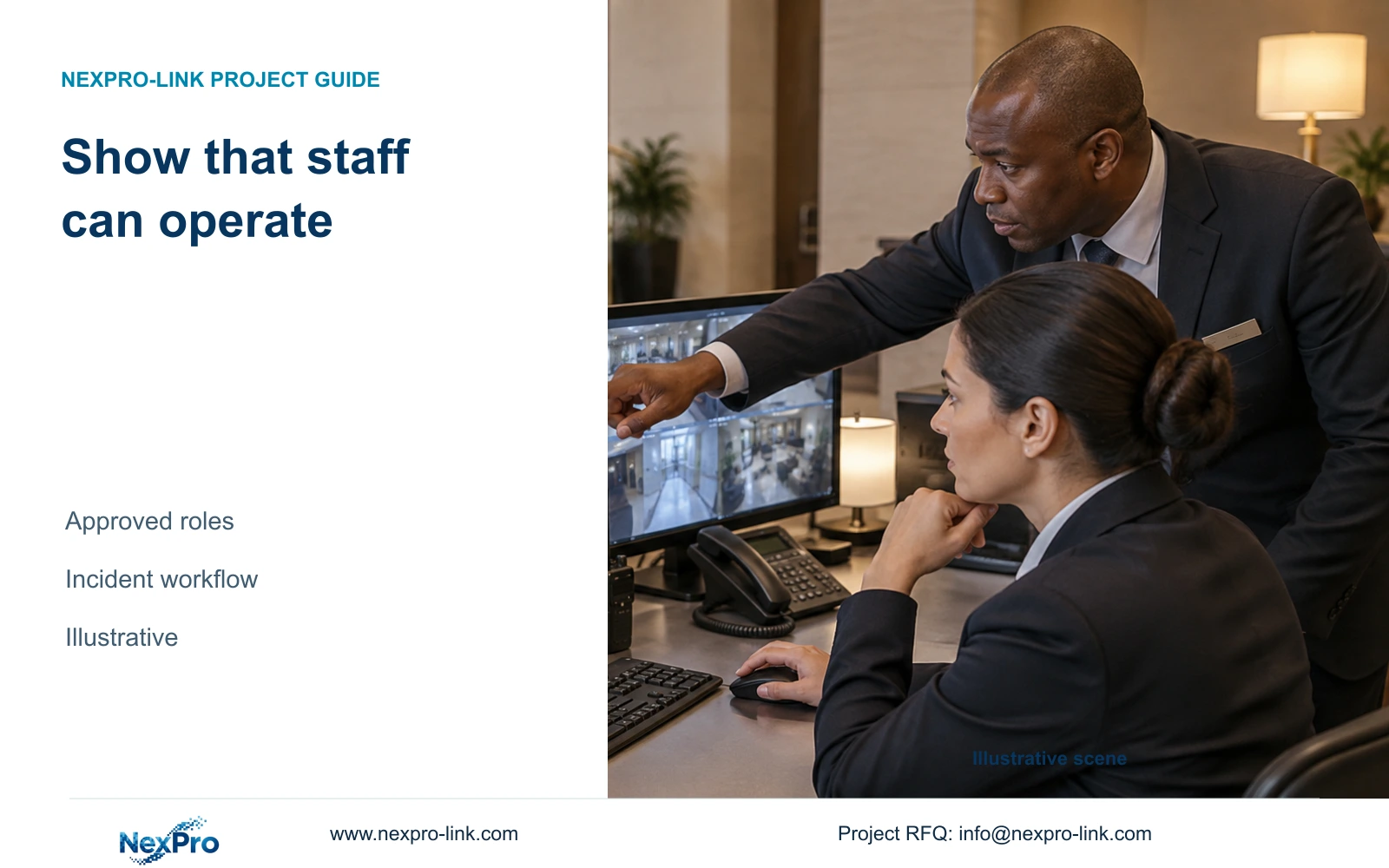
Complete the operator handover when authorized hotel staff can perform their assigned viewing and incident tasks and understand what to do when part of the system is unavailable.
Section 01
Choose the operator tasks to demonstrate
Complete the hotel security handover when authorized staff can perform their assigned tasks on the delivered configuration. Require a task-based demonstration if duty operators must find footage, respond to supported alerts or escalate a fault. A successful technician demonstration does not establish that those staff can use the system independently.
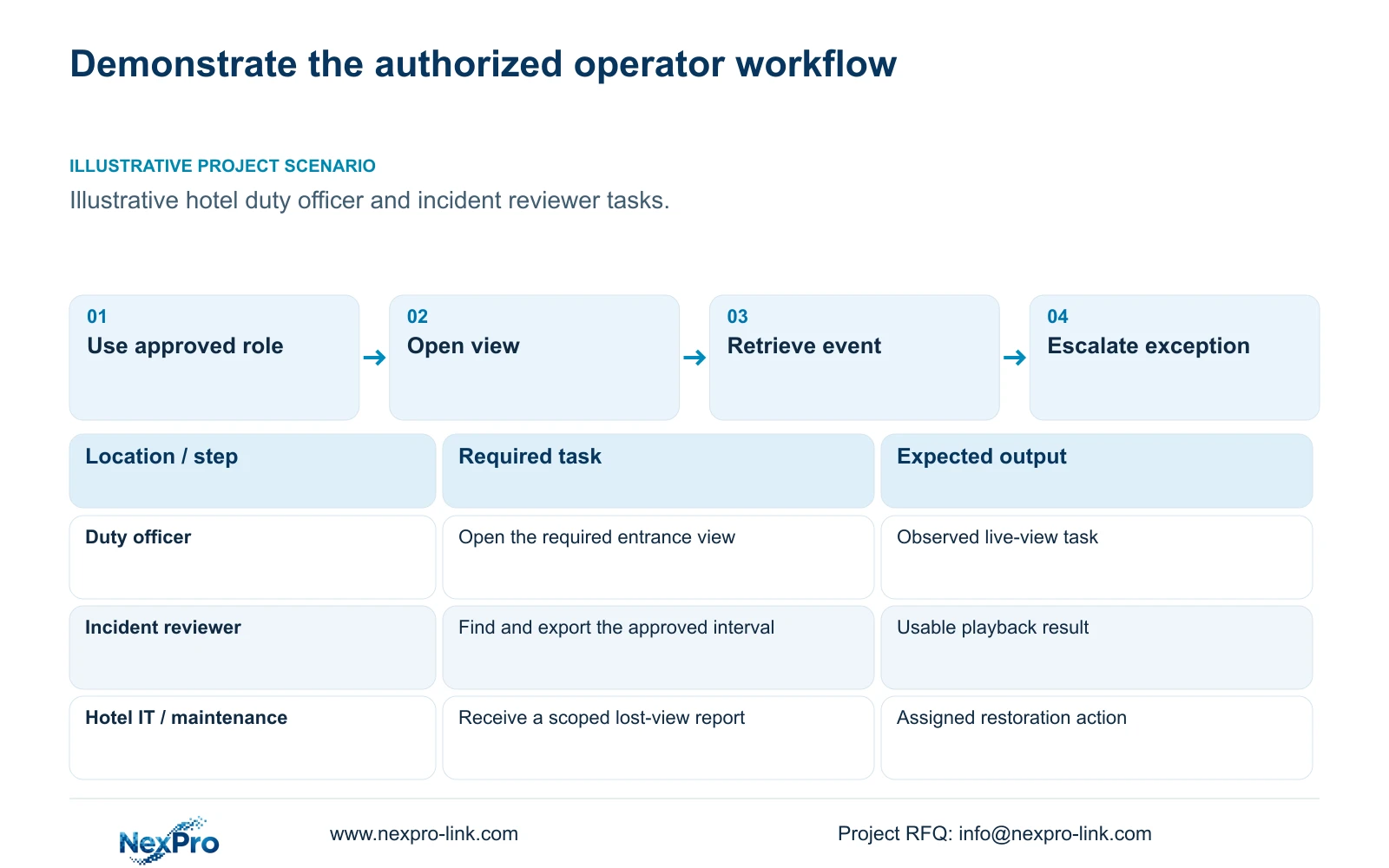
Select representative public-zone tasks from the hotel's operating responsibilities. A duty officer might open the entrance view, while an authorized incident reviewer retrieves a reception time window. Identify who starts each task and what observable output completes it. Keep maintenance actions assigned to the appropriate authorized party.
The demonstration should connect equipment acceptance to routine operation. Engineering checks establish whether the configured system performs its required functions. Operator handover establishes whether the assigned people can use those functions with their permitted access. Record both without treating one as a substitute for the other.
Agree which tasks are essential at opening and which belong to a later optional scope. A monitoring wall or added integration should have its own workflow if included. The illustrative CASE01 separates optional display from recording; that distinction helps prevent training from suggesting that footage depends on the wall being on.
| Required task | Given information | Decision still needed |
|---|---|---|
| Open an entrance view | Duty role and camera tag | Supported layout and viewing permission |
| Retrieve a reception event | Authorized reviewer and time window | Replay and export scope |
| Report a lost view | Affected device or zone | Local checks and escalation owner |
Section 02
Prepare the approved accounts and roles
Conduct the demonstration using the roles intended for operation. A duty officer, hotel IT administrator and local maintenance provider have different tasks. If every exercise uses an administrator account, the handover leaves ordinary permissions unexamined and may hide a workflow that staff cannot complete.
Confirm the actual supported role functions before promising restricted viewing, replay or export. Account ownership, device binding and network access are separate responsibilities. The selected device and client combination must support the intended arrangement; a role matrix alone cannot create a missing capability.
Keep credentials out of the training record and public diagrams. Record who controls account creation and authorized transfer or removal, with the approved method for support access. A temporary support session should have a defined task and revocation responsibility, rather than leaving broad access in place after commissioning.
The Seetong system source describes related app and PC-client workflows. It does not prove that all compatible hardware is made together or that every third-party function interoperates. Prepare instructions for the actual delivered client and version, especially where the hotel mandates another platform.
Section 03
Demonstrate live view, replay and export
Have the authorized operator open a required camera view from the normal starting screen. Then use an approved event time window for retrieval. Observe whether the operator selects the correct camera and interval, plays the relevant recording and completes the permitted export. Keep guest information outside an initial equipment-support inquiry.
Validate the exported result through the agreed playback workflow. Finding the export button does not establish that the recipient can use the file. Identify the required playback tool and relevant context in the operator instructions, without claiming universal compatibility for every recorder or file format.
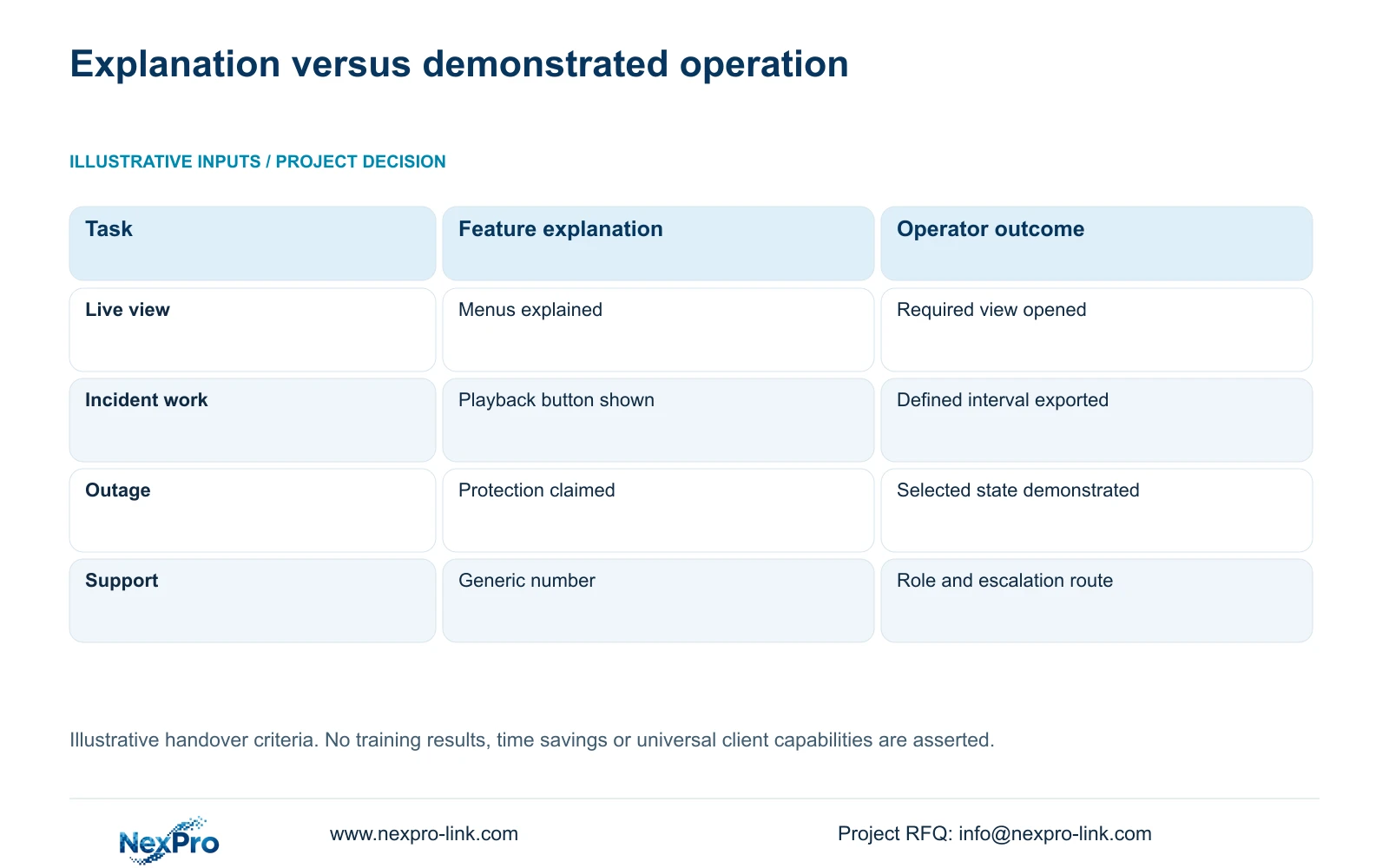
Use the observation record to distinguish independent operation from assistance and unresolved tasks. The retained illustration compares feature explanation with task-based handover; it is a teaching criterion, not completed training evidence. Observe the intended user's actual result with the delivered role and version.
Do not assign invented time savings to the training. If the hotel wishes to measure operating efficiency, it needs actual observations with a consistent task and configuration. For acceptance, the immediate question is whether the required result can be achieved by the authorized user.
| Exercise | Record during observation | Do not treat as completion |
|---|---|---|
| Open the required public-zone view | Intended role, camera tag and normal starting screen | Technician opens it using administrator access |
| Retrieve an approved interval | Correct camera/time selection, actual replay and any assistance | Attendance or a playback-button explanation |
| Export for the authorized recipient | Permitted scope, usable output and agreed playback workflow | File exists but the recipient cannot use it |
| Recognize a degraded state | What continues, what is unavailable and authorized escalation | Operator bypasses permissions or performs electrical work |
| Handover limitation | Version, affected task, owner and next instruction/training action | Coached completion described as independent operation |
Section 04
Compare normal and degraded operation
Describe the selected operating states before demonstrating interruptions. Loss of external connectivity, a failed viewing device and loss of an access node affect different tasks. The operator needs to know what remains available locally and which missing service requires another party's action.
Arrange controlled observations with the responsible site professionals. Local recording, remote access and display are separate functions. A remote view becoming unavailable does not by itself prove recording stopped, and a visible recorder power light does not prove every required camera continued recording.
Use the approved power boundary to explain outage behavior. Cameras supplied through remote PoE nodes depend on those nodes and the necessary network path. If the project excludes an optional display from backup, the training should explain the alternative authorized viewing or recovery procedure actually supported by the configuration.
Record the degraded-state limitation and the restoration action. If staff cannot restore a view because the required access belongs to hotel IT or maintenance, their task is to recognize and escalate the condition. They should not be taught to bypass permissions or perform unauthorized electrical work to finish the demonstration.
Section 05
Practice fault escalation and support handoff
Give the operator a support card tied to the installed equipment and software identities. It should distinguish operational questions, hotel-network access and equipment-service issues, with the responsible contact and escalation boundary. A generic telephone number leaves the duty officer without a clear route when several systems are involved.
Practice a representative lost-view report. The operator should identify the affected tag, time and visible symptom, then explain which authorized checks have been completed. The receiving party needs enough context to act without being sent passwords or unrelated footage.
Define when a local spare or supported substitute may be used and who performs the configuration work. Stock availability does not authorize every operator to replace equipment. Compatibility and the restoration workflow remain part of the service plan, particularly after a model or client version changes.
The supplied public policy gives applicable main equipment a 24-month limited hardware baseline from receipt, subject to controlling order terms. Battery, disk, cable and OEM conditions are separate. Ongoing technical support does not imply unlimited free repair or local attendance; the support card should reflect the agreed service boundaries.
Section 06
Record demonstrated tasks and remaining limitations
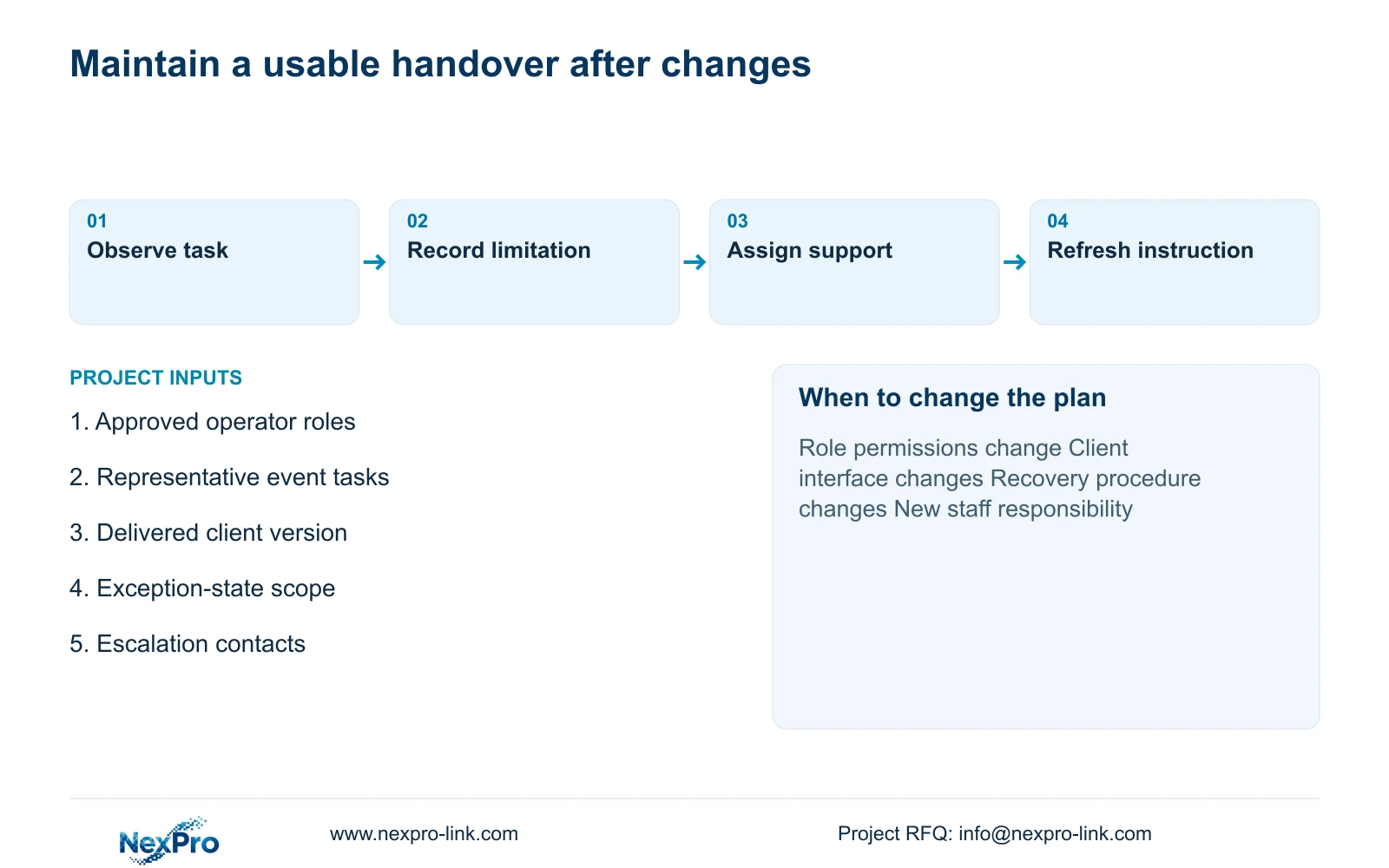
Record the roles involved, delivered versions and tasks observed, including assistance and unresolved limitations. Keep instructions short enough for the operator to use during an incident, with the relevant camera and workflow references. Attendance alone does not show that the participant completed the required task.
Choose task-based handover for the opening configuration when staff can complete the essential operations and know their escalation responsibilities. Repeat affected training after changes to roles, interface versions or degraded-state procedures. If a required workflow is unsupported, revise the equipment or operating scope before describing that task as handed over.
Send the operator-role outline, representative task list, installed client and equipment references, and required exception states to info@nexpro-link.com. NexPro-Link can discuss relevant technical documents and coordinated proposal scope. Specify separately whether the project requires local training, follow-up instruction or site service so those responsibilities enter the quotation explicitly.
Section 07
Buyer questions
Can technician sign-off replace operator training? No. Technician checks and operator demonstrations answer different questions. Require the actual authorized roles to complete their assigned tasks, and retain separate engineering acceptance evidence.
Should operators receive administrator rights to make training easier? Train with the intended supported permissions. If a required task needs additional authority, have the hotel approve the appropriate role or escalation route instead of using a shared administrator account as a permanent workaround.
When should handover training be repeated? Repeat the affected tasks when staff responsibilities, supported interfaces or recovery procedures change. Update the task instructions and support contacts to match the delivered configuration.
Engineering references
These sources support the general planning principles. Always use the selected product's current datasheet and applicable project standards for final design.