When the contractor or support route changes, revise the contact and escalation fields without silently changing technical instructions or warranty entitlement. Test that hotel staff can identify the correct party for the permitted task.
Section 01
Choose the operator and permitted task
When the contractor or support route changes, revise the contact and escalation fields without silently changing technical instructions or warranty entitlement. Test that hotel staff can identify the correct party for the permitted task. Preserve the old revision as history. Contractor branding does not authorize assigning every failure to that contractor.
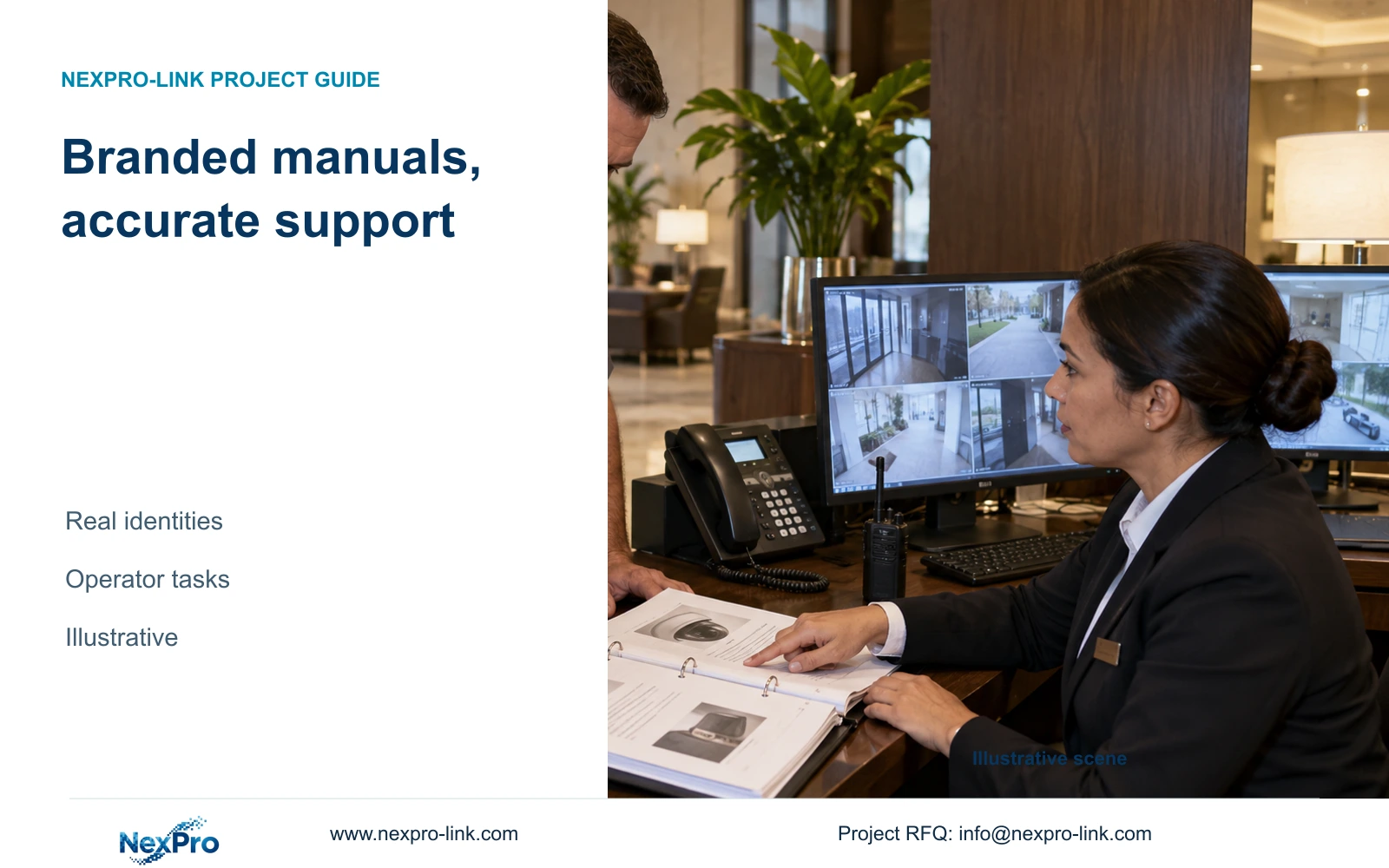
Use contractor branding only alongside accurate equipment and software identification. Write the manual for the hotel staff who will perform each permitted task, and identify the support party responsible when that task fails. A logo change alone is insufficient grounds to rename an App, replace a model reference or redirect every service request.
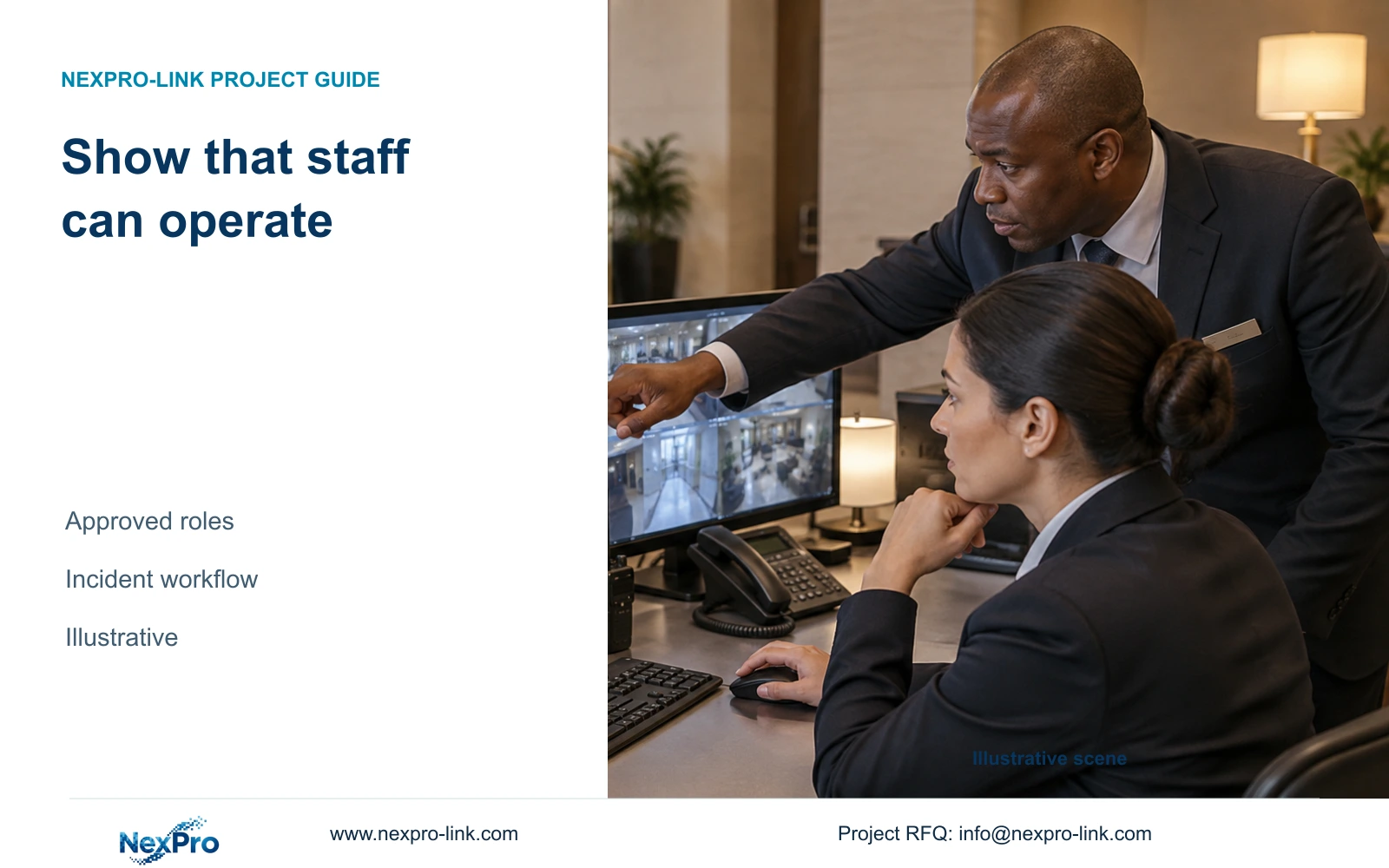
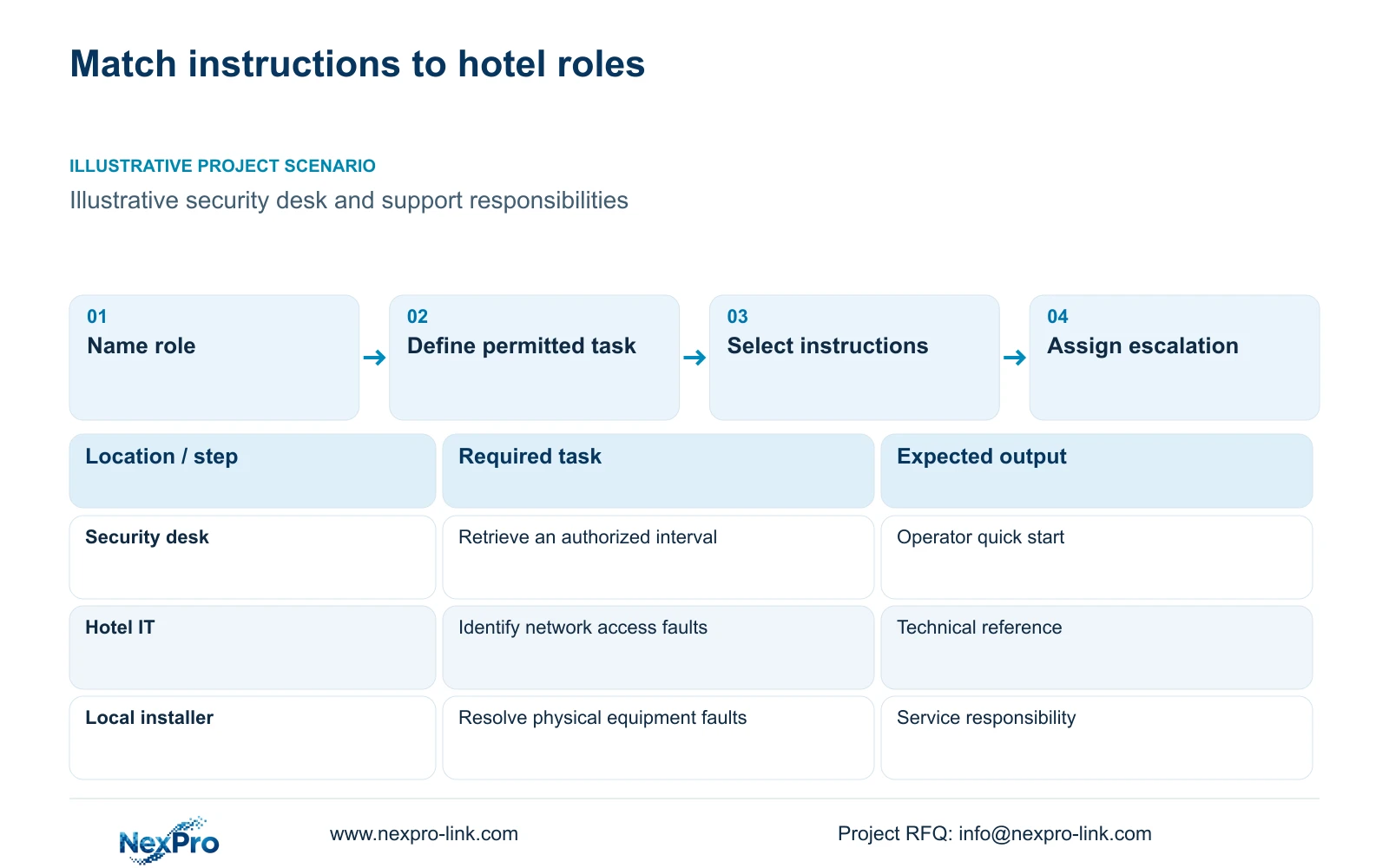
Start with the actual operating jobs. A security operator may need to open an entrance view or retrieve an incident interval. Hotel IT may manage network access, while the local installer handles physical faults. The owner or another authorized party determines recipients for exported footage. These responsibilities should shape the instructions without assuming every reader has administrator access.
Give each task a starting condition and observable result. Opening the correct public-zone view is more useful than identifying a live-view menu. Where permissions or interfaces remain unconfirmed, describe the required capability and leave the outcome unverified. The finished project manual must follow the supplied configuration and the hotel’s approved responsibilities.
| Required task | Given information | Decision still needed |
|---|---|---|
| Retrieve an incident interval | Security operating responsibility | Authorized search and export scope |
| Restore a missing view | IT and installer roles | Network versus physical fault boundary |
| Receive technical support | Project equipment identity | Approved contact and access route |
Section 02
Separate quick start and service instructions
Keep routine operating steps in a short quick-start document. Explain how an authorized user reaches the required view, selects the relevant recorder and finds a defined time interval. Put installation details and professional troubleshooting in a separate service reference. Mixing those audiences can leave operators unsure which actions they are permitted to take.
Describe exception states as carefully as normal operation. Local recording, remote access and display operation depend on different paths. An unavailable WAN connection should not be described as proof that local recording has stopped. Equally, an illuminated recorder does not establish that remote access nodes and cameras remain operational.
CASE02 illustrates this distinction with 24 cameras, distributed access nodes and a compact monitoring desk. Its optional display arrangement is separate from the recording path. A manual using that illustrative structure would explain the selected local and remote states without claiming that a wall display is necessary for recording or that a single central UPS protects every remote location.
| Item | Quick start | Service reference | Effect on the hotel task |
|---|---|---|---|
| Missing live view | Identify affected position and report | Investigate the relevant device path | Keeps operator and technical actions separate |
| Incident export | Approved interval and recipient workflow | Supported formats and configuration | Connects retrieval to authorized use |
| Power interruption | Describe selected operating state | Protected equipment and electrical responsibility | Avoids an unsupported whole-system claim |
Section 03
Retain product and software identity
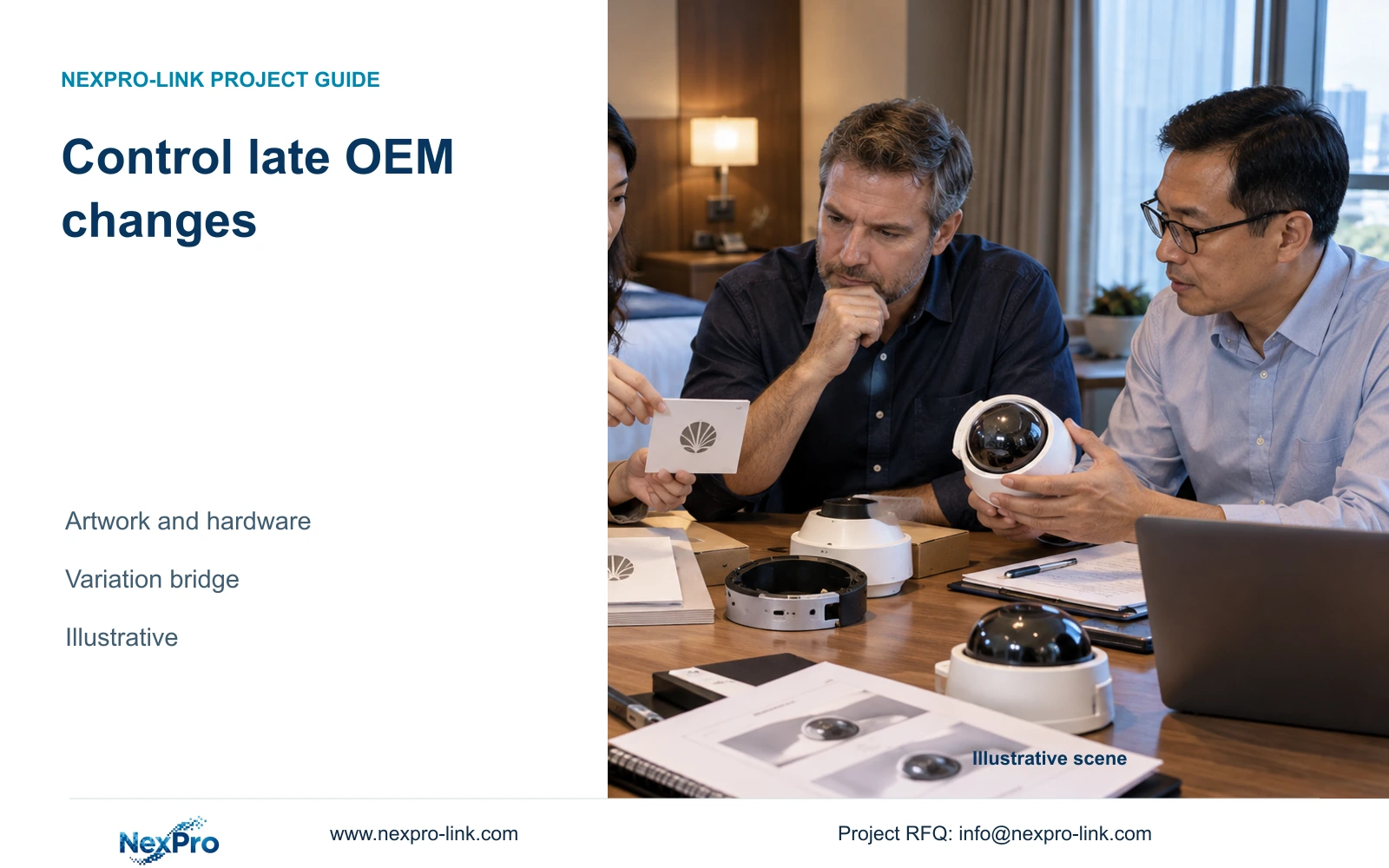
Keep exact equipment model names in the project reference, even when the cover carries contractor artwork. If the system includes NexPro-NVR4449-4K, that identity should remain available for configuration and support. A customer-facing asset reference can accompany it, but it should not replace the product identity needed to locate the correct documentation.
Record the software actually supplied and its relevant version. The NexPro-Link Seetong System source supports related App and PC client workflows; it does not establish permission to rename third-party software or universal interoperability. Instructions must lead the user to the actual supported client and account arrangement. ONVIF support also does not prove every event, audio or cloud-binding function.
Separate local recording from cloud access and cloud storage in the wording. A remote-viewing workflow cannot establish a cloud retention service. If licenses, servers, upgrades or support services are required, identify their actual scope and cost basis. Unquoted services should remain unresolved commercial inputs, rather than appearing as permanently free features in the branded manual.
Section 04
Compare document variants
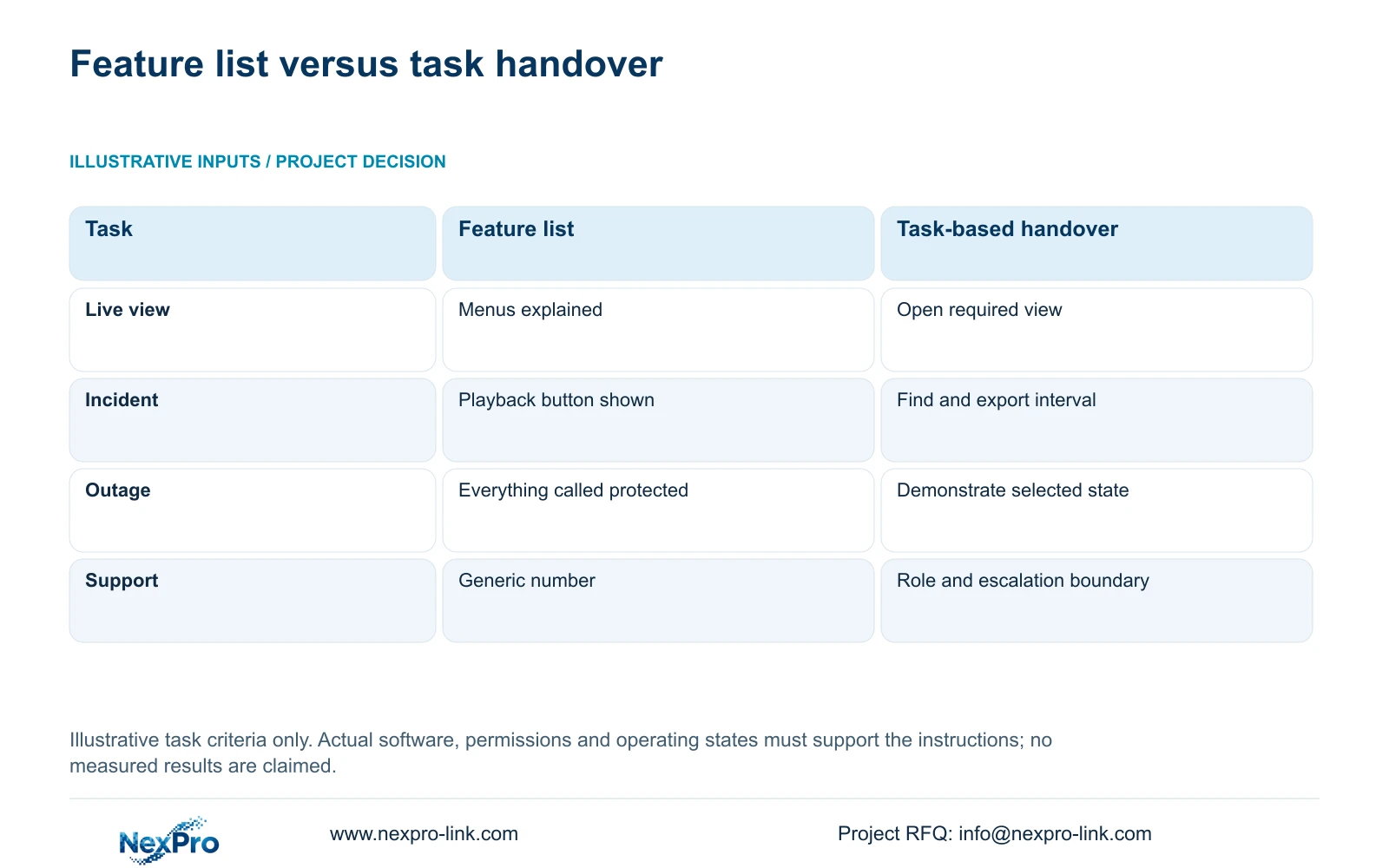
Prefer a task-based operator handover when hotel staff must perform routine work without constant installer assistance. Retain the product manual as a technical reference, then add project instructions for the supported interfaces and assigned roles. A generic feature list can be useful background, but it provides little evidence that the required operating workflow is usable.
Check each document against its reader and the delivered configuration before release. The matrix lists what to inspect, not completed training results. The retained handover illustration explains why showing a feature differs from performing an operating task; use an actual authorized reader to determine whether the instructions support that task.
Check each document variant with its intended authorized reader. A security quick start and an IT service reference can share model identity while explaining different actions. Revise the instructions when the reader cannot complete a required task; do not hide an unsupported interface behind a more polished document.
| Document | Required content | Release check |
|---|---|---|
| Operator quick start | Permitted view, retrieval task and exception route | Authorized reader follows the delivered client/version |
| Service reference | Exact model, configuration and physical/network responsibilities | Appropriate technician can identify the supported procedure |
| Translated insert | Actual interface labels and correct meaning | Paper language does not imply device-language support |
| Support card | Asset/model reference, symptom fields and authorized contacts | No shared password or implied unlimited attendance |
| Revision register | Document version, applicable configuration and superseded copies | Model/client/role change triggers review of affected instructions |
Section 05
Assign the correct support contacts
Assign contacts by the problem they handle. The manual should distinguish the hotel’s internal authorization route, IT responsibility, local installation service and equipment technical support. If the contractor is the first contact, explain which requests it receives and where it escalates them. Do not replace the equipment support identity merely to make the document appear uniformly branded.
A support card should retain the model and relevant asset reference, describe the symptoms to collect, and state the approved method for contacting assistance. Keep passwords and personal access credentials out of routine documents. Remote assistance should use the hotel-approved access path; contact information alone does not authorize unrestricted entry to the system.
The supplied warranty record describes a 24-month limited hardware baseline from receipt for applicable main equipment, subject to controlling written terms. Batteries, storage, cable and OEM scope require their own terms. Continuous technical support does not mean unlimited free repair or local attendance. These boundaries belong beside the relevant support information.
| Situation | Required record | Decision boundary |
|---|---|---|
| Contractor changes | Current support and escalation owners | Revise contact fields with authorization |
| Technical identity unchanged | Applicable model/version instructions | Retain valid technical content |
| Responsibility is disputed | Contractual task and entitlement | Request clarification, not a blanket reassignment |
Section 06
Control updates with configuration changes
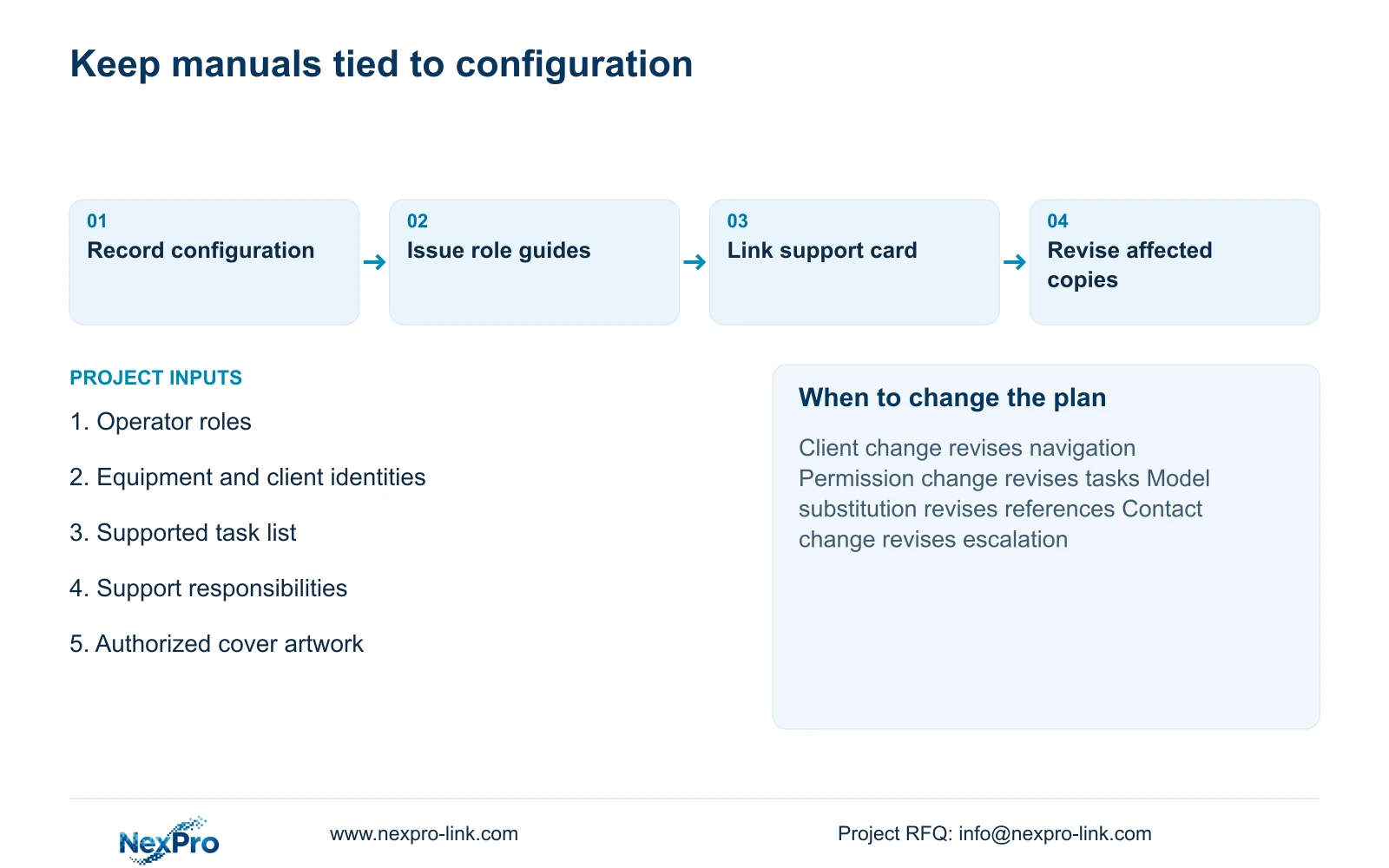
Keep a document revision linked to the equipment and software configuration it describes. Model substitutions, client changes and altered support responsibilities may require different revisions even when the cover artwork stays the same. Identify which issued copies have been superseded so a later shift does not follow obsolete instructions.
Recommend a short role-specific quick start with a separate technical reference while the hotel uses the documented local operating workflow. Expand or revise that package if a mandatory enterprise platform, multi-site task or different permission model changes the actions staff must perform. Additional documentation should follow a genuine operating requirement.
For a scoped documentation proposal, send operator roles, representative tasks, exact equipment/client identities and the proposed support responsibilities to info@nexpro-link.com. Add authorized cover artwork and the required language. NexPro-Link can discuss OEM documentation and hotel equipment support within the agreed scope; local training and attendance must be stated separately.
Section 07
Buyer questions
Can the contractor name replace the App name? Hardware branding does not grant software renaming rights. Keep the actual client identity and supported access method unless an expressly authorized software arrangement establishes otherwise.
Does a successful demonstration remove the need for refresh training? No. A demonstration covers its participants and configuration. Changed roles, equipment or software can require revised instructions and task-specific refresh training; no efficiency improvement should be claimed without records.
What should a support request contain? Provide the equipment model, relevant asset reference, software version where known and a concise description of the failed task. Use the approved support route without sending passwords or unnecessary guest footage.
Engineering references
These sources support the general planning principles. Always use the selected product's current datasheet and applicable project standards for final design.