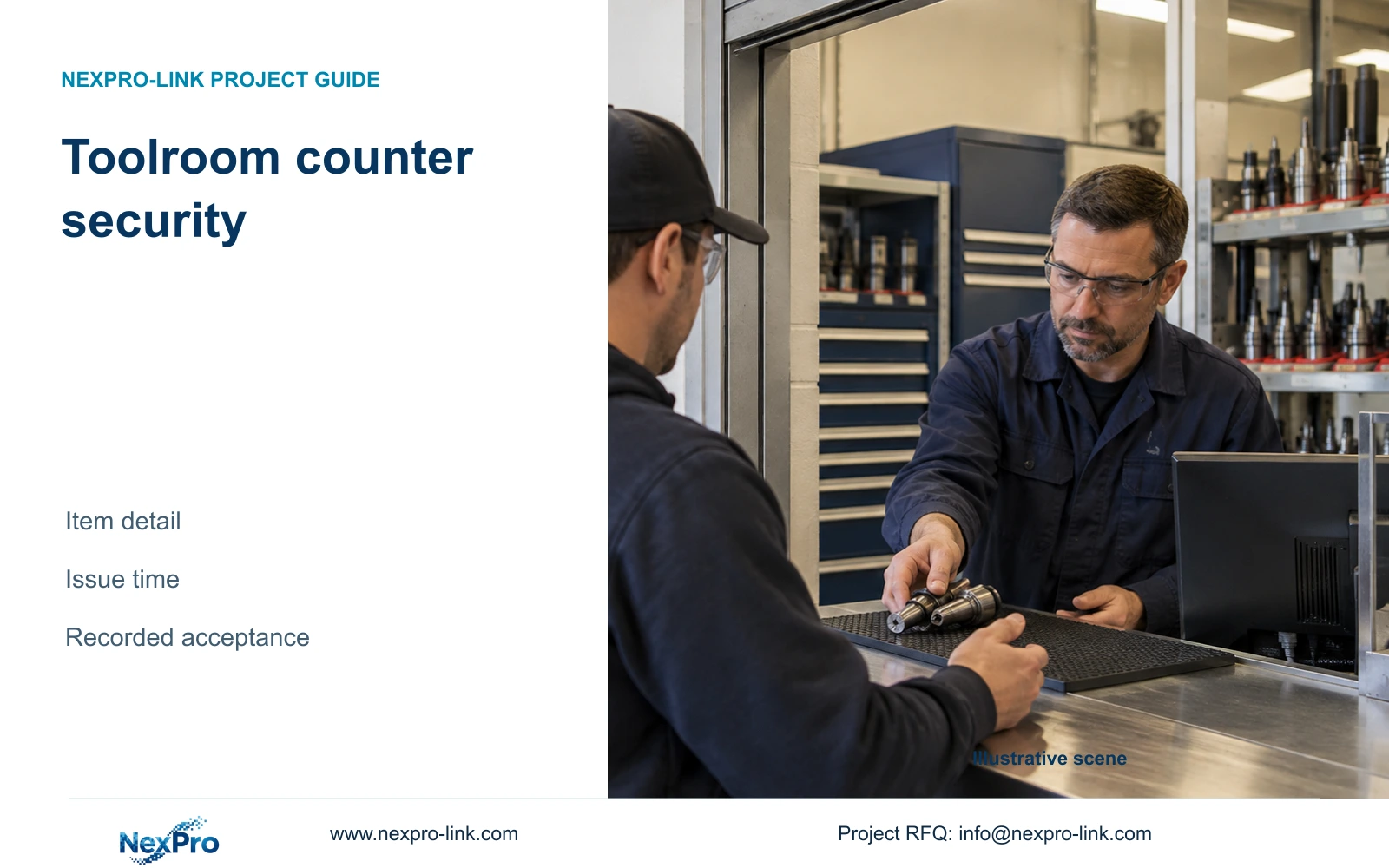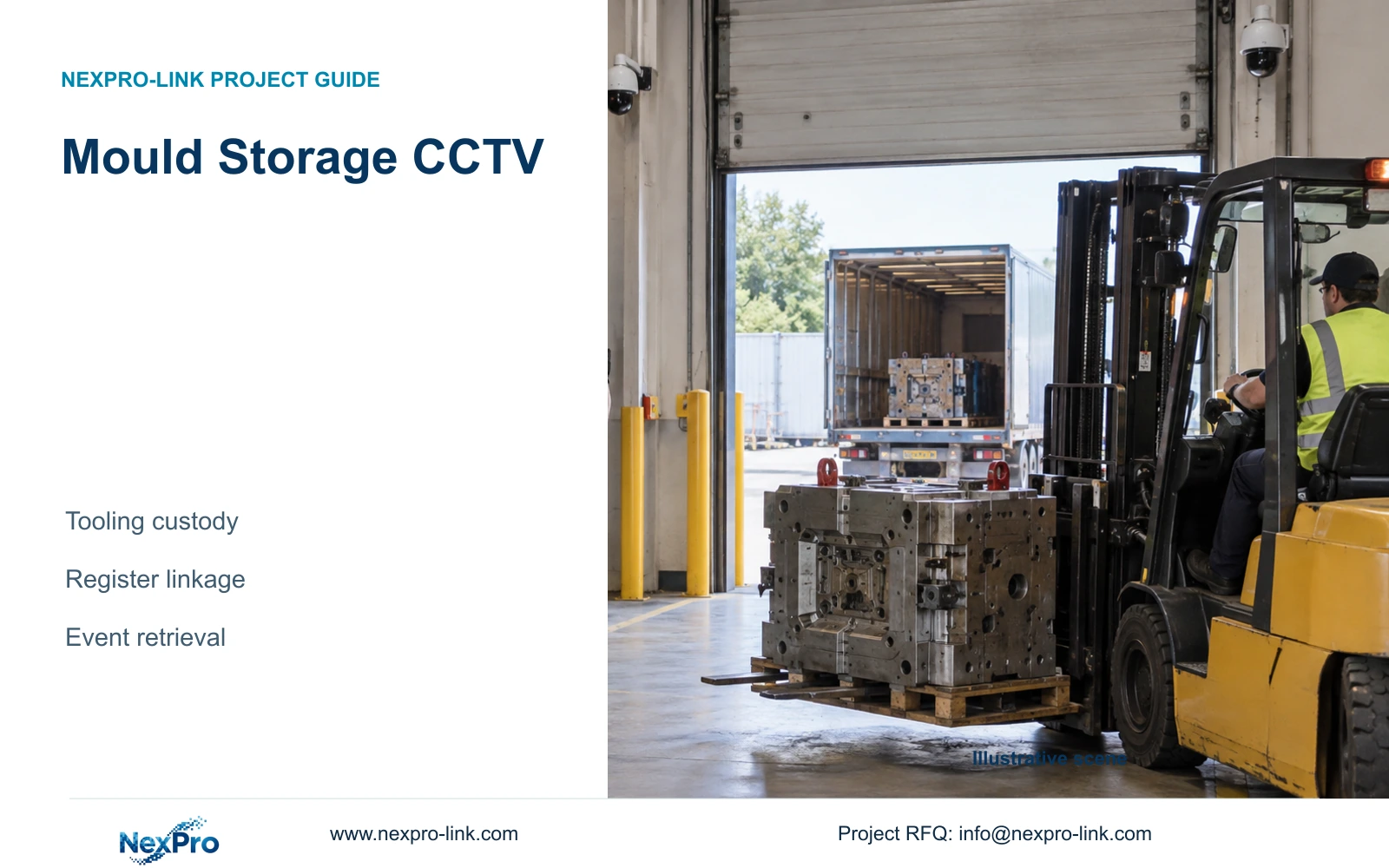
Reconcile the mould register with the actual return movement, including a late entry, diverted trolley or obstructed inspection point. Preserve uncertainty instead of inferring custody from a rack overview.
Section 01
Concentrate evidence at pickup and return points
When a mould return is disputed, reconcile the register entry with the physical arrival, inspection and storage sequence. Start at the agreed return point, then follow the actual trolley route. A late entry or view blocked by heavy tooling is a reason to widen the review, not proof of a missing return. This guide defines an exception record for an incomplete mould-store handover without assuming that a camera reads the mould number.
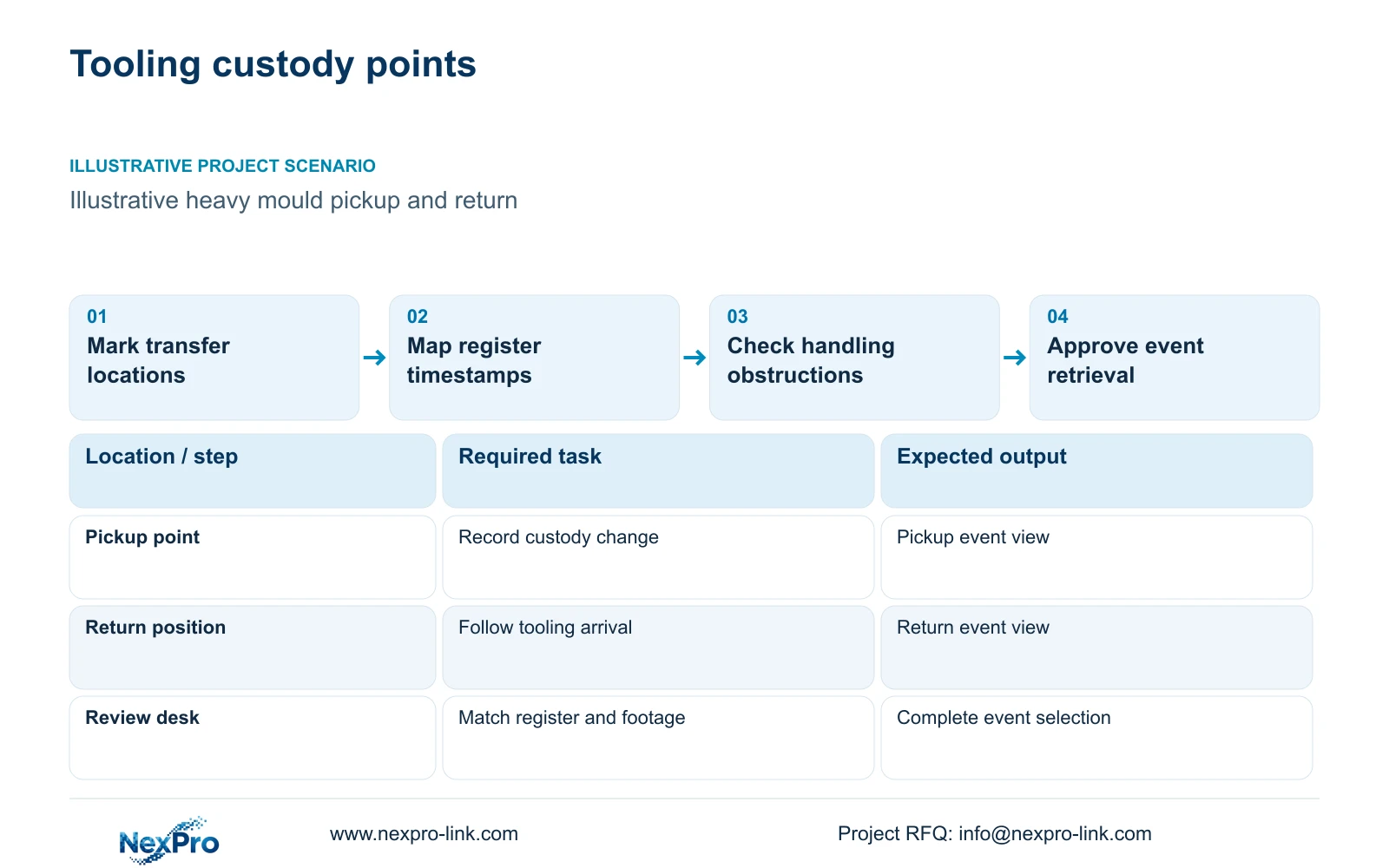
Illustrative project scenario: A mould store needs to review movement of heavy tooling in and out of storage. Assume a designated collection point and a return-check position serve the store, while carts or lifting equipment move tooling between them and the racks. The engineer marks those custody points and asks the owner to demonstrate a representative movement. No specific tooling dimensions, handling time or customer history is supplied; the proposed method remains a planning example until the real arrangement is confirmed.
Section 02
Connect register events to the correct video time
Record the tooling ID, pickup or return event, location, responsible parties and event time in the owner's register. Map each transfer location to the camera IDs that show it. Confirm how the register clock and CCTV timestamps relate, including any known offset or delayed entry. A transaction entered after the physical movement should not be treated as an exact camera timestamp without checking the surrounding sequence.
Begin with a manual location-and-time mapping when that meets the operating need. It gives reviewers a practical search reference without assuming an automated register integration exists. If software integration is required, specify the interface, available event fields and acceptance workflow as additional scope. During commissioning, select a known transfer from the register and retrieve the corresponding recorded sequence. Preserve uncertainty in the event window when clocks or entries are imprecise. A smaller search interval is useful only when it still includes the relevant arrival, custody change and departure.
Section 03
Check obstructions with the handling equipment present
Evaluate the view with heavy tooling, racks, carts and normal lifting equipment in their working positions. A floor-level camera may be blocked by the very item being moved; a high view may show the route while hiding the identity reference or exchange. Compare a protected oblique transfer view with a wider movement overview, keeping mounting and maintenance clear of the handling path. Do not position equipment where routine movement requires it to be repeatedly removed.
The NexPro-BL2812M55-5MP-DIC-AI offers a listed 2880×1620 output and 2.8–12mm motorized lens as an ordinary-area candidate for framing discussion. Its source does not establish guaranteed label-reading distance or automatic tooling identification. Approve the recorded view using the actual label and movement. Assign register quality to the owner, final mounting and alignment to the installer, and model and configuration records to the supplier. Separately identify any position with exposure requirements that ordinary equipment cannot satisfy.
Section 04
Measure the export selection without trimming the event
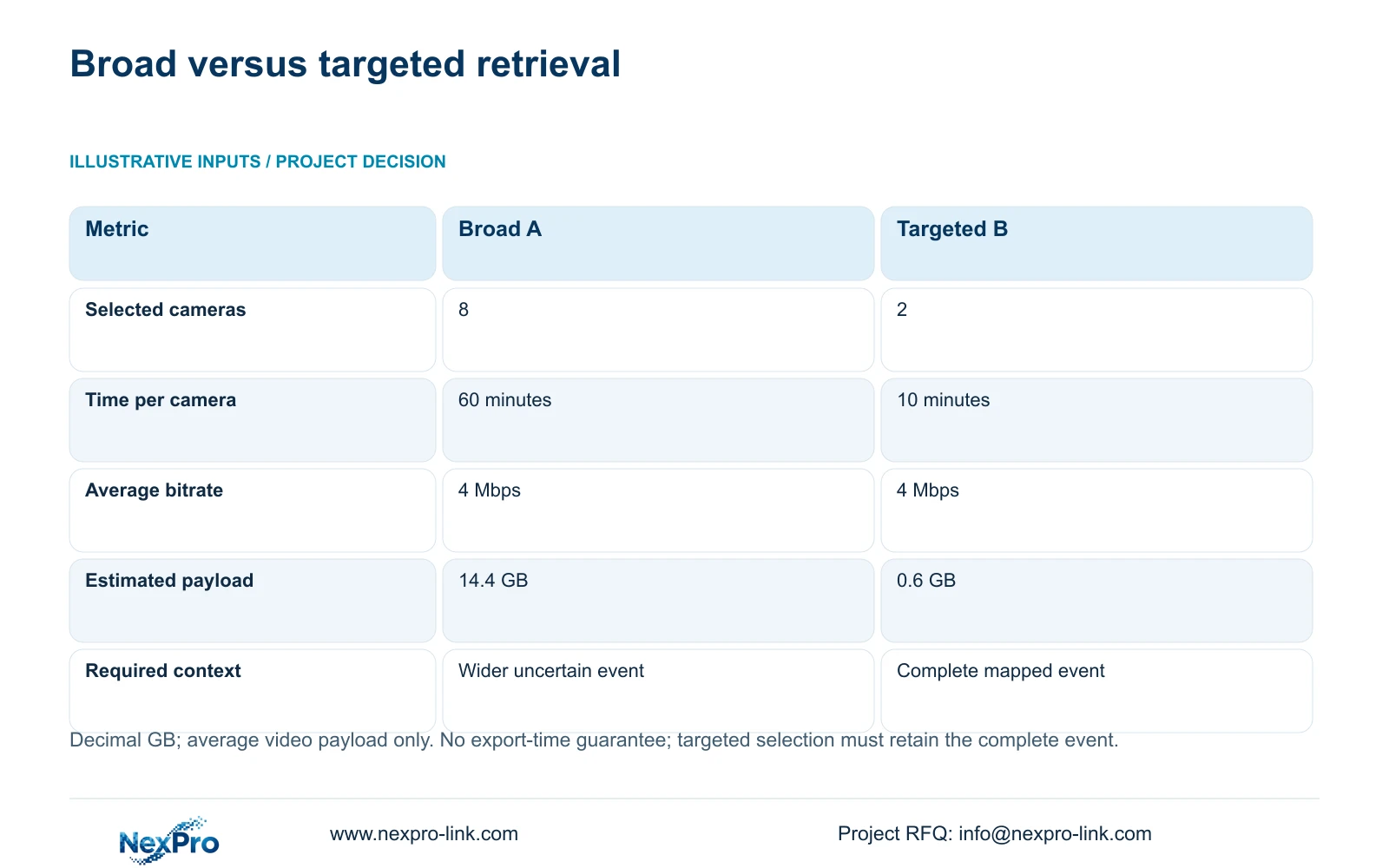
The supplied illustrative broad request selects eight cameras for 60 minutes each at an average 4 Mbps. The targeted request selects two relevant cameras for 10 minutes each at the same bitrate. Use GB = cameras × Mbps × seconds / 8 / 1000. The broad payload is 8 × 4 × 3600 / 8 / 1000 = 14.4 GB; the targeted payload is 2 × 4 × 600 / 8 / 1000 = 0.6 GB, in decimal GB.
The decisive difference comes from camera and time selection, not improved compression. A register-linked request can exclude unrelated views, but the two-camera, ten-minute selection is suitable only when it retains the complete required event. Expand it when the handling begins elsewhere, pauses outside the bay or continues beyond the chosen window. These are average video-payload estimates, not guaranteed file sizes, export durations, staff-time savings or legal evidence status. Authorisation, playback completeness and subsequent handling remain separate acceptance tasks.
| Metric | Option A: broad request | Option B: targeted request |
|---|---|---|
| Cameras selected | 8 | 2 |
| Minutes per camera | 60 | 10 |
| Average stream bitrate | 4 Mbps | 4 Mbps |
| Estimated video payload | 14.4 GB | 0.6 GB |
| Selection condition | Wider uncertain context | Complete mapped event retained |
Section 05
Keep retention and retrieval capacity in the same brief
Recommend transfer-focused views and a register-linked retrieval procedure, with wider context preserved where tooling routes branch or custody remains uncertain. Change the camera arrangement when carts block the exchange, label orientation changes or tooling can leave by another route. Change the retrieval window when timestamps are approximate. The review objective should determine the selected cameras and time range rather than an arbitrary target export size.
CASE01 is a separate illustrative ordinary-area reference whose material and tool-store group contains six cameras within a 32-camera system. It demonstrates task-based allocation, not a requirement for six mould-store cameras. Its assumed 30-day recording baseline does not establish the appropriate tooling review period. The NexPro-NVR4449-4K is a recorder reference with 320 Mbps input and four SATA bays, but these specifications do not establish export duration or simultaneous playback capability. Check retention, search, playback and export on the proposed model and client, and retain compatible existing equipment where it passes those tasks.
Section 06
Reconcile exceptions at the mould-return point
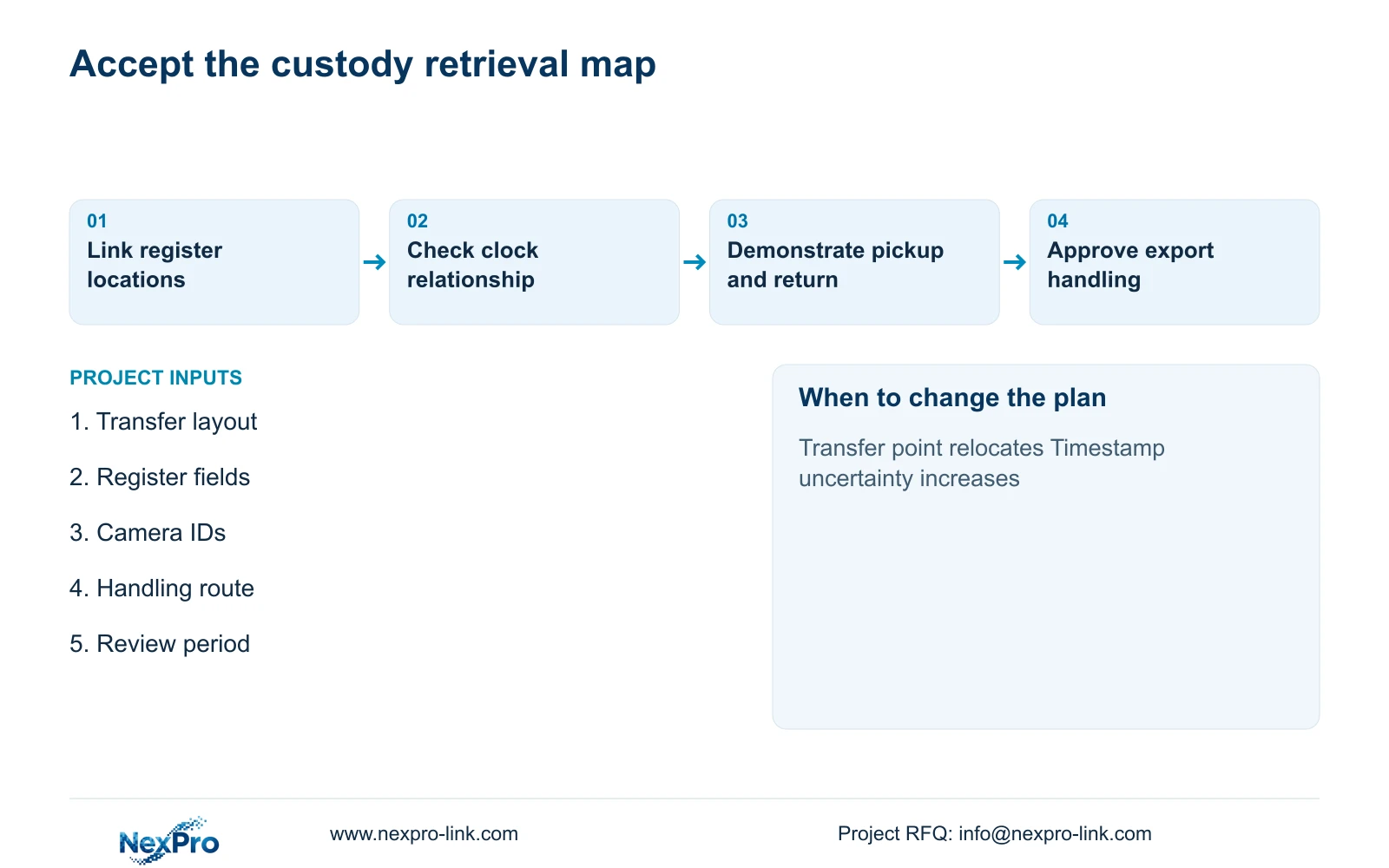
Issue a map connecting pickup and return points to camera IDs and register locations. The equipment list should identify supplied transfer cameras, retained overview cameras, optional detail positions and installer-provided supports and routes. Add the accepted time-reference method and a sample retrieval request. This gives the buyer a concrete comparison basis: another supplier must demonstrate the same custody event, identity linkage and complete export rather than merely match camera resolution.
NexPro-Link's BOQ support can coordinate relevant models, recording equipment and location-labelled supply from that map. At acceptance, have an authorised operator retrieve a known pickup and a known return, check the event boundaries and export the agreed material. Verify access permissions and document who may release recordings. Network, storage and backup power should support the actual recording node; a convenient review monitor is a client branch. After a rack relocation or transfer-procedure change, update the map and repeat the affected retrieval demonstration before relying on the old camera-to-location mapping.
Use a redacted return record to rehearse three exceptions: delayed entry, diversion from the designated bay and an inspection obscured by tooling. Keep the register identity, observed movement and unobserved interval in separate fields. If the item cannot be followed to the accepted storage point, state that limit rather than substituting a similar trolley. This is a proposed review exercise, not an account of a customer incident.
| Condition / stage | Required input | Decision and evidence |
|---|---|---|
| Late register entry | Physical return time and entry time | Retain the wider verified interval |
| Diverted trolley | Actual route and relevant camera IDs | Follow the diversion before closing custody |
| Obstructed return check | Visible arrival and missing inspection stage | Record the unobserved stage; do not infer identity |
Section 07
Buyer questions
Must CCTV read the mould number directly? Only if direct reading is an agreed and demonstrated requirement. Otherwise, use the tooling register for identity and the footage for the physical transfer, with a reliable location-and-time link.
What if the register time is entered after the movement? Record that limitation and search a wider verified interval. Do not reduce the export to the entry timestamp if it excludes pickup, handover or departure.
Can two cameras always provide a complete event? No. The two-camera request is an illustrative selection. Include additional views when the route, obstruction or custody question requires them.
Section 08
Build a tooling-custody retrieval map
Email your pickup and return layout, a non-confidential register-field example, normal handling and obstruction details, and incident-review period to info@nexpro-link.com to discuss the camera and retrieval scope.
Engineering references
These sources support the general planning principles. Always use the selected product's current datasheet and applicable project standards for final design.