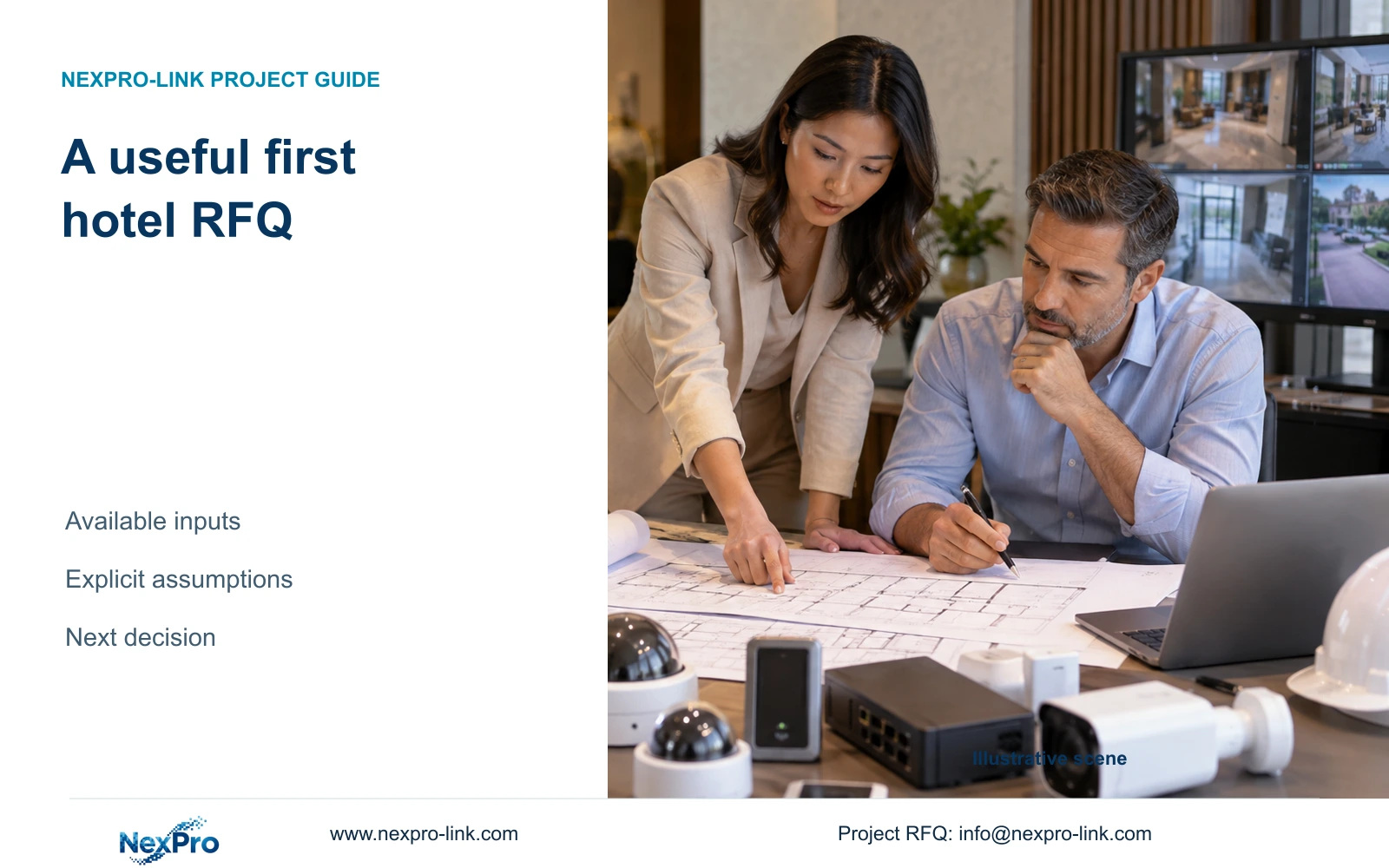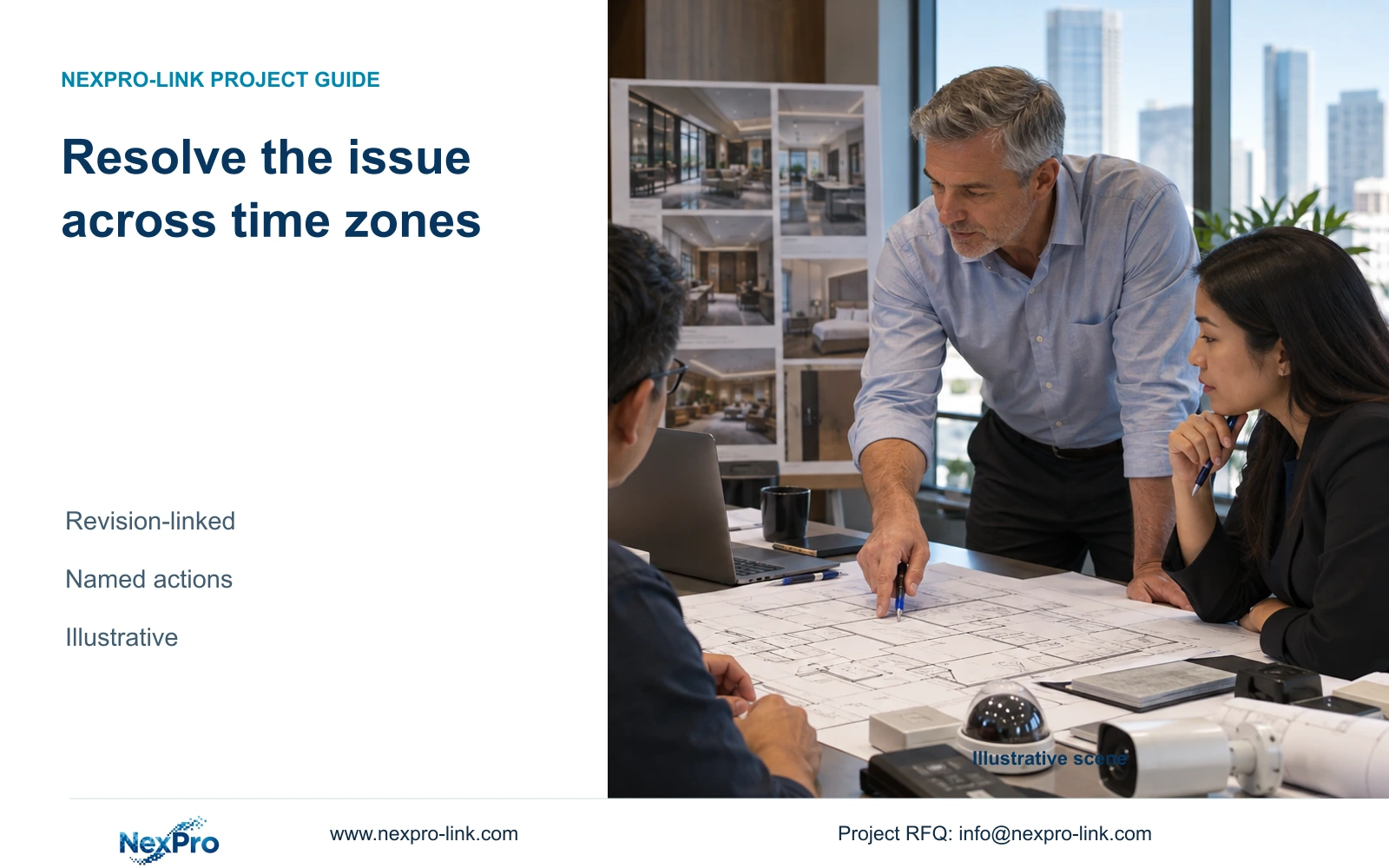
A useful cross-time-zone meeting starts with a specific hotel task and ends with a traceable schedule change, responsible owner and unresolved-item record.
Section 01
Define the decision for the meeting
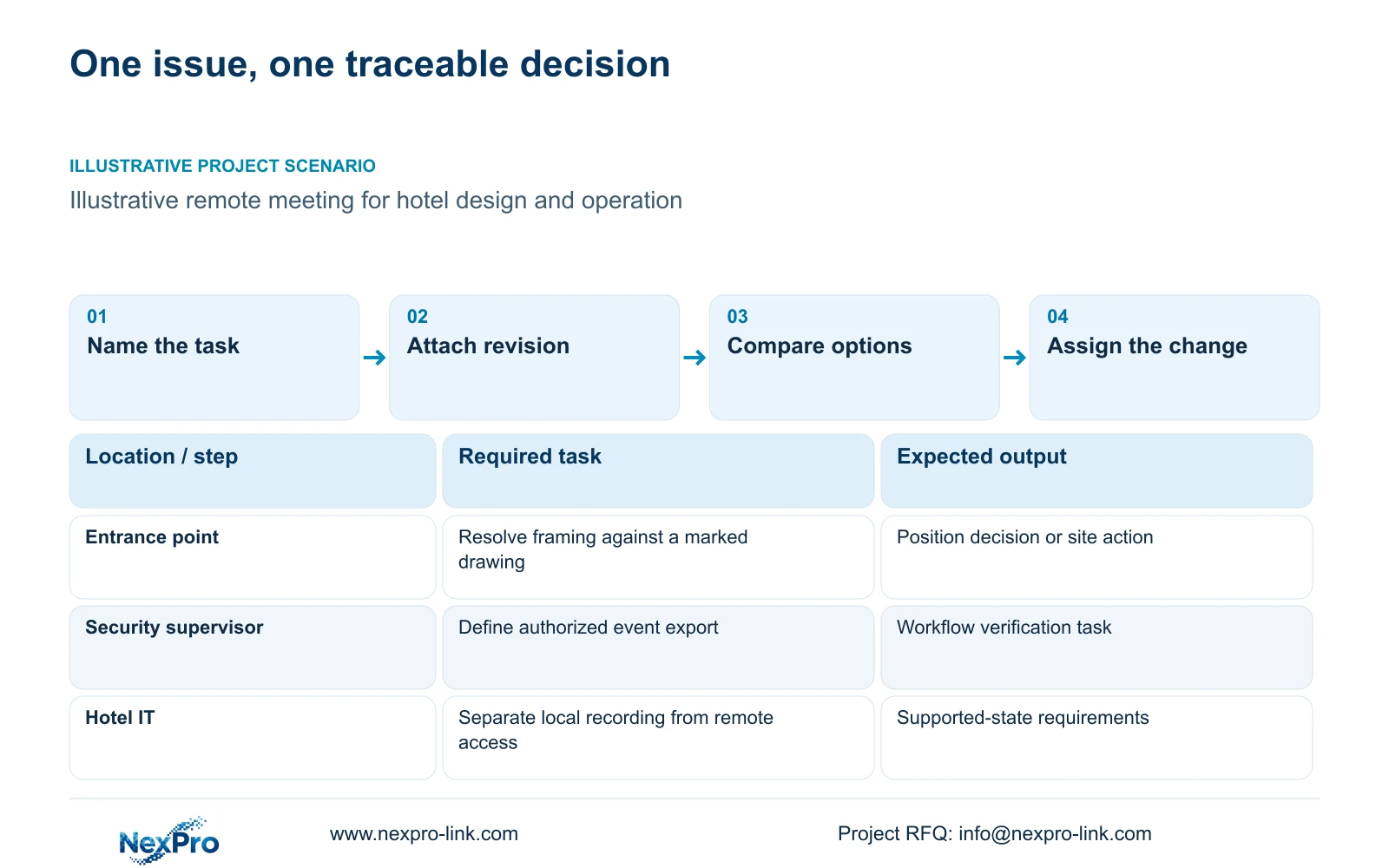
Use the remote meeting to resolve a named point, interface or operating task against a known revision. Circulate the relevant inputs and bounded options beforehand, then record the responsible party and executable change. Move the item to site verification when a physical condition or untested function prevents a defensible remote decision.
Replace a broad request to review the system with the action the hotel needs to complete. An entrance view may need revised framing; a security supervisor may need to find and export an authorized time window. Identify the location, user role and equipment involved so the supplier can answer the actual question.
The owner, hotel IT and local installer have different decision rights. A screen-sharing session does not give every participant authority to approve a model substitution or account change. State the decision owner and required output before arranging the call across time zones.
| Required task | Given information | Decision still needed |
|---|---|---|
| Frame the entrance task | Point reference and drawing revision | Approved position or further site observation |
| Export an authorized event | User role, time window and client identity | Supported workflow and unresolved capability |
| Maintain recording during an outage | Protected-node list | Missing power dependency and responsible party |
Section 02
Prepare revision-linked inputs
Send the relevant drawing extract and schedule lines with their revision identifiers. Mark the point or interface under discussion and provide a screenshot only when it adds useful context. A screenshot without device or software identity can leave two teams discussing different configurations.
For a quantity change, show the original quantity and the proposed addition. For a specification change, identify the affected line and required outcome. Keep missing accessories and revised delivery conditions separate so the meeting does not reduce several decisions to one unexplained increase.
Attach the calculation inputs behind a capacity concern. Recording needs camera-group bitrate and retention; protected power needs the selected operating load and relevant nodes. Check whether the proposed change crosses a recorder, storage or power threshold. An added camera can create shared-resource work beyond its own unit line.
CASE01 is a useful illustrative system map for separating camera, network and recorder dependencies. Its 32 positions and optional display arrangement do not establish this project's quantities. Keep the actual revised inputs in the meeting record and avoid substituting reference-case totals for missing site data.
Section 03
Separate technical and commercial questions
Resolve the functional requirement and supported interface before choosing on price. A technical answer should identify what the proposed equipment can support and what remains unverified. The commercial response should show the changed quantity, accessory scope or service line without implying that payment settles an unresolved capability.
NexPro-Link's BOQ support scope includes model matching and technical-submittal coordination. It does not guarantee consultant approval. Its Seetong system record describes relevant app and PC-client workflows, but does not establish every third-party integration or identical functionality across all compatible hardware.
ONVIF profiles provide a basis for checking relevant device and client functions. General ONVIF support does not prove that event handling, audio, retrieval and account binding all work in the proposed combination. Name the function, actual models and software version needing verification.
Keep one-time and recurring costs distinguishable. Use actual scoped quotations for commercial comparison, and mark any teaching values as assumptions. Remote guidance also needs a clear service boundary: technical assistance does not establish unlimited local labour or permanent unrestricted access to the hotel's network.
Section 04
Compare bounded options before the call
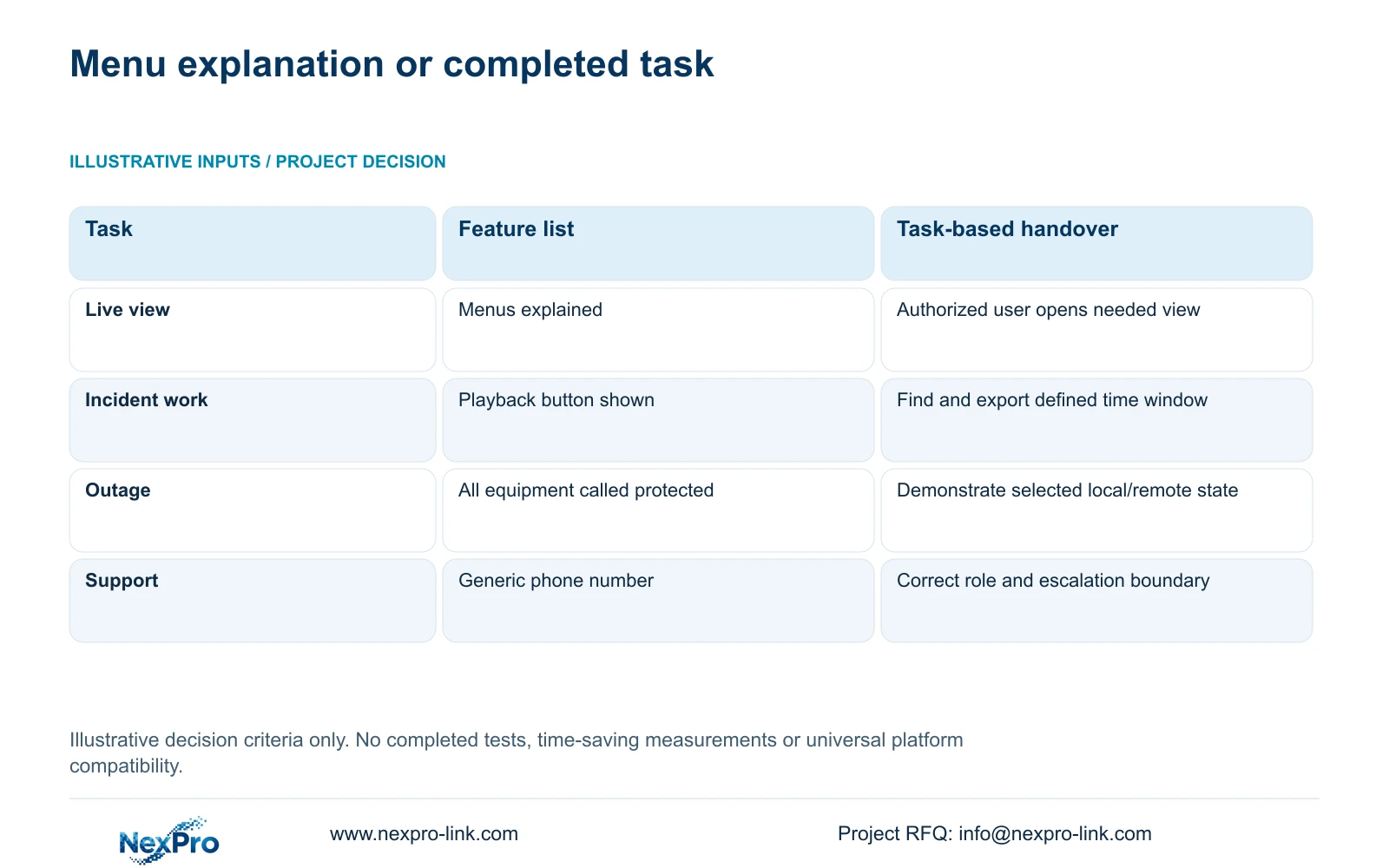
Circulate options that preserve the same required task. For operator work, compare a feature-list explanation with a task-based handover. The latter gives the meeting a concrete output: an authorized user completes the relevant activity on the supplied configuration, or the team records the step that still needs support.
The retained operator-task illustration is an example of a question a meeting may need to settle, not a completed remote demonstration. Record the actual option, supporting input, authority and next action in the table below. Keep proposals and unresolved checks distinct from accepted changes.
Choose task-based preparation when workflow capability and responsibilities are the unresolved issue. A menu explanation remains useful as orientation, but cannot close a finding about retrieval or export. If the exact platform is unavailable during the call, record the demonstration as outstanding.
Compare the exception state as well as normal operation. Loss of WAN access, for example, needs a separate discussion of what the approved local configuration retains and which remote functions depend on connectivity. Do not infer outage behaviour from a powered display or from a general statement that the system is protected.
| Meeting field | Required entry | Boundary |
|---|---|---|
| Question and revision | Point/interface/task plus drawing or BOQ line | Do not discuss an unidentified screenshot |
| Comparable options | Same required outcome and changed resources | Price does not settle an unsupported function |
| Evidence | Exact configuration, calculation or relevant observation | Physical conditions may require site work |
| Decision state | Proposal, accepted by named authority or evidence pending | Discussion is not purchase authorization |
| Action and deadline | Responsible party, due date and explicit time zone | No implied approval from attendance |
| Controlled output | Affected schedule, test or handover revision | Preserve the previous accepted baseline |
Section 05
Record decisions and unresolved items
Separate accepted decisions from proposals and missing evidence in the minutes. Attach each entry to its point or schedule line, identify the responsible party and state the next action. Use an explicit due date and time zone for cross-region follow-up so the handoff is understandable without another call.
A decision record should describe the change that the authorized owner accepted. An unresolved record should describe the input or observation still needed. A supplier recommendation, consultant acceptance and purchase authorization are distinct states; do not collapse them into agreed in discussion.
For demonstrations, retain the actual device and software identity and the task observed. A representative successful action supports that observed scope, not every user role or operating state. Instructions and training should follow the supplied version, with refresh work when roles or configuration change.
Set an approved route for technical support and identify who can authorize access. Do not place passwords in minutes or distribute them in screenshots. Local installation work and specialist electrical checks remain assigned to their responsible teams even when supplier guidance helps diagnose the issue.
Section 06
Translate the result into the equipment schedule
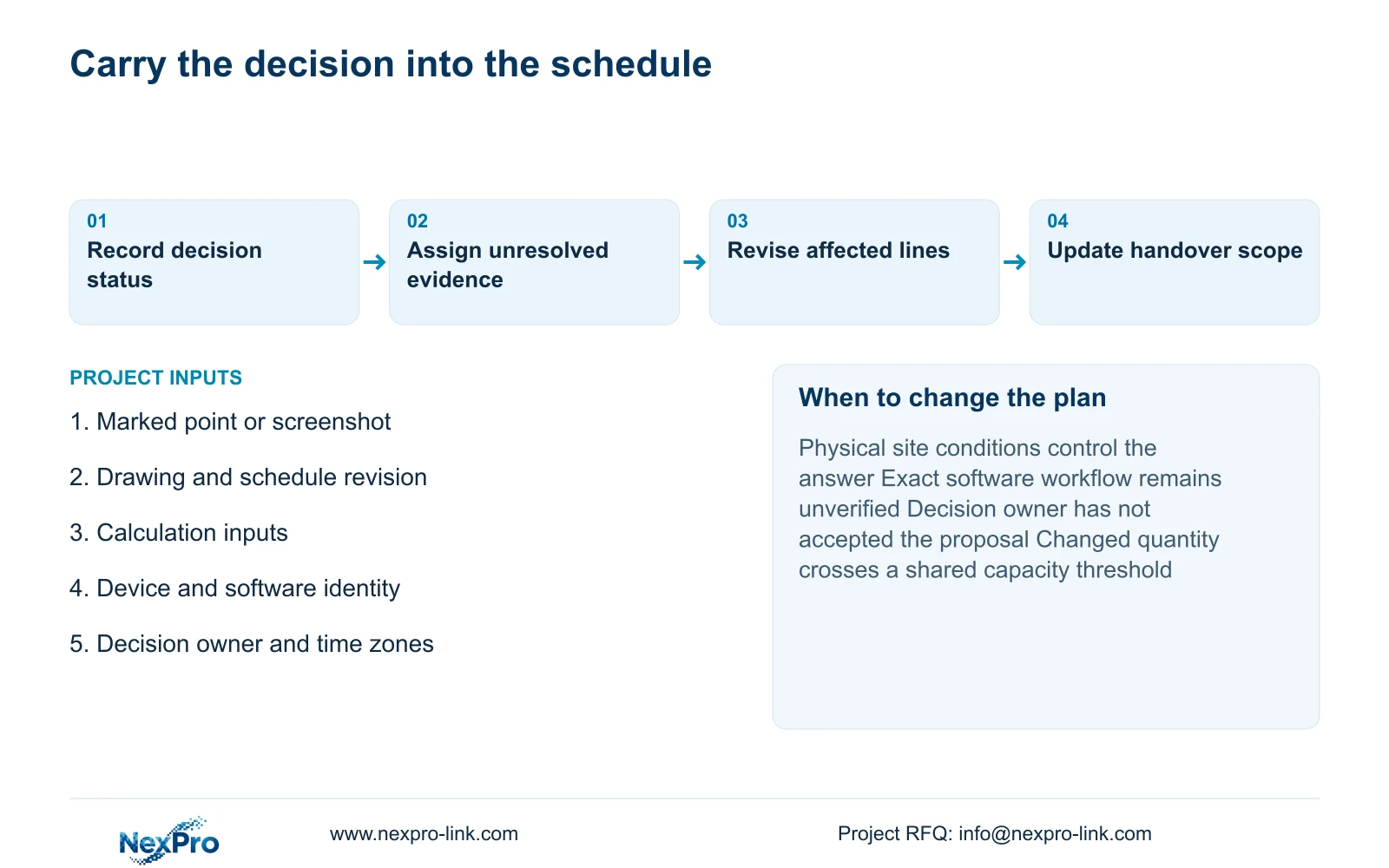
Update the affected equipment lines and linked documents after an authorized decision. Preserve the old baseline so the quantity or specification difference remains reviewable. If the meeting changes a role, client workflow or test requirement, carry that change into the handover scope as well as the device list.
Connect the revised schedule to preparation and release. Independent tasks can proceed in parallel when their inputs are settled, while unresolved interface or approval items remain dependencies. A meeting forecast does not authorize production or silently substitute another model.
Recommend a focused remote session when revision-linked inputs allow participants to compare concrete options and assign actions. Change to a site observation or configuration demonstration when geometry, lighting or unverified software behaviour controls the decision. Retain the mandatory operator requirement until it is resolved, even if a simpler configuration would be easier to quote.
Send info@nexpro-link.com the marked drawing or screenshot, affected schedule revision, calculation inputs and the specific decision blocking progress. Include participant roles and available time zones. NexPro-Link can discuss model and BOQ support against that bounded issue without receiving guest footage or personal credentials.
Section 07
Buyer questions
Is a remote screen demonstration enough to accept a night-time entrance view? Only if it supplies the relevant observed conditions and approved task evidence. A menu tour or unrelated still image cannot settle site lighting and moving-target requirements. Record the site observation needed when those inputs are missing.
Can a supplier recommendation in the minutes change the order? A recommendation should remain a proposal until the authorized project party accepts the change through the applicable order process. Keep technical acceptance and purchase authorization distinguishable, then update the controlled schedule.
What can be shared when the full project drawing is confidential? Provide the relevant marked extract, affected schedule lines and calculation inputs with revision references. A concise task description and device or client identity can support an initial discussion without unrelated project files.
Engineering references
These sources support the general planning principles. Always use the selected product's current datasheet and applicable project standards for final design.