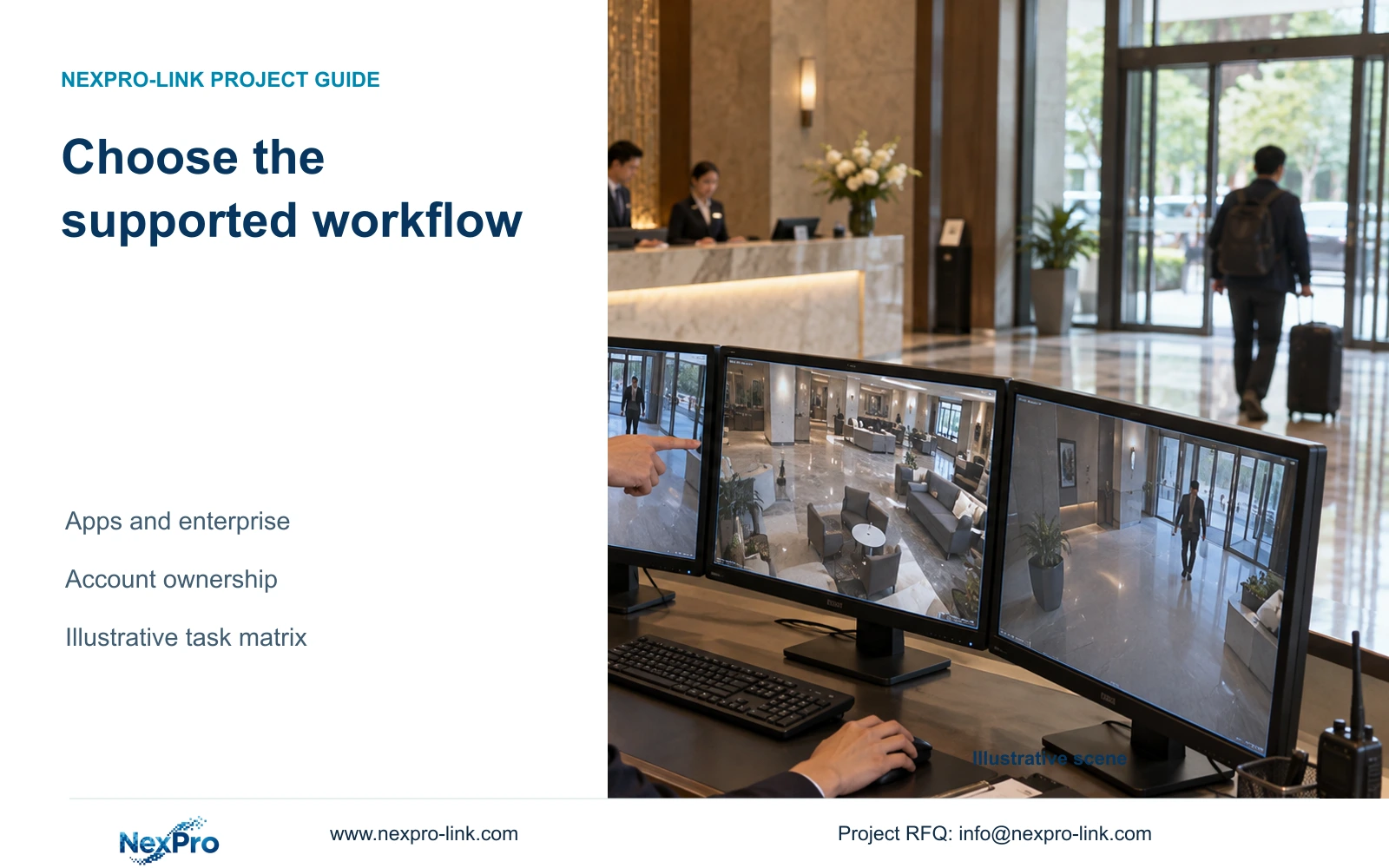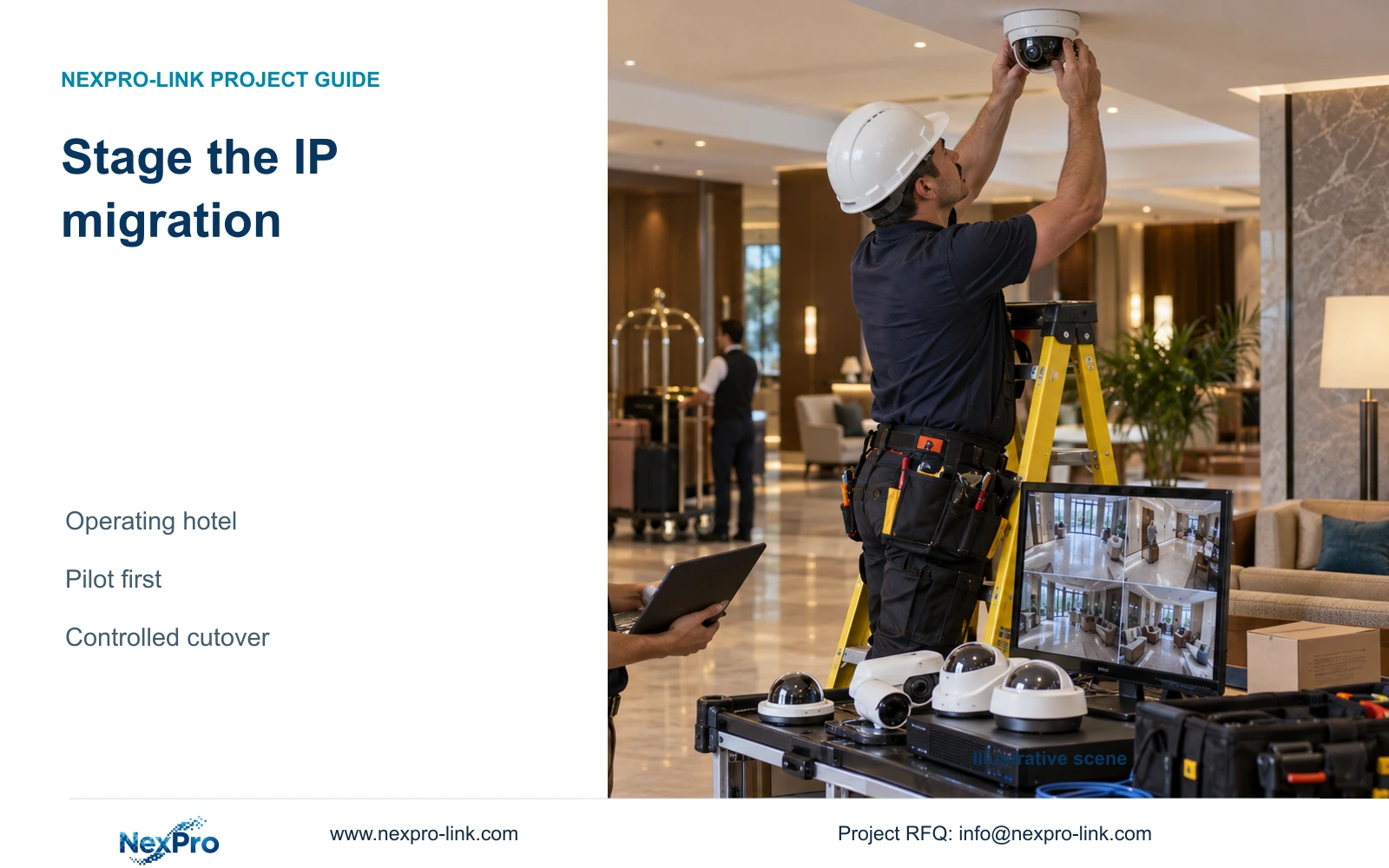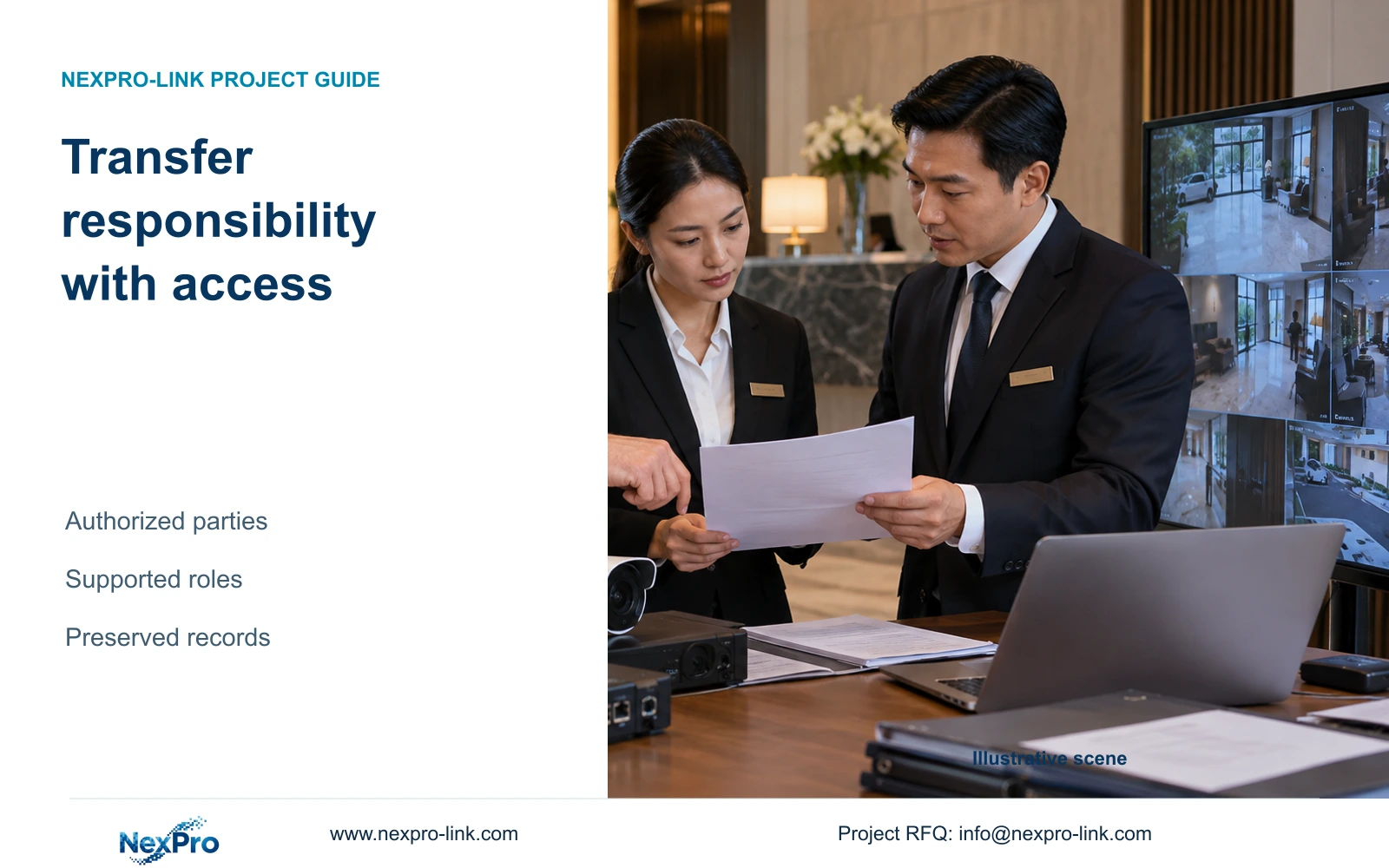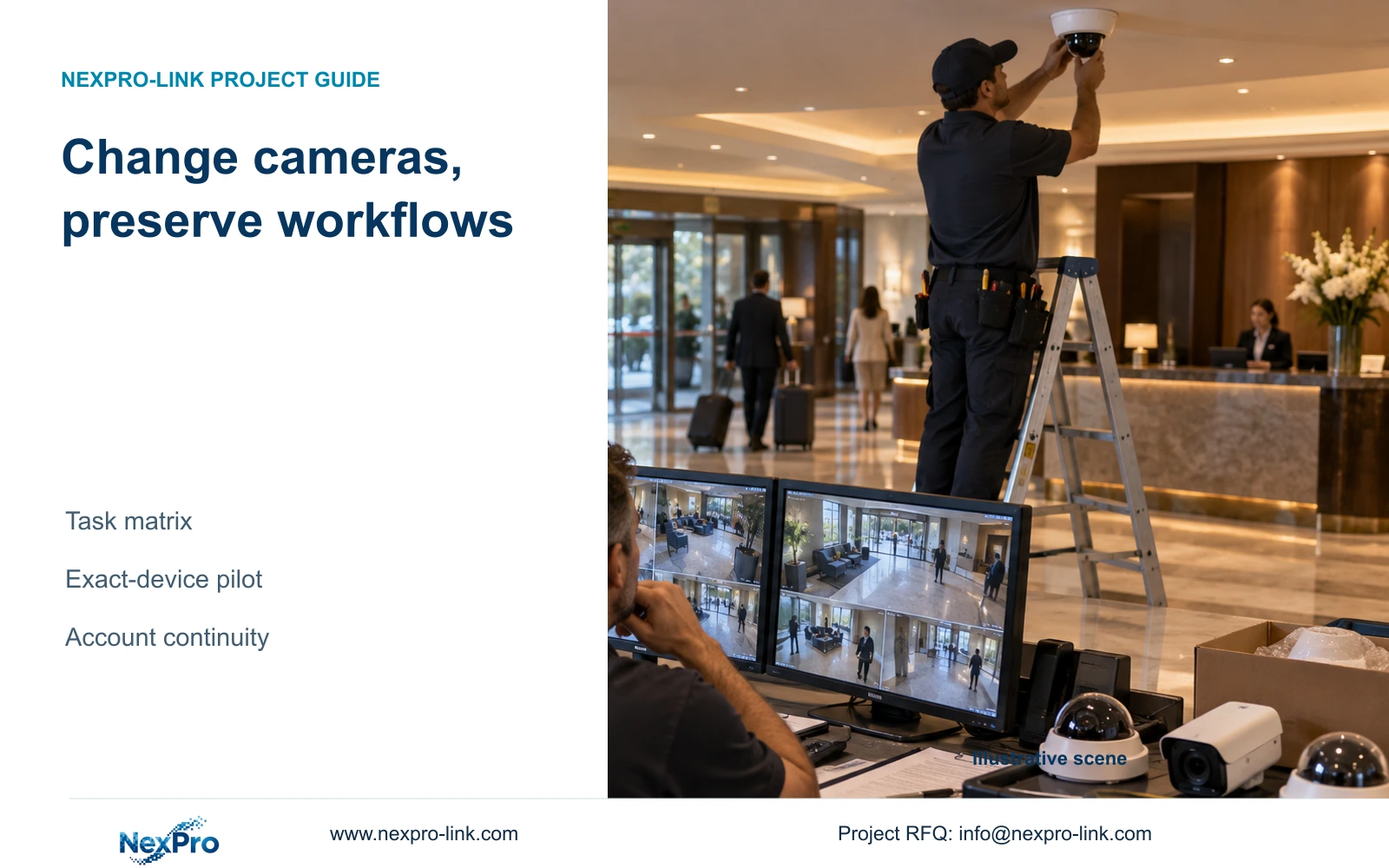
Replacing cameras can change incident searches, account ownership and remote access. Define the workflows that must survive, then verify the exact mixed configuration before extending the migration.
Section 01
Decide which operating workflows must survive
Migrate hotel CCTV hardware only when the proposed combination demonstrates the owner's required recording, retrieval and account workflows. Retain the existing management arrangement where it remains suitable, but change the proposal if a mandatory search, remote-access or permission task cannot be reproduced. An ONVIF statement alone does not establish that the complete workflow will survive.
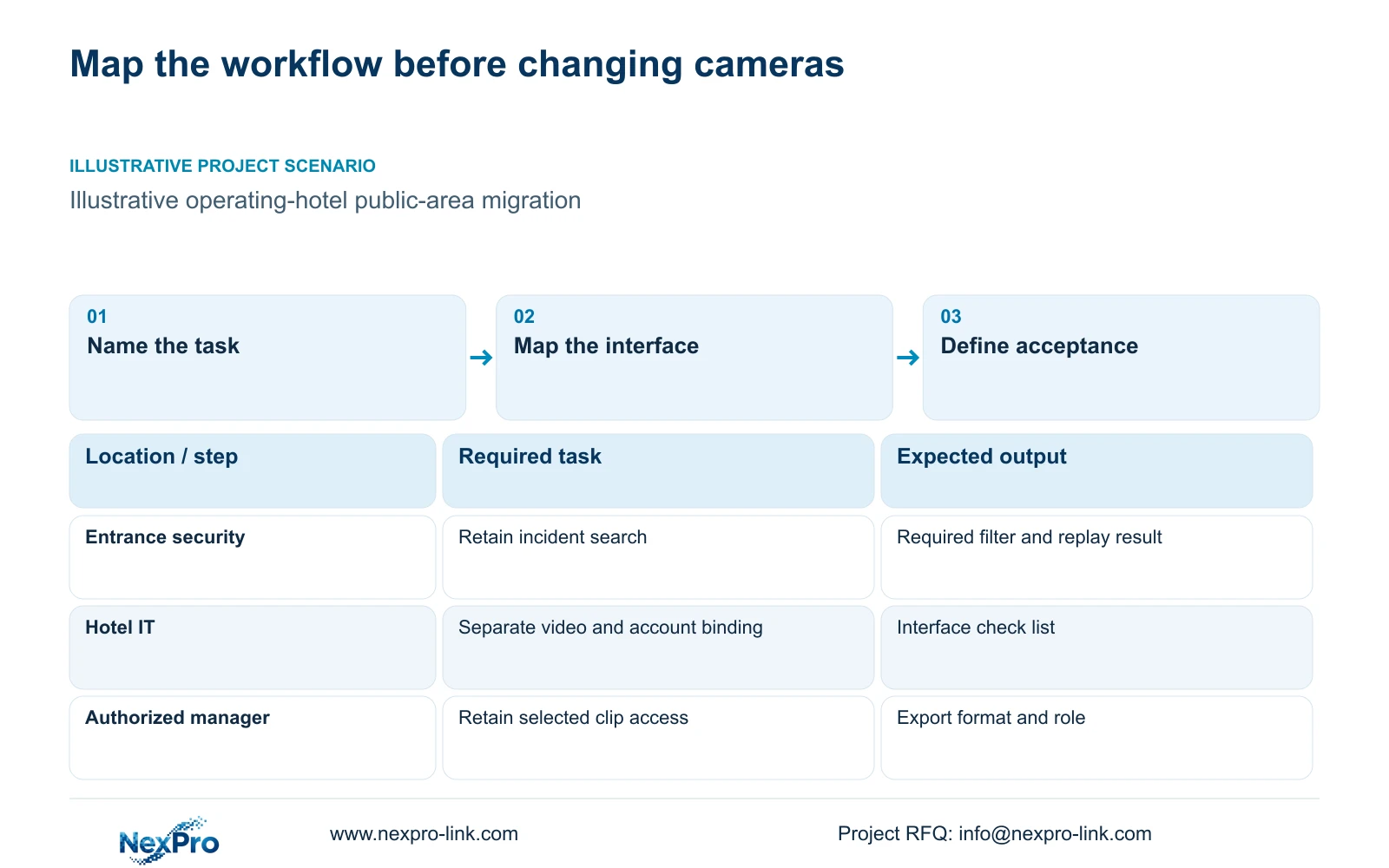
Start with actions performed during an ordinary shift and an incident. A security officer may open an entrance view, locate a public-corridor event and pass a selected clip to an authorized manager. IT may administer network access without needing routine footage access. Record the person, starting device, required permission and observable result for each action.
Separate the operating outcome from the present interface. The owner may accept a different menu sequence while requiring the same camera names, search scope and export result. Conversely, a familiar screen may conceal a lost event filter. Agree which differences are acceptable before comparing replacement cameras.
The illustrative CASE07 renovation retains 20 public-area positions and proposes 12 gap-filling positions. That split describes a planning scope, not demonstrated compatibility. Each retained device still needs an identified role and a supported route into the intended system.
| Required task | Given information | Decision still needed |
|---|---|---|
| Find an entrance incident | Existing camera name and incident time | Must the current event filter remain? |
| Provide an authorized clip | Security prepares footage for management | Which export format and recipient permissions apply? |
| Support a lost public-area view | Hotel IT controls network access | Which approved remote-support route remains? |
Section 02
Separate recording from advanced management features
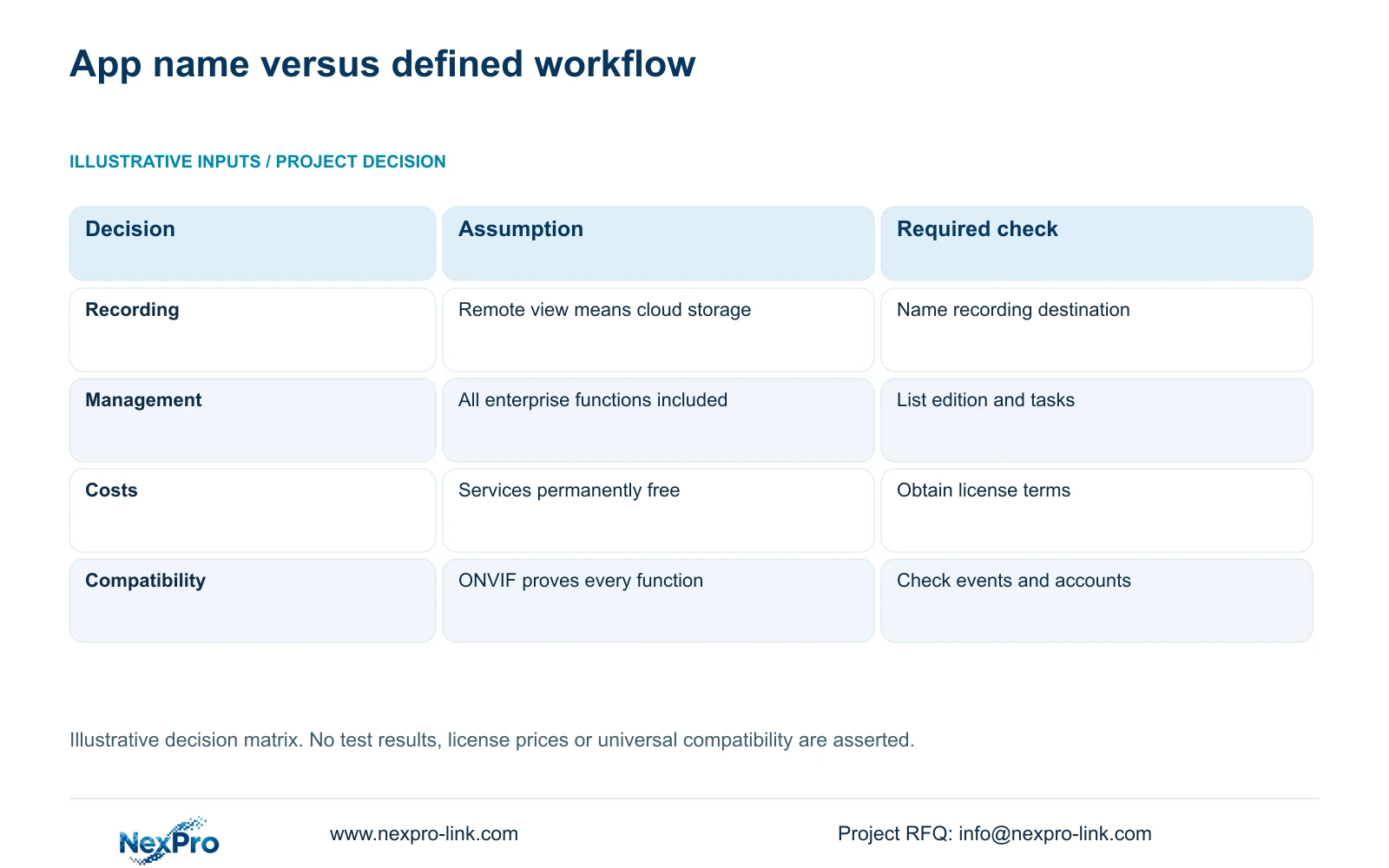
Define the recording destination for every device group. Local NVR recording, remote viewing and cloud storage are separate services. A phone displaying live video does not establish where historical footage is stored or whether a replacement camera can enter the same cloud account.
Then list functions beyond basic video reception. Event searches, audio, alarm handling and recording retrieval need their own compatibility entries. Treat each as required, optional or outside scope. This prevents a successful live-view demonstration from being accepted as proof of the incident workflow.
Identify the actual software edition and version used by the hotel. A mobile app, PC client and enterprise management platform can serve different duties. NexPro-Link's Seetong system record supports discussion of app and PC-client workflows; it does not establish universal hardware compatibility or every enterprise feature.
Collect the applicable licensing unit for each layer, whether it is a channel, user, site, server or function. Leave an unquoted entitlement open. Hardware OEM branding also remains separate from third-party software ownership and any right to rename an app.
| Item | Retain current arrangement | Change management layer | Hotel effect |
|---|---|---|---|
| Local recording | Verify new camera reception and recording | Verify the new recorder and stream modes | Historical search route may change |
| Event search | Check retained platform support | Specify supported edition and event mapping | Required incident filters must remain usable |
| Remote account | Confirm supported device binding | Use an approved account transition | Phone access may need separate handover |
Section 03
Test the exact mixed-device combination
Use a representative pilot containing the retained device types and proposed replacements that affect the workflow. Record camera model, firmware, recorder configuration and client version. A result from one combination supports that observed scope; it cannot establish that every older camera or future firmware behaves identically.
Exercise the complete action: receive video, record the agreed stream, locate a defined time window, replay it and produce an authorized export. Where event handling matters, verify the relevant event and its use in the client. Check account binding separately from video interoperability.
The comparison below uses illustrative decision criteria, with no numerical performance score or completed test result. Its inputs are the required workflows, software editions, supported models and actual licensing terms. ONVIF Profiles provides a basis for matching relevant device and client functions, not proof of cloud-account behavior.
Record an unresolved function as open and assign responsibility for the next action. After changing configuration or software, repeat the same task under the same relevant conditions. Factory-reproducible checks and hotel-specific network or lighting checks should remain identifiable.
| Required action | Configuration/evidence to identify | Hold or change trigger |
|---|---|---|
| Record a replacement stream | Camera/firmware, NVR mode and relevant profile function | Required mode is unsupported or remains unverified |
| Find and replay an incident | Client edition/version, named camera and time/event task | Required search or replay cannot be reproduced |
| Produce an authorized clip | Supported export format, player and recipient role | File or intended recipient workflow is unusable |
| Retain remote access | Account owner, exact device binding and supported transition | Video reception does not establish account continuity |
| Extend the pilot | Representative device groups, entitlements and changed workload | New versions or functions lie outside observed scope |
Section 04
Compare management and licensing changes
A workflow-defined purchasing basis exposes the functions and entitlements that must be demonstrated. An app-name assumption leaves the owner unable to distinguish a camera connection from a complete management service. The checklist and retained illustration provide decision criteria, not a brand ranking or a tested winner.
Compare the cost of preserving the current platform with the complete cost of changing it. Include applicable licenses, server provision, migration work, training and support. Show recurring services separately from one-time configuration. A missing price must not become zero simply because the equipment quotation is complete.
For a single hotel, a supported client may cover the agreed viewing and retrieval tasks. Multi-property oversight or more detailed roles may require a different platform scope. Obtain actual edition terms before treating those arrangements as substitutes.
Keep expansion assumptions visible. A package that works for the initial pilot may require additional channel entitlements or infrastructure when extended. Procurement should receive a supported initial scope and an explainable expansion path, with any unresolved account or integration requirement stated beside its cost.
Section 05
Plan training and permissions around changed tasks
Train authorized users on the actions that changed, using the delivered software version and camera naming. Have the security team open the relevant view and retrieve a selected interval. Give the responsible administrator a separate handover covering supported account management and the approved support route.
Build permissions from hotel responsibilities. Viewing, exporting and administration are different privileges. Verify what the selected device and client can enforce; a desired role cannot be described as an existing feature without support. Where controls are insufficient, revise the platform or approved operating procedure.
Remote support should have an authorized purpose and a defined removal process. Keep passwords and guest imagery out of commercial inquiries and public diagrams. Access rules need to follow hotel IT policy and applicable local requirements, without treating a topology drawing as a compliance conclusion.
| Retained outcome | Extra scope | Purchase condition | Counter-condition |
|---|---|---|---|
| Routine public-area viewing | Changed client training | Operators use a different workflow | Current supported workflow remains unchanged |
| Restricted exports | Supported role configuration | Hotel requires separate export privileges | Proposed edition cannot enforce the restriction |
| Approved remote support | Access and revocation handover | Support path changes | Account ownership remains unresolved |
Section 06
Release migration only within demonstrated scope
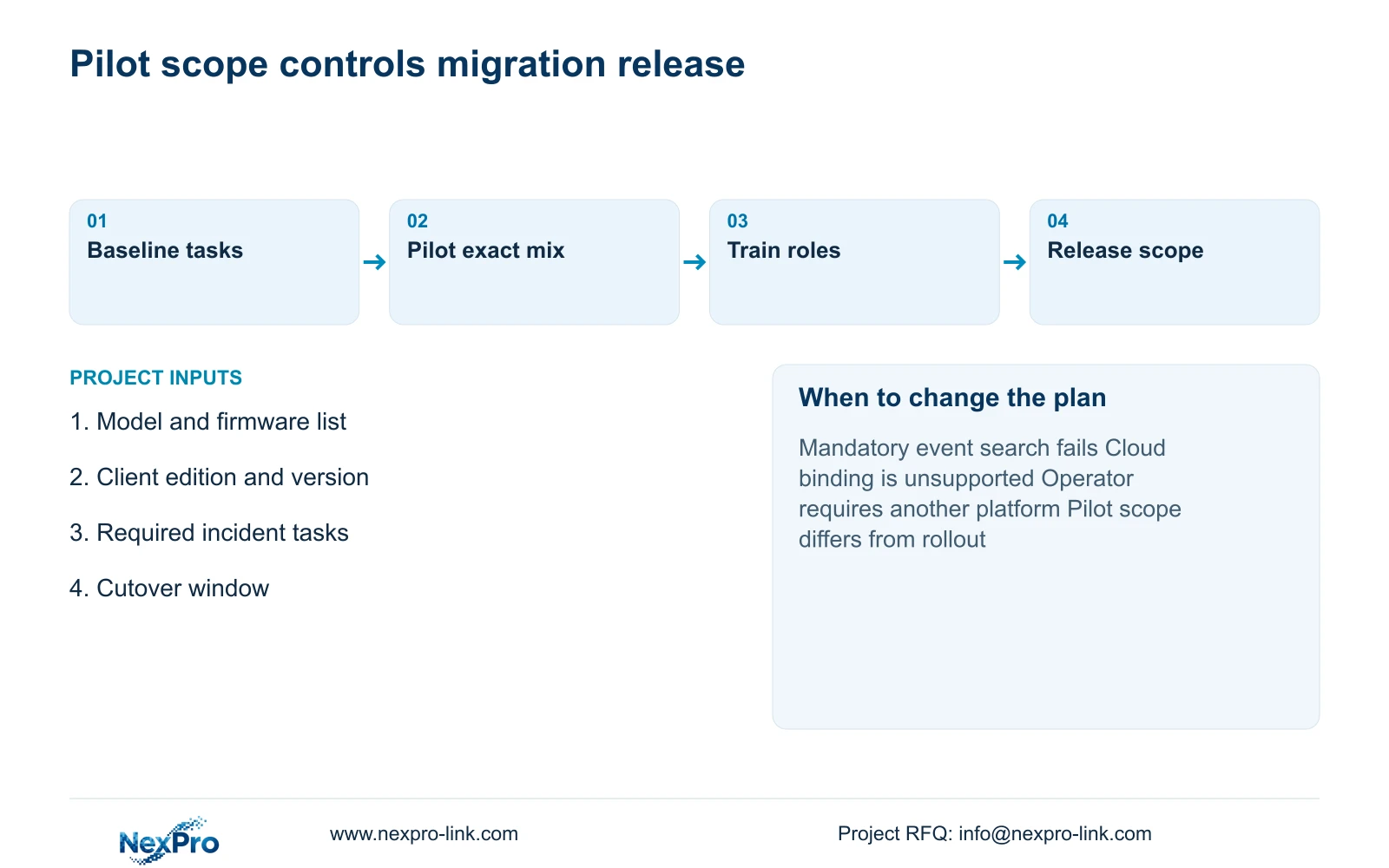
Proceed with the smallest migration scope that reproduces the required workflows and has an agreed cutover window. Preserve the existing platform when the pilot confirms its required functions. If a mandatory function fails, retain the affected equipment or price a supported management change before extending the rollout.
Plan continued access to required recordings and define the rollback decision during cutover. Parallel operation needs an explicit scope and duration; this article does not promise zero downtime. A mandatory operator platform or unsupported third-party account relationship can change the proposal even when basic recording succeeds.
NexPro-Link can support model matching, technical documents and a coordinated equipment proposal through hotel project equipment support and BOQ and tender support. CCTV manufacturing and coordination of other equipment remain distinct responsibilities. Send the existing model and software-version schedule, required incident workflows and allowed cutover windows to info@nexpro-link.com, noting any mandatory platform.
Section 07
Buyer questions
Does an ONVIF-compatible camera preserve our mobile account? Not automatically. Relevant video functions and device binding are separate checks. Confirm the exact camera, recorder, client version and account workflow before including mobile continuity in the accepted scope.
Can we keep the current platform and change only selected cameras? Yes, where the intended mixed combination demonstrates every required task. Start with representative retained and replacement devices, and keep unsupported event or account functions outside the approved migration.
Which information is useful for a first migration quotation? Provide model and software versions, a short required-workflow list, mandatory platform requirements and cutover windows. Credentials and guest recordings are unnecessary for the initial commercial review.
Engineering references
These sources support the general planning principles. Always use the selected product's current datasheet and applicable project standards for final design.