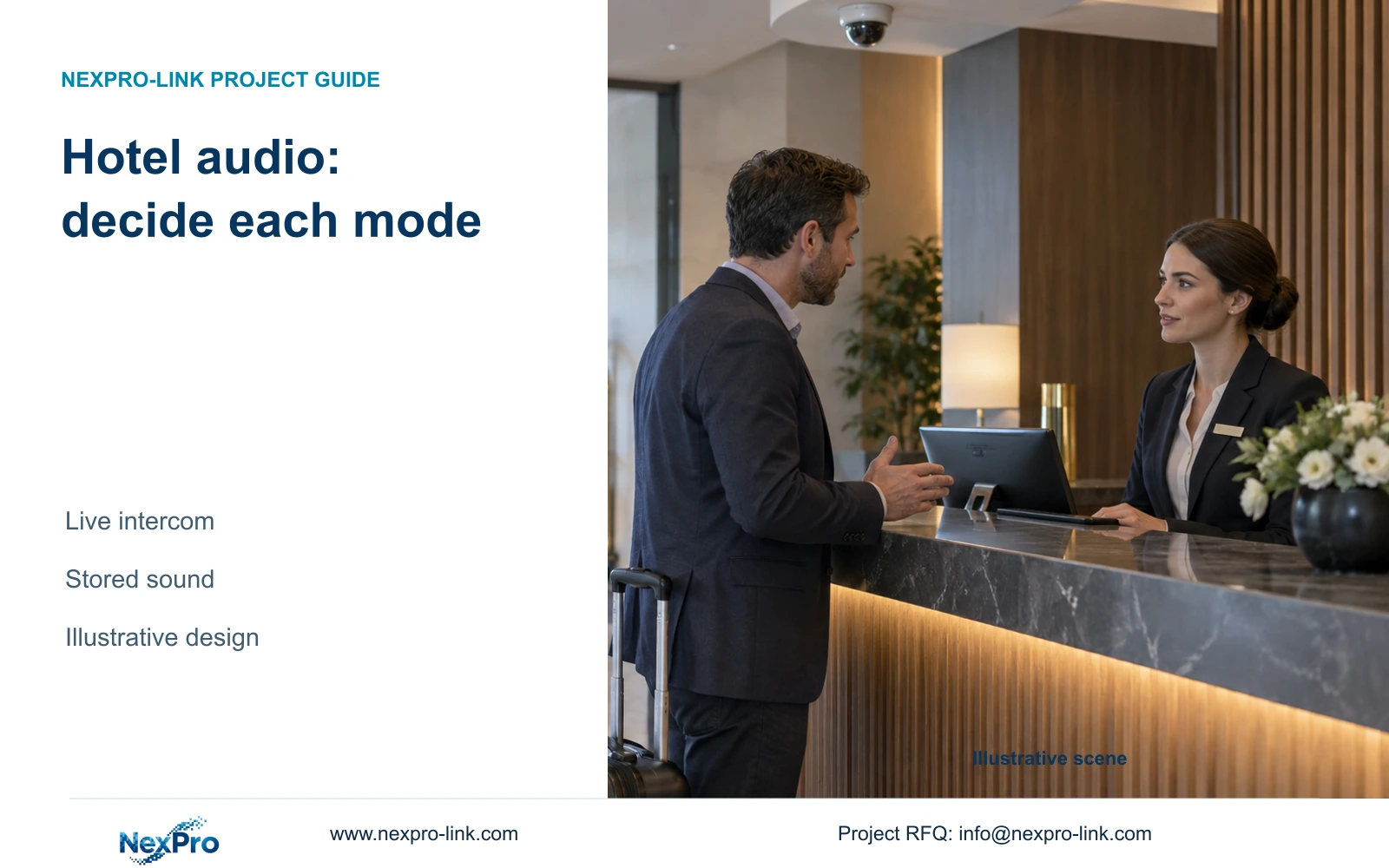
Specify video-only recording where no approved audio purpose exists. A camera's two-way audio capability requires separate decisions about live communication, stored sound and access.
Section 01
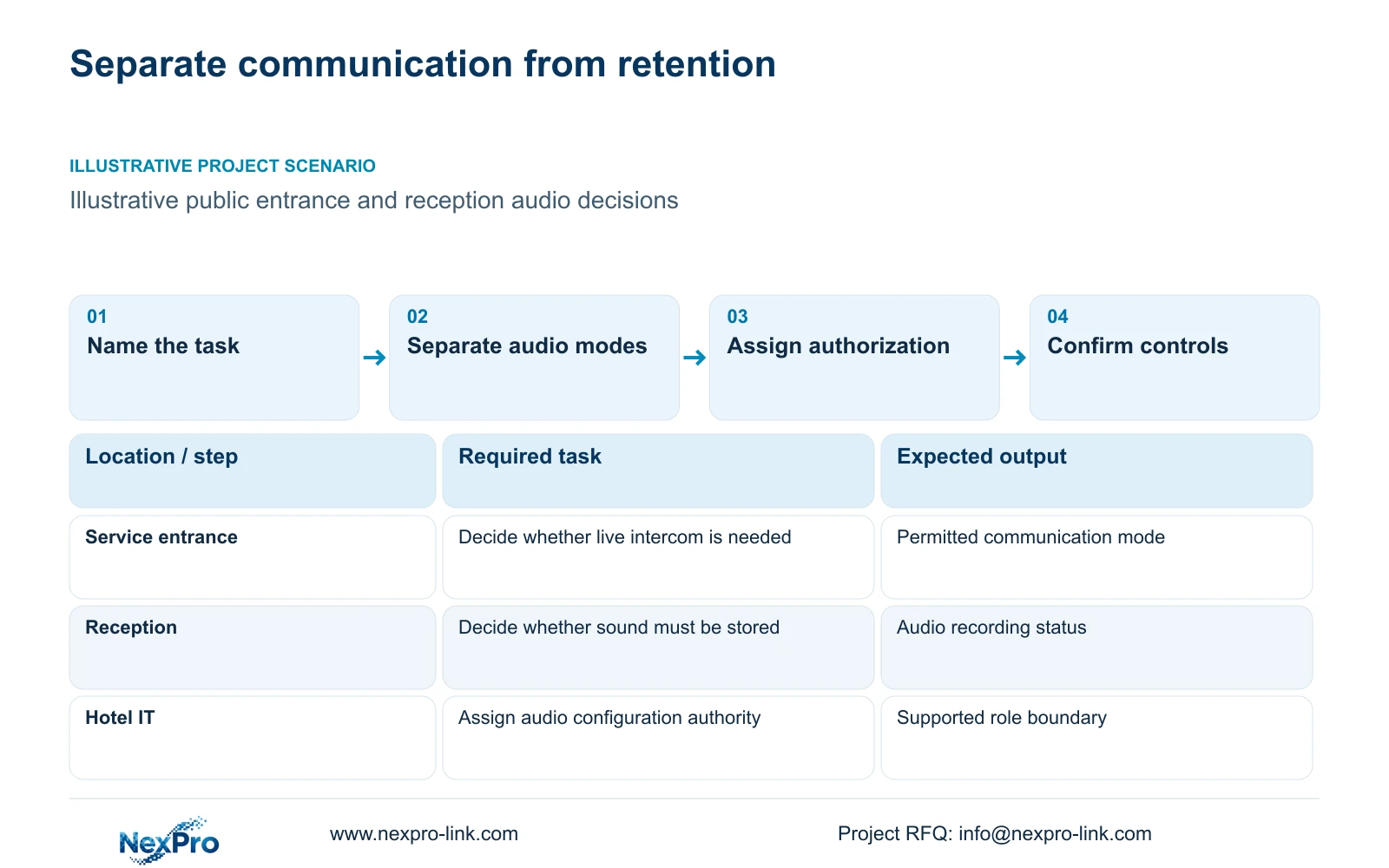
Separate live intercom from stored audio
Keep stored audio disabled wherever the hotel has no defined, authorized recording purpose. Consider live intercom separately when staff need to communicate at a particular public entrance or service point. Change that recommendation only when the responsible hotel team establishes a necessary audio task, assesses applicable requirements and confirms that the selected equipment can implement the approved boundaries.
A microphone, speaker and two-way audio description establish hardware functions. They do not settle whether incoming sound enters the recording stream, whether an operator can listen remotely, or who can change those settings. Specify each behavior in the camera schedule and recorder configuration. A live conversation can meet an operating need without establishing a reason to retain every conversation near the camera.
The supplied BL2812M and DM2812M camera documents describe two-way audio for relevant models. They do not establish the hotel's authorization or every client and recorder control. Verify the complete camera, recorder and software combination before promising independent intercom and recording settings. A procurement response should distinguish supported behavior from the behavior still requiring confirmation.
| Required task | Given information | Decision still needed |
|---|---|---|
| Entrance communication | Relevant camera supports two-way audio | Authorize live use; confirm stored-audio setting |
| Lobby incident review | Video captures the approved public task | Establish whether stored sound is necessary |
Section 02
Define the purpose before selecting audio
Write a purpose that identifies the action staff need to complete. Communicating with someone at a controlled service entrance is a narrower requirement than listening throughout the lobby. Incident review also needs a defined scope: the hotel should identify the information required and assess whether the approved video view already supplies it.
The design engineer can then map that purpose to a location, operating mode and authorized user. The hotel owner or operator determines the monitoring policy with appropriate local advice. An installer can configure a function but cannot supply the missing policy decision through a default setting. Keep responsibility for authorizing collection visible in the equipment schedule.
Compare video-only recording with the proposed audio function against the same task. If both preserve the necessary visual sequence, audio needs its own justification. If live communication is required, identify who initiates it and where it operates. The ICO guidance supplied with this article supports purpose limitation in its UK context and notes that the guidance is under revision; it does not establish a global hotel recording rule.
| Item | Video-only option | Audio option | Effect on the hotel task |
|---|---|---|---|
| Incident sequence | Review permitted images | Review images and approved sound | Additional collection needs a defined purpose |
| Service communication | No spoken exchange through CCTV | Authorized live intercom | Confirm whether conversation storage is needed |
Section 03
Identify sensitive boundaries in the actual layout
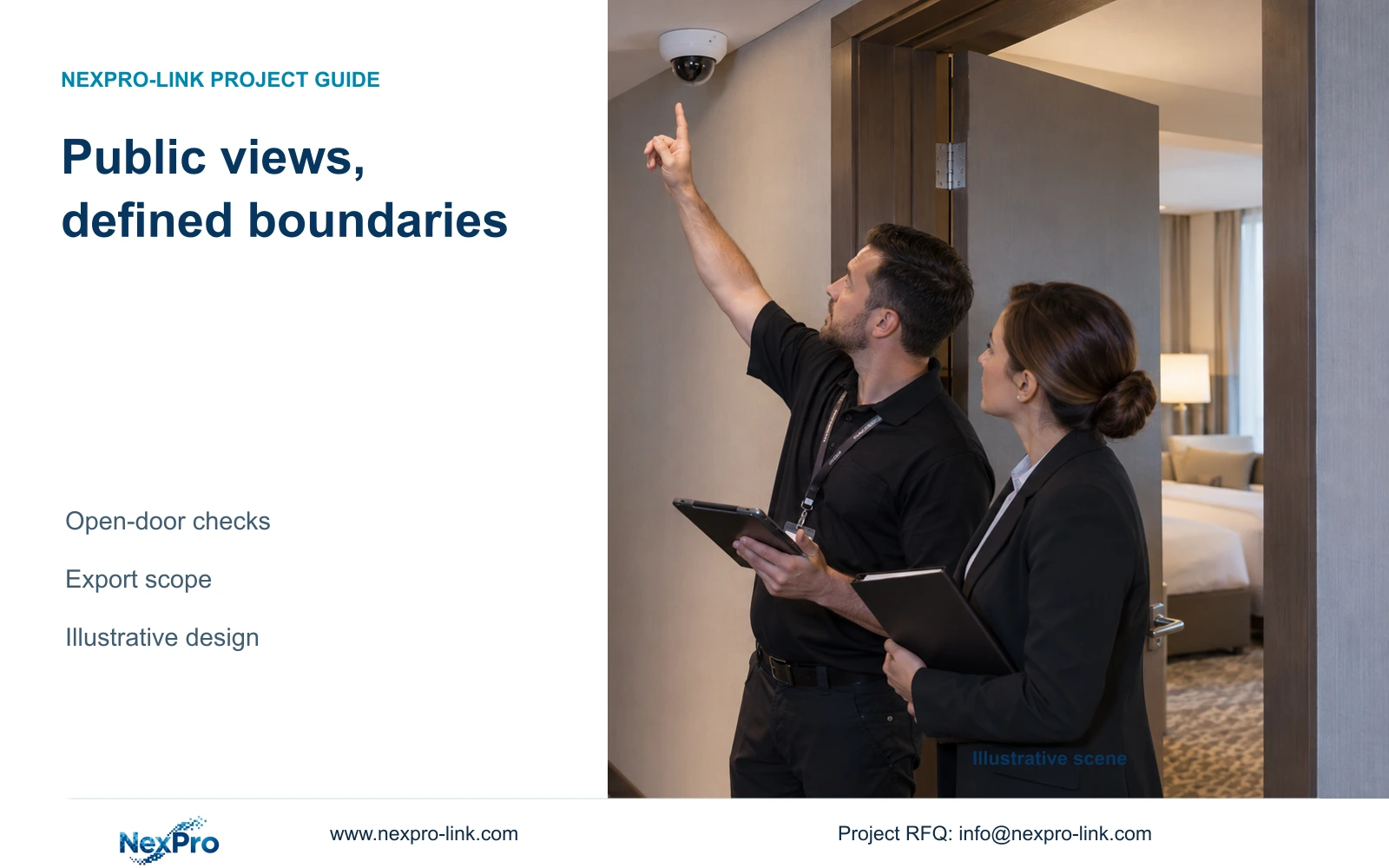
Mark excluded spaces before choosing camera positions. Guest-room interiors, toilets and changing spaces are outside this series' routine coverage scope. Public corridors also need careful framing where an open door could expose an unnecessary private view. The public status of the camera's mounting position does not describe everything its lens can capture.
Repositioning a camera changes the observation angle. Narrower framing reduces the visible area, while supported masking conceals a selected part of the image. These choices can affect useful detail differently, so assess them against the required entrance or public-route task. Confirm masking behavior in the actual recorded and exported material if it forms part of the design.
Sound requires a separate boundary assessment. An image mask does not establish that nearby conversations are excluded from audio capture. For an illustrative reception task, review the permitted visual area and the proposed listening or recording function independently. The comparison uses policy and configuration inputs, without numerical units or measured performance results.
Section 04
Compare audio and video-only configurations
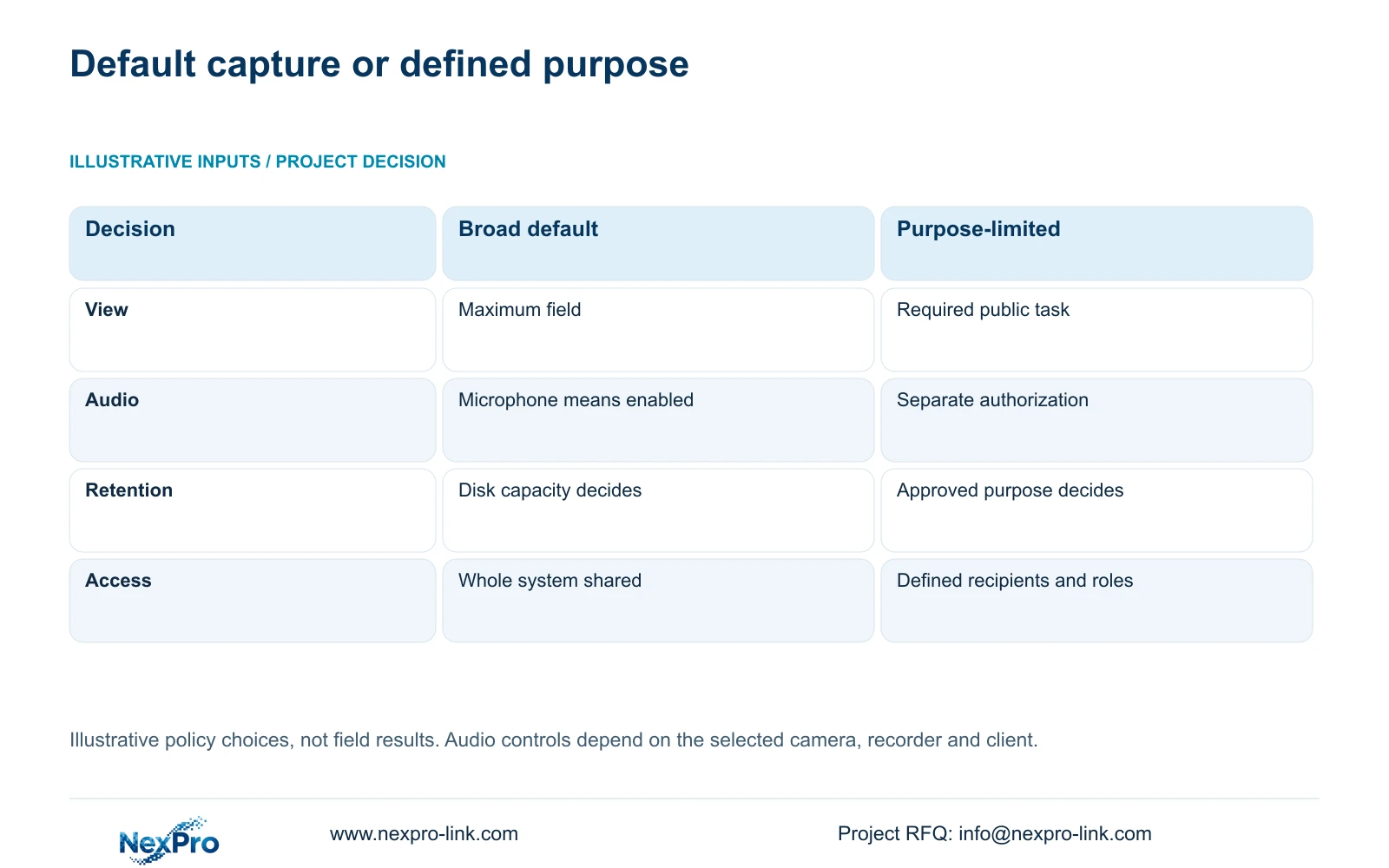
Keep the broad-purpose illustration as context, then qualify the separate audio functions in the matrix below. The entries are requirements to confirm on the actual configuration, not proof that a named camera or client supplies independent controls. Record the hotel's authorization separately from the device's capability.
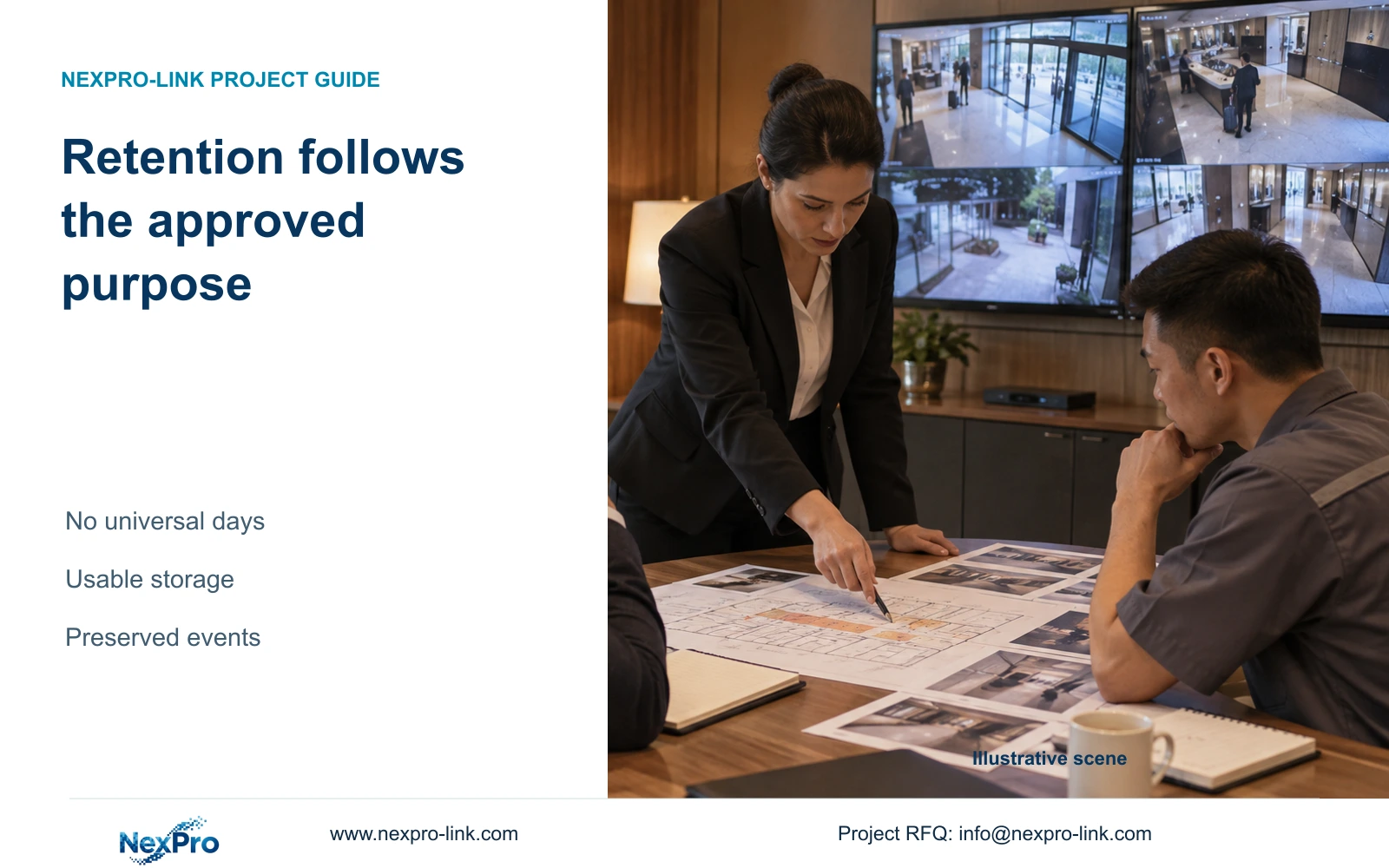
The audio row changes the recommendation directly: the presence of a microphone is insufficient grounds for enabling stored sound across the hotel. The retention row also prevents spare disk capacity from extending collection automatically. Any approved audio retention must match its purpose and applicable requirements; the familiar 30, 60 and 90-day video scenarios are not universal legal periods.
Choose video-only recording where the required task is visual and no audio purpose has been authorized. Add a limited intercom or recorded-audio function only for the approved location and workflow. Include any extra configuration, playback and disclosure requirements in the evaluated scope. The matrix establishes no brand ranking and reports no completed field test.
| Function | Hotel decision | Evidence to retain |
|---|---|---|
| Live intercom | Required service point, operator and communication task | Observed supported communication without assuming storage |
| Live listening | Necessary and authorized location/recipient | Actual camera/client control and access boundary |
| Stored audio | Separate approved purpose and duration, or disabled | Recorded output checked under the selected setting |
| Playback and export | Authorized recipients and disclosure scope | Actual replay/export includes only the permitted sound |
| Configuration changes | Named role allowed to change each mode | Permitted and denied changes tested on approved interfaces |
Section 05
Restrict who can change audio settings
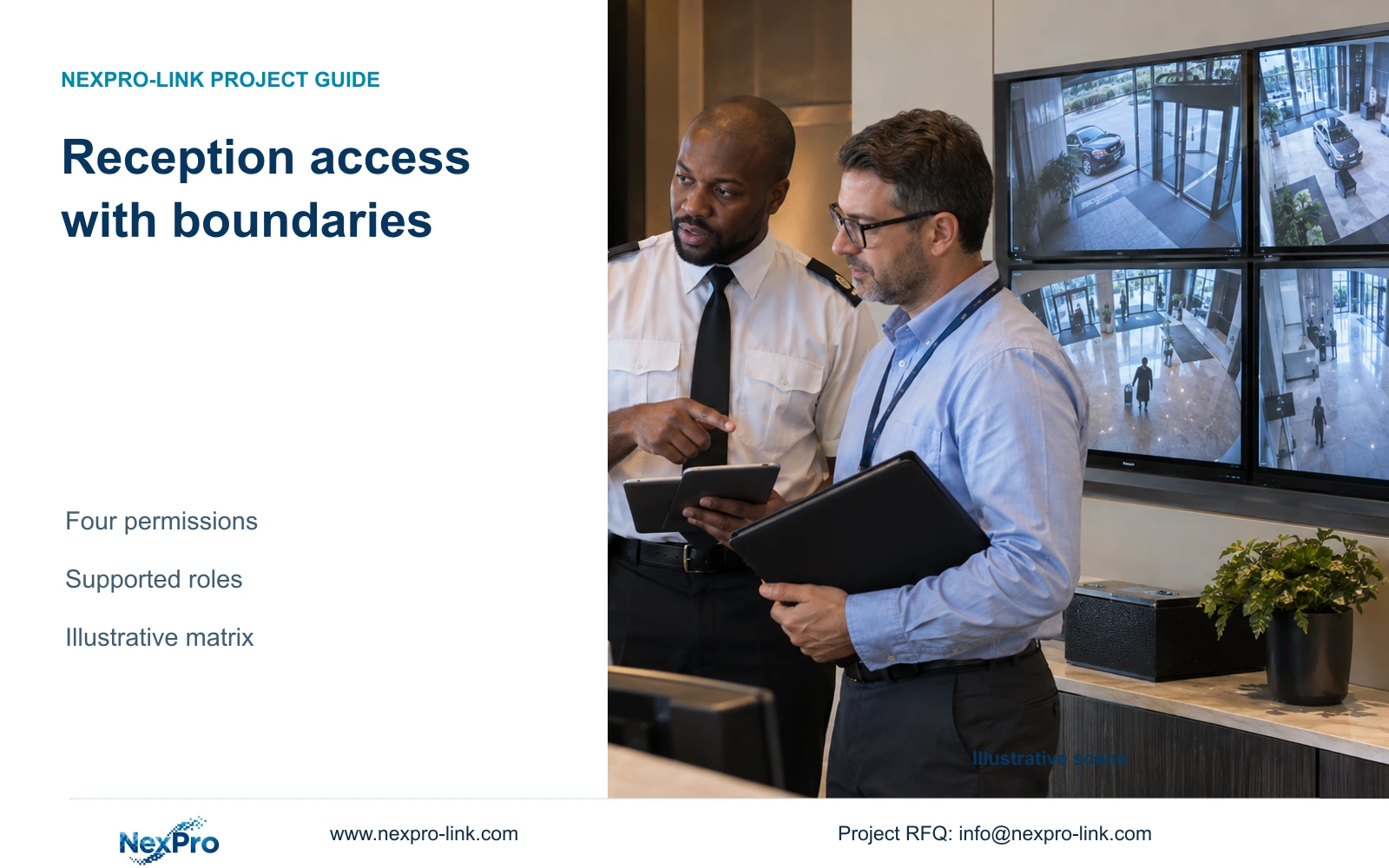
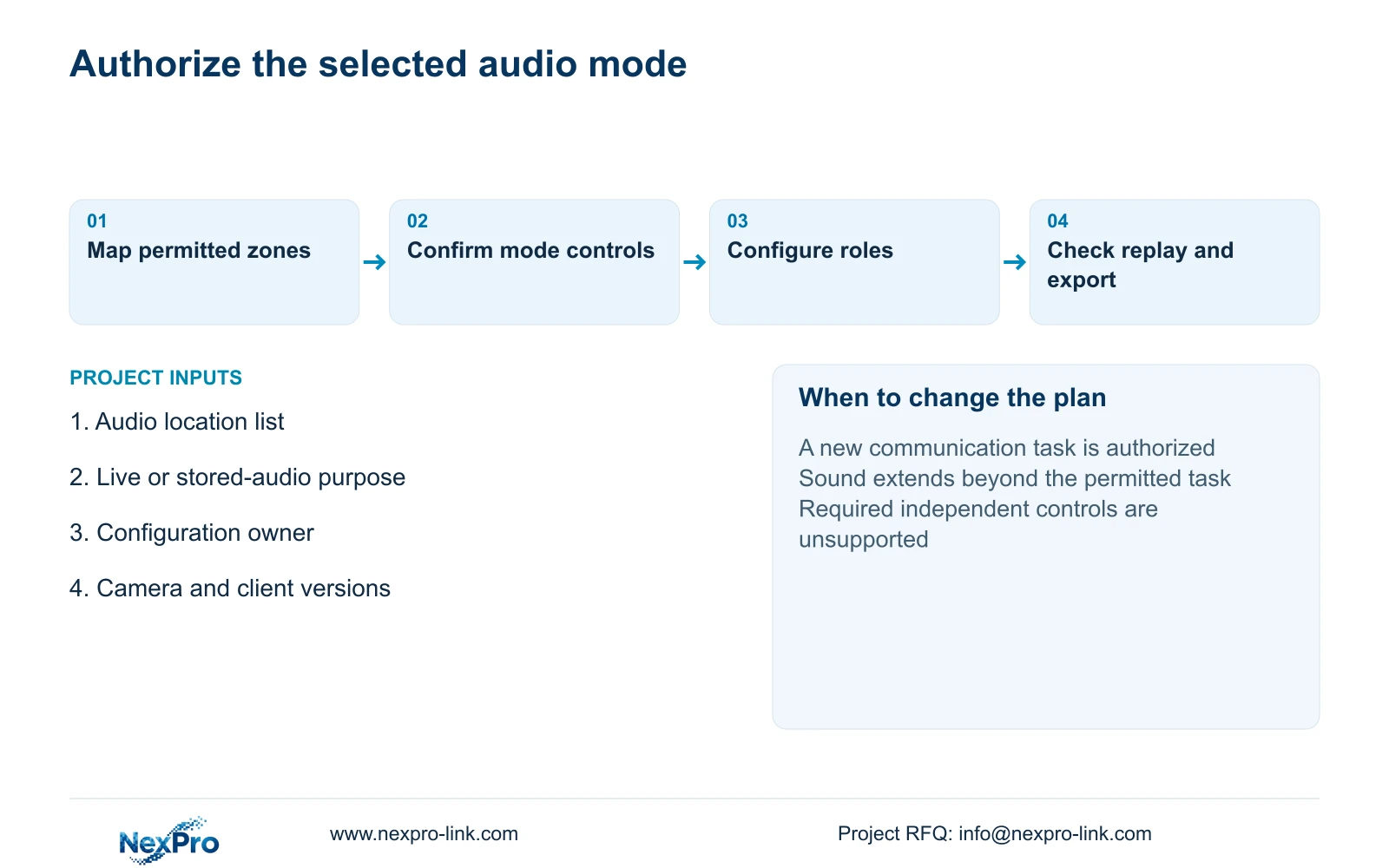
Separate permission to view images from permission to enable microphones, alter recording settings or export sound. A security operator's daily viewing task does not automatically require configuration authority. Assign changes to an approved responsible role and confirm which distinctions the actual device and client support.
Check behavior across local and remote interfaces. A recorder setting alone may not describe what a camera or client allows, so the acceptance task should cover the interfaces included in the hotel workflow. ONVIF Profile matching is a relevant compatibility check, but an ONVIF claim does not establish complete audio, event, playback or cloud-account interoperability.
If the required separation cannot be implemented, revise the configuration or platform choice before accepting it. Additional administration scope is worth purchasing when it enables an approved task while restricting unnecessary changes. Avoid adding software solely because it lists more features. Seetong App and PC workflows require confirmation for the selected hardware and version, just as other client combinations do.
Section 06
Confirm the operating policy before enabling sound
The handover should identify permitted audio locations, live communication behavior, recording status and authorized recipients. Demonstrate the selected settings using approved test material, then check replay and export where audio retention is included. Record actual observations; a planned demonstration does not constitute a successful acceptance result.
Recommend purpose-limited video recording as the baseline, with audio enabled only for a separately justified task that the selected configuration supports. Reassess when a service point changes, the operator introduces a specific communication requirement, or applicable local advice changes the permitted scope. Preserve useful public-zone coverage while revising the affected audio settings.
For a scoped proposal, send info@nexpro-link.com the proposed audio locations, the approved live or stored-audio tasks and the roles allowed to change settings. Identify the camera, recorder and client versions if already selected. NexPro-Link's hotel project support can discuss model matching and coordinated supply boundaries; local policy decisions and installation responsibilities remain separately defined. Do not include guest recordings or passwords in the initial inquiry.
Section 07
Buyer questions
Can we retain two-way audio hardware while recording video only? That is a valid requirement to submit, but independent control must be confirmed for the exact camera, recorder and client combination. Specify live listening, spoken communication and stored audio as separate functions.
Does a privacy mask also prevent audio collection? Do not assume it does. A visual mask addresses image content. Assess sound collection separately and confirm the supported controls before relying on them.
What should an audio-policy RFQ contain? Provide the permitted public locations, the purpose of each audio function, retention where relevant and configuration ownership. State any mandatory operator platform without sending personal recordings or credentials.
Engineering references
These sources support the general planning principles. Always use the selected product's current datasheet and applicable project standards for final design.