Build a component-issue retrieval key from station, transaction reference, container and time. Use CCTV to explain the handover, while the stock record remains the identity and quantity source.
Section 01
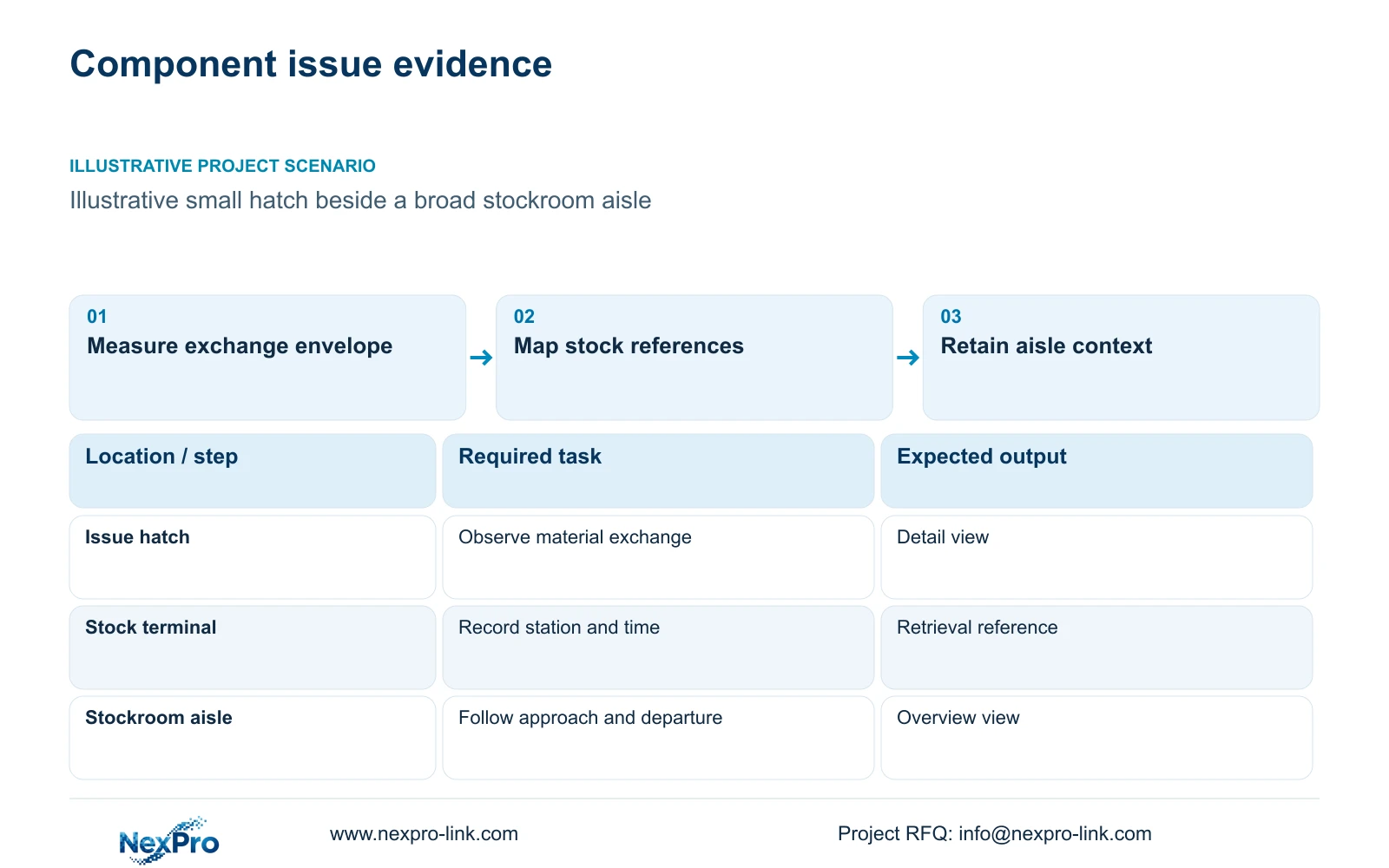
Concentrate detail at the issue position
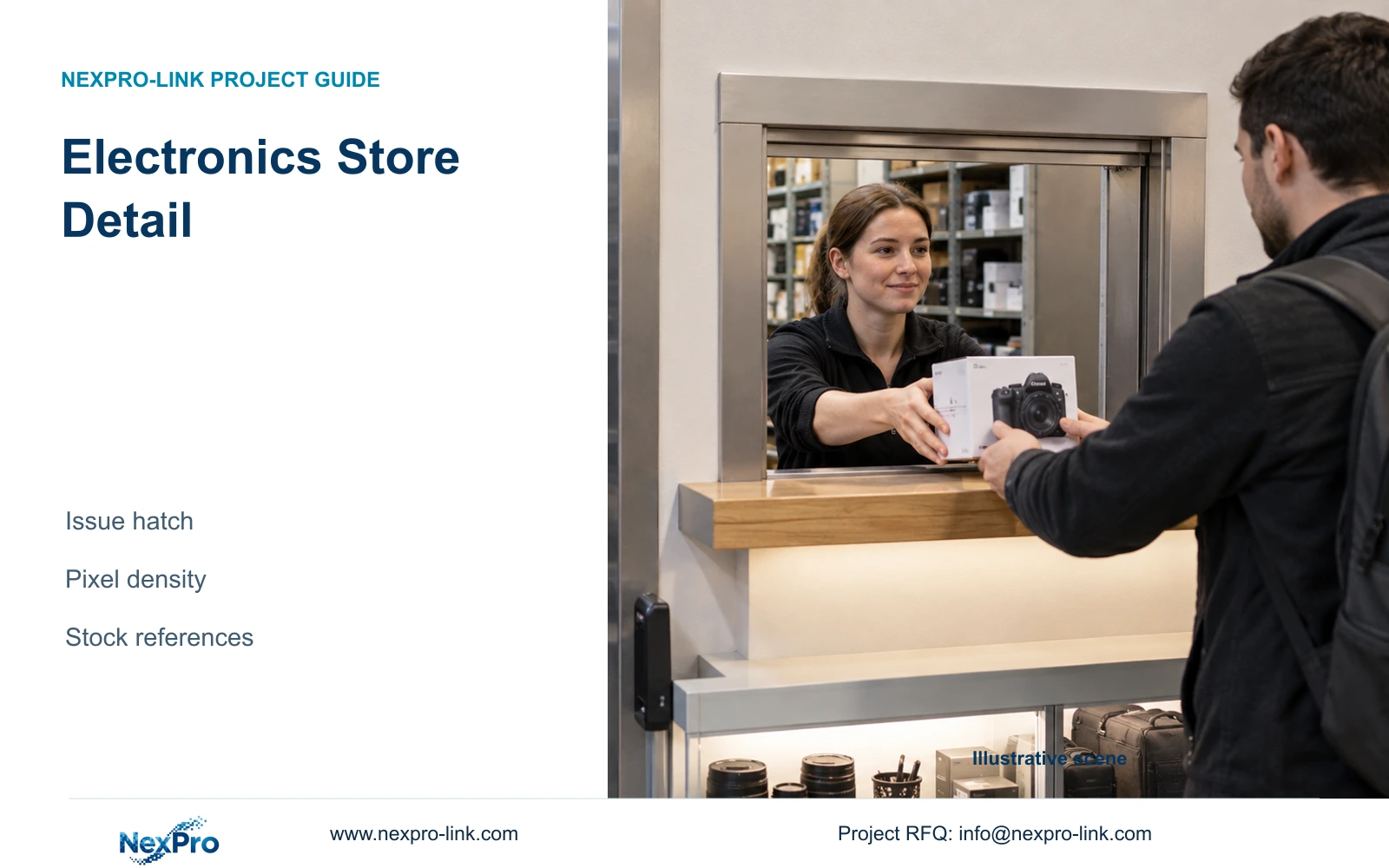
To retrieve an electronics component issue, join the stock transaction to its hatch, container and video time before judging camera resolution. Where issues occur close together, the same timestamp alone can point to several exchanges. Retain the station-to-camera map and the stock reference, then use the detail view to review the relevant container handover and the overview for movement context. The stock system owns component identity and quantity; footage does not automatically read reel codes or prove the inventory entry is correct.
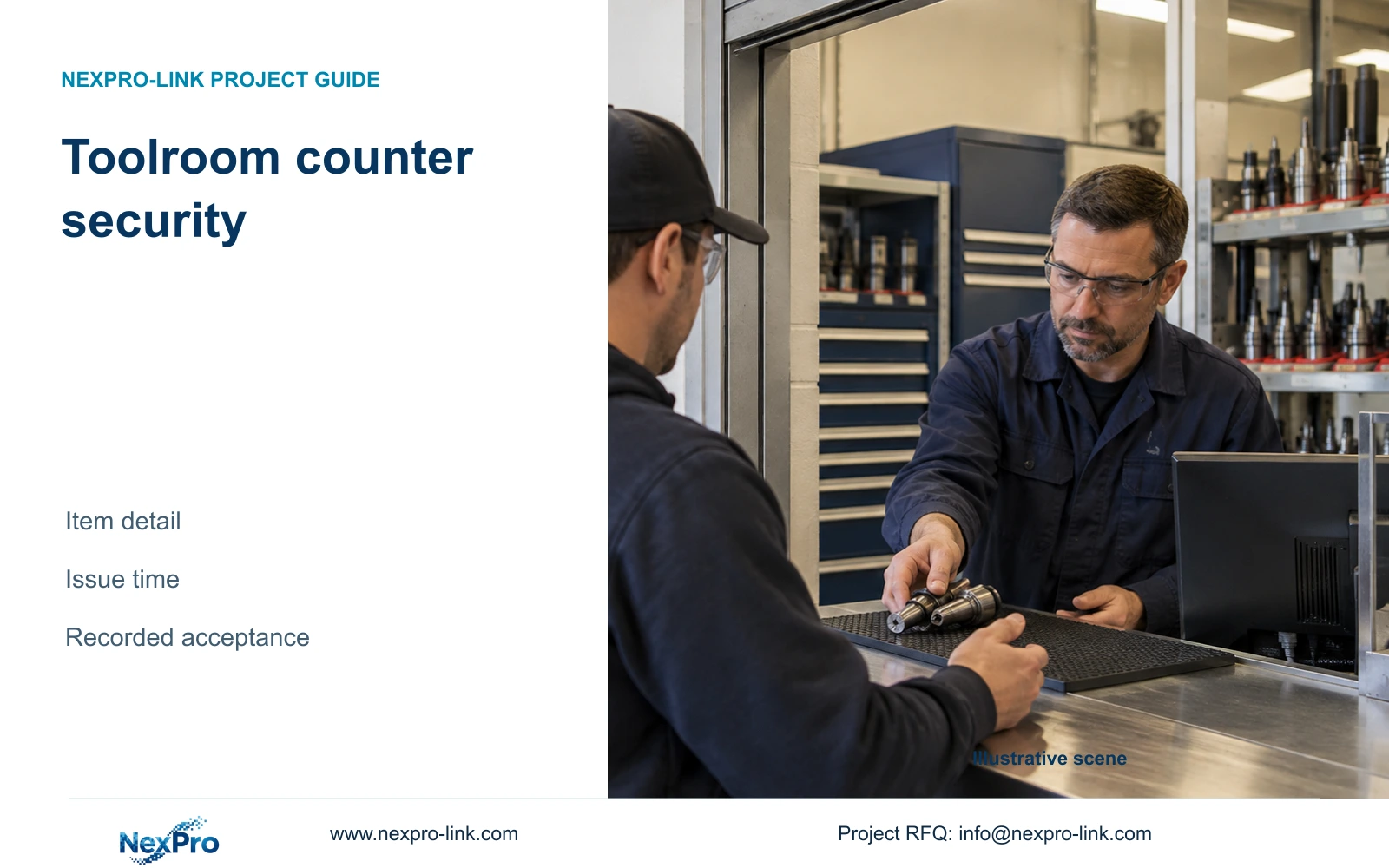
Illustrative project scenario: The components store has one small handover hatch and a broad stockroom aisle. Assume material is presented at the hatch, entered in a stock record and then taken towards assembly. The hatch dimensions, label sizes and operating positions remain project inputs. This hypothetical sequence gives the engineer a clear distinction between exchange detail and movement context.
Mark the full exchange envelope, including normal reach, tray placement and the recipient's position. Measure the visible target plane from candidate mounting points. Avoid framing only the empty opening if routine handling extends onto a side counter. The store owner should approve what a reviewer must determine from the recording, such as whether a container passed to the recipient.
Section 02
Build the component-issue retrieval key
Keep the stock transaction as the source for component identity and quantity. Ask the store team which fields are recorded at issue: transaction reference, hatch or station ID, timestamp and container identifier. These fields can direct an authorised reviewer to the relevant footage. They do not require the camera to read every reel label or interpret the stock transaction.
Test the normal label presentation during the image trial. A label facing downwards or covered by the operator cannot be recovered through extra horizontal pixels. If readable labels are part of acceptance, define representative samples, orientation, movement and lighting. Keep automatic code recognition as a separately specified function rather than assuming it follows from general CCTV resolution.
Agree how the stock-system clock and video timestamp will be checked. Record any observed offset and the station-to-camera mapping used for retrieval. If several issues occur within the same short period, the reference needs enough station context to avoid selecting an unrelated exchange. The operations owner should maintain that mapping when the hatch or workflow changes.
Prepare one redacted issue record and ask the intended reviewer to locate its exchange without a technician naming the channel. If several containers share a transaction or a container is returned, preserve the stock system's recorded relationship and search a sufficient interval around that action. An unreadable code is a label-presentation or identification-workflow question, not permission to infer a component from a similar-looking reel. This proposed exercise makes retrieval ambiguity visible before the hatch camera is accepted.
| Condition / stage | Required input | Decision and evidence |
|---|---|---|
| Several issues close in time | Station, transaction reference and known time context | Use the correct hatch map; do not select on timestamp alone |
| Container label not visible | Stock identifier and observed container movement | Review custody context; leave code reading unproven |
| Returned or split container | Actual stock-record relationship and return time | Retrieve both relevant exchanges without inventing inventory status |
Section 03
Preserve the route around the exchange
A hatch view may show the exchange clearly while losing the path from the shelves and the recipient's departure. Retain an overview that covers the relevant aisle and store access where those movements are part of the review task. Check it with shelves loaded, carts parked and the hatch in use. Empty-room framing does not establish working coverage.
Use a location schedule to distinguish the detail camera from the overview. If an existing overview is proposed for retention, demonstrate its recording and export before removing replacement work from the quotation. In a new package, assign separate view IDs and state the purpose of each. This lets the operator move between context and detail without relying on an unexplained channel number.
CASE02 allocates 12 illustrative views to material staging and eight to restricted-room approaches within a 64-camera electronics factory. Those quantities are a whole-site planning example, not a prescription for this store. The applicable lesson is to allocate views by task and keep controlled/ESD installation conditions separate from ordinary camera suitability.
Section 04
Compare horizontal pixels at the same target width
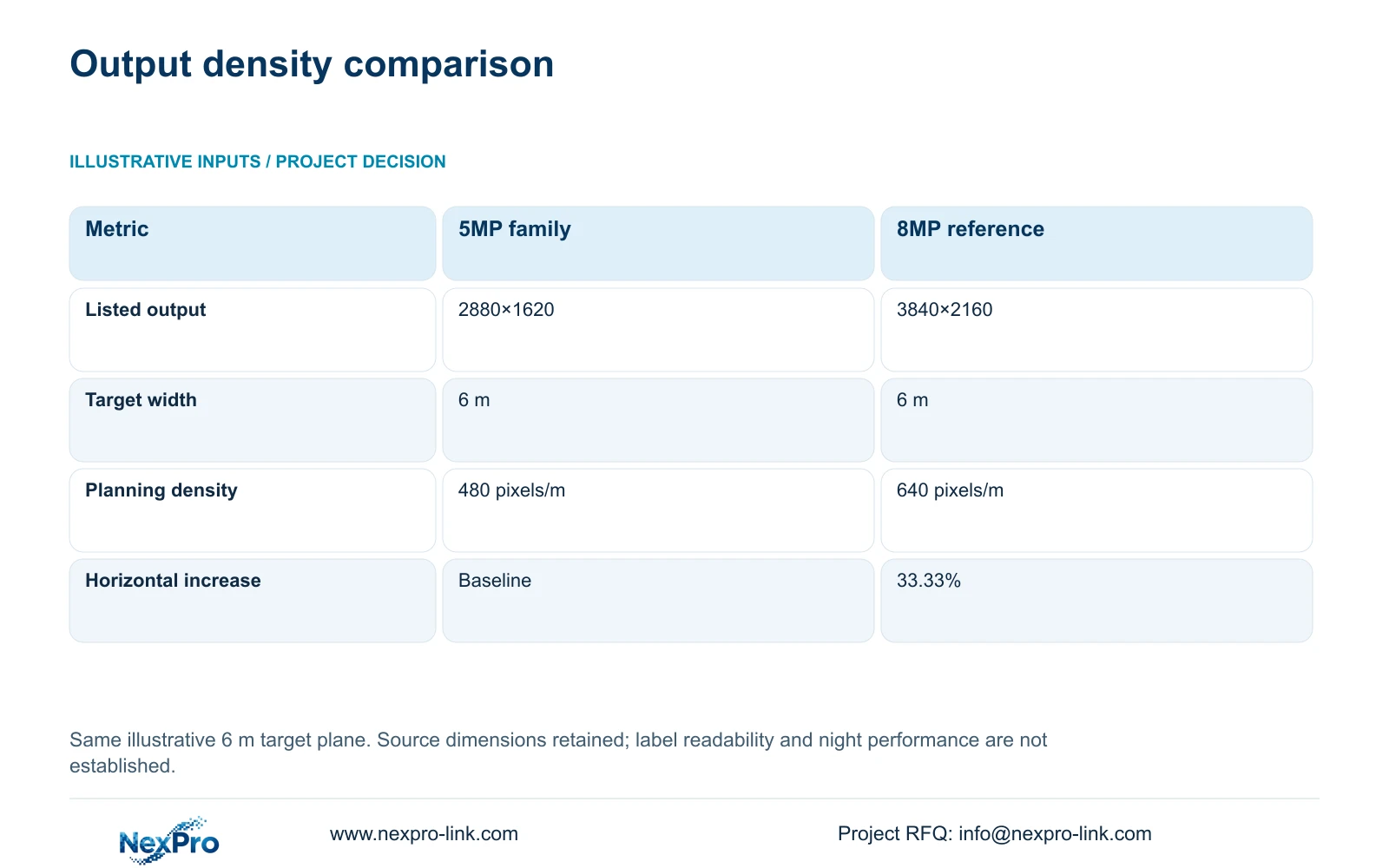
The supplied BL2812M specification lists 2880×1620 for the 5MP family and 3840×2160 for the 8MP reference. Preserve these dimensions as listed. For this illustrative calculation, both views cover a 6 m target width. The formula ppm = horizontal_pixels / 6 gives 2,880 / 6 = 480 pixels/m and 3,840 / 6 = 640 pixels/m.
The relative horizontal-density increase is (3840 / 2880 - 1) × 100 = 33.33%. That is the decisive numerical difference under the declared geometry. It is not a 60% usable-detail guarantee inferred from the 5MP and 8MP names, and it does not establish comparative night performance. The actual small hatch may require a different target width; measure it and recalculate.
Both NexPro-BL2812M55-5MP-DIC-AI and NexPro-BL2812M88-8MP-DIC-AI list a 2.8-12mm motorized lens. Choose a candidate position and test the required exchange at the intended output and recording settings. If the 5MP-family view satisfies acceptance, an 8MP substitution needs a defined additional benefit. If it fails, investigate angle, width, exposure and obstruction before attributing the failure solely to pixel count.
| Metric | 5MP-family output | 8MP output |
|---|---|---|
| Listed output | 2880×1620 | 3840×2160 |
| Horizontal pixels | 2,880 | 3,840 |
| Target width | 6 m | 6 m |
| Planning density | 480 pixels/m | 640 pixels/m |
Section 05
Upgrade the failed task rather than every aisle
Recommend a dedicated hatch view plus an accepted overview, with resolution chosen through the recorded handover trial. This preserves the exchange and surrounding movement without assuming uniform 8MP coverage is necessary. Change the recommendation when the target cannot be framed adequately, readable-label requirements are demonstrated, or the actual installation requires a separately qualified assembly.
Check shared recording capacity before adding a camera or changing its mode. CASE02's 64-camera reference assumes supported 5MP-class streams, 4 Mbps average per camera and 30 days of continuous recording. Its 82.944 TB video requirement fits within a 97.28 TB illustrative video budget. That storage arithmetic does not approve replacing its complete stream schedule with 8MP inputs.
Obtain the revised bitrate and confirmed camera power for any change. Update recorder mode checks, PoE allocation and the actual UPS-protected circuit. A display is an operator branch, so an extra wall is unnecessary unless the review task calls for simultaneous views. Compare suppliers on accepted hatch footage, overview coverage, storage and installation scope rather than camera labels alone.
Section 06
Release the counter view with retrieval instructions
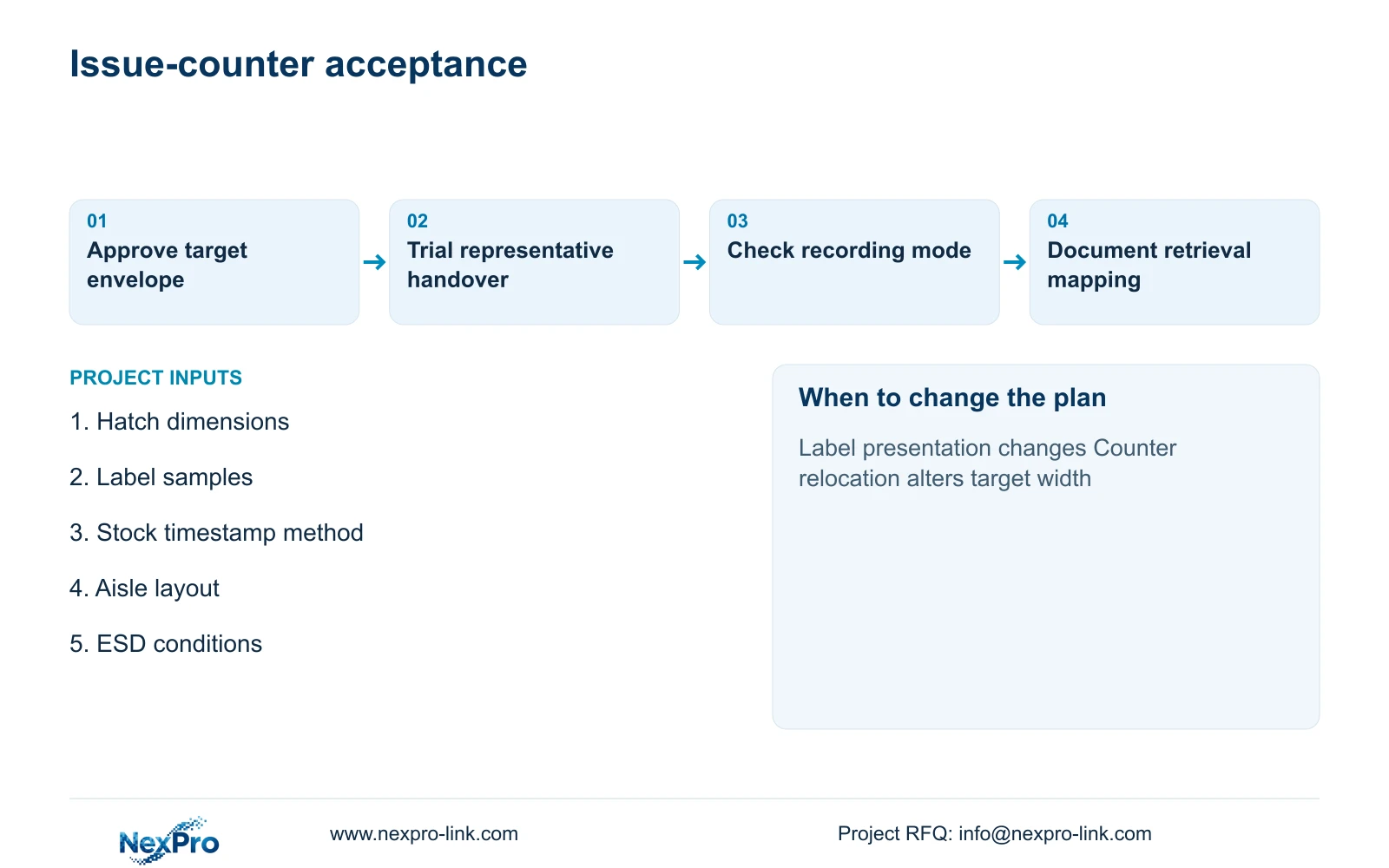
Prepare a small acceptance pack containing the hatch drawing, sample label requirements, station-to-camera mapping and recorded trial settings. State whether the detail view must show the exchange, readable identifiers or both. Include the local mounting restrictions and maintenance approach, especially where the store forms part of an ESD-controlled material route.
NexPro-Link can use the accepted task to discuss camera matching, relevant technical documents and the associated ordinary-room equipment package through its factory project and BOQ support scopes. Location labels and project packing are useful when the detail and overview units need to arrive with different approved settings. Any specialist mounting condition should be shown as an explicit dependency.
Handover should include a demonstration starting from a stock reference and ending with the correct recorded exchange. Check that the operator can obtain context from the overview and export the approved selection. If an alternative brand requires different software or permissions, retain those workflow requirements in the bid comparison and price them separately.
Section 07
Buyer questions
Does the 6 m example represent the required hatch width? No. It is a common target width used to compare the supplied output dimensions. Measure the actual exchange envelope and repeat the calculation for the proposed position.
Can a retained overview be accepted without replacing it? Yes, if a recorded trial confirms the required movement context and retrieval workflow. Record its model, settings and location, and identify any limitations before excluding replacement work.
What should happen if label reading fails during the trial? Check presentation, angle, obstruction, motion and recording settings. Revise the view or specify a dedicated identification workflow if needed; do not promise that an 8MP substitution will resolve every cause.
Section 08
Specify your component issue view
Send the hatch and aisle layout, representative label requirements, stock-reference timing method and mounting/ESD conditions to info@nexpro-link.com to discuss a task-specific camera package.
Engineering references
These sources support the general planning principles. Always use the selected product's current datasheet and applicable project standards for final design.