A shared owner can buy one coordinated CCTV package while keeping showroom viewing, production evidence and network access separate. The key is an approved permission schedule and a traffic budget tied to actual data paths.
Section 01
Separate the viewing purposes before sharing equipment
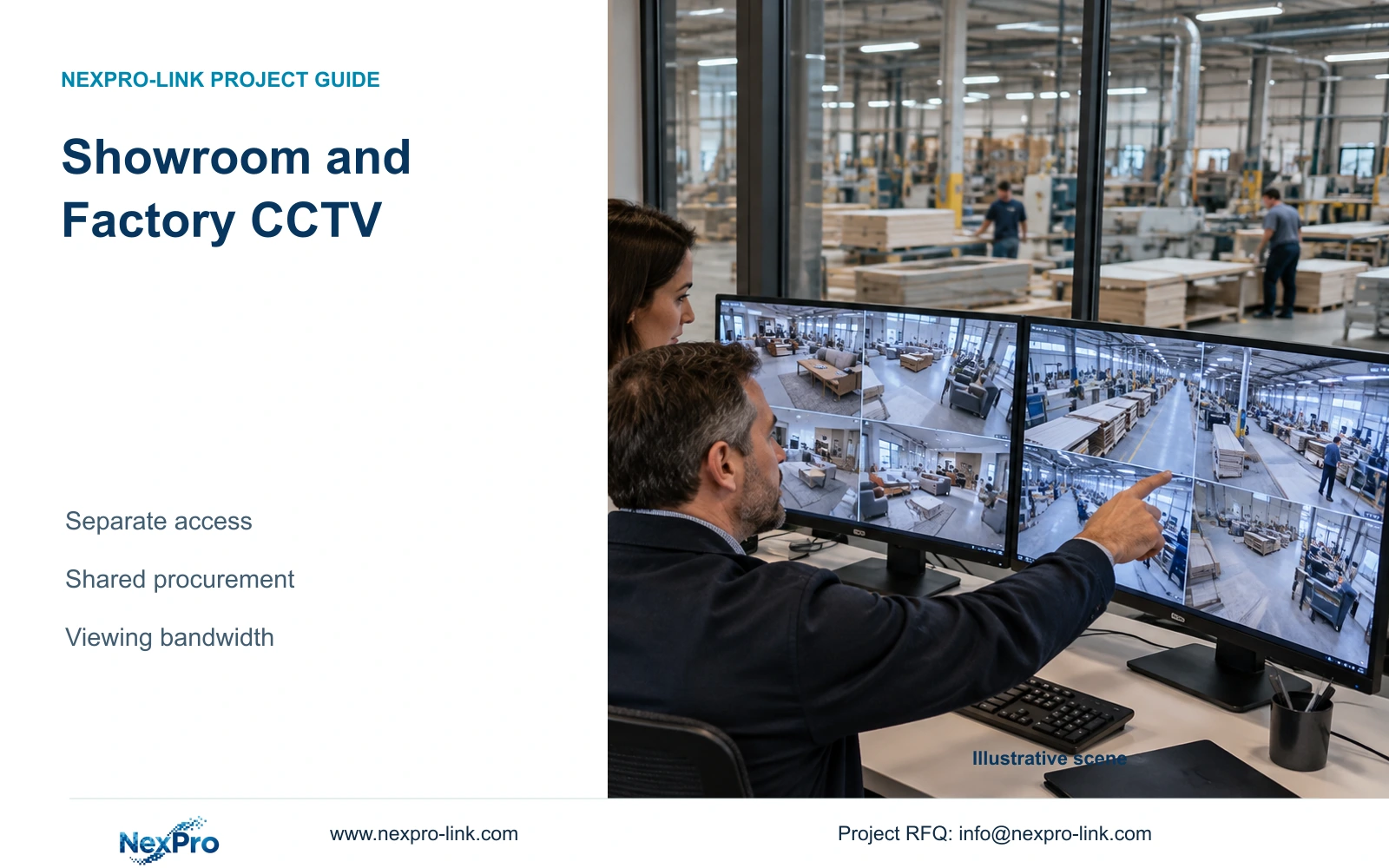
Furniture showroom and factory CCTV can share procurement, selected network infrastructure and recording equipment when the system can enforce the required separation. Define permitted cameras, playback access, export authority and retention by operating purpose before choosing a common recorder. A showroom account should provide the views needed for customer-facing operations without exposing production footage through a broader camera list or shared administrator login.
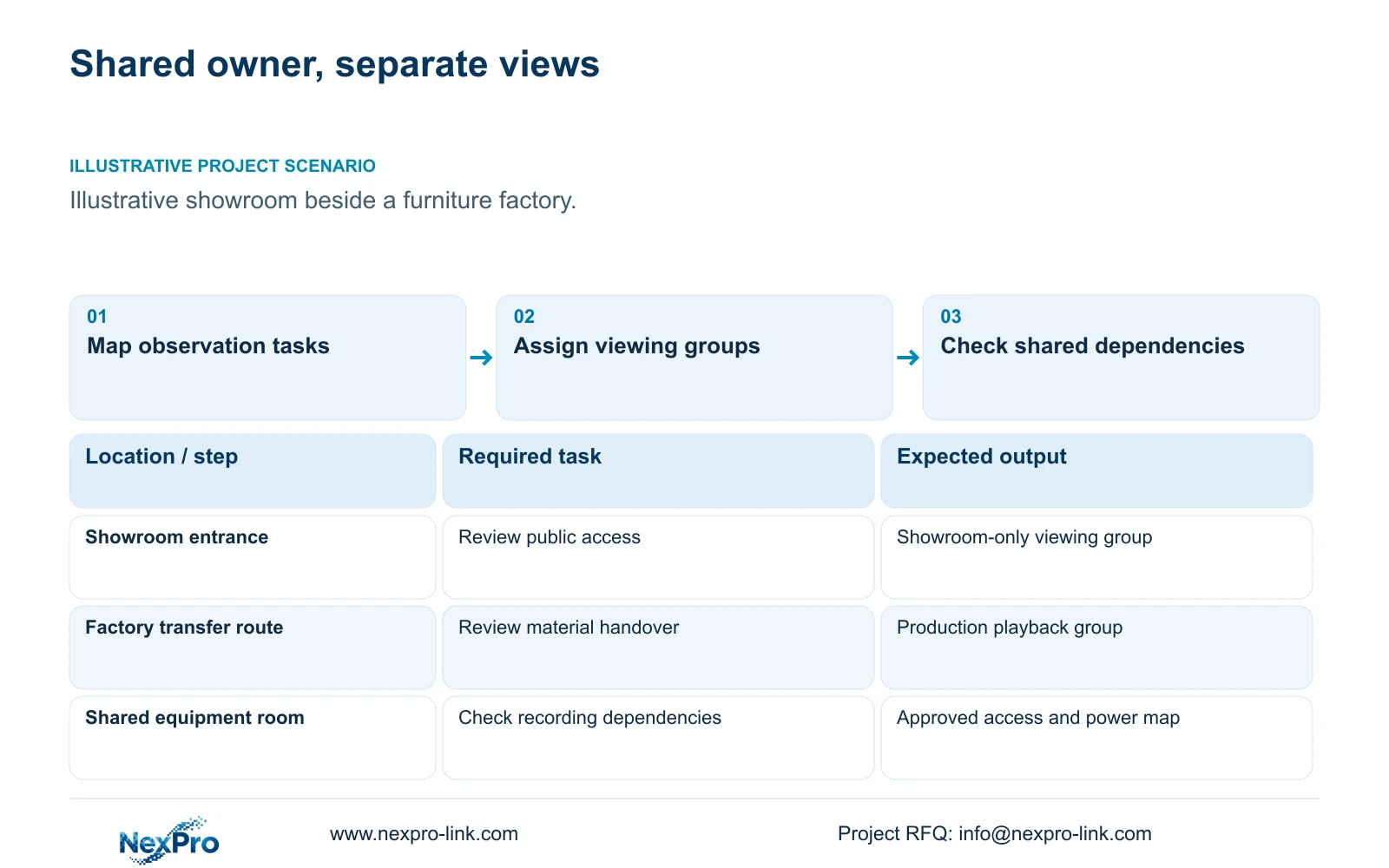
Illustrative project scenario: A furniture manufacturer operates a customer showroom beside its factory. For planning, assume showroom staff need entrance and public-route views, while production supervisors review material transfers and finished-goods release. Security personnel may need both groups. These are hypothetical responsibilities to confirm with the owner, not a completed client project or an instruction to monitor every workstation.
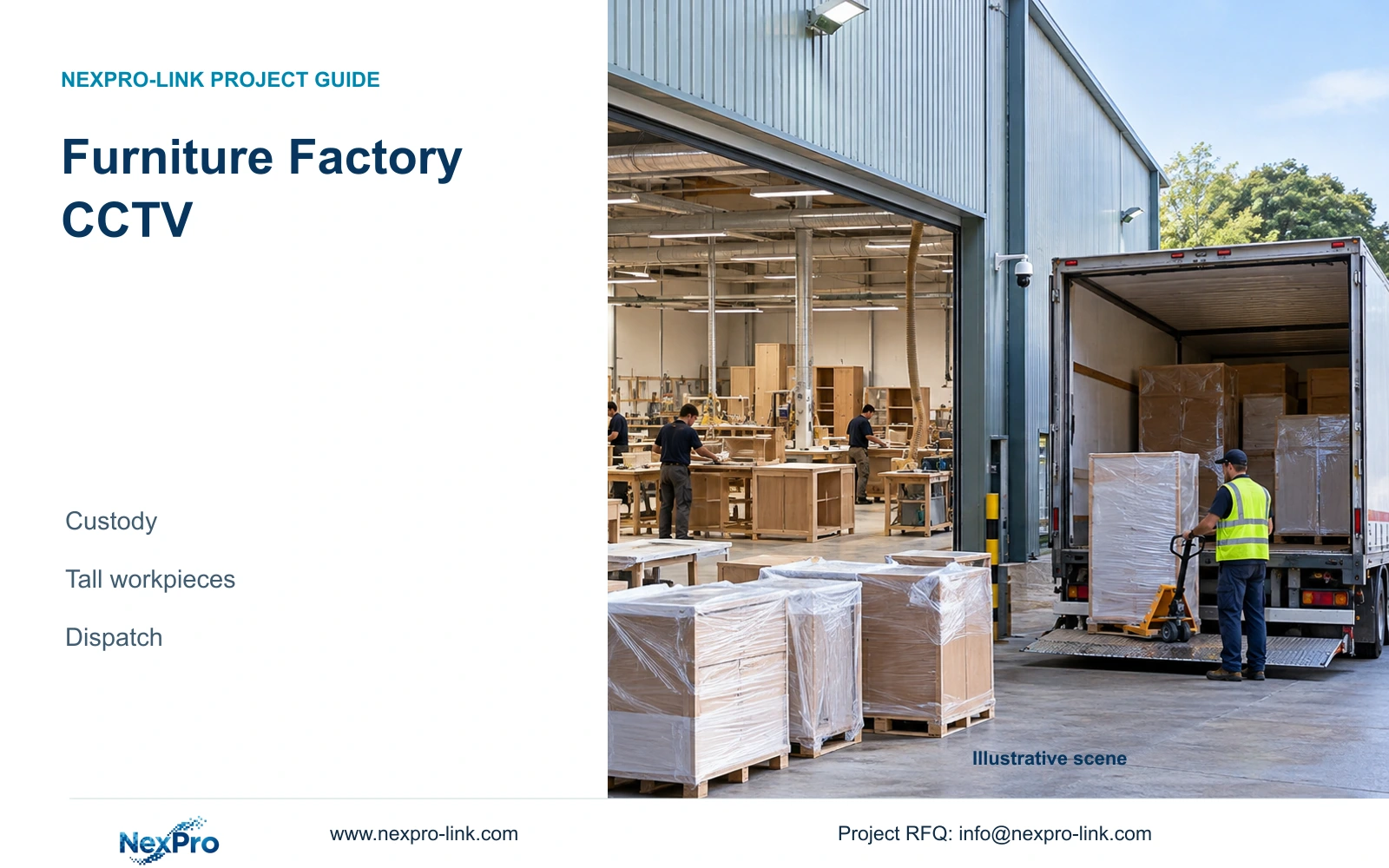
Start the placement schedule with each observation task, maximum stock height and expected obstruction. Showroom furniture displays can conceal an entrance approach; factory stacks can interrupt a transfer view. Obtain extraction and dust-zone information before assigning ordinary cameras near production. Dust protection, finishing-area suitability and machine guarding remain separate engineering questions. Record cleaning access alongside each proposed mount so a useful view can be maintained after layouts change.
Section 02
Give each operator a tested permission set
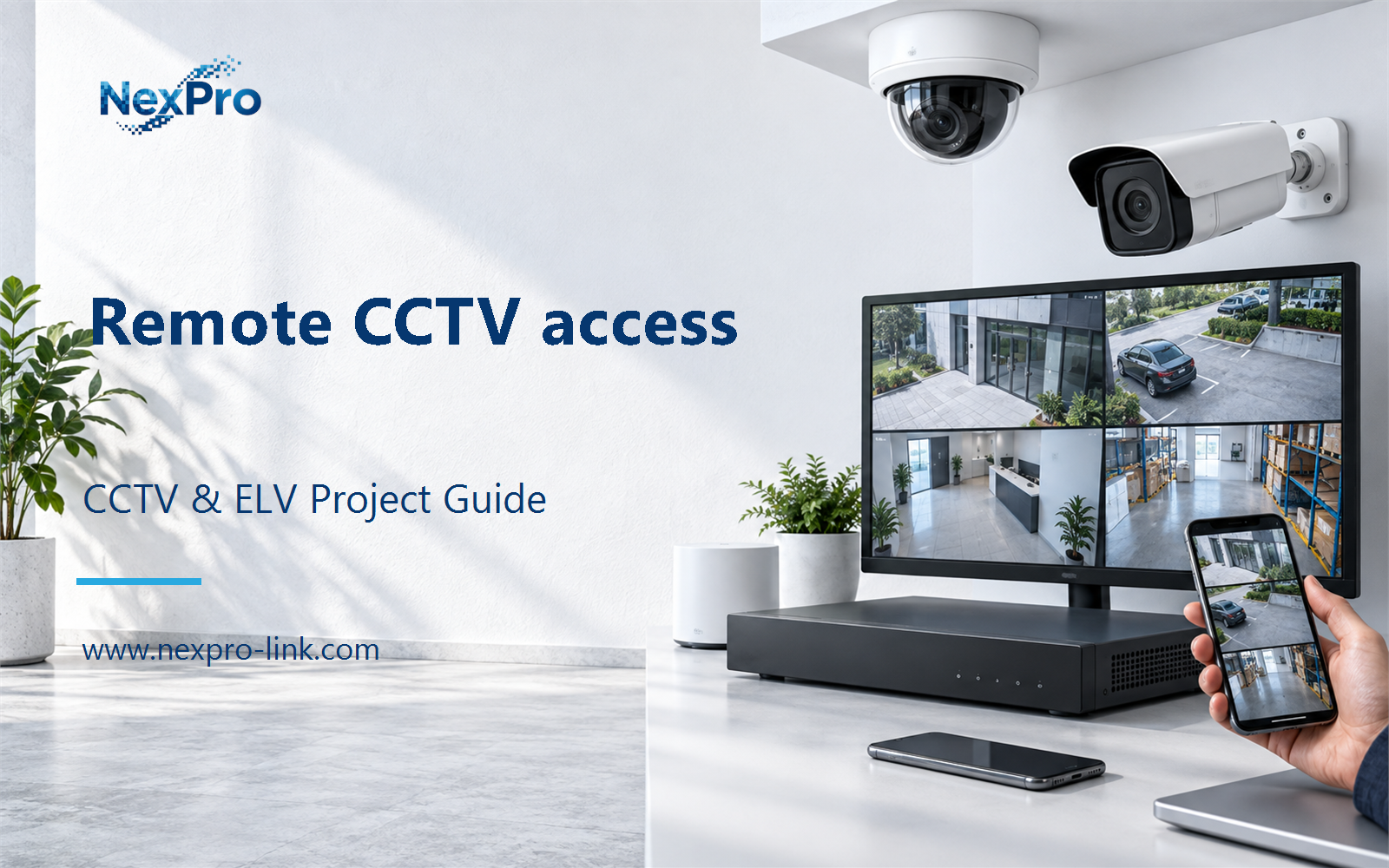
Write a permission schedule that distinguishes live view, playback, export and configuration. A practical baseline gives showroom staff only their approved public-area cameras, production supervisors their assigned transfer routes, and designated security staff the wider review scope. The owner should name who approves changes and who removes access when responsibilities change. Remote access must follow the same camera boundaries as the local workstation.
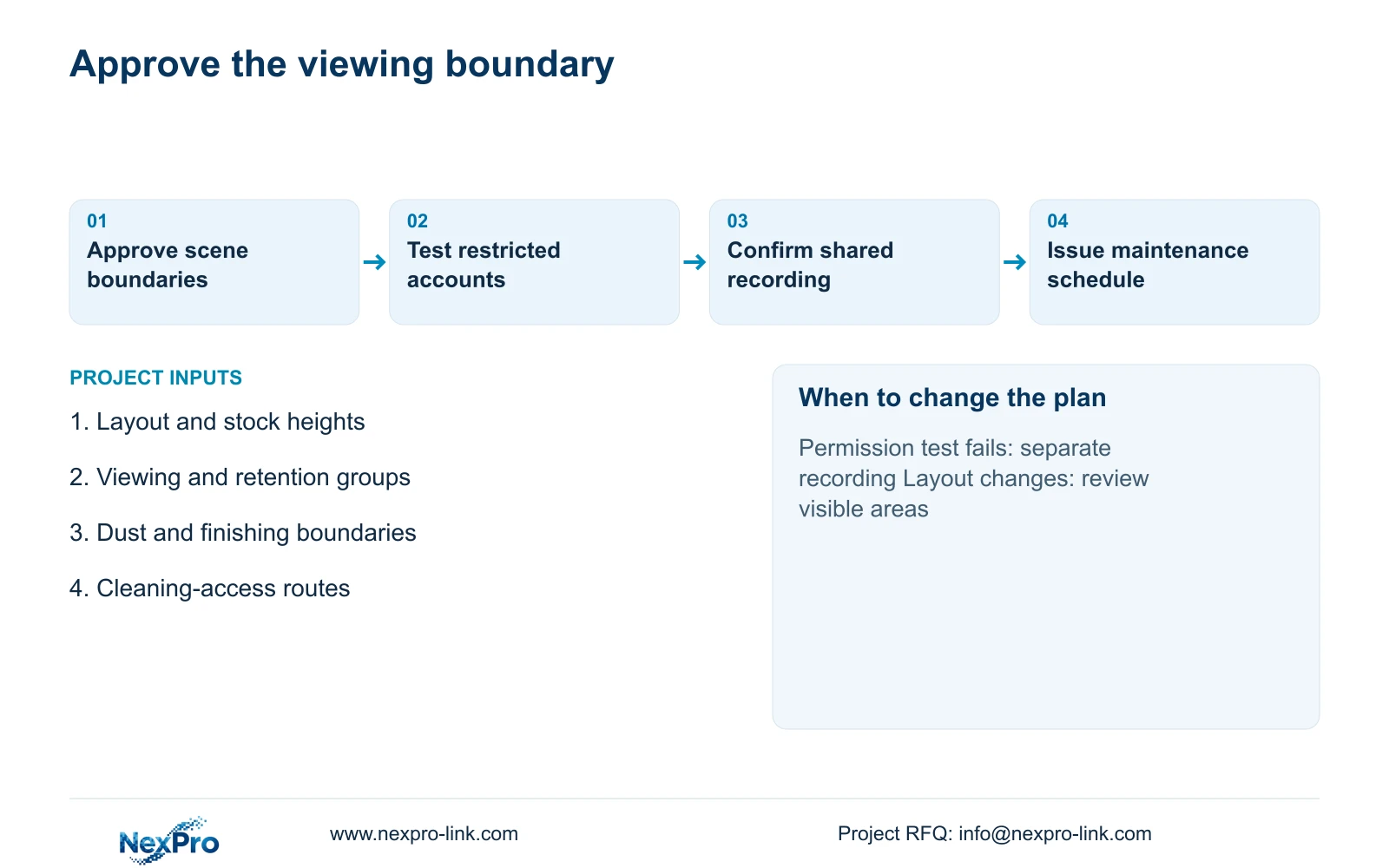
Confirm these restrictions on the exact recorder, firmware and client combination. Test whether a restricted account can discover other channels, open saved layouts, retrieve production playback or export footage outside its scope. If the proposed equipment cannot enforce the separation, choose separate recording or client arrangements that can. A network segment alone does not establish application-level camera permissions.
Changes to stock heights, extraction equipment or cleaning routes can also change the permitted view. Moving a camera to clear a stack may introduce a production bench into a showroom user's image. Treat that relocation as a placement and permissions change, then review the displayed scene with the relevant owner representative. Keep maintenance access controlled so routine cleaning does not require distributing configuration credentials.
Section 03
Share infrastructure only where its dependencies are acceptable
A common cabinet or backbone can be reasonable when its location, capacity and maintenance arrangements serve both areas. Shared recording requires an additional decision: can the selected system support the two permission sets and the agreed retention policies? If different retention periods cannot be configured as required, separate recorder groups may be preferable. Document the consequence of losing a shared switch or recorder before accepting the apparent equipment reduction.
CASE01 provides a useful scale reference rather than a furniture-specific camera schedule. Its illustrative 32 cameras record continuously at an average 4 Mbps for 30 days. The decimal calculation is video_TB = 32 × 4 × 10^6 × 86400 × 30 / 8 / 10^12 = 41.472 TB. Four 16 TB disks provide 64 TB raw; applying the case's 95% formatting assumption and 20% reserve gives 64 × 0.95 × 0.80 = 48.64 TB of video budget. Compare 41.472 TB directly with 48.64 TB, without adding reserve again.
The NexPro-NVR4449-4K is a recording candidate with a published 320 Mbps input rating and four SATA bays supporting up to 18 TB per drive. Its summary distinguishes 49×5MP from 9×4K; channel count does not prove concurrent decoding or RAID. Place the recorder and switches in a suitable service environment. Map UPS protection to their actual power circuits, including remote access nodes where present. A showroom display is a client branch, not a required stage in the recording path.
Section 04
Budget recording and remote viewing on their actual paths
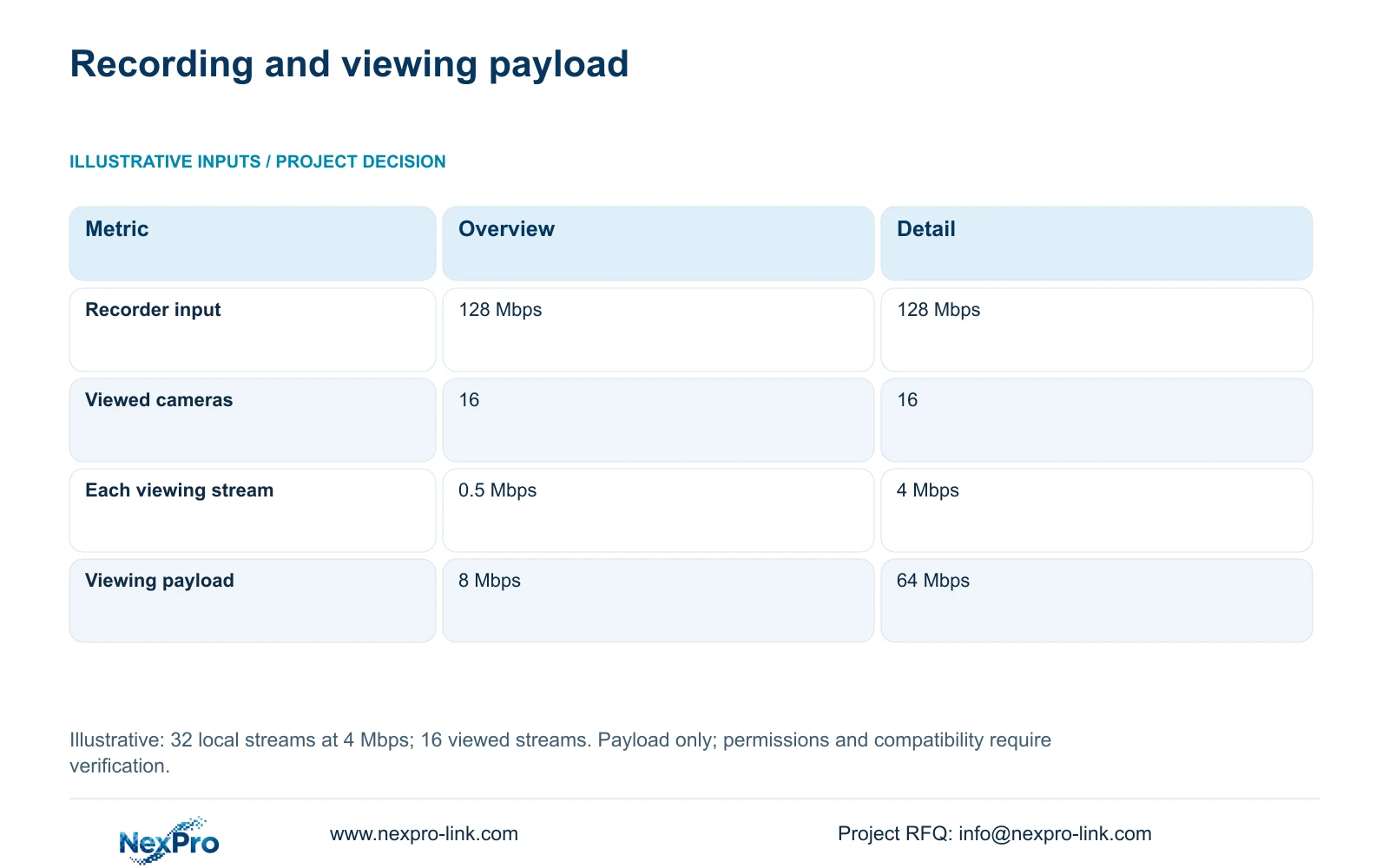
The supplied viewing comparison assumes 32 local main streams at 4 Mbps and 16 simultaneously viewed cameras. Option A uses an assumed 0.5 Mbps overview stream per viewed camera; Option B uses 4 Mbps detail streams. The formulas are recorder_Mbps = 32 × 4 = 128 Mbps and viewing_Mbps = 16 × stream_Mbps. These figures describe video payload before protocol overhead.
The decisive difference is the separate viewing demand: 8 Mbps for overview versus 64 Mbps for detail, while local recording remains 128 Mbps in both options. Prefer overview streams for a permitted multi-camera screen when they provide sufficient information, with detail viewing requested for an authorised review. Lower viewing bandwidth neither grants broader permissions nor justifies reducing the stored main stream.
Apply these loads only to interfaces carrying the traffic. A local camera-to-recorder path does not automatically carry every remote viewing stream. A shared uplink may carry several categories and needs their combined demand, including simultaneous playback and exports. Validate available upstream bandwidth, client decoding and the exact substream workflow. The illustrative values provide no WAN performance guarantee or universal compatibility assurance.
| Metric | Option A: overview | Option B: detail |
|---|---|---|
| Local recorder input | 128 Mbps | 128 Mbps |
| Concurrent viewed cameras | 16 | 16 |
| Viewing stream per camera | 0.5 Mbps | 4 Mbps |
| Remote viewing payload | 8 Mbps | 64 Mbps |
| Local recording quality changed | No | No |
Section 05
Choose shared procurement with conditional technical separation
Recommend one coordinated procurement package with separate approved viewing groups and overview-first remote operation. Retain shared recording only after permission and retention tests pass. Choose separate recorders when the required restrictions cannot be enforced, independent maintenance is necessary, or the owner rejects a shared failure point. This gives the cost team a specific basis for comparing equipment and configuration work.
For suitable ordinary locations, the NexPro-BL2812M55-5MP-DIC-AI and NexPro-DM2812M55-5MP-DIC-AI are camera references. Their supplied specifications list the 5MP family, 2880×1620 output, 25fps and a 2.8–12mm motorized lens. Use the lens range to develop and verify a proposed view; it does not establish a recognition distance. IP66 does not establish combustible-dust or finishing-area approval.
Compare alternative bids using the same approved scenes, account restrictions, retention and remote workload. Include any necessary software, specialist equipment and local configuration services. Keep a required owner platform where the alternative cannot reproduce its workflow. Without matched quotations and scene trials, neither a lower total price nor a whole-brand performance advantage is established.
Section 06
Turn the decisions into a placement and access handover
Issue a camera schedule linking each location to its observation task, viewing group, retention requirement and maintenance route. Mark shared cabinet, network and power dependencies on the accompanying drawing. Identify unsuitable locations as unresolved specialist scope rather than filling them with ordinary camera models. The local design team should verify applicable requirements and approve the installation boundary.
NexPro-Link can discuss model matching, BOQ coordination, technical documents and project-labelled packing for the agreed scope. Separate supplied equipment from retained infrastructure and local installation work in the quotation. Before handover, demonstrate a restricted showroom session, a production review and an authorised export. Record which account performed each task, then retain the configuration identity so replacement equipment can be checked against the same acceptance requirements.
Section 07
Buyer questions
Can one owner use different retention periods for showroom and factory cameras? Yes, if the selected recorder or recording arrangement supports the required schedules and permissions. Ask for a demonstration using the proposed configuration. If channel-level retention cannot meet the brief, price separate recording groups rather than assuming a common disk pool solves it.
Does a low-bandwidth showroom account need access to every camera? No. Stream bitrate and camera permission are separate settings. A restricted user can receive overview streams only from approved cameras. Check saved layouts and playback permissions as well as the live camera list.
What should happen when a showroom display is rearranged? Review the affected sightlines and any newly visible production area. Update the placement drawing and permission schedule if the scene changes, then confirm the revised view with the responsible operator before accepting it.
Section 08
Define the shared package and viewing boundaries
Send your showroom/factory layout with stock heights, proposed viewing and retention groups, extraction or dust-zone information, and cleaning-access routes to info@nexpro-link.com for a coordinated equipment and configuration discussion.
Engineering references
These sources support the general planning principles. Always use the selected product's current datasheet and applicable project standards for final design.