

Plan CCTV VLAN design with practical guidance on define security zones and control inter-zone traffic. NexPro-Link project guide.
Section 01
Define Security Zones
It should represent a manageable group of devices with a clear access purpose, such as cameras, recording services or operators. A VLAN separates a Layer 2 domain; it does not by itself define which routed communications are allowed. Establish the policy before assigning identifiers.
Turn the answer into a working record using Zone, Devices, Purpose, Authorized peers.
| Decision area | Buyer question | Required output |
|---|---|---|
| Define Security Zones | What should a CCTV VLAN represent? | It should represent a manageable group of devices with a clear access purpose, such as cameras, recording services or operators. |
| Assign Ports and Uplinks | What is the difference between access and trunk roles? | An access connection typically places an endpoint in its assigned VLAN, while a trunk carries the intended VLANs between supported network devices. |
| Plan IP Subnets and Gateways | Does each camera VLAN need internet access? | Not inherently. |
Section 02
Assign Ports and Uplinks
An access connection typically places an endpoint in its assigned VLAN, while a trunk carries the intended VLANs between supported network devices. Configure those roles for the actual equipment. A mismatched port or unexpected native VLAN can cause connectivity or isolation problems.
Use Port, Endpoint, VLAN role, Allowed VLANs to compare options on the same basis. Keep product capability, project assumption and operating responsibility in separate columns.
Section 03
Plan IP Subnets and Gateways
Not inherently. Provide only the connectivity required for recording, time services, management and other approved functions. Define the subnet and gateway with the IT team. Internet access should be an explicit requirement rather than an automatic consequence of connecting cameras to the office network.
The project output should make Subnet, Gateway, Required services, External access traceable from input to acceptance.
- Confirm the answer to: Does each camera VLAN need internet access?
- Record the project fields: Subnet / Gateway / Required services / External access.
- Keep product capability, project assumptions and site responsibility in separate records.
Section 04
Control Inter-Zone Traffic
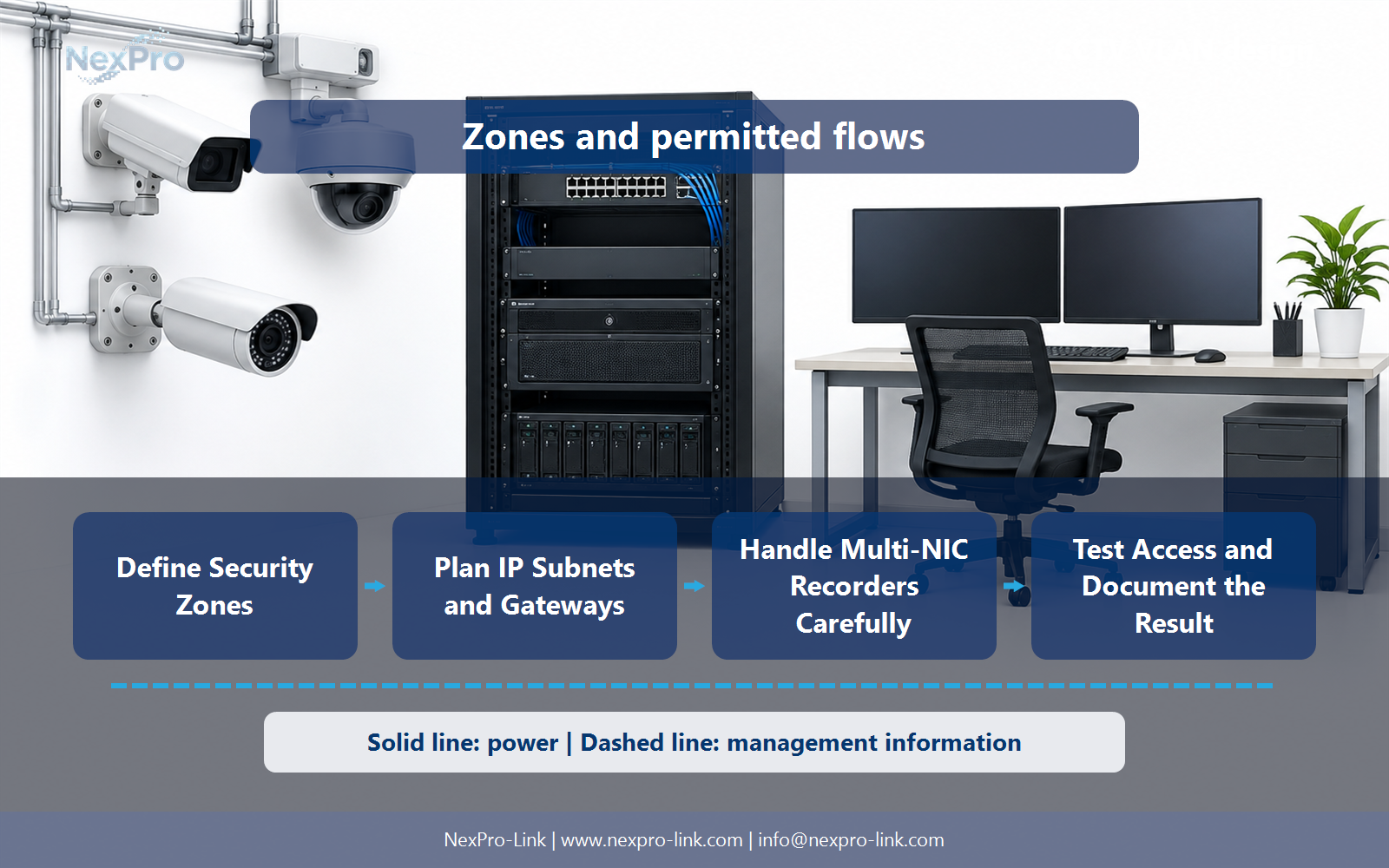
Start from necessary source, destination and service relationships, then permit the approved communications through the appropriate control point. Keep management access distinct from routine recording. Avoid presenting an unrestricted route between VLANs as effective isolation simply because the VLAN numbers differ.
Record Source zone, Destination, Service, Permit reason, Owner before selecting a product family. That makes later substitutions possible without silently changing the operational requirement.
Section 05
Handle Multi-NIC Recorders Carefully
Its supported modes determine how the interfaces behave. They may serve different functions rather than providing a safe bridge or automatic failover. Avoid creating unintended paths between camera and corporate networks, and document which interface handles recording, clients and management.
Review Interface, Network, Function, Routing behavior with the party that will operate or maintain the system.
Section 06
Test Access and Document the Result
Verify required recording and operator actions, then confirm that disallowed access does not work as intended by the policy. Test management and service dependencies separately. Keep the address and rule details in controlled handover documents, while public articles use clearly illustrative examples.
Use Test source, Destination, Expected result, Observation as the handoff between design and procurement.
Engineering references
These sources support the general planning principles. Always use the selected product's current datasheet and applicable project standards for final design.


