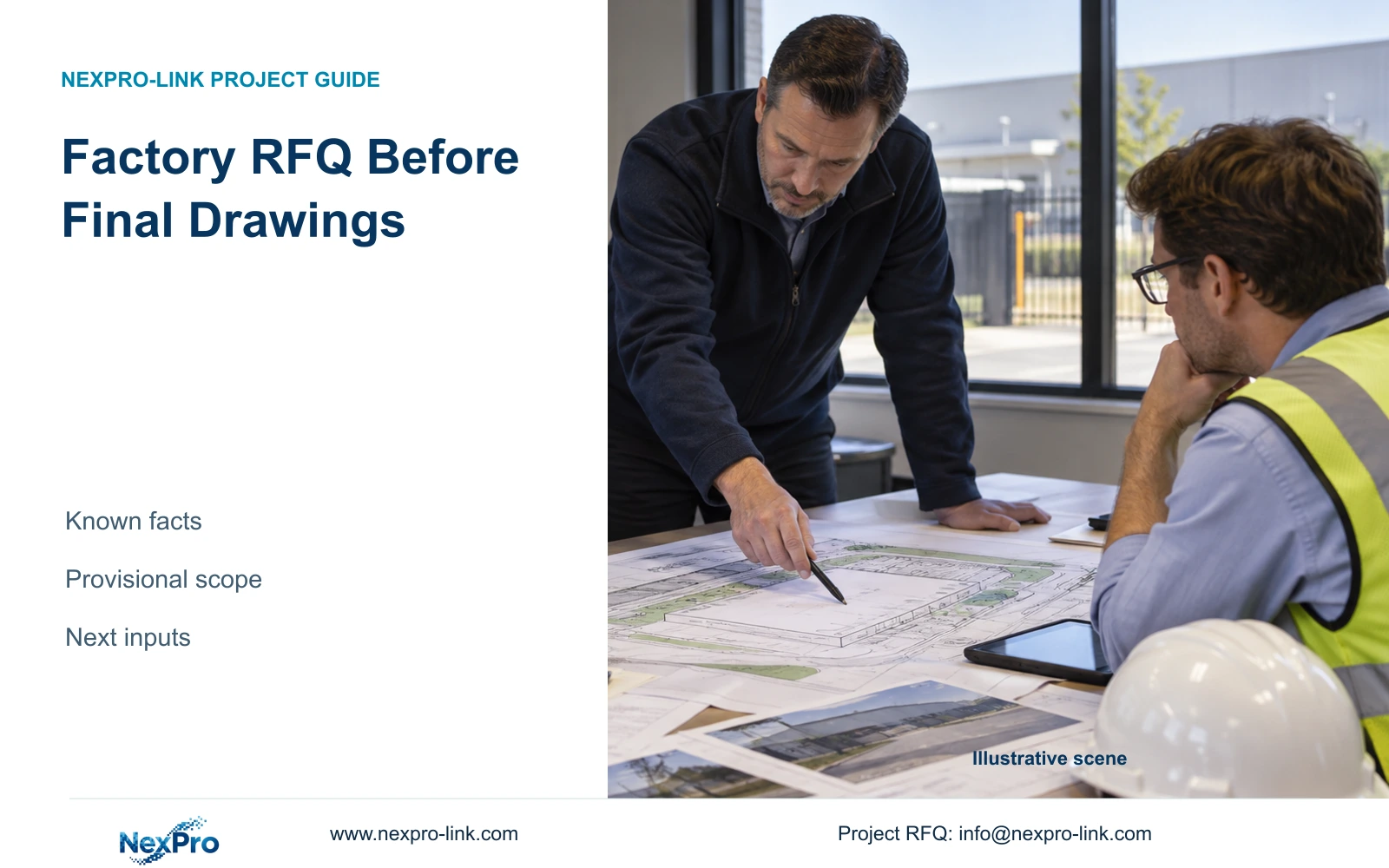
Partial drawings can support a useful factory security proposal when the email separates confirmed tasks, planning assumptions, delivery requirements and unresolved interfaces.
Section 01
Describe the operating result before requesting equipment
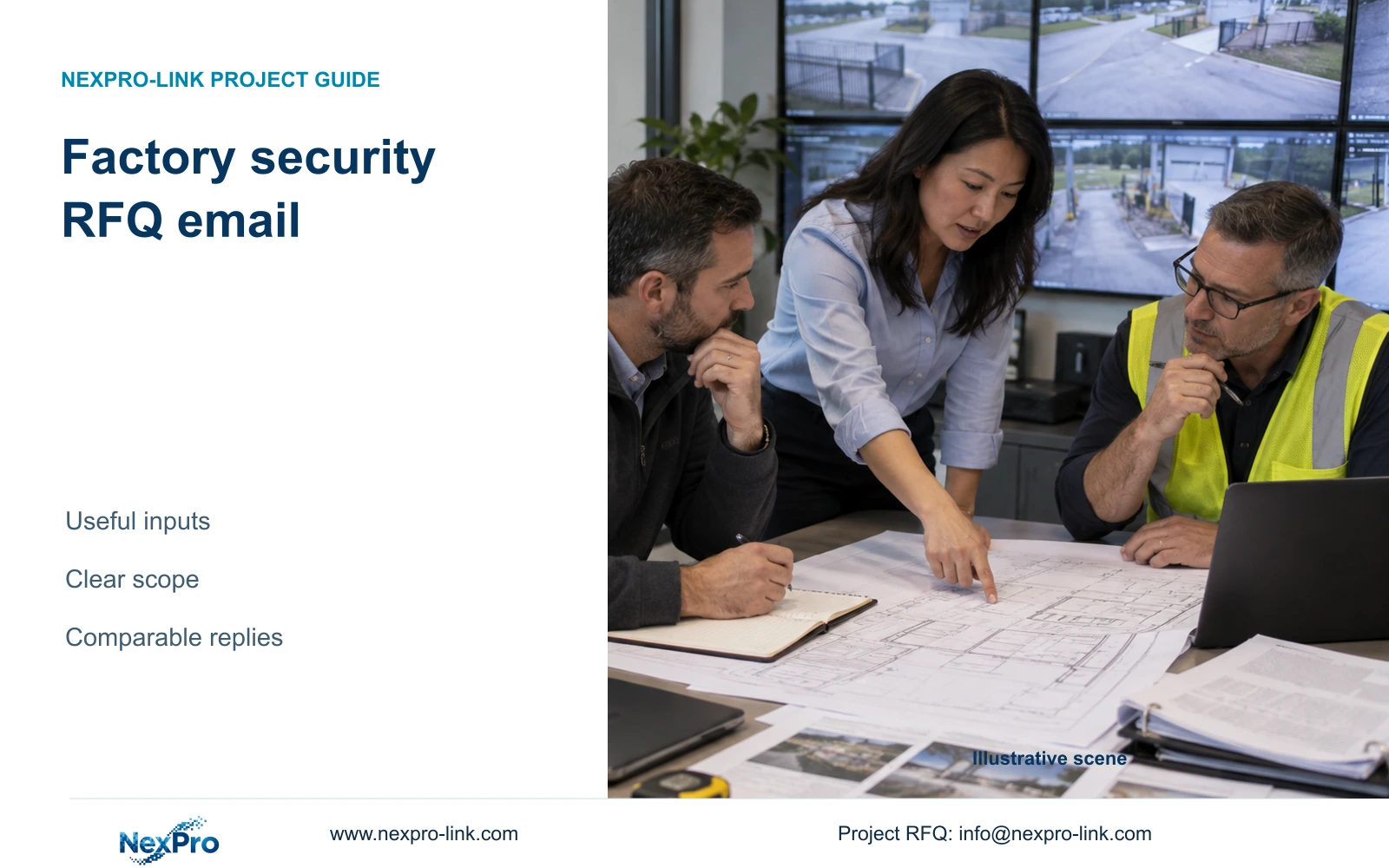
Use the example factory security RFQ email below to request a comparable provisional proposal: state the observation tasks, attach a dated zone schedule, specify recording and backup objectives, and identify the delivery boundary. Ask for exact models, assumptions and exclusions rather than only a total price. Partial drawings can support this first request if their limitations are visible; they do not establish a construction-ready design. Keep passwords, bank details and confidential production recipes out of the email.
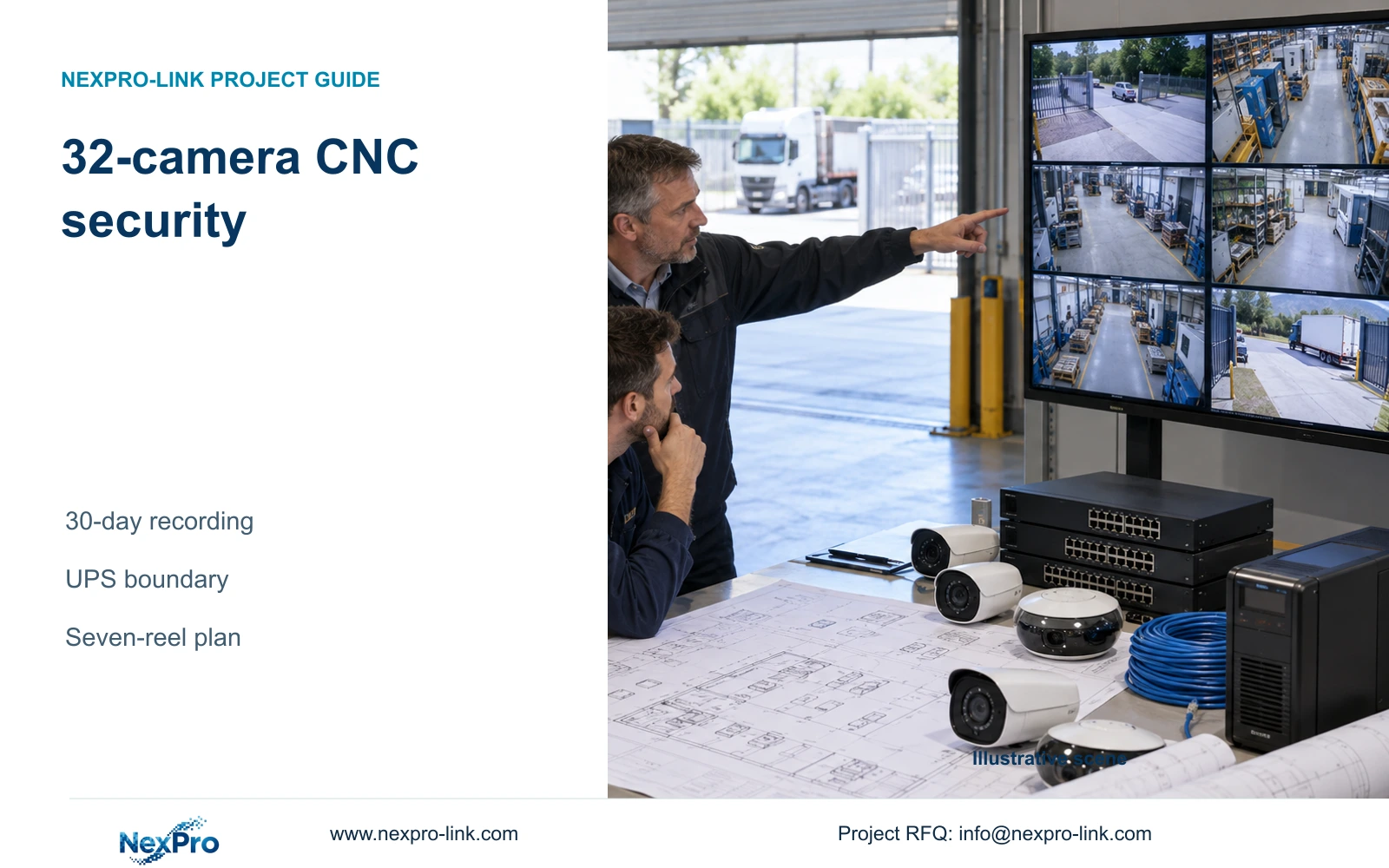
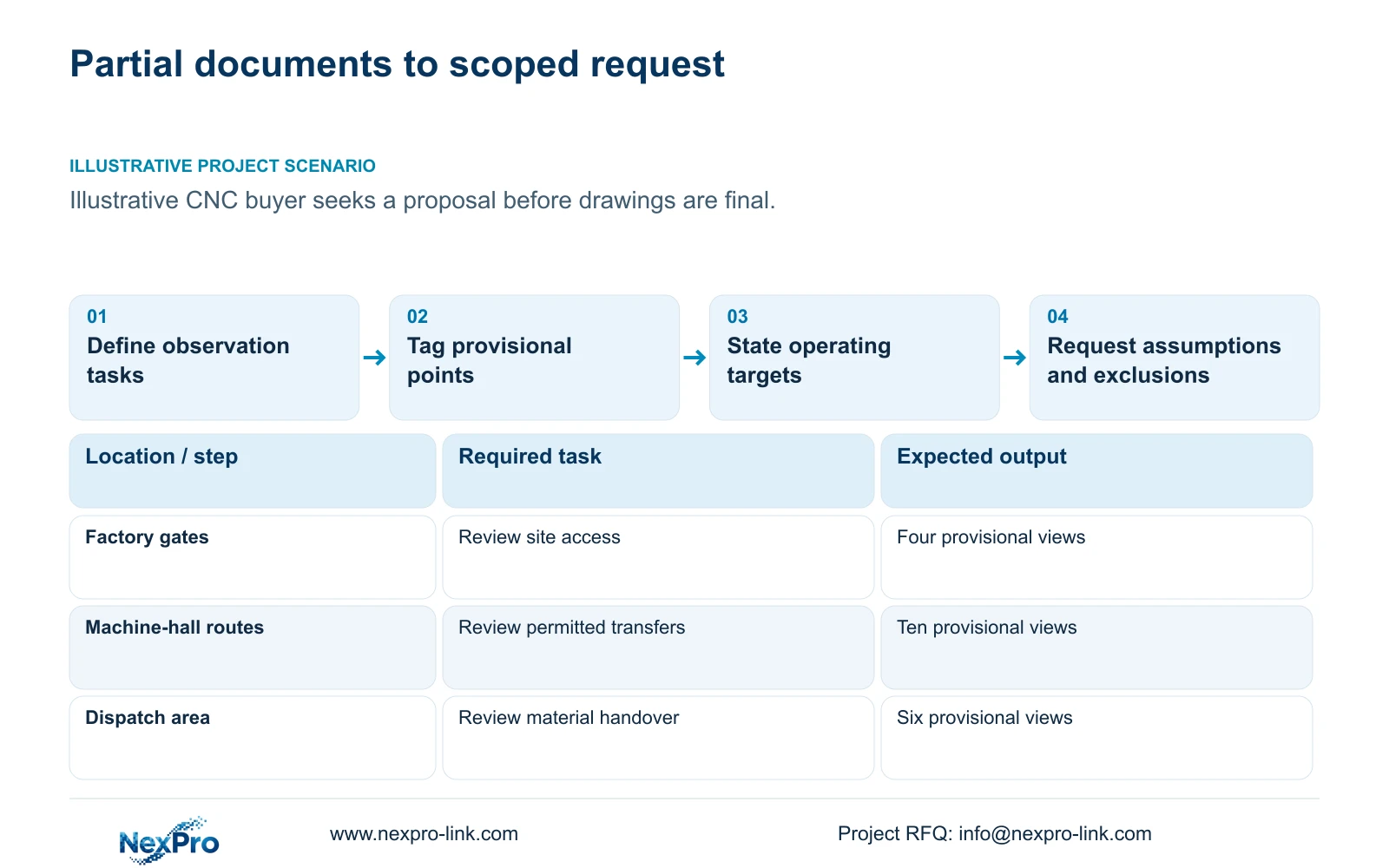
Illustrative project scenario: The buyer wants an initial proposal but has only partial project documents. Use CASE01 as a hypothetical CNC factory basis: 32 ordinary security views for site access and authorised material transfers. Its schedule assigns four gate views, six material/tool-store views, ten machine-hall transfer views, four common-route views, six dispatch views and two equipment-room approach views.
Explain what each group must help the operator review. A dispatch view might establish the sequence of a material handover, while a gate overview supplies approach context. Neither description promises plate recognition or machine inspection. If those functions are required, identify them as separate tasks so the supplier does not price ordinary CCTV against an unstated specialist requirement.
Section 02
Attach a dated schedule and identify what remains provisional
Send the latest available drawing and a point list sharing the same location identifiers. Each point should state its zone, intended view, approximate mounting location, environmental condition and whether equipment is new or retained. Mark uncertain routes and locations as provisional. A supplier can propose equipment against those assumptions without presenting the result as a construction-ready design.
Where an earlier model is a reference, include the exact designation and separate mandatory requirements from preferences. For example, the NexPro-BL2812M55-5MP-DIC-AI source lists 2880×1620 output and a 2.8–12mm motorized lens. Those fields describe a candidate; the required view width, lighting and mounting position still determine whether it fits the task. Camera peak power is not supplied by that reference.
Name attachments by revision and state which one governs conflicting information. A revised point list may contain the current quantity while an older drawing still shows removed locations. Ask the supplier to flag that discrepancy instead of choosing silently. Provide only the drawing layers needed for security planning, retaining relevant dimensions and access routes while removing unrelated sensitive production information.
Section 03
State retention and outage targets in measurable terms
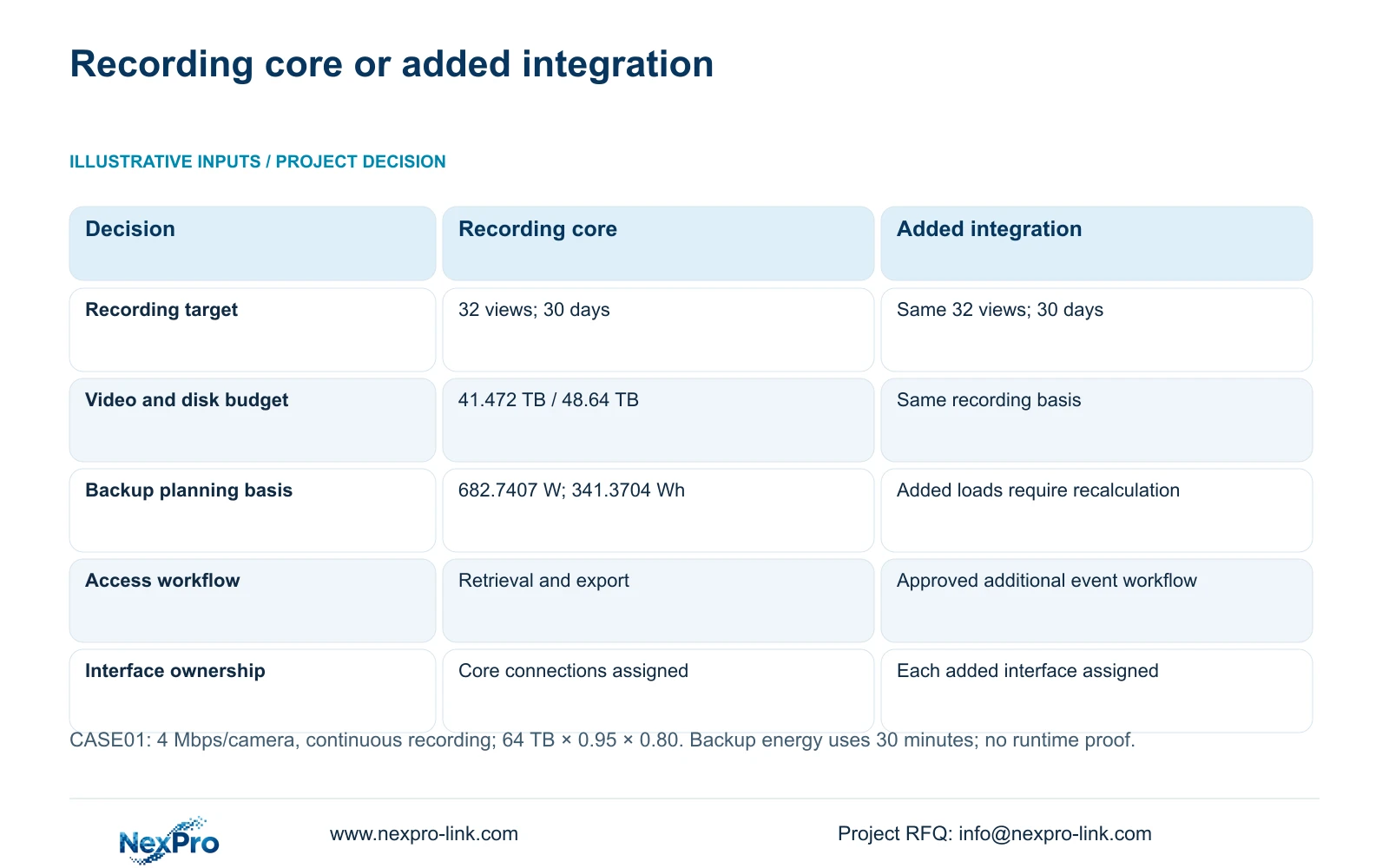
Specify recording hours, retention days and the assumed average bitrate. In CASE01, 32 cameras at 4 Mbps each, recording continuously for 30 days, give video_TB = cameras × average_Mbps × 10^6 × 86400 × days / 8 / 10^12 = 41.472 TB. These are illustrative planning inputs, not a measured stream requirement.
The reference installs four 16 TB disks, giving 64 TB raw capacity. Its recording budget is 64 × 0.95 × 0.80 = 48.64 TB, which exceeds 41.472 TB. The budget already includes the assumed formatting allowance and 20% reserve; do not deduct the reserve again. The NexPro-NVR4449-4K is a candidate for the assumed supported 5MP-class streams, subject to exact mode and disk compatibility confirmation.
Define what remains powered during an outage and for how long. CASE01's recording-priority option assumes 682.7407 W and a 30-minute target, giving load energy = 682.7407 × 0.5 = 341.3704 Wh. That energy calculation is not proven UPS runtime. Request the selected battery configuration and runtime evidence at the complete protected load. Include the delivery destination so electrical configuration and overseas supply scope can be checked together.
Section 04
Separate the usable recording package from added integration
Ask for a complete base package that can perform the agreed recording and retrieval task. Assign every component to supplied, retained, installer-provided or optional, with a responsible party for each interface. In this scenario, assume new cameras and recording equipment are supplier-provided, cable installation is local-contractor work, and network permissions remain with the owner.
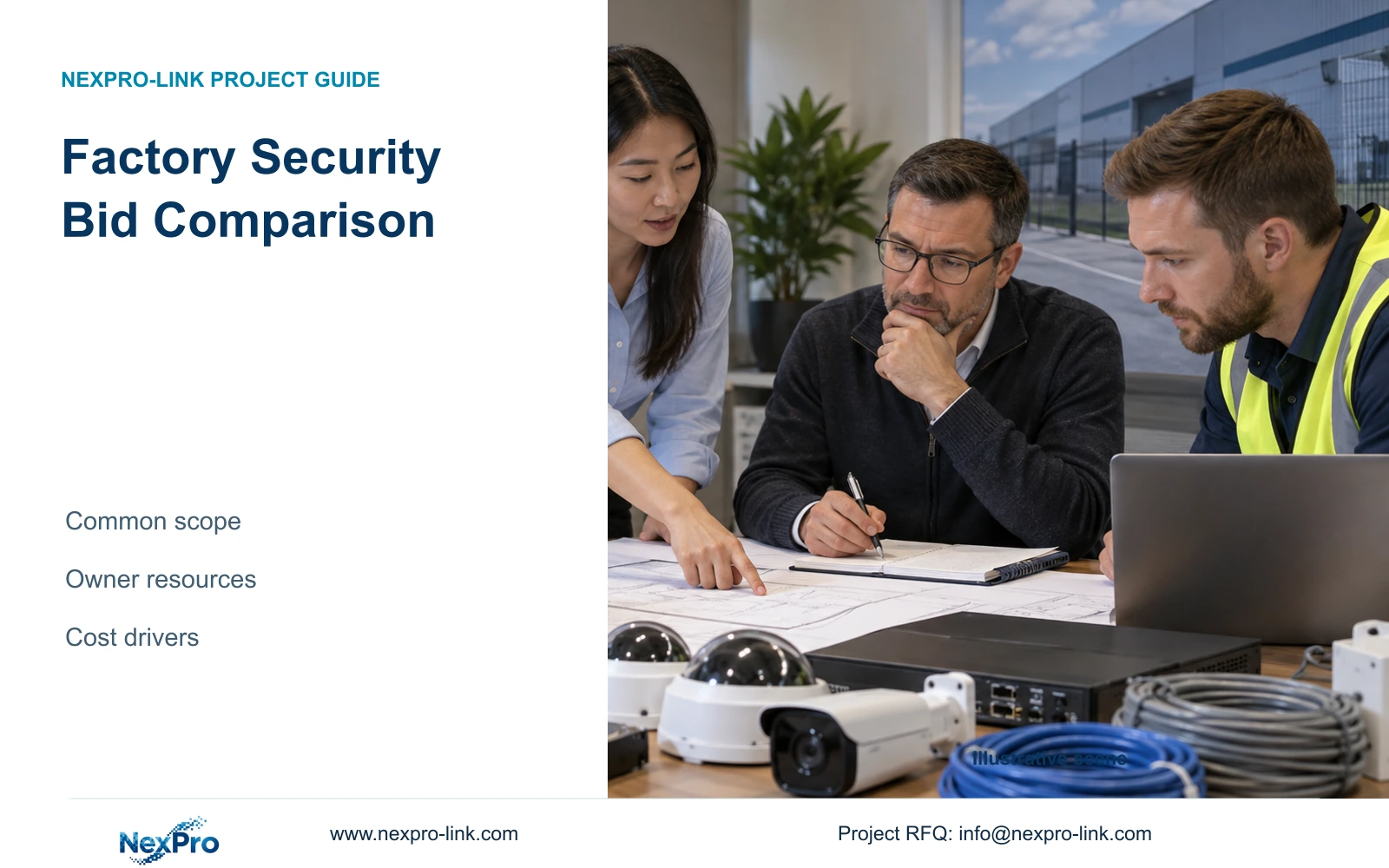
The comparison holds the 32-view task constant. Option A suits local recording and authorised retrieval. Option B adds a defined management or integration workflow, such as linking an approved event reference to video search, only after its interface has been scoped. The decisive difference is the additional workflow and its dependencies, not a higher camera count or a more elaborate package name.
Count any added server, gateway, software licence or protected-power requirement explicitly. Do not assume one-stop procurement means every device uses the same software or that local installation is included. NexPro-Link's BOQ and tender support can help identify model matches and deviations, but the owner and engineer still approve the selected operating scope.
| Decision | Option A: recording core | Option B: added integration |
|---|---|---|
| Recording outcome | 32 views; 30 days | Same 32 views; 30 days |
| Hardware identity | Exact models and point tags | Same plus approved interface equipment |
| Network and backup | Required recording nodes accounted for | Added interface loads separately counted |
| Software and access | Authorised retrieval and export | Defined additional workflow and permissions |
| Commercial responsibility | Complete core scope; local work assigned | Added scope with named interface owner |
Section 05
Request a response procurement can compare
Request exact models, quantities, accessories, assumptions, exclusions and separate optional lines. Ask which inputs could change the proposal before order release. A missing cable route should produce a provisional quantity or an assigned survey task, not disappear from the scope. An unresolved integration requirement should remain a stated condition rather than be treated as either free or impossible.
For alternative brands, hold the accepted views, recording period, protected-power objective and local service boundary constant. A Hikvision, Dahua or other offer may include a required integration absent from the proposed base package. Preserve that function in the comparison and ask for the corresponding equipment and service lines. Without matched quotations, there is no basis for declaring a price winner.
Recommend Option A where local recording and retrieval satisfy the owner's current task. Request Option B when a named operator workflow requires additional management or an approved interface. The project manager should identify who resolves each open question and when the answer is needed. This prevents a preliminary proposal from becoming an order while important dependencies remain unowned.
Section 06
Write one bounded email with a clear reply request
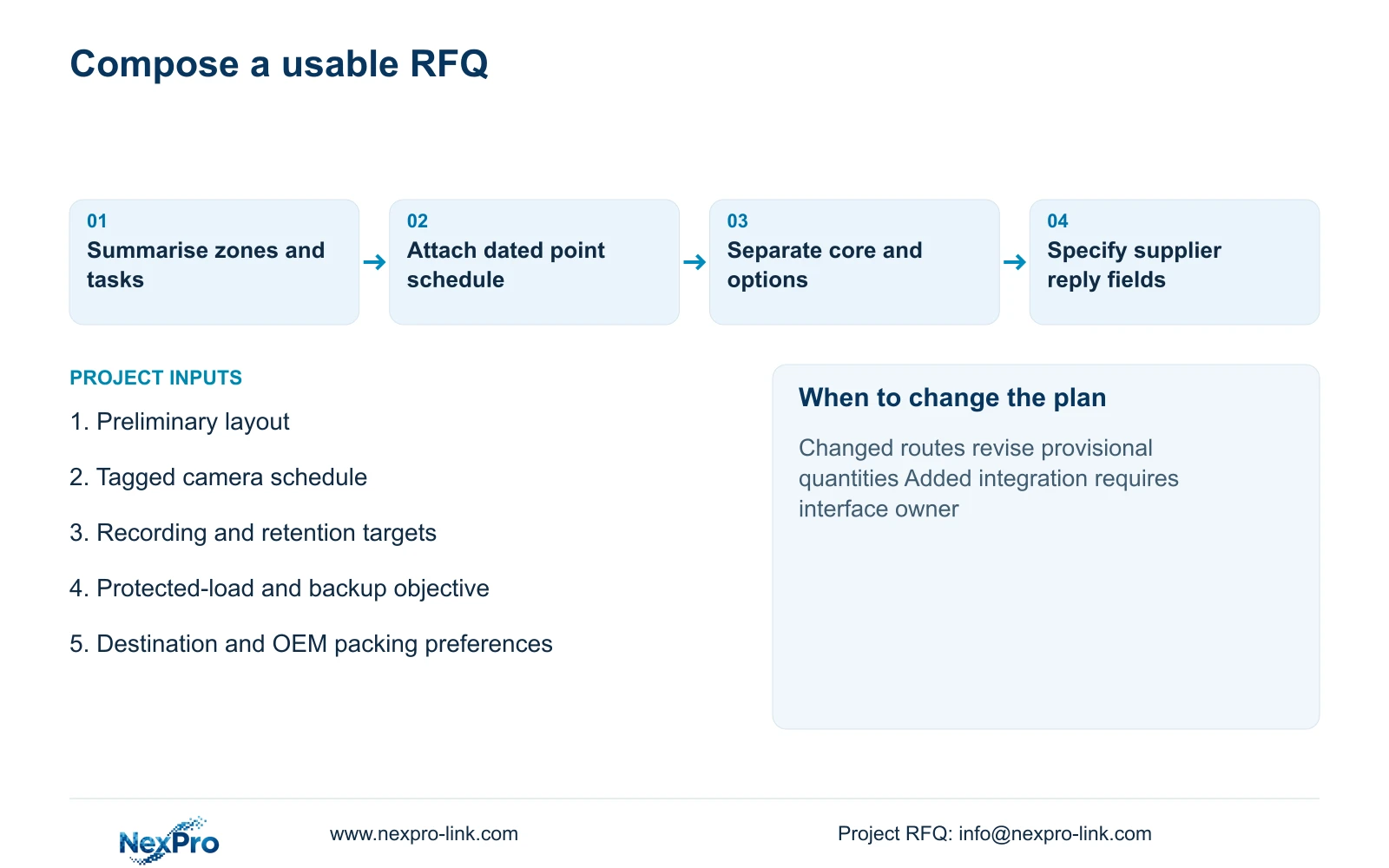
A suitable subject is “Factory CCTV RFQ: 32 provisional views, 30-day recording, delivery destination to confirm.” The opening can read: “We are planning ordinary security recording for access and material-transfer review at a CNC factory. Attached are our dated zone schedule and preliminary layout. Please propose a complete recording package and identify assumptions requiring confirmation before purchase.”
Continue with the response boundary: “Our planning basis is continuous recording at an assumed 4 Mbps per camera for 30 days. Please separate the recording-priority backup option from optional display or integration equipment. List supplied equipment, retained items, installer-provided work and exclusions. Please return exact model references, accessories and the additional information needed for a firm quotation.”
If OEM supply is relevant, add authorised artwork status, packaging languages and building/carton allocation as a separate paragraph. NexPro-Link can discuss logo, label and packaging options, with laser marking dependent on the selected equipment and approved surface. Required equipment identity remains visible, and third-party software branding needs its own permission. Keep these preferences separate from the recording requirements so unfinished artwork does not obscure the initial engineering question.
Section 07
Buyer questions
Should we wait for final drawings before sending the RFQ? No, if you want a provisional proposal. State the drawing revision, uncertain quantities and unresolved routes, and ask the supplier to identify conditions for a firm quotation. Final installation decisions still need confirmed site information.
Can retained equipment be included without sharing administrator passwords? Yes. Start with model identities, firmware versions, available specifications and the functions you want retained. Any later compatibility demonstration should use an agreed controlled access method; credentials do not belong in the initial RFQ.
What should we do if the supplier omits a requested item? Ask whether it is excluded, retained, installer-provided or awaiting clarification. Obtain a revised scope or a named responsibility before comparing totals. A blank quotation line does not establish a zero cost or an accepted interface.
Section 08
Request a scoped factory proposal
Send your available layout and point schedule, retention and recording assumptions, protected-load and backup target, and delivery destination with any OEM packing preferences to info@nexpro-link.com for an initial scoped proposal.
Engineering references
These sources support the general planning principles. Always use the selected product's current datasheet and applicable project standards for final design.