Factory PoE acceptance needs the required simultaneous camera modes, installed links and switch budgets, with logs that distinguish power loss from viewing delays.
Section 01
Test the operating modes the project actually needs
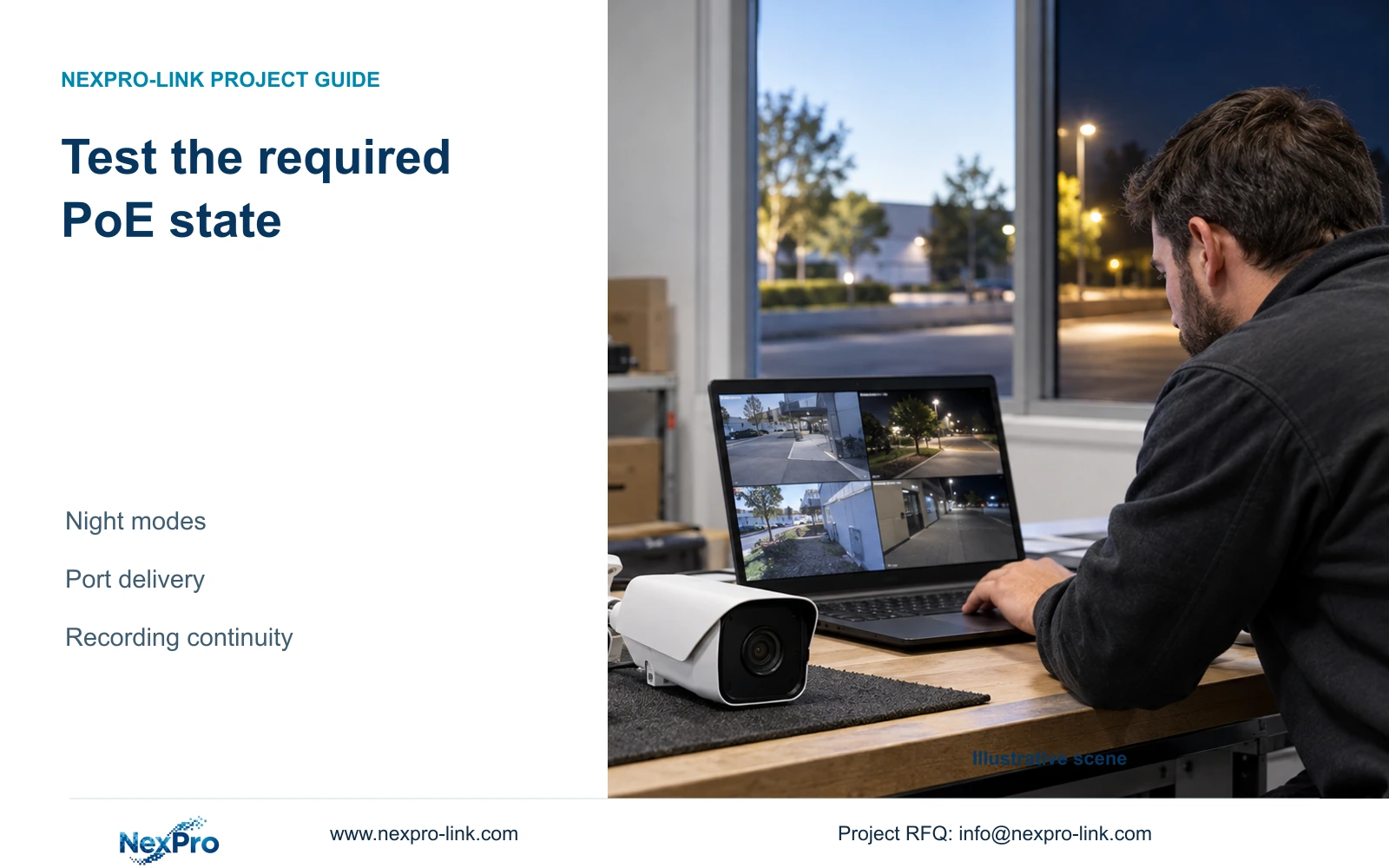
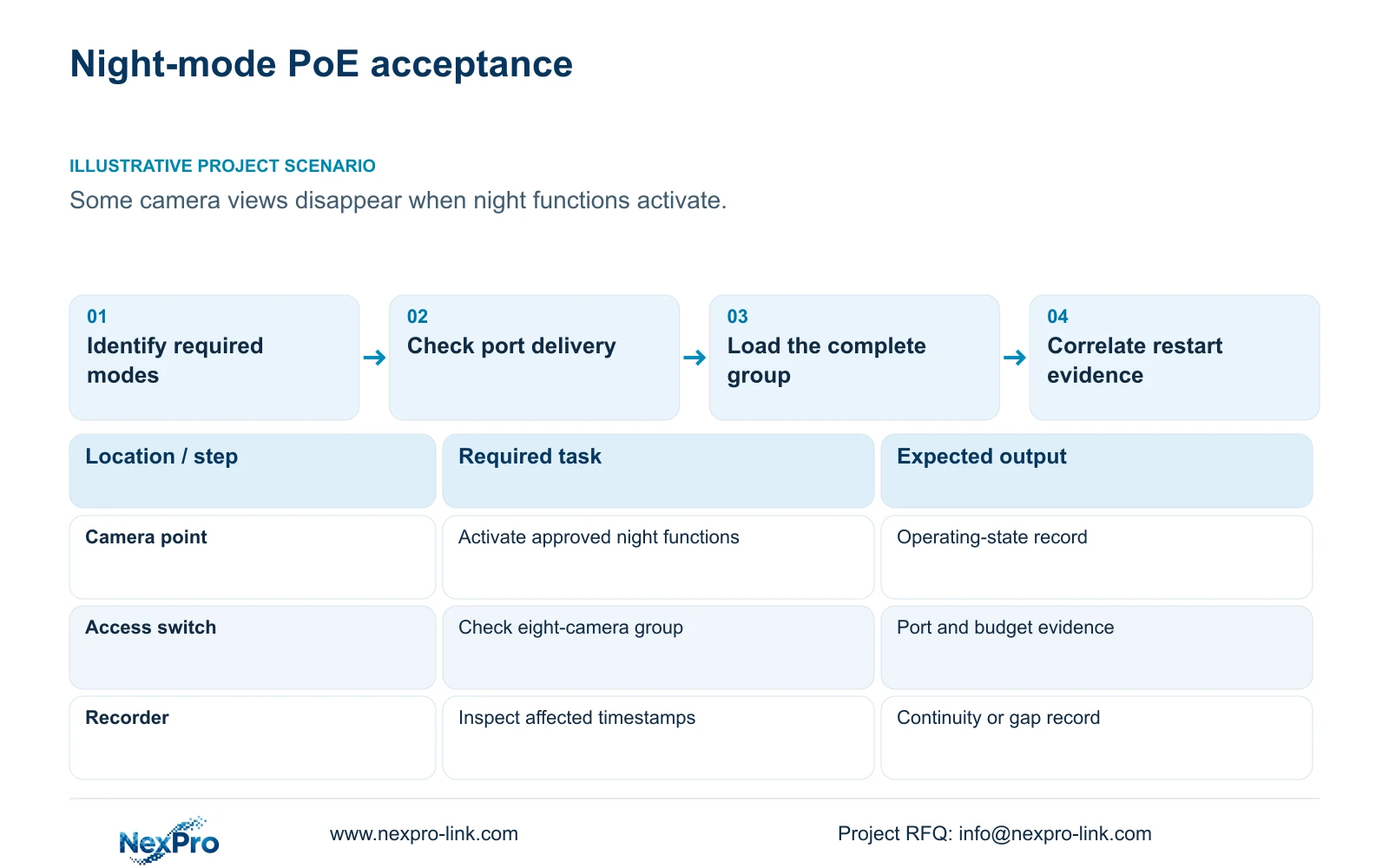
Factory PoE acceptance should exercise documented peak operating modes and confirm supported delivery at each port and switch. A daytime low-load demonstration does not establish night-time margin. Identify the functions required by the project, their permitted simultaneous states and the evidence needed to show stable recording while they operate.
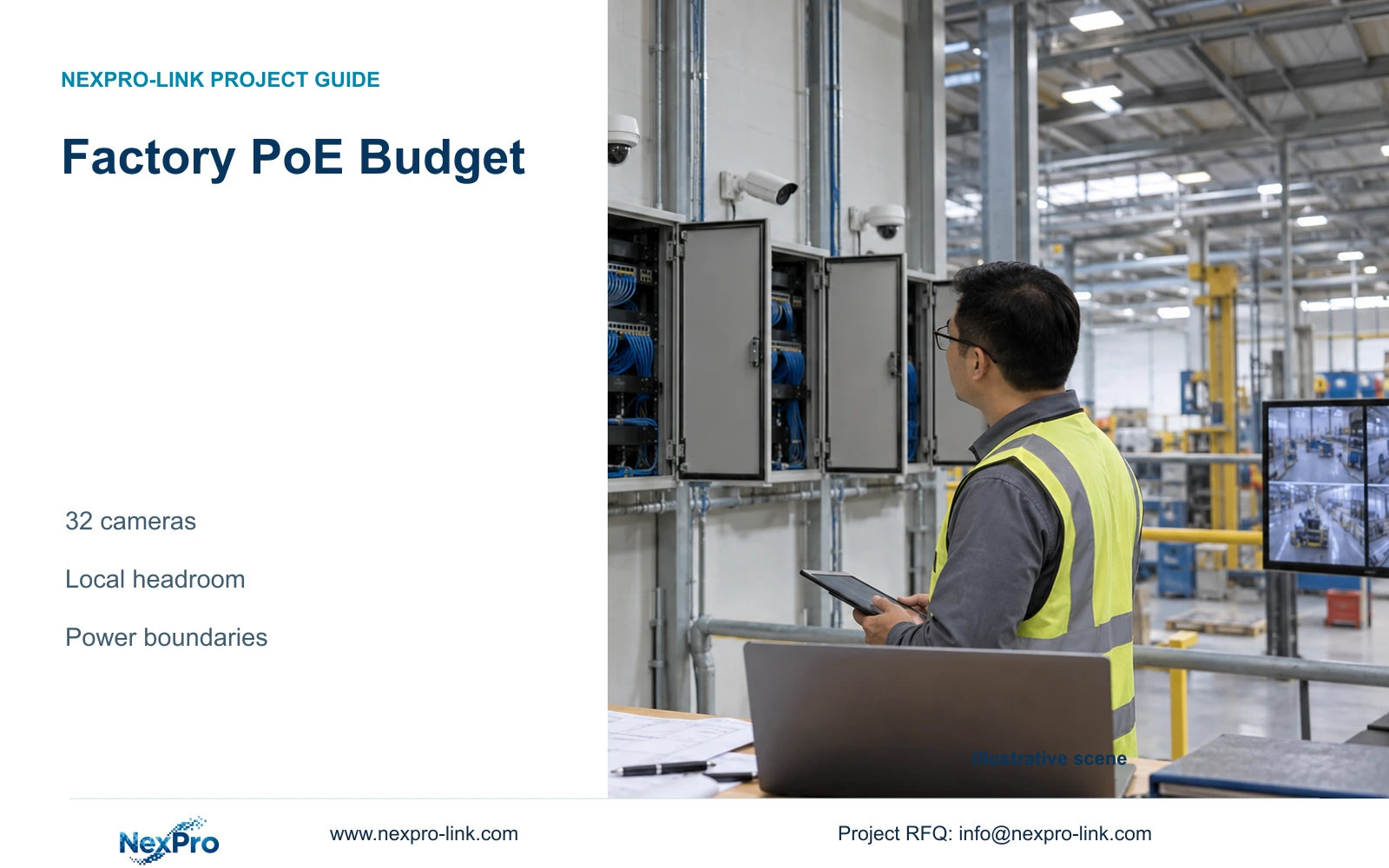
Illustrative project scenario: Cameras run during the day, but some appear to restart when night functions activate. Use CASE01's hypothetical CNC package as context: 32 ordinary cameras arranged into four eight-camera PoE groups. Assume the project manager needs an authorised test of one affected group before deciding whether cameras or the power path require changes.
List the actual illumination, audio and other supported functions to be exercised. Do not infer a heater, PTZ motor or specialist function from an ordinary camera housing. The supplied BL and DM specifications do not establish maximum camera watts, so the procurement team must obtain applicable demand information before treating the teaching budget as final.
Section 02
Check each port and the simultaneous group
For every point, connect camera identity to the installed cable, patching and PSE port. Confirm the applicable power standard and supported port delivery against the actual device requirement. A sufficient total switch budget does not resolve a port that cannot support the connected device's operating state.
Then test the group with the required functions active together. Record which devices were connected, the operating states, the switch's relevant power indications where available and any errors. Keep allocation information distinct from measured draw. An indicated reserved wattage and an observed operating load answer different questions.
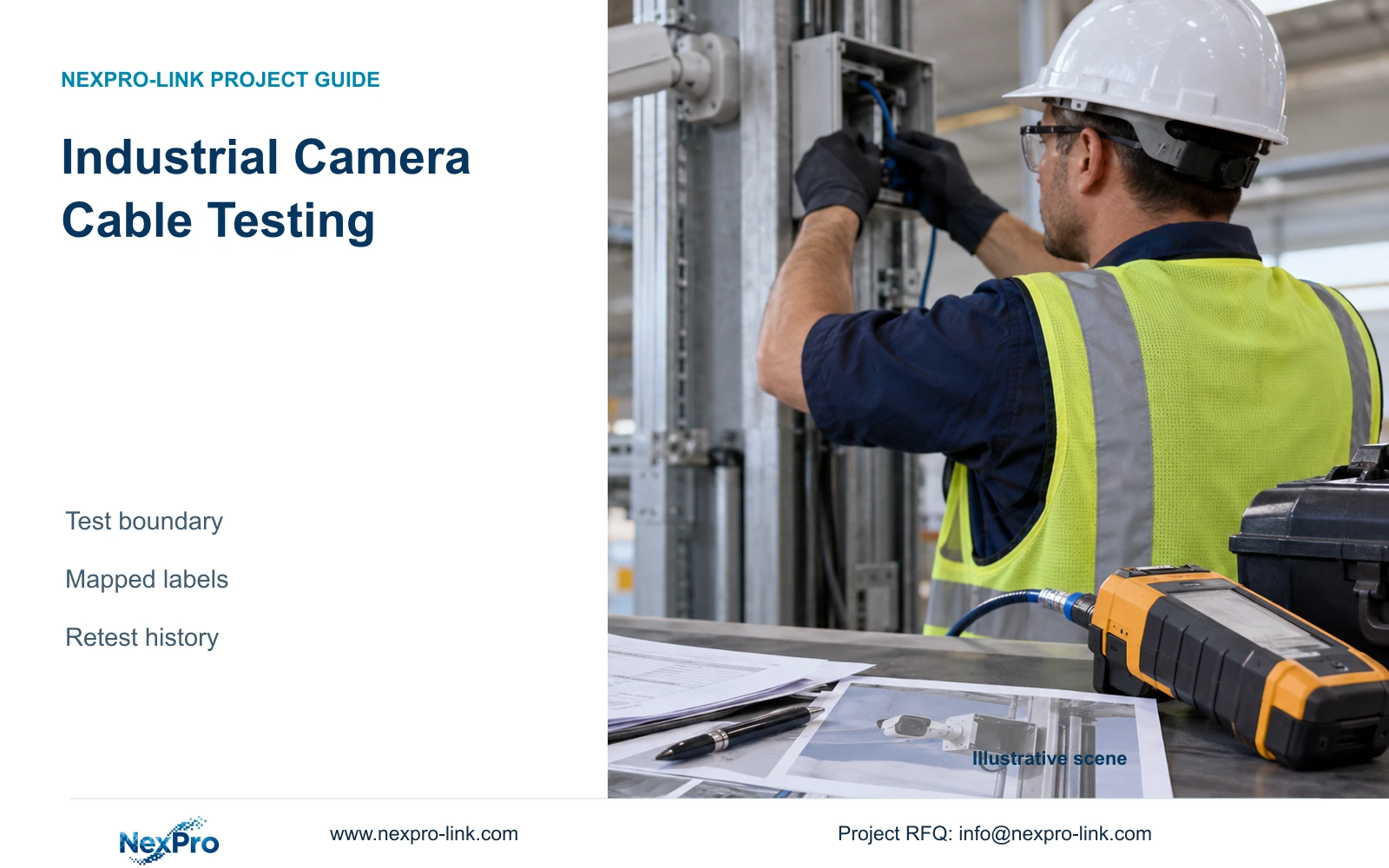
CASE01's illustrative permanent links range from 41m to 76m, including its declared termination allowance. Those lengths do not prove installed cable quality. Link and channel testing must match the actual termination arrangement; Fluke Networks guidance distinguishes the typical 90m permanent link from the 100m complete channel. Preserve the correct test identity rather than accepting a continuity result as full performance evidence.
Section 03
Establish whether the camera restarted or the view stalled
Record the affected point and exact time before making changes. Compare camera status or uptime information where supported, switch link and power events, and the recorder's retained sequence. An offline icon can reflect loss of access, delayed discovery or a stream problem; it is not sufficient evidence of a power-cycle.
If recording remains continuous while only the viewing client freezes, investigate that client and network path. If several cameras on one switch disappear together, inspect their shared dependencies. If one point shows a restart while neighbouring points remain stable, examine its own device and delivery path without immediately concluding that the camera is defective.
The local installer should collect installed-link observations, the network owner relevant switch evidence and the equipment supplier model-specific guidance. The project manager keeps one timeline and approves the next controlled check. Preserve useful recordings first, and avoid unauthorised resets or production-network changes that could destroy evidence or create another fault.
Section 04
Compare switch budgets at the same reference point
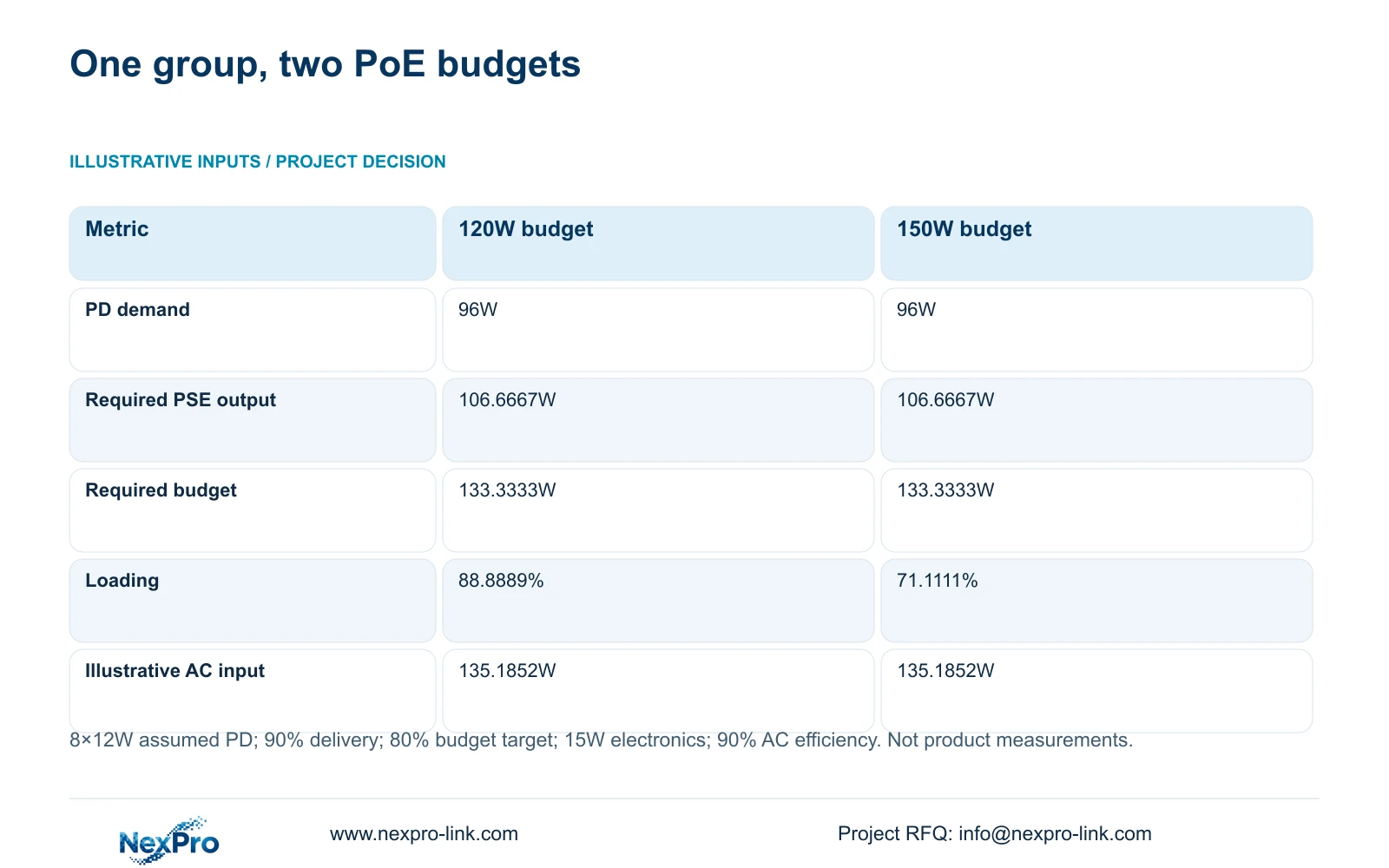
The supplied illustration assumes eight cameras at 12W maximum PD demand each, a 90% cable delivery factor and a selected maximum PSE budget utilisation of 80%. It compares unnamed 120W and 150W PSE budgets. The 12W figure is an assumed design demand, not a published NexPro-Link camera measurement.
PD_W = 8 × 12 = 96W. PSE_W = PD_W / 0.90 = 106.6667W. Required_budget_W = PSE_W / 0.80 = 133.3333W. Budget loading is PSE_W / candidate_budget_W × 100: 88.8889% for 120W and 71.1111% for 150W.
The 120W candidate may cover the nominal illustrative output but misses the chosen 80% planning target. The 150W candidate meets that target, subject to individual-port requirements and the switch's negotiated-allocation admission policy. A class-reserving switch may need more budget than this aggregate-draw estimate. With assumed switch electronics of 15W and AC conversion efficiency of 90%, switch_AC_W = (106.6667 + 15) / 0.90 = 135.1852W for either budget. The larger rating does not itself establish larger consumption.
| Metric | Option A | Option B |
|---|---|---|
| Device-side demand | 96W | 96W |
| Required PSE output | 106.6667W | 106.6667W |
| Candidate PSE budget | 120W | 150W |
| Budget loading | 88.8889% | 71.1111% |
| Meets 80% target | No | Yes |
| Illustrative switch AC input | 135.1852W | 135.1852W |
Section 05
Use the budget result to direct a controlled remedy
Under the stated assumptions, prefer the 150W budget over 120W for this group. Obtain the actual camera demand and switch evidence before selecting a model. If documented demand, cable conditions or supported simultaneous functions change, recalculate the group and revisit the required per-port delivery.
Unused budget at another cabinet cannot support this group's devices through an unrelated PSE. A remedy may involve an adequately specified switch, corrected termination or a revised distribution of approved loads. Each choice has consequences for ports, uplinks, cabinet space and protected AC circuits. Preserve the required camera functions when comparing alternatives.
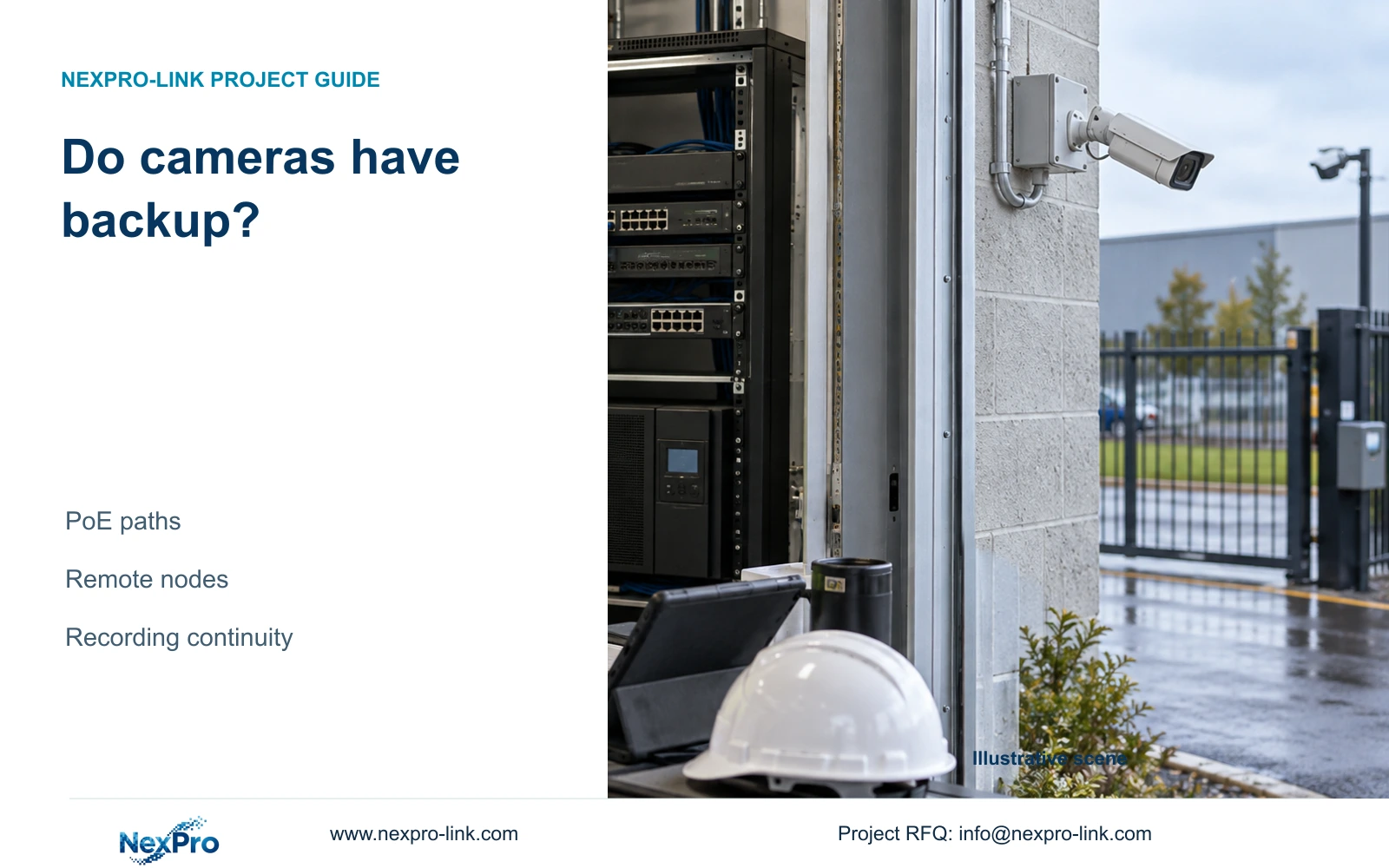
For UPS planning, use complete switch AC input rather than adding camera watts again. CASE01 already includes the cameras within each switch's calculated AC input. A changed switch arrangement needs a revised protected-load list. Do not assume that a higher PoE rating proves UPS runtime or that any catalogue switch lacking a confirmed total budget satisfies the calculation.
Section 06
Close the issue against the required night state
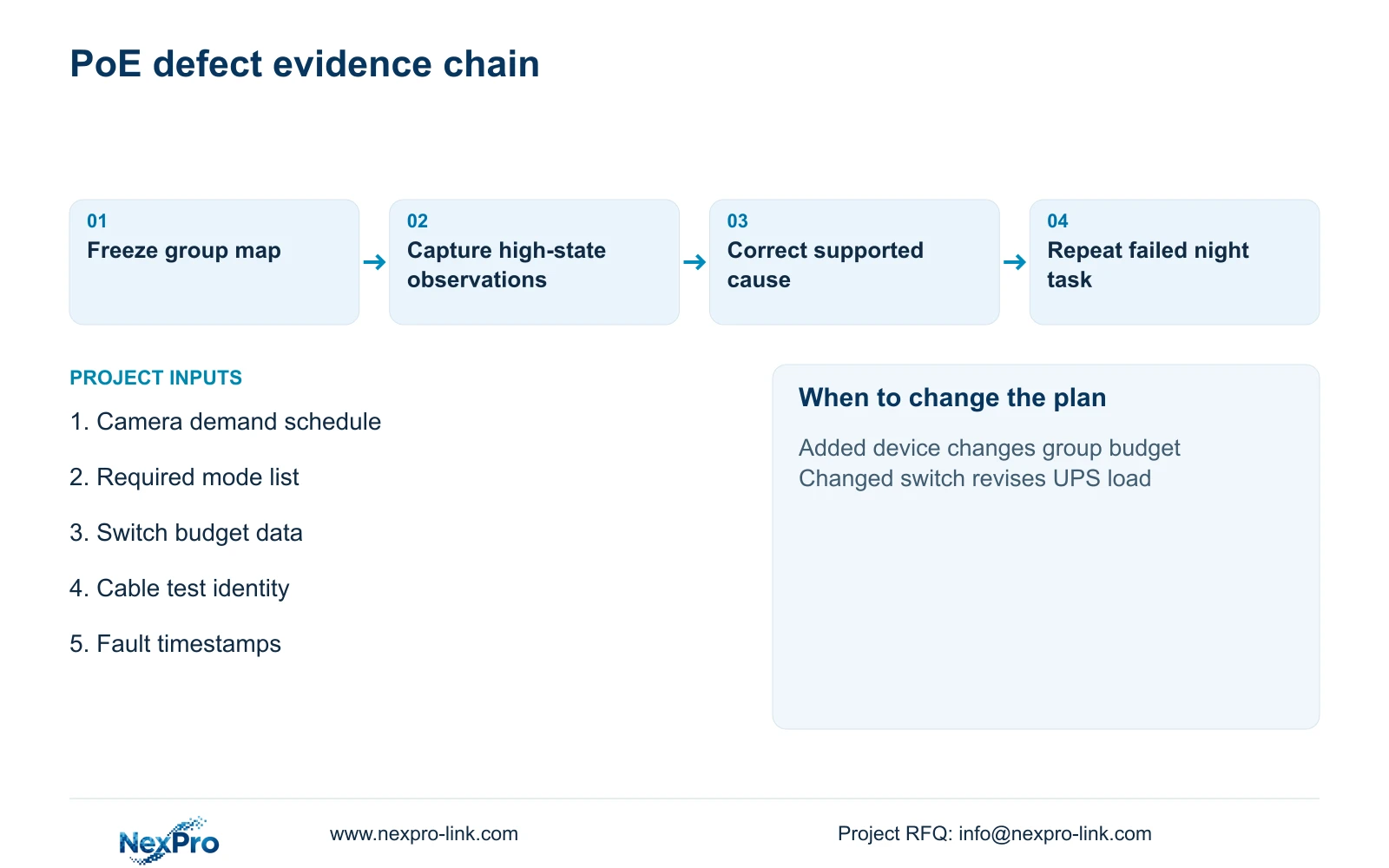
The acceptance record should identify the group, port map, required simultaneous modes, test window and observed recording behaviour. Close a defect only after the originally affected task is repeated successfully under its relevant conditions. Keep any untested startup state or unavailable camera function as a specific outstanding item.
A bench check can support equipment preparation, while the site test establishes behaviour through the installed link and actual PSE. Record both without claiming that the bench proves destination cabling. Operator handover should identify whom to contact for a camera restart, group outage or viewing-only fault, with point and time information attached.
NexPro-Link can discuss camera requirements and the related project equipment through its factory supply scope, while BOQ support can capture the necessary power-budget fields and deviations. The quotation should distinguish supplied equipment, local cable correction, testing and any revised power work. Acceptance remains a documented project decision rather than a general claim that PoE has passed.
Section 07
Buyer questions
Is the 80% utilisation target a mandatory PoE rule? It is the selected planning target in this illustration. State the project's actual margin policy and apply it consistently alongside supported port and switch limits.
Does a larger switch budget prevent every night restart? No. Device faults, link conditions, configuration or upstream supply problems can produce similar symptoms. Use the timeline and controlled checks to identify the affected path.
Can switch power telemetry replace camera demand data? Telemetry is useful evidence for the observed state, but its meaning and sampling must be understood. Obtain applicable device demand information and retain observations from all required modes.
Section 08
Make the PoE acceptance scope measurable
Send your camera mode and demand schedule, switch per-port and total budgets, installed point-to-port map and fault timestamps to info@nexpro-link.com. NexPro-Link can discuss the equipment requirements and targeted acceptance checks.
Engineering references
These sources support the general planning principles. Always use the selected product's current datasheet and applicable project standards for final design.