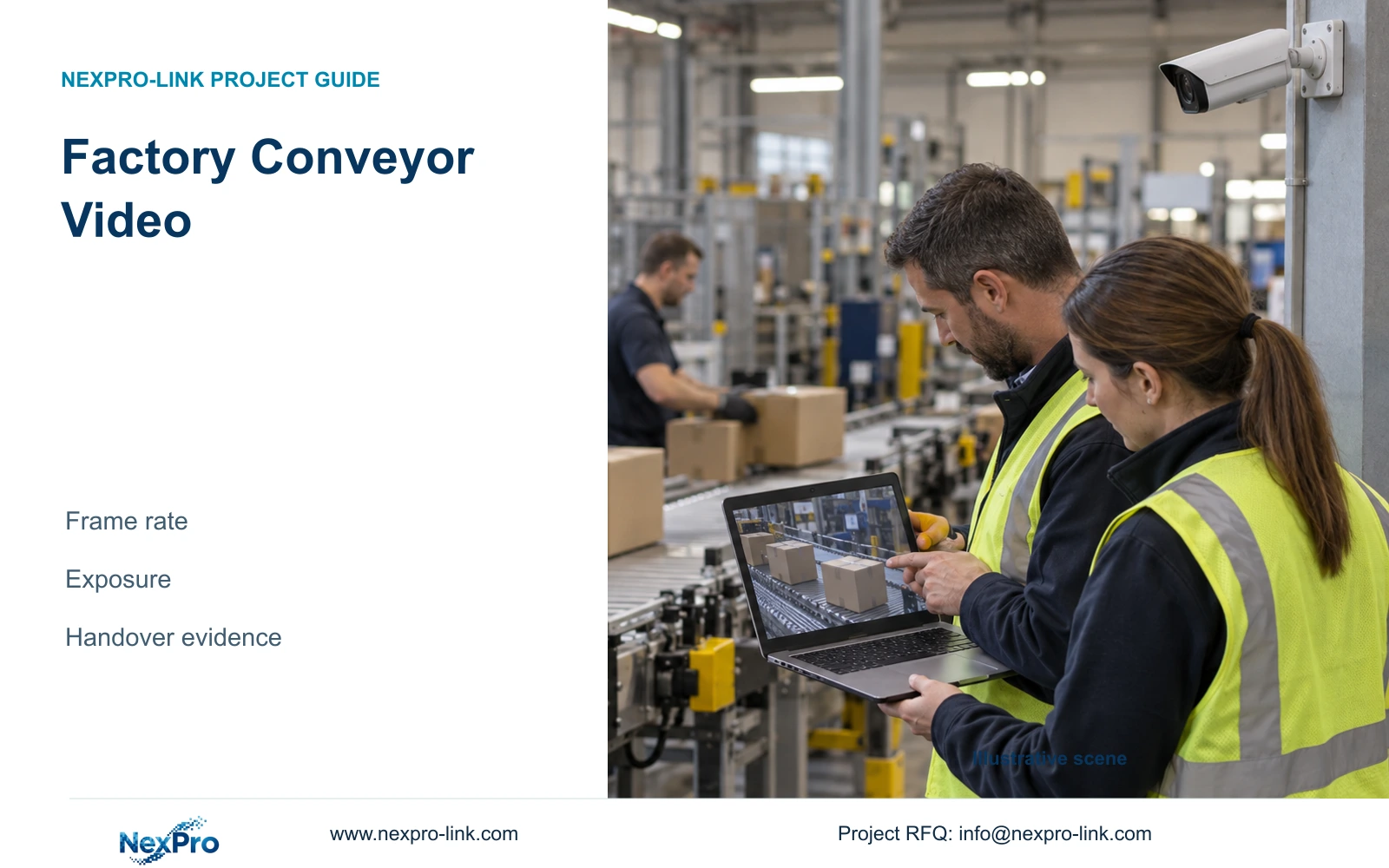
Factory conveyor footage needs separate decisions for temporal sampling and exposure duration. Higher fps alone does not preserve moving detail or qualify inspection.
Section 01
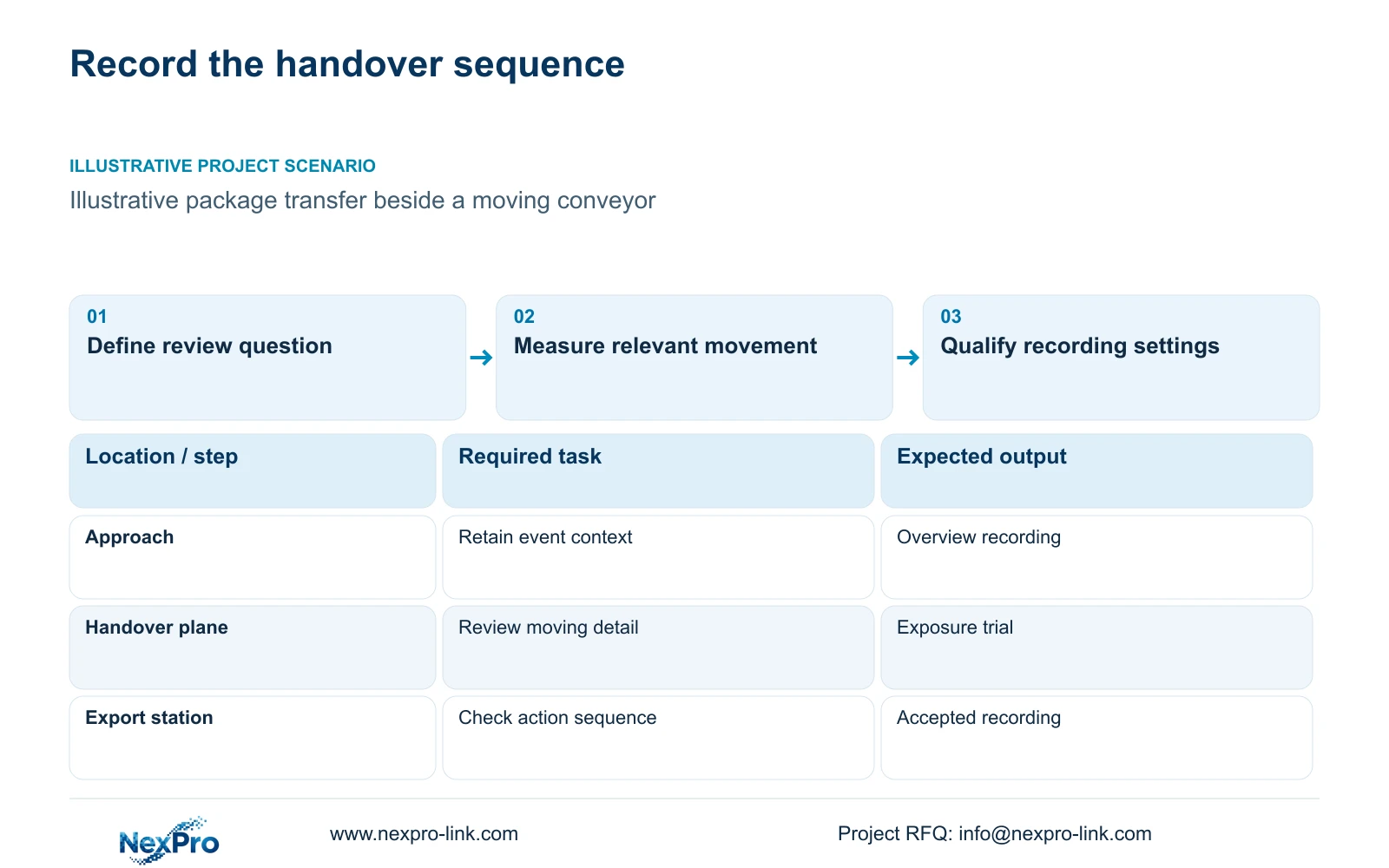
Define handover evidence separately from inspection
For factory conveyor video, select frame rate to capture the sequence of relevant actions and exposure duration to control movement within each image. Higher fps does not automatically shorten exposure. Qualify the recorded task with the actual optics and lighting, and keep automated inspection requirements separate from ordinary security recording.
Illustrative project scenario: An owner wants to review package handover beside a moving conveyor. Use the supplied CNC factory reference as the ordinary-security background, and assume one dispatch position records the point where custody changes. The owner needs retrospective evidence of the transfer, not automatic defect detection or a conveyor safety command.
Write the question the recording must answer: where the package was handed over, which sequence occurred and what visible context is needed. If the request expands to reading every moving label, rejecting defects or triggering equipment, assign a separate specialist assessment. The supplied ordinary camera references do not establish those capabilities.
Section 02
Measure speed and image scale at the handover plane
Obtain conveyor speed at the relevant operating state, the target width and the proposed camera position. Distinguish belt speed from the movement of a package being lifted or passed across the view. The motion calculation needs the movement relevant to the recorded detail, with its direction and scale understood.
Estimate image scale at the handover plane using the selected recorded output and view geometry. Confirm it from the proposed scene rather than applying a single scale to near and distant objects. A tighter view may improve sampling but exclude the approach needed to interpret a transfer.
List exposure duration and frame rate as separate configuration fields. The engineer should use speed and scale to define a trial exposure, then select temporal sampling for the action sequence. The installer confirms framing, and the owner reviews representative recordings. This avoids treating one menu change as a complete solution to both blur and missed sequence detail.
Section 03
Choose recording settings around the required sequence
The supplied NexPro-BL2812M55-5MP-DIC-AI reference lists 25 fps at the 5MP-family mode and a 2880×1620 main-output field. The 8MP bullet reference lists 3840×2160 at 25 fps. These are documented candidate fields, not proof that either camera captures every relevant conveyor action.
For the illustrative handover, start qualification with continuous recording during the agreed operating period so the approach and aftermath remain available. An event-only option requires a separate demonstration that the relevant sequence is retained. Do not assume human/vehicle classification provides a dependable trigger for every package movement.
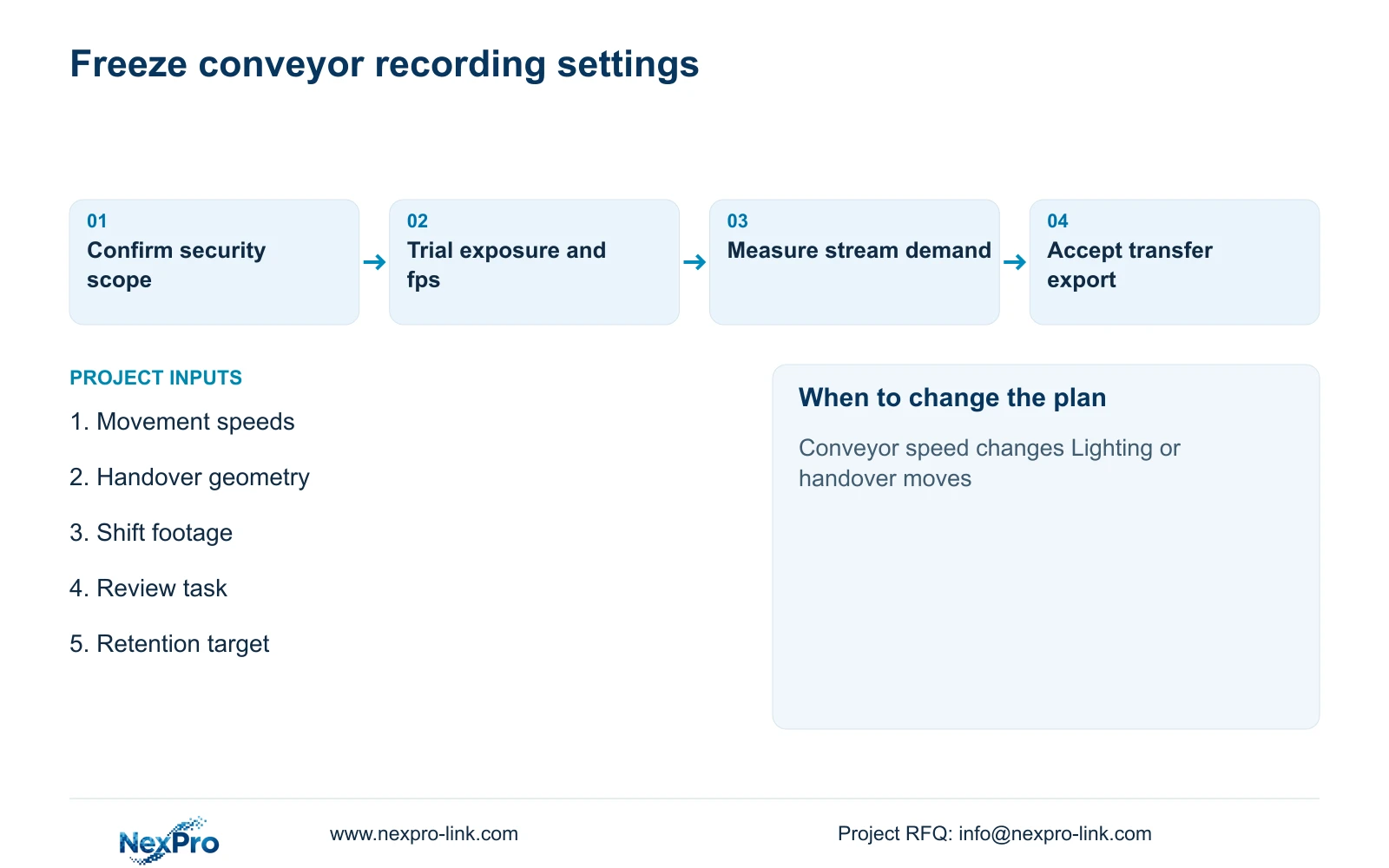
Check the actual recorded main stream, playback and export at the proposed settings. CASE01 assumes continuous recording at 4 Mbps per camera for 30 days. If the qualified conveyor setting changes measured bitrate, update storage planning accordingly. Preserve the agreed evidence when comparing an alternative recording mode or a lower-bandwidth configuration.
Section 04
Calculate movement within a single exposure
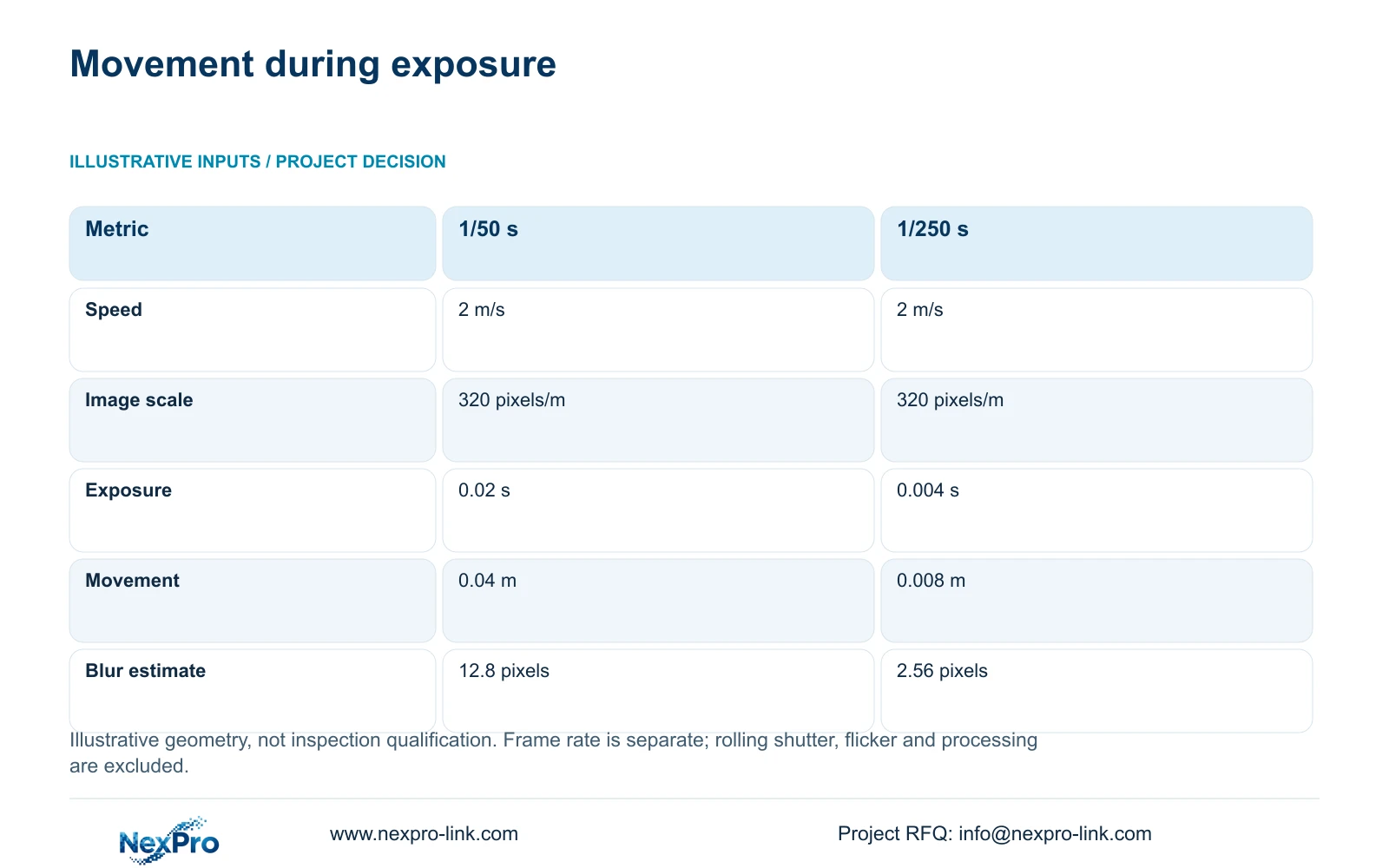
The illustrative calculation assumes 2 m/s target speed and 320 pixels/m image scale. Movement_m = speed_m_s × exposure_s; estimated_blur_px = movement_m × pixels_per_m. At 1/50 s, or 0.02 s, movement is 2 × 0.02 = 0.04 m, giving 0.04 × 320 = 12.8 pixels.
At 1/250 s, or 0.004 s, movement is 2 × 0.004 = 0.008 m, giving 0.008 × 320 = 2.56 pixels. The shorter exposure reduces this geometric estimate by a factor of five under the same assumed speed and scale. It also changes the lighting requirement.
Frame rate controls a different interval. At 25 fps, successive frames are nominally 0.04 s apart; at the assumed 2 m/s, the target moves 0.08 m between frame times. That additional illustrative calculation concerns sequence sampling, not within-frame blur. Neither calculation models rolling shutter, flicker, gain or processing, and neither qualifies inspection.
| Metric | Longer exposure | Shorter exposure |
|---|---|---|
| Target speed | 2 m/s | 2 m/s |
| Image scale | 320 pixels/m | 320 pixels/m |
| Exposure | 0.02 s | 0.004 s |
| Movement | 0.04 m | 0.008 m |
| Geometric blur estimate | 12.8 pixels | 2.56 pixels |
Section 05
Resolve failed detail through the scene and settings
If individual frames are blurred, check exposure duration and available light first. Axis's image-quality troubleshooting guide explains this motion-blur relationship; its device menus are not instructions for NexPro cameras. If the action sequence lacks intermediate images, check supported frame rate and event duration. Changing resolution alone may leave either problem unresolved.
Run representative transfers at normal and relevant faster operating states, with permitted variations in package position. Review occlusion by people, guards and adjacent equipment. A clear conveyor image before production starts does not establish the handover view after the line is occupied.
If the accepted task requires a narrower detail view, retain the necessary overview or add a justified point. Record resulting camera, channel, bandwidth and power changes. The 32-camera reference's 5MP-class assumptions cannot be carried unchanged into an unqualified mixed-resolution system. Compare supplier offers using the same recorded question and complete supporting scope.
Section 06
Release settings with an accepted transfer recording
Attach the accepted recording, target speed, view geometry and selected output settings to the camera schedule. Include exposure, frame rate, compression and operating-period assumptions. This gives commissioning personnel a reproducible task and prevents a convenient live-view setting from replacing the accepted recording configuration.
NexPro-Link's BOQ support can help translate that evidence into model matching, technical documents and clearly stated deviations. Its factory project supply scope can coordinate ordinary cameras and related recording equipment. Conveyor controls, inspection systems and local installation remain separately assigned responsibilities.
Repeat the affected qualification when belt speed, handover position, lighting or package presentation changes. Keep configuration revisions traceable to location IDs and preserve the original acceptance record. A replacement camera should be checked against the transfer task, rather than approved only because its megapixel label and nominal fps resemble the previous unit.
Section 07
Buyer questions
Can a paused frame prove that every package label will be readable? No. A selected frame may show one favourable transfer. Label reading needs a defined task and representative evidence across movement, position and lighting. If every label must be captured reliably, assess that requirement separately from general handover CCTV.
Should frame rate be reduced to preserve the 30-day storage target? Only after confirming that the action sequence remains useful. Measure the accepted stream's demand and compare storage options before reducing evidence quality. Retention and temporal sampling should be approved together, with any change documented.
Section 08
Specify conveyor handover recording
Send conveyor and package movement speeds, handover geometry, representative shift footage and the required review task to info@nexpro-link.com for an ordinary-security camera and recording schedule.
Engineering references
These sources support the general planning principles. Always use the selected product's current datasheet and applicable project standards for final design.