

Plan CCTV resolution frame rate bitrate with practical guidance on define detail at the target plane and understand smart compression trade-offs. NexPro-Link project guide.
Section 01
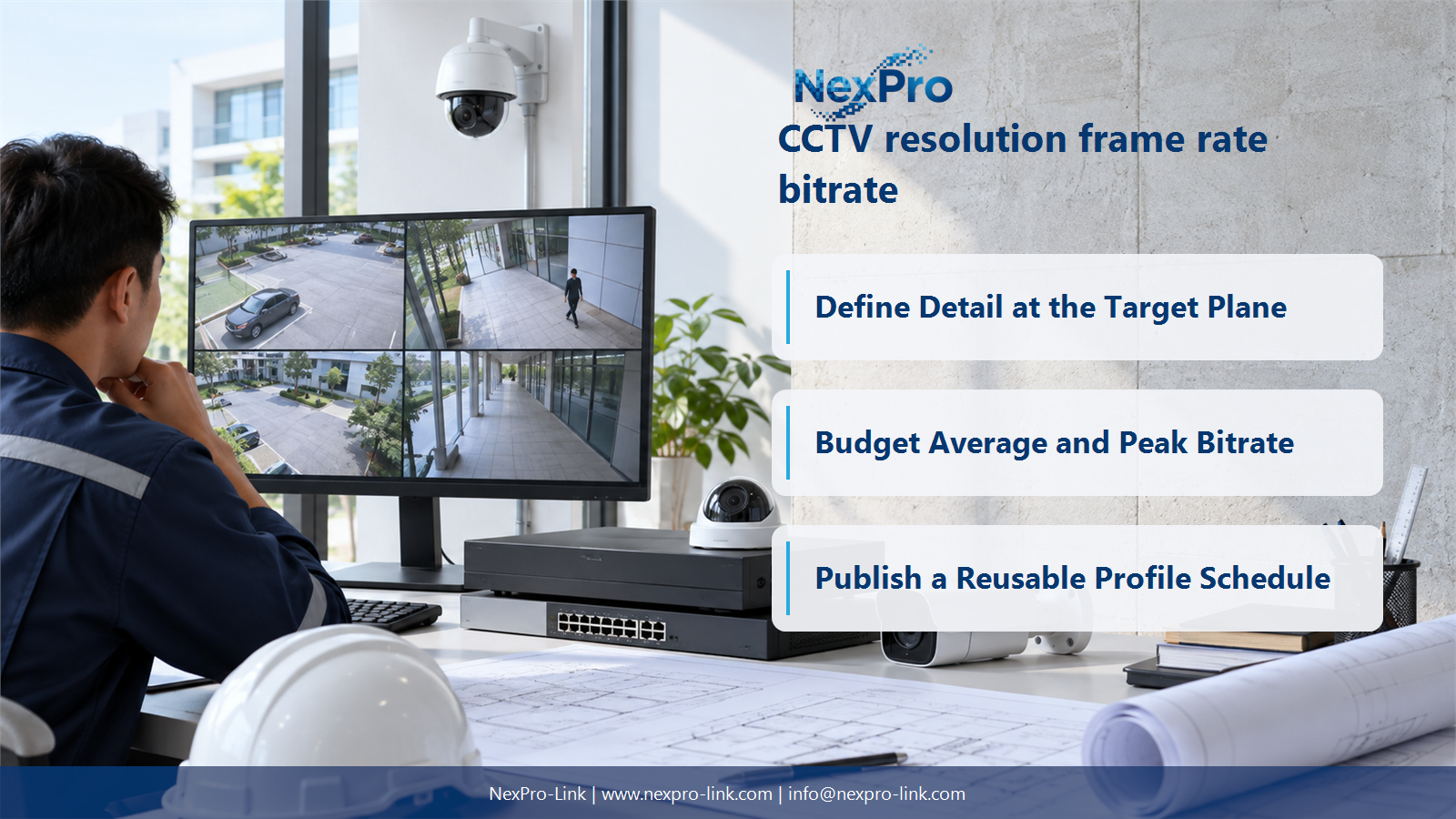
Define Detail at the Target Plane
Not when the target occupies too little of the image or lighting and motion prevent usable detail. Compare horizontal pixels against scene width at the target plane, then consider optics, exposure and compression. Additional resolution is valuable only when the full capture and viewing path preserves information that the operational task actually needs.
Turn the answer into a working record using View, Horizontal pixels, Scene width, Pixels per metre, Task.
| Decision area | Buyer question | Required output |
|---|---|---|
| Define Detail at the Target Plane | Is a higher-resolution camera always the better choice? | Not when the target occupies too little of the image or lighting and motion prevent usable detail. |
| Match Temporal Detail to Movement | How should frame rate be chosen for CCTV? | Choose it from the movement and event sequence that must be reconstructed, not from a blanket preference for the highest number. |
| Budget Average and Peak Bitrate | Can megapixels be converted directly into a fixed bitrate? | No. |
Section 02
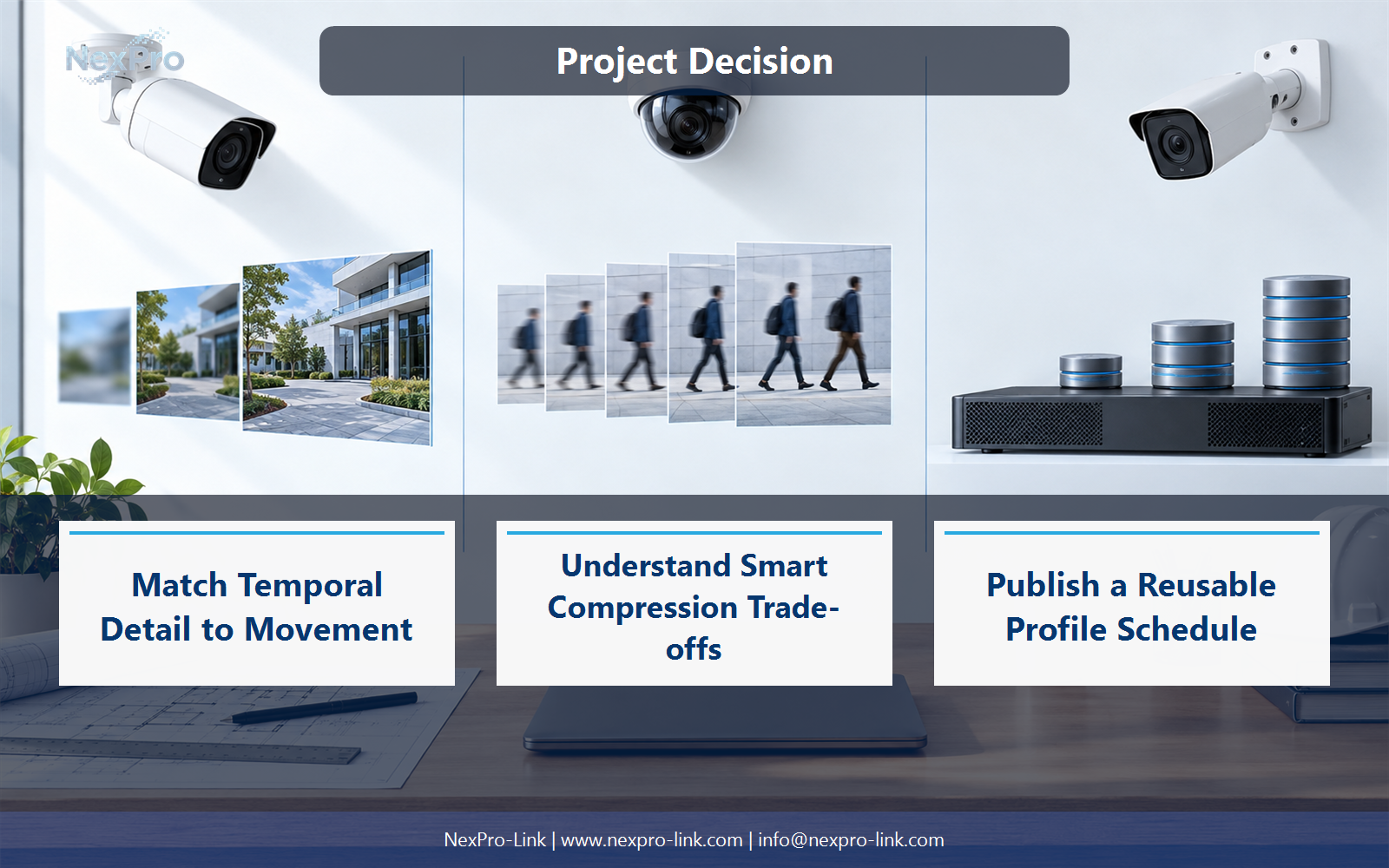
Match Temporal Detail to Movement
Choose it from the movement and event sequence that must be reconstructed, not from a blanket preference for the highest number. Frame rate changes how often the scene is sampled; shutter time affects motion blur within each sample. A high frame rate with a long exposure can still produce blurred evidence.
Use Task, Motion speed, FPS, Exposure constraint, Detail needed to compare options on the same basis. Keep product capability, project assumption and operating responsibility in separate columns.
Section 03
Budget Average and Peak Bitrate
No. Codec, image noise, scene movement, frame rate, quality target and rate-control mode all affect the stream. Use measured values or explicitly labelled planning assumptions, with separate average and peak figures. Storage follows time-integrated recording traffic, while links must also tolerate the relevant peak and concurrent traffic.
The project output should make Profile, Average Mbps, Peak Mbps, Quality setting, Observation period traceable from input to acceptance.
- Confirm the answer to: Can megapixels be converted directly into a fixed bitrate?
- Record the project fields: Profile / Average Mbps / Peak Mbps / Quality setting / Observation period.
- Keep product capability, project assumptions and site responsibility in separate records.

Section 04
Understand Smart Compression Trade-offs
No. Smart-codec labels describe vendor-specific behavior on top of a codec ecosystem, not one interchangeable performance promise. Check whether the recorder, analytics and export workflow support the selected mode. Evaluate image quality in motion and difficult lighting before turning a claimed storage saving into a capacity reduction.
Record Codec mode, Recorder support, Moving detail, Search impact before selecting a product family. That makes later substitutions possible without silently changing the operational requirement.
Section 05
Translate Profiles into System Cost
A different recording profile can change recorder input load, disk capacity, client decoding and backup-power demand associated with extra equipment. Compare complete profile bundles rather than camera prices alone. Keep the same retention period and viewing task when comparing options, otherwise the apparent savings may come from reducing the service rather than improving efficiency.
Review Profile, Network load, Recording TB, Decode load, Equipment effect with the party that will operate or maintain the system.
Section 06
Publish a Reusable Profile Schedule
Record the operational view, resolution, frame rate, codec, rate-control mode, average planning bitrate and maximum bitrate for each camera group. Include audio or event streams where used. The schedule should state which settings are assumptions and which are the intended deployment baseline, so a later quality change has a visible system impact.
Use Group, Resolution, FPS, Codec, Average, Maximum, Retention as the handoff between design and procurement.
Engineering references
These sources support the general planning principles. Always use the selected product's current datasheet and applicable project standards for final design.


