Create a successor record containing the replaced role, accepted new model, required adapters and configuration changes. Keep the old serial history and label relationship intact.
Section 01
Preserve the accepted scene and installation requirements
Create a successor record containing the replaced role, accepted new model, required adapters and configuration changes. Keep the old serial history and label relationship intact. Release repeat supply only within that tested role. Successor approval for a dispatch camera cannot automatically qualify a different environment or retained recorder combination.
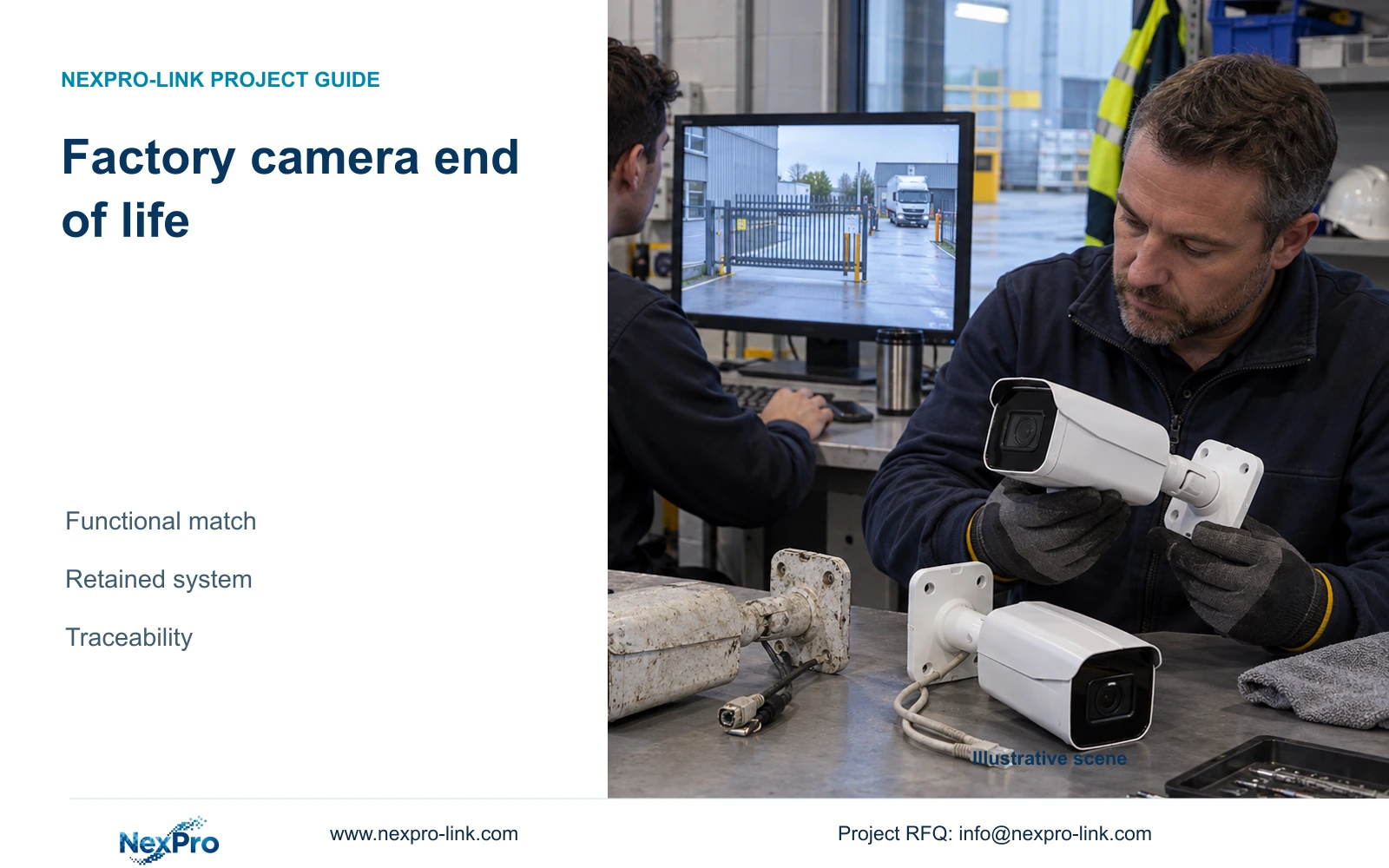
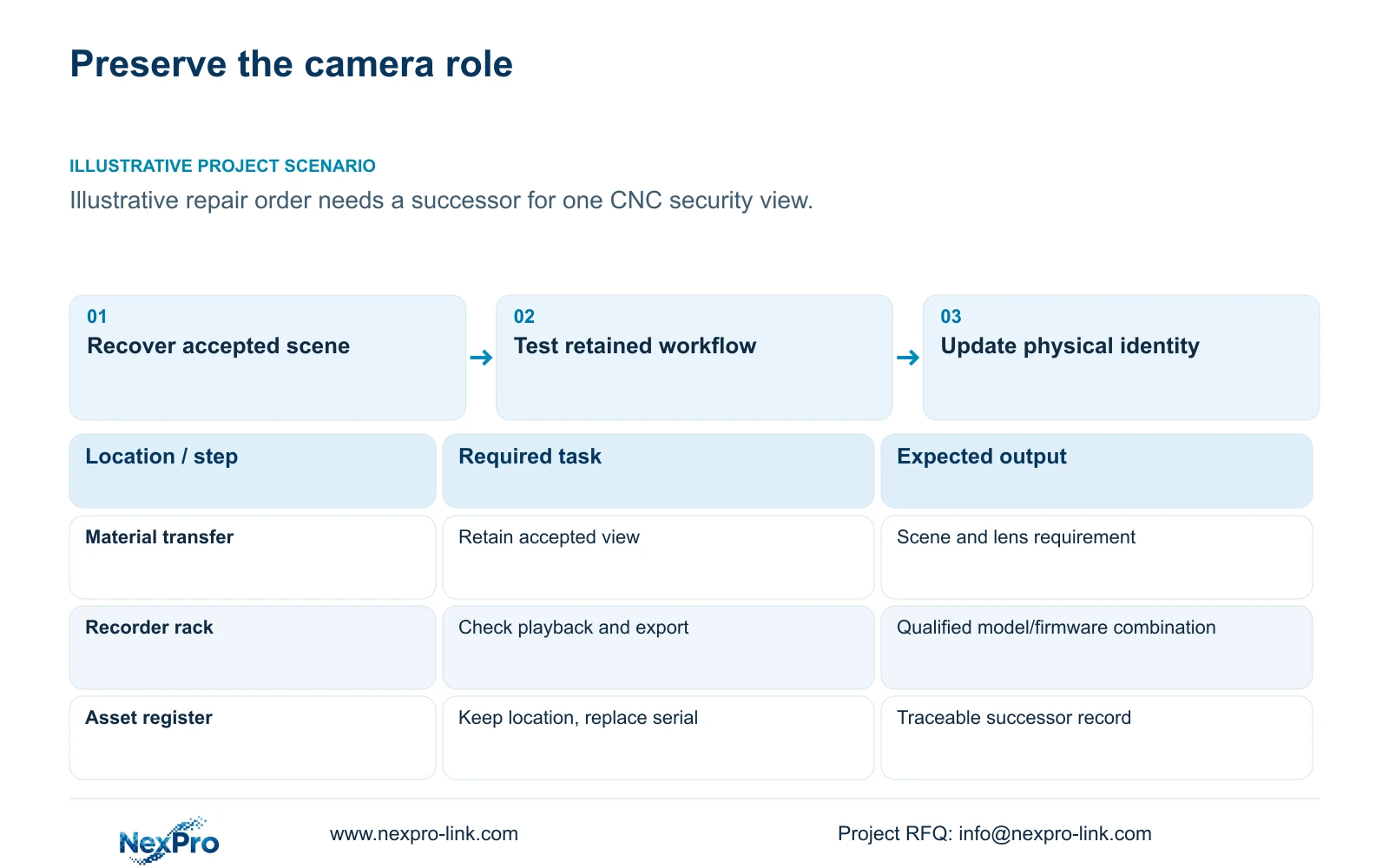
When a factory camera reaches end of life, qualify its replacement against the required scene, lens, interfaces, power and environment. Equal megapixels and a similar housing do not establish a drop-in replacement. Recover the original acceptance requirement before reviewing new models so the supplier can propose a functional match rather than a nominal specification match.
Illustrative project scenario: The original camera is no longer offered for a later repair order. Assume one ordinary security view in the supplied 32-camera CNC reference needs replacement while the owner retains the recording node. The task remains review of authorised material transfers or access. No supplied NexPro-Link model is being declared discontinued; this is a hypothetical procurement situation.
Record the view width, subject position, mounting arrangement, day and night conditions and accepted evidence task. The source 5MP bullet and Dome families list 2880×1620 output and 2.8–12 mm motorized lenses. Preserve those fields as listed if used as candidates. Do not infer that another 5MP output or focal range reproduces the installed scene without a comparison.
Section 02
Qualify the replacement on the retained recorder and clients
Identify the retained recorder model, firmware and camera connection method. Define the behaviours the owner actually uses: live view, recording, playback, export and any required events or audio. Run a controlled sample check of that workflow before releasing a repeat replacement order. A successful picture on one client does not establish every required function.
ONVIF guidance requires attention to exact device and client profiles and firmware applicability. Use it to structure the compatibility review, not to claim universal mixed-brand operation. If the owner uses Seetong APP or PC-client workflows, check the required tasks in that actual environment; the supplied Seetong source provides client context, not a promise that every camera feature transfers.
The CNC case assumes streams within the recorder's supported 5MP-class modes. Its NexPro-NVR4449-4K reference has published recording limits that must remain part of the replacement check. Do not substitute an 8MP camera and assume the old channel plan still applies. Verify stream mode, bandwidth and the needed playback or display workload independently.
Section 03
Keep project identity while recording the new model
Retain the location tag and logical camera role, but update the installed model, serial, firmware and accessories. Record the removal time and replacement acceptance time. This lets operators search the same project location while support personnel can identify which physical device was present during a particular event or fault.
Keep branding separate from technical identity. NexPro-Link's OEM scope includes labels and packaging options, but a private-label carton should not hide the actual replacement model from the controlled asset record. If a laser logo or revised artwork is requested, confirm its scope separately and avoid allowing a branding approval to substitute for functional acceptance.
Reconcile the purchase order, replacement kit and as-built schedule. State which camera is newly supplied, which recorder and network items are retained, which bracket or termination work belongs to the local installer and which software change is optional. A substitution that requires a new mount or interface has a larger scope than a camera-only commercial line.
Section 04
Compare a functional replacement with added integration
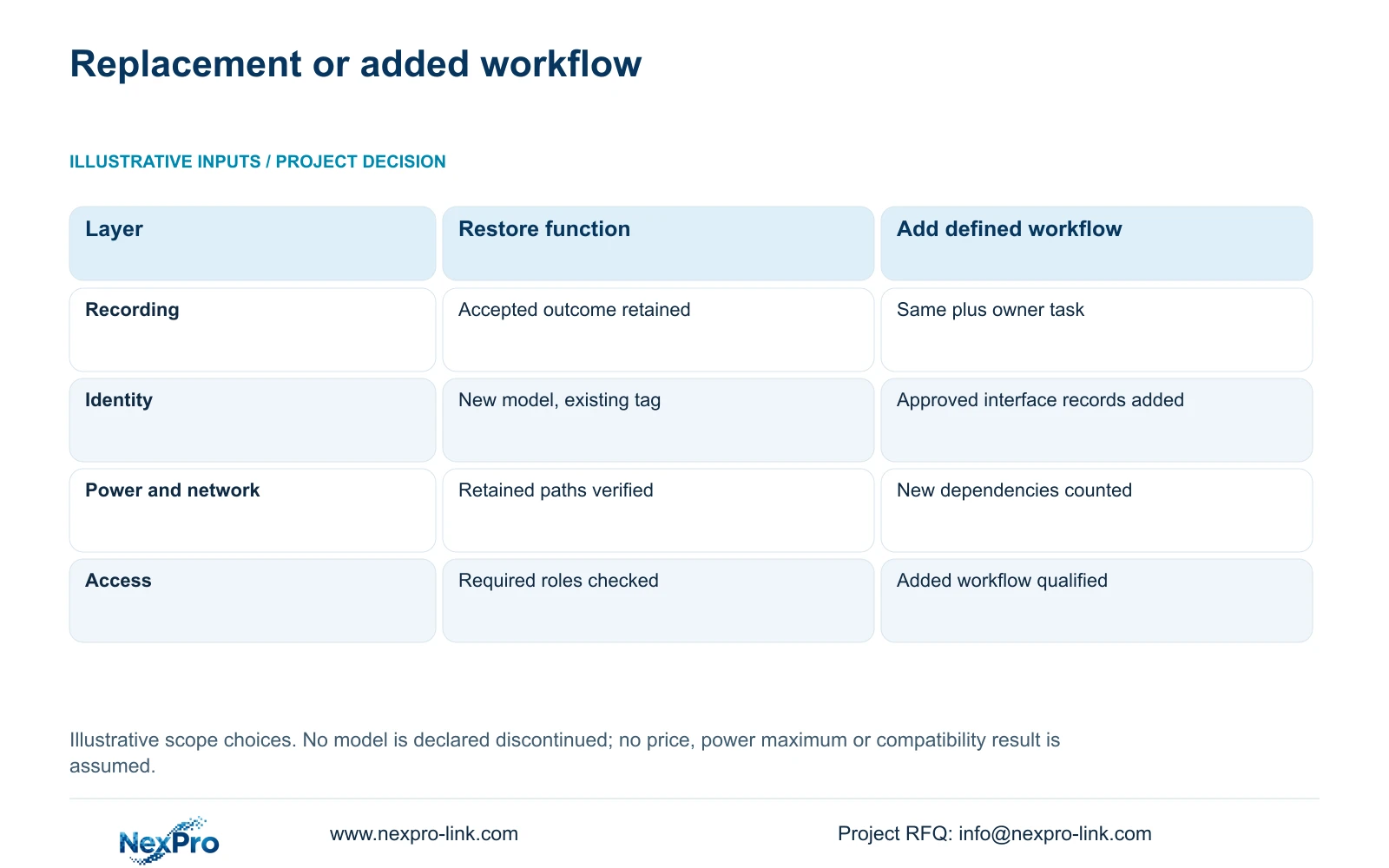
Option A restores the accepted recording task using the retained infrastructure where verified. Option B preserves that same task and adds a separately justified workflow, such as an owner-requested management interface. Assign each dependency to supplied, retained, installer-provided or optional scope, with one responsible party for each interface. An unfilled entry remains unresolved.
The decisive difference is the added operational requirement and its dependencies. A camera replacement should not automatically become a platform migration. Equally, an owner-required event or management function cannot be deleted to make the replacement appear simpler. Verify whether the candidate supports the existing task before deciding that new servers or software are necessary.
Check power and storage consequences whenever the selected operating settings change. The case's 12 W camera input is illustrative, not a published maximum rating. Obtain actual replacement demand and review the affected PoE group and protected AC load. Any changed bitrate also requires retention review; higher resolution alone supplies neither a reliable bitrate nor evidence of improved scene usefulness.
| Decision layer | Option A: restore function | Option B: add justified workflow |
|---|---|---|
| Recording outcome | Accepted scene and retrieval retained | Same outcome plus defined owner task |
| Hardware identity | New model and existing location tag | Same plus approved interface records |
| Network and power | Retained paths verified for replacement | Added dependencies separately accounted for |
| Software and access | Required operator roles checked | Additional workflow qualified and assigned |
| Procurement scope | Camera and necessary installation items | Complete added equipment and service scope |
Section 05
Approve a tested role match before broader change
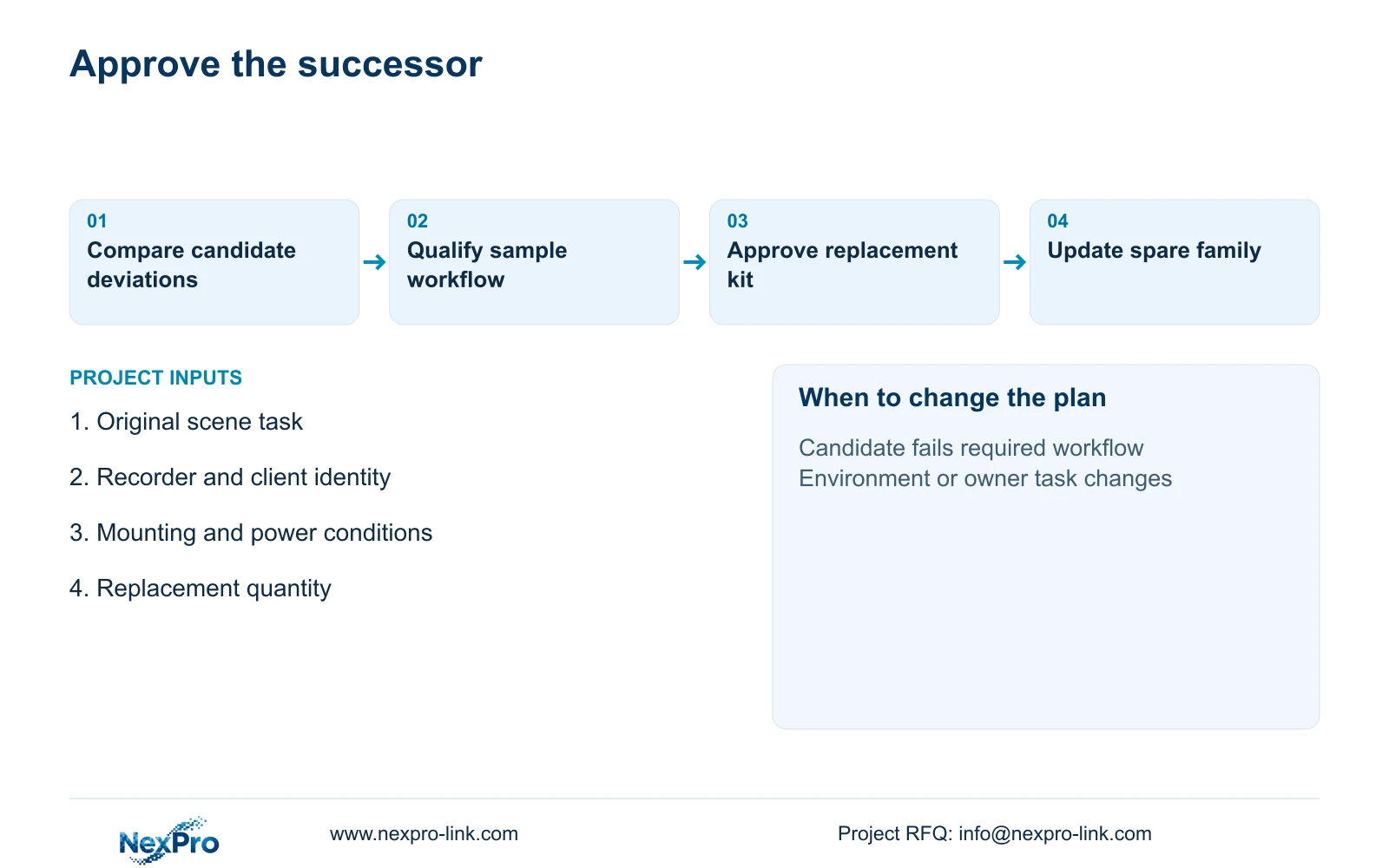
Prefer a qualified role replacement that preserves the owner's accepted outcome with the fewest necessary changes. Ask the engineer to record differences in scene coverage, mounting, connection, operating demand and workflow. Ask the quantity surveyor to price the resulting installation scope, including accessories and local checks, rather than comparing bare-camera prices.
Change the recommendation when the retained system cannot support a required function, the environment has changed or the candidate fails the agreed scene test. Keep any mandated platform or specialist protection requirement. An ordinary IP66 camera candidate is not evidence of suitability for chemical exposure, hazardous locations or another specialist application.
If the replacement forms part of a warranty remedy, confirm the accepted substitution and its applicable terms. Do not assume a fresh full warranty period, advance replacement or local labour coverage. Main equipment, disks, batteries and service costs retain distinct entries. The commercial agreement should identify what happens to the old unit and who accepts the restored function.
Section 06
Create an approved successor record for repeat supply
Release an approved successor record containing the old role, new model, accepted settings, recorder/client combination and installation differences. Attach the sample check result and the owner's acceptance of any changed capability. This record makes a later replacement order repeatable without pretending that every site position can use the same successor.
NexPro-Link can discuss model matching, deviation documents and identifiable project packing through its published BOQ and OEM scopes. The local integrator should verify the installed scene and retained infrastructure. Keep unresolved inputs, including maximum power or unsupported feature combinations, visible in the proposal until they are answered.
After installation, update the compatible spare list and mark obsolete stock according to the roles it can still cover. Do not discard functioning installed units solely because new supply has changed. Review their support and operating needs separately. The replacement decision is complete when the required view and retrieval work, the asset record is accurate and repeat procurement has an approved basis.
Section 07
Buyer questions
Does model discontinuation mean every installed camera must be replaced? No. Assess the functioning installed equipment, required support and available replacement route. A supply change is a reason to plan successors, not automatic evidence that the whole installation has failed.
Can we approve a successor from its datasheet alone? A datasheet can establish candidate fields, but scene performance and retained-system behaviour need the agreed qualification. Record any unverified requirement before ordering a batch.
Should the replacement keep the original project tag? Keep the logical location tag where the role is unchanged, while recording the new physical model and serial. Preserve the replacement date so historical footage and service records remain traceable.
Section 08
Qualify a camera successor
Email the original model and scene requirement, retained recorder/client identities, installation and power conditions, and required replacement quantity to info@nexpro-link.com for a model-matching discussion.
Engineering references
These sources support the general planning principles. Always use the selected product's current datasheet and applicable project standards for final design.