For a consolidated-view proposal, retrieve the same event in live, recorded and exported forms. Record whether the recipient can locate the original transfer position after dewarping or view changes.
Section 01
Choose the view arrangement around the evidence required
For a consolidated-view proposal, retrieve the same event in live, recorded and exported forms. Record whether the recipient can locate the original transfer position after dewarping or view changes. If location meaning is lost, retain a supported context view or map with the export rather than approving consolidation by housing count.
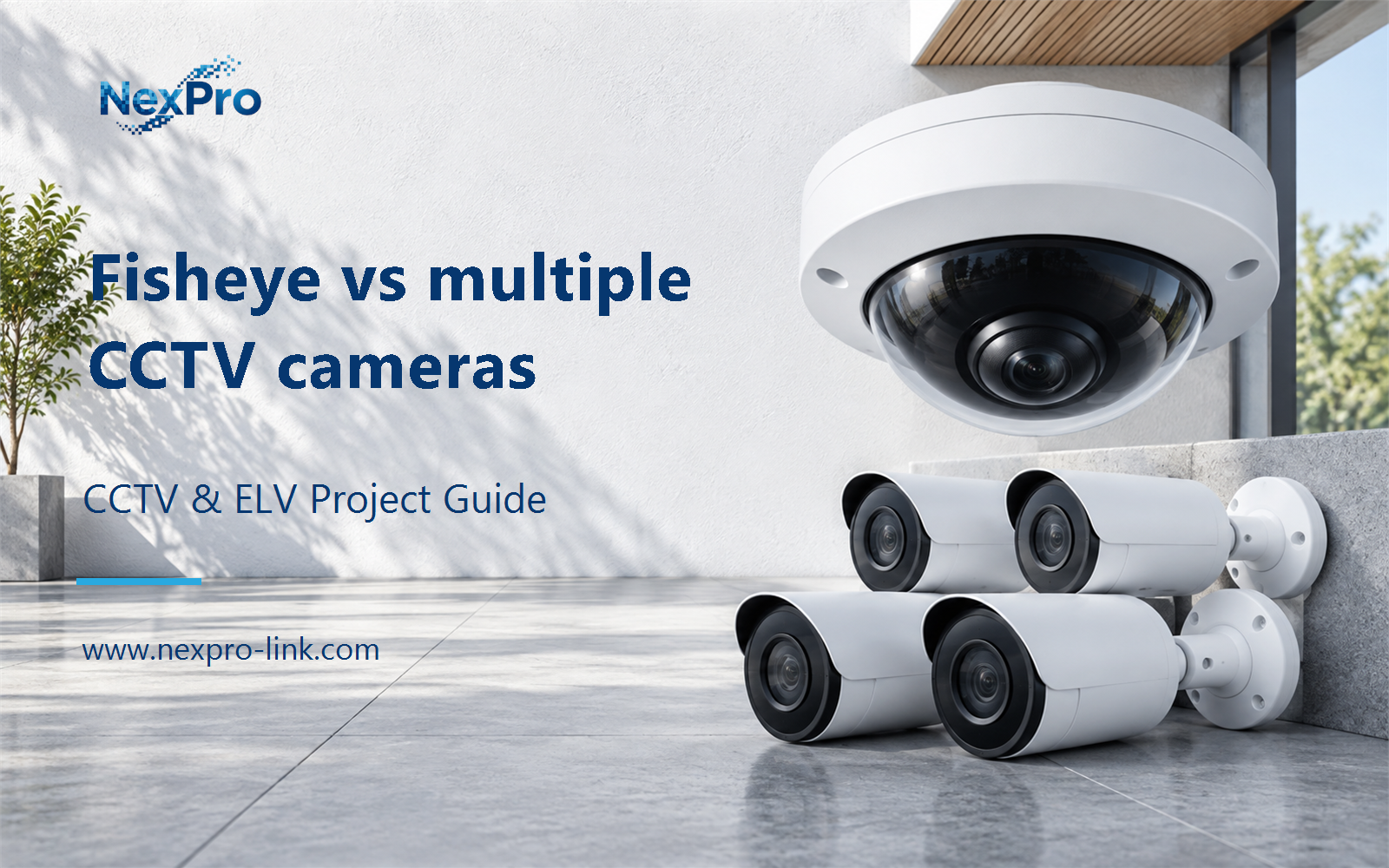
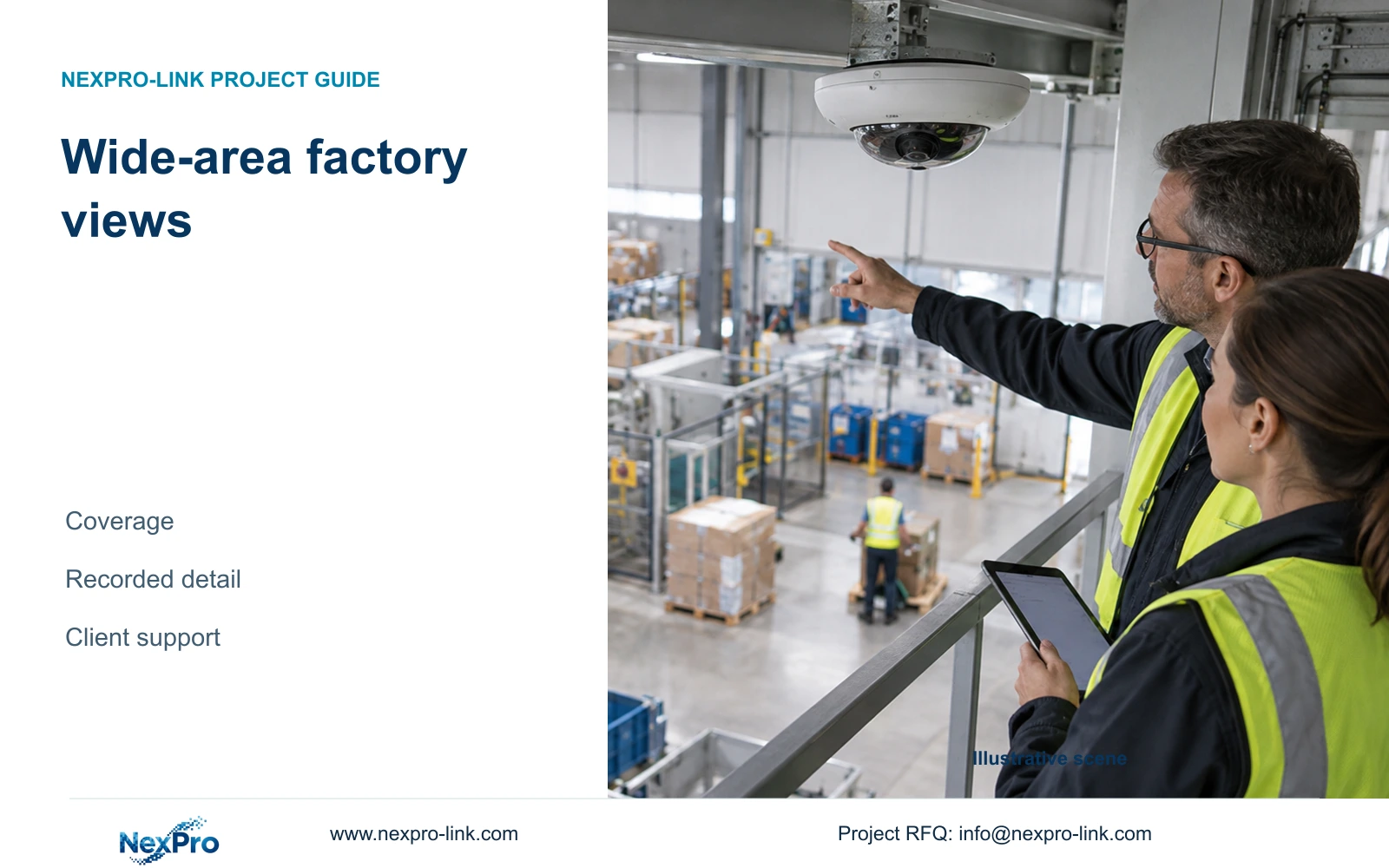
For wide area factory cameras, use fisheye or multi-sensor options where a broad overview meets the task and the recording clients support the intended views. Keep several independently positioned fixed views where transfers need dedicated detail, different sightlines or separate failure exposure. Approve a replacement only after it preserves the required recorded evidence. A lower physical camera count alone does not establish equivalent coverage.
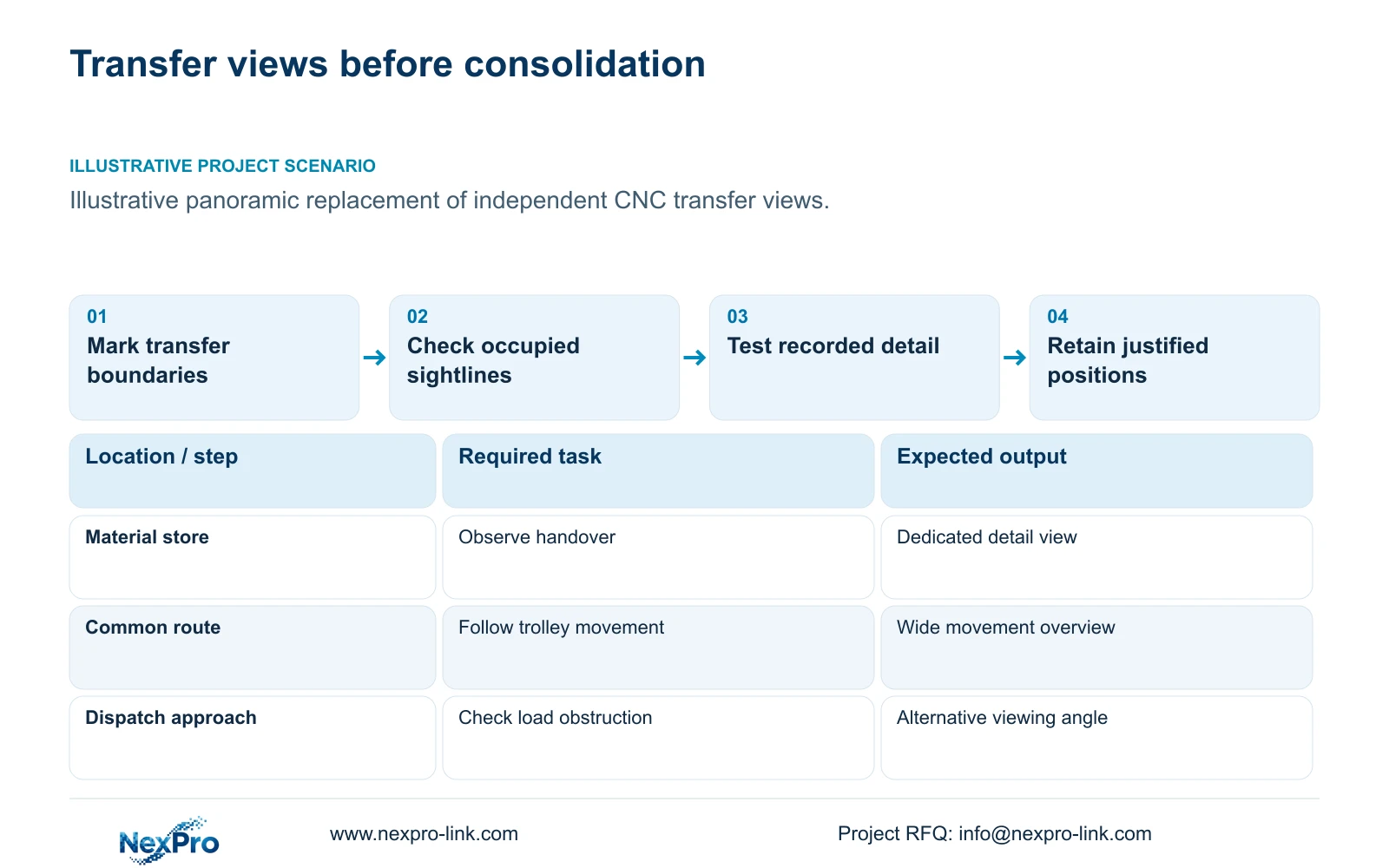
Illustrative project scenario: A single panoramic camera is proposed to replace several independent transfer views in the supplied 32-camera CNC factory reference. Assume the affected positions observe permitted material movements between a store, a common route and a dispatch approach. These are planning assumptions, not a delivered installation. The owner needs movement context and a usable record at each handover boundary; machine inspection and guarding remain outside this security task.
Write those needs as separate acceptance statements. An overview might need to show which route a trolley follows, while a transfer view must show the exchange at a defined position. Record target width, distance, mounting position, movement direction and representative lighting for each. The engineer can then identify which tasks can share a wide view and which need another angle.
Section 02
Check obstructions and dewarping before removing positions
Evaluate the panoramic proposal against the occupied factory layout. Mark machines, tall containers, temporary racks and opening doors on the viewing sketch. A central mounting position may provide useful circulation context while losing the handover behind a stored load. Moving an independent camera to the opposite side can solve that obstruction without changing the overview. Ask the layout team which obstructions are permanent and which move during a shift.
For a fisheye candidate, demonstrate the proposed dewarped views using recorded footage on the actual operator client. Check whether the user can retrieve the original recording, select the relevant region and export an intelligible view. A useful live demonstration does not settle the playback workflow. For a multi-sensor candidate, identify each sensor stream, its orientation and how the client presents and retrieves it.
Include a representative transfer with the area occupied, rather than accepting an empty-floor image. Repeat it under the lighting expected during night dispatch. The review should expose where a target becomes too small, distorted or hidden. If correcting that weakness requires an additional dedicated camera, retain it explicitly in the schedule instead of leaving the installer to solve the gap after procurement.
Section 03
Qualify the recording and viewing path for each option
Separate physical devices from recorded streams when comparing arrangements. Request the candidate panoramic model's stream map, output dimensions, codec settings and supported client workflow. Establish how each required view consumes recorder resources. ONVIF profile and firmware applicability should be checked for the exact device and client; basic video connectivity does not prove dewarping, event search, audio or export support.
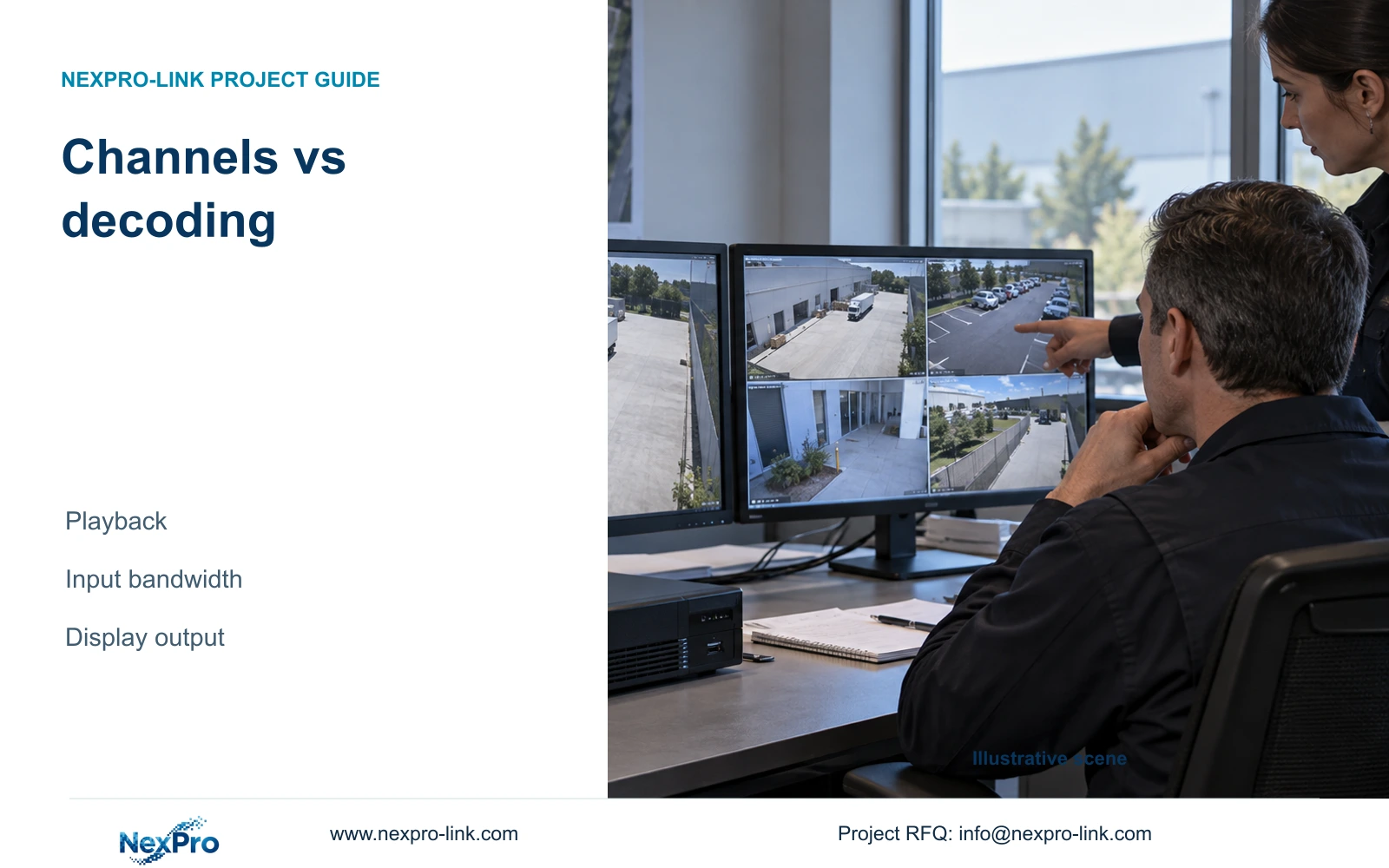
The CNC reference assumes 32 streams at an average 4 Mbps each, giving 128 Mbps aggregate recording input. Its NexPro-NVR4449-4K candidate has a published 320 Mbps input reference and a summary distinguishing 49×5MP from 9×4K modes. That background does not approve a panoramic substitution. Changed stream formats, quantities and playback workloads need their own compatibility review, and recording capacity does not establish simultaneous decoding capacity.
Make the recorder and client supplier responsible for a demonstration using the proposed firmware and stream settings. Use an ordinary retrieval monitor if that serves the owner. If a display wall is justified, qualify its decoder separately; the NX-VP-5535 reference is LCD, and the NX-VD-4K16 name does not establish sixteen simultaneous 4K decodes. Record the accepted live, playback and export arrangements beside the camera schedule.
Section 04
Compare detail at the actual target width
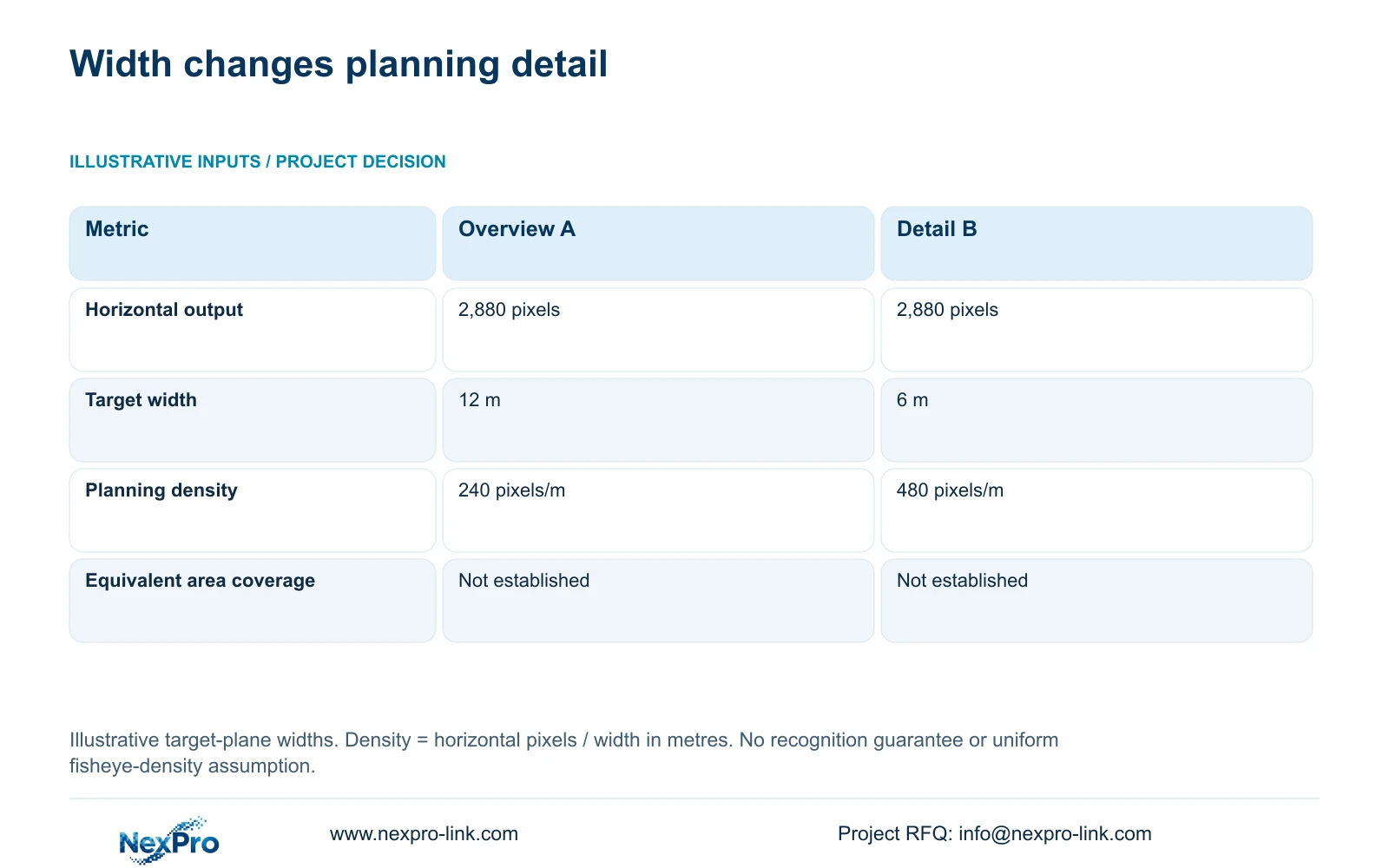
The supplied illustrative calculation holds horizontal output at 2,880 pixels. Option A covers 12 m at the target plane; Option B covers 6 m. The formula is planning_pixels_per_metre = horizontal_output_pixels / target_width_m. Therefore, A gives 2,880 / 12 = 240 pixels per metre, while B gives 2,880 / 6 = 480 pixels per metre. The widths are assumed geometry, not guaranteed lens fields of view.
The decisive difference is the coverage surrendered to obtain more planning detail. Option B doubles the calculated horizontal density but covers half the width. If the owner needs movement context across the original 12 m, the tighter view cannot replace that requirement by itself. Retain an overview or assess additional positions. These figures do not compare total floor area and should not be applied uniformly across a dewarped fisheye image.
The NexPro-BL2812M55-5MP-DIC-AI specification lists 2880×1620 output within its 5MP family and a 2.8–12 mm motorized lens. Those fields support an ordinary-area fixed-view candidate, not a recognition guarantee. Geometry, motion, lighting, compression and obscuration still affect the result. Agree a recorded-image task and demonstrate it at the intended position; no universal recognition threshold is assigned to either calculated density.
| Metric | Option A: overview | Option B: detail |
|---|---|---|
| Horizontal output | 2,880 pixels | 2,880 pixels |
| Target width | 12 m | 6 m |
| Planning density | 240 pixels/m | 480 pixels/m |
| Equivalent area coverage | Not established | Not established |
Section 05
Retain independent detail where consolidation creates a gap
For the proposed transfer-view replacement, keep the independent positions until a recorded trial shows that consolidation preserves every required handover task. A mixed arrangement is a reasonable procurement basis: a panoramic overview can support route context, with dedicated fixed views at obscured or detail-critical boundaries. This gives the owner a clear account of which evidence remains available when the broad view is blocked.
Choose a fisheye candidate when the proposed mounting geometry and demonstrated dewarping workflow suit the overview. Consider a multi-sensor candidate when separately directed views from one position can serve the task and its streams are supported. Prefer independently positioned fixed views when the scene needs different angles. Multiple sensors in one housing still share that physical position; document the consequence of losing it rather than treating each sensor as an independent installation.
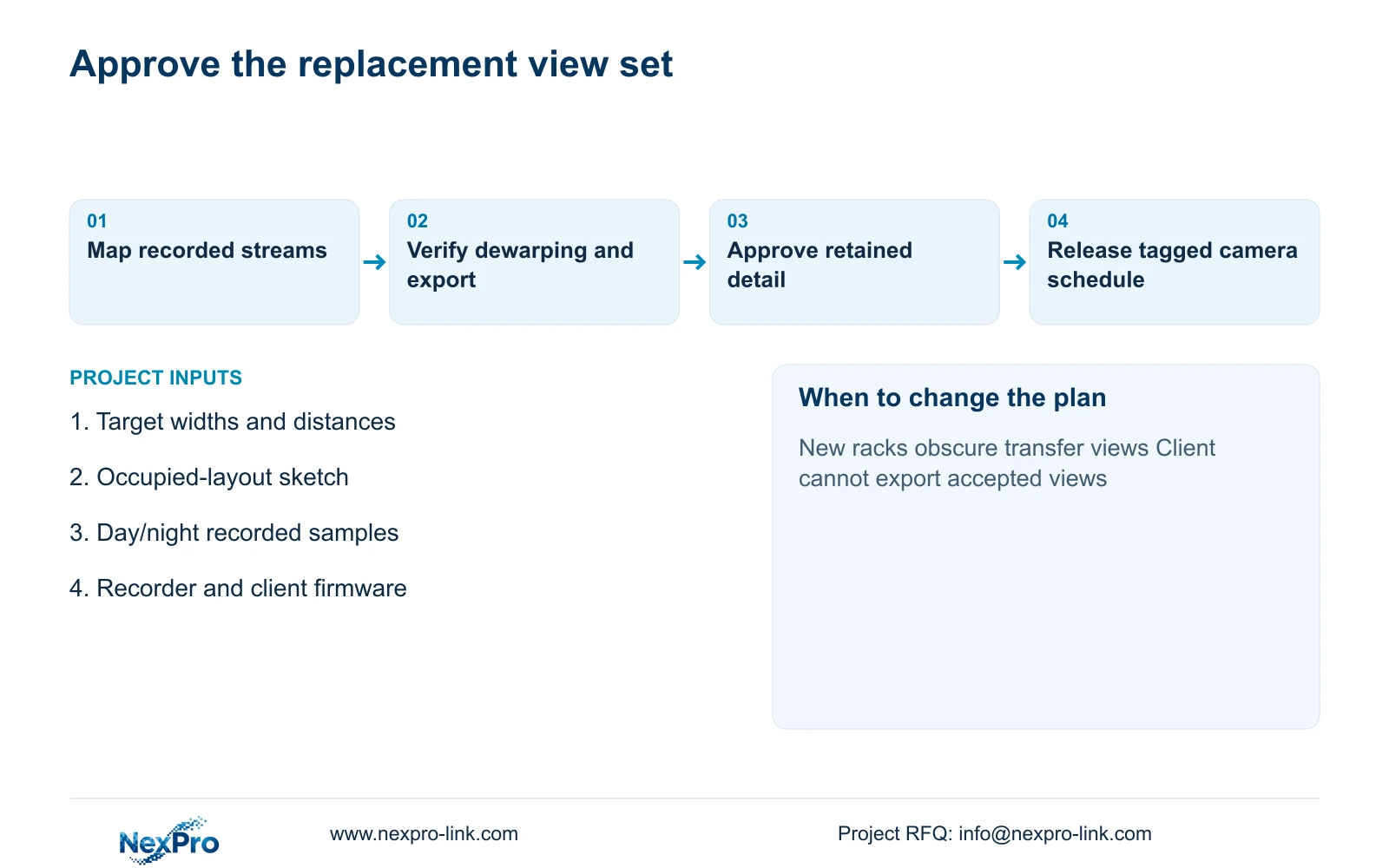
Compare quotations against the same accepted views and retrieval tasks. Count mounts, cable drops, recording streams, client work, power requirements and any added overview separately. Savings cannot be inferred from camera count, and missing software work is not free. Retain a specified platform or specialist environmental scope where required. Change the recommendation when the trial proves equivalent evidence or when a new obstruction defeats the accepted arrangement.
Section 06
Issue a mixed-model schedule with clear supply boundaries
The design output should identify each location, required task, proposed model or functional requirement, recorded streams and acceptance method. Mark a panoramic candidate as optional during evaluation, the independent transfer views as the baseline, and any dedicated overview as an addition. Assign the engineer responsibility for coverage geometry, the supplier responsibility for declared equipment support and the installer responsibility for the agreed mounting and cable work.
Attach sample exports and the accepted client layout to the schedule. Give each view a stable location tag so procurement, configuration and site alignment use the same identity. When a substitution is approved, revise affected recorder settings, storage assumptions and power inputs. Do not carry the reference case's bitrate or assumed camera demand into a different panoramic model without checking the new inputs.
NexPro-Link's BOQ and tender-support scope can help turn the ordinary-area camera decisions into model matching, technical documents and a coordinated equipment list. Panoramic functions without a supported model remain explicit requirements for qualification. Project-labelled packing can follow the approved schedule, while local installation and final acceptance retain their named owners. This prevents a consolidated equipment quote from concealing unfinished coverage or client decisions.
Section 07
Buyer questions
Can a panoramic camera be evaluated before the layout is final? Yes, as a provisional overview option. Mark uncertain obstructions and reserve the independent detail positions until representative occupied-layout footage is accepted. Approval should identify which layout revision the viewing decision depends on.
Does multi-sensor mean several recorder channels? The exact model's stream presentation and recorder implementation determine resource use. Ask for a stream map and a demonstration on the selected firmware; do not infer channel consumption from the number of housings or sensors.
Should a replacement spare match the panoramic housing alone? No. Preserve the accepted stream formats, mounting geometry and client workflow as well as the physical fit. A replacement that changes dewarping or export behavior may require renewed acceptance even if it fits the same bracket.
Section 08
Qualify the proposed wide-area replacement
Send your target widths and distances, an occupied-layout sketch, representative day/night images and required playback/export tasks to info@nexpro-link.com. NexPro-Link can discuss a mixed-model schedule that keeps overview and transfer-detail requirements visible.
Engineering references
These sources support the general planning principles. Always use the selected product's current datasheet and applicable project standards for final design.