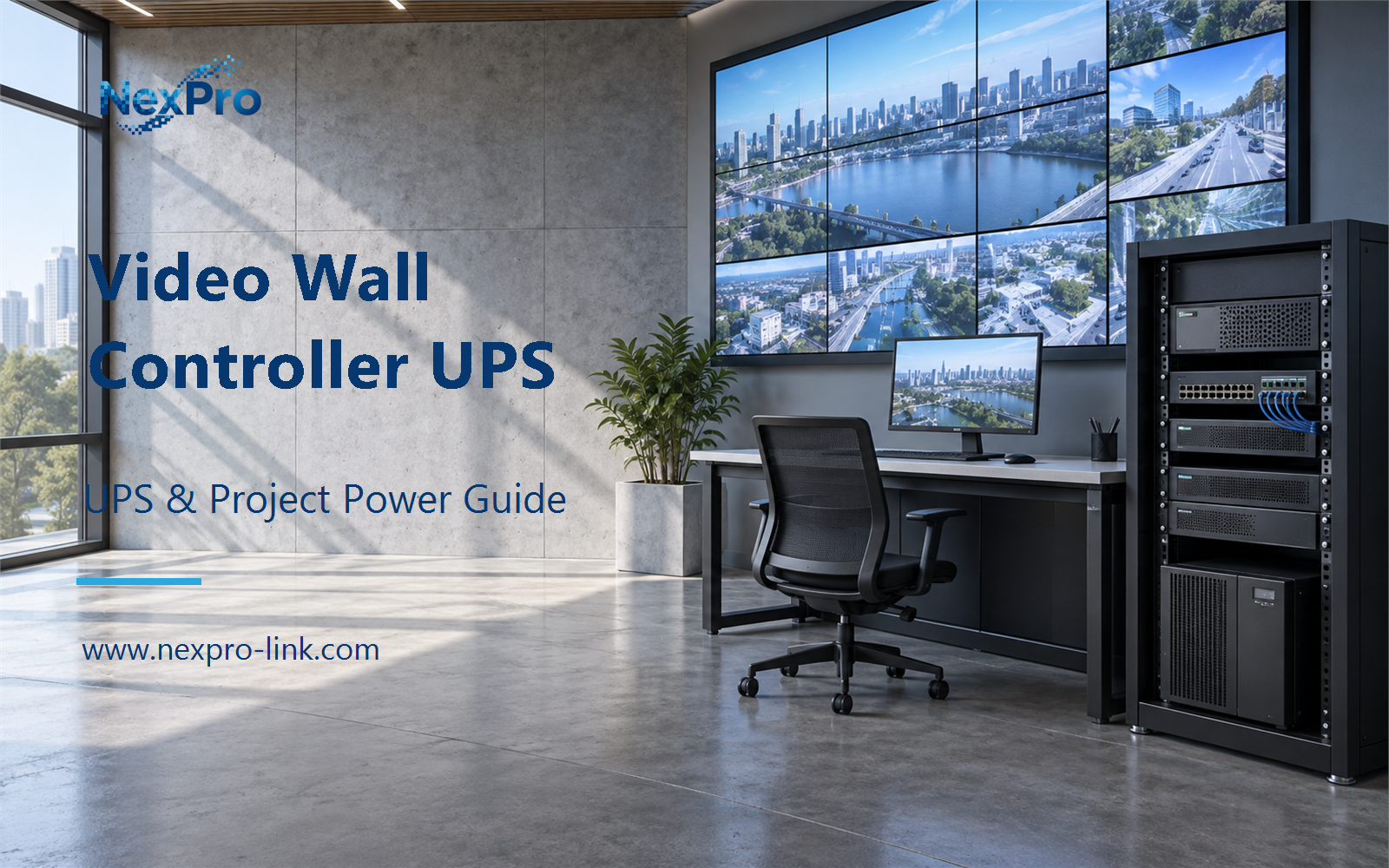
Controllers, decoders, encoders and LED panels hold different roles; a controller UPS is not a wall-wide runtime figure.
Section 01
Identify the Actual AV Roles
Controllers, decoders, encoders and LED panels hold different roles; a controller UPS is not a wall-wide runtime figure.
The signal chain for a video wall has five roles, and they are easy to confuse on a bill of materials. The source produces content. The encoder packages that content into a stream for IP distribution. The decoder turns the stream back into a video signal. The controller, also called the video wall processor, composes the windows and drives the wall outputs. The display renders the final image. A recorder or a network switch sits alongside these roles but does not replace the controller, so a drawing that labels every box "video device" will produce a wrong power plan. A recorder stores and timestamps the streams but does not compose the wall layout. A switch forwards packets without converting them back to video. Confusing either of those with the controller changes which device the UPS must hold up.
Record each device by its actual role and its input requirement. Power follows the physical devices, not the generic labels on a schematic.
A useful check is to walk one live view through the table. A single camera feeds an encoder, the encoder feeds a decoder, the decoder feeds the controller, and the controller drives the display. If any of those five loses power, that view fails. The UPS scope has to be chosen against that full path, not against the controller nameplate alone.
| Decision area | Project question | Required output |
|---|---|---|
| Identify the Actual AV Roles | Are controllers, decoders and encoders the same device? | Role table: source / encoder / decoder / controller / display |
| Separate Processing and Display Loads | Does a controller UPS keep the wall visible? | Boundary map: sources / processing / screen / operator |
| Define Essential Viewing | What should an essential-view plan contain? | View map: required scene / source / processing / display |
Section 02
Separate Processing and Display Loads
A controller UPS keeps the wall visible only if the sources, processing and display devices also stay powered. The controller might draw 100 to 400 W while a full LED wall draws hundreds to thousands of watts. Those are different supply priorities and different runtime numbers, and they should stay in separate columns.
The distinction matters at the quote stage. If the wall sits inside the same UPS as the processing group, battery energy gets spent on cabinets that may not be needed during an outage. Splitting the two lets the project quote a small essential system and a separate, optional display supply. Each state can then carry its own runtime target: a few minutes to close a session for processing, and a longer or omitted window for the wall.
Section 03
Define Essential Viewing
An essential-view plan states which scenes and operator positions must stay live during an outage, and it lists every device needed to show them. Reduced operation is a deliberate layout and service choice. Shutting off part of a wall does not by itself preserve usefulness; the plan has to say what remains on screen and why.
The first row is the smallest useful state. It keeps one operator monitor live and lets the control room confirm a single view. The second row adds a comparison view. The third row is the full wall, which the plan may treat as optional. Each row drives a different watt total, so the essential-view decision has to be made before the demand sheet is filled.
- Confirm the answer to: What should an essential-view plan contain?
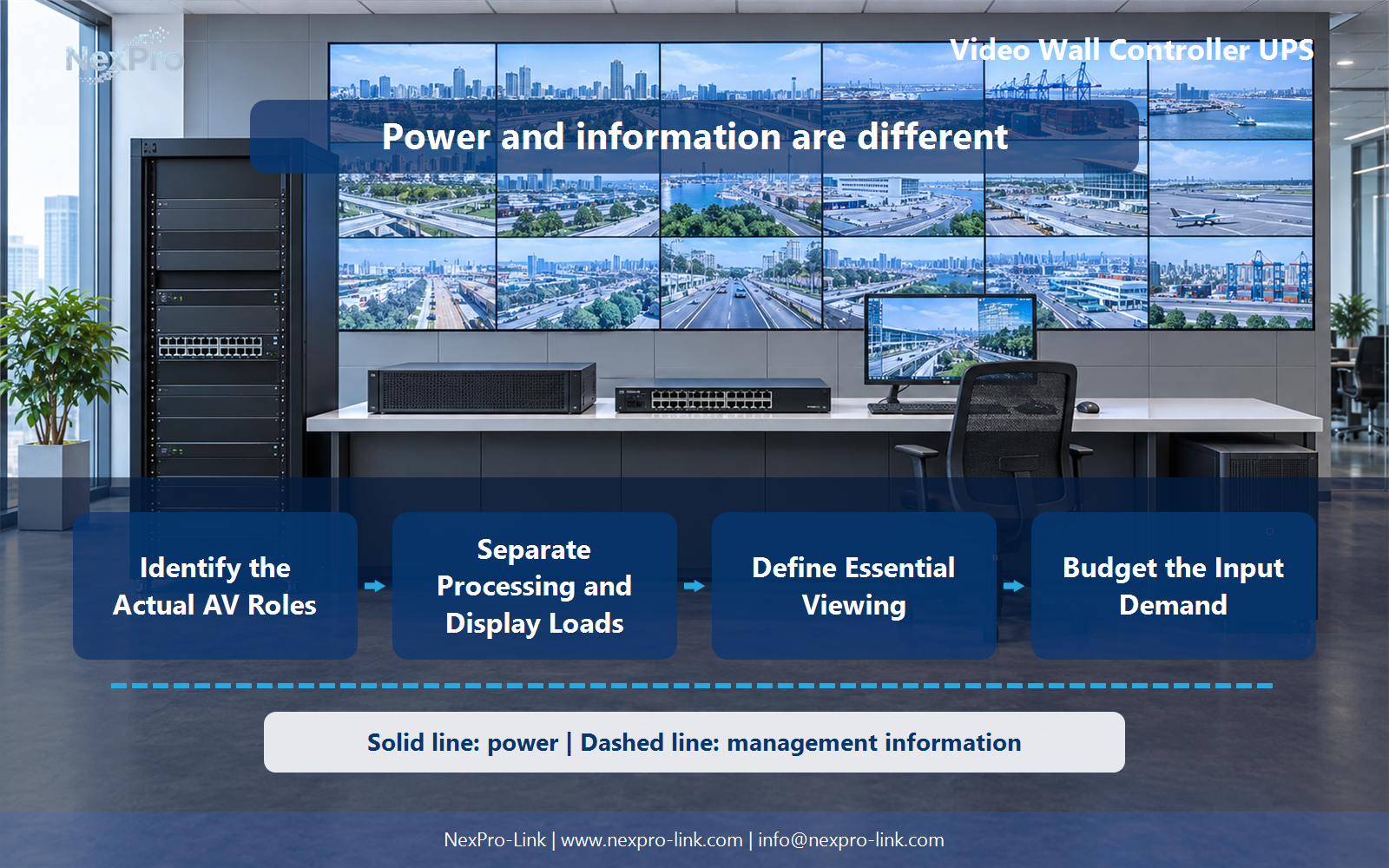
- Draw electrical power as a solid path and management information as a separate dashed path.
- Keep external services and specialist approvals outside the UPS equipment claim.
Section 04
Budget the Input Demand
Selection starts from the actual equipment input for the defined operating state, including any essential accessories. Screen demand stays separate unless the plan explicitly includes it. A maximum output resolution or a window count does not give a power figure, so those spec-sheet numbers cannot be dropped into a watt calculation. Rated watts and rated volt-amperes are separate figures. The demand sheet should record input watts, not a screen's marketing wattage or a processor's maximum resolution.
!Functional diagram connecting identify the actual av roles with define essential viewing, using separate power and information paths.
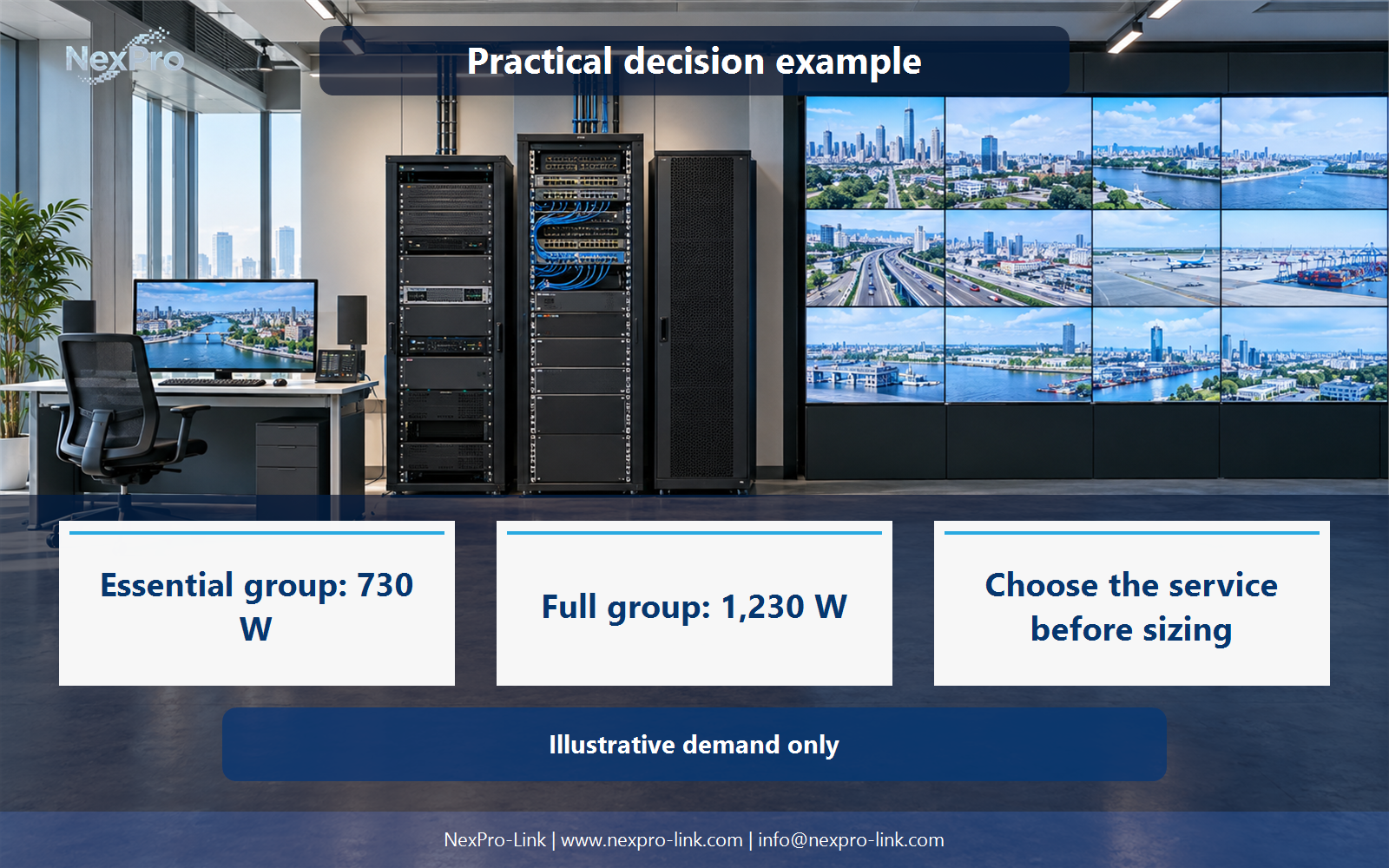
These numbers are teaching inputs, not measured product data. The essential group totals 730 W. The full group totals 1,230 W. For a 15 minute target, the essential group needs about 182.5 Wh on the load side, and the full group needs about 307.5 Wh. Wh here is load-side energy, not a measured runtime promise; battery discharge, temperature and aging change the real figure. PoE endpoints that are already counted inside the switch input should not be added again as separate lines.
Section 05
Plan Signal Recovery
After supply returns, a powered screen can still show nothing if the signal dependencies are missing. Recovery follows the chain: sources first, then decoding, then the controller, then the display, then the layout.
Record this sequence for the project and confirm it in order. A display that powers up before the controller shows a blank or test pattern, which looks like a failure even when nothing is broken.
Section 06
Prepare the Display-Power RFQ
What NexPro-Link needs from the project is the signal diagram, the actual device list and the required essential-view state with power figures. From that, the supply discussion can stay inside a defined boundary.
A general UPS rating does not by itself confirm support for a particular decoder, control feature or display runtime, so those items stay as requirements in the RFQ rather than assumptions read off a VA figure.
Engineering references
These sources support the general planning principles. Always use the selected product's current datasheet and applicable project standards for final design.