The monitoring wall and the recorder rarely need the same runtime. Recording has to keep capturing until power returns. The wall only has to show operators what they still need to see.
Section 01
Start with the outage service, not the video wall
Should the whole monitoring wall have the same runtime as recording? For Security operations managers and CCTV integrators, the answer must stay inside the project boundary: Not necessarily. Recording, control, network transport and visual presentation can have different continuity objectives. Define which operator functions remain essential during an outage, then compare full-display and reduced-display operation rather than imposing one large UPS size on every center. The next step is load groups: recording / control / network / display / workstation, using SOC load groups, display demand and required operator functions.
The monitoring wall and the recorder rarely need the same runtime. Recording has to keep capturing until power returns. The wall only has to show operators what they still need to see. Treating both as a single load pushes the project toward one large UPS that overbuys battery and puts the wrong feeds together. A security operations center power design gets easier when you split the room into load groups, size the display demand properly, and let the required service decide the equipment.
Write the required service in operational terms before choosing a UPS. For example, the brief may call for recording to continue, two operators to retain essential views and the rest of the wall to enter a reduced mode. That statement gives the load schedule a purpose and prevents a large visual system from becoming the only sizing input.
Section 02
Group loads by the function they protect
The same room can contain a recorder, decoding equipment, switches, workstations and many display panels. Grouping them by function shows which dependencies belong together when a supply loss occurs. It also makes later changes easier to trace because the project team can update one group without losing the operating objective.
| Load group | Illustrative input | Outage state | Reason for inclusion |
|---|---|---|---|
| Core network and control | 300 W | Essential | Carries control and required network paths |
| Storage and recording | 150 W | Essential | Keeps the stated recording function available |
| Operator workstation | 200 W | Essential | Supports two active operating positions |
| Two essential displays | 80 W | Essential | Retains a reduced but usable visual view |
| Additional display wall | 500 W | Optional | Can be removed when the operating plan permits |
Section 03
Measure display demand as an electrical load
Screen area, pixel pitch and a room photo do not supply a dependable UPS input. Use the relevant operating or maximum input figures for the panels, their processors and any controllers that are part of the selected display mode. The thermal consequence of the display load belongs in the room and cooling discussion rather than being hidden inside a UPS rating.
A reduced wall is a valid design state only if the devices that deliver the remaining views are included. If a controller or decoder remains necessary, record it separately unless its input is already included in a measured display-system figure.
| Display element | Operating state | Input treatment | Planning result |
|---|---|---|---|
| Two operator displays | Reduced SOC operation | 80 W in this example | Remain in the essential group |
| Additional wall sections | Full visual operation | 500 W in this example | Optional during the stated outage mode |
| Wall controller or decoder | Required view path | Record separately unless already included | Keep with the views it enables |
| Cooling load | Room continuity decision | Evaluate outside the default IT total | Coordinate with facilities |
Section 04
Trace the path from recorded video to an operator view
A powered recorder alone does not guarantee that an operator can see a useful camera view. The chain may include storage, a network switch, decoder, wall controller, workstation and display. Each device has a different job, so it should not be substituted with a label such as "the NVR load" in the power schedule.
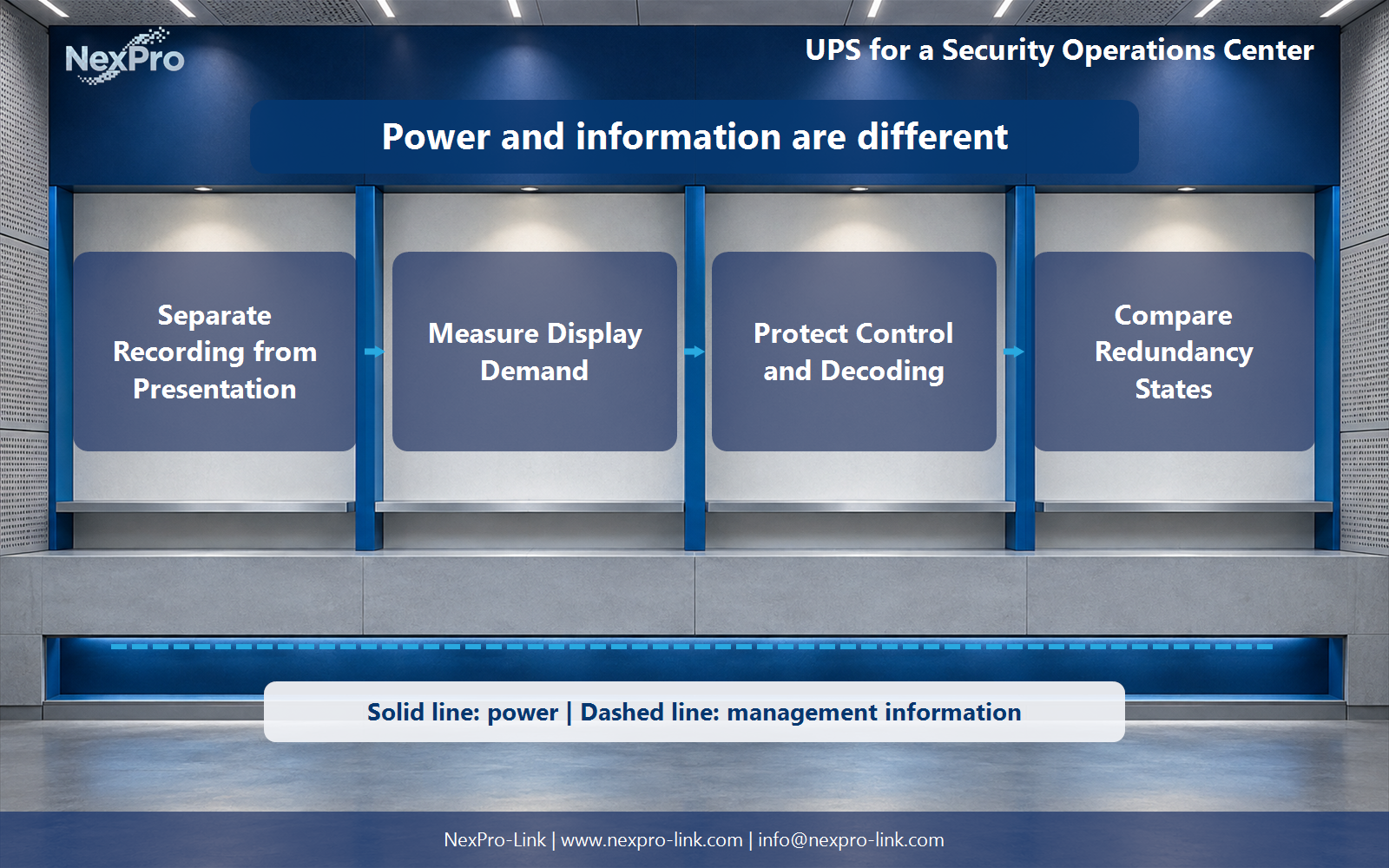
Draw the electrical route and the management-information route separately. The power route identifies the backed-up distribution and included loads. A separate information path can show status monitoring or an agreed application response without implying that a software integration or automatic action already exists.
| Stage | Required role | Power grouping | Information treatment |
|---|---|---|---|
| Storage and recorder | Retain recorded video | Essential storage group | Record status separately |
| Network and decoder | Carry and decode selected views | Essential control group | Show management path independently |
| Wall controller | Route selected content | Include if required by the retained views | Confirm supported interface |
| Operator display | Present essential views | Essential display group | No automatic function assumed |
Section 05
Describe redundancy by the event it must survive
A duplicated UPS cabinet and an independent distribution path solve different problems. A useful SOC brief names the event under consideration, the surviving electrical path and the operator function that remains available. This avoids describing a design as redundant when essential downstream components still share one point of failure.
| Planning event | Remaining path to check | Supported function |
|---|---|---|
| Loss of one UPS source | Available alternate source and distribution | Named essential recording and control groups |
| Planned UPS maintenance | Maintenance bypass and downstream isolation plan | Functions allowed to remain active during service |
| Common downstream distribution fault | Branch protection and load assignment | Only groups with an independent surviving route |
| Reduced display operation | Controller, decoder and two display feeds | Essential operator views |
Section 06
Illustrative scenario: full wall versus reduced operation
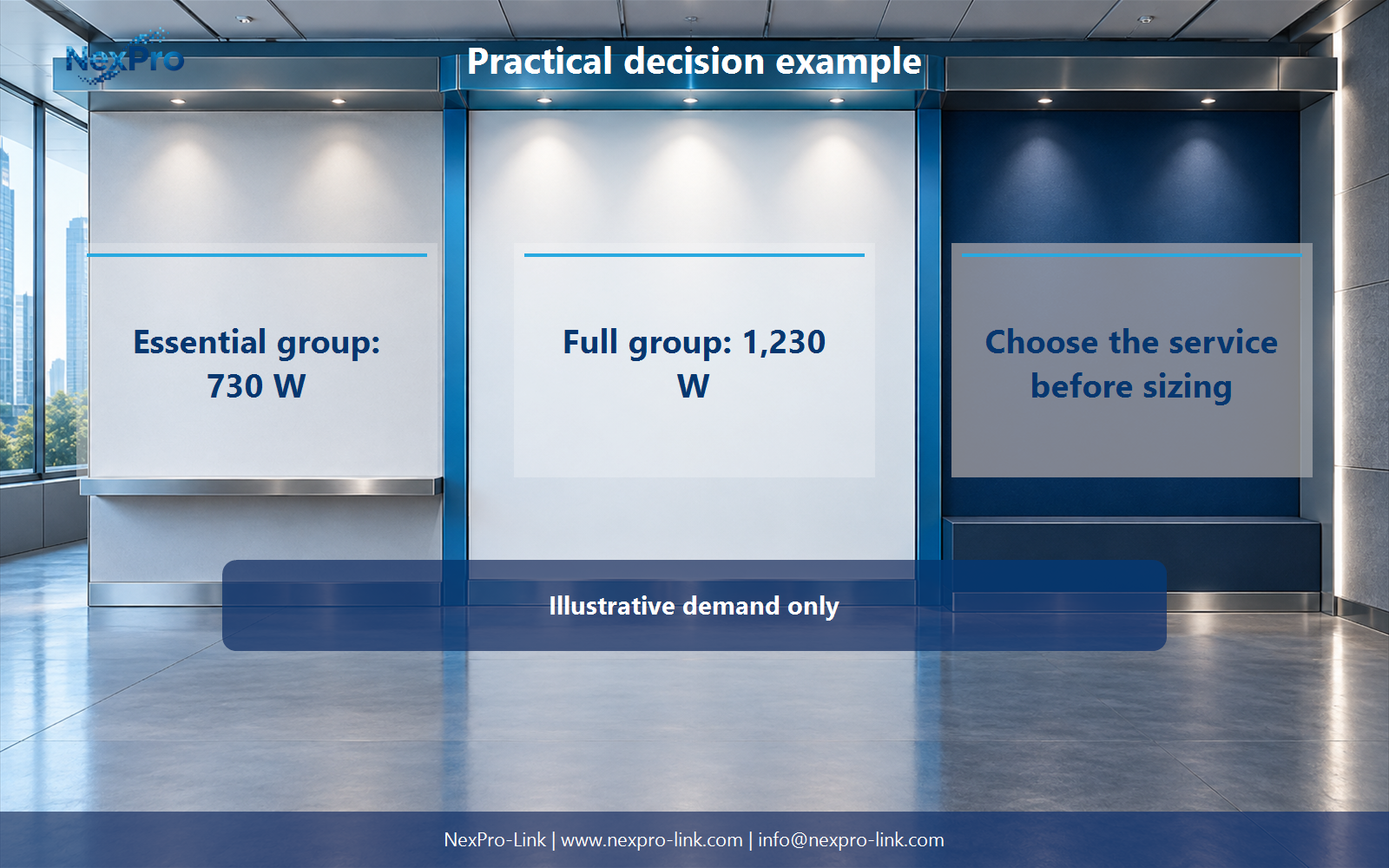
This teaching example keeps recording and two operator positions available while the additional wall is optional. The essential group is 730 W: 300 W for core network and control, 150 W for storage, 200 W for the workstation and 80 W for two displays. Adding the full wall takes the group to 1,230 W.
At a 15-minute objective, the load-side energy is 182.5 Wh for the essential group and 307.5 Wh for the full group. These figures express the demand delivered to the loads. Battery configuration still depends on the selected UPS, conversion losses, discharge behavior, temperature, age and the requested configuration.
| Operating state | Protected load | 15-minute load-side energy | Equipment discussion |
|---|---|---|---|
| Reduced SOC operation | 730 W | 182.5 Wh | Protect recording, control, workstation and two displays |
| Full display operation | 1,230 W | 307.5 Wh | Add the full wall to the protected scope |
| Decision point | Service first | Runtime is a separate request | Do not infer a tested battery runtime from these inputs |
Section 07
Turn the load schedule into a supply-ready brief
The final requirement is more than a watt total. Site access, cabinet or floor location, battery space, ventilation, bypass arrangement, distribution and service clearance all affect the equipment package. The electrical scope and the cooling-continuity plan should appear as separate items because one does not prove the other.
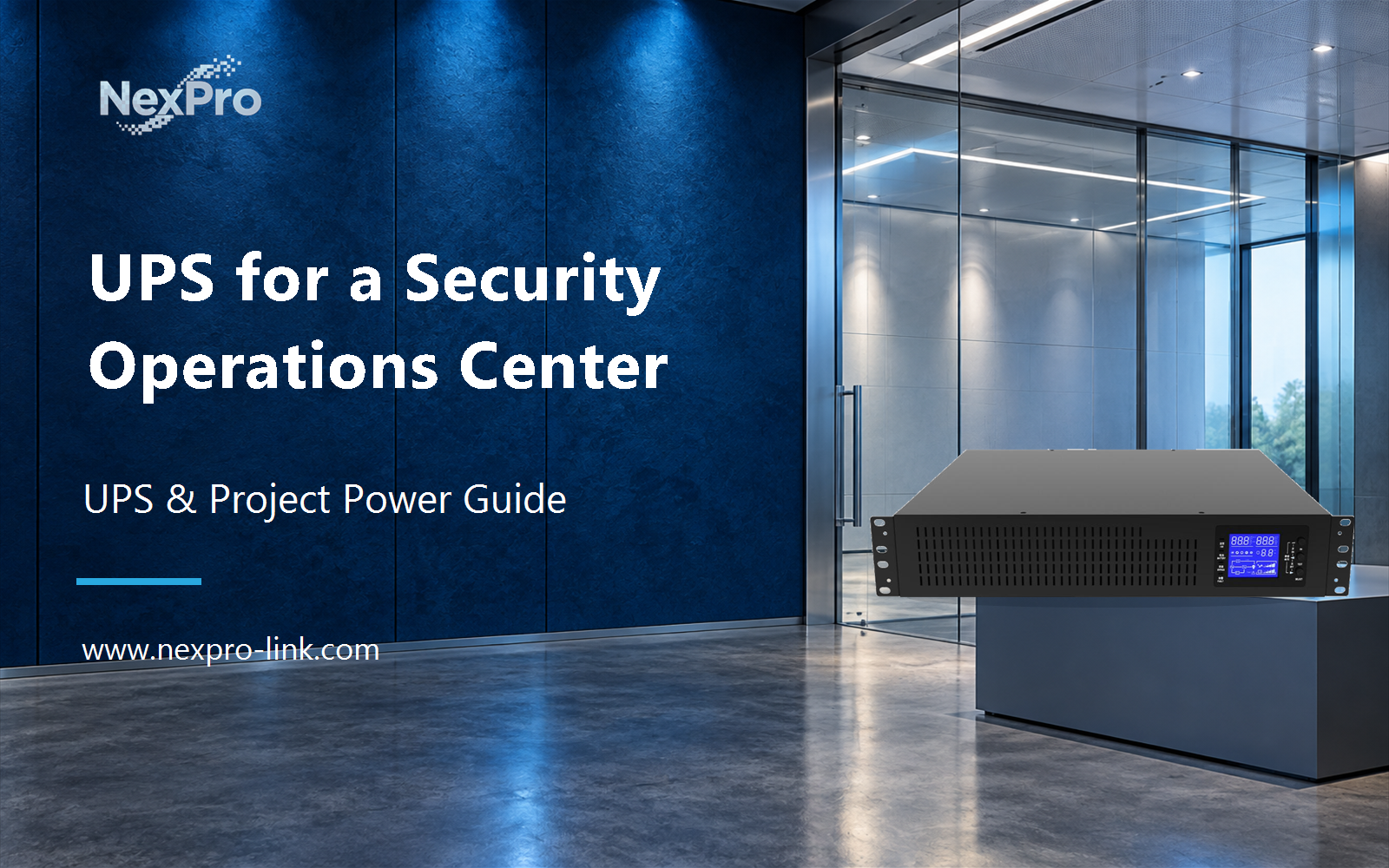
A NexPro-Link NX-UP-RM-001 C2KR(S) configuration is listed at 2,000 VA and 1,800 W. It can be used as a rack UPS capacity reference for a defined brief, while the actual selection still needs the load state, output interfaces, runtime configuration and installation constraints.
| Input | What to provide | Why it changes the supply scope |
|---|---|---|
| Function matrix | Essential and optional groups | Sets the protected operating state |
| Load basis | Measured or planned input watts and VA | Supports capacity comparison |
| Time objective | Required outage behavior and duration | Shapes battery configuration |
| Installation details | Space, access, ventilation and distribution | Determines physical equipment and interfaces |
Section 08
Security operations center UPS FAQ
These answers keep the electrical boundary, operating objective and equipment scope in the same conversation.
- Should the whole monitoring wall have the same runtime as recording? Only if the operating brief requires it. Compare the full wall and the reduced view state before assigning battery capacity.
- Why is screen area not enough to size the UPS? Panel input, operating settings, processors and controllers determine electrical demand, while screen dimensions do not.
- Which control-room devices are easy to overlook? Decoders, wall controllers, essential switches and workstations can be required even when the recorder remains powered.
- How should redundancy be described for the SOC? Name the failure or maintenance event, the surviving path and the function that must remain supported.
- What room information is needed? Include access, equipment weight, battery space, ventilation, bypass and distribution requirements.
- What should NexPro-Link receive? Send the function matrix, actual load basis, display demand and intended outage behavior.
- What changes after a revised display plan? Update the display schedule, dependencies and protected scope before reusing a previous selection.
- How does the proposal help a BOQ discussion? It separates included equipment, interfaces, operating objective and optional work into traceable lines.
Section 09
Prepare the SOC package around the required service
Share the SOC load groups, display demand and required operator functions with NexPro-Link to discuss the UPS equipment, interfaces and supply scope for your project.
Engineering references
These sources support the general planning principles. Always use the selected product's current datasheet and applicable project standards for final design.