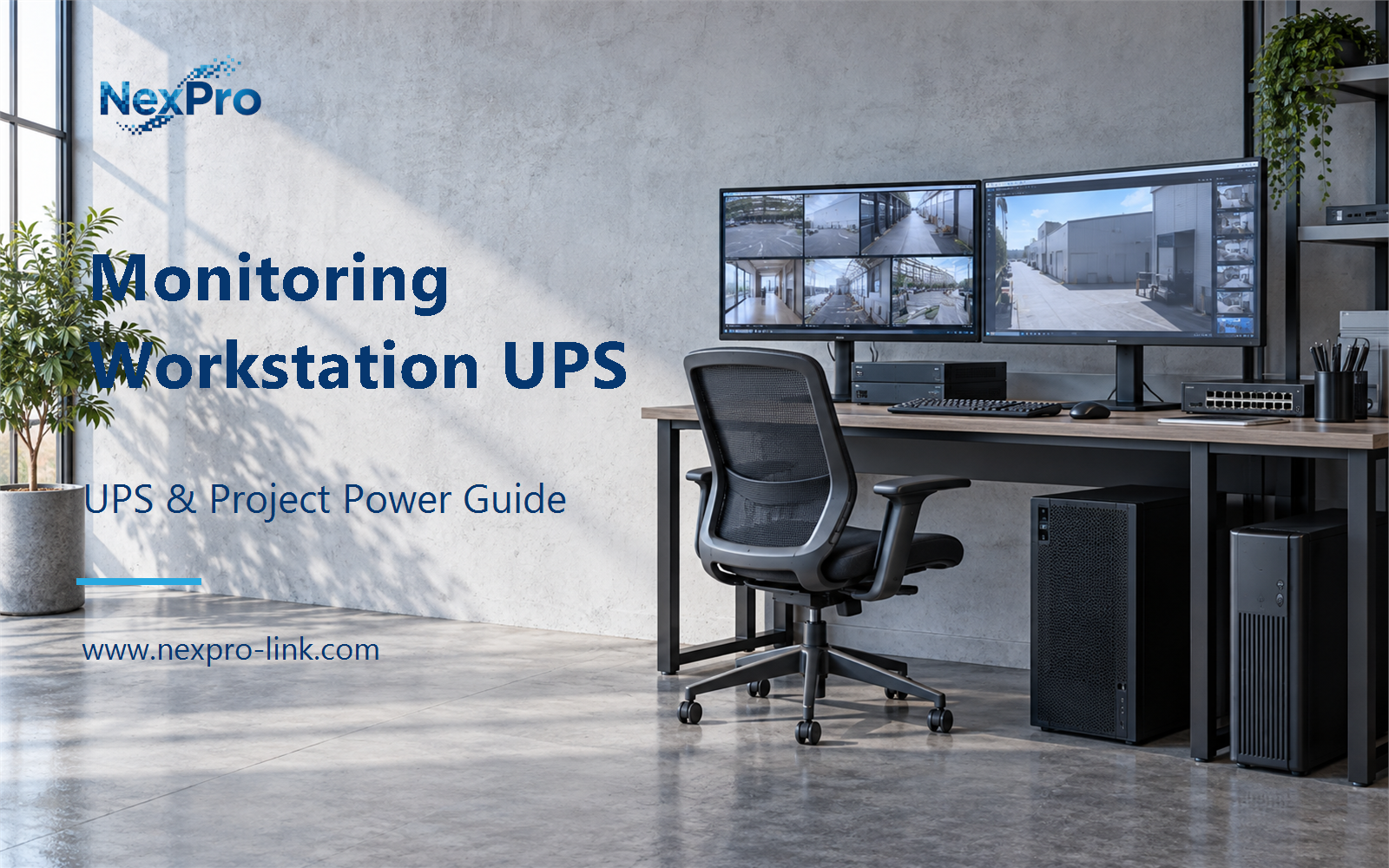
Focus the workstation UPS decision on CPU and GPU decode load and the required screens, without repeating the full video wall discussion.
Section 01
Define the Viewing Workload
Focus the workstation UPS decision on CPU and GPU decode load and the required screens, without repeating the full video wall discussion.
The first input is the workload the power estimate has to represent. A workstation at idle uses less power than the same machine decoding several video streams, and a live view during an outage is often lighter than a full three-screen playback session. Measure or estimate the state you intend to protect, then use that state as the basis for the W and VA figures.
Avoid two shortcuts. Do not take an idle reading and assume it covers the outage condition, because the GPU and CPU load changes what the power supply draws. Do not derive power from the number of cameras, because the software, stream settings and hardware decide the actual load, and two identical camera counts can sit on very different workstations.
The workload table keeps the power estimate tied to a state the operator can name. If the project later adds a fourth stream or a second GPU, the input changes and the table changes with it.
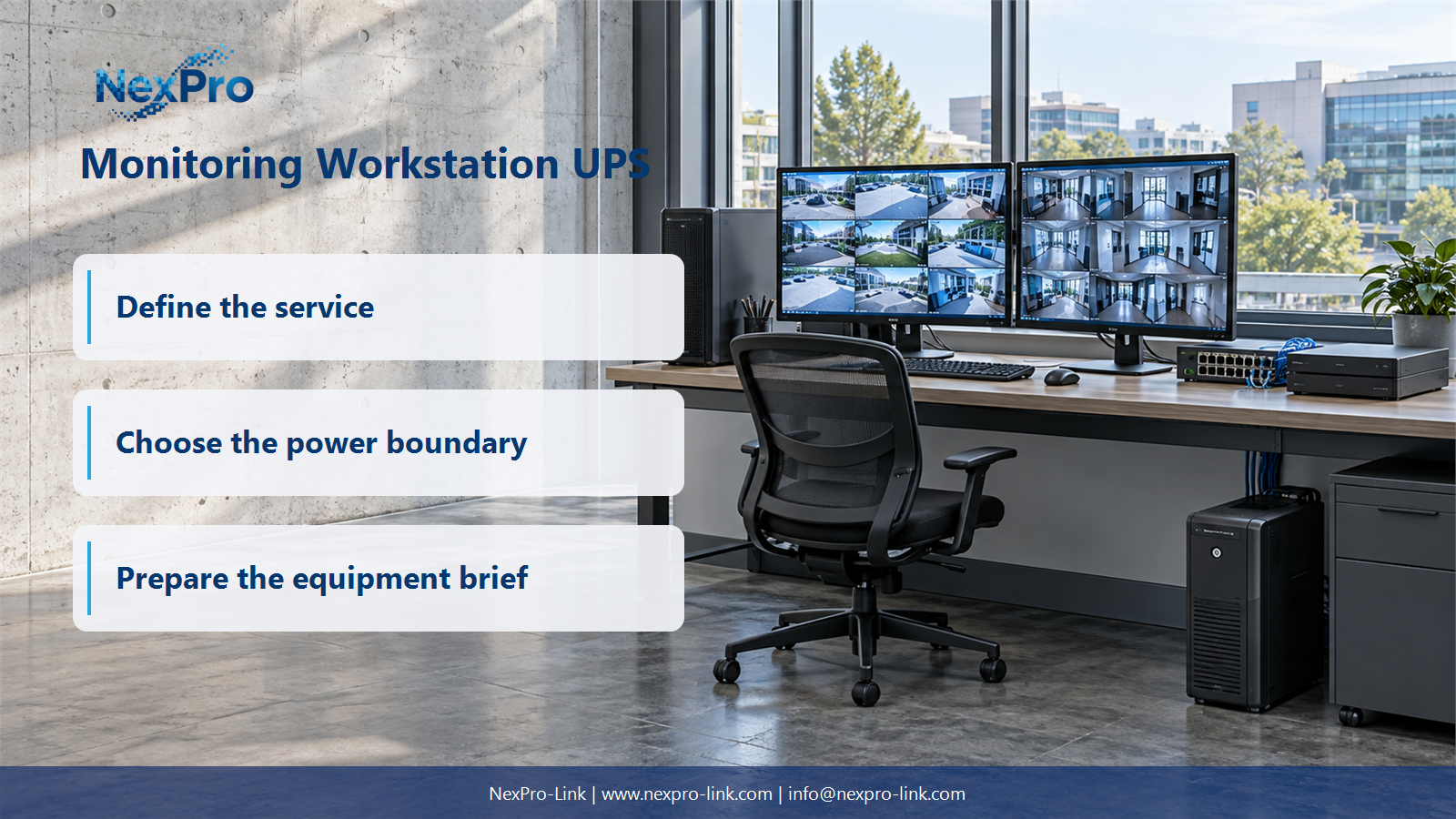
| Decision area | Project question | Required output |
|---|---|---|
| Define the Viewing Workload | What workload should the power estimate represent? | Workload table: live view / playback / decoding / input demand |
| Include the Required Displays | Should every connected display be included? | Display schedule: monitor / required view / W / outage priority |
| Trace Data Access | Can a backed-up workstation guarantee live video? | Service map: camera / network / platform / workstation / display |
Section 02
Include the Required Displays
Displays are easy to forget because they hang off the workstation power strip, and their labels are small. Every screen the operator needs during the outage belongs in the load. A screen that is only used in normal operation can be left out, provided the team writes that choice down.
The reason to be explicit is that a reduced-view arrangement has a different demand from normal operation. A three-monitor desk that keeps two screens on battery has a smaller and cleaner load than the full desk. If the layout is not written down, the budget drifts toward the normal arrangement or toward a guess.
Use the actual input figure from each monitor, not a generic 30 W placeholder. The display schedule feeds the next two sections, so a changed monitor model or a moved view should update this table first.
Section 03
Trace Data Access
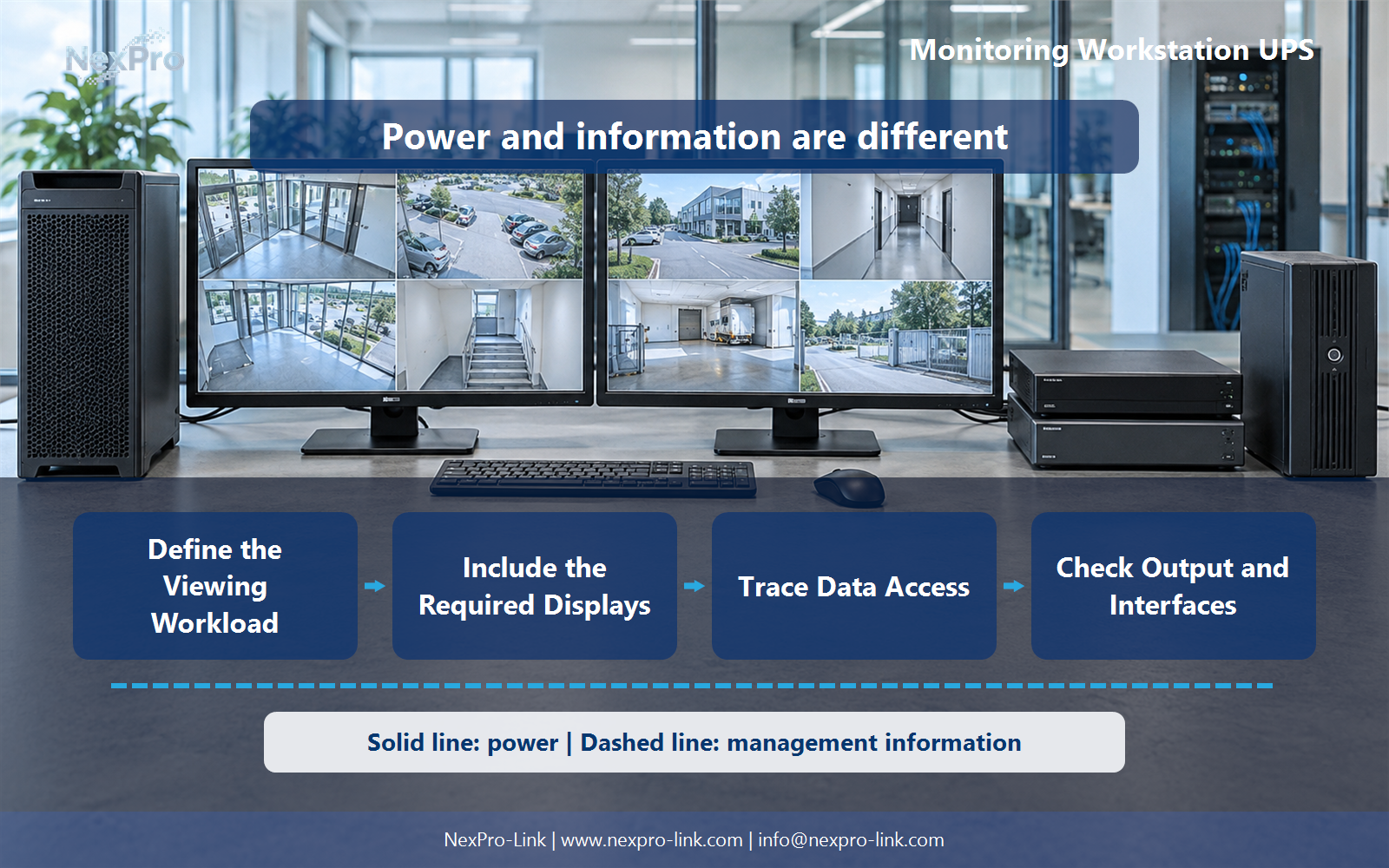
A backed-up workstation does not guarantee live video. The cameras, the network path and the recording or management platform all have to stay available for the view the operator wants to see. Those components sit outside the workstation UPS in most sites, so they need their own treatment or a separate assumption.
The service map separates what the workstation UPS covers from what it does not. A protected workstation can still preserve local work or perform a supported stop when the live-view service is gone, but that is a different outcome from continuous monitoring.
- Confirm the answer to: Can a backed-up workstation guarantee live video?
- Draw electrical power as a solid path and management information as a separate dashed path.
- Keep external services and specialist approvals outside the UPS equipment claim.
Section 04
Check Output and Interfaces
Once the W total is known, check it against both the W and VA limits of the candidate UPS. A workstation label alone does not establish the rating, the waveform or the interfaces. A GPU workstation commonly uses an active power factor corrected supply, which draws a high crest current and may trip or overheat on a stepped waveform. Confirm whether the unit produces a true sine wave output.
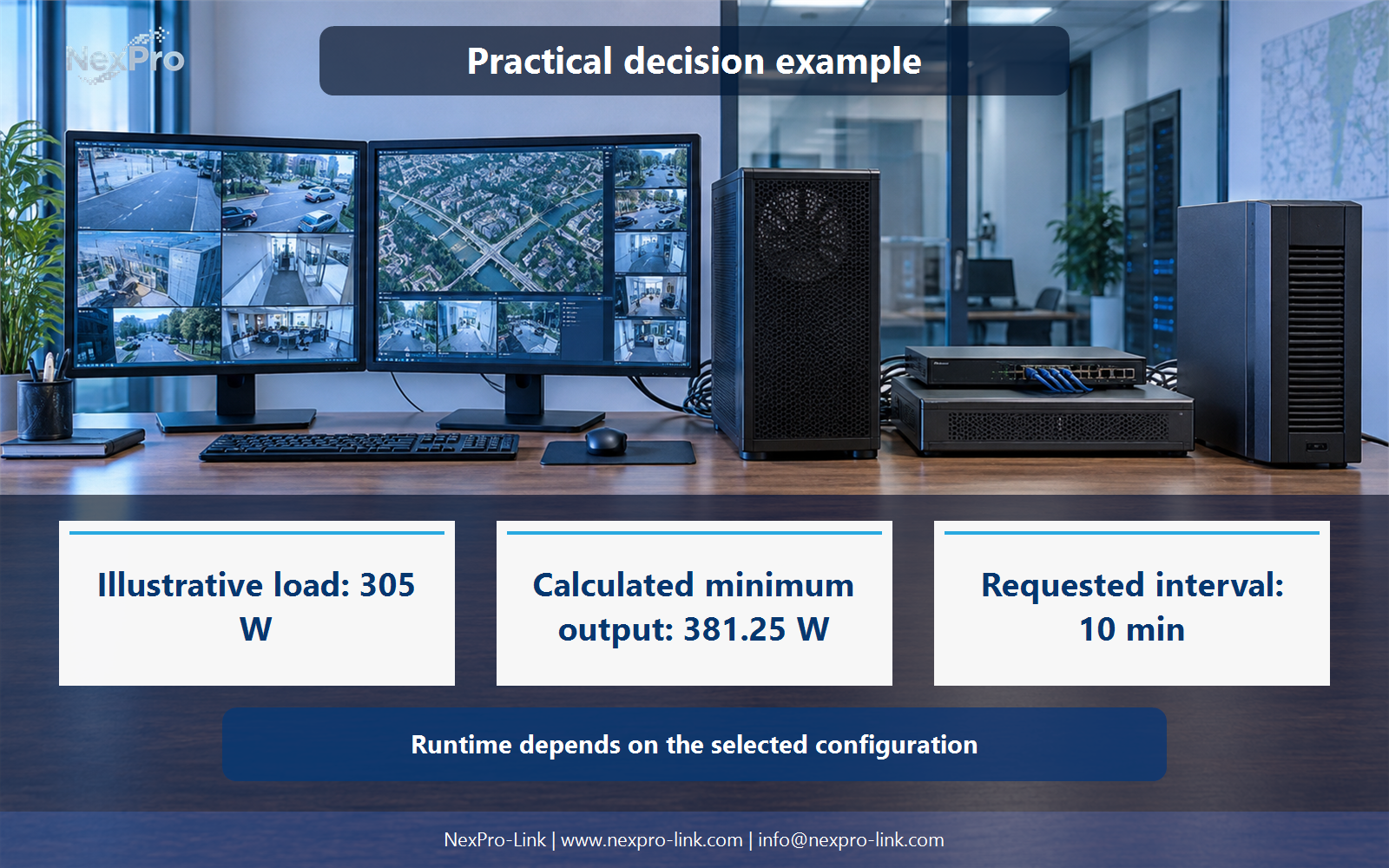
The 80 percent ceiling is a planning assumption for this article, not a universal rule. Some projects use a margin instead, and the two methods are different. Work through both W and VA because the rating limits are separate checks.
Section 05
Define the Operator Response
The next question is whether the workstation should stay active or stop. The answer comes from the security operation's objective and the upstream services that remain available. Three actions cover most sites: reduced viewing, a source bridge, or an orderly shutdown.
The required time is an objective, not a measured runtime. It sets the interval the battery configuration has to support, and it should pair with an operator notification so the person at the desk knows which mode is active.
Section 06
Prepare the Workstation RFQ
The last step turns the earlier decisions into a brief NexPro-Link can act on. Provide the workstation configuration, the display list, the demand basis and the required outage mode. That lets the supplier discuss matching UPS equipment, interfaces and supply scope.
Do not infer whole-system recording continuity or a tested decoding capacity from the workstation power budget alone. Those outcomes depend on the cameras, network and platform mapped earlier.
Engineering references
These sources support the general planning principles. Always use the selected product's current datasheet and applicable project standards for final design.