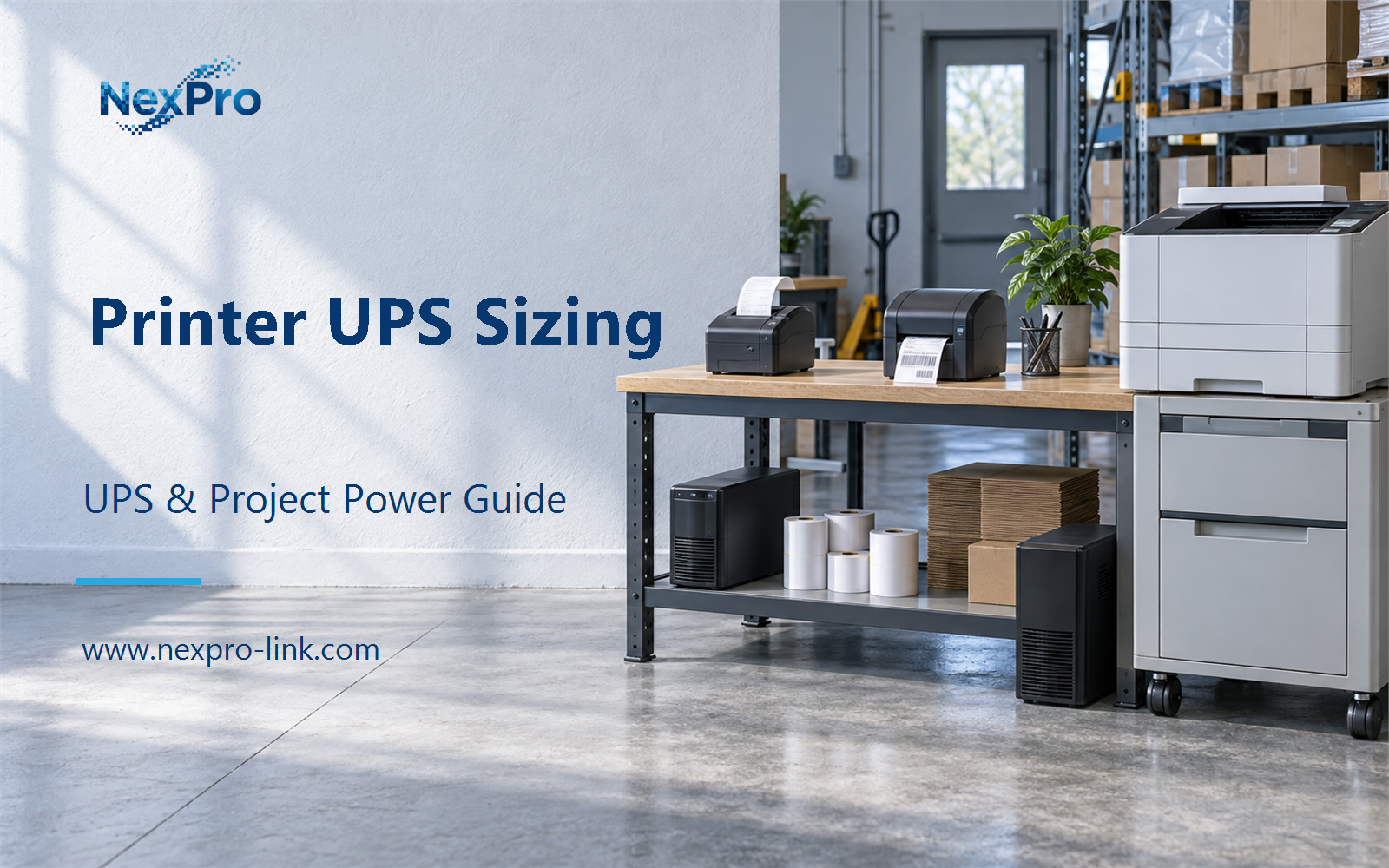
Separate printing technology and peak demand, so a low-power receipt printer's sizing is not copied onto a laser device.
Section 01
Identify the Printing Technology
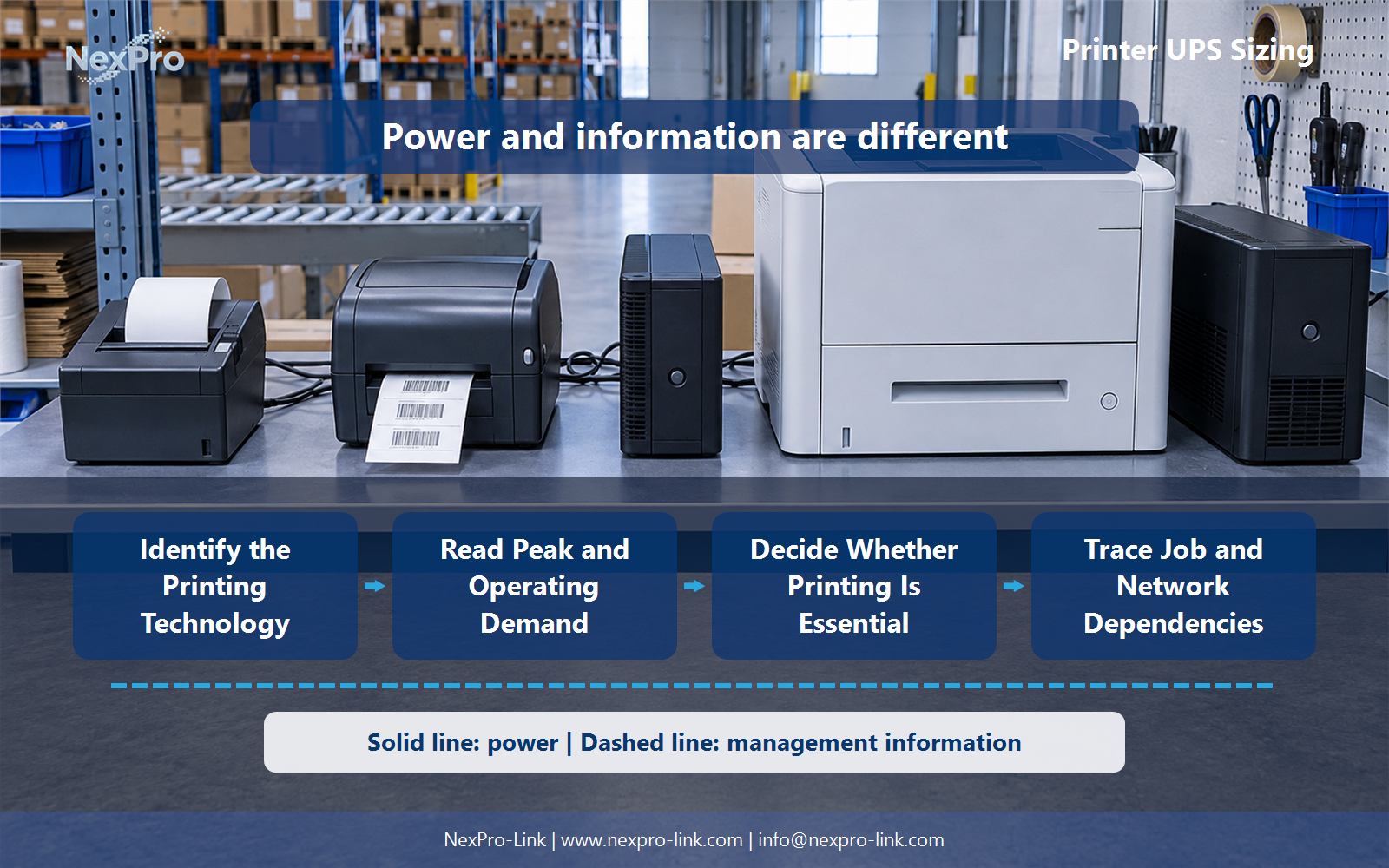
Separate printing technology and peak demand, so a low-power receipt printer's sizing is not copied onto a laser device.
Printer type matters because each technology spends its power differently. A thermal receipt printer draws a modest steady current and pulses the printhead in short bursts as each receipt runs. A label printer adds a motor that feeds stock and a printhead that runs through a batch. A laser printer warms a fuser to a high temperature before the first page, holds that heat, and tops it up between pages.
Those three behaviors change the load the UPS sees. The table below records the input requirement each type must be checked against rather than a single generic wattage figure.
A unit sized for the terminal and a small receipt printer does not automatically fit a laser. The two devices share a category name and little else in their electrical behavior. When a site mixes printer types, list each one and its requirement separately instead of averaging them.
| Decision area | Project question | Required output |
|---|---|---|
| Identify the Printing Technology | Why does printer type matter for backup selection? | Type table: receipt / label / laser / input requirements |
| Read Peak and Operating Demand | Should average energy use determine the UPS rating? | Profile: standby / printing / warm-up / peak / requirement |
| Decide Whether Printing Is Essential | Must the printer stay on battery with the workstation? | Decision table: continue print / retain job / pause / required devices |
Section 02
Read Peak and Operating Demand
Average energy use answers the wrong question. A printer can sit in standby most of the day, so its average is low, while the warm-up and peak events are what stress the UPS. Sufficient average watts do not prove the unit can hold the peak.
The profile below separates the states a sizing decision needs.
Read the peak from the printer nameplate, its data sheet, or a short measurement at the site. For a laser, the warm-up inrush can be the largest number even though it lasts seconds. The UPS rating is set by that peak and the operating load together, not by the energy the printer uses over a shift.
Section 03
Decide Whether Printing Is Essential
The printer does not automatically belong on battery with the workstation. It belongs there only when the operating objective requires continued printing and the equipment is compatible with the UPS.
Three outcomes cover most sites. Continue printing keeps the counter or dock producing output through the outage, and it means both the printer and the device that drives it stay powered. Retain the job holds the queue and the application state while the printer is allowed to stop, which costs less load and still lets work resume cleanly. Pause stops output and relies on the queue and application to recover afterward.
This choice is a workflow decision first and a load decision second. A pause that the operation can accept removes the printer's warm-up peak from the UPS entirely, which often makes a smaller unit workable. Forcing a laser into a small UPS to keep it printing adds a peak the unit may not carry for no workflow benefit. That single call sets the outage priority before any rating is chosen.
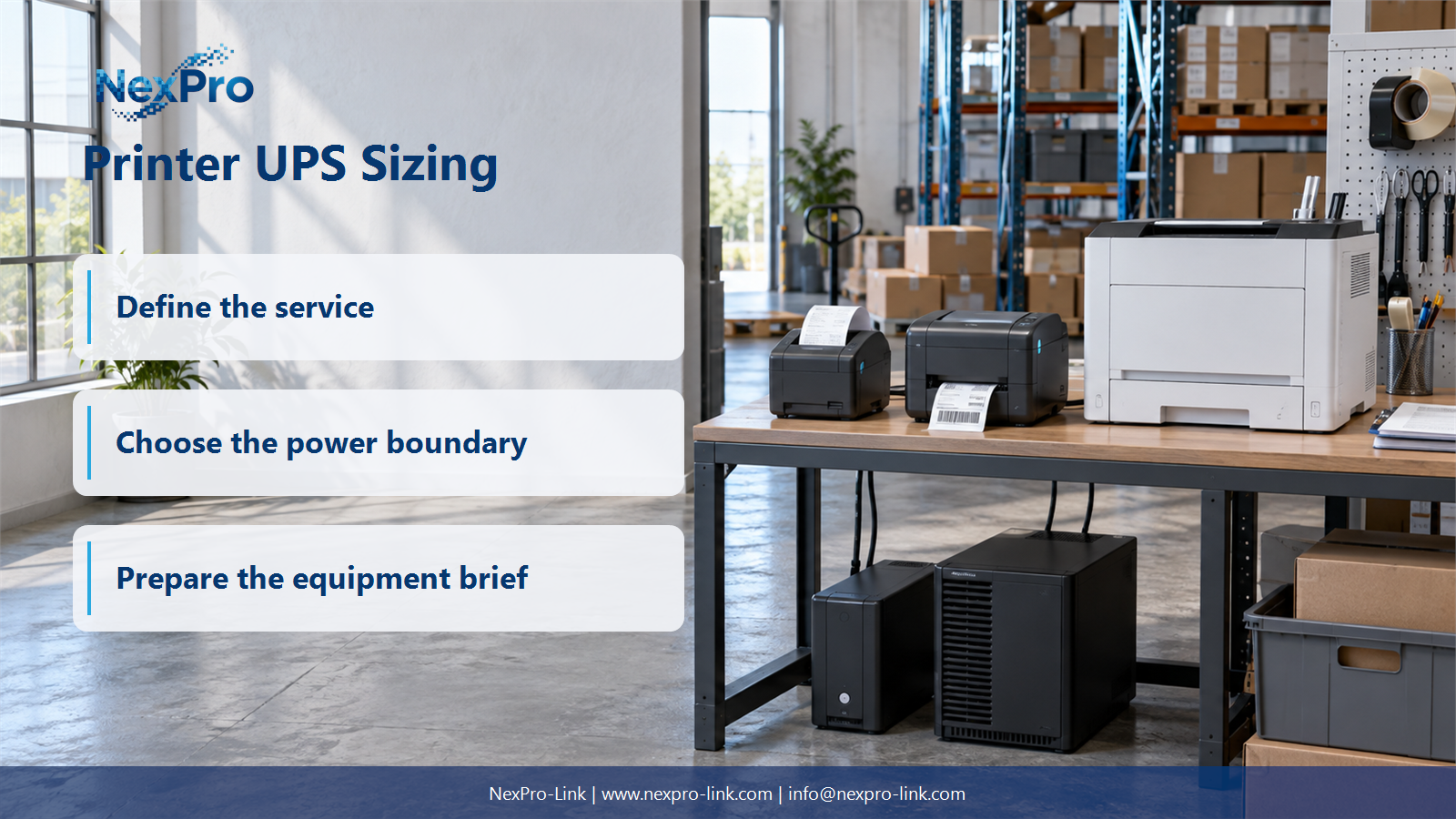
- Confirm the answer to: Must the printer stay on battery with the workstation?
- Draw electrical power as a solid path and management information as a separate dashed path.
- Keep external services and specialist approvals outside the UPS equipment claim.
Section 04
Trace Job and Network Dependencies
Powering the printer is only one link in the chain. A powered printer with no path to the job still prints nothing. The workflow usually runs from the application through a queue, across a network, into the printer, and back through a confirmation step.
Backing up only the printer does not preserve this workflow when the workstation, print server or network is required and unavailable. UPS power also does not stop duplicate labels or sort out a job that was cut off partway. Those outcomes depend on the application and the operating procedure, so they are designed into the recovery step below rather than assumed away.
Section 05
Handle Recovery and Reprints
When power returns, check the queue and the last completed output before reprinting anything. Electrical restoration shows the supply is back, but it does not show that every job finished correctly.
The recovery log below records the four states a team meets after an outage.
For a warehouse label line, the check is usually a scan of the last label against the job record. For a receipt, it is the transaction log. Recording queued, confirmed, uncertain and the reprint decision keeps the equipment inputs and the intended service outcome consistent instead of guessing from a power indicator.
Section 06
Prepare the Printer RFQ
A supplier cannot quote "protect our printers." It needs the printer technology, the input and peak requirements, the workflow, and the outage objective. Those four items let the supplier check W and VA and separate required work from optional work.
NexPro-Link can use those inputs to discuss suitable power options where the equipment is compatible. On its catalog, the rack-mounted online range NX-UP-RM-001 includes configuration C1KR(S) rated 1,000 VA and 900 W with internal VRLA batteries, which shows how a series, a configuration and a rating line up. That is an example of the format, not a preselected answer for a printer. The recommendation follows the printer's peak and the workflow objective.
Engineering references
These sources support the general planning principles. Always use the selected product's current datasheet and applicable project standards for final design.