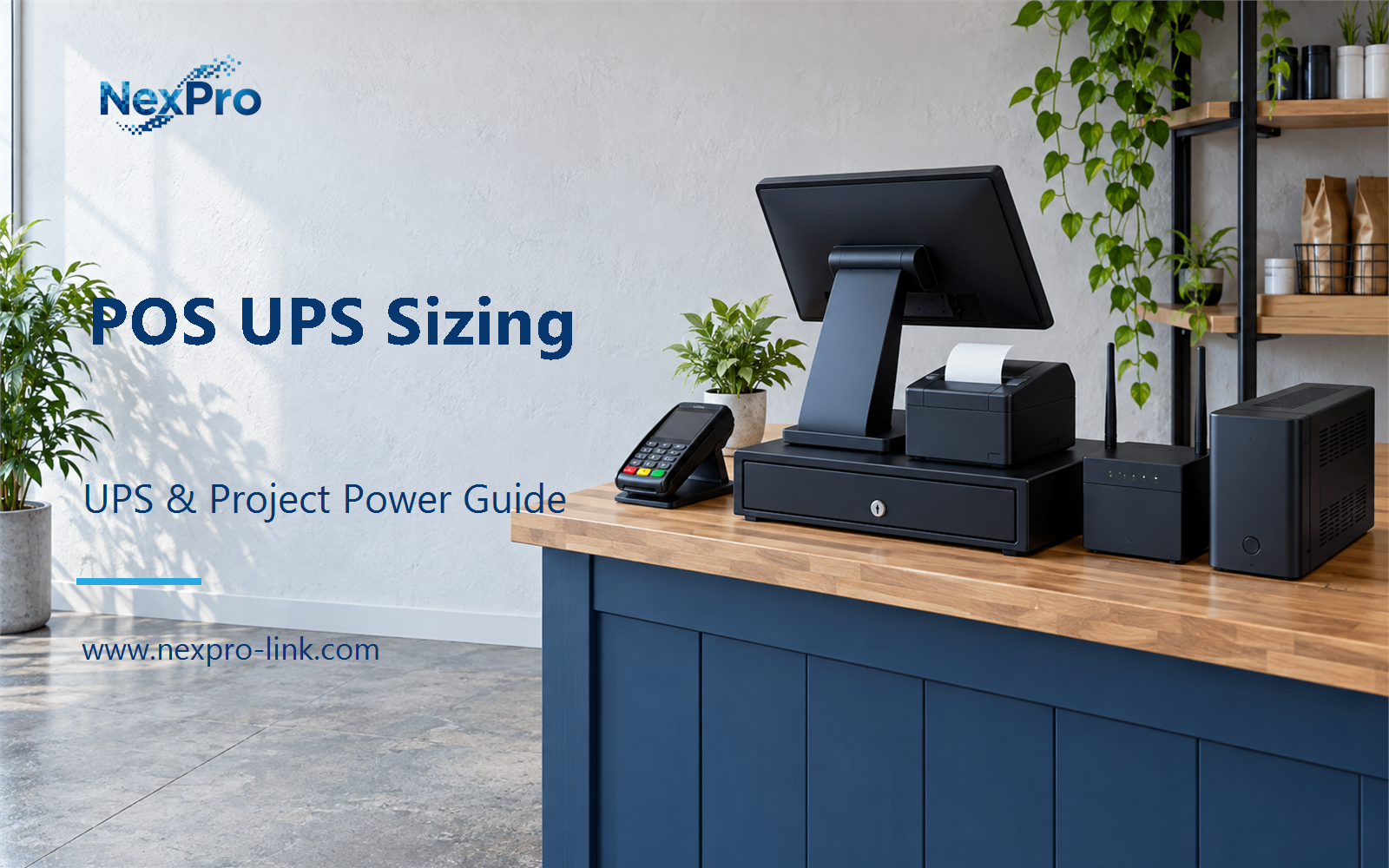
A POS terminal rarely runs by itself. It sits on the same counter as a receipt printer, a card reader, a cash drawer and a router that links the store to a payment backend.
Section 01
Define the POS Package
A POS terminal rarely runs by itself. It sits on the same counter as a receipt printer, a card reader, a cash drawer and a router that links the store to a payment backend. When mains power drops, the questions are which of these devices to protect, how much input they actually draw, and what the store may do before the battery runs out. This guide turns those questions into a sizing decision for a single counter.
Start with the equipment list, grouped by what each device does. A sale needs a terminal to run the transaction, a network path to the acquirer or backend, a payment capture device and at least one peripheral that records the sale, usually a receipt printer.
Keep two boundaries separate from the beginning. Local power protection holds the counter devices up. External network availability is another matter. A UPS can keep the router powered, but it cannot restore an ISP link or an acquirer outage. The package table records what belongs in the backup budget, not what the UPS can guarantee.
This table is the load boundary. If a store has two terminals or a second printer, add those as separate rows before moving on to demand.
| Decision area | Project question | Required output |
|---|---|---|
| Define the POS Package | What equipment belongs in a POS backup budget? | Package table: terminal / network / payment / peripherals |
| Record Actual Input Demand | Should adapter labels simply be added together? | Demand sheet: device / input boundary / running / peak / basis |
| Check Printer and Cash-Drawer Interfaces | Are all POS peripherals suitable for the same UPS outlet group? | Peripheral map: power source / demand / peak / included group |
Section 02
Record Actual Input Demand
Adapter labels invite a shortcut: add up every output rating and buy a UPS above that total. The output rating describes what the adapter can supply, not what the device draws from the wall at any moment. A terminal adapter rated at 90 W may run at 70 W most of the time. A printer idles near a few watts and spikes during a print cycle.
Use one consistent boundary. For this article the boundary is AC input to each adapter, ahead of any power supply losses. Measured figures beat nameplate figures. If only nameplate data is available, say so and keep a margin.
The cash drawer and card reader receive power through another device. Adding them again would double the load. The three AC inputs total 110 W in this scenario.
Section 03
Check Printer and Cash-Drawer Interfaces
Printers and cash drawers do not behave like a terminal. A receipt printer draws more during a print job and may draw nothing between jobs. A cash drawer usually takes its power from the printer through a trigger cable, so it shares the printer input and adds no new outlet. A card reader often draws from a terminal USB port.
Check how each peripheral receives power before assigning it to an outlet group. This avoids double counting and keeps a low-power terminal assumption from hiding a printer peak.
The receipt printer belongs in its own outlet group because it carries a real AC load and a peak the terminal does not. The cash drawer rides along with the printer.
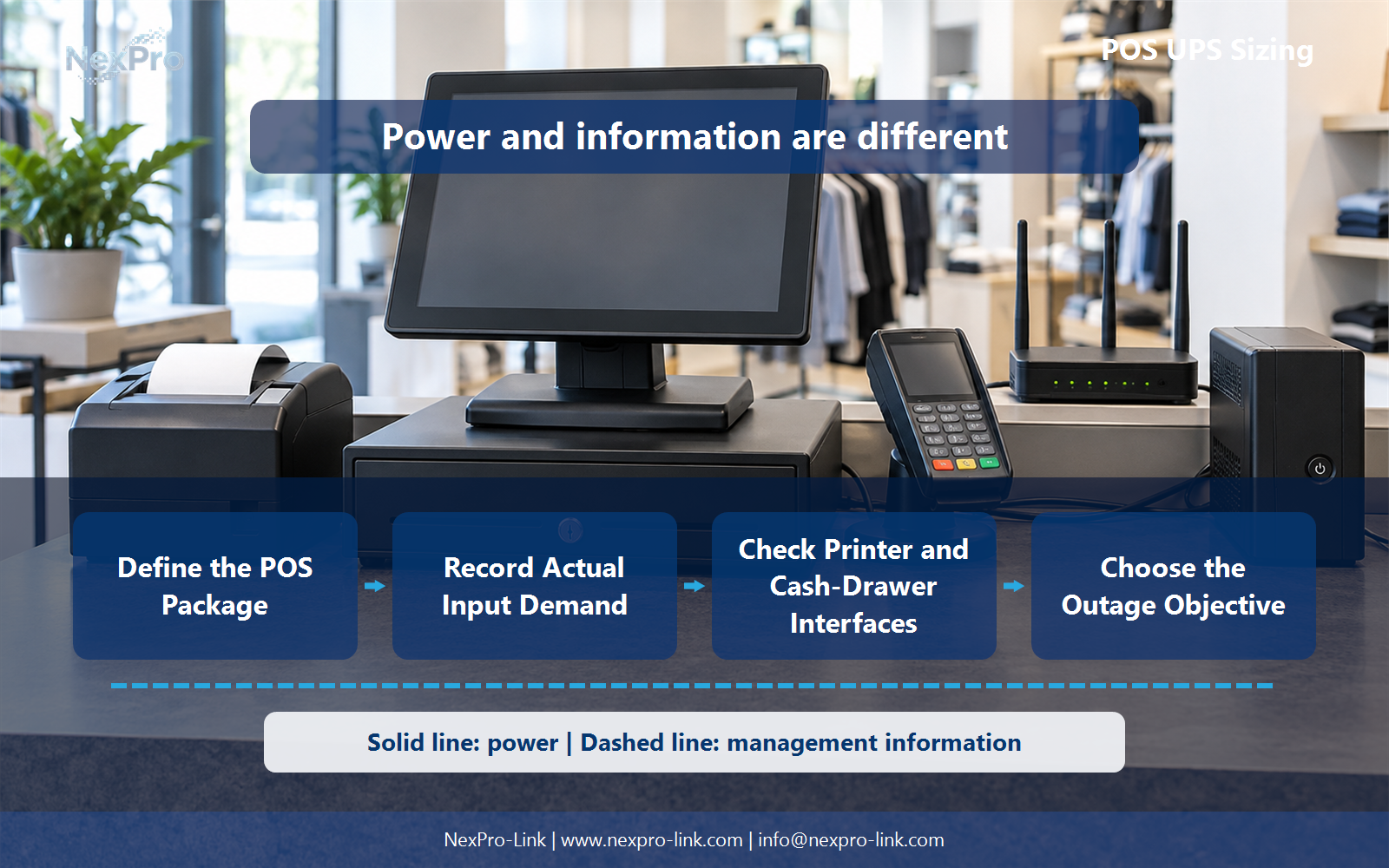
<!-- FIGURE 02: functional diagram near these sections. Alt: Functional diagram connecting define the pos package with check printer and cash-drawer interfaces, using separate power and information paths. -->
- Confirm the answer to: Are all POS peripherals suitable for the same UPS outlet group?
- Draw electrical power as a solid path and management information as a separate dashed path.
- Keep external services and specialist approvals outside the UPS equipment claim.
Section 04
Choose the Outage Objective
The sizing question changes with what the store may do when power fails. Some sites keep trading for a few minutes. Some finish the open sale and stop new ones. Some shut down cleanly and wait. The choice is an operating policy decision. The UPS supports whichever state the policy defines.
UPS power does not create offline payment authorization. If the acquirer or backend is unreachable, holding the router up will not complete an authorization that cannot be reached. The objective table records the supported conditions so the runtime and capacity targets line up with the policy.
Section 05
Estimate Capacity and Time Separately
Capacity and runtime answer different questions. Capacity asks whether the output can support the demand. Runtime asks how long the chosen battery configuration can keep doing it. A larger VA rating does not buy more minutes by itself.
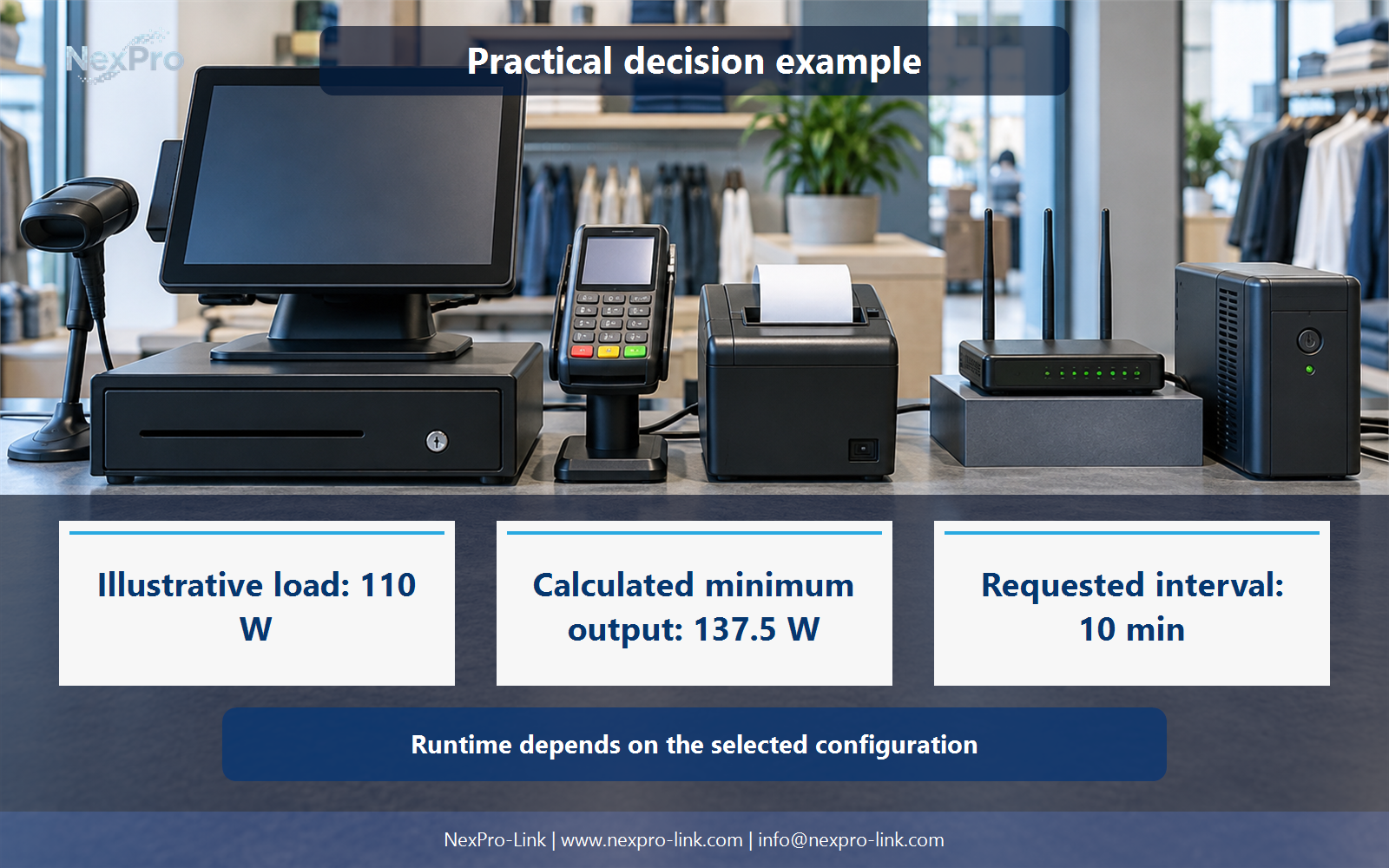
Start with capacity, using the illustrative numbers from the scenario. The three AC inputs total 110 W. Assume an aggregate true power factor of 0.90. The apparent power estimate is 110 / 0.90, or 122.22 VA. Assume a utilization ceiling of 80 percent of rated output. The minimum W rating is 110 / 0.80, or 137.5 W, and the minimum VA rating is 122.22 / 0.80, or 152.78 VA.
The 18.33 Wh figure is energy delivered to the load, not a battery specification. Converting it into a battery pack needs assumptions for conversion losses, the usable fraction of the battery, temperature and aging. Those inputs are absent from this example, so the selection sheet keeps the interval as an objective and leaves the battery configuration to the supplier discussion.
For a single-counter package in this load range, the NexPro-Link NX-UP-ST-002 line-interactive series is a natural reference. The final model and battery choice depend on the store's power quality, the approved objective and the required interval.
Section 06
Prepare a Repeatable POS RFQ
The last step carries the earlier decisions into lines a supplier can quote. Group the package by store variant, keep the W and VA figures beside each line, and record fit and interface so the quote matches the counter.
The VA figures for the added rows use the same 0.90 assumption and are rounded for the table. They remain teaching numbers. Send the base equipment list, store variants, power interfaces and the approved transaction-stop objective, and NexPro-Link can discuss UPS options for the defined packages.
Engineering references
These sources support the general planning principles. Always use the selected product's current datasheet and applicable project standards for final design.