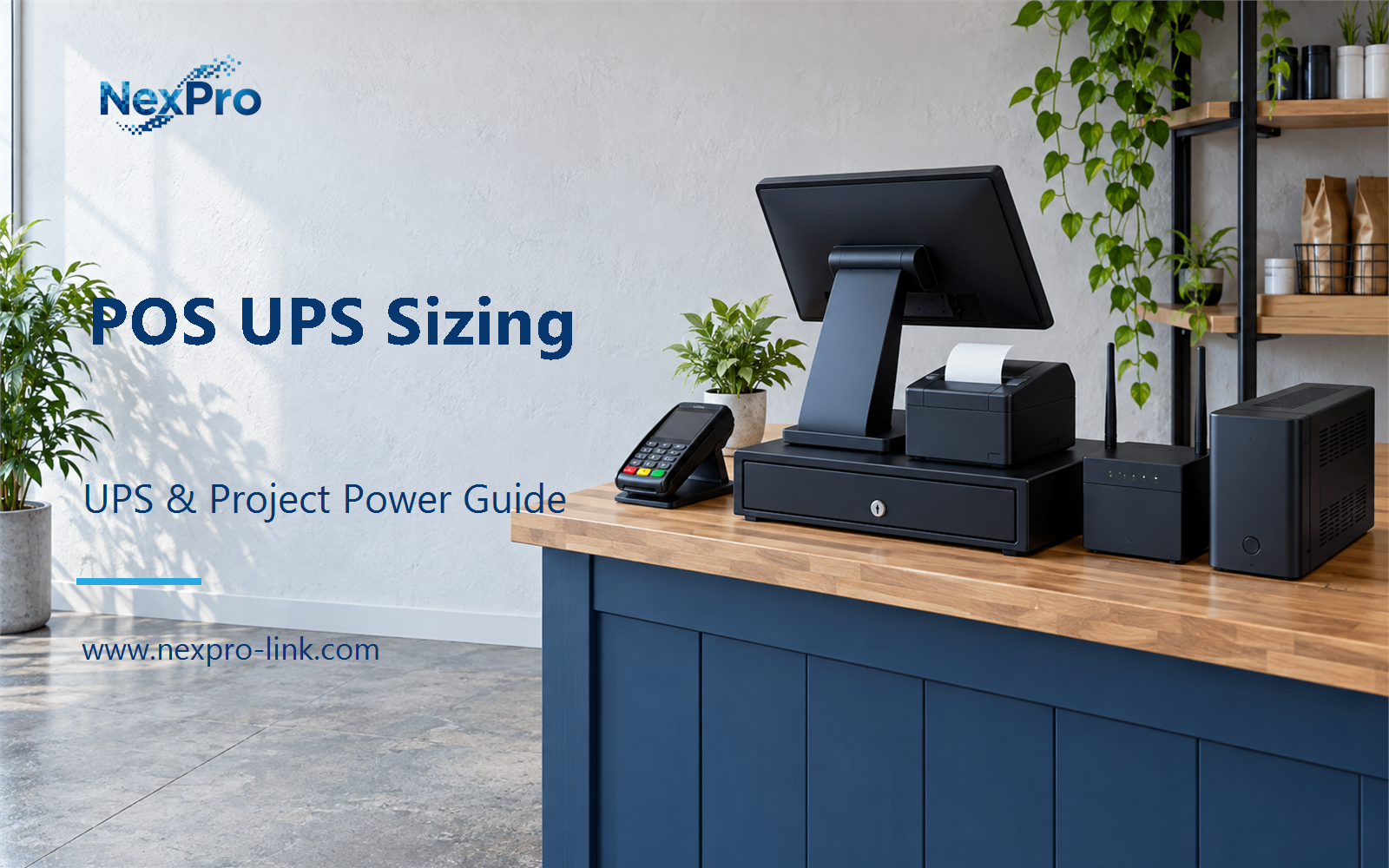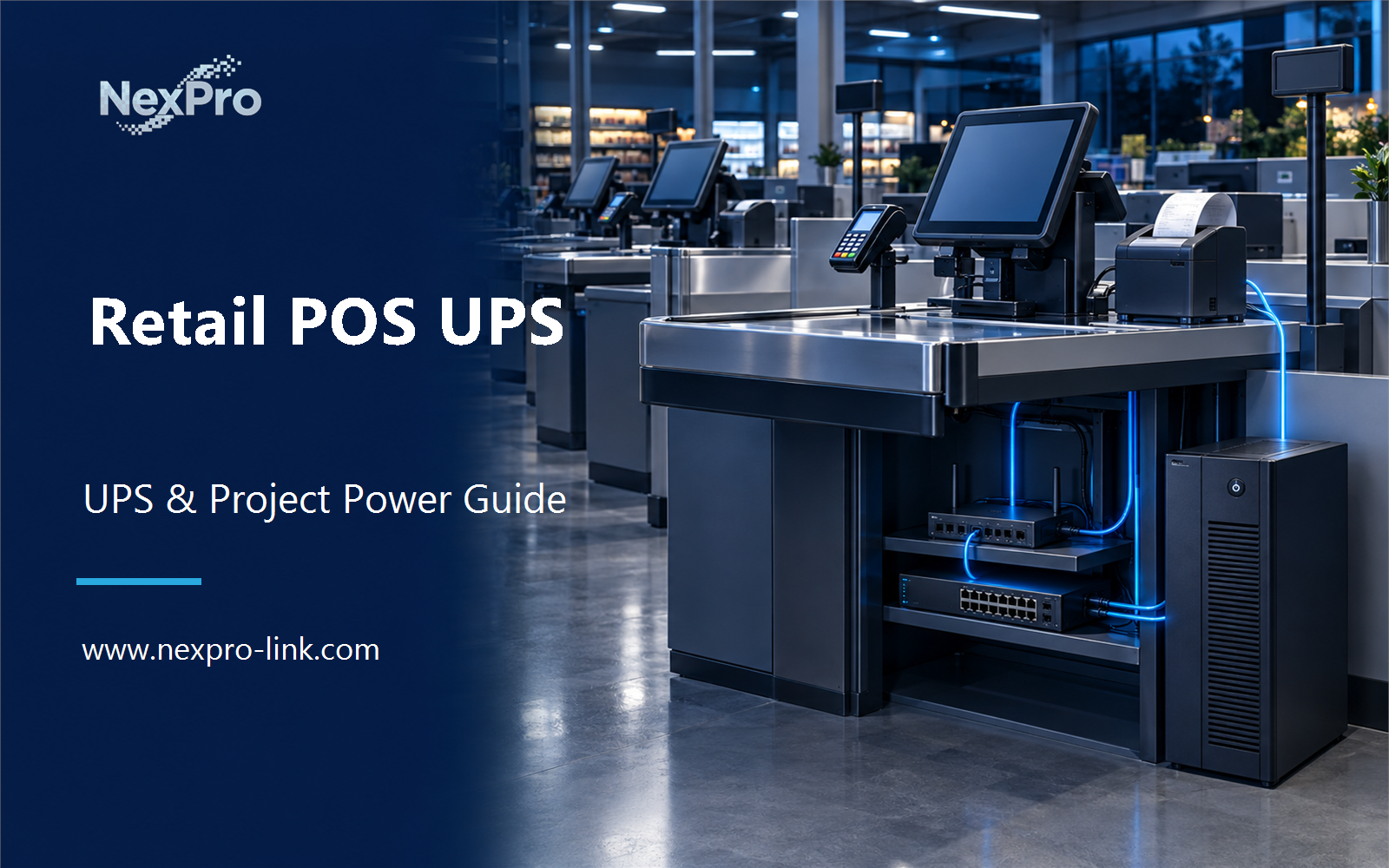
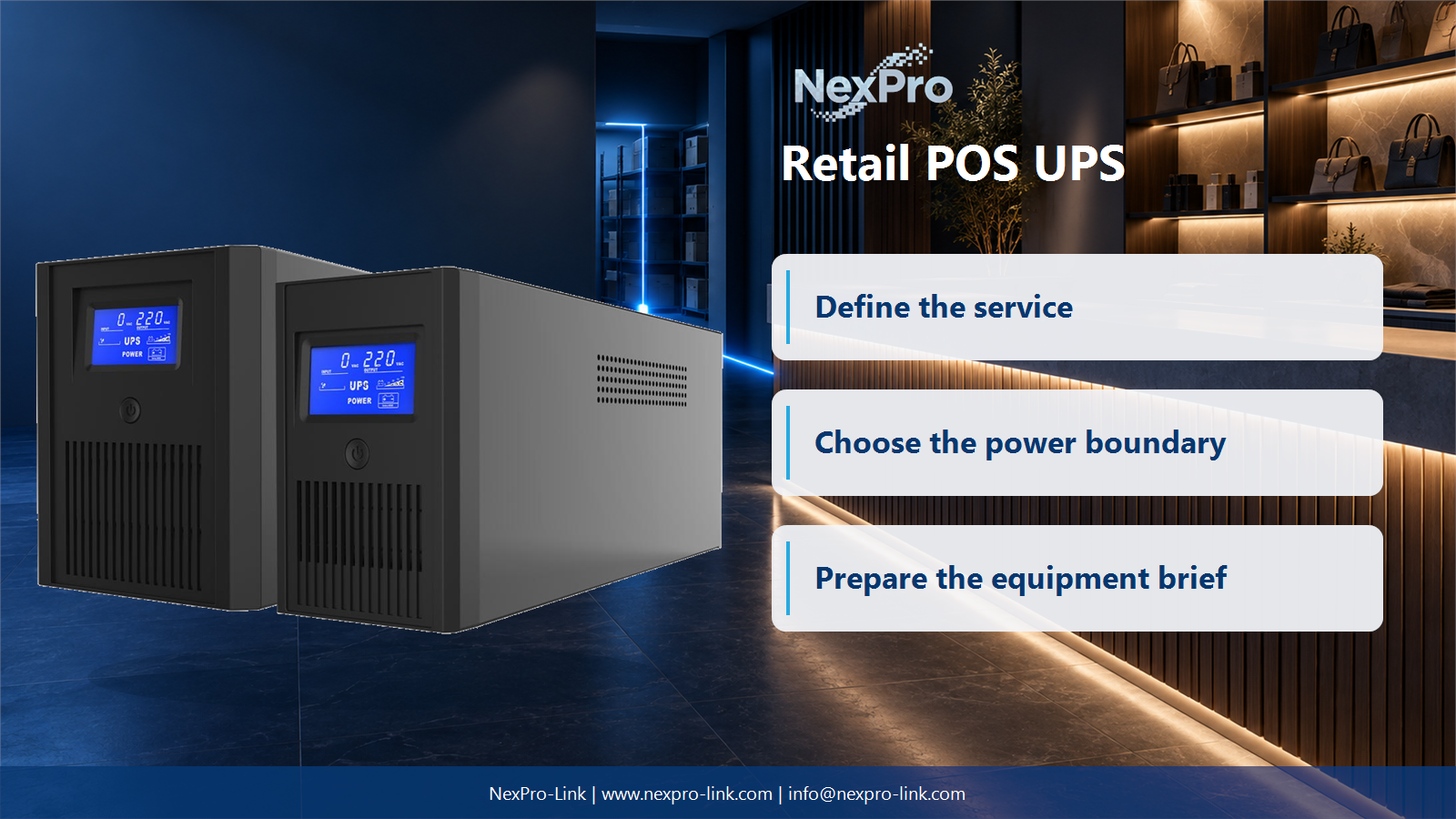
Compare POS backup power by transaction recovery, network dependencies, and store operating load. Plan the project from the POS peripherals, network devices, and transaction-recovery policy.
Section 01
Map the complete sale before sizing the UPS
Compare POS backup power by transaction recovery, network dependencies, and store operating load.
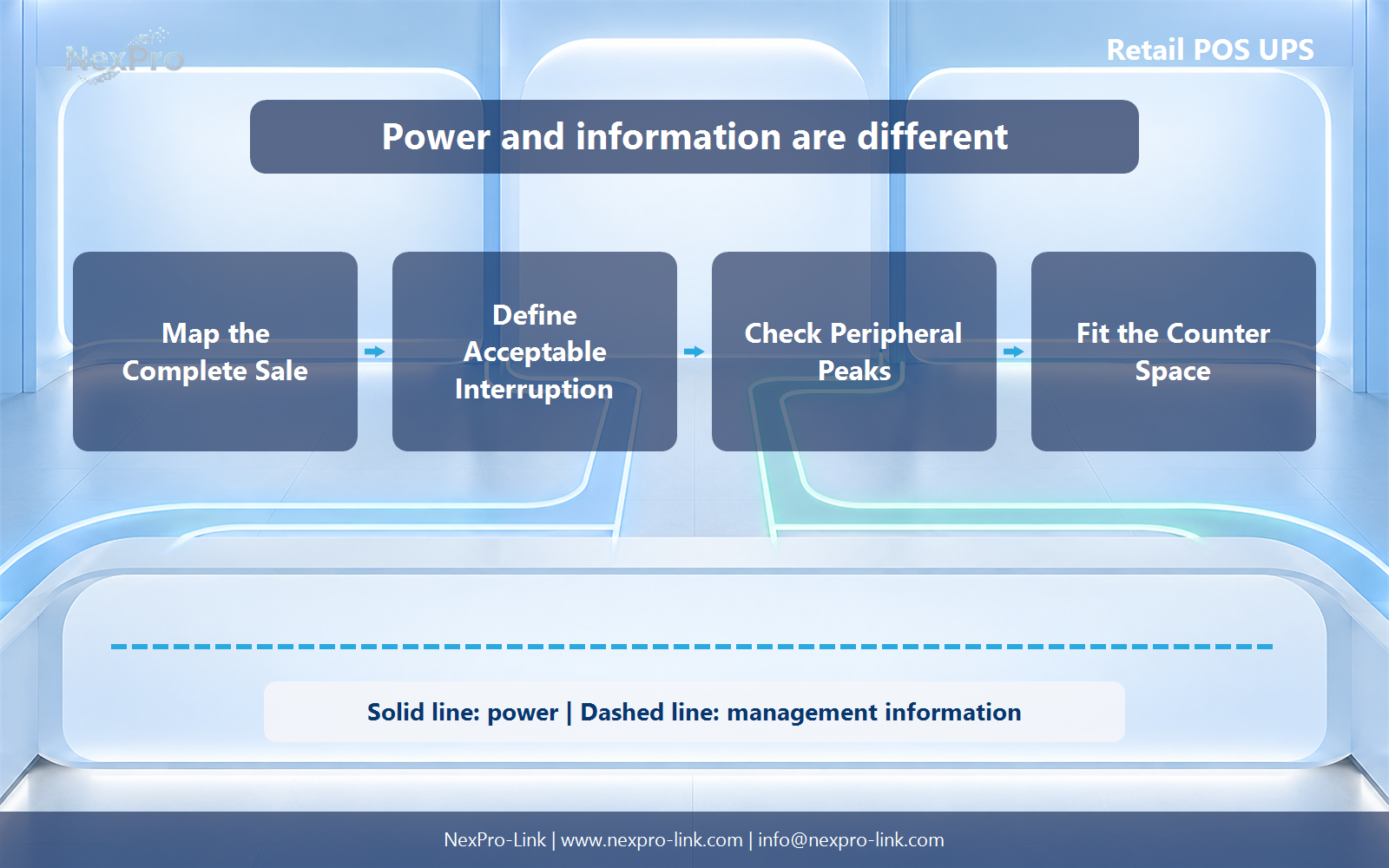
A completed sale may depend on the POS computer, display, payment terminal, receipt printer, network switch, router and a local controller. Draw the transaction path and mark which elements are local, shared or cloud-dependent. A powered terminal cannot complete a sale if the required network path is already down.
Decide whether the objective is to finish the current transaction, keep trading briefly or shut down cleanly. Each objective creates a different protected boundary and runtime target.
| Element | Power question | Transaction effect |
|---|---|---|
| POS and display | Must both remain usable? | Operator can finish or close the sale |
| Payment terminal | Local or separately powered? | Card payment availability |
| Printer and drawer | What is the peak demand? | Receipt and cash workflow |
| Switch and router | Is the required path local? | Authorization and central application access |
Section 02
Define acceptable interruption and recovery
Online UPS designs provide a continuously converted output path, while line-interactive designs regulate the normal input path and transfer when required. The useful question is whether the POS and peripherals tolerate the selected unit's transfer, waveform and voltage behavior at the site.
For a busy counter, repeated restarts may cost more than a short trading pause. Record how incomplete transactions are reconciled and how the lane returns to service after shutdown.
- Check payment and POS behavior separately.
- Test the protected group under a real transaction workload.
- Keep cloud availability outside the UPS performance claim.
Section 03
Check peripheral peaks and load boundaries
Receipt printers, customer displays, scanners and cash drawers can have different peak behavior even when their average demand is modest. Measure the complete lane during printing, scanning and payment rather than adding nameplate values blindly.
Keep high-demand appliances, signage and unrelated counter equipment outside the battery-backed outlets. Label the intended connections so a later change does not consume the runtime reserve.
Section 04
Fit the UPS into the counter and service plan
Retail counters have limited airflow, cable access and service space. Check heat, sound, dust, mounting orientation and the ability to replace the battery without dismantling the lane. Protect the unit from spills and accidental disconnection.
A compact line-interactive tower may suit a stable supply and tolerant load. An online UPS may be preferred where continuous conditioning or stricter interruption performance is required. The room and operating evidence should decide.
Section 05
Calculate the initial POS requirement
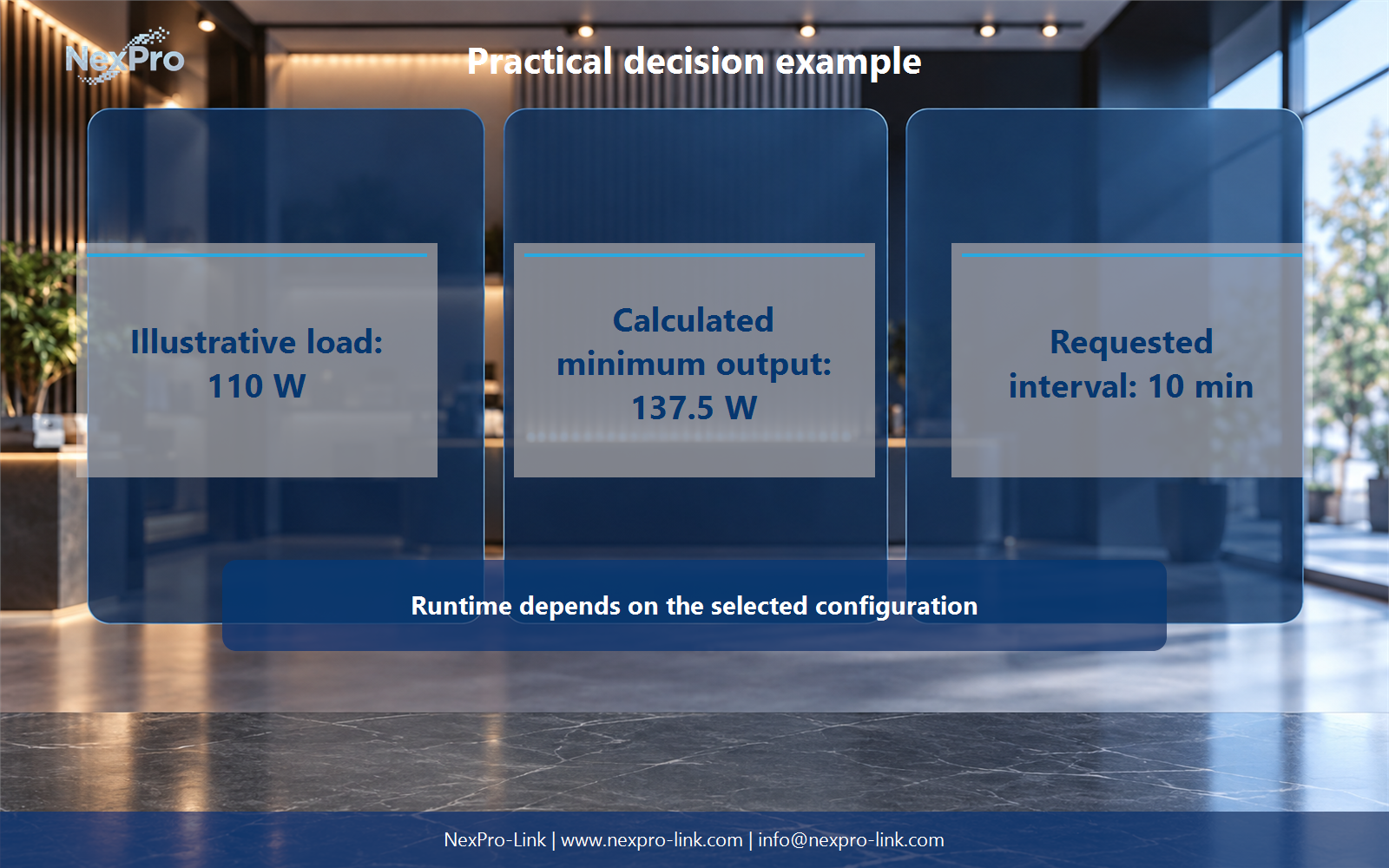
For an illustrative 110 W protected lane, a 25 percent allowance gives a 137.5 W planning minimum, with a requested ten-minute interval. This value screens output capability but does not establish battery runtime or peripheral compatibility.
The equipment brief should list the POS, payment, printer and network loads, measured peaks, source conditions, allowable interruption, counter dimensions, shutdown method and support expectations. Compare topology options against that one scope.
Engineering references
These sources support the general planning principles. Always use the selected product's current datasheet and applicable project standards for final design.