Base the backup choice on the single device's power input, the cabinet space, and a local action that works without a network.
Section 01
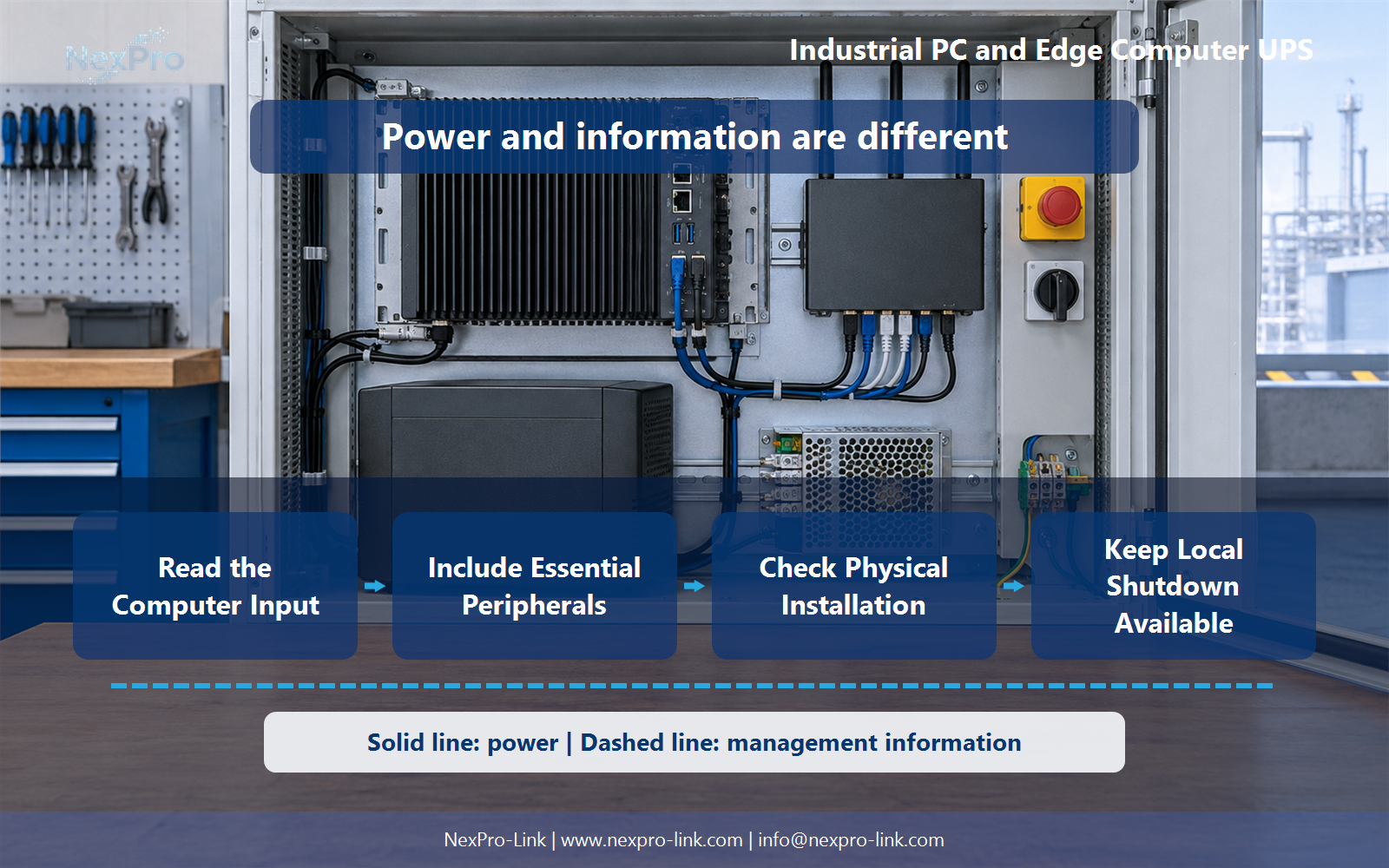
Read the Computer Input
Base the backup choice on the single device's power input, the cabinet space, and a local action that works without a network.
Record what the computer draws and where its power enters. An industrial PC may accept 12 V or 24 V DC from a DIN-rail supply, or it may take 100 to 240 V AC through its own adapter. These are different boundaries. When the machine is already fed by a separate DC power supply, the backup decision begins at that supply's AC input or at its DC output, depending on what must stay alive during an outage.
A short input record stops a team from guessing a rating from the chassis size or a processor family label.
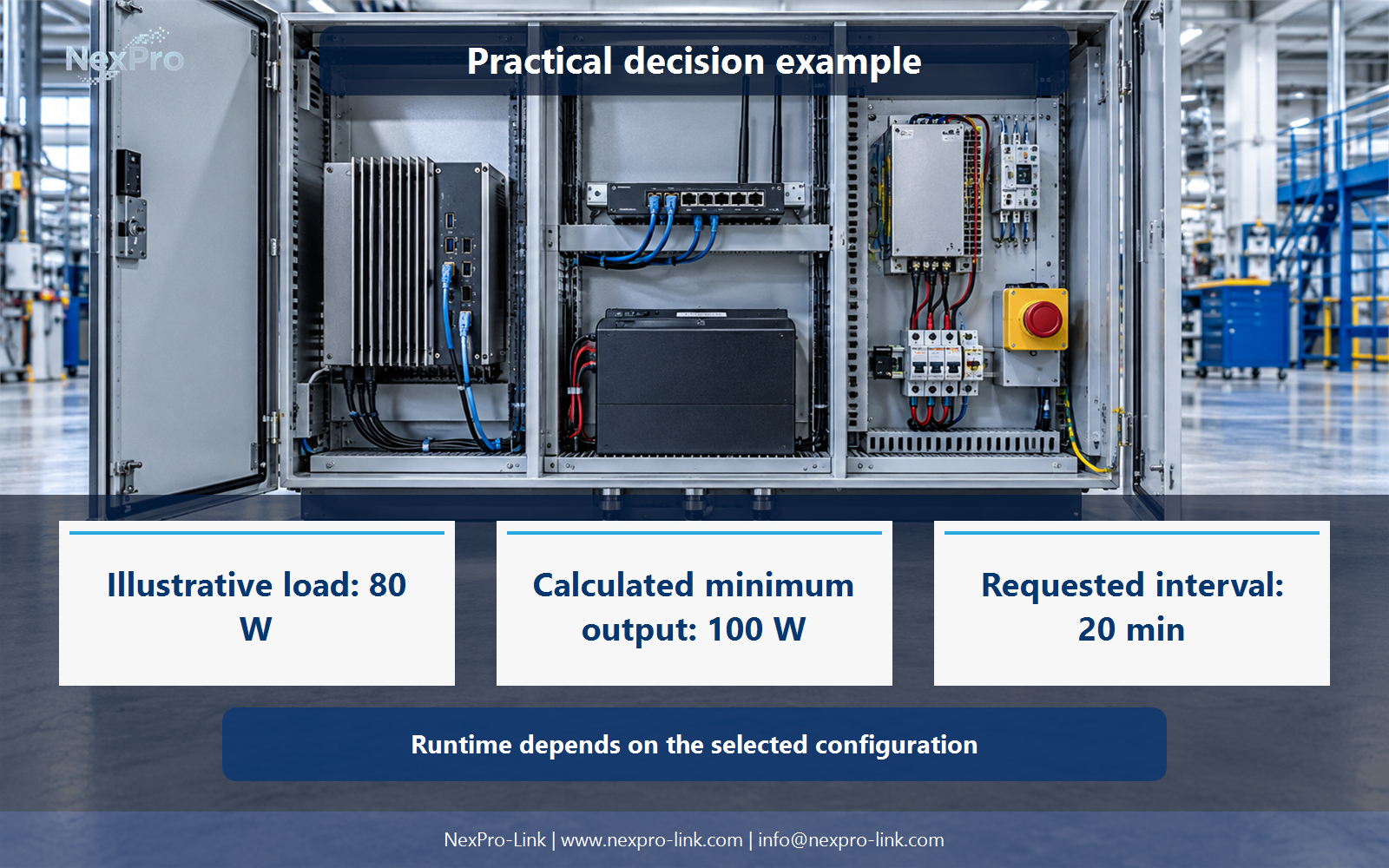
The values in this worked scenario are teaching inputs, not a measured product specification. The edge computer here draws 45 W and takes AC directly. If the same machine had a 24 V DC input fed from a panel supply, the protected boundary would move to that supply or its output, and the sizing would follow that new point.
| Decision area | Project question | Required output |
|---|---|---|
| Read the Computer Input | What is the starting point for an industrial-PC backup? | Input record: voltage / current / AC-DC / connector / source |
| Include Essential Peripherals | Which peripherals should be included? | Peripheral table: function / source / demand / required state |
| Check Physical Installation | What makes a backup unit fit a cabinet? | Fit sheet: dimensions / cables / airflow / mounting / environment |
Section 02
Include Essential Peripherals
List the devices the computer needs to finish its defined operation or stop cleanly: storage, communication, and sensing. Then separate what the computer powers from what needs its own input. An internal SSD draws from the computer, so it belongs inside the computer's wattage. A router and a switch usually need their own AC connection and belong on separate lines.
This separation prevents two mistakes: leaving a needed device out and counting one load twice.
In the worked scenario, the SSD holds the recording and the router keeps the site reachable. The switch connects them. All three are required for the defined outcome, but only the router and switch add load outside the computer's own figure. If the switch powered PoE endpoints, those endpoints would sit inside the switch's input figure.
Section 03
Check Physical Installation
Cabinet fit depends on depth, connector clearance, airflow, mounting, and service access. Nominal rack height does not answer it. A shallow wall cabinet can accept a compact unit on paper and still fail when the C13 connector's bend radius needs more depth than the door allows.
A compact enclosure does not by itself make a device suitable for heat, contamination, or vibration at the intended location. Record the installed environment as part of the fit check, and treat it as a requirement the supplier must confirm.
- Confirm the answer to: What makes a backup unit fit a cabinet?
- Draw electrical power as a solid path and management information as a separate dashed path.
- Keep external services and specialist approvals outside the UPS equipment claim.
Section 04
Keep Local Shutdown Available
When the site link drops, a remote dashboard may have no path to command a stop. The computer still needs a local way to shut down before the battery is exhausted, using a supported signal or software on the machine.
Define the power event and the link state separately. The power event is the AC input failing. The link state is whether the management network is reachable. The local action should run on the machine or through a locally connected interface, without depending on the cloud.
The middle row is the one that matters for this topic. With no network path, the shutdown still has to happen locally.
Section 05
Plan Restart Deliberately
The computer should not restart on every brief return of power. The platform and application policy decide. Record a stable-source condition, the dependencies, the application state, and a retry bound.
A retry bound protects the SSD and the recorder from a flapping input. Repeated cycling can interrupt a write that has not completed.
Section 06
Prepare the Device Brief
Give the supplier the inputs that matter: device input, peripheral scope, demand, cabinet limits, and the supported stop interface. NexPro-Link can then discuss suitable backup equipment and supply scope for that configuration. Environmental suitability and application integration stay as stated requirements.
Engineering references
These sources support the general planning principles. Always use the selected product's current datasheet and applicable project standards for final design.