Define the control-power boundary and state retention, without treating the UPS as a safety control system or a full machine-motion supply.
Section 01
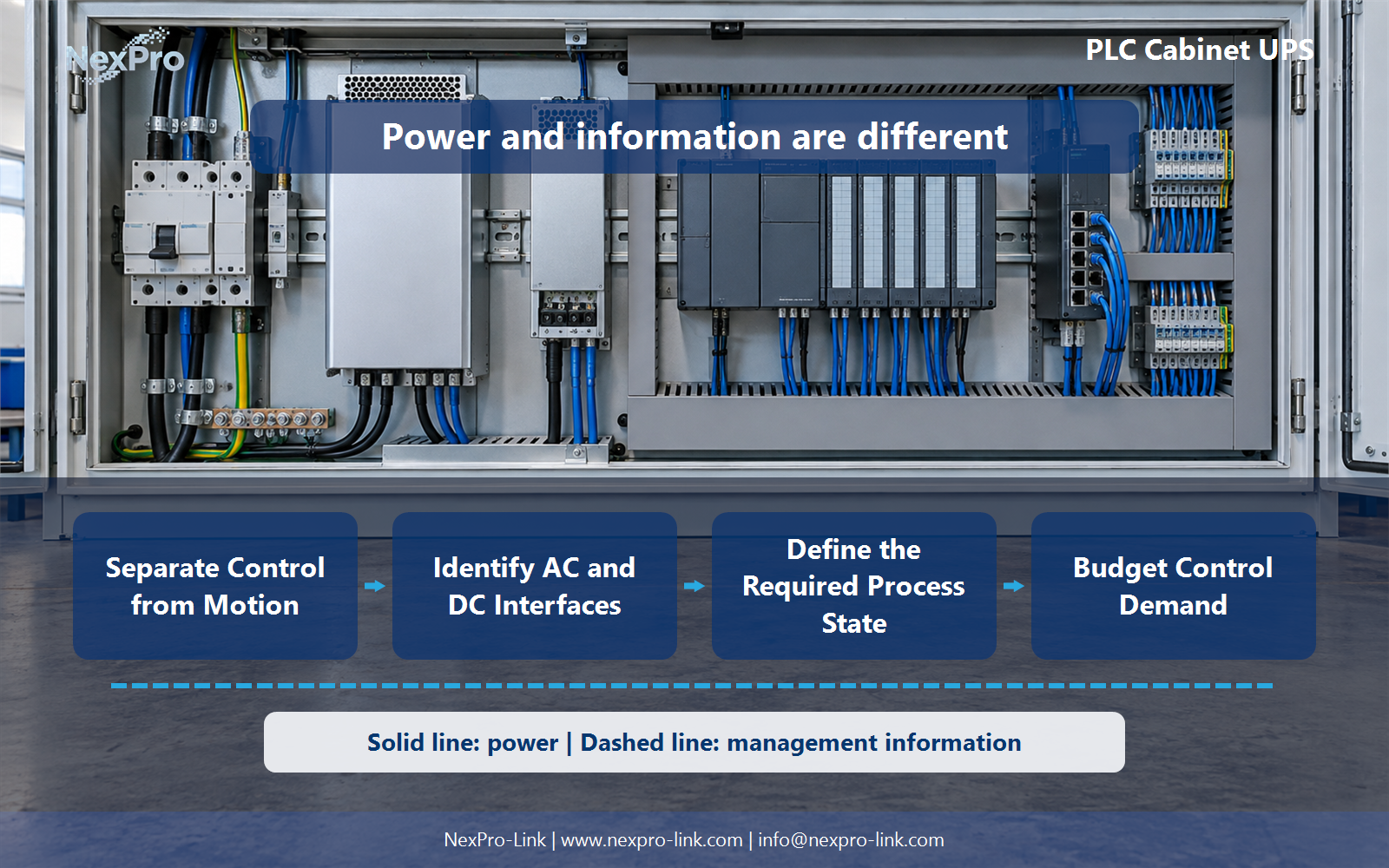
Separate Control from Motion
Define the control-power boundary and state retention, without treating the UPS as a safety control system or a full machine-motion supply.
The first task is to write the boundary down. List each device in the cabinet and mark whether it is needed for the approved outage response. Control electronics, sensors and communication devices usually are. Drives and motors usually are not, because they run on the machine supply and the process is expected to stop rather than keep moving. An ordinary controls UPS is not a machine-motion supply and it is not a safety control system.
Here is a worked scope table for a small cell with a PLC, one I/O block, sensors, a drive and a motor.
The table is a scope decision, not a wiring instruction. If a valve or actuator has to move to reach a safe position during an outage, list it separately with its own demand. Do not fold it silently into the PLC load.
| Decision area | Project question | Required output |
|---|---|---|
| Separate Control from Motion | Should the UPS power motors as well as the PLC? | Scope table: PLC / I-O / sensors / drive / motor |
| Identify AC and DC Interfaces | When should AC and DC backup be compared? | Interface map: AC source / power supply / DC rail / devices |
| Define the Required Process State | What should the PLC do during an outage? | State map: event / approved response / retained data / duration |
Section 02
Identify AC and DC Interfaces
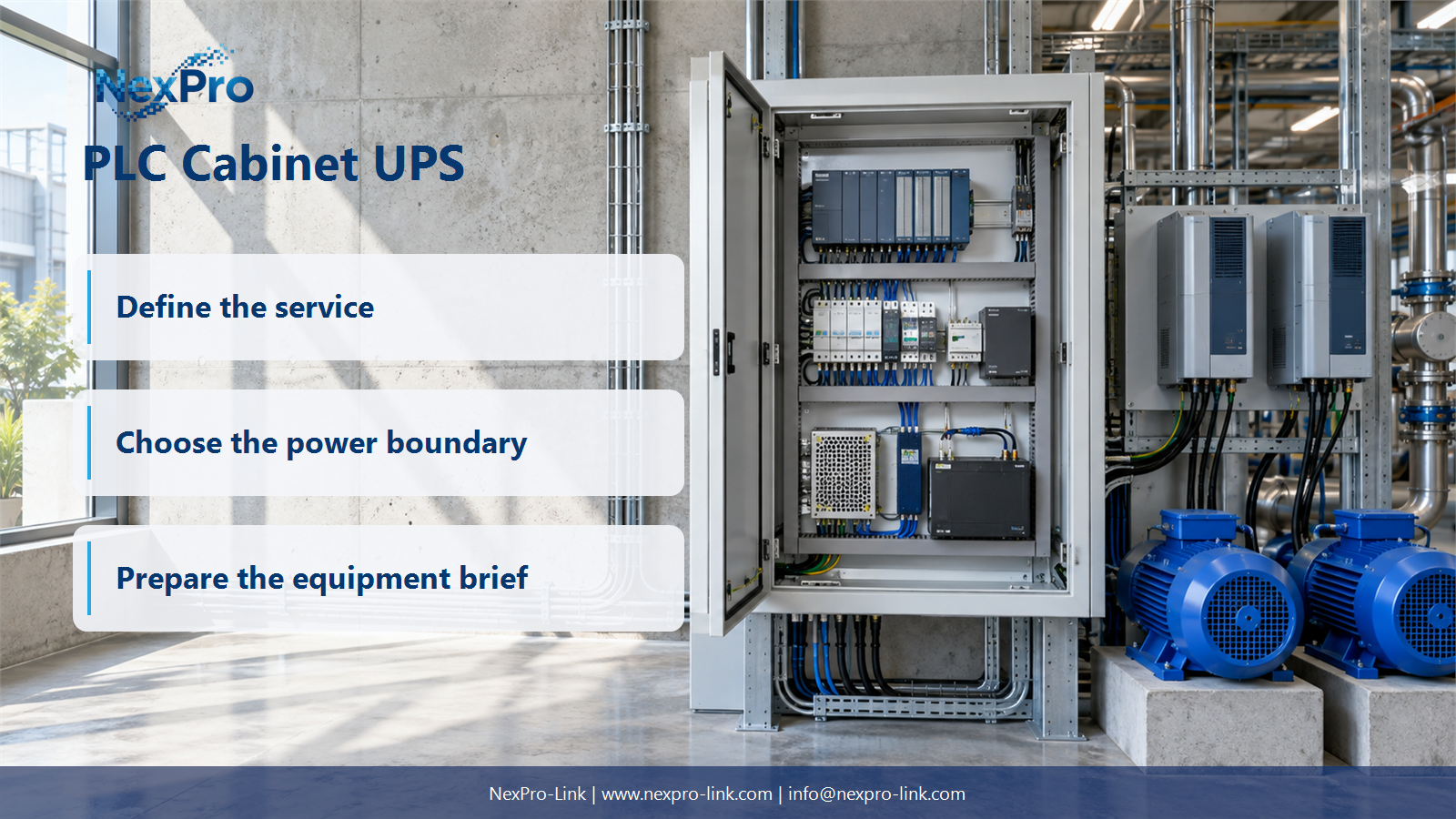
A PLC cabinet typically has an AC supply feeding a 24 V DC power supply, which then feeds the DC rail that the controller and field devices use. AC backup and DC backup are compared at that point. A DC backup module sits on the 24 V DC rail. An AC UPS sits upstream of the power supply. The decision turns on what must stay powered and which interfaces already exist.
A 24 V DC unit and an AC UPS are not interchangeable just because their nominal energy numbers look similar. Voltage, current and protection requirements differ, and the two sit at different places in the chain.
Choose the backup point after the interface map is drawn. If the power supply itself must stay fed, an AC UPS upstream is the natural fit. If the power supply is already redundant or the devices run from an existing DC bus, a DC backup module may fit better.
Section 03
Define the Required Process State
The PLC should not improvise when the supply drops. The machine or process design names the approved response, the signals it needs and how long it needs them. For a small assembly cell that might be: finish the current cycle, close the clamp, hold position, save counters and fault flags, then stop. A state map records the event, the response, the data to retain and the duration.
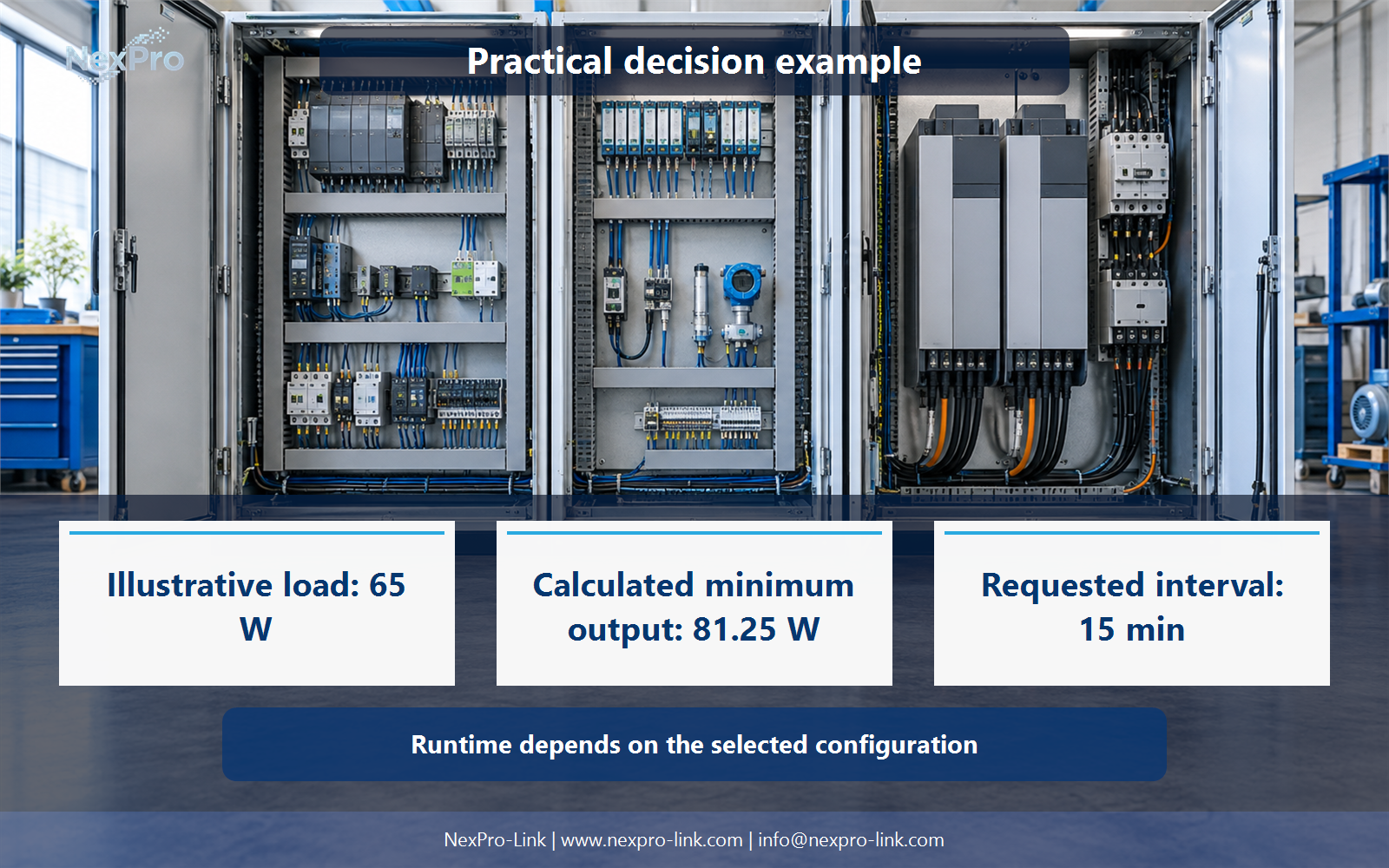
The duration is an operating objective, not a battery guarantee. The 15 minutes in this example is a planning target the project sets. Actual runtime follows from the selected configuration and the battery.
- Confirm the answer to: What should the PLC do during an outage?
- Draw electrical power as a solid path and management information as a separate dashed path.
- Keep external services and specialist approvals outside the UPS equipment claim.
Section 04
Budget Control Demand
Start from the devices that must run during the approved outage response. Use their running watts and any relevant startup or peak demand. Keep valve, actuator and motor loads explicit, and do not estimate capacity from PLC rack size alone. A small controller can be wired to I/O that draws far more when outputs energize.
The example below uses teaching inputs, so every number is marked Illustrative.
The same three devices can be put into the budget format the project uses.
From the 65 W total, assume an aggregate true power factor of 0.90 and a utilization ceiling of 80% of rated output. These are teaching assumptions. They are not device specifications or universal rules.
Section 05
Coordinate Recovery
When utility returns, production resumes only according to the approved process and machine conditions. The team confirms retained state, communication and operator authorization where required. A UPS that has returned to normal status is not a generic permission to restart motion or resume a process that could be unsafe.
The recovery table keeps the power event separate from the control decision. Power coming back is a condition. The restart decision belongs to the process design and the operator.
Section 06
Create the Control-Power RFQ
The last step is to turn these decisions into a brief NexPro-Link can act on. Provide the control-device schedule, the input interfaces, the cabinet limits and the required supported actions. With that scope, NexPro-Link can discuss equipment, interfaces and supply. Machine safety, motion control and specialized industrial qualification stay with the responsible system design.
For the illustrative 72 VA / 65 W control load, a small online unit in the NexPro-Link NX-UP-HF-001 series, such as the SP1K at 1,000 VA / 900 W, is one configuration to compare. The actual choice still depends on the battery configuration, runtime, cabinet space and interfaces. NexPro-Link can also take the same brief into a BOQ or tender discussion.
Engineering references
These sources support the general planning principles. Always use the selected product's current datasheet and applicable project standards for final design.