

Plan video wall controller selection with practical guidance on classify the sources and match outputs to physical screens. NexPro-Link project guide.
Section 01
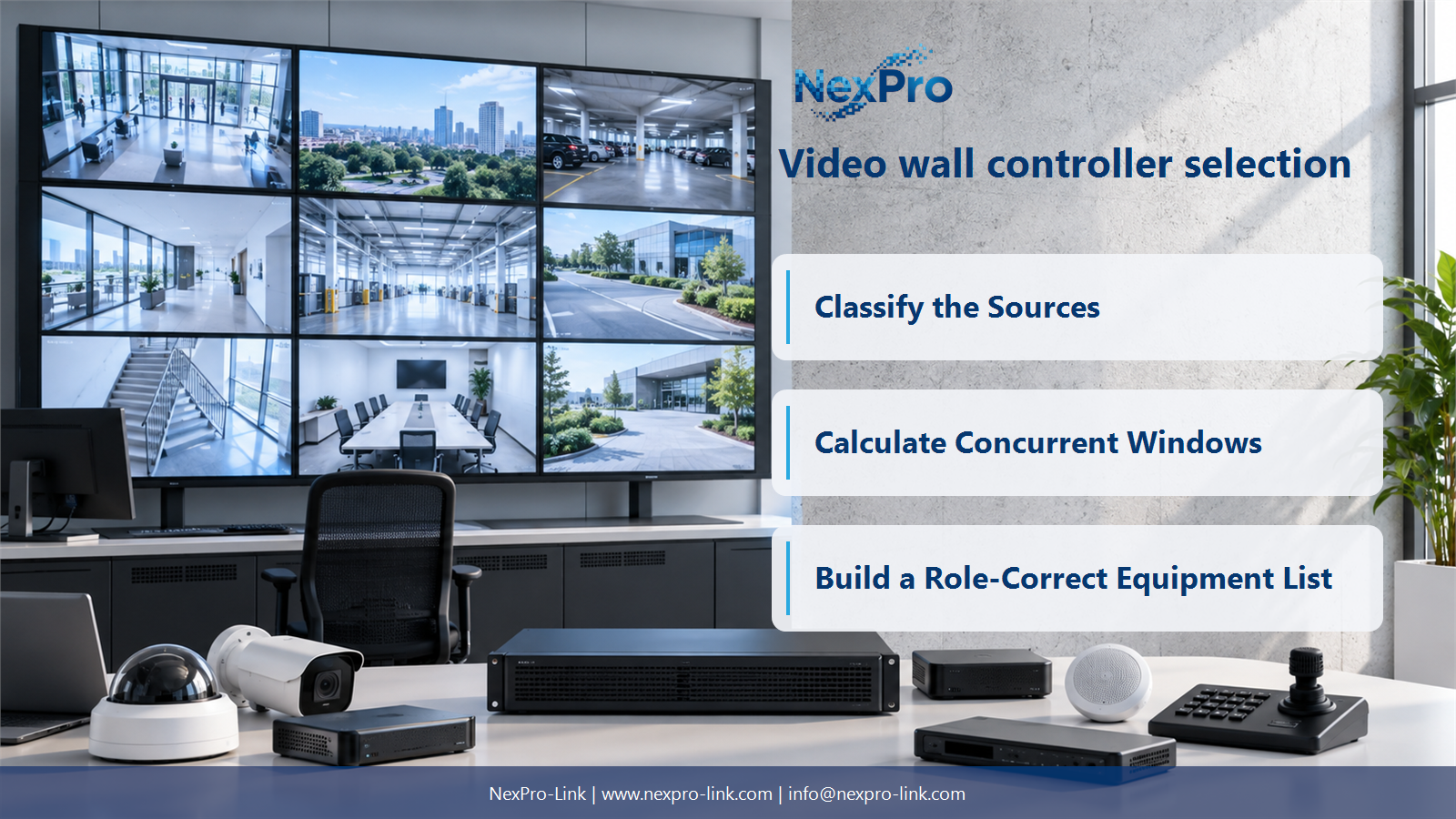
Classify the Sources
It may be a physical video connector or a supported network stream, depending on the device. List the source format, resolution and required simultaneous use. A product's input count cannot be compared fairly with another product's decoded-stream count without understanding what each figure describes.
Turn the answer into a working record using Source, Interface, Format, Resolution, Concurrent use.
| Decision area | Buyer question | Required output |
|---|---|---|
| Classify the Sources | What counts as a video-wall input? | It may be a physical video connector or a supported network stream, depending on the device. |
| Separate Decoder and Controller Roles | Is a video decoder the same as a wall controller? | Not necessarily. |
| Calculate Concurrent Windows | Why are stream capacity and window capacity different? | A system can have limits on decoding, composition and outputs independently. |
Section 02
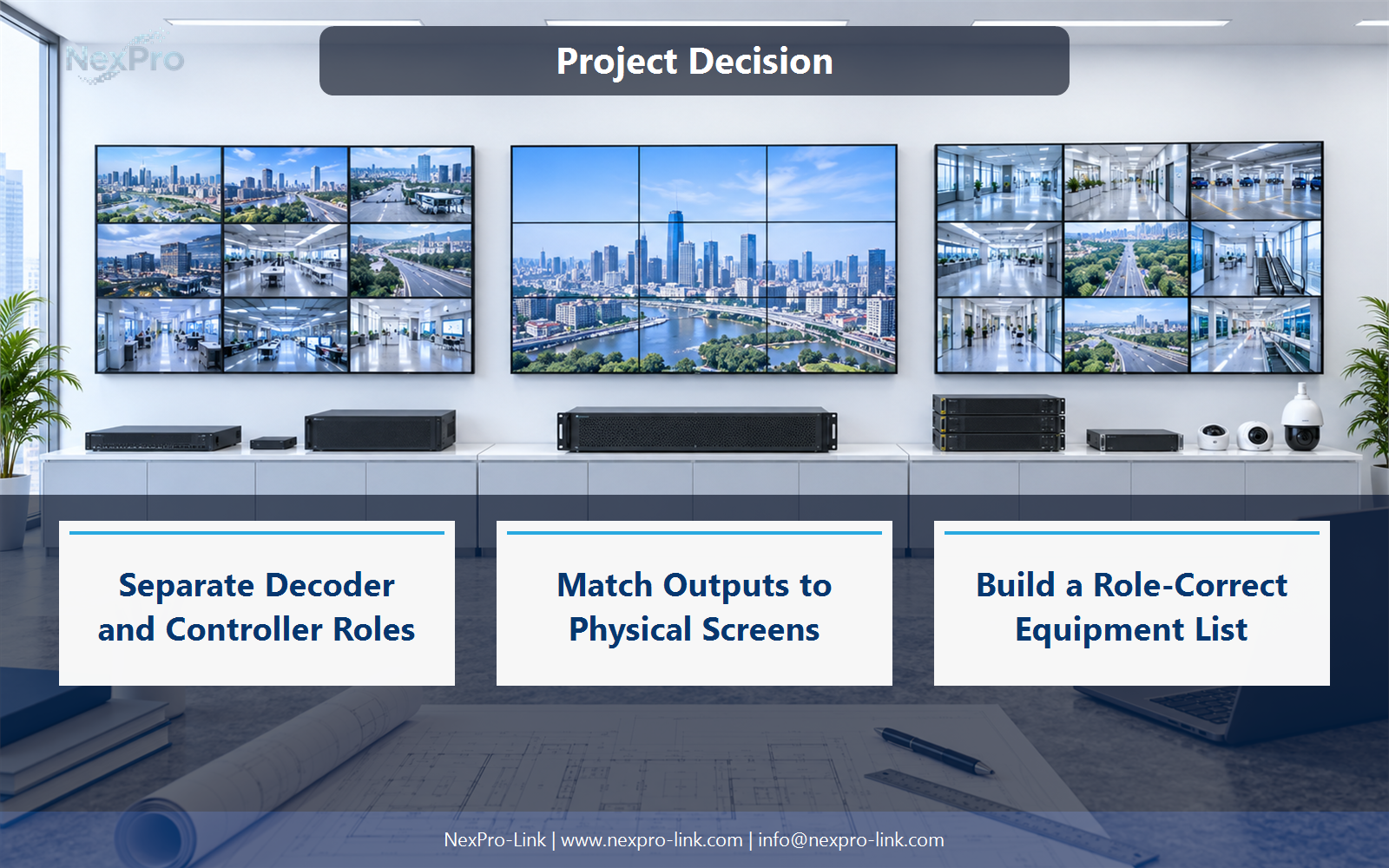
Separate Decoder and Controller Roles
Not necessarily. A decoder converts supported compressed streams into displayable output, while a controller may organize windows, physical inputs and display layouts. Some products combine roles, but the actual functions must be identified. An encoder, NVR and PoE switch are also distinct components.
Use Device role, Input type, Processing, Output, Control to compare options on the same basis. Keep product capability, project assumption and operating responsibility in separate columns.
Section 03
Calculate Concurrent Windows
A system can have limits on decoding, composition and outputs independently. The number of connected sources does not establish how many full-quality windows can be displayed together. Specify the desired layout, resolution and frame rate under simultaneous operation.
The project output should make Layout, Windows, Stream quality, Decoder load, Output load traceable from input to acceptance.
- Confirm the answer to: Why are stream capacity and window capacity different?
- Record the project fields: Layout / Windows / Stream quality / Decoder load / Output load.
- Keep product capability, project assumptions and site responsibility in separate records.
Section 04
Match Outputs to Physical Screens
No. Output mapping depends on the controller, panel arrangement and supported linking or processing. Define the complete canvas and physical display connections. Do not infer panel quantity from an output headline without the supported resolution and mapping conditions.
Record Output, Resolution, Canvas region, Connected displays before selecting a product family. That makes later substitutions possible without silently changing the operational requirement.
Section 05
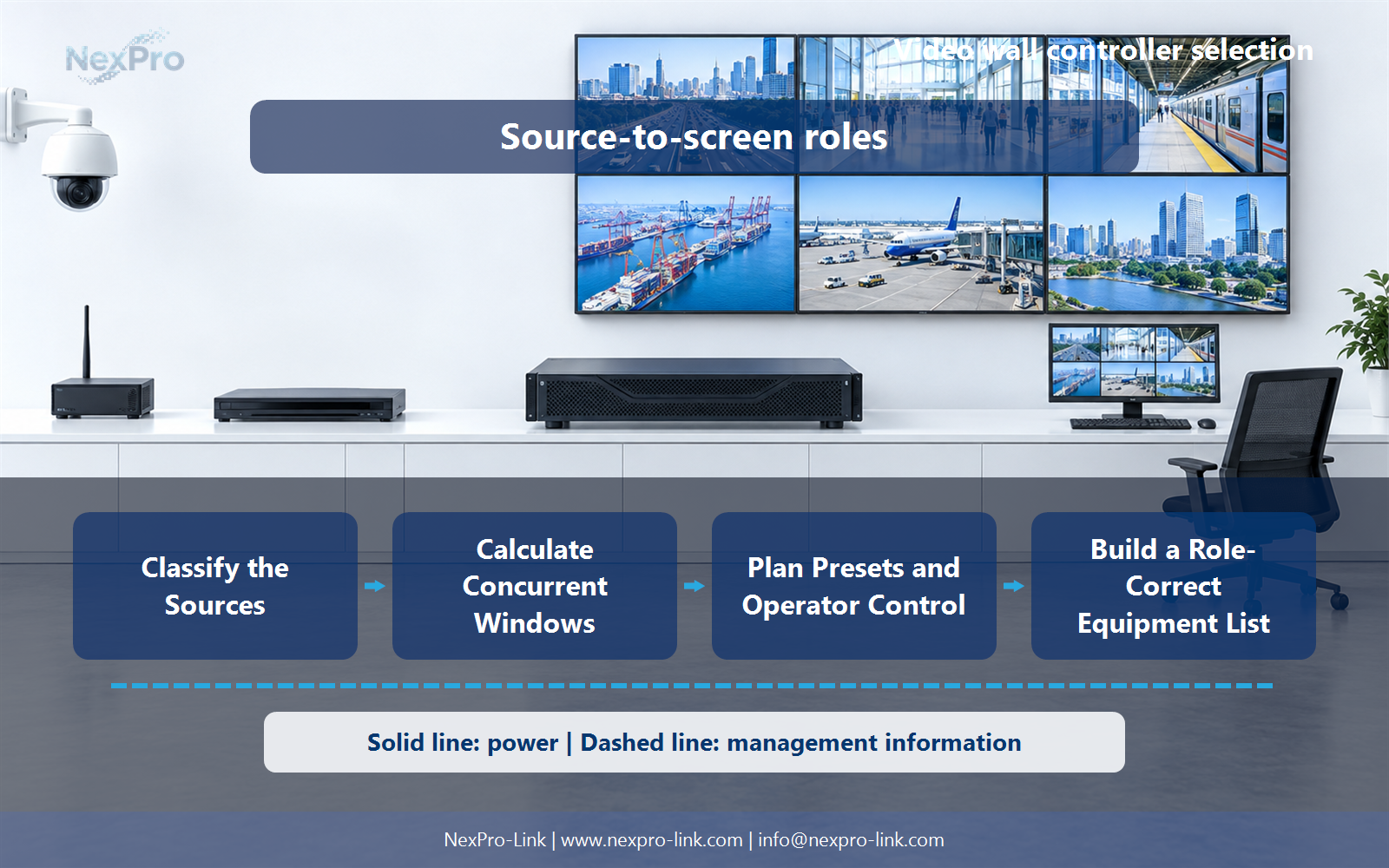
Plan Presets and Operator Control
Specify routine layouts, event layouts, authorized switching and any integration that triggers a change. Distinguish manually recalled presets from automatic alarm-driven actions. The controller and management platform must support the intended workflow rather than merely showing a large static image.
Review Preset, Trigger, Allowed operator, Layout, Recovery with the party that will operate or maintain the system.
Section 06
Build a Role-Correct Equipment List
List source interfaces, decoding requirements, window composition, outputs and management separately, then identify which devices provide each role. Keep source and display power in the wider design. Exact product images and model labels must match the processing function shown in the diagram.
Use Requirement, Responsible device, Quantity, Licence, Connection as the handoff between design and procurement.
Engineering references
These sources support the general planning principles. Always use the selected product's current datasheet and applicable project standards for final design.


